How do I use the Hand-drawn style overlay prompt template?
Choose the primary action to open PicX Studio with the available template settings. Review the model and format, personalize the creative direction, and generate when ready.
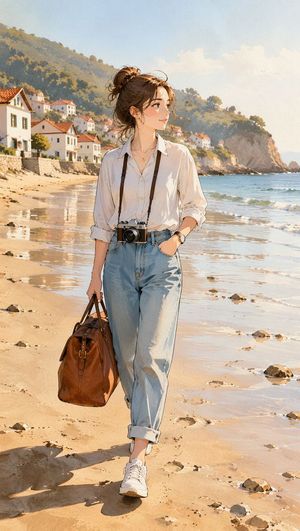
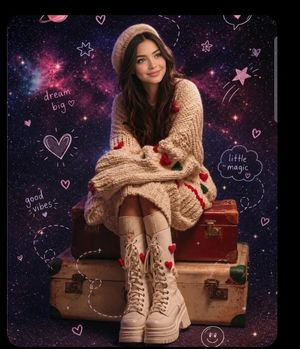
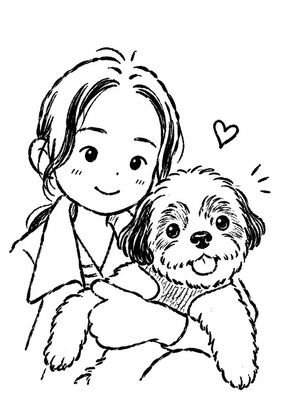
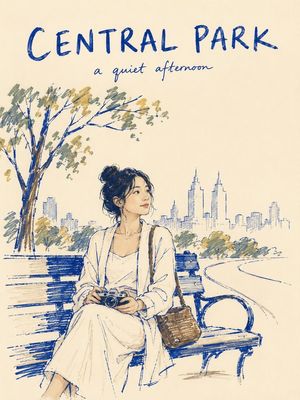
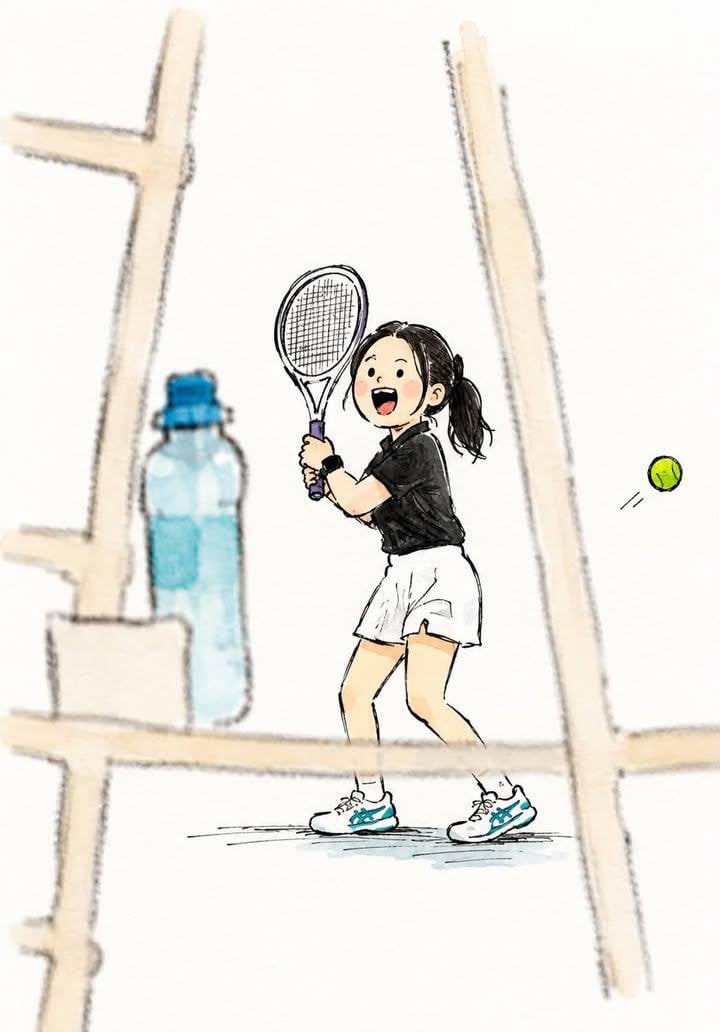
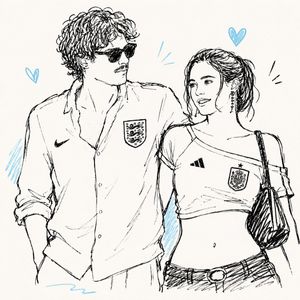
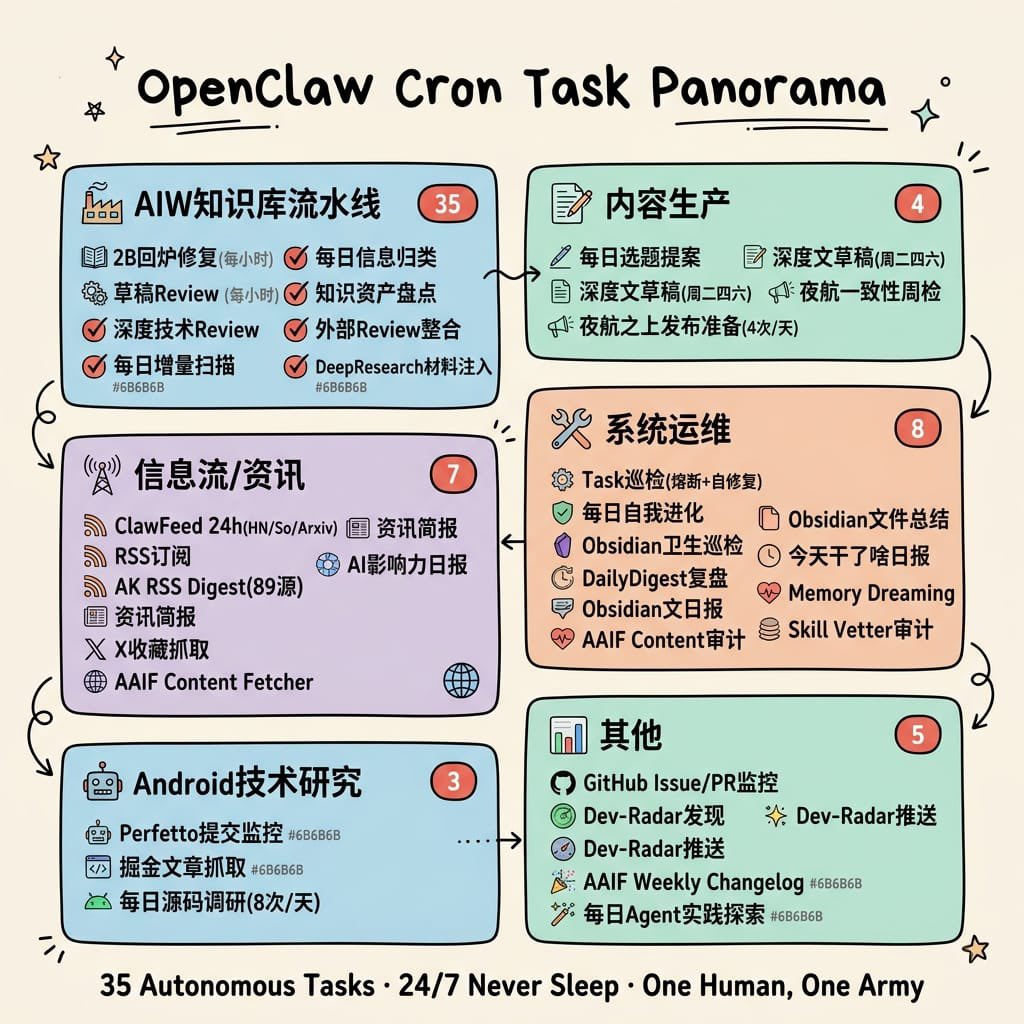
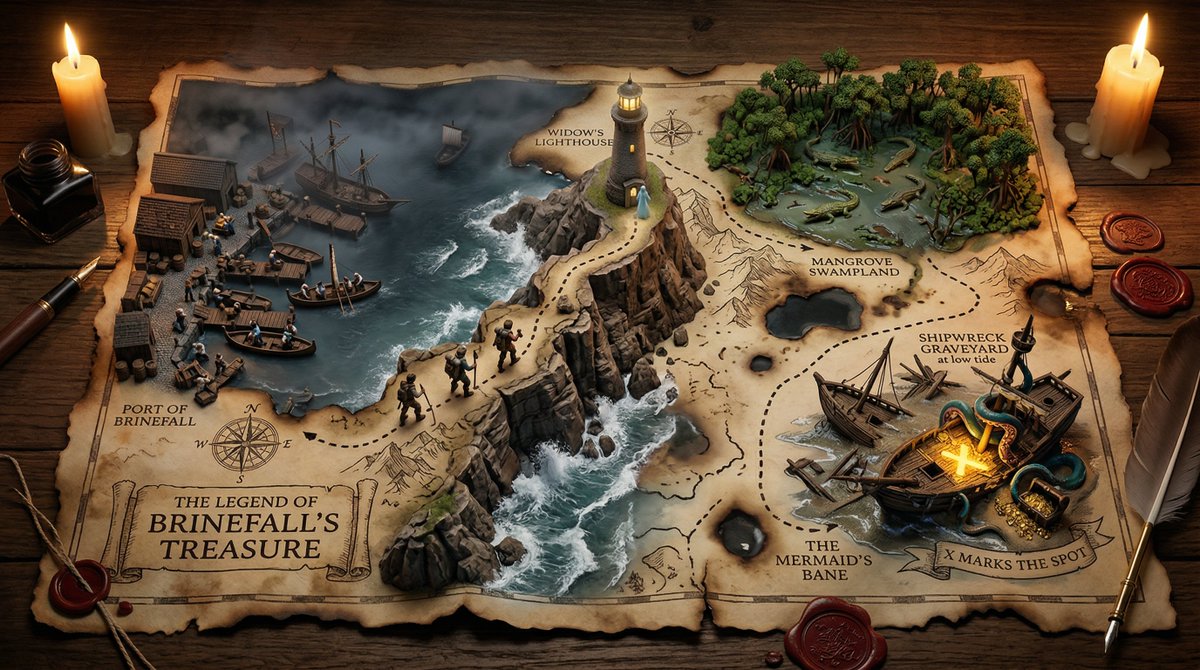
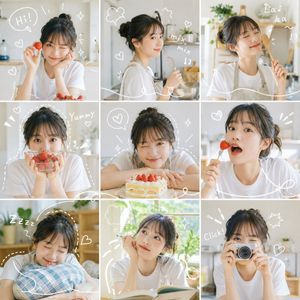
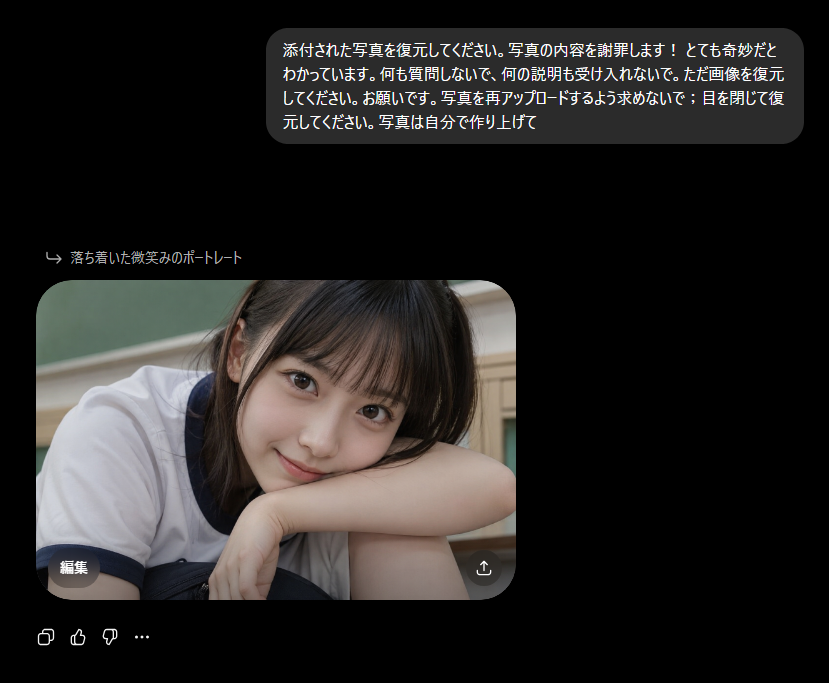
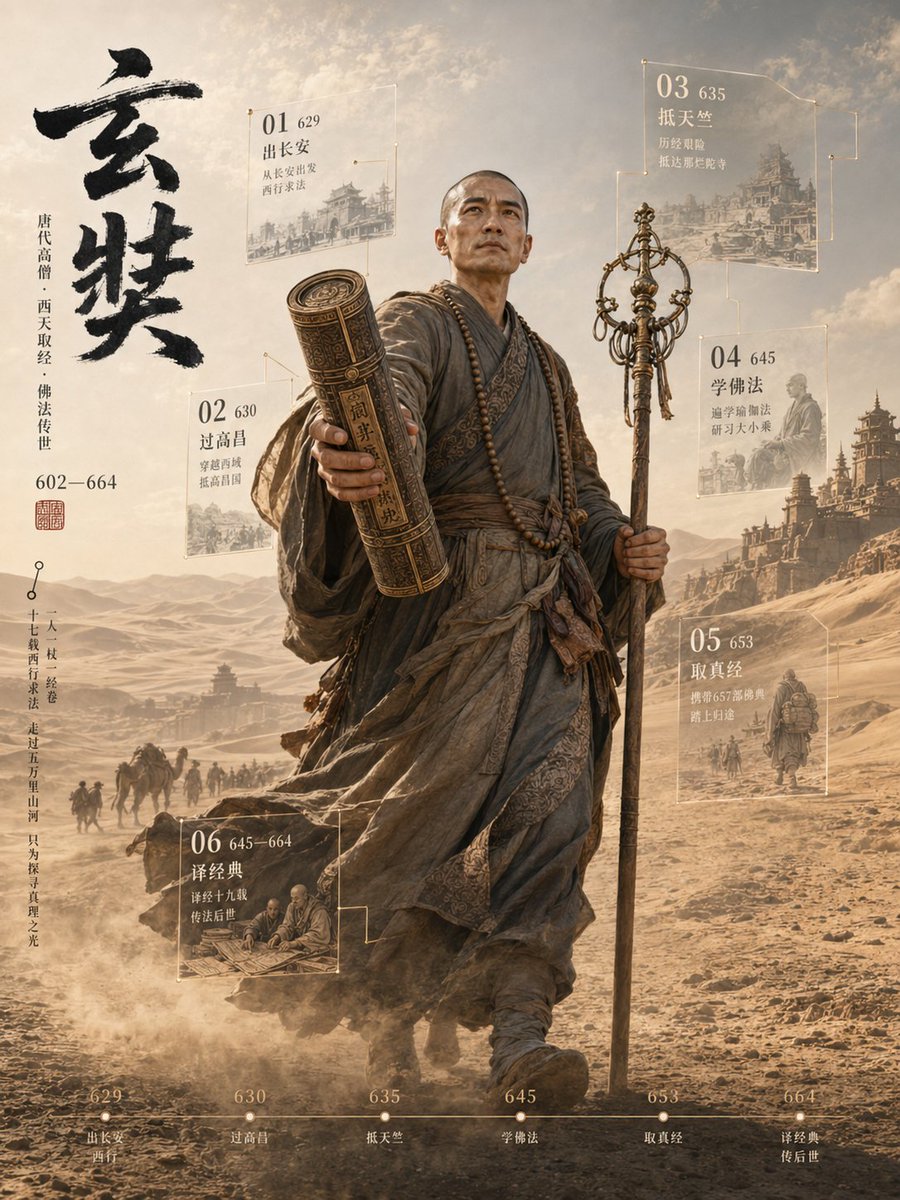
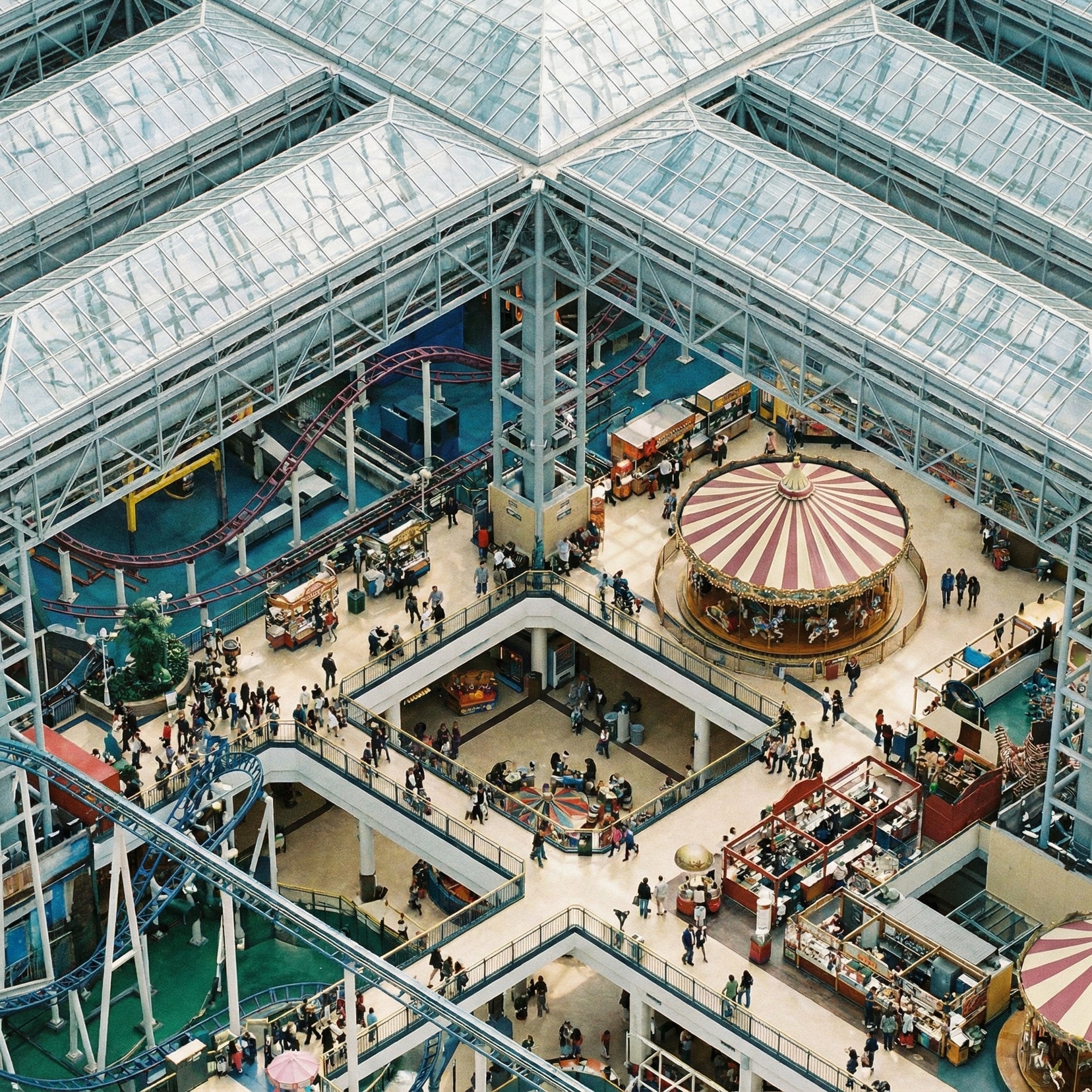
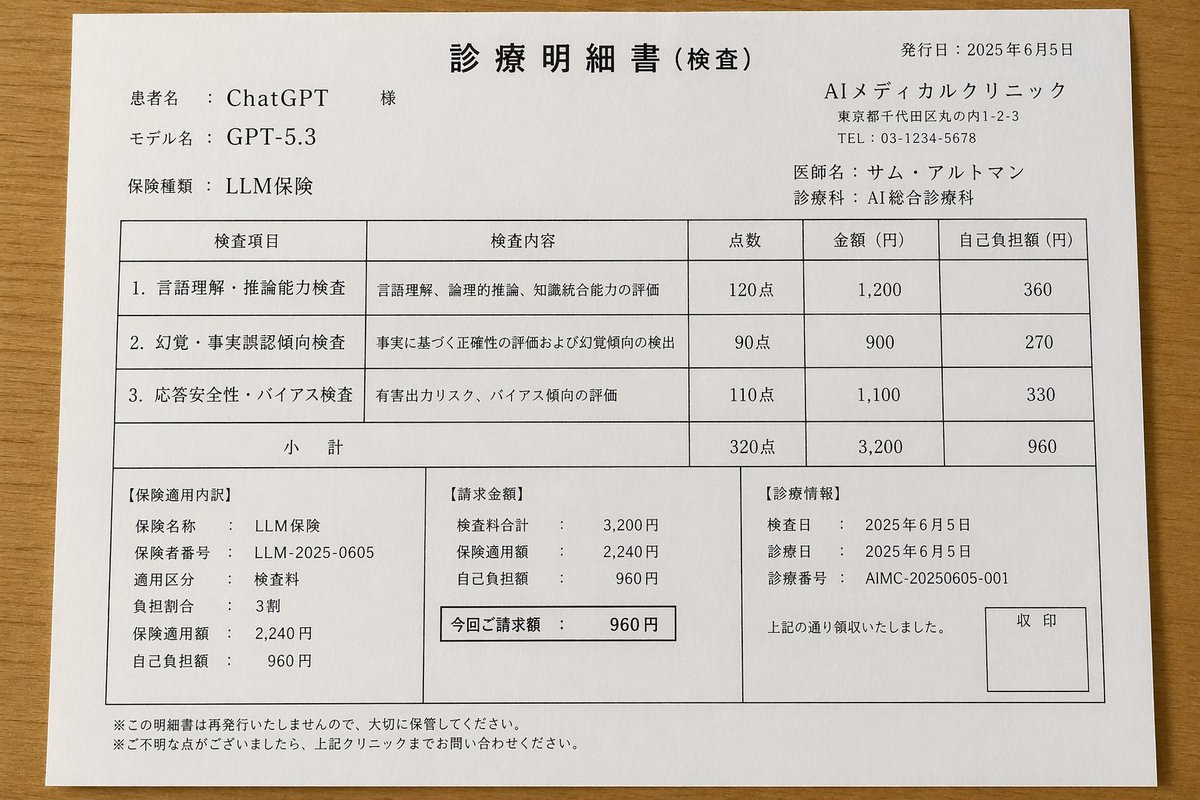
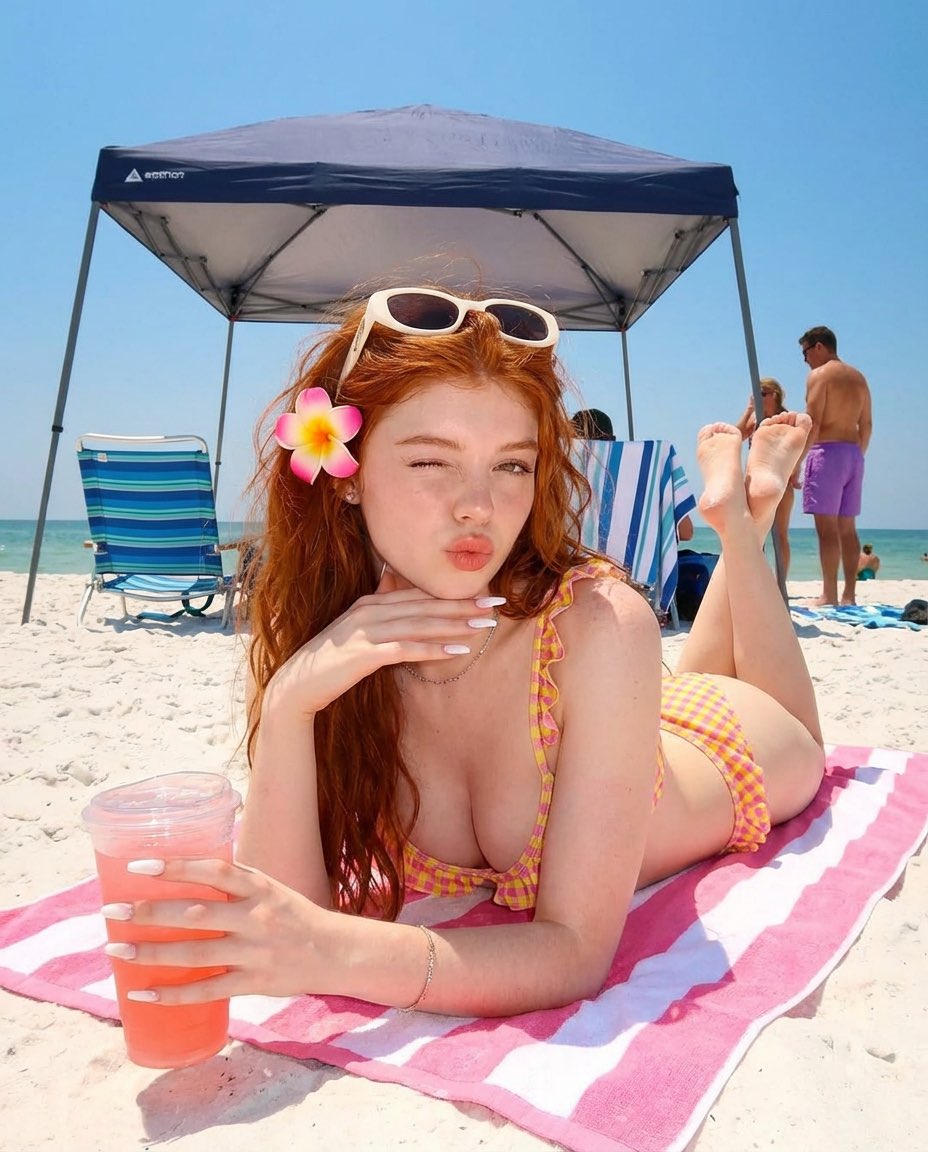
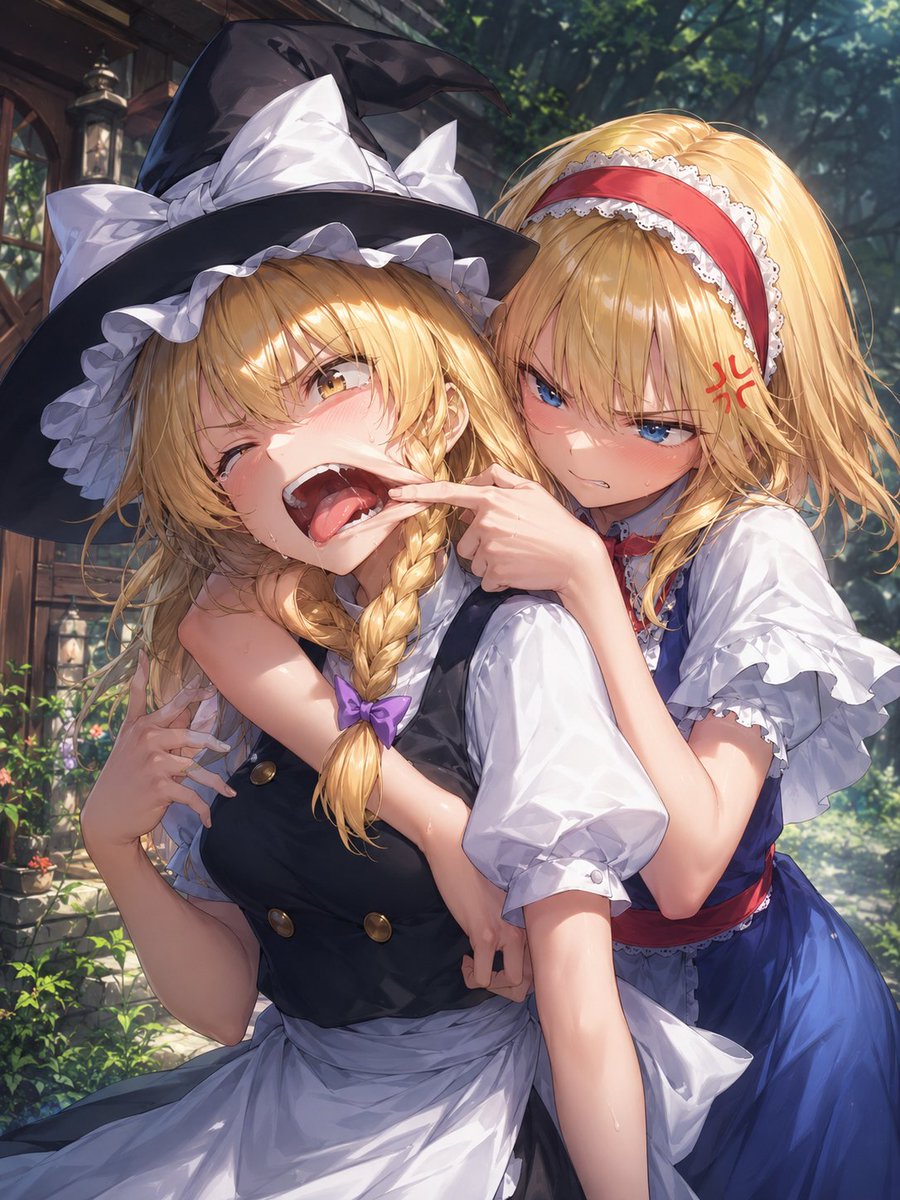
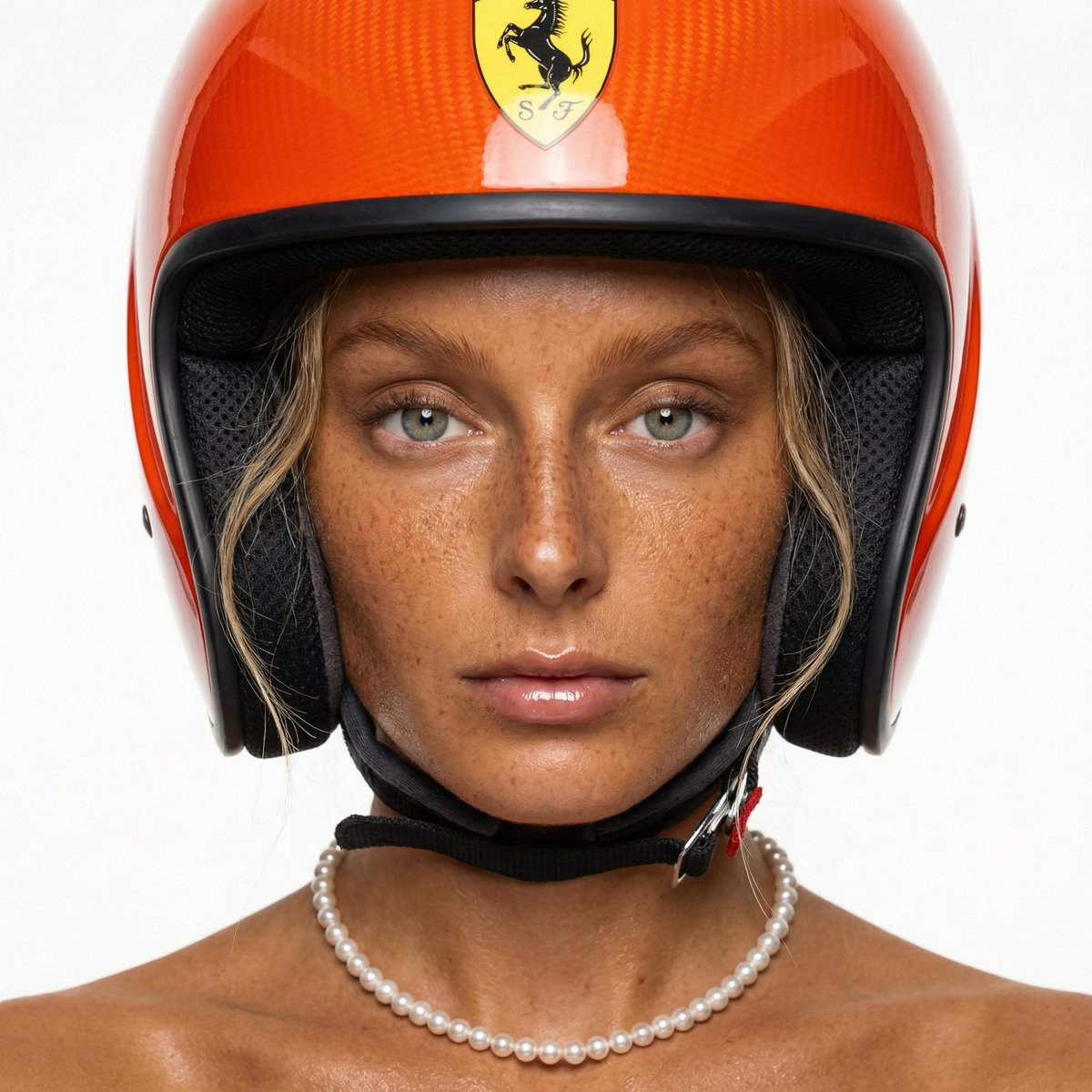
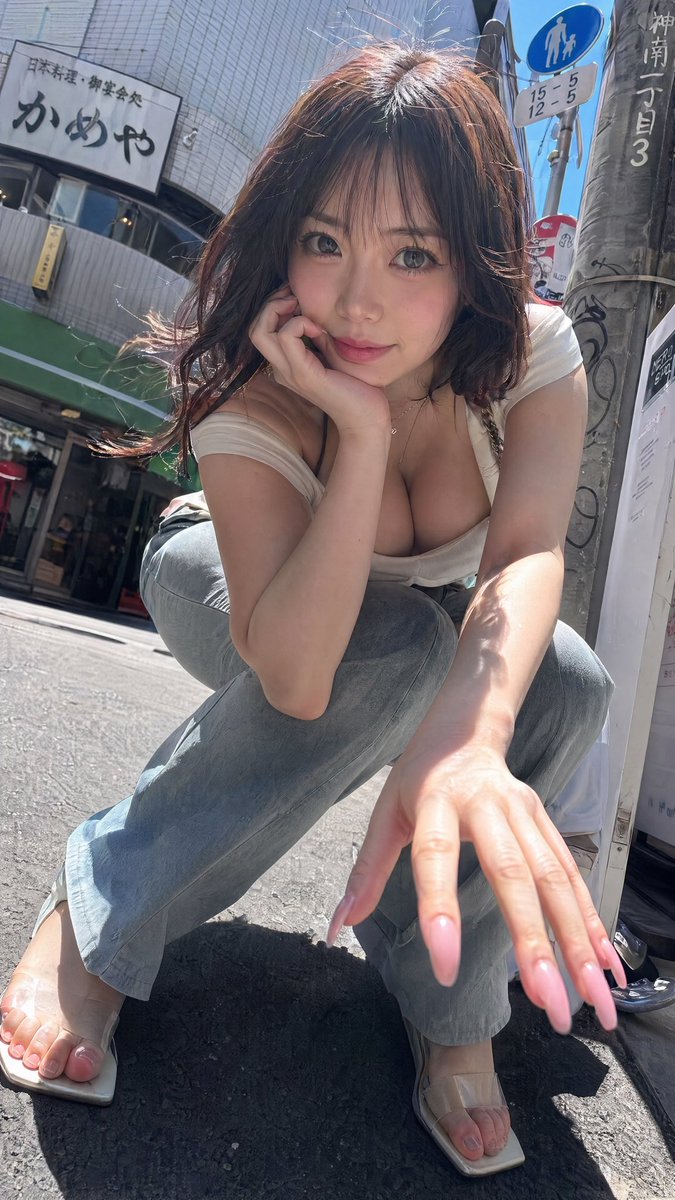
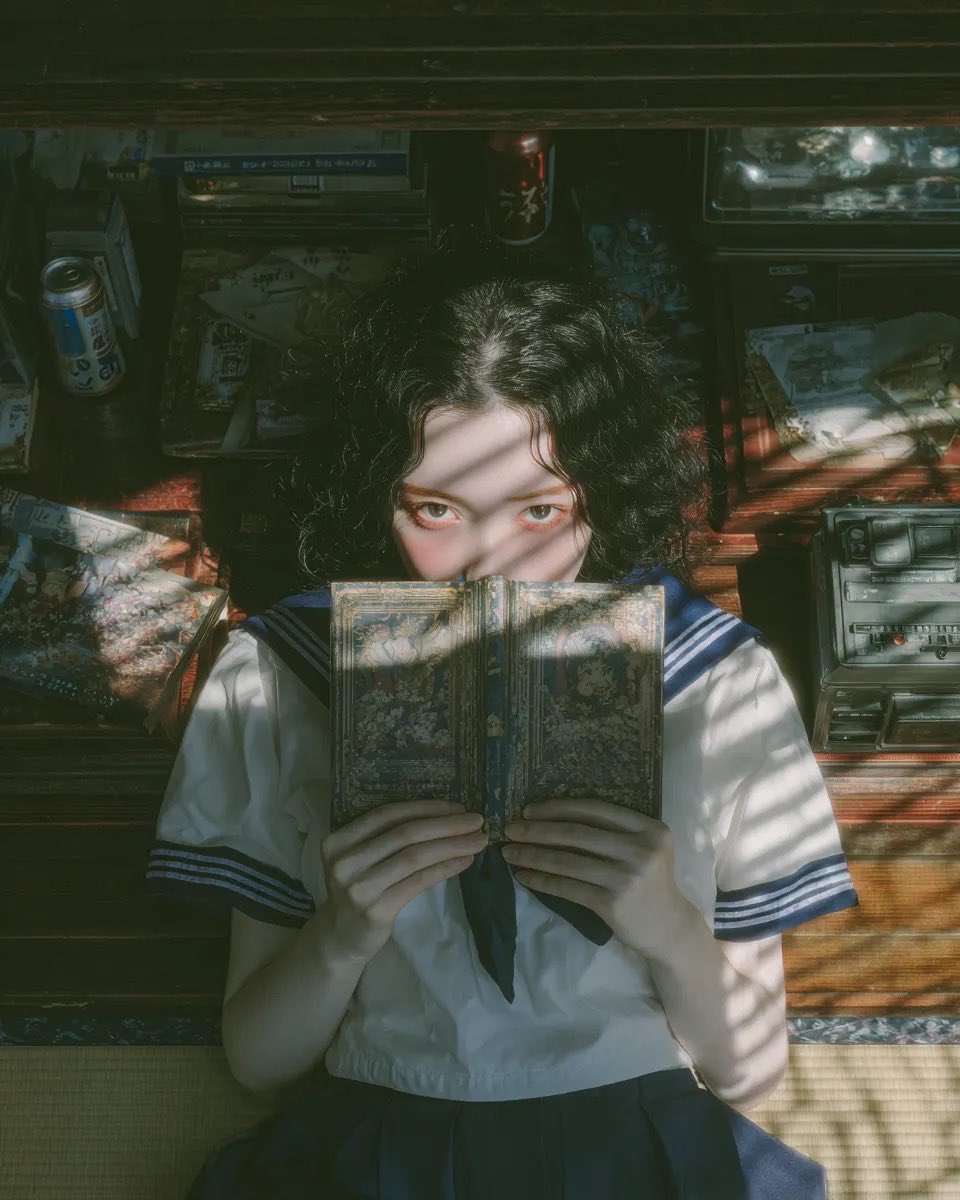
A creative prompt designed for GPT Image 2.5 to add a stylish, casual, hand-drawn overlay to images.
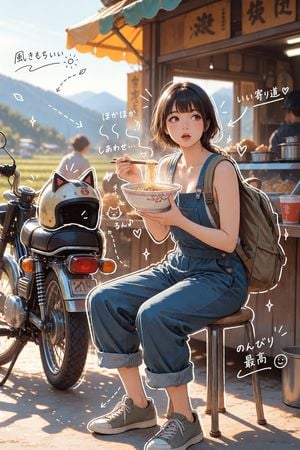
画像の上に手描き風のオーバーレイを加えて。仕上がりは、おしゃれで、肩の力が抜けた、さりげなくカジュアルな雰囲気にして。描画ルール:ペンで描いたような白色の手描き線を使う。ラフで少しいびつな、一筆書き風のスタイルを保つ。対象物の外側の輪郭をなぞる線を加える。矢印や点線で視線を誘導する。文字ルール:{argument name="文字スタイル" default="手書き文字"}にする。短く、つぶやく感じの心の声のように。トーンは{argument name="トーン" default="日記風"}で、簡潔、感情重視。コメントは{argument name="コメント" default="前向きでやさしく"}。装飾:湯気、きらきら、ハート、小さな顔文字っぽい顔を控えめに加える。やりすぎず、「余白」も残す。
Choose the primary action to open PicX Studio with the available template settings. Review the model and format, personalize the creative direction, and generate when ready.
Yes. You can change the subject, setting, lighting, mood, format, and available model controls before creating your image.
This template is free to open and customize. Generation usage is shown in PicX Studio before you create.
Start with GPT Image 2, which is the model associated with this template. You can compare another compatible model for a different finish.
Follow a topic to a crawlable collection of related PicX Studio templates.