
Melancholic Luxury Candid Portrait
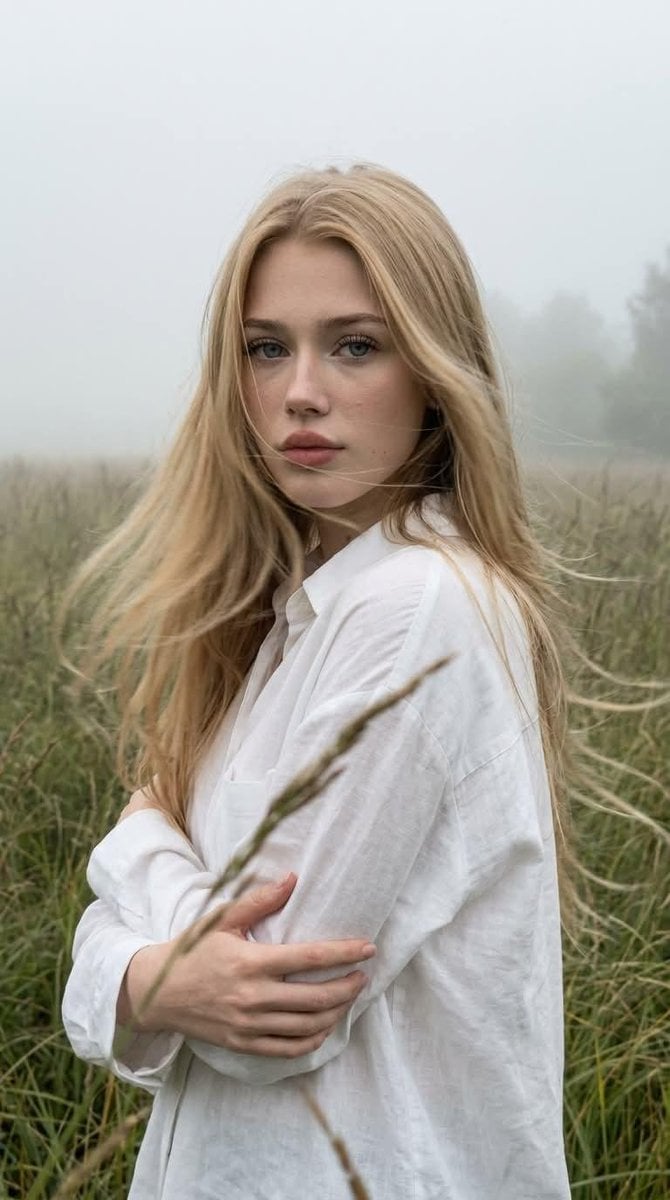
A prompt for a spontaneous, smartphone-style candid portrait set in a misty morning field.
- Prompt included
- Model and format preset
- Free template
The prompt behind this image
Copy the exact prompt behind Melancholic Luxury Candid Portrait, or open it in the studio and make it yours.
Create a close-up portrait without altering the facial features or appearance. A melancholic luxury candid, as if it were a spontaneous photo taken on a smartphone. Aspect ratio: 9:16. The girl is standing in the middle of {argument name="setting" default="tall grass surrounded by dense morning fog"}. The frame is cropped from the chest up, with a few blades of grass softly blurred in the foreground, while the background gradually fades into the mist. She has long, thick hair, flawless makeup, sun-kissed skin, and dusty rose lips. Her body is turned at a 3/4 angle, with a calm, direct gaze into the camera. Her arms are gently wrapped around herself in a relaxed pose. She is wearing an {argument name="clothing" default="oversized white shirt made of lightweight fabric"}. A strong wind naturally blows through her hair, shirt, and the surrounding grass. The image captures a spontaneous moment in motion. Her face and eyes remain perfectly sharp and highly detailed, with clearly visible pores, eyelashes, and individual strands of hair. The moving hair and grass have subtle, natural motion blur, creating the feeling of a genuine photograph. High natural micro-contrast, optical sharpness, and no artificial over-sharpening. Photorealistic, realistic skin texture, subtle film grain, natural digital noise, RAW smartphone aesthetic, deep perspective, no beauty filter, no plastic skin, no CGI.
How to use Melancholic Luxury Candid Portrait in 3 steps
- 1
Open
The prompt is already in the box next to the preview, with the template's model and format selected.
- 2…a portrait of your subject in softgolden-hour light, 85mm…
Personalize
Edit the subject and creative details for your destination.
- 3Generate
Generate
Press Generate — your image is created in PicX Studio, so you can compare it with the original and refine one variable at a time.
More like this
Templates with the same subject, style or setup. Open one to see its prompt.












Make it yours
Melancholic Luxury Candid Portrait works as-is. These are the safest ways to change it without losing the look.
Change one field
Copy a single group, rewrite it, and generate again so you can see what that field is doing.
Keep the frame, change the subject
Hold the composition and light of Melancholic Luxury Candid Portrait, then swap wardrobe, props or the person for a new take.
| If the result… | Why | Fix |
|---|---|---|
| The result drifts from the preview | Too many fields changed at once. | Reuse Melancholic Luxury Candid Portrait as-is first, then change one group — subject, light, or setting. |
| The model over-stylizes the scene | The prose prompt leaves finish and camera underspecified. | Add one camera or lighting sentence and stay on GPT Image 2. |
More GPT Image 2 templates
Other prompts made for GPT Image 2.

Six VTuber Japanese Logo Sheet

Realistic Portrait of Woman and Deer

The Vista Modular Condo Poster

AI Model Routing Comparison Infographic

2.5D Anime Art Board

Isometric Productivity Desk Scene

New York Double Exposure Poster

Four-Panel AI Landscape Comparison

Japanese Tatami Lifestyle Magazine Cover

NESCAFÉ Coffee Map Poster
More image prompts
Fresh picks from across the catalog.
Biomorphic Art and Realism AI Woman Prompt
Double Exposure City Portrait
Kling 3.0 video using Nano Banana Pro images
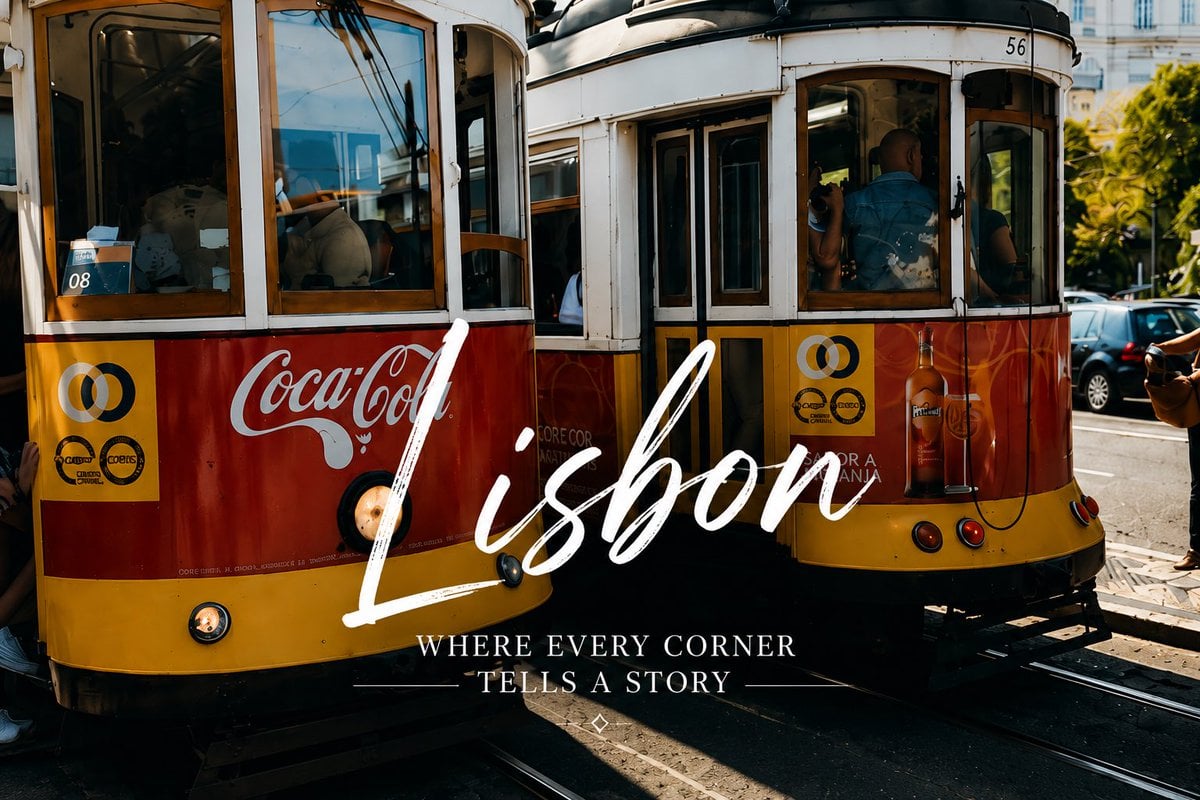
Lisbon Vintage Tram Travel Poster
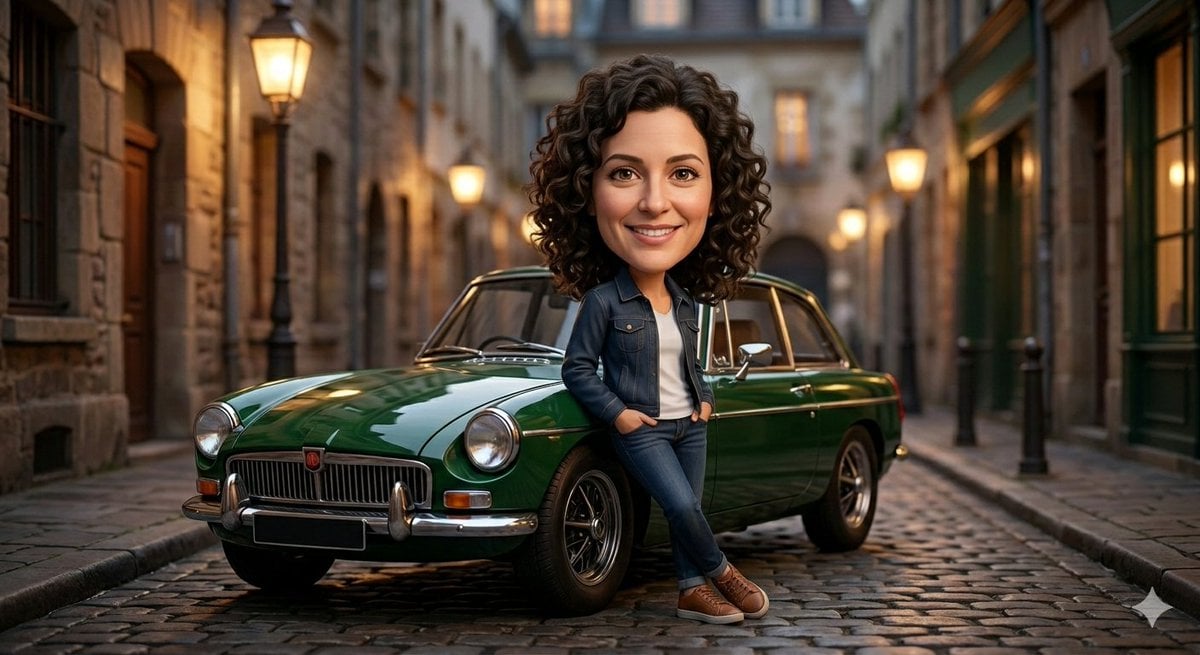
Stylized 3D Caricature Image Generation Prompt

Football Signing Announcement Poster
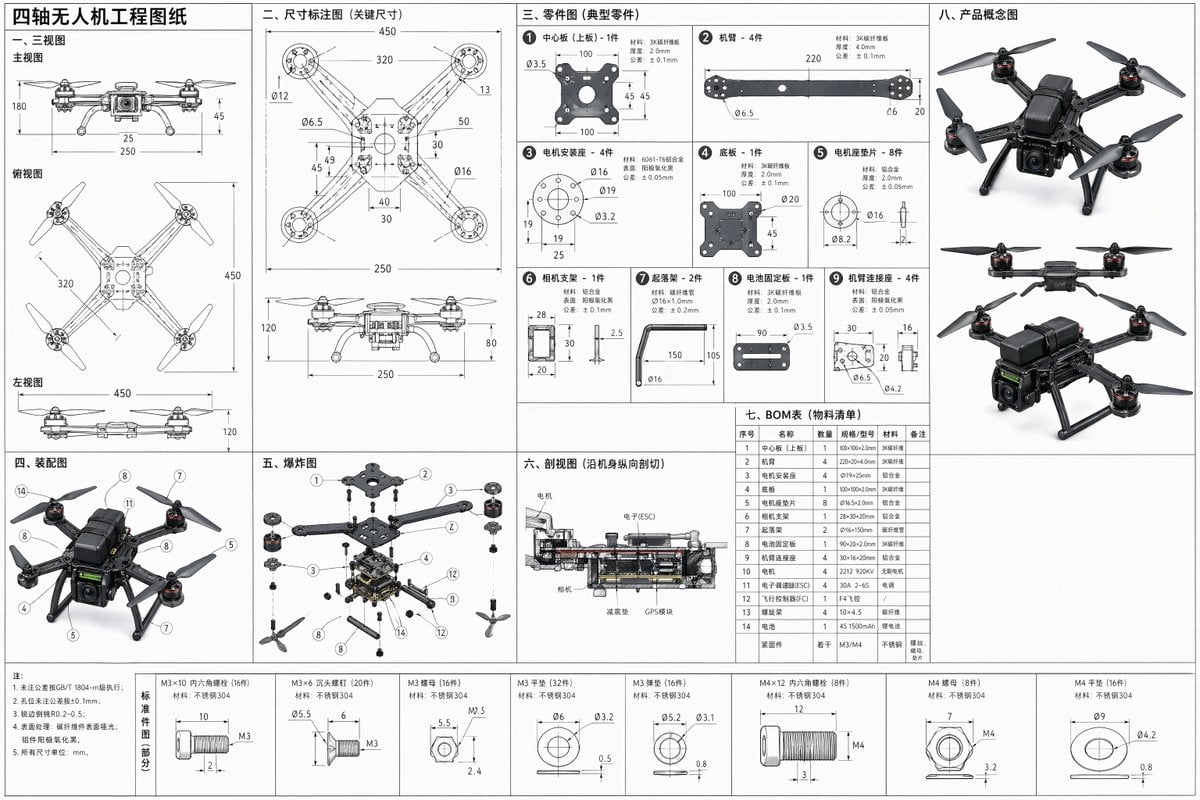
Technical Drone Engineering Blueprint
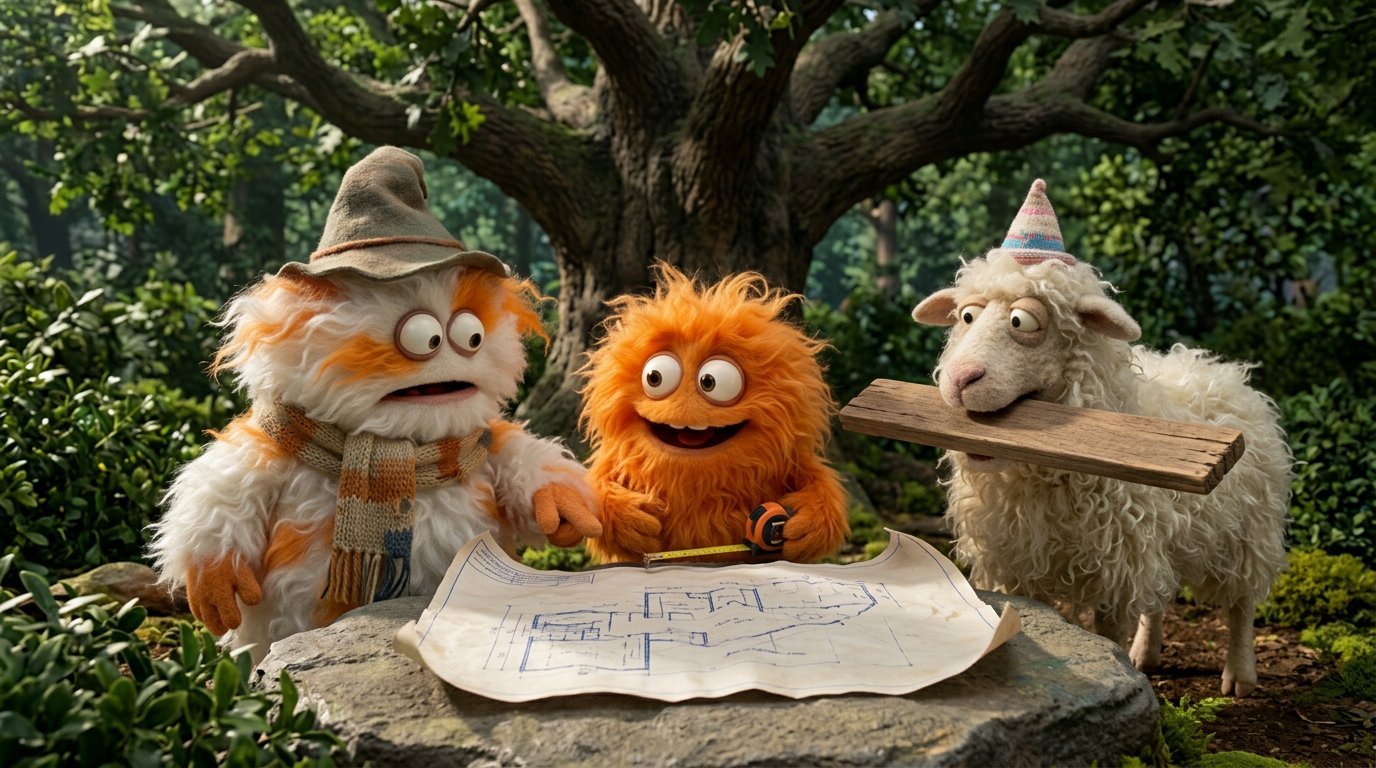
4 Part Story of 3 Fluffy Creatures Build
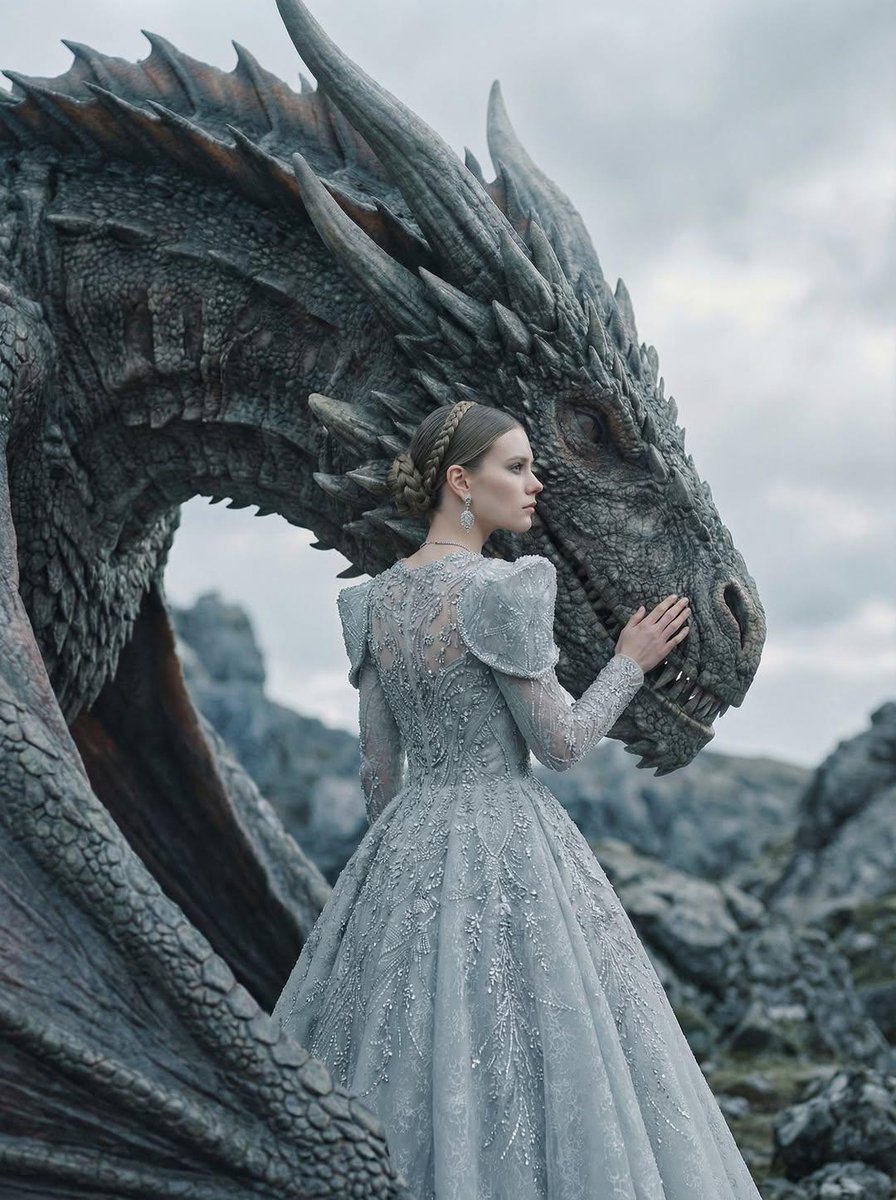
Couture Woman and Majestic Dragon Portrait
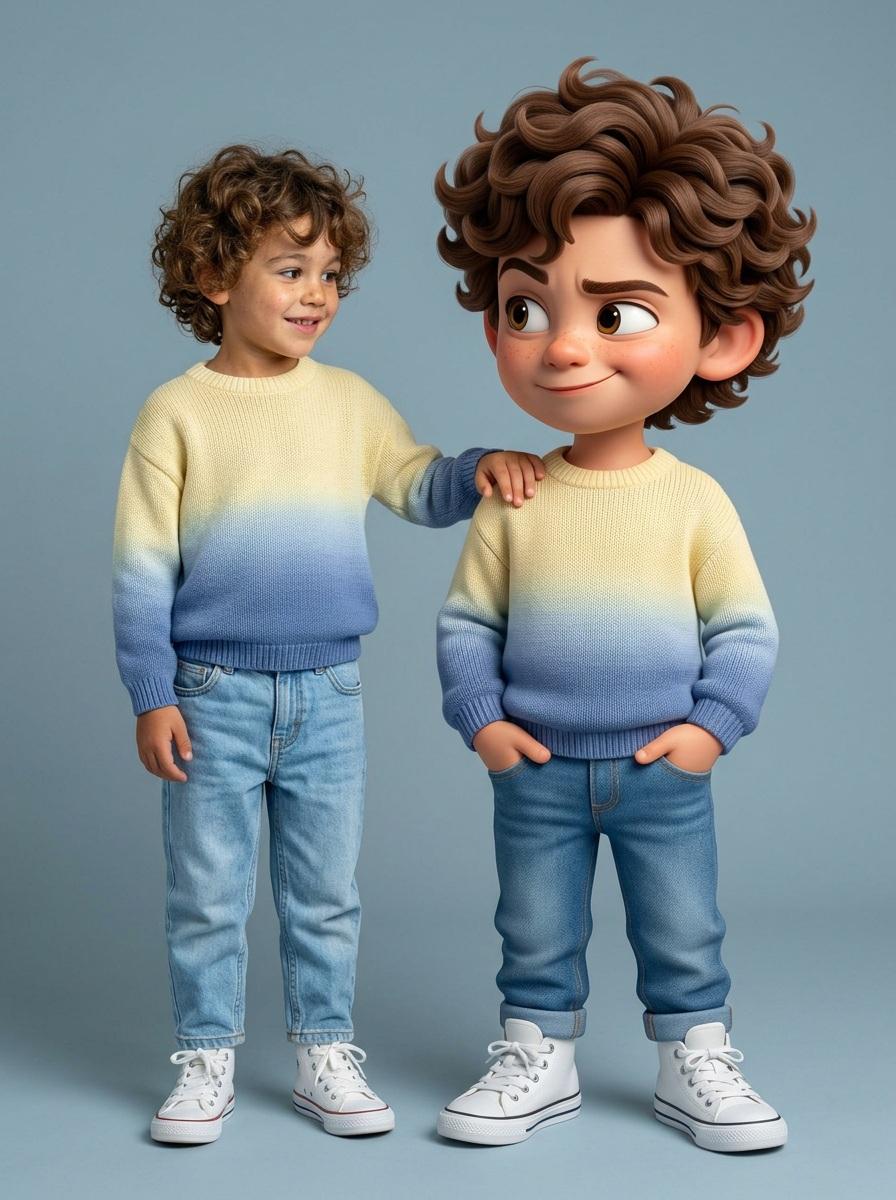
Human and Pixar Character Duplication Prompt
Browse template categories
Melancholic Luxury Candid Portrait questions
How do I use the Melancholic Luxury Candid Portrait template?
Add your photo if the template asks for one, edit the prompt if you like — the template's model and format are already selected — and press Generate. Your version opens in PicX Studio.
Can I customize the Melancholic Luxury Candid Portrait template?
Yes. You can change the subject, setting, lighting, mood, format, and available model controls before creating your image.
Is the Melancholic Luxury Candid Portrait template free?
Opening and editing this template is free. Generating uses credits, shown on the Generate button when you are signed in.
Which AI model should I use?
Start with GPT Image 2, which is the model associated with this template. You can compare another compatible model for a different finish.
Looking for something else? Browse all templates.

Your photo, any look
Thousands of ready templates for every top image and video model, from one credit balance.