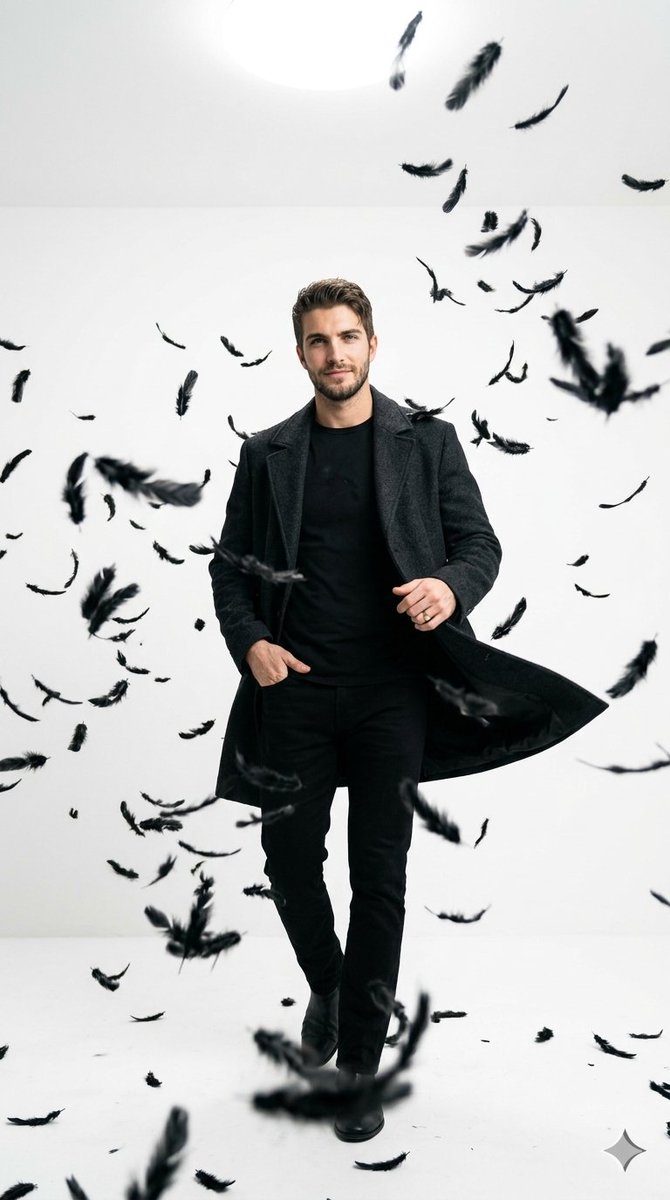
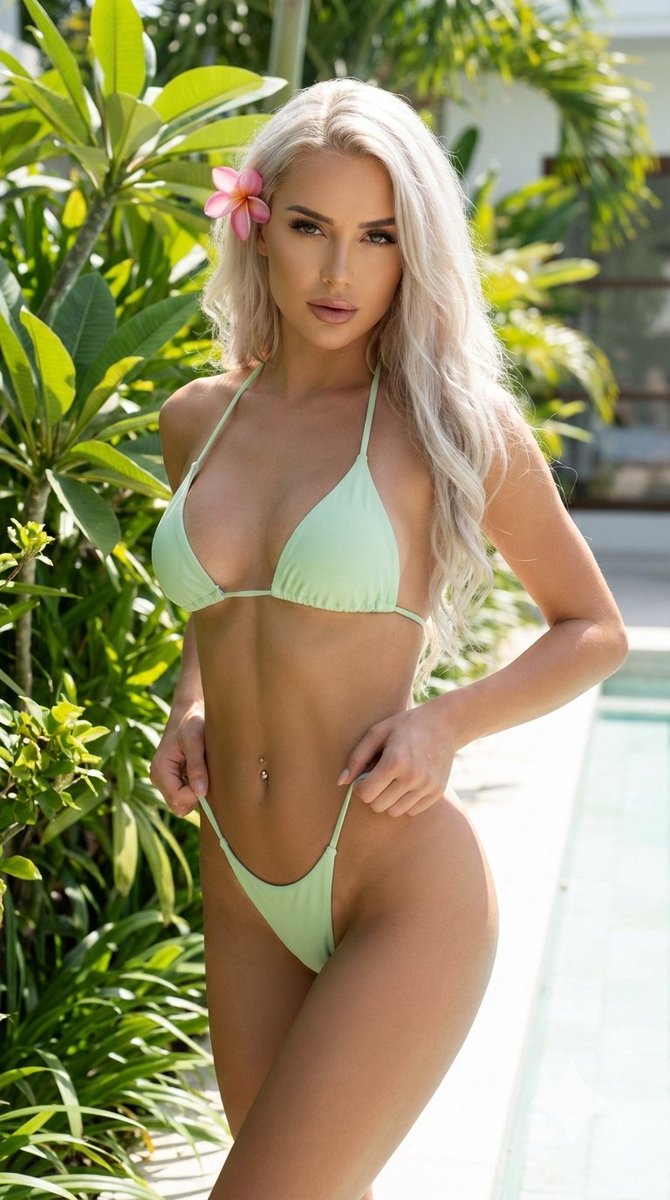
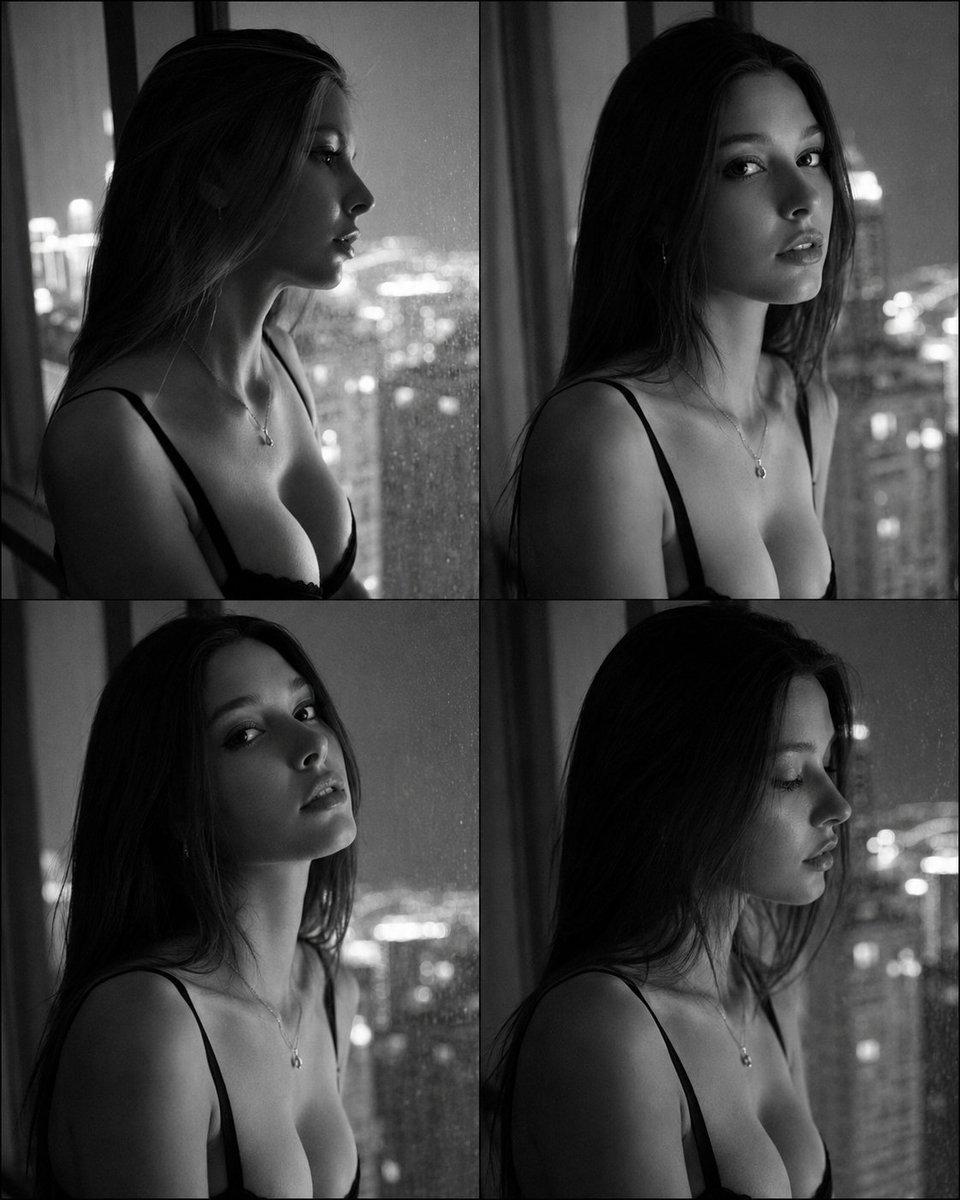
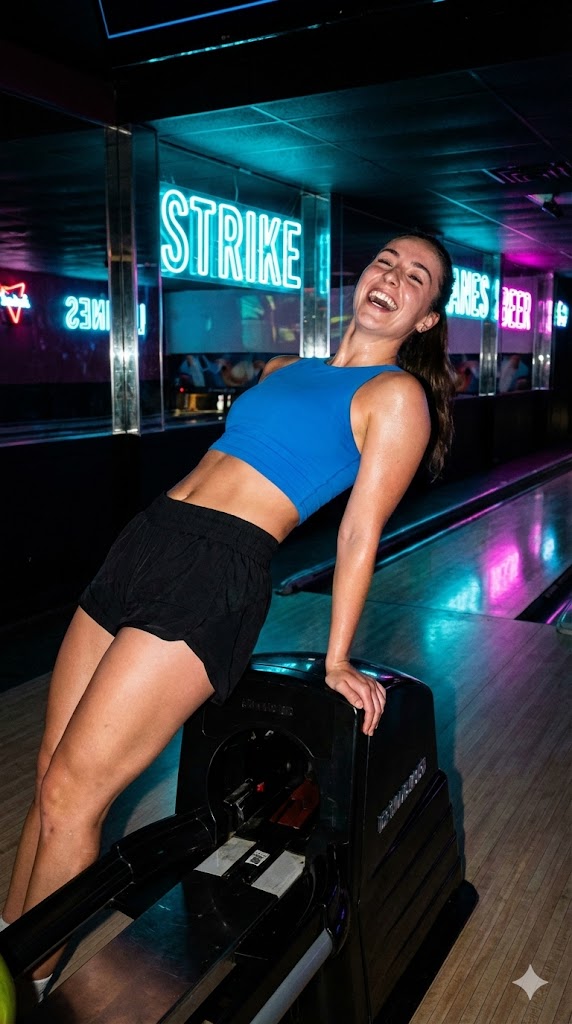
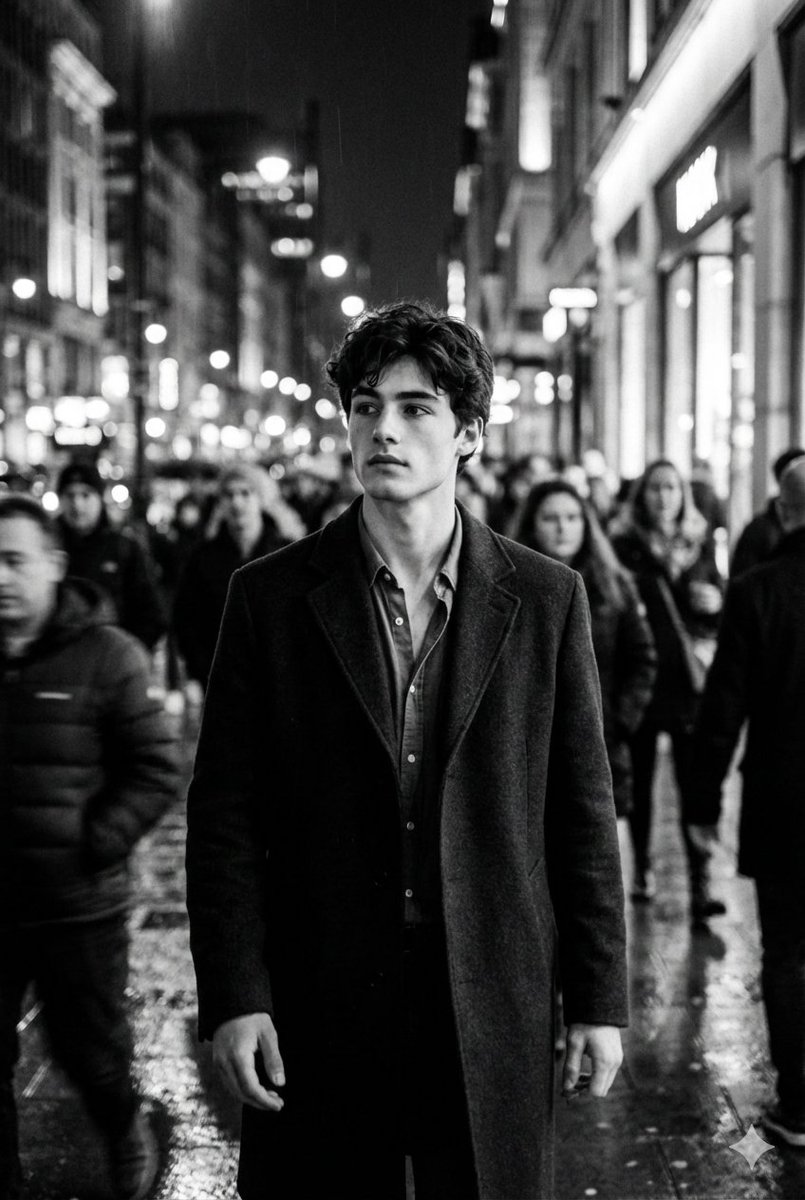
How do I use the Cinematic Urban Street Photography template?
Choose the primary action to open PicX Studio with the available template settings. Review the model and format, personalize the creative direction, and generate when ready.
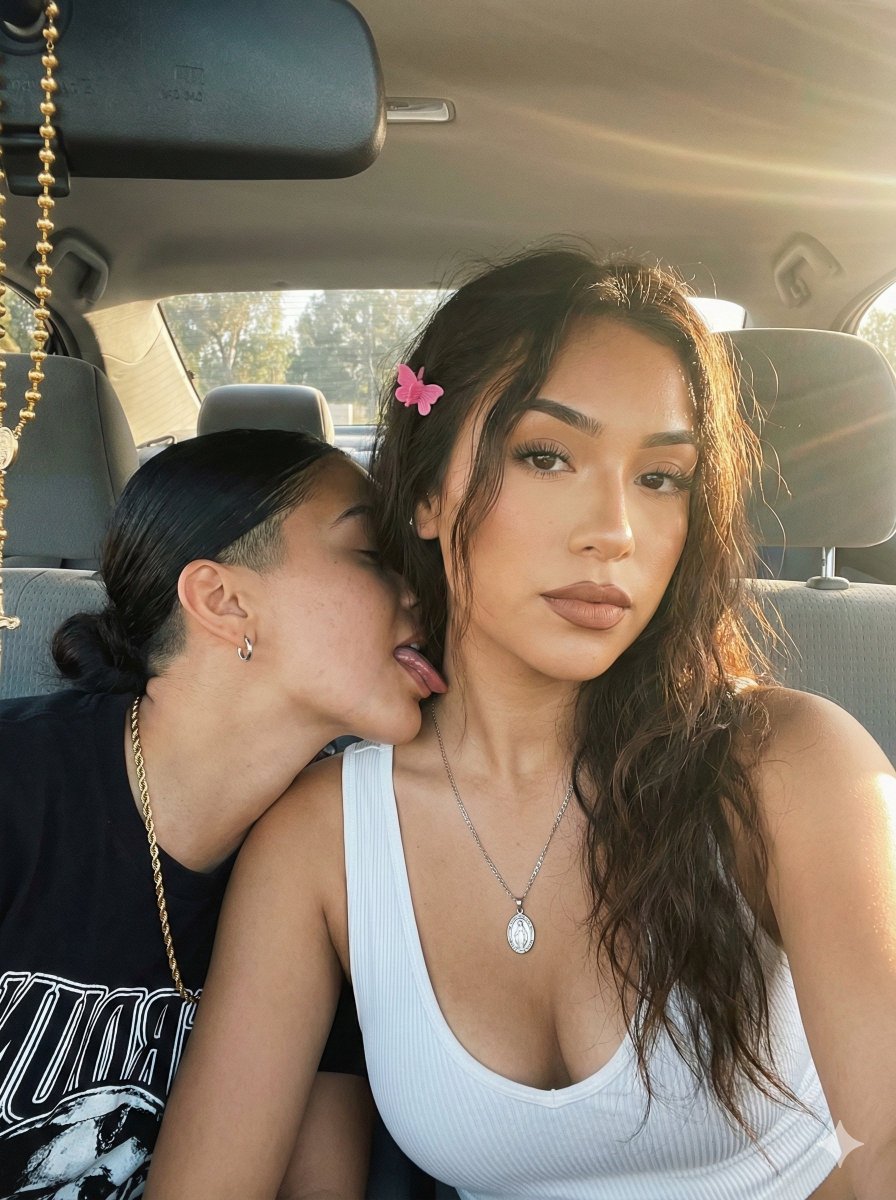
A detailed portrait prompt for creating dreamy, candid street photography with a focus on natural motion, wind-blown hair, and warm golden-hour lighting.
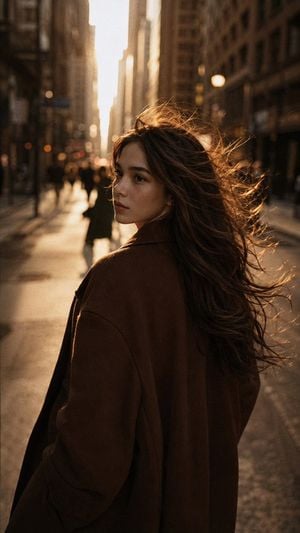
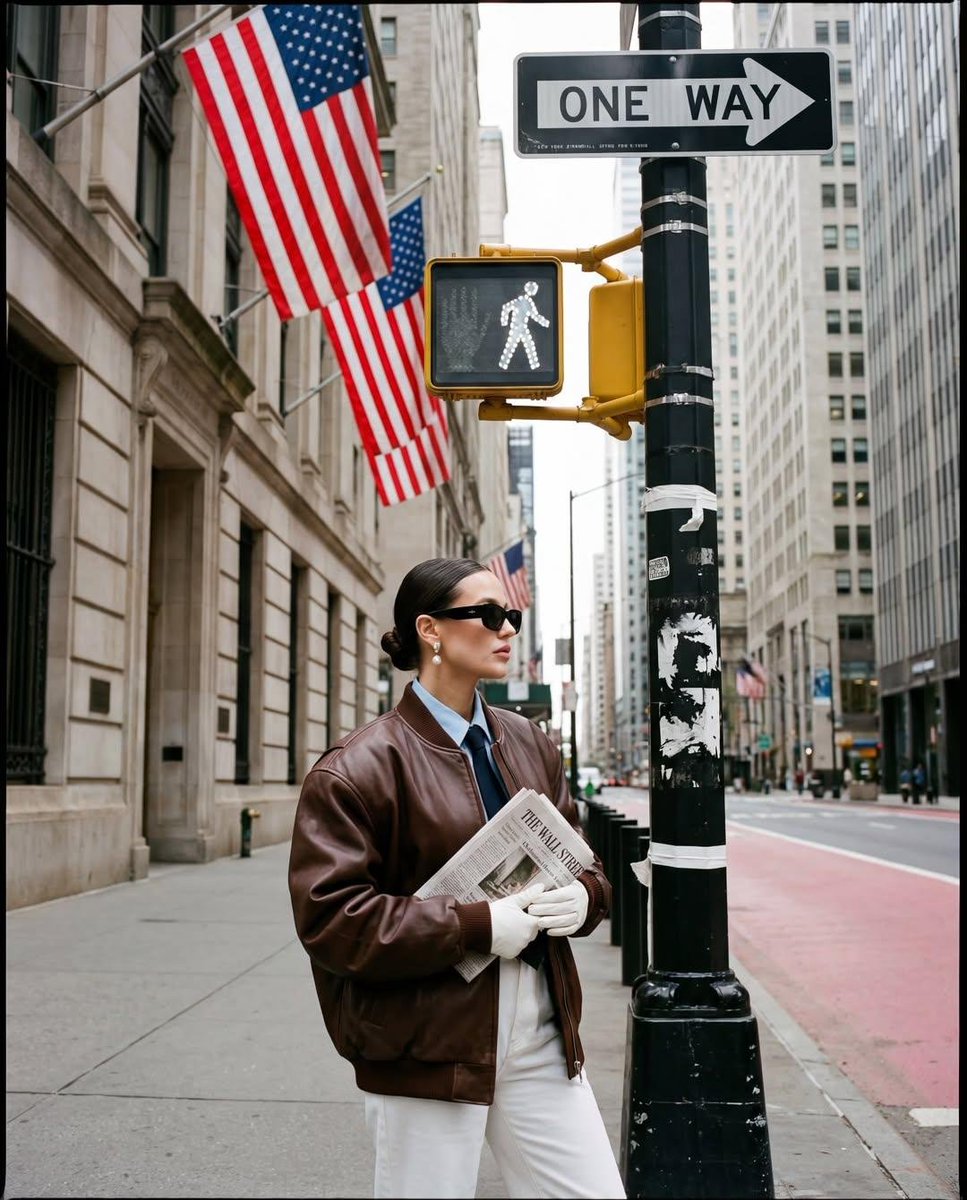
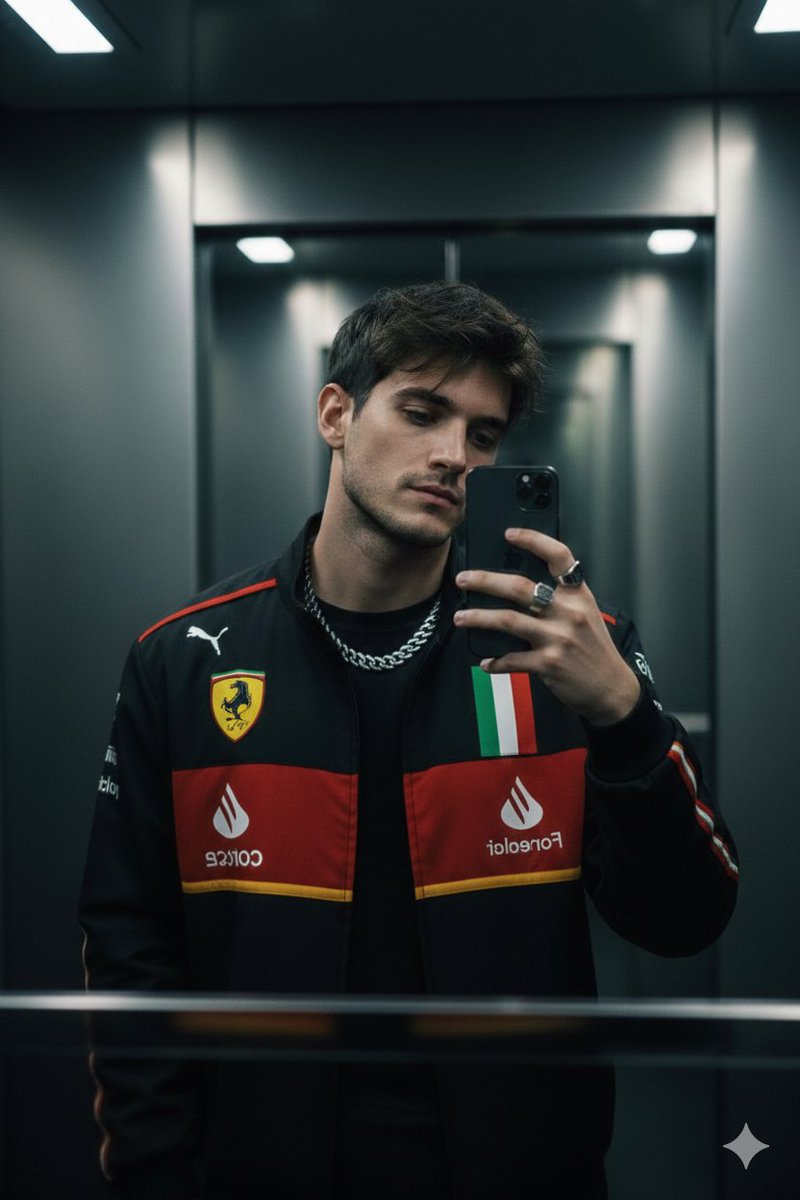
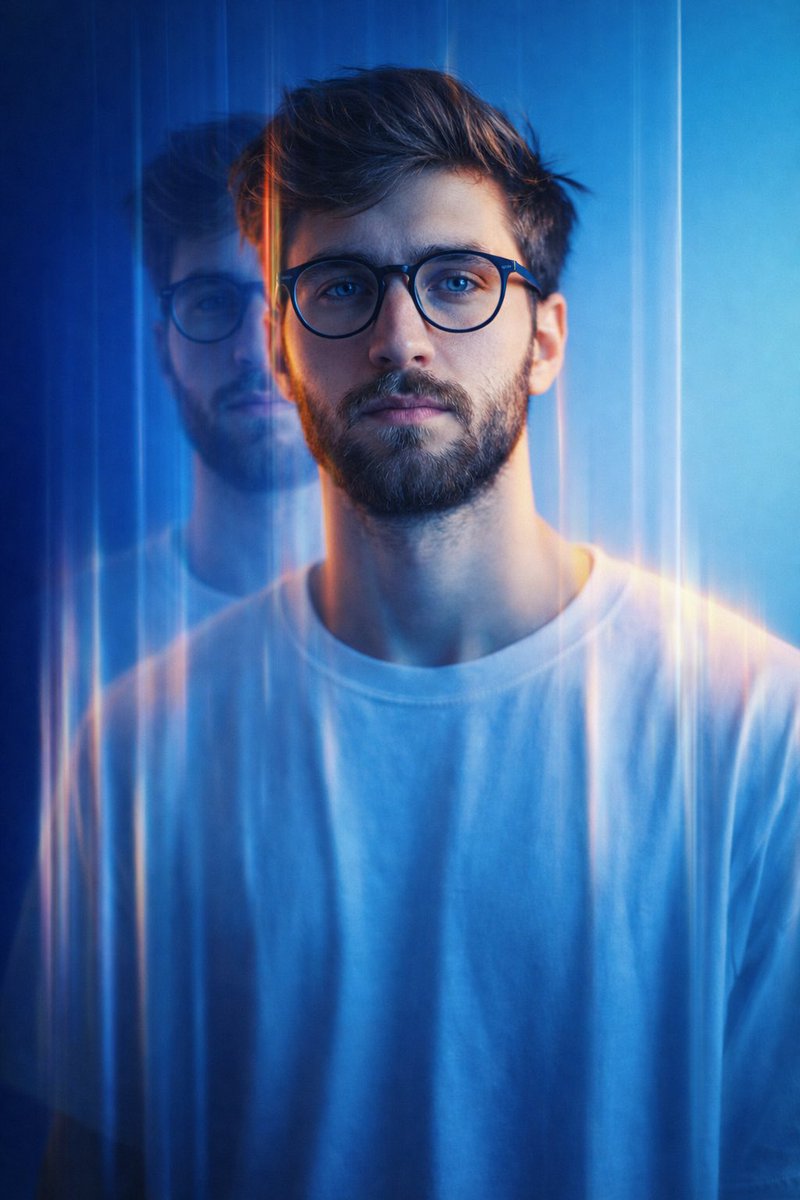
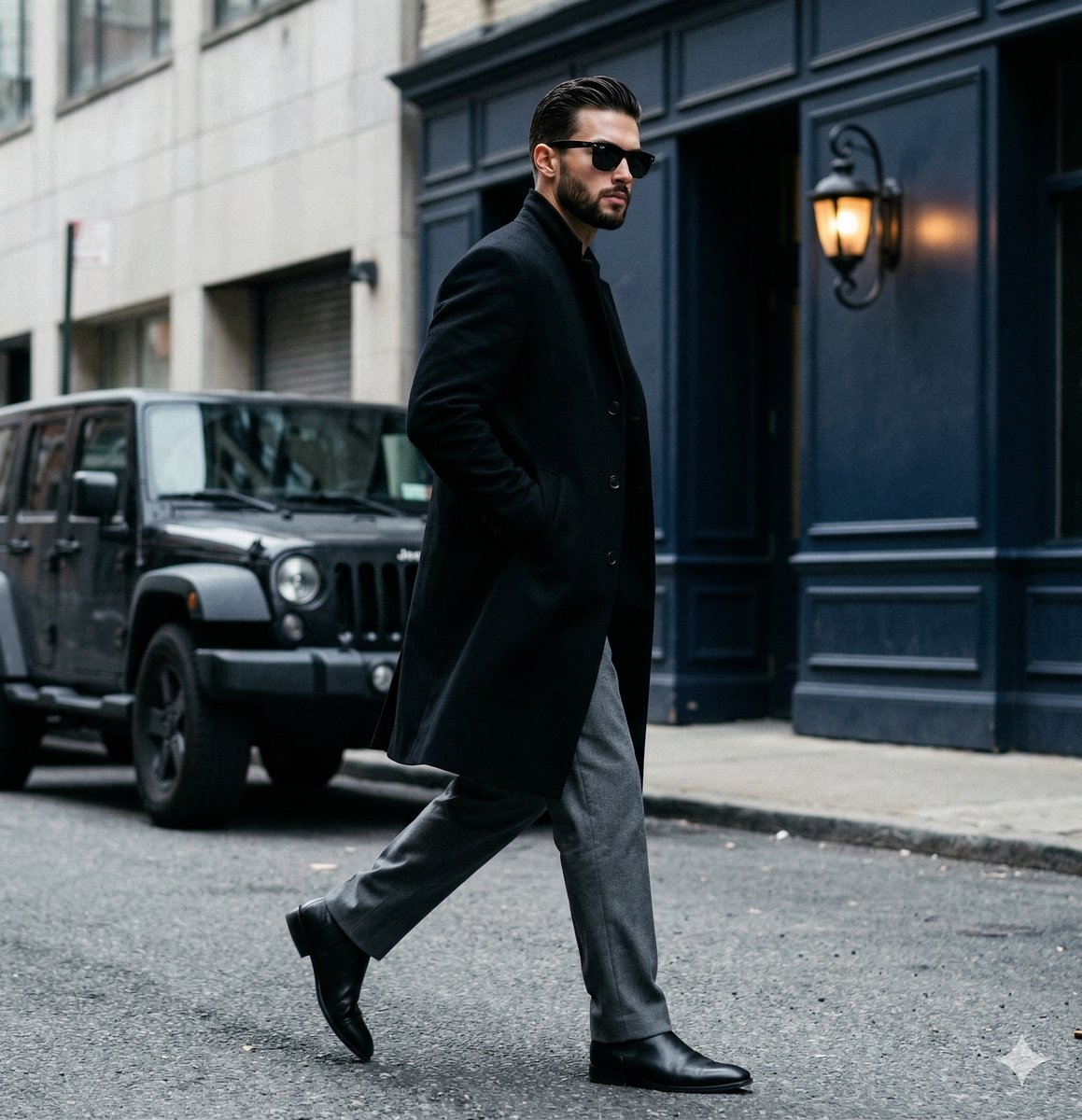
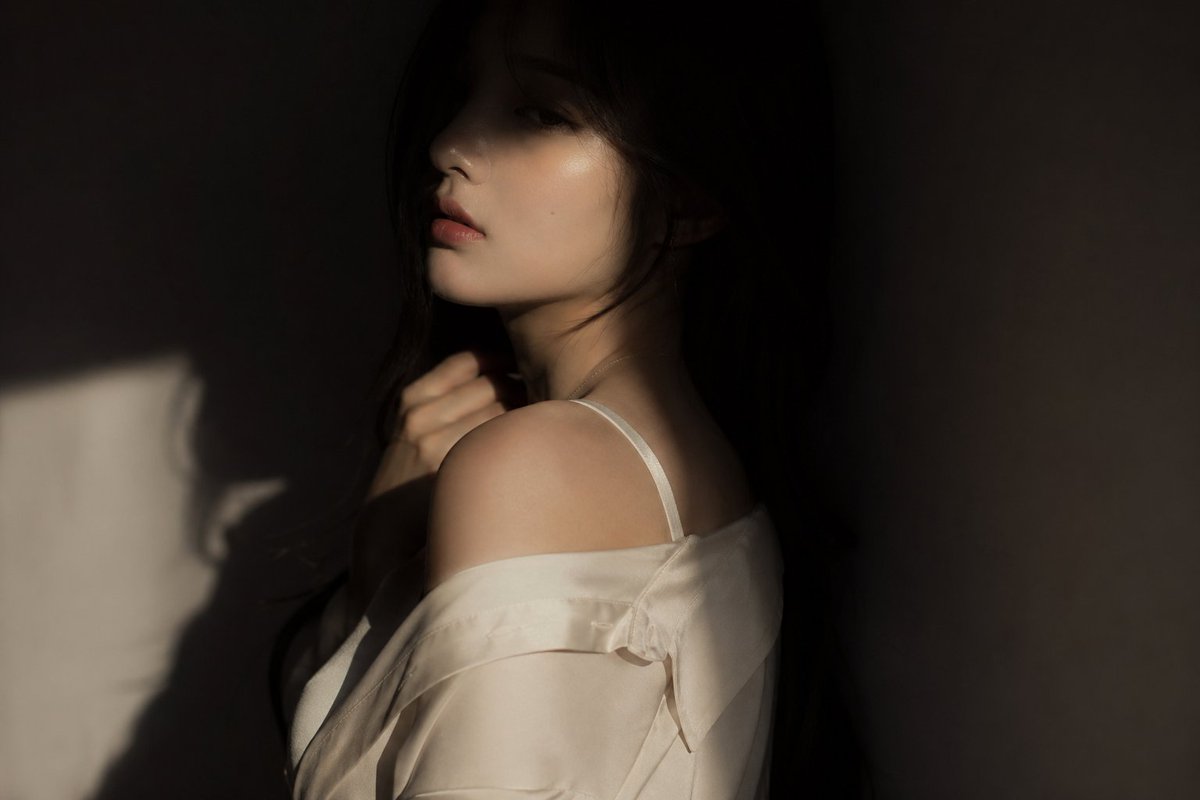
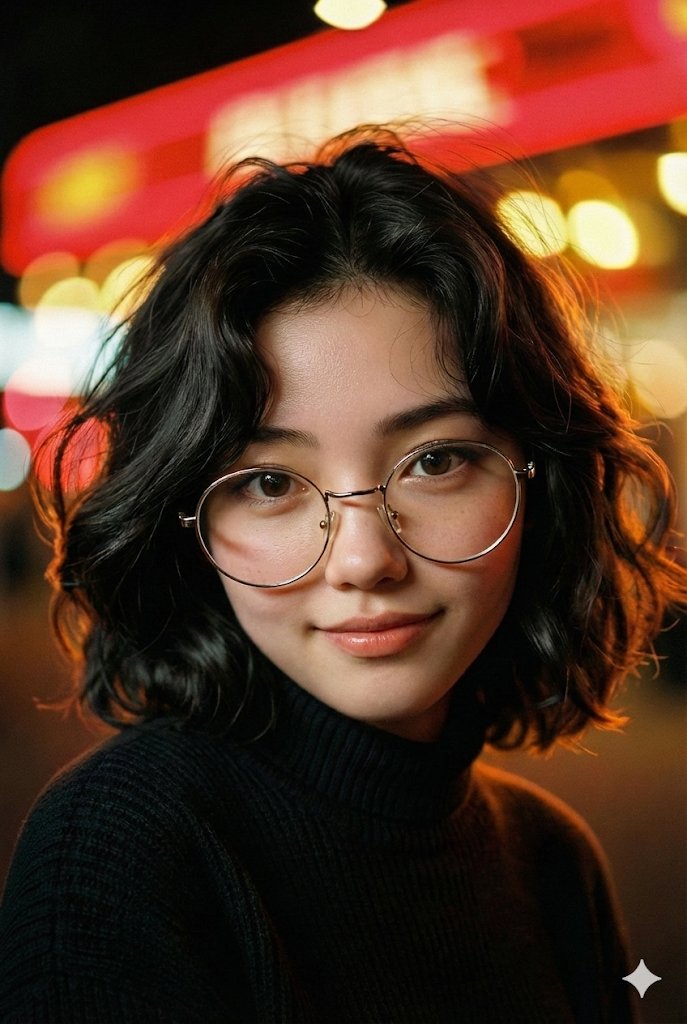
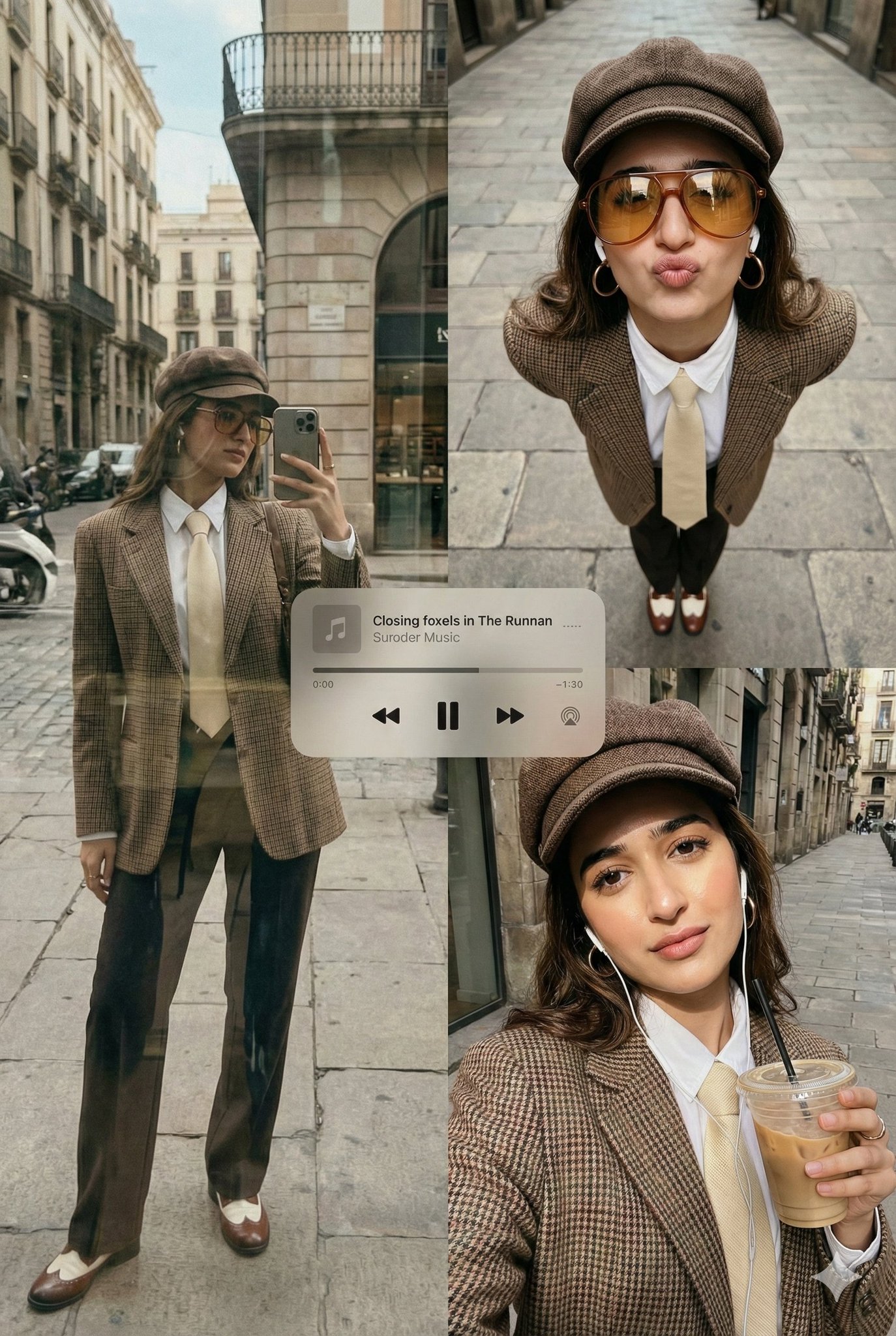
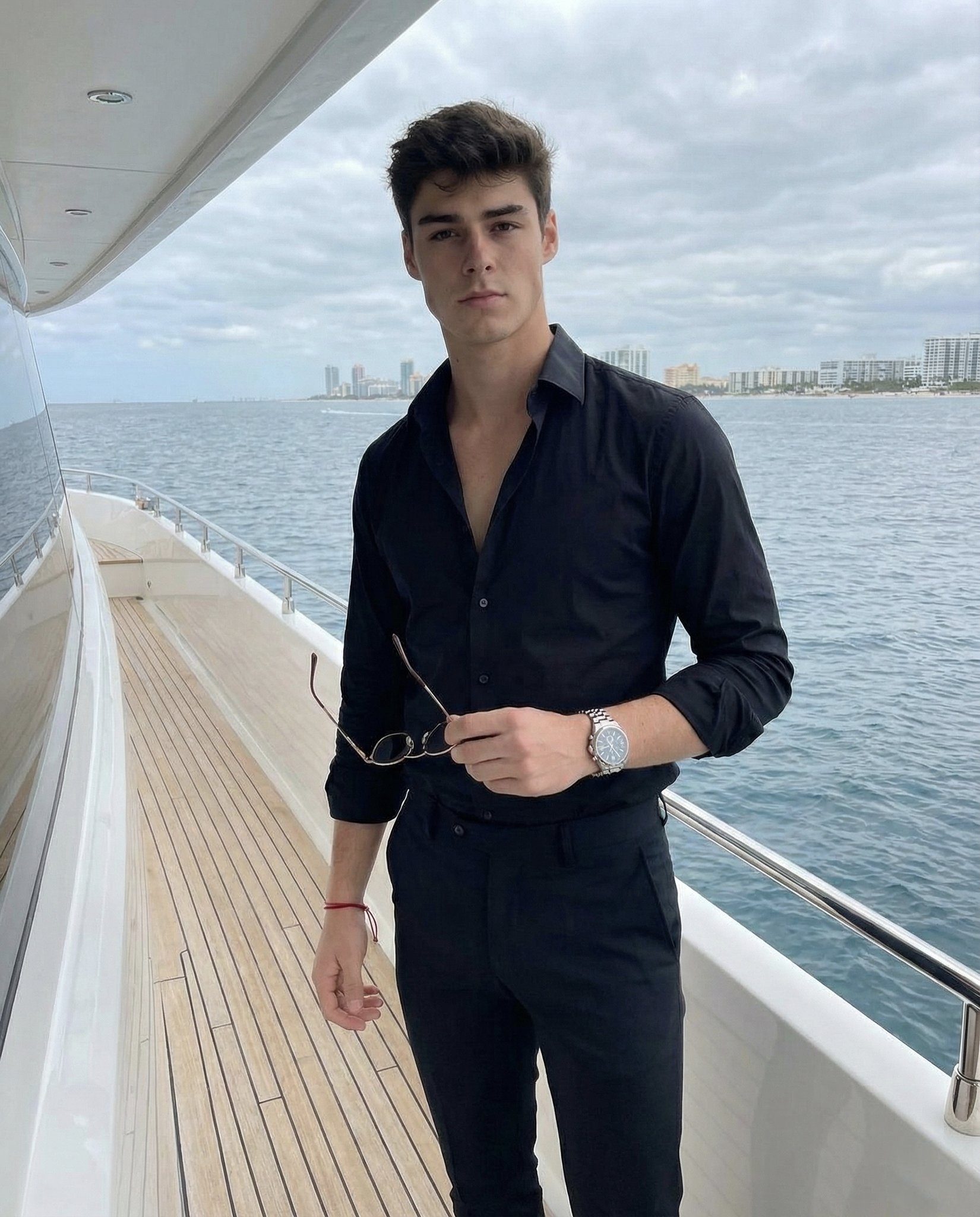
• SUBJECT {argument name="subject name" default="JAZZ DESIGN"}, exact facial identity 100% like ref, slim feminine build. Long dark-brown naturally wavy hair worn loose and voluminous, dramatically swept by the wind. Wearing an oversized {argument name="outfit style" default="warm dark-brown coat"} with a simple minimal silhouette. • POSE Jazz walks through the city with her body facing away along the street, then turns her head naturally over her shoulder toward the side, gaze directed off-camera. Relaxed posture, candid mid-motion feeling, hair flowing strongly in the wind. • SCENE Urban street canyon with tall buildings, distant pedestrians and city details rendered heavily out of focus. • LIGHTING Low golden-hour sunlight behind her creates luminous rim light through the windblown hair and along her shoulders. Face remains softly exposed with gentle shadow, warm atmospheric glow, no harsh frontal light. • CAMERA Vertical 9:16, medium portrait, eye-level, shallow depth of field, soft motion blur, cinematic handheld street-photography feel. • STYLE Dreamy Pinterest street photography, warm muted brown-amber palette, nostalgic cinematic grading, natural skin texture, soft grain, atmospheric bokeh.
Cinematic Urban Street Photography needs input media to work. Open it in the studio and these load alongside the prompt — pick whichever ones your chosen model can take.
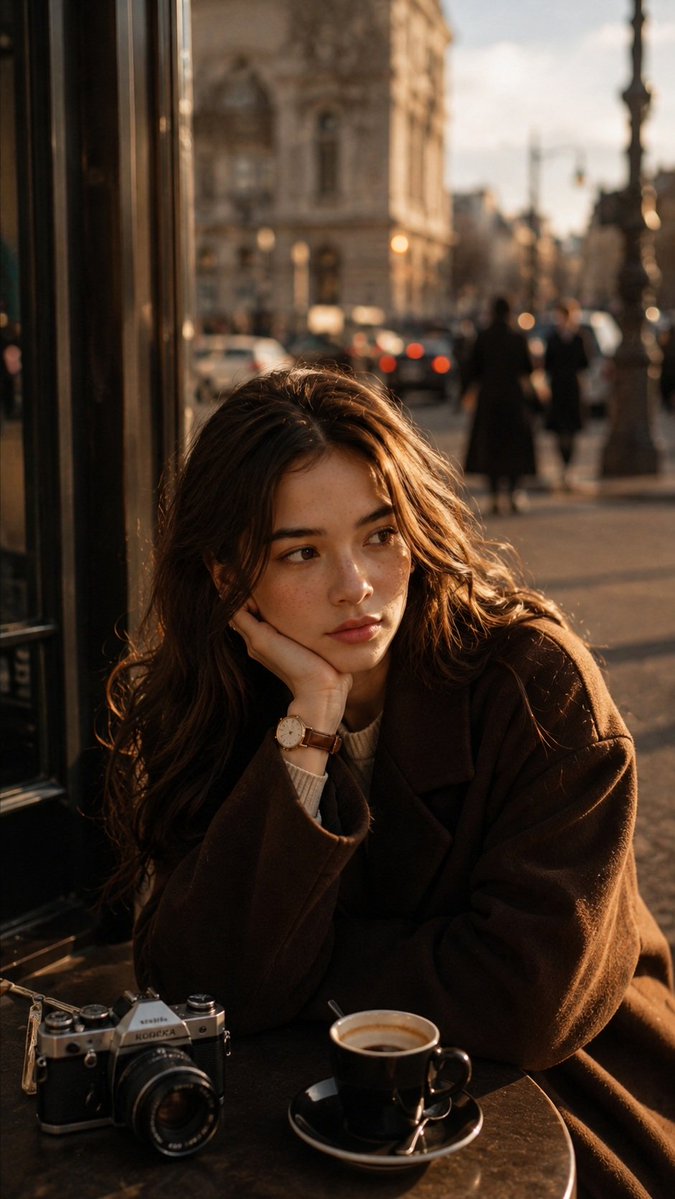
Choose the primary action to open PicX Studio with the available template settings. Review the model and format, personalize the creative direction, and generate when ready.
Yes. You can change the subject, setting, lighting, mood, format, and available model controls before creating your image.
This template is free to open and customize. Generation usage is shown in PicX Studio before you create.
Start with GPT Image 2, which is the model associated with this template. You can compare another compatible model for a different finish.
Follow a topic to a crawlable collection of related PicX Studio templates.