
Knolling Teardown Diagram
A highly structured prompt for creating 2x2 grids of complex machines in a knolling teardown style, showing all internal parts with orthographic precision.
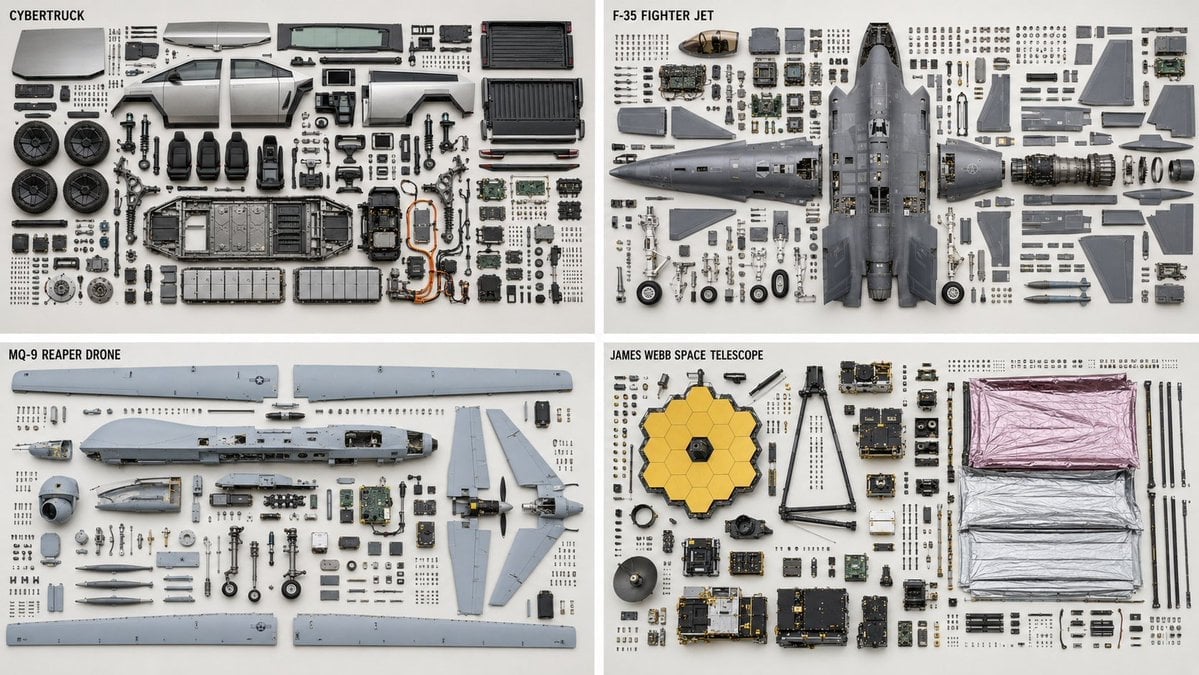
- Prompt included
- Model and format preset
- Free template
The prompt behind this image
Copy the exact prompt behind Knolling Teardown Diagram, or open it in the studio and make it yours.
Knolling teardown — {argument name="subject" default="CyberTruck"} ({argument name="subject type" default="EV"}), top-down orthographic. PARTS — complete bill of materials, show each exactly once: {argument name="parts list" default="top housing ×1, bottom housing ×1, main PCB ×1, ribbon cable ×2, lens assembly ×1, M2×5 screw ×6, spring ×2, rubber gasket ×1, ..."} LAYOUT - clean rectilinear grid; every part aligned to horizontal and vertical axes - grouped by subassembly — a subassembly's parts stay adjacent as one cluster - each group anchored by its largest structural part; fasteners cluster beside the part they secure - even spacing, no overlapping parts, no diagonal scatter - consistent scale across every part DEPICTION — keep it truthful - every fastener sits near a matching mounting hole; screw count = hole count - every gasket or seal shown with the perimeter it seals against - no duplicated or phantom parts - preserve each part's true orientation and handedness; do not mirror chiral parts RENDER - orthographic projection, no perspective, all parts in sharp focus - flat, even, diffuse lighting; minimal soft shadow - neutral seamless background
How to use Knolling Teardown Diagram in 3 steps
- 1
Open
The prompt is already in the box next to the preview, with the template's model and format selected.
- 2…a portrait of your subject in softgolden-hour light, 85mm…
Personalize
Edit the subject and creative details for your destination.
- 3Generate
Generate
Press Generate — your image is created in PicX Studio, so you can compare it with the original and refine one variable at a time.
More like this
Templates with the same subject, style or setup. Open one to see its prompt.

Isometric Vehicle Teardown Infographic Template
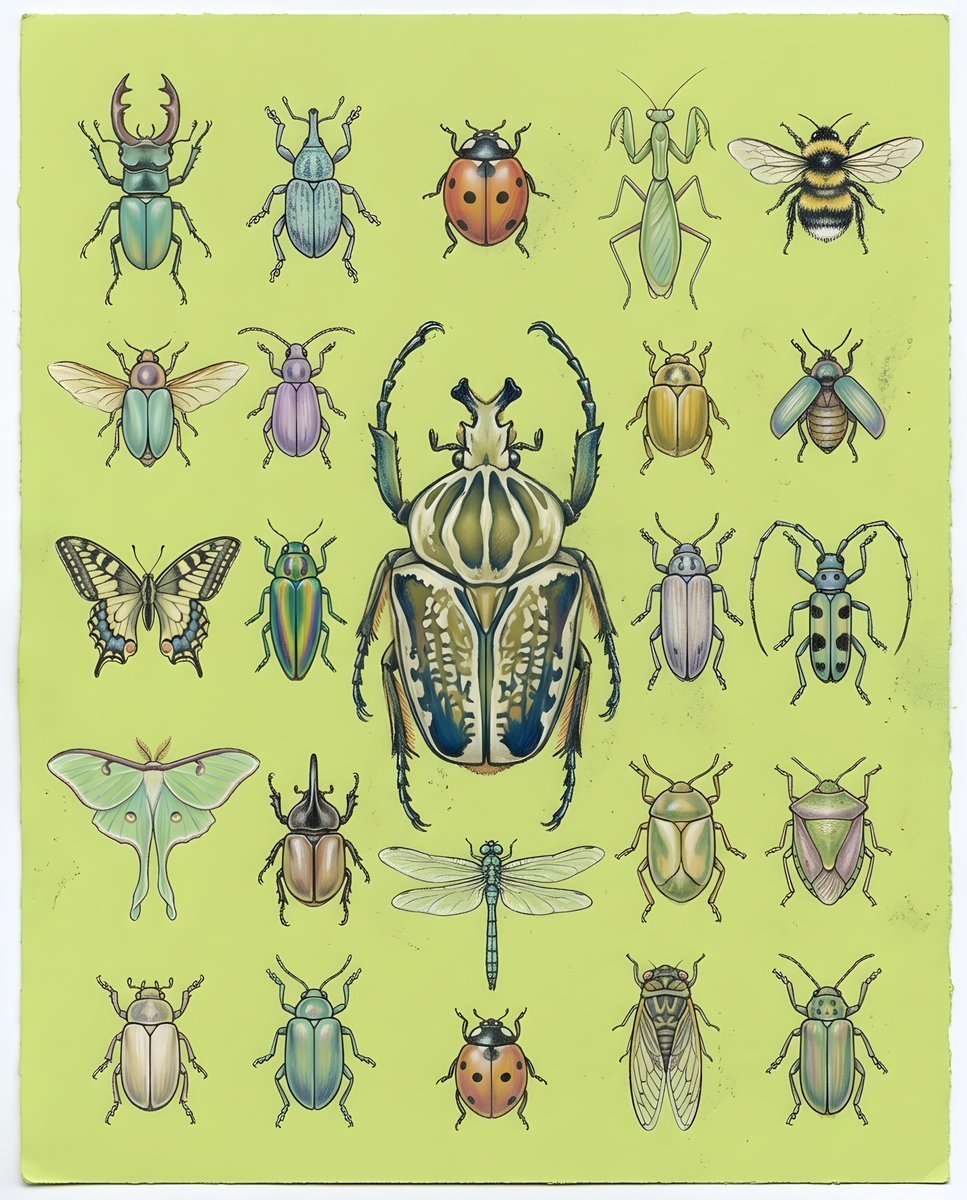
Pastel Chalk Insect Knolling
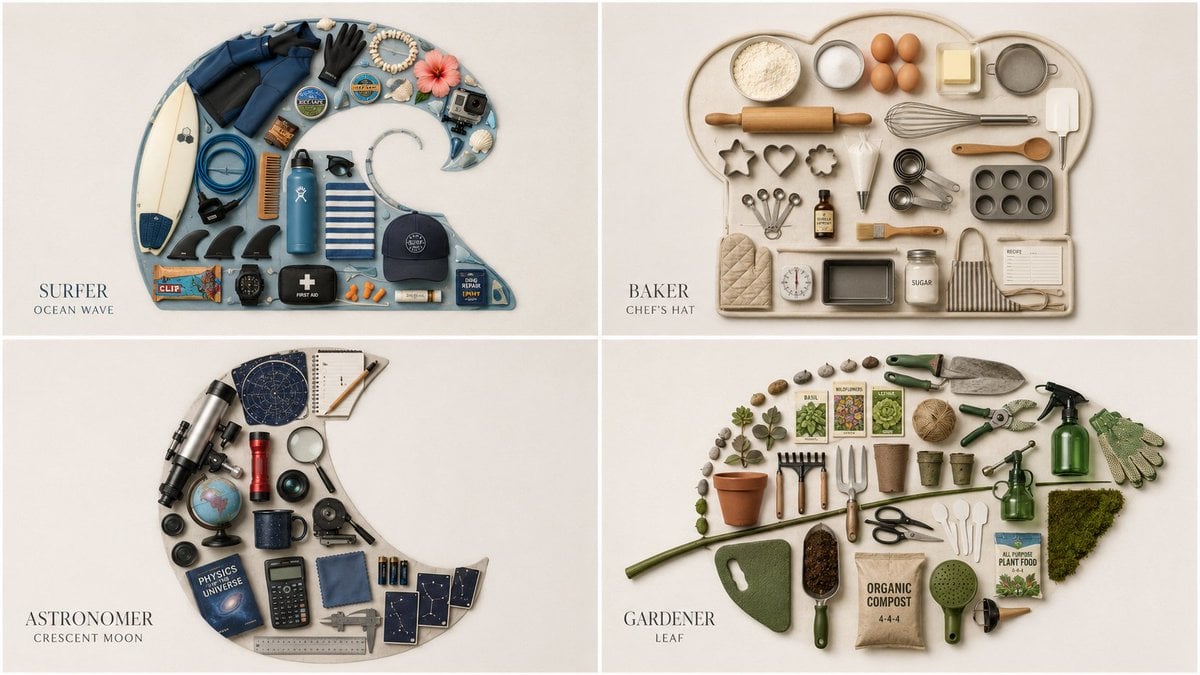
Themed Knolling Flat-Lay Grid
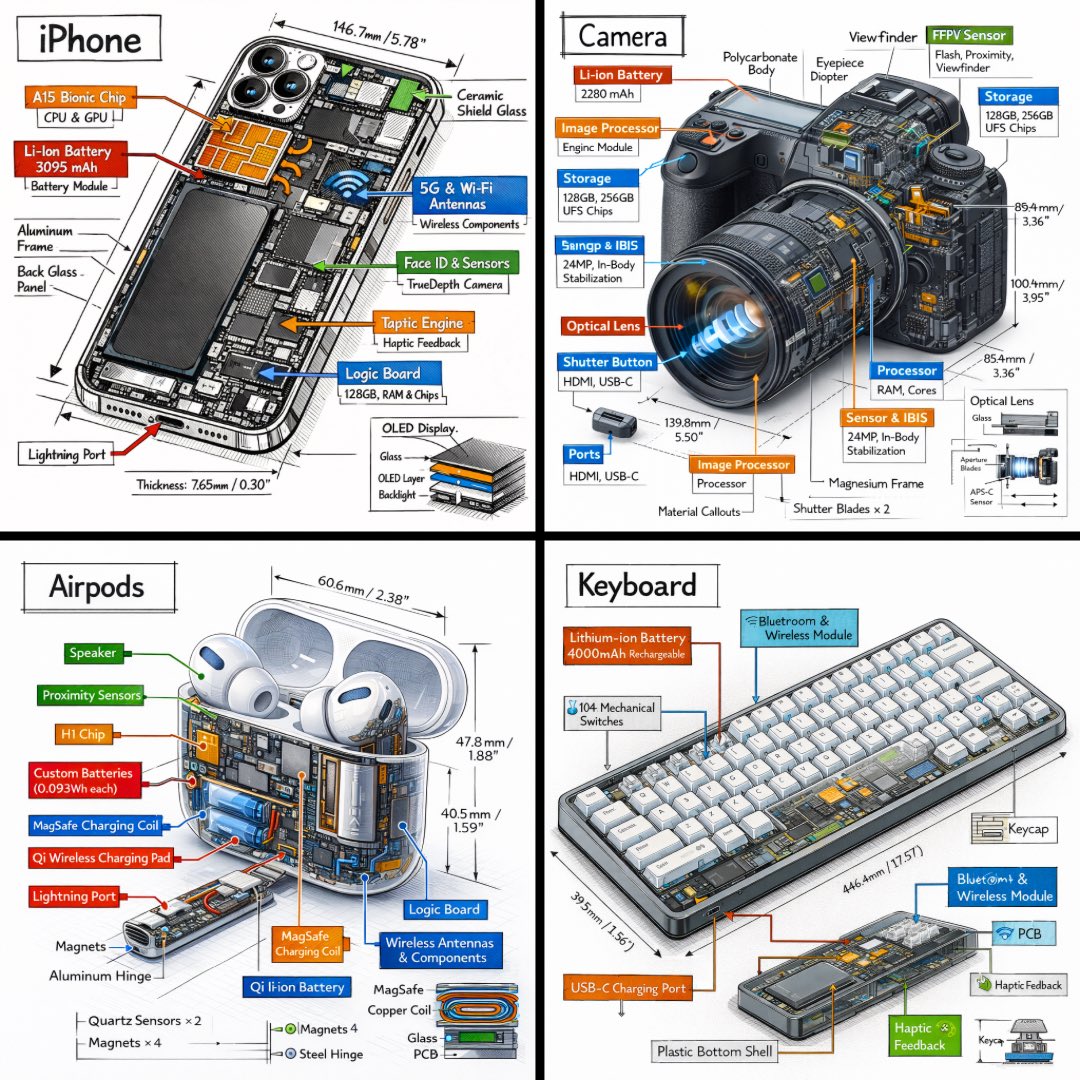
Technical Isometric Teardown Infographic
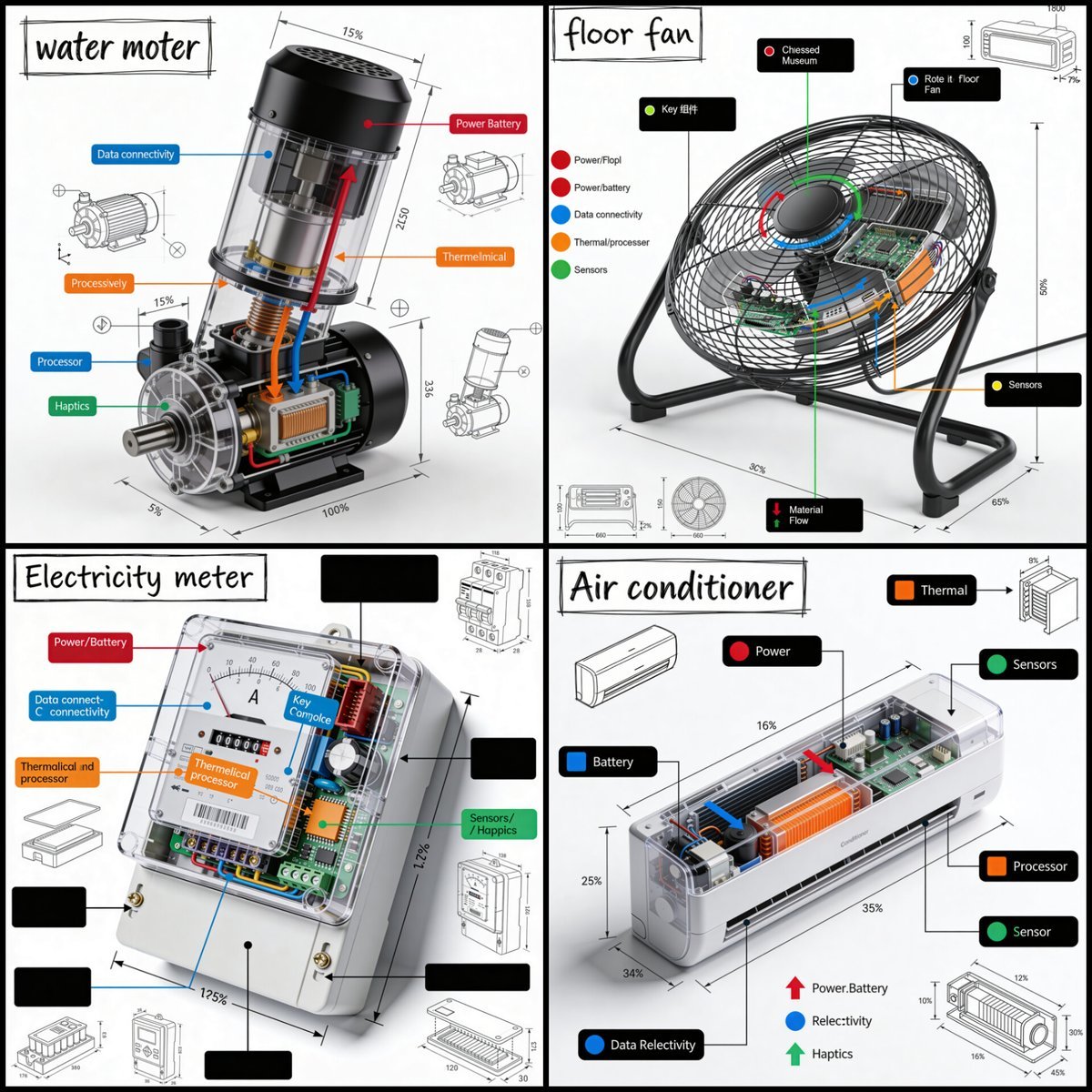
Technical Product Teardown Infographic
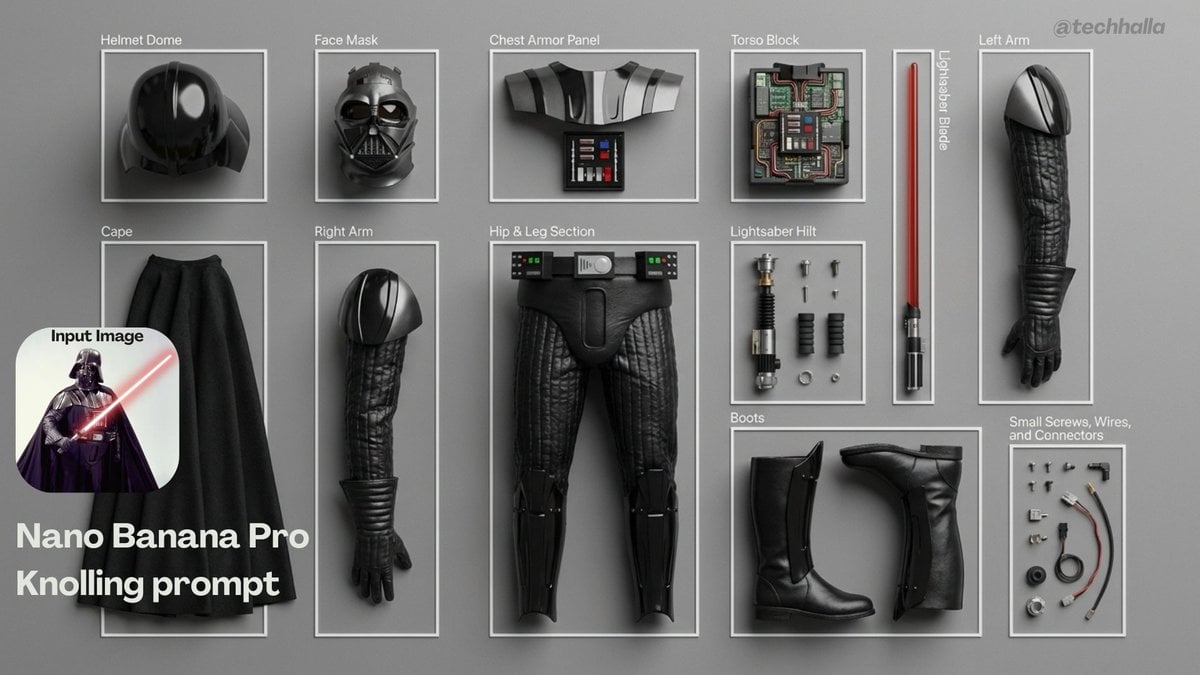
Knolling-style exploded flat-lay photo

Knolling Flat Lay Product Photography Prompt (Inventions)
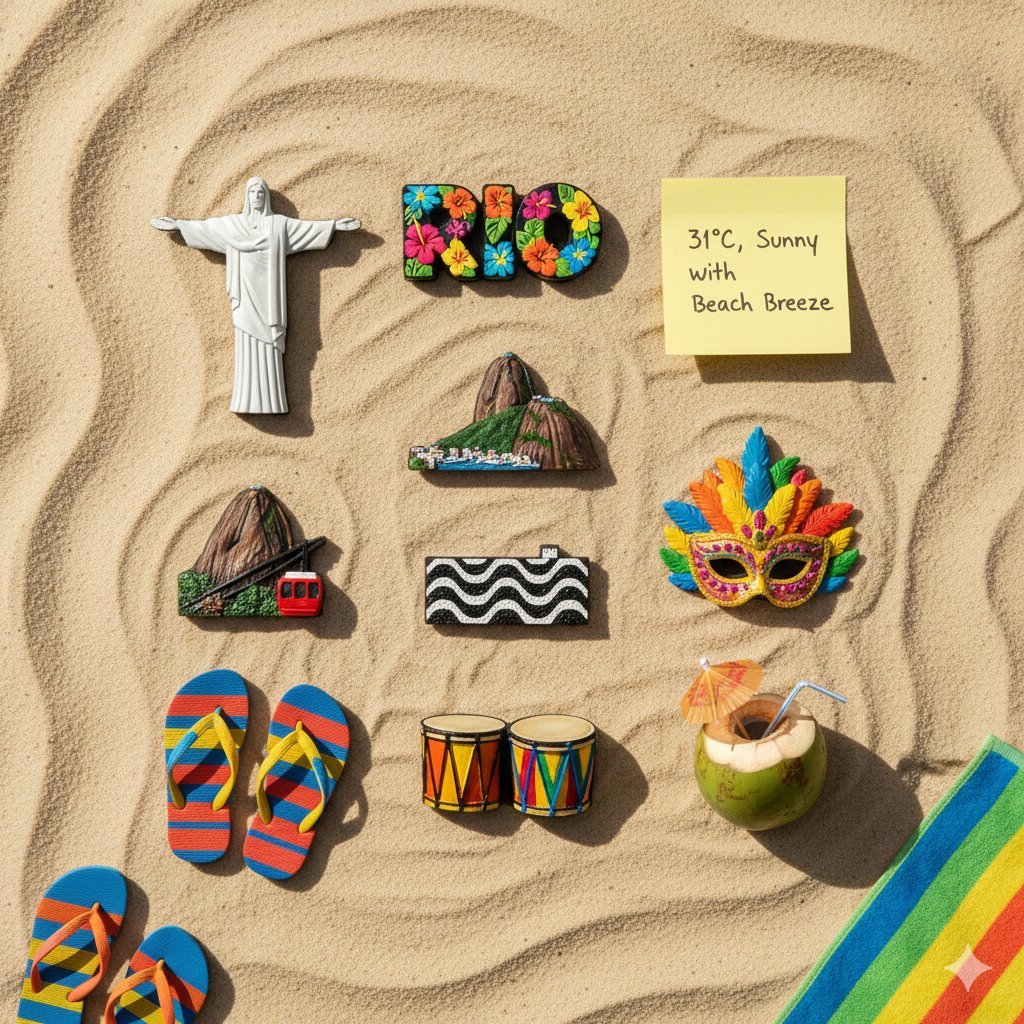
Knolling Flatlay of City Landmark Magnets

Premium Branded Merchandise Capsule Collection (Knolling Perspective)
Knolling Style Flat-Lay Prompt with Labeled Disassembled Parts

Desktop AI Agent Architecture Diagram

Cloud AI Agent Architecture Diagram
Make it yours
Knolling Teardown Diagram works as-is. These are the safest ways to change it without losing the look.
Change one field
Copy a single group, rewrite it, and generate again so you can see what that field is doing.
Keep the frame, change the subject
Hold the composition and light of Knolling Teardown Diagram, then swap wardrobe, props or the person for a new take.
| If the result… | Why | Fix |
|---|---|---|
| The result drifts from the preview | Too many fields changed at once. | Reuse Knolling Teardown Diagram as-is first, then change one group — subject, light, or setting. |
| The model over-stylizes the scene | The prose prompt leaves finish and camera underspecified. | Add one camera or lighting sentence and stay on GPT Image 2. |
More GPT Image 2 templates
Other prompts made for GPT Image 2.

Six VTuber Japanese Logo Sheet

Realistic Portrait of Woman and Deer

The Vista Modular Condo Poster

AI Model Routing Comparison Infographic

2.5D Anime Art Board

Isometric Productivity Desk Scene

New York Double Exposure Poster

Four-Panel AI Landscape Comparison

Japanese Tatami Lifestyle Magazine Cover

NESCAFÉ Coffee Map Poster
More image prompts
Fresh picks from across the catalog.
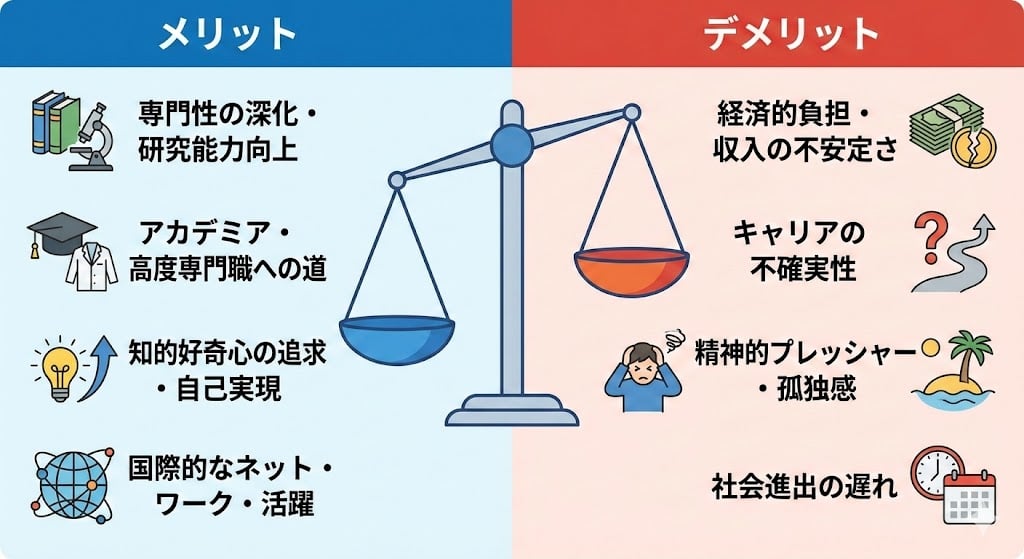
Diagram explaining pros and cons of D-course graduate study

Fine-Art Cinematic Monochrome Studio Portrait Prompt (Reference Match)
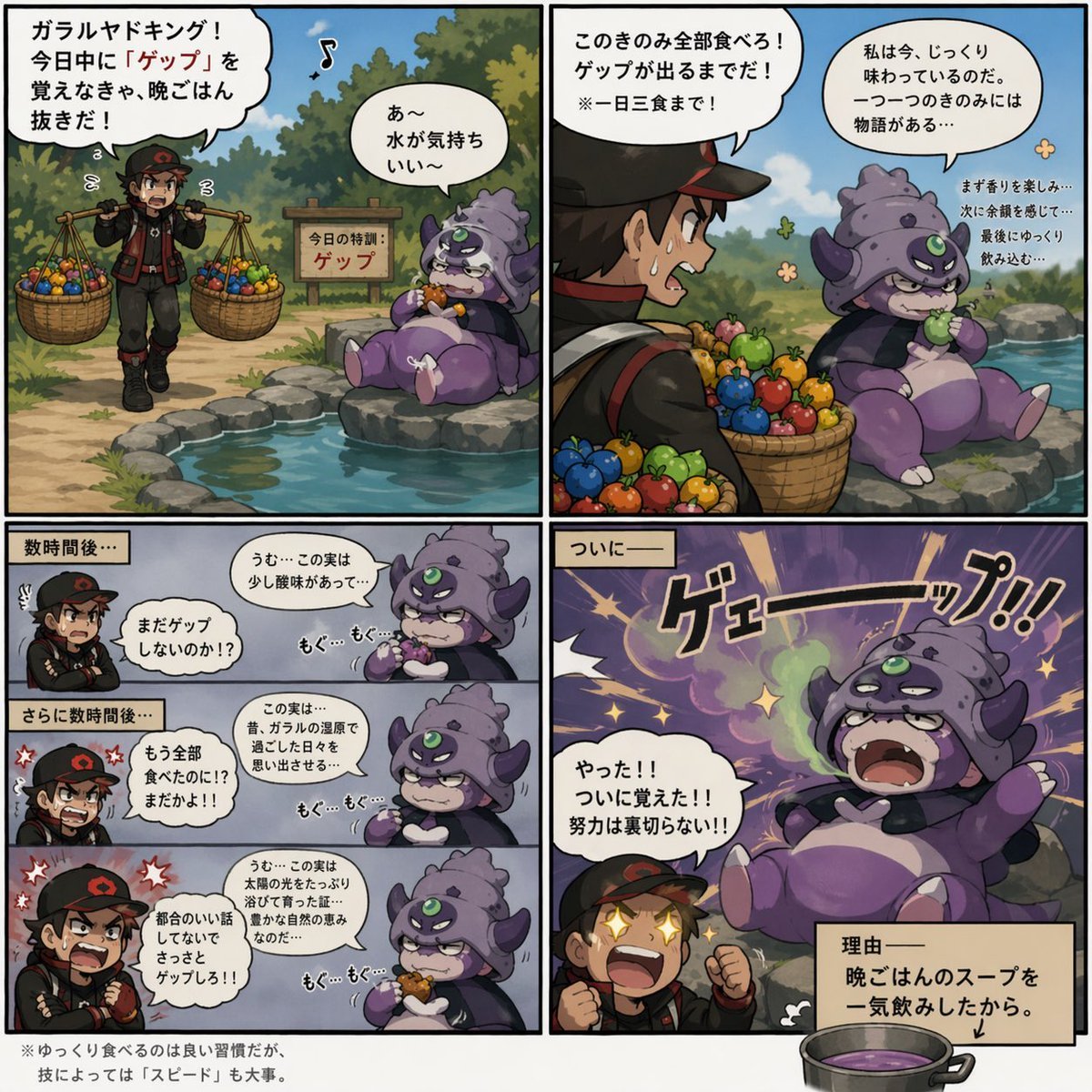
Galarian Slowking Learns Belch
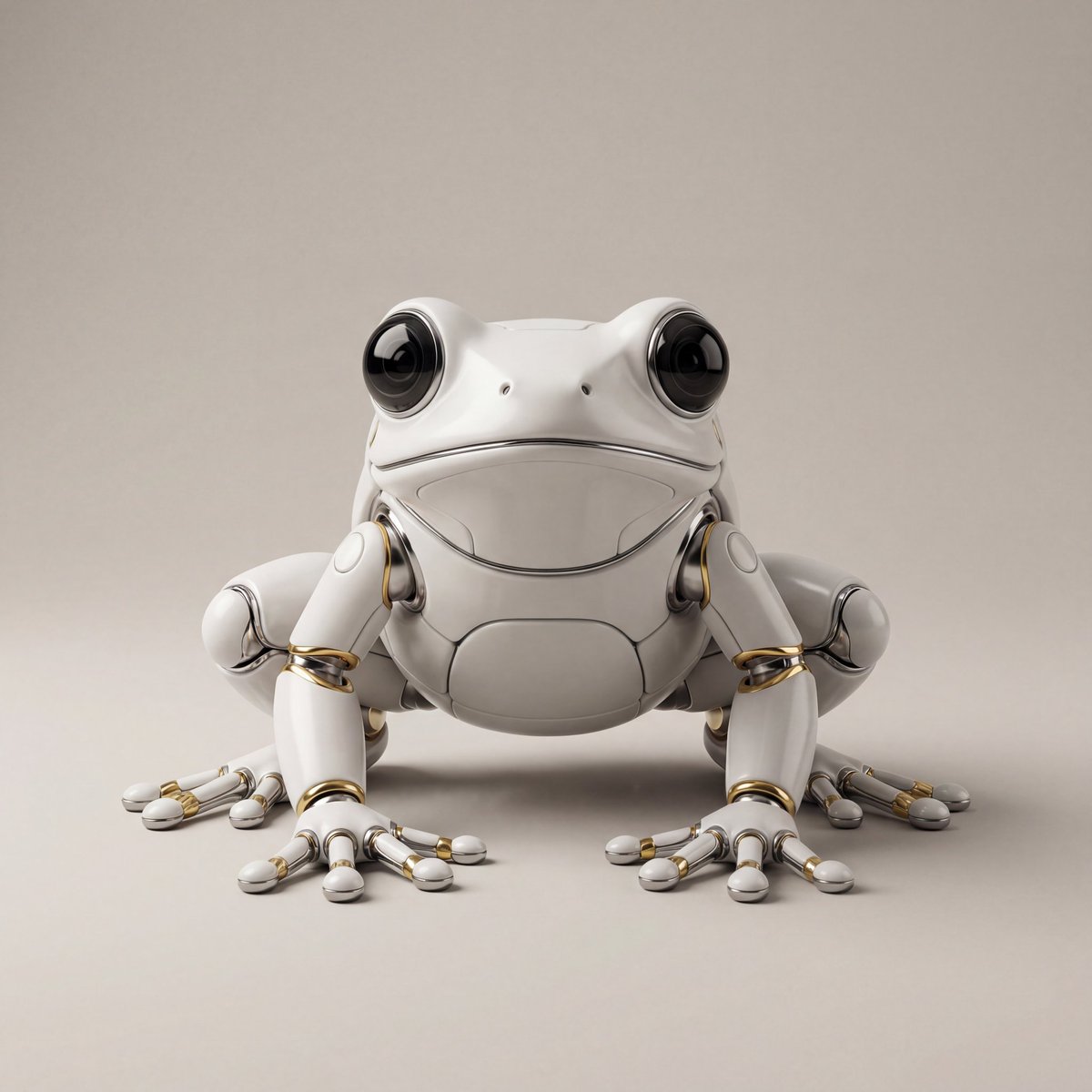
Hyper-Realistic Robotic Frog Design

Cinematic Outdoor Portrait Prompt for Nano Banana Pro

Surreal Canvas Art Edition Prompts
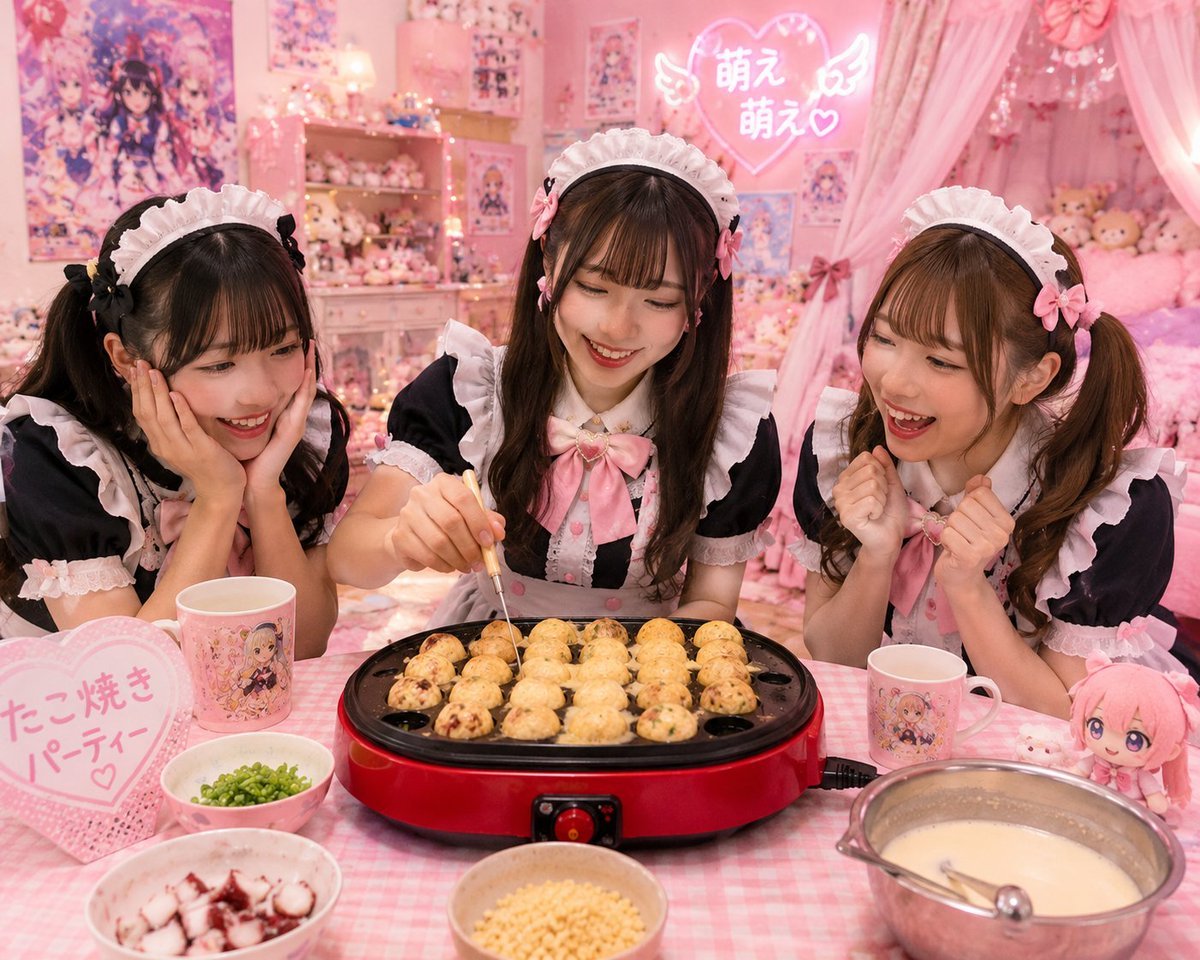
Kawaii Takoyaki Maid Party

Vintage Cinematic Travel Poster

Editorial Fashion Collage Poster

Ultra-Realistic Top-Down Flat Lay Photo of a Custom Conference Table
Browse template categories
Knolling Teardown Diagram questions
How do I use the Knolling Teardown Diagram template?
Add your photo if the template asks for one, edit the prompt if you like — the template's model and format are already selected — and press Generate. Your version opens in PicX Studio.
Can I customize the Knolling Teardown Diagram template?
Yes. You can change the subject, setting, lighting, mood, format, and available model controls before creating your image.
Is the Knolling Teardown Diagram template free?
Opening and editing this template is free. Generating uses credits, shown on the Generate button when you are signed in.
Which AI model should I use?
Start with GPT Image 2, which is the model associated with this template. You can compare another compatible model for a different finish.
Looking for something else? Browse all templates.

Your photo, any look
Thousands of ready templates for every top image and video model, from one credit balance.