
Neon Fashion Model Comparison Collage
A six-panel neon editorial fashion collage featuring a tattooed model in a fluorescent industrial room, useful for AI image model comparison visuals.
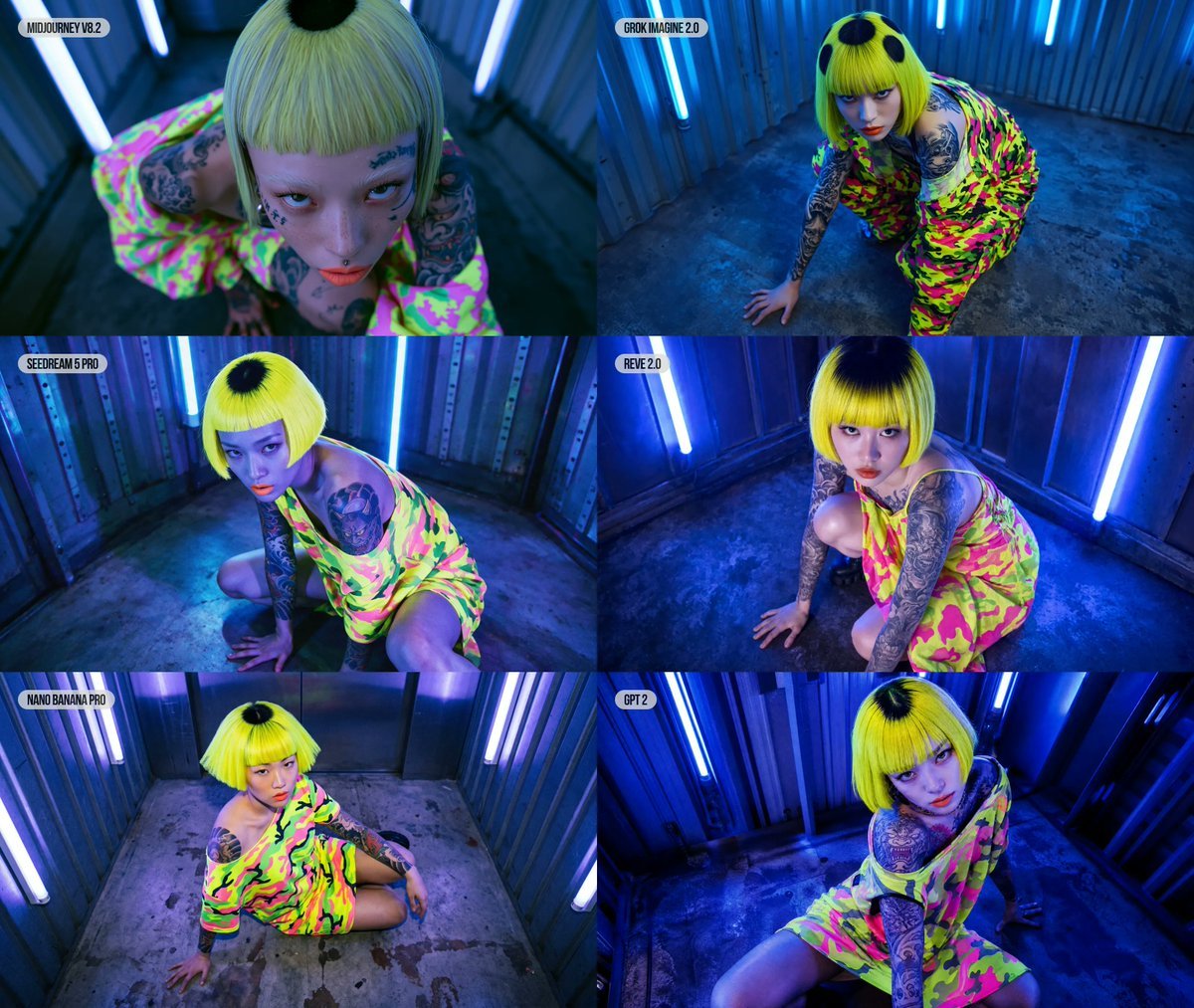
- Prompt included
- Model and format preset
- Free template
The prompt behind this image
Copy the exact prompt behind Neon Fashion Model Comparison Collage, or open it in the studio and make it yours.
Goal: Create a 6-panel editorial fashion photography comparison collage with neon cyberpunk lighting, showing the same model and styling in each panel. Canvas: Landscape collage, approximately 5:4 aspect ratio, arranged as a 2-column by 3-row grid with thin black dividers between panels. Each panel is a high-angle or fisheye fashion photo inside a small metallic industrial room. Layout: Use exactly 6 panels. Add a small rounded white label with dark text at the top-left of each panel. The 6 visible labels are: 1) MIDJOURNEY V8.2, 2) GROK IMAGINE 2.0, 3) SEEDREAM 5 PRO, 4) REVE 2.0, 5) NANO BANANA PRO, 6) GPT 2. Keep labels compact and unobtrusive. Subject details: The same young fashion model appears in all 6 panels: pale skin, slim build, intense editorial expression, heavy tattoos on both arms and chest, orange-red lipstick, and a blunt neon yellow bob haircut with straight bangs and a black circular dyed spot at the crown. She wears an oversized off-shoulder neon camouflage dress in hot pink, lime green, yellow, and black. Pose her crouching, kneeling, or seated on the concrete floor in each panel, often looking up directly into the camera. Use {argument name="hair color" default="neon yellow bob with black crown spot"}, {argument name="outfit" default="oversized hot pink and lime neon camouflage off-shoulder dress"}, and {argument name="model expression" default="intense confrontational editorial gaze"}. Environment: A cramped industrial metal room or container with ribbed steel walls, worn concrete floor, dark stains, and vertical blue fluorescent tube lights mounted on the walls. The lighting is dominated by saturated electric blue and violet neon, with the outfit glowing strongly against the cool background. Use {argument name="location" default="small ribbed metal industrial room with blue fluorescent tube lights"}. Camera and style: Editorial fashion photography, wide-angle lens, overhead and high-oblique viewpoints, dramatic perspective distortion, glossy high-contrast color grading, vivid neon saturation, sharp details, realistic skin texture and tattoos, cinematic blue shadows, modern fashion magazine energy. Each panel should have slightly different pose, framing, and angle, but preserve the same model, outfit, hair, tattoos, and location. Use {argument name="collage labels" default="MIDJOURNEY V8.2, GROK IMAGINE 2.0, SEEDREAM 5 PRO, REVE 2.0, NANO BANANA PRO, GPT 2"}. Constraints: Exactly 6 panels, exactly 6 labels, no extra panels, no extra text, no watermark, no logos, no borders beyond the collage dividers. Keep the image photorealistic rather than illustrated.
How to use Neon Fashion Model Comparison Collage in 3 steps
- 1Upload ImagePNG, JPG or paste
Add your photo
Upload the photo the template builds on. The prompt, model and format are already set.
- 2…a portrait of your subject in softgolden-hour light, 85mm…
Personalize
Edit the subject and creative details for your destination.
- 3Generate
Generate
Press Generate — your image is created in PicX Studio, so you can compare it with the original and refine one variable at a time.
More like this
Templates with the same subject, style or setup. Open one to see its prompt.
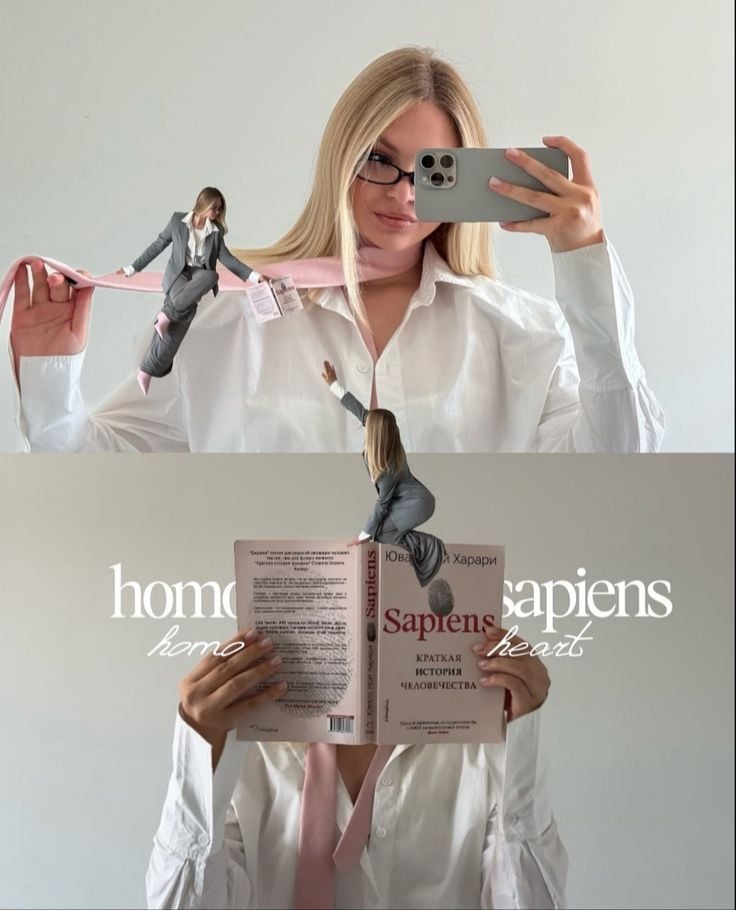
Miniature Self Portrait Collage

80s College Gate

1988 Mall Style

80s Polka Dot Saree
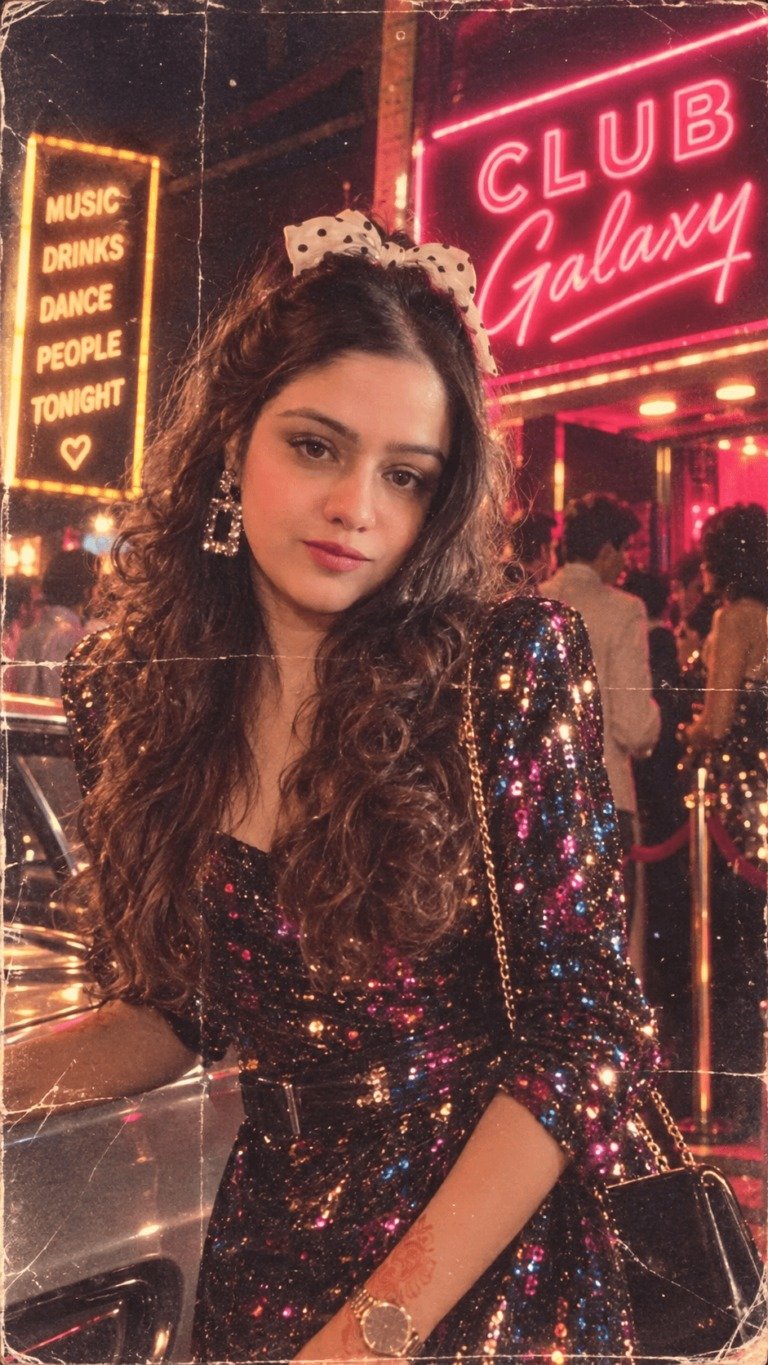
80s Neon Disco Night
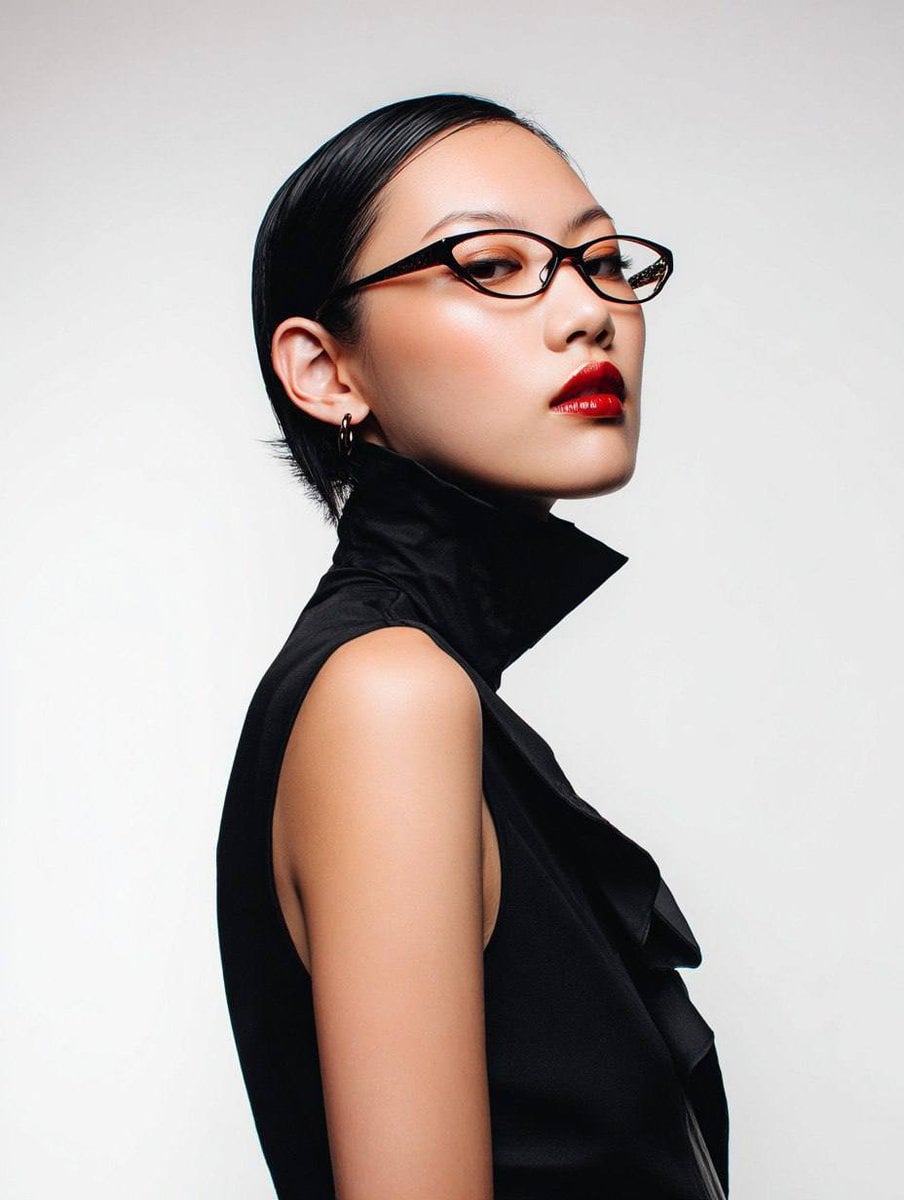
Avant-Garde Asian Fashion Model
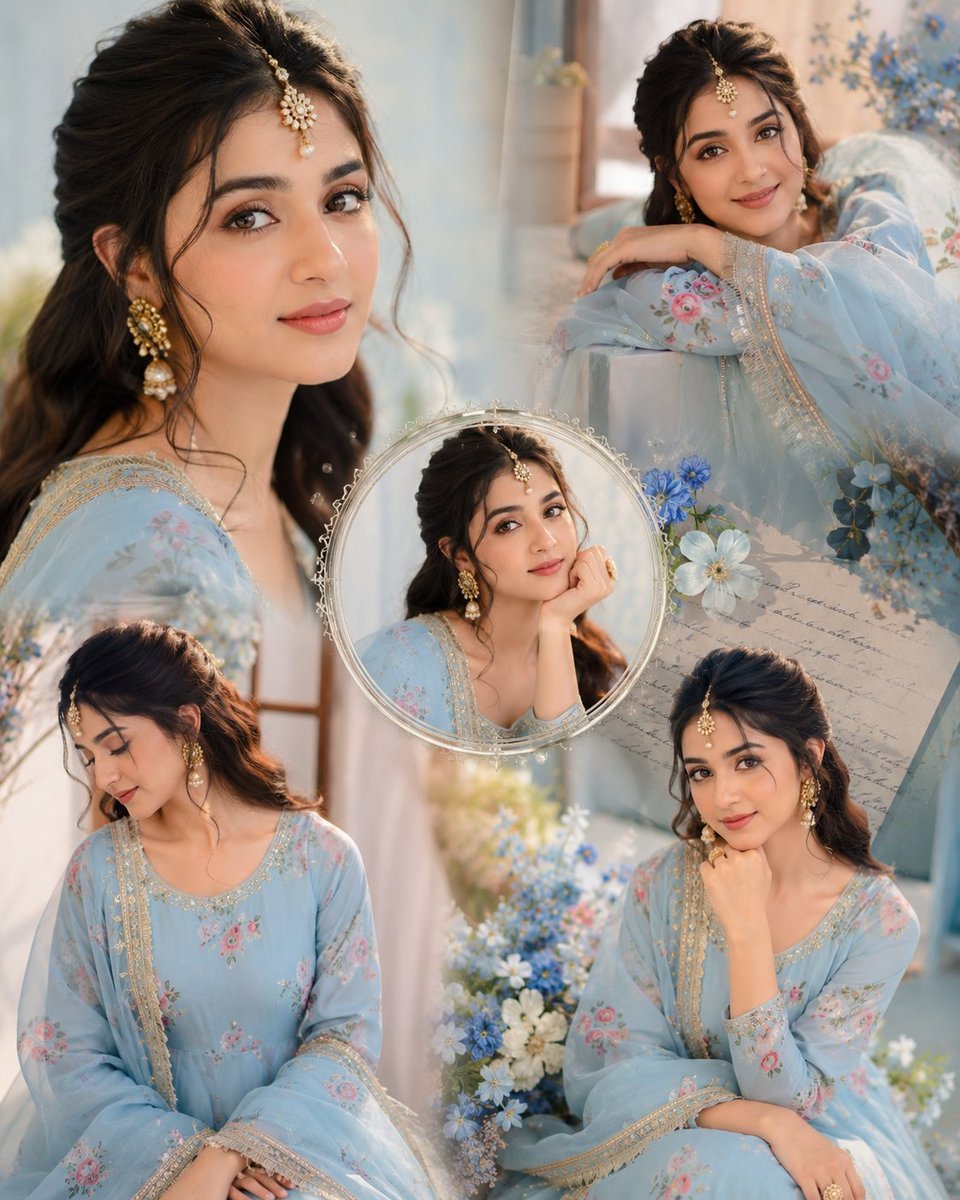
Indian Anarkali Fashion Collage

AI Model Routing Comparison Infographic

Rainy Monsoon Fashion Collage
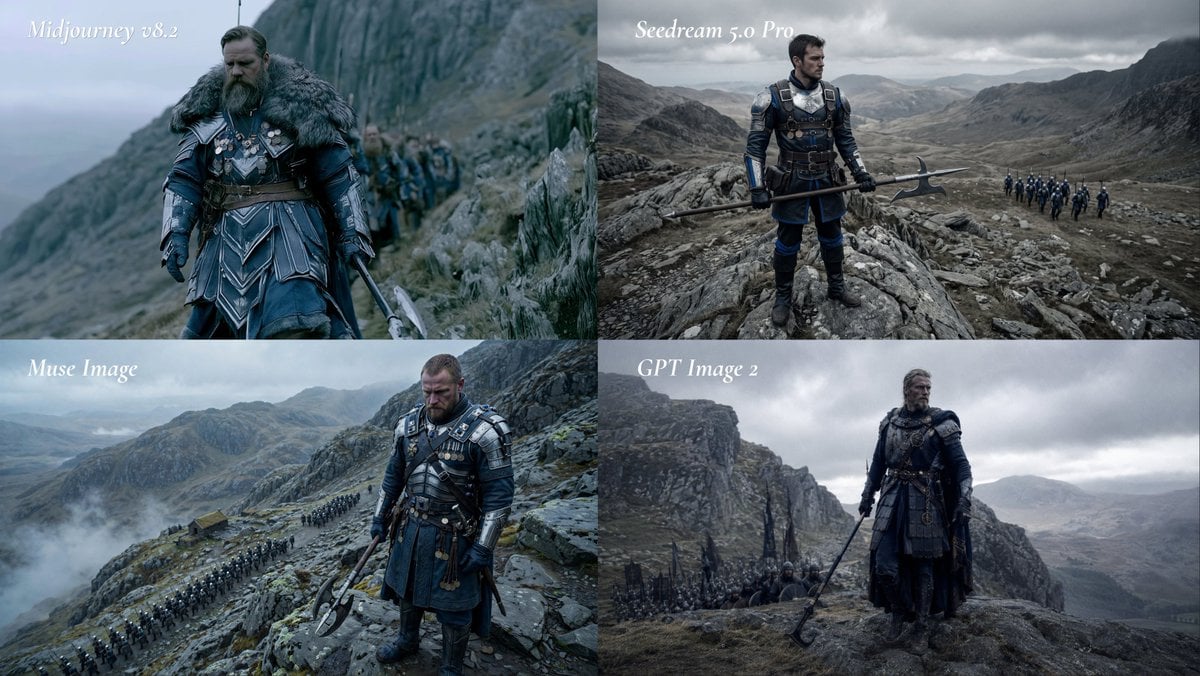
Fantasy Model Comparison Grid
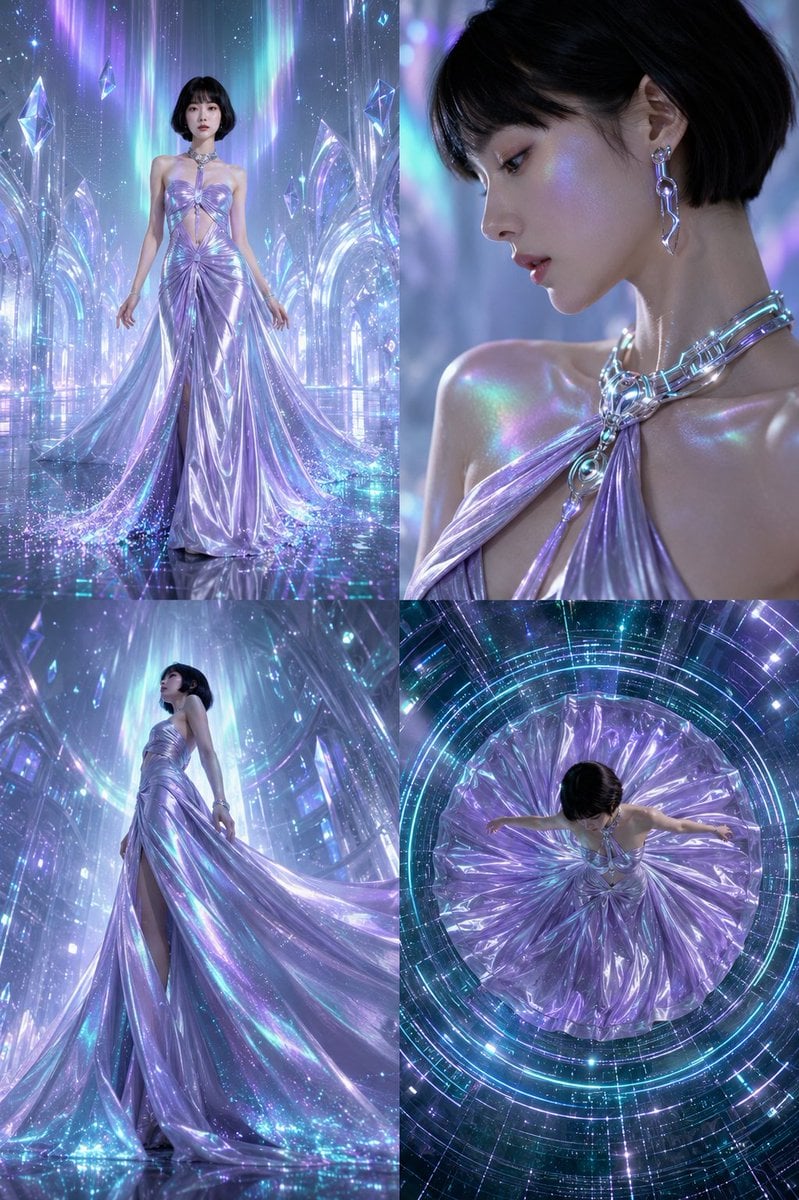
Futuristic Ice Palace Fashion Collage
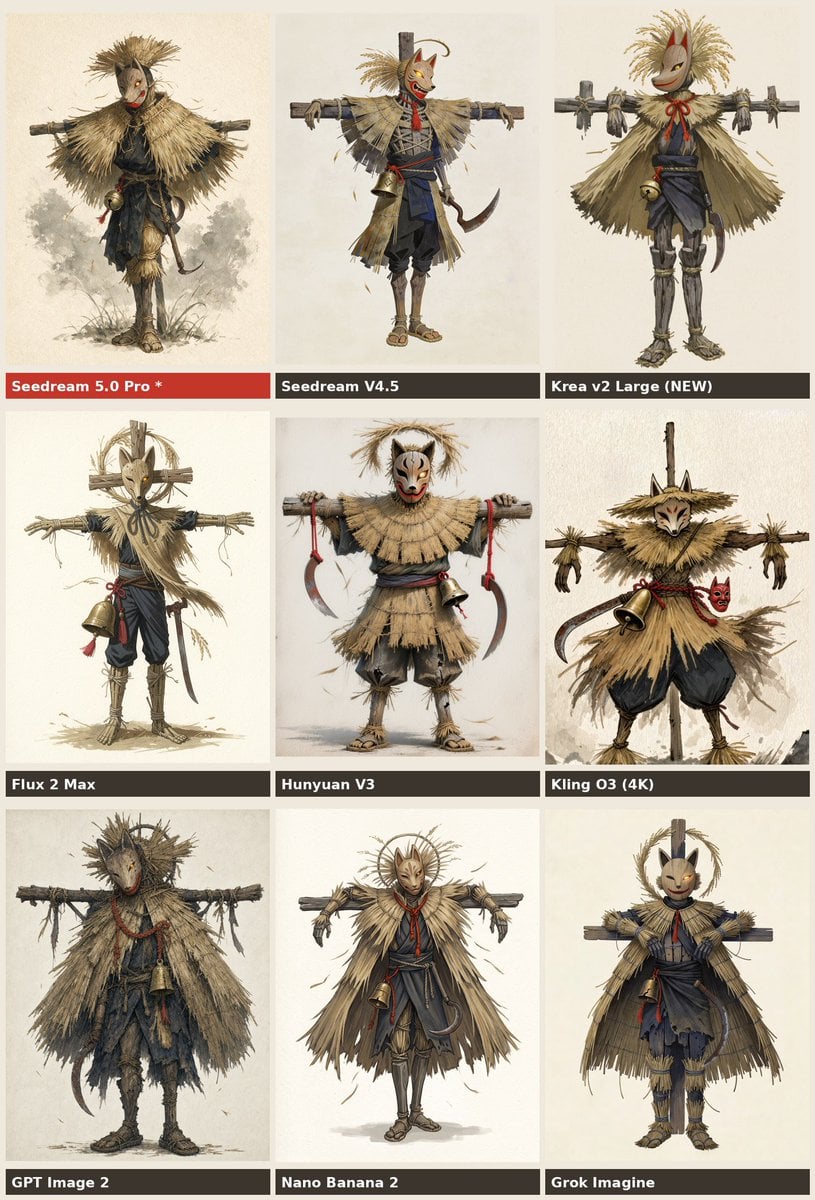
Nine-Model Scarecrow Yokai Comparison
Make it yours
Neon Fashion Model Comparison Collage works as-is. These are the safest ways to change it without losing the look.
Change one field
Copy a single group, rewrite it, and generate again so you can see what that field is doing.
Keep the frame, change the subject
Hold the composition and light of Neon Fashion Model Comparison Collage, then swap wardrobe, props or the person for a new take.
| If the result… | Why | Fix |
|---|---|---|
| The result drifts from the preview | Too many fields changed at once. | Reuse Neon Fashion Model Comparison Collage as-is first, then change one group — subject, light, or setting. |
| The model over-stylizes the scene | The prose prompt leaves finish and camera underspecified. | Add one camera or lighting sentence and stay on GPT Image 2. |
More GPT Image 2 templates
Other prompts made for GPT Image 2.

Six VTuber Japanese Logo Sheet

Realistic Portrait of Woman and Deer

The Vista Modular Condo Poster

2.5D Anime Art Board

Isometric Productivity Desk Scene

New York Double Exposure Poster

Four-Panel AI Landscape Comparison

Japanese Tatami Lifestyle Magazine Cover

NESCAFÉ Coffee Map Poster

Brutalist Cogito Chinese Typography Poster
More image prompts
Fresh picks from across the catalog.
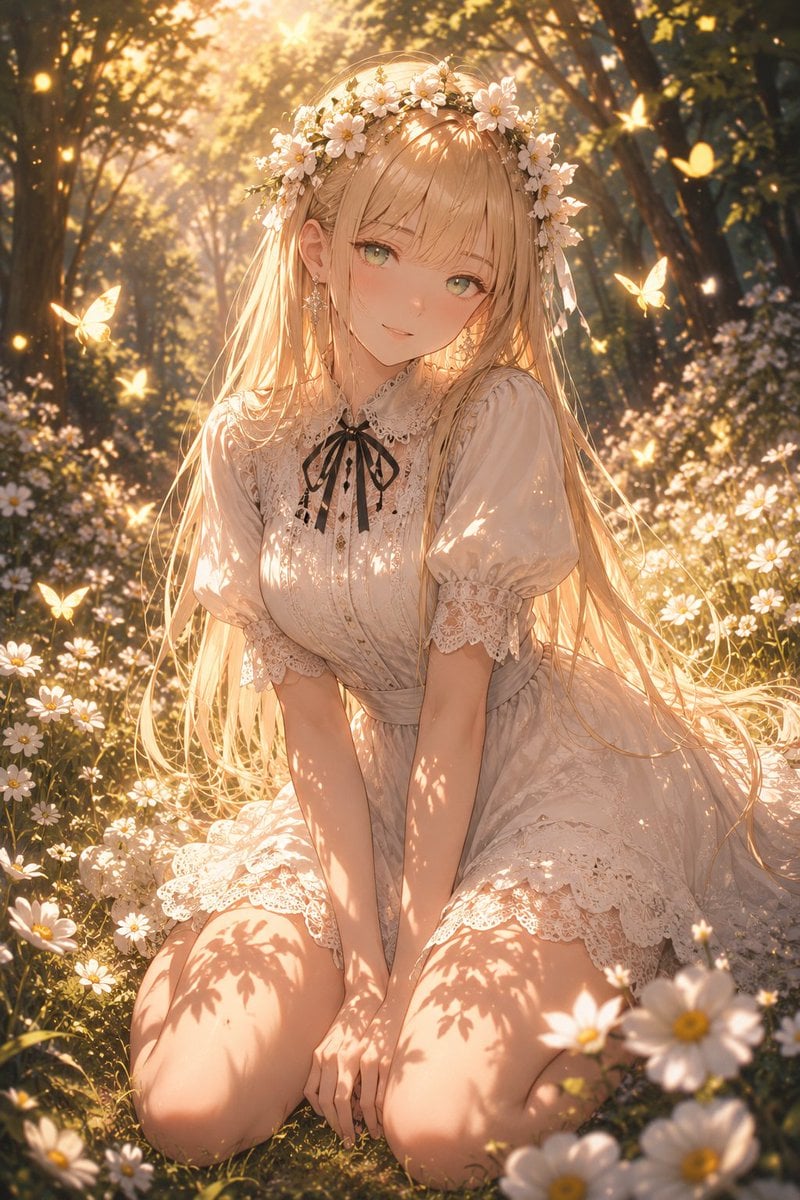
Enchanted Anime Style Meadow Girl
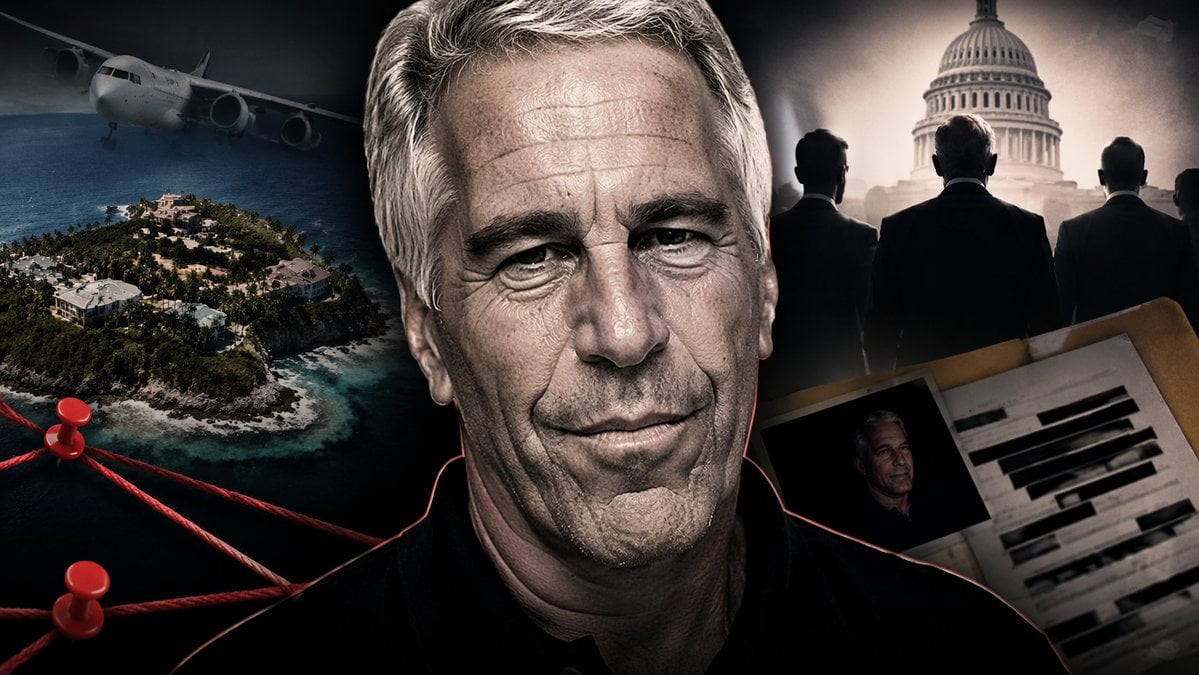
True Crime Investigation Thumbnail
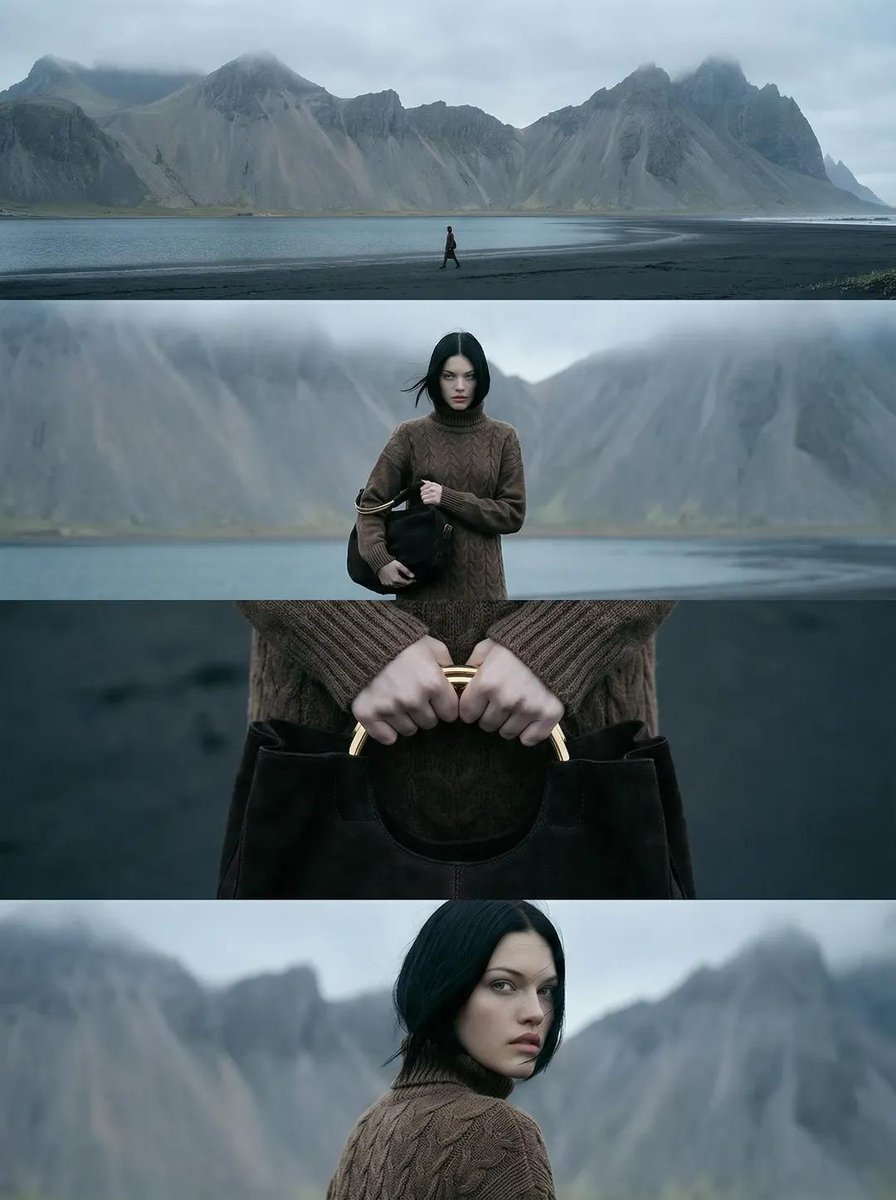
Cinematic Nordic Editorial Image Stack
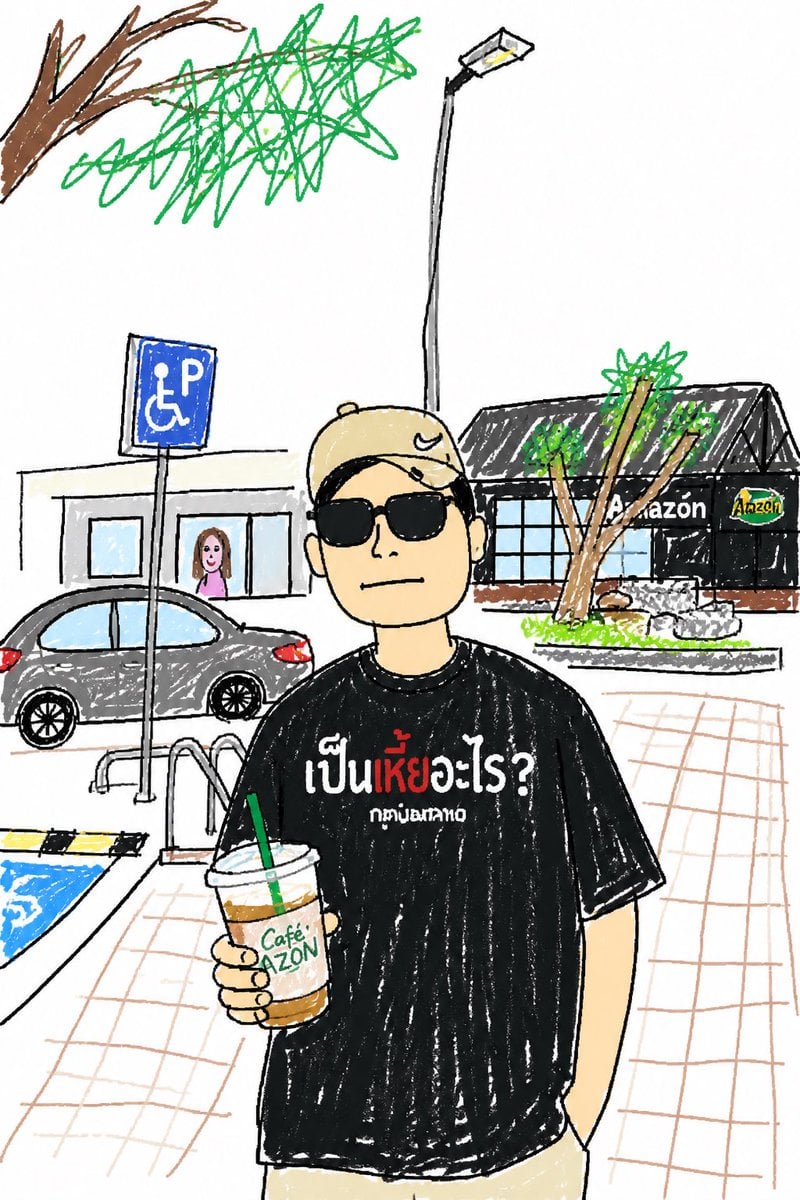
Childlike Sketch Photo Transform
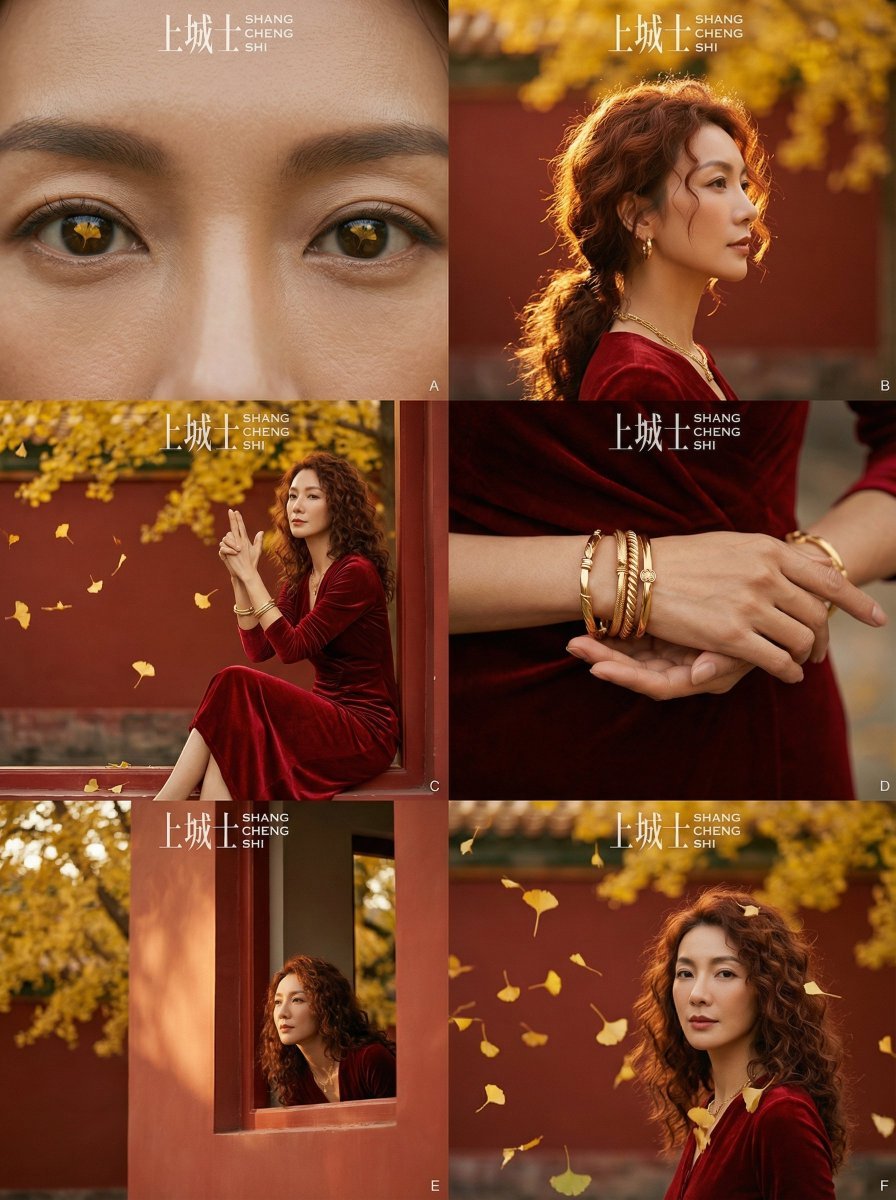
Cinematic Chinese Style Fashion Editorial (Shang Cheng Shi)
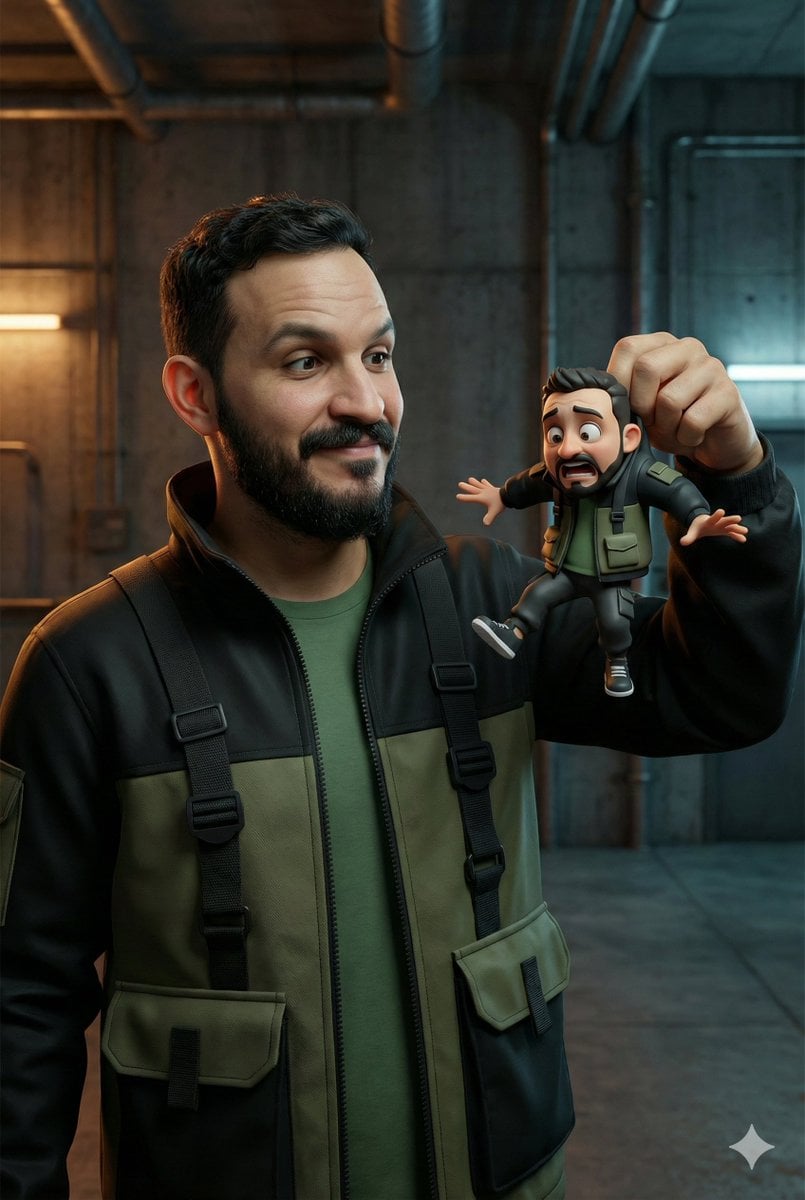
Ultra-Realistic Man Holding Cartoon Miniature of Self
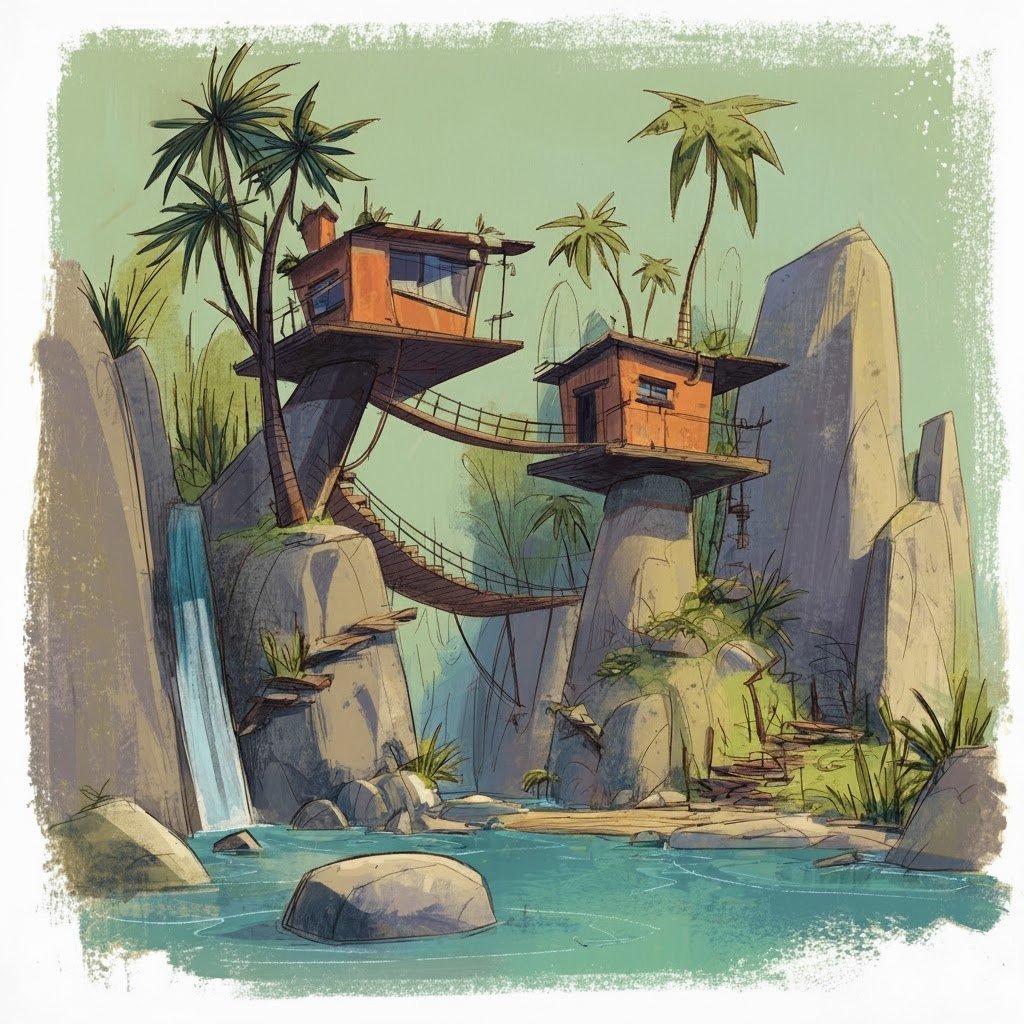
Convert videogame screenshot to hyperreal modern engine
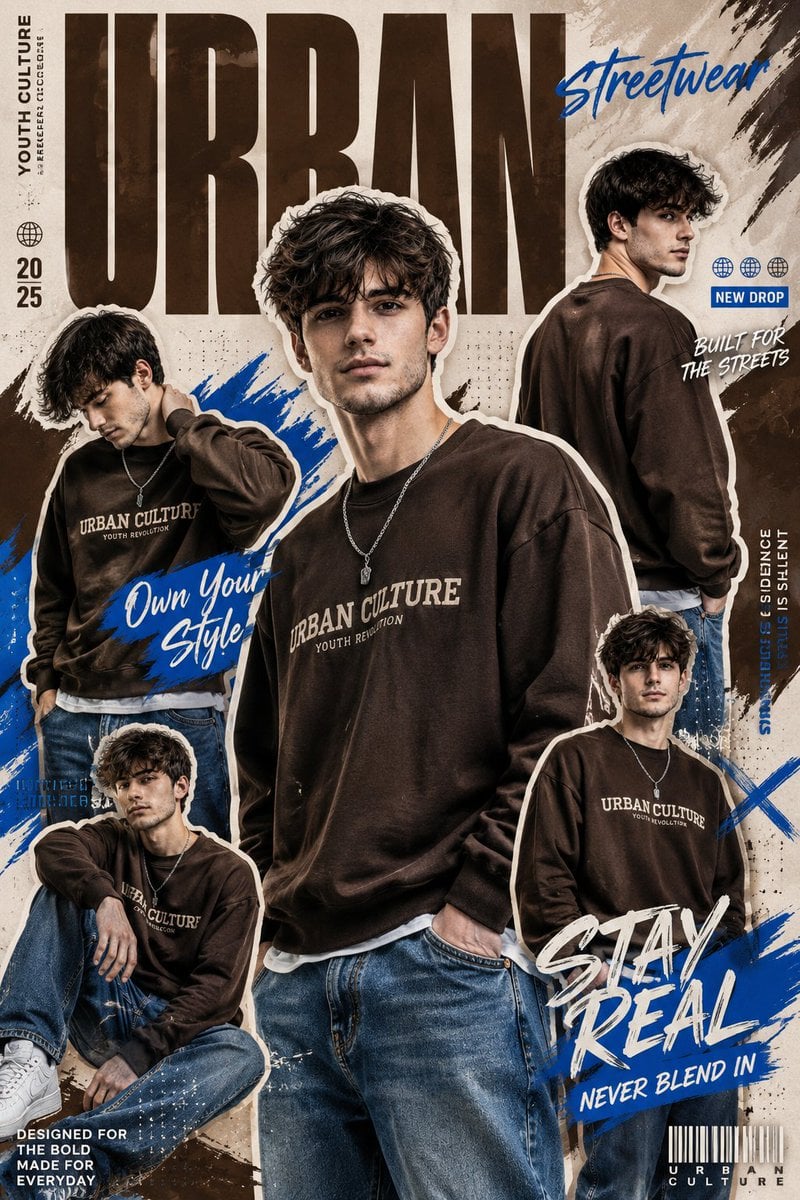
Urban Streetwear Collage
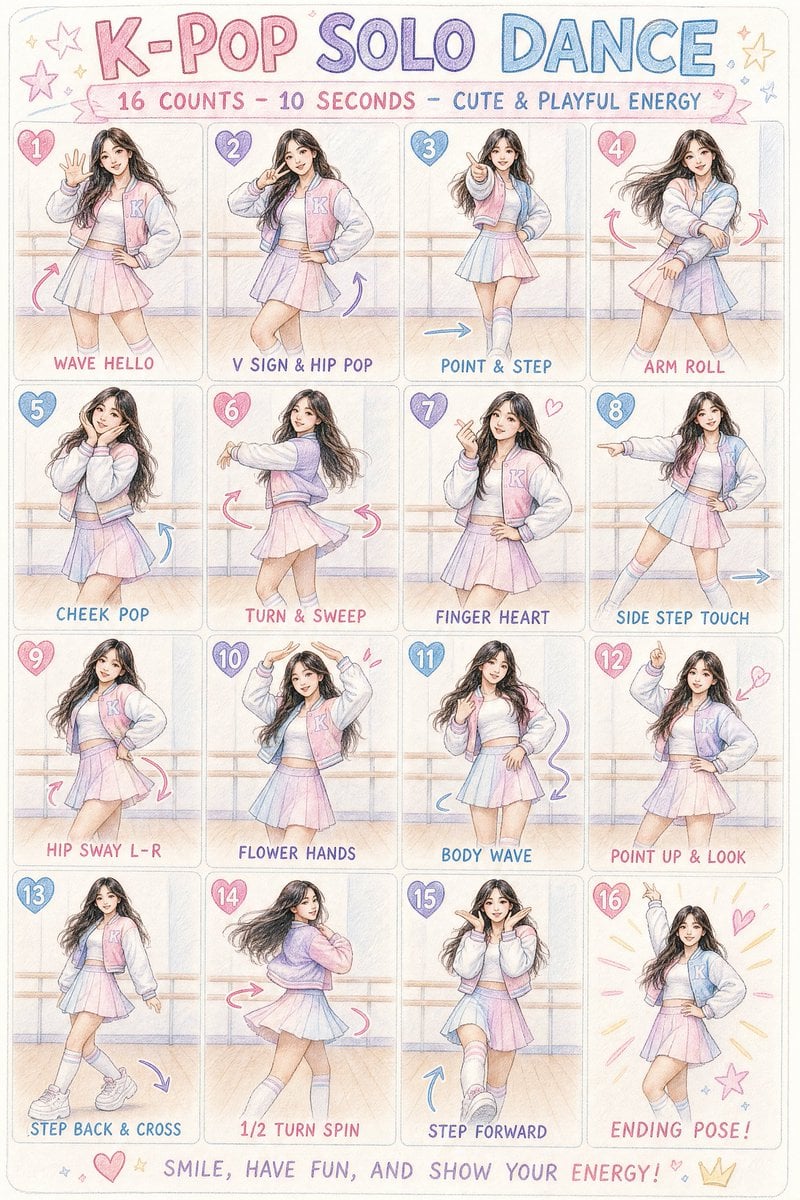
K-pop Dance Choreography Infographic

Quiet Wealth GQ Portrait
Browse template categories
Neon Fashion Model Comparison Collage questions
How do I use the Neon Fashion Model Comparison Collage template?
Add your photo if the template asks for one, edit the prompt if you like — the template's model and format are already selected — and press Generate. Your version opens in PicX Studio.
Can I customize the Neon Fashion Model Comparison Collage template?
Yes. You can change the subject, setting, lighting, mood, format, and available model controls before creating your image.
Is the Neon Fashion Model Comparison Collage template free?
Opening and editing this template is free. Generating uses credits, shown on the Generate button when you are signed in.
Which AI model should I use?
Start with GPT Image 2, which is the model associated with this template. You can compare another compatible model for a different finish.
Looking for something else? Browse all templates.

Your photo, any look
Thousands of ready templates for every top image and video model, from one credit balance.