
Retro City Pop Rooftop Portrait
A comprehensive prompt for creating a stylized Y2K-era city pop portrait of a woman on a rooftop, featuring intricate details like giant paper flowers, neon lighting, and high-quality textures.
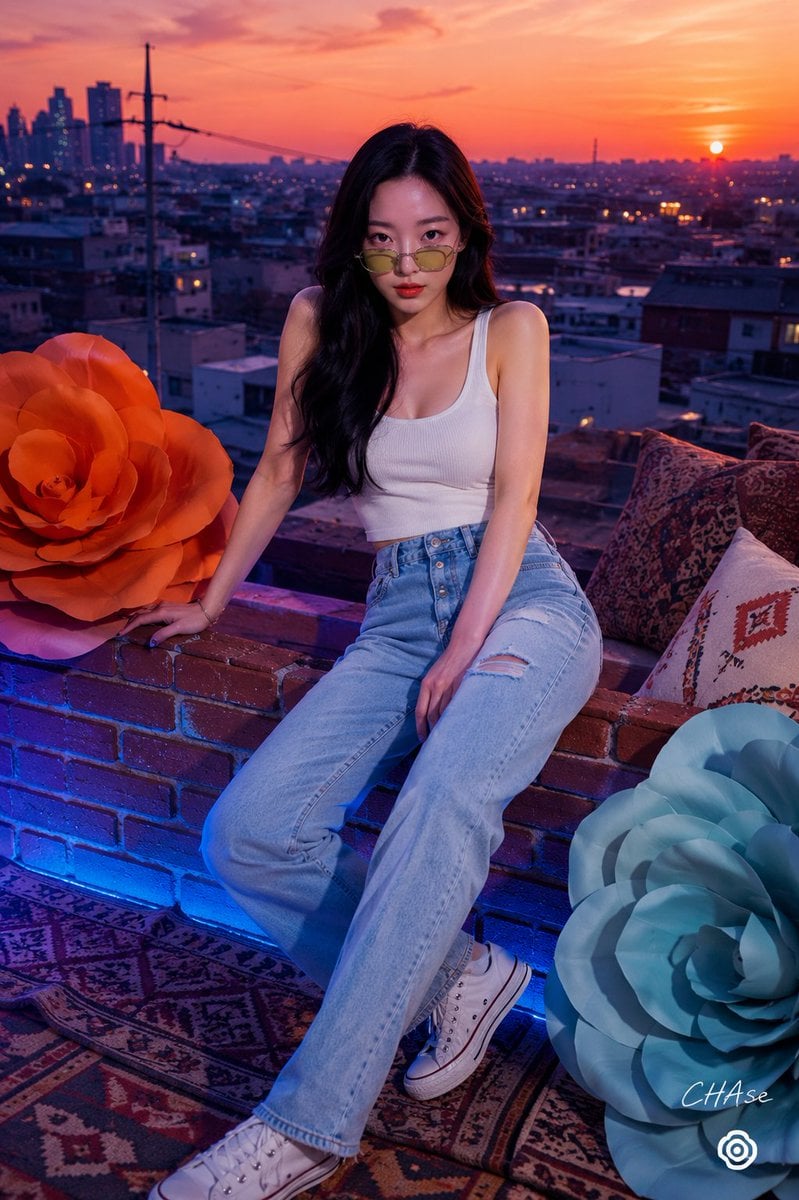
- Prompt included
- Model and format preset
- Free template
The prompt behind this image
Copy the exact prompt behind Retro City Pop Rooftop Portrait, or open it in the studio and make it yours.
[인물] {argument name="인물" default="이미지 1"} [싸인] 우측하단에는 Meta가 운영하는 Threads 로고가 작게 위치하고, 그 위에 흰색 필기체로 "{argument name="싸인" default="CHAse"}"라고 싸인처럼 작게 적혀 있다. [인물의 포즈 및 표정] 포즈 및 구도: 노을빛 도시 배경의 난간 앞에 앉아 상체를 정면으로 향하고 다리를 사선으로 기댄 모습을 포착한 정면 시티드 미디엄 전신 숏(Seated Medium Full-length Shot) 구도입니다. 자세: 오른손은 큼직한 {argument name="꽃 색상" default="오렌지색"} 종이 꽃 오브제 옆에 얹고, 왼손은 다리 위에 편안하게 올린 채 상체를 약간 앞으로 숙이고 있습니다. 표정: 라임 그린 틴트 선글라스를 콧등 아래로 살짝 내려 렌즈 너머로 카메라를 똑바로 응시하는 유쾌하고 도도한 표정입니다. 키치하면서도 시티팝 특유의 자유분방하고 감각적인 아우라를 연출합니다. [인물 의상 및 소품] 의상: 상의: 가녀린 어깨 라인을 드러내는 심플한 퓨어 화이트 컬러의 민소매 립 니트 탱크톱(Tank Top)을 착용했습니다. 하의: 허리 라인에 은빛 버튼 플라이(Button-fly) 디테일과 약간의 디스트로이드 스크래치가 들어간 클래식 하이웨이스트 라이트 블루 데님 팬츠를 매치했습니다. 소품: 틴트 선글라스: 라임 그린 톤의 동그란 레트로 미니 메탈 프레임 틴트 선글라스가 유쾌한 Y2K 포인트를 줍니다. 대형 종이 꽃 (Giant Paper Flowers): 왼쪽에는 강렬한 주황색(Orange), 우측 하단에는 차분한 민트 블루(Mint Blue) 톤의 큼직한 수공예 종이 장미 오브제가 배치되어 동화적인 감성을 극대화합니다. [인물 헤어스타일 및 메이크업 디테일] 헤어: 5:5 정가르마를 타고 어깨 아래로 부드럽게 떨어지는 딥 브라운 / 젯 블랙 톤의 긴 차분한 스트레이트 헤어스타일입니다. 메이크업: 조명 아래에서도 정갈하게 다듬어진 깨끗한 도자기 스킨 베이스 위에, 시선을 사로잡는 선명하고 촉촉한 레드 오렌지 립 메이크업으로 포인트를 주었습니다. [조명 및 빛 방향] 광원: 피사체 하단 및 전면에서 비추는 차가운 네온 블루/바이올렛 조명(Cool Blue Ambient Light)과, 배경 상단에서 퍼지는 노을빛 오렌지/레드 웜톤 조명(Warm Sunset Light)의 이중 연출입니다. 효과: 인물의 하체, 데님 팬츠, 붉은 벽돌 난간 부근에는 시원한 블루 투영광이 감돌고, 상체와 배경 건물 스크린 위로는 따스한 노을빛 오렌지 하이라이트가 형성되며 감각적인 쿨/웜 보색 대비를 자아냅니다. [질감과 색감 무드 (핵심 질감 디테일)] 색채: 전면 조명 및 하의의 쿨 블루(Cool Blue), 배경과 소품의 강렬한 노을 오렌지(Sunset Orange), 상의의 퓨어 화이트, 그리고 민트 블루가 어우러지는 'Y2K 시티팝 루프탑(City Pop Sunset Rooftop)' 색채 무드입니다. 질감 디테일 (특수 분석): 종이 꽃 질감: 대형 종이 꽃 오브제 표면의 입체적이고 오돌토돌하며 단단한 페이퍼/폼 텍스처 및 곡선 겹 레이어 결. 데님 및 코튼 질감: 화이트 탱크톱의 촘촘한 세로 골지 결 및 하이웨이스트 데님 팬츠의 봉제선, 버튼 금속 질감과 워싱 면 결. 벽돌 난간 질감: 하단 난간에 사용된 붉은 파사드 벽돌의 오돌토돌하고 거친 매트 텍스처. [필름 및 카메라 렌즈 심도, 앵글] 구도 및 앵글: 앉아 있는 인물의 시선 높이에 맞춘 수평 아이레벨 정면 앵글(Eye-level Shot)입니다. 특징: 표준 포트레이트 화각의 또렷한 포커스(Sharp Focus)를 통해 인물의 눈동자, 틴트 선글라스 테, 탱크톱 질감 및 오렌지 종이 꽃의 레이어드 가장자리선까지 또렷하게 잡아내어 왜곡 없는 조형미를 보여줍니다. [배경 및 스튜디오 레이아웃 요소] 공간: 해 질 녘 도시 전경과 아파트, 전신주 실루엣이 펼쳐진 감각적인 세트장 루프탑 배경입니다. 디테일: 인물이 앉아 있는 레트로 붉은 벽돌 난간과 전면에 배치된 민트/오렌지 종이 꽃, 화려한 에스닉 패턴 쿠션들이 조화롭게 세팅되어 포근하면서도 인디 팝 비디오의 한 장면 같은 서사감을 전합니다.
How to use Retro City Pop Rooftop Portrait in 3 steps
- 1Upload ImagePNG, JPG or paste
Add your photo
Upload the photo the template builds on. The prompt, model and format are already set.
- 2…a portrait of your subject in softgolden-hour light, 85mm…
Personalize
Edit the subject and creative details for your destination.
- 3Generate
Generate
Press Generate — your image is created in PicX Studio, so you can compare it with the original and refine one variable at a time.
More like this
Templates with the same subject, style or setup. Open one to see its prompt.

If We Met in 1985

Found Photograph: Us, 1970

80s Couple Studio Portrait

80s Bollywood Star

Rooftop Fisheye — Cat-Ear Balaclava at Golden Hour

80s Rooftop Couple
Retro 80s City Pop Anime Illustration

Gemini Nano Banana 2 Isometric 3d City D

Cinema Date Popcorn Realistic By Nano Ba

3d Miniature City Models with Kling Ai

Two Tickets, One Night

One Dance Before Midnight
Make it yours
Retro City Pop Rooftop Portrait works as-is. These are the safest ways to change it without losing the look.
Change one field
Copy a single group, rewrite it, and generate again so you can see what that field is doing.
Keep the frame, change the subject
Hold the composition and light of Retro City Pop Rooftop Portrait, then swap wardrobe, props or the person for a new take.
| If the result… | Why | Fix |
|---|---|---|
| The result drifts from the preview | Too many fields changed at once. | Reuse Retro City Pop Rooftop Portrait as-is first, then change one group — subject, light, or setting. |
| The model over-stylizes the scene | The prose prompt leaves finish and camera underspecified. | Add one camera or lighting sentence and stay on GPT Image 2. |
More GPT Image 2 templates
Other prompts made for GPT Image 2.

Six VTuber Japanese Logo Sheet

Realistic Portrait of Woman and Deer

The Vista Modular Condo Poster

AI Model Routing Comparison Infographic

2.5D Anime Art Board

Isometric Productivity Desk Scene

New York Double Exposure Poster

Four-Panel AI Landscape Comparison

Japanese Tatami Lifestyle Magazine Cover

NESCAFÉ Coffee Map Poster
More image prompts
Fresh picks from across the catalog.
Candid Teenage Boy Camping Photo Prompt
Handheld VTuber Desk Photo
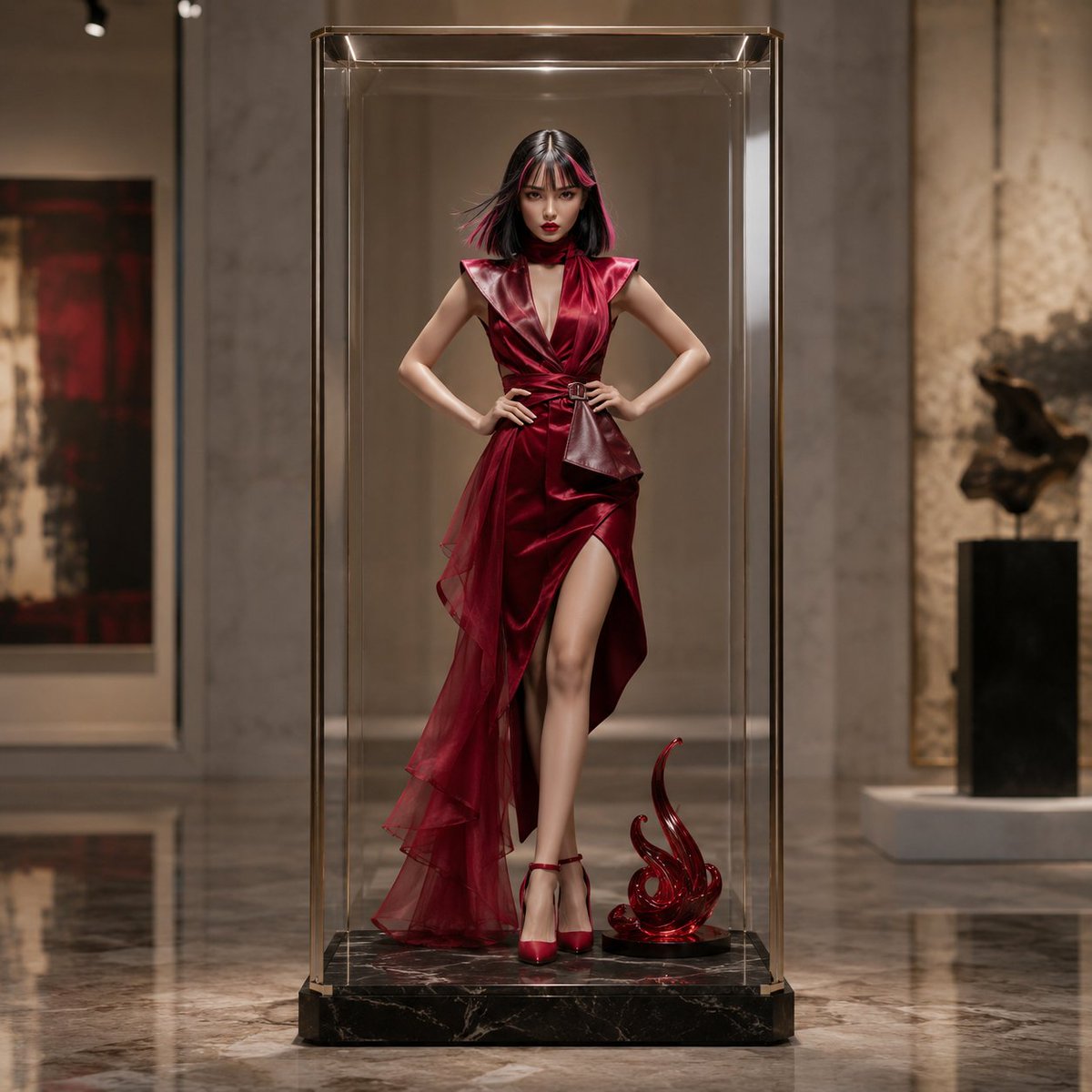
Luxury Art Figure Museum Display
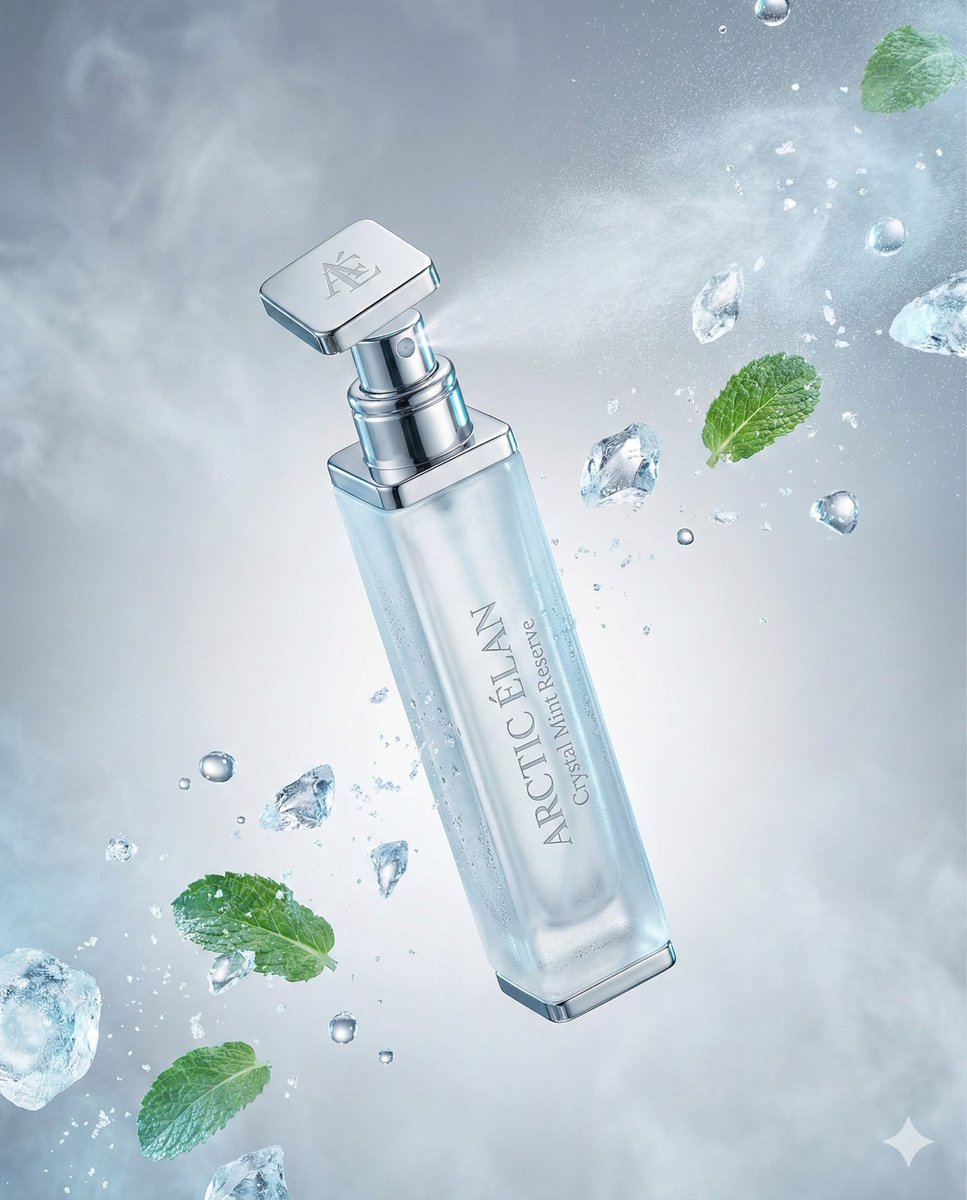
Luxury Mouth Freshener Ad Prompt (ARCTIC ÉLAN)
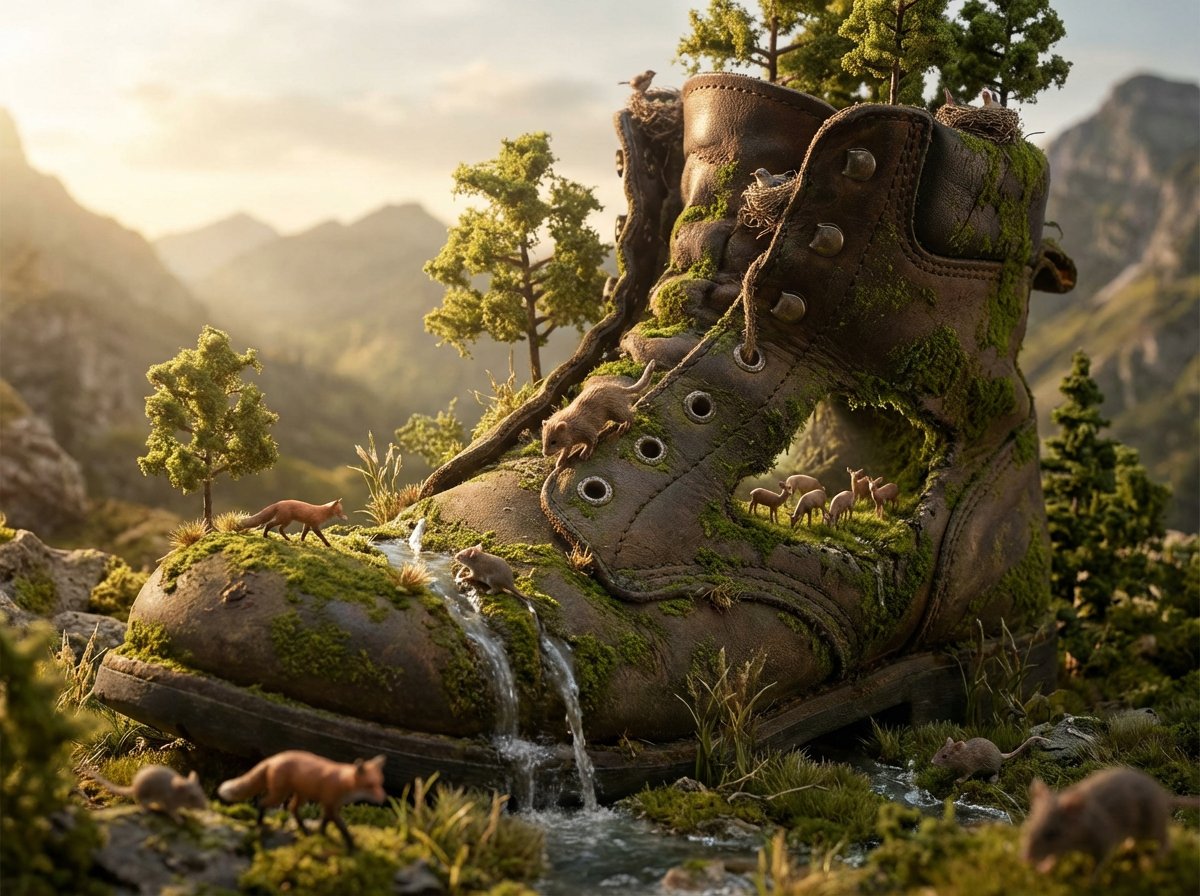
Object as Ecosystem / Manufactured as Wilderness Prompt
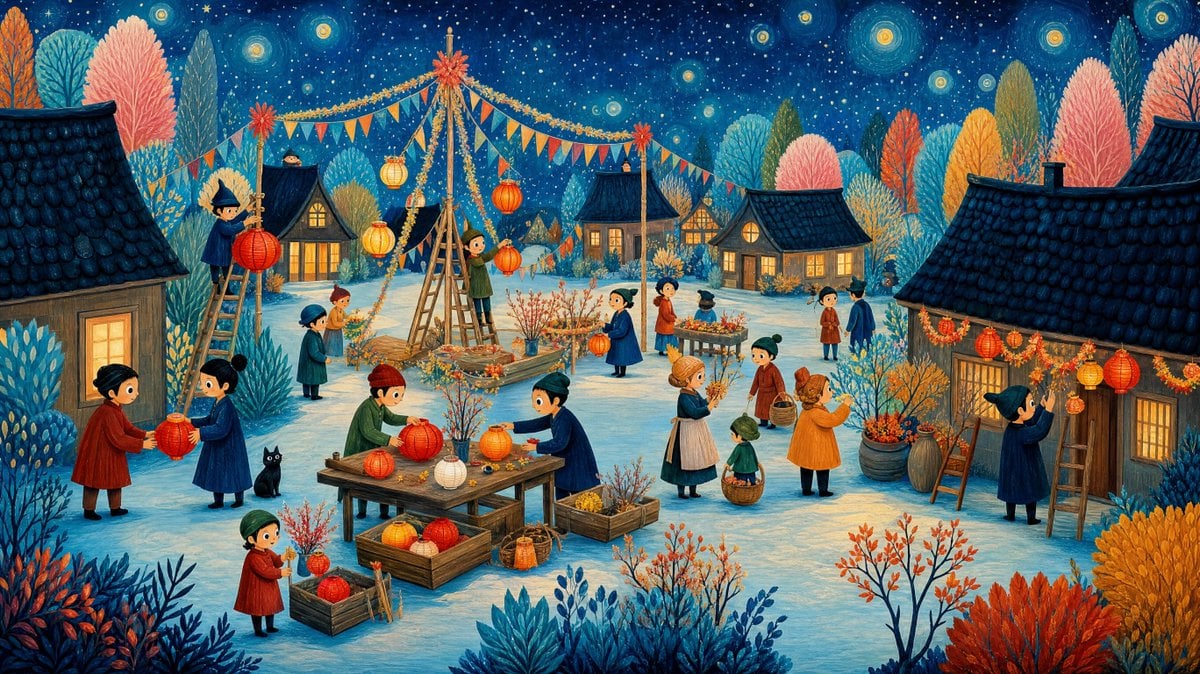
Whimsical Winter Lantern Festival
Collection of Emotional Kaomoji and Emoticons
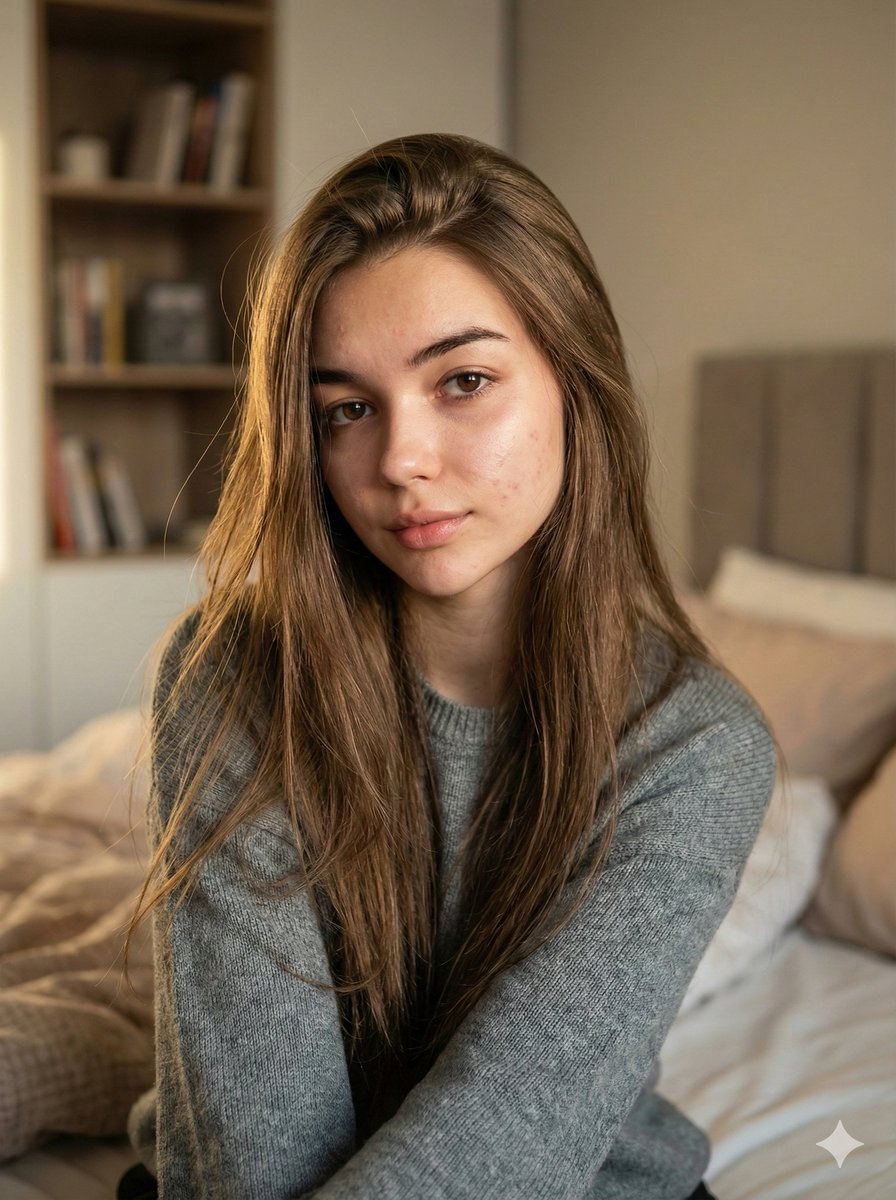
Nano Banana Pro Ultra Realistic Indoor Portrait Prompt
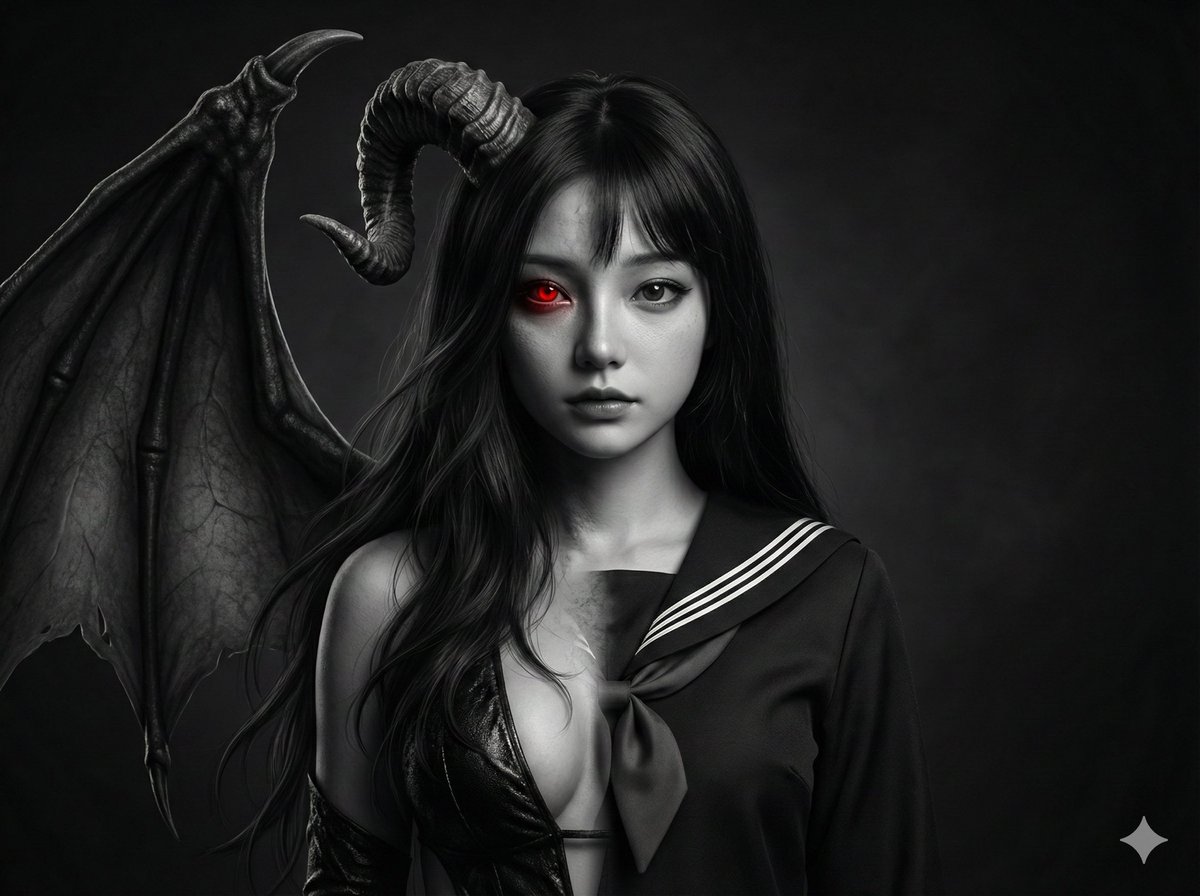
Human-Succubus Fusion Portrait Prompt
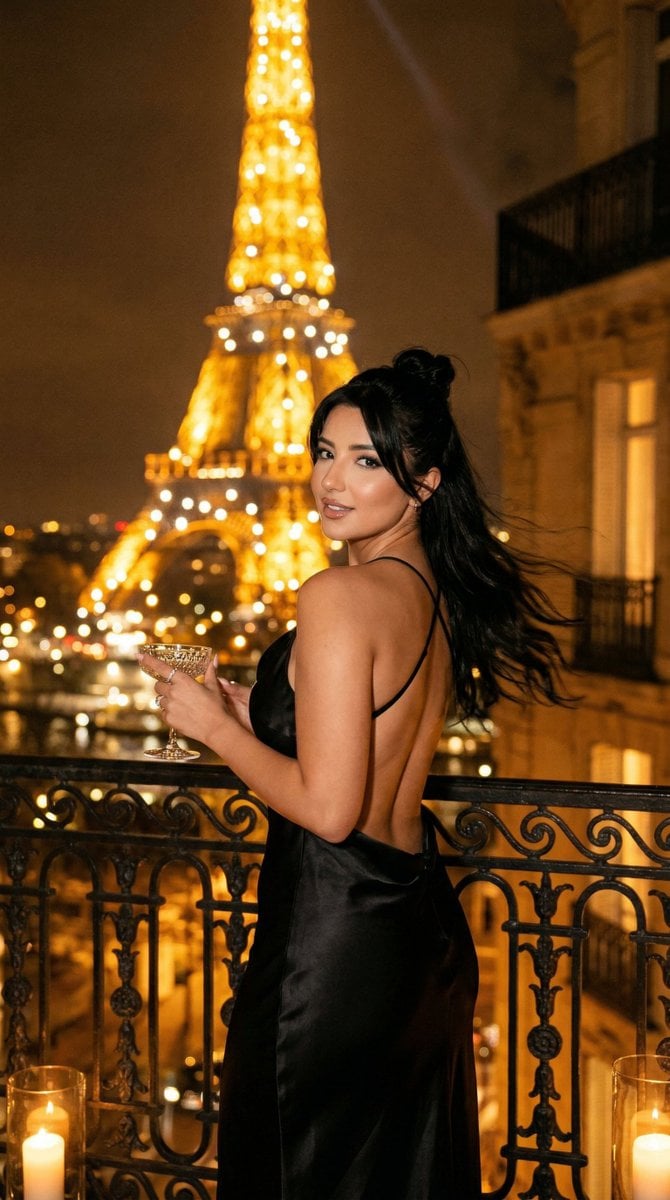
Nano Banana - Yacht Eiffel Night
Browse template categories
Retro City Pop Rooftop Portrait questions
How do I use the Retro City Pop Rooftop Portrait template?
Add your photo if the template asks for one, edit the prompt if you like — the template's model and format are already selected — and press Generate. Your version opens in PicX Studio.
Can I customize the Retro City Pop Rooftop Portrait template?
Yes. You can change the subject, setting, lighting, mood, format, and available model controls before creating your image.
Is the Retro City Pop Rooftop Portrait template free?
Opening and editing this template is free. Generating uses credits, shown on the Generate button when you are signed in.
Which AI model should I use?
Start with GPT Image 2, which is the model associated with this template. You can compare another compatible model for a different finish.
Looking for something else? Browse all templates.

Your photo, any look
Thousands of ready templates for every top image and video model, from one credit balance.