
Cinematic Rainy City Street Photography
Cinematic photography prompt for rainy urban environments, though it includes parameters from other models.
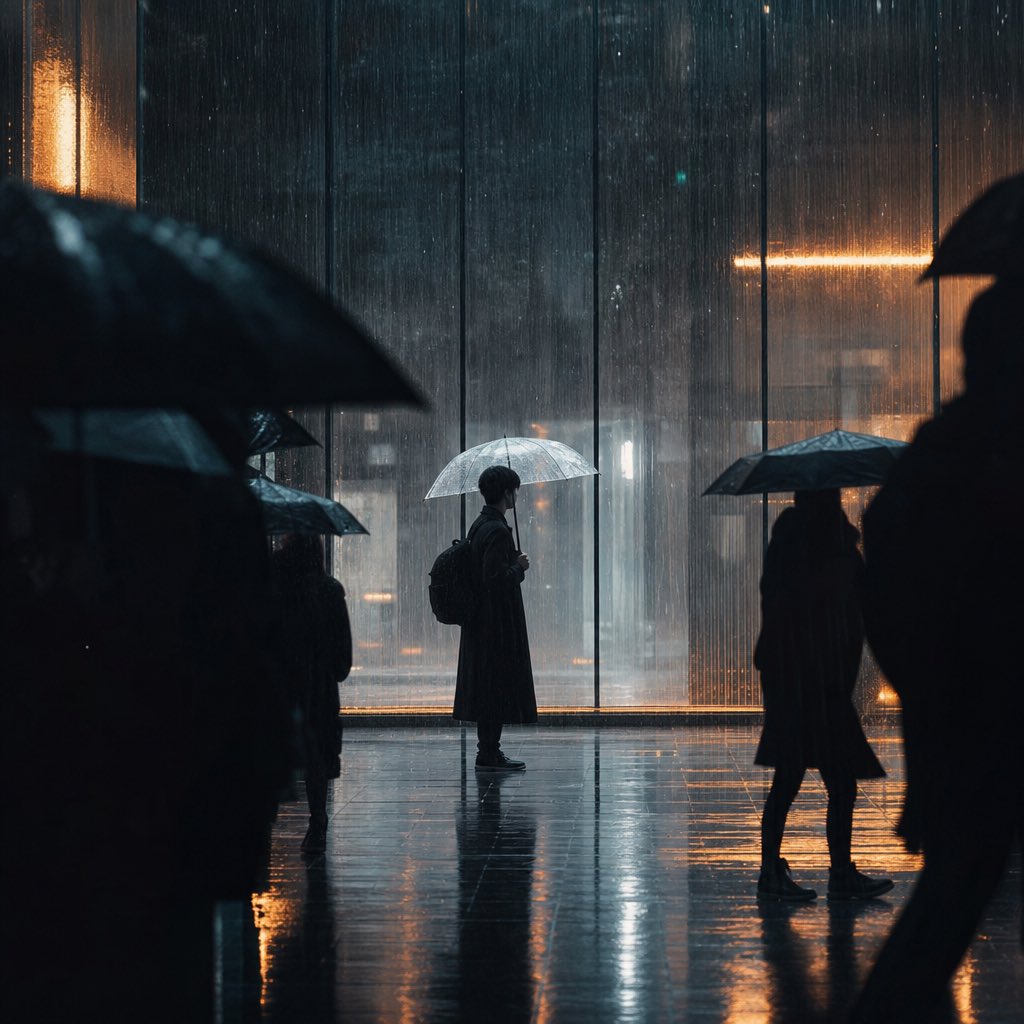
- Prompt included
- Model and format preset
- Free template
The prompt behind this image
Copy the exact prompt behind Cinematic Rainy City Street Photography, or open it in the studio and make it yours.
Vertical cinematic rainy city street photography, frame composition, blurred black silhouettes of pedestrians with umbrellas on both foreground sides forming a frame, central figure wearing long black trench coat and backpack, holding transparent umbrella, standing in side profile, heavy pouring rain with dense rain streaks, wet reflective tiled ground reflecting lights and silhouettes, huge floor-to-ceiling glass window background, contrasting cool blue tones and warm orange strip lighting, lonely quiet mood, street documentary photography, dark film grain texture, high contrast, shallow depth of field, ultra detailed, 8K --ar 4:5 --v 6.0 --style raw --s 250
How to use Cinematic Rainy City Street Photography in 3 steps
- 1
Open
The prompt is already in the box next to the preview, with the template's model and format selected.
- 2…a portrait of your subject in softgolden-hour light, 85mm…
Personalize
Edit the subject and creative details for your destination.
- 3Generate
Generate
Press Generate — your image is created in PicX Studio, so you can compare it with the original and refine one variable at a time.
More like this
Templates with the same subject, style or setup. Open one to see its prompt.
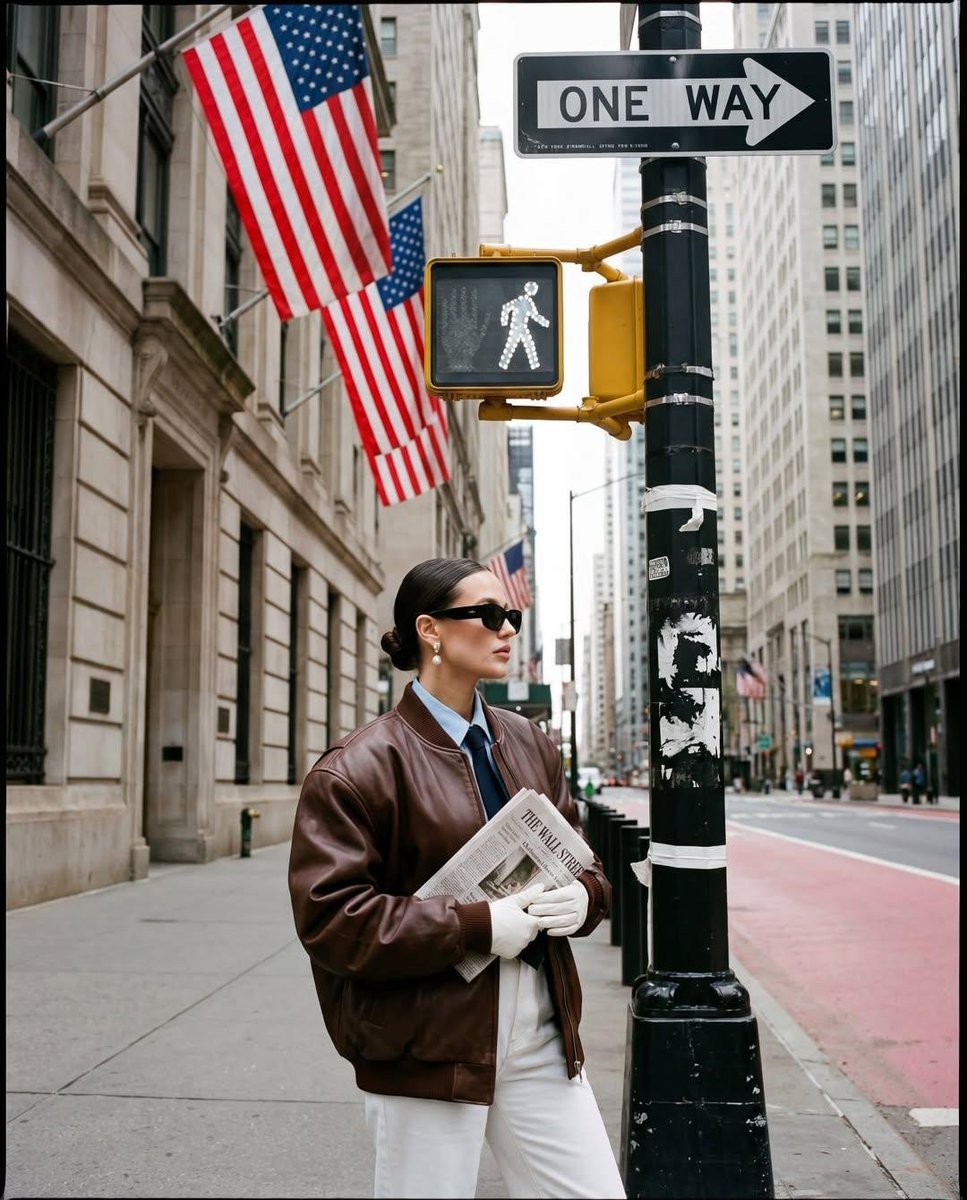
Ultra-realistic street fashion editorial photograph in New York City
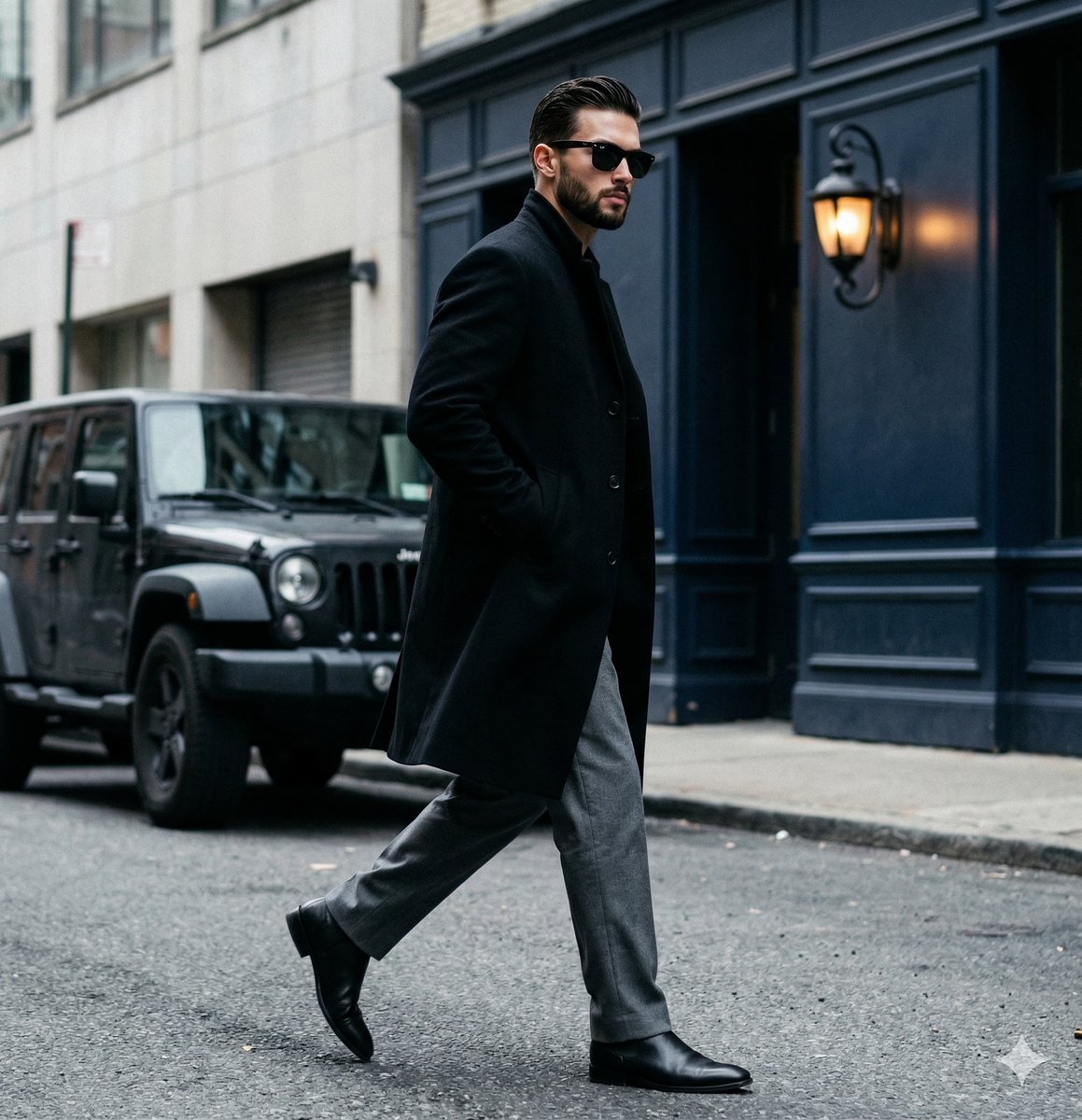
A candid paparazzi-style street photography shot of a handsome man

Two Tickets, One Night

Meet Me When It Rains
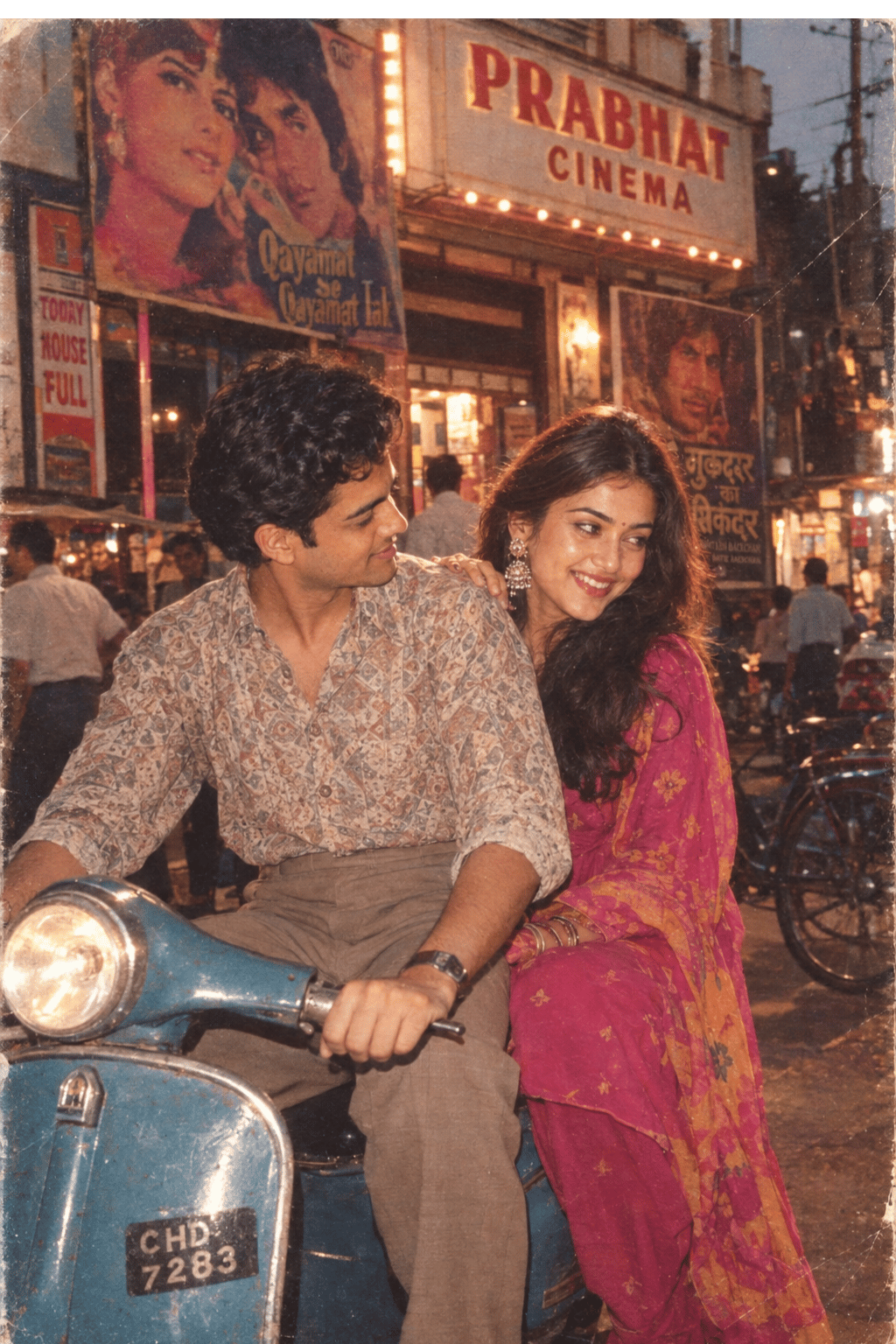
Two Hearts. One Scooter.
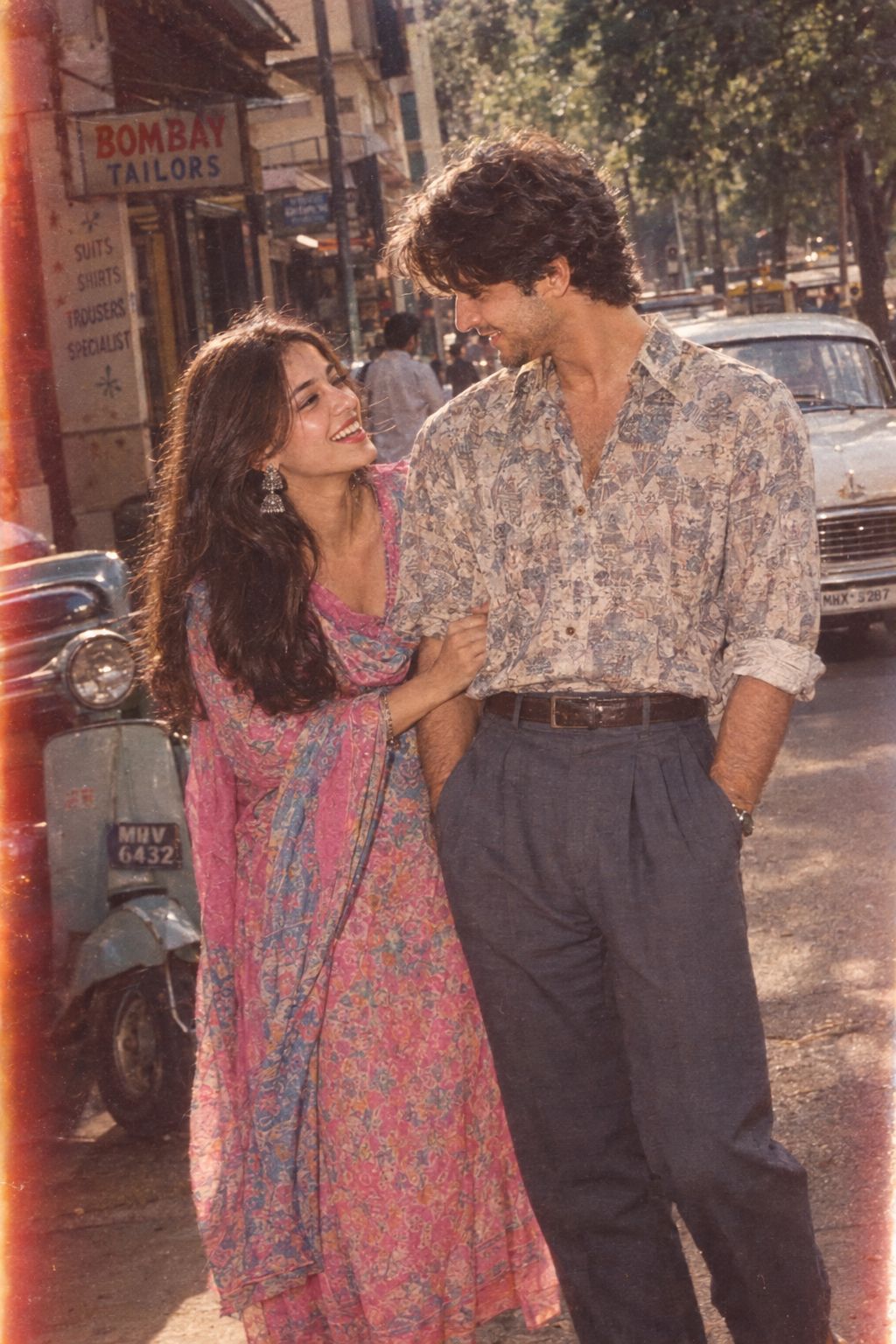
1986 Street Couple
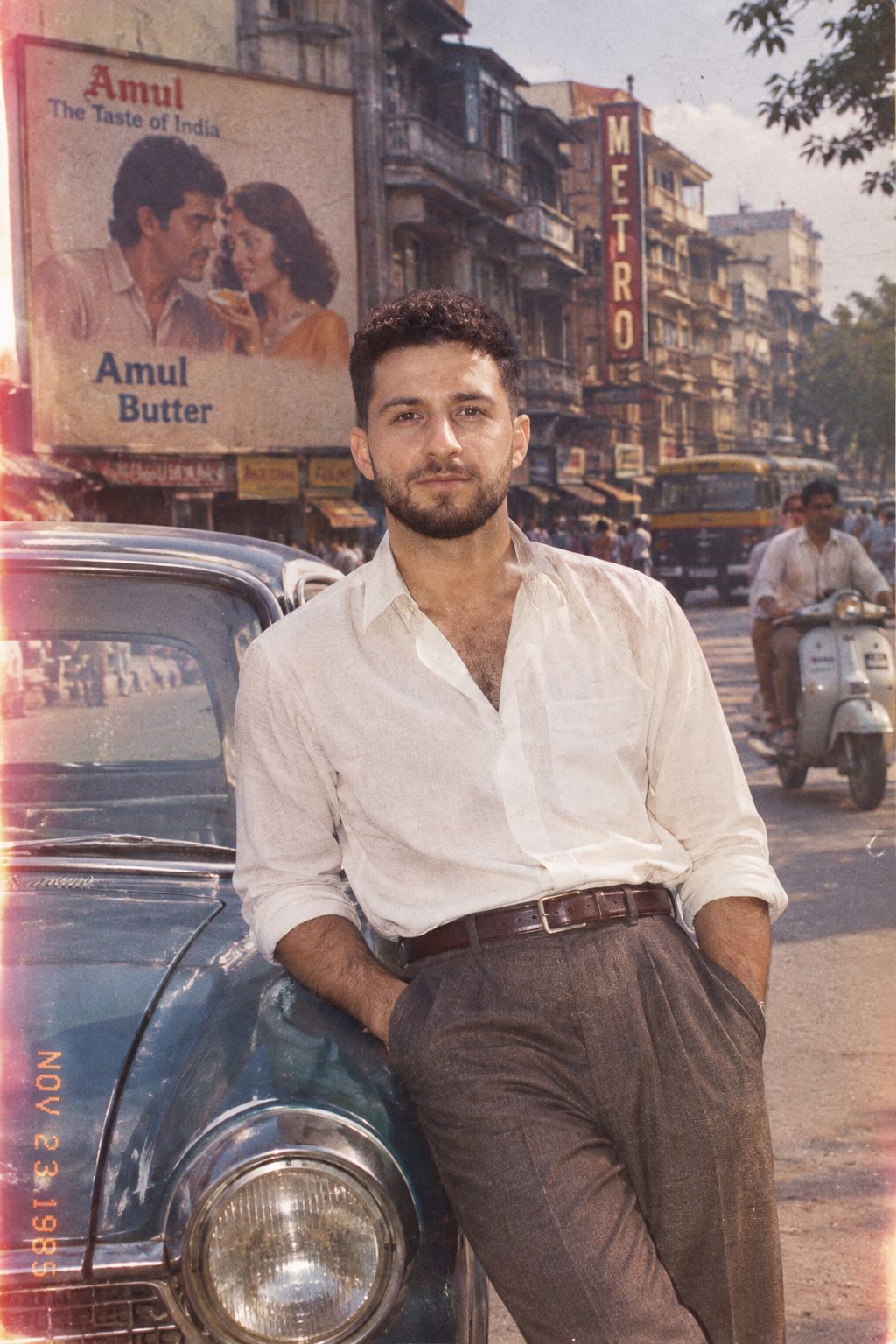
1985 Street Scene
Mirror Selfie Chibi Characters Pixar Style

Flower Petal Sunglasses Couture Portrait

Fashion Portrait Colored Smoke Studio
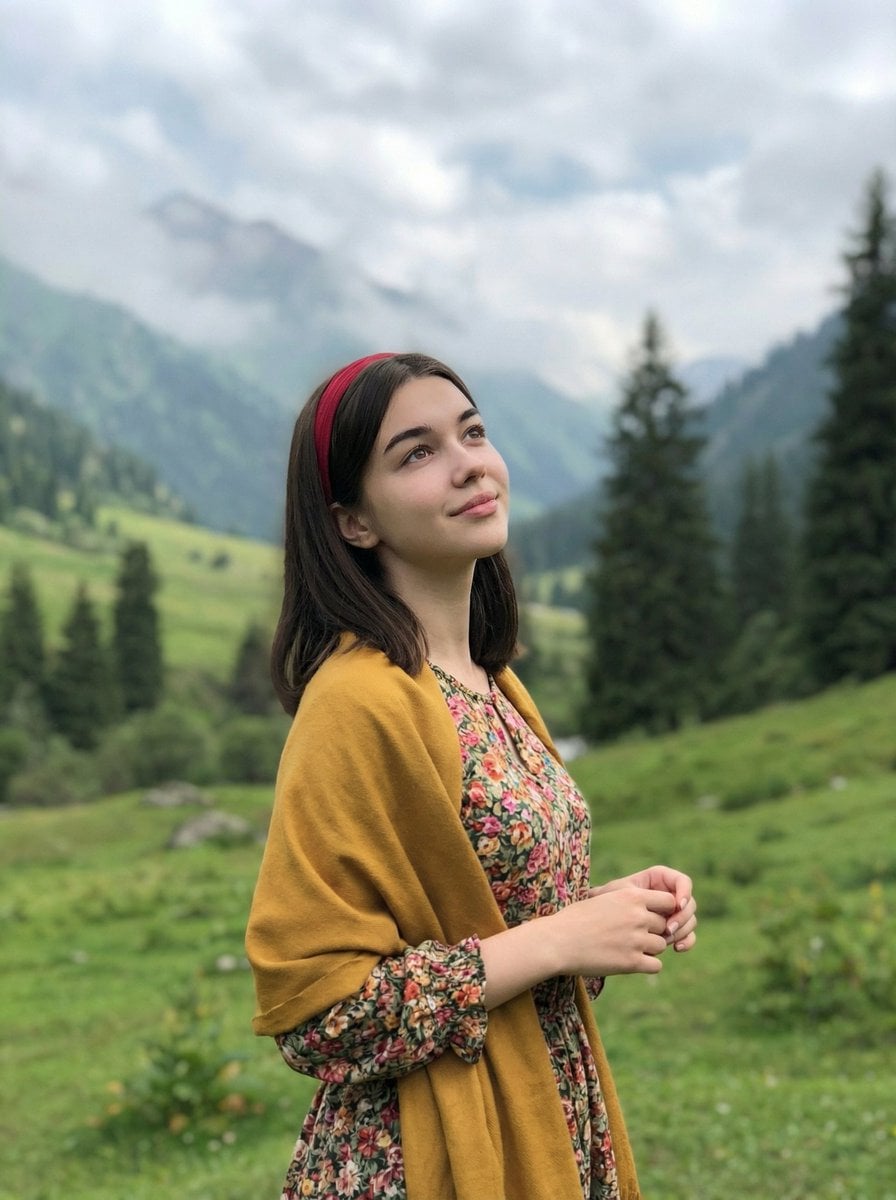
Mountain Valley Lifestyle Portrait
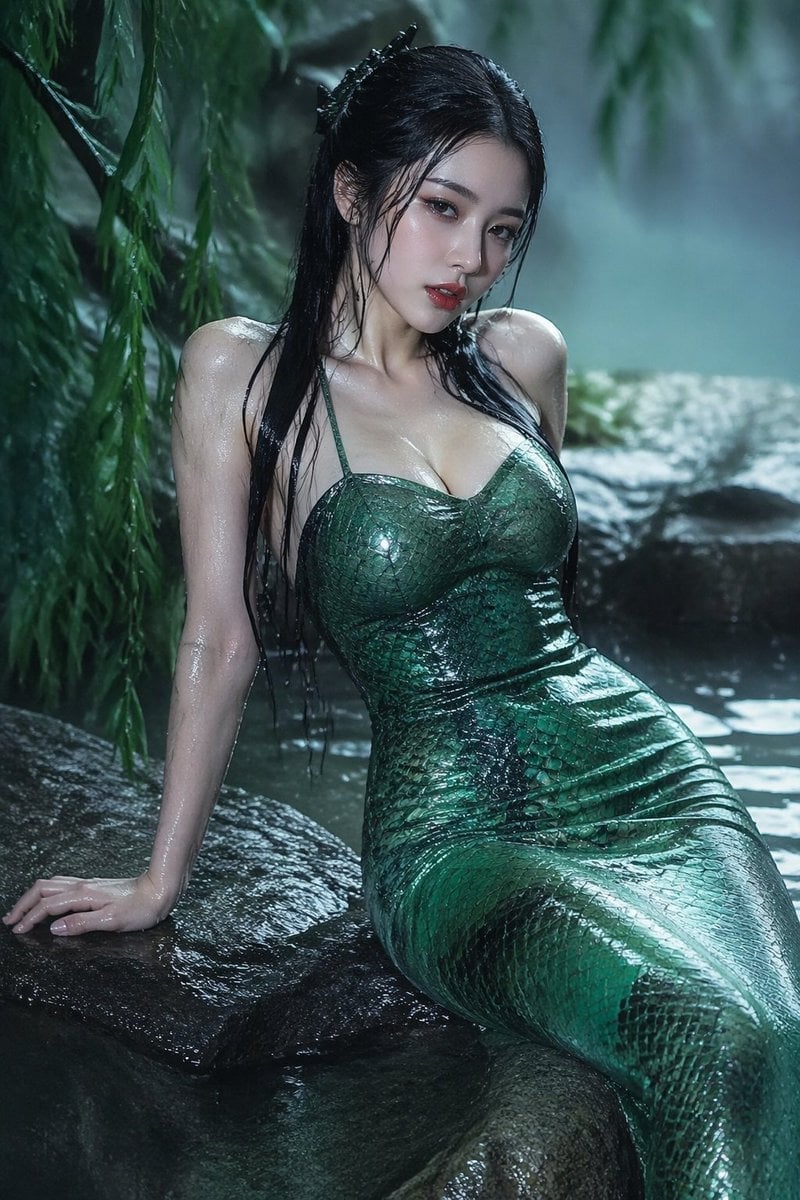
青蛇小青写真大片,绿色紧身蛇鳞裙,湿发红唇,妖娆妩媚
Make it yours
Cinematic Rainy City Street Photography works as-is. These are the safest ways to change it without losing the look.
Change one field
Copy a single group, rewrite it, and generate again so you can see what that field is doing.
Keep the frame, change the subject
Hold the composition and light of Cinematic Rainy City Street Photography, then swap wardrobe, props or the person for a new take.
| If the result… | Why | Fix |
|---|---|---|
| The result drifts from the preview | Too many fields changed at once. | Reuse Cinematic Rainy City Street Photography as-is first, then change one group — subject, light, or setting. |
| The model over-stylizes the scene | The prose prompt leaves finish and camera underspecified. | Add one camera or lighting sentence and stay on GPT Image 2. |
More GPT Image 2 templates
Other prompts made for GPT Image 2.

Six VTuber Japanese Logo Sheet

Realistic Portrait of Woman and Deer

The Vista Modular Condo Poster

AI Model Routing Comparison Infographic

2.5D Anime Art Board

Isometric Productivity Desk Scene

New York Double Exposure Poster

Four-Panel AI Landscape Comparison

Japanese Tatami Lifestyle Magazine Cover

NESCAFÉ Coffee Map Poster
More image prompts
Fresh picks from across the catalog.

Luxury Perfume Commercial Render Prompt (NOIR ÉLIXIR)
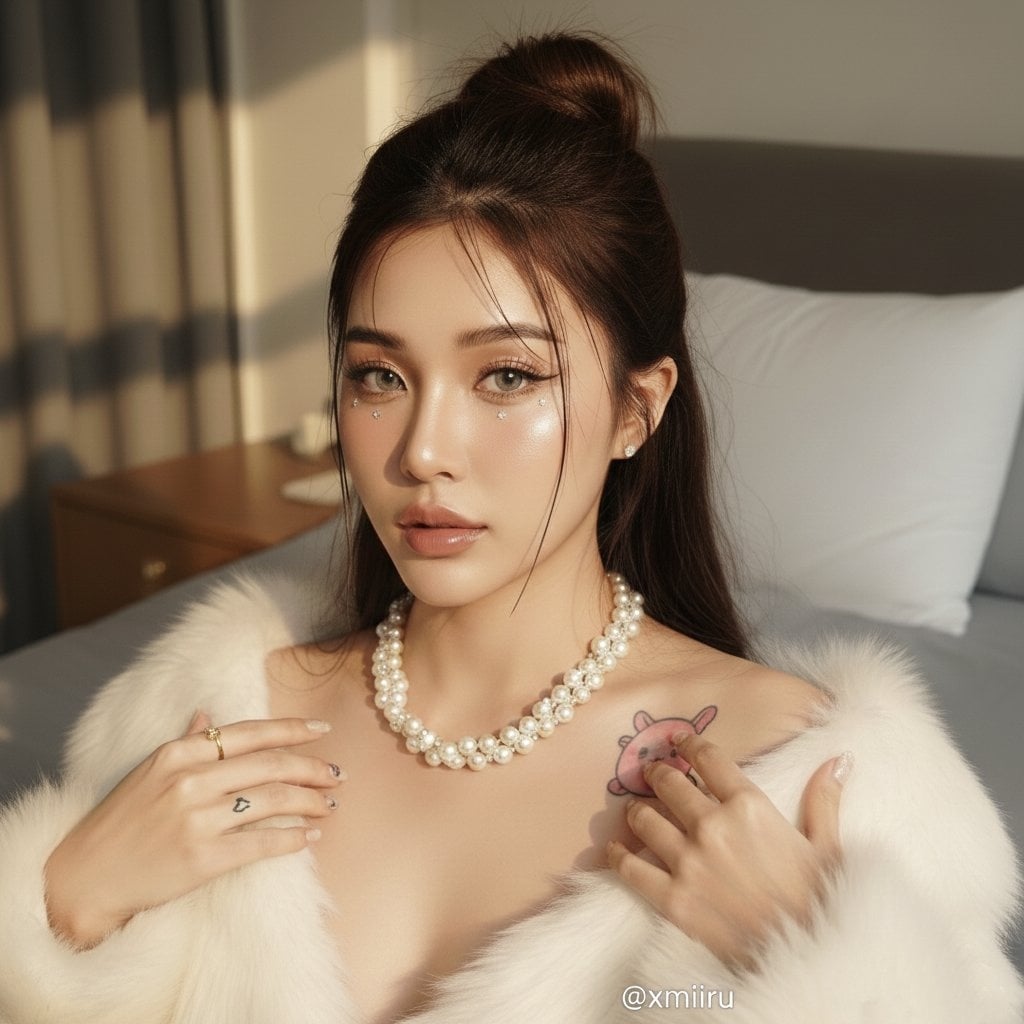
Photo Edit with Fixed Face and Golden Hour Lighting
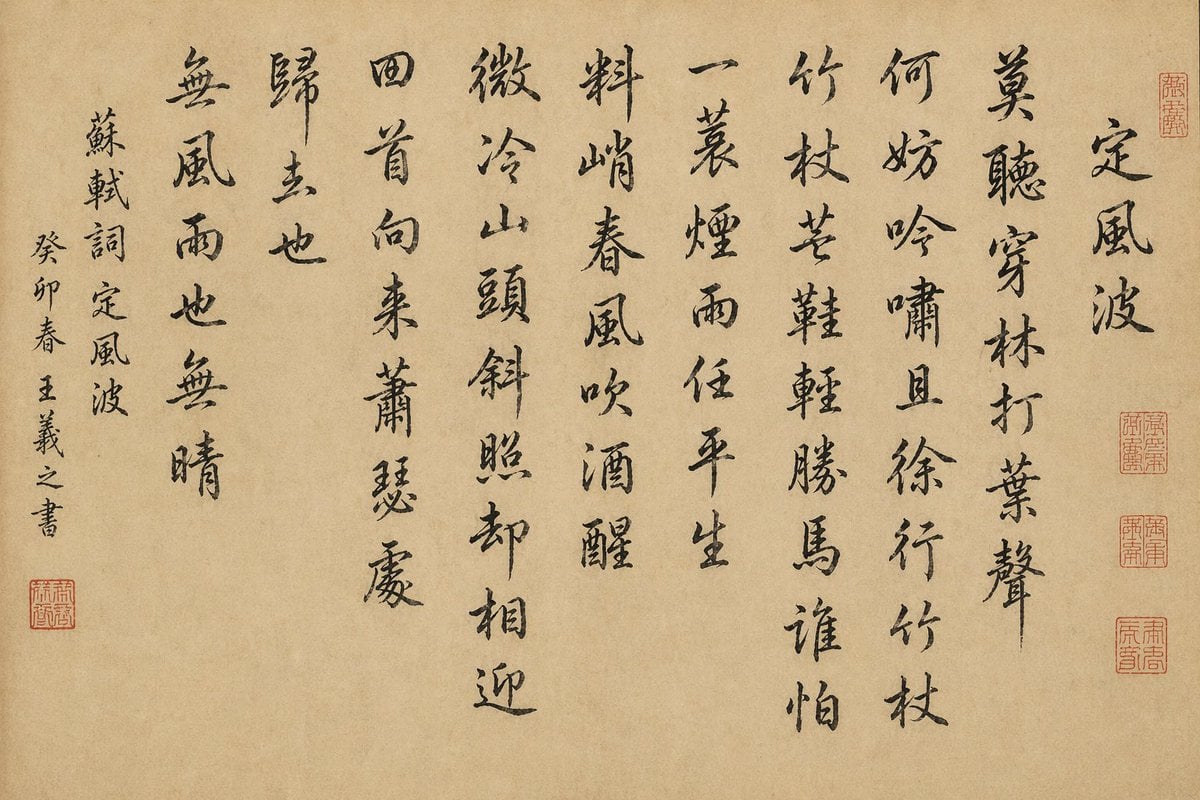
Chinese Calligraphy Scroll on Aged Paper
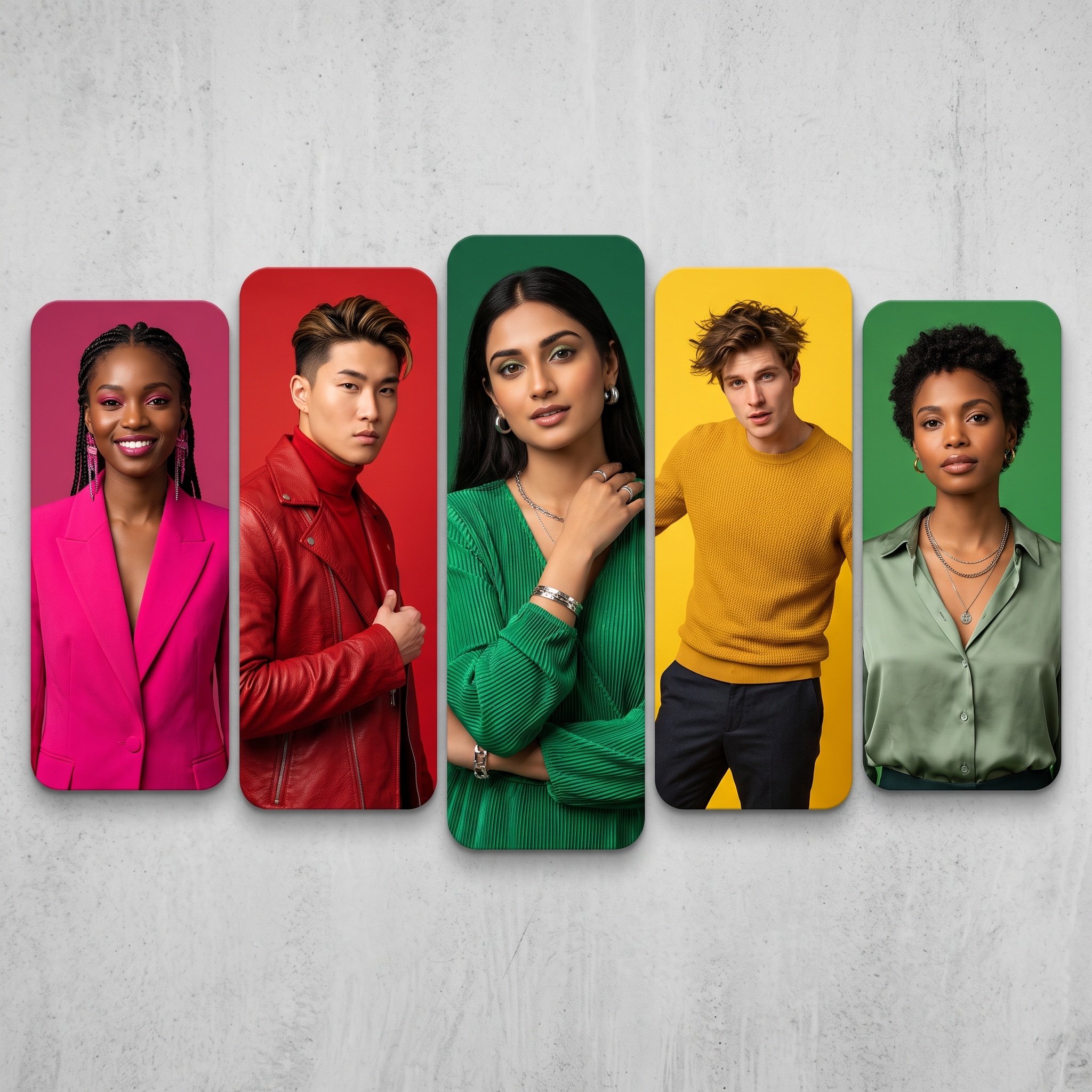
Colorful Portrait Collage Prompt
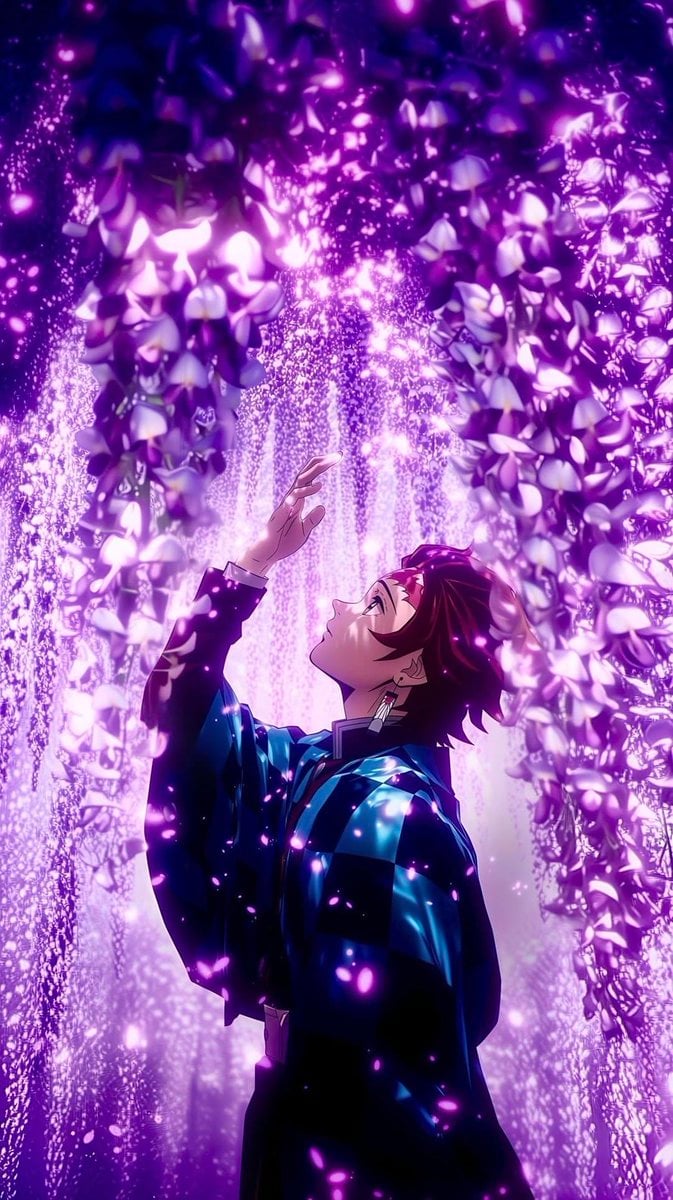
Cinematic Nature Anime Portrait

Hyper-realistic cinematic product shot of Fanta Orange can with exploding orange slices
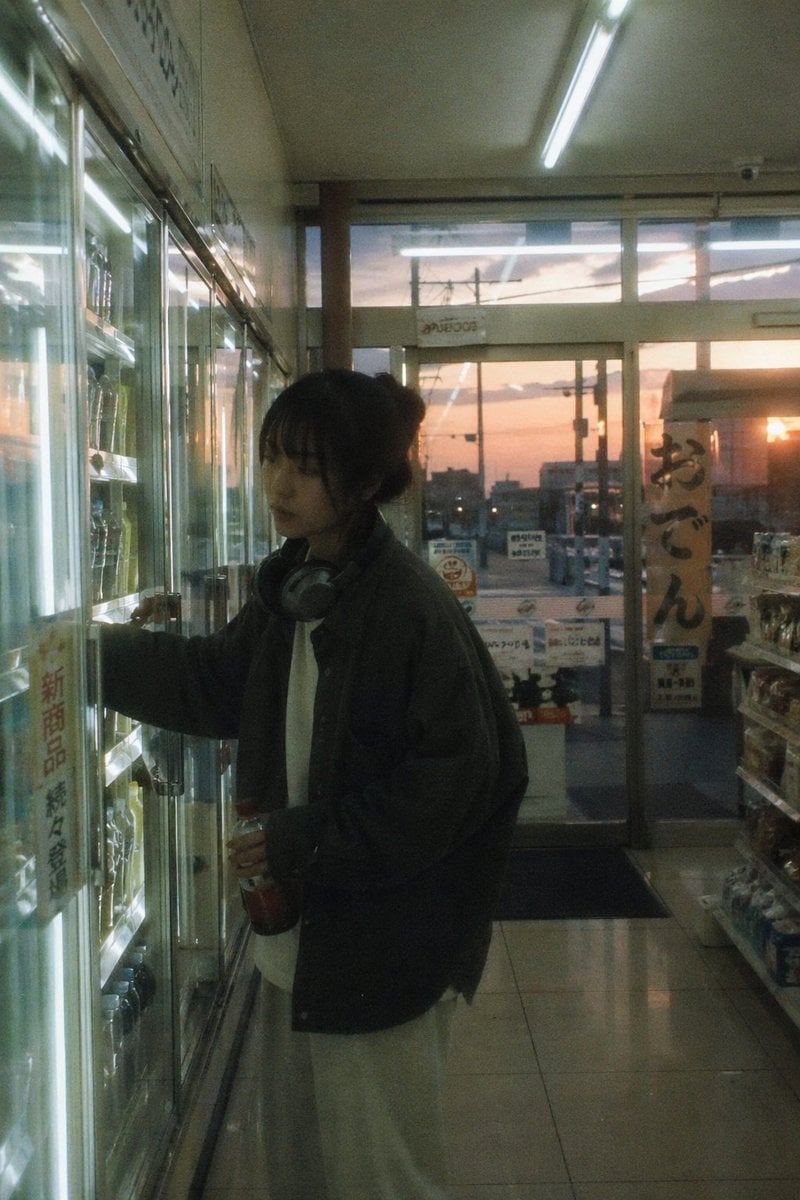
Japanese Negative Film Aesthetic
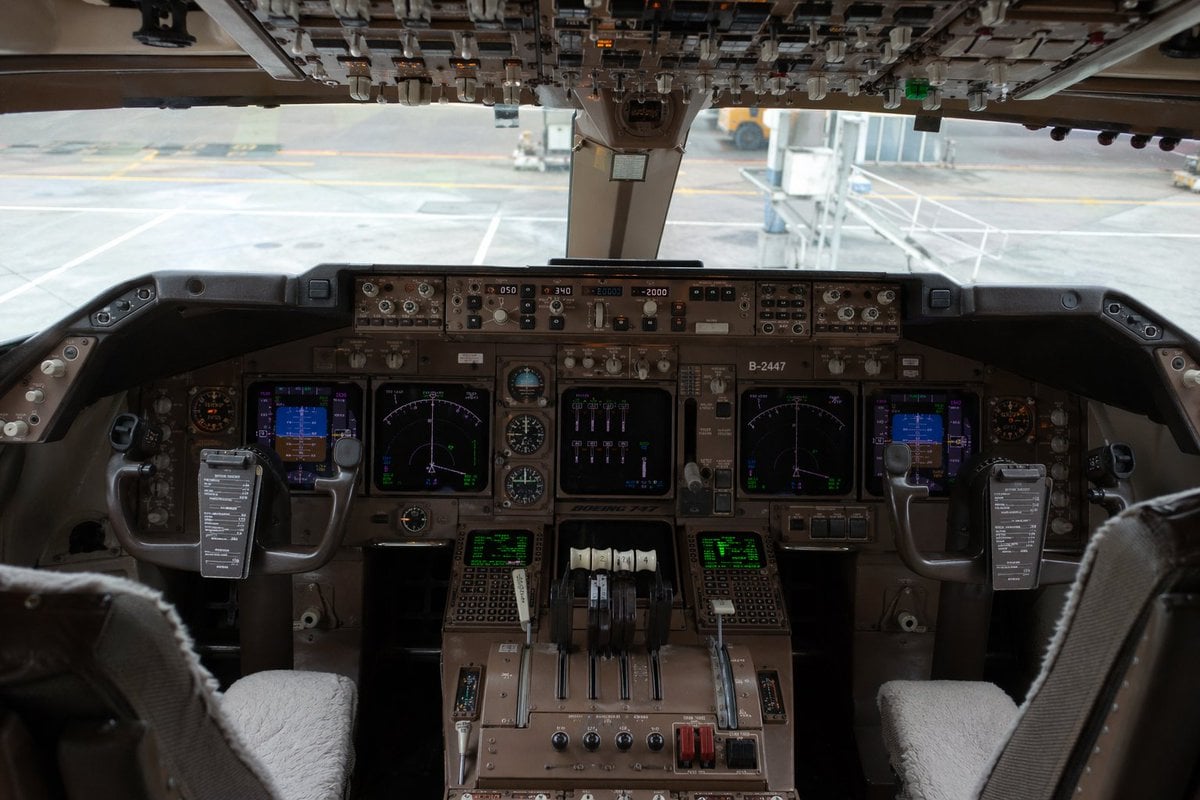
Photorealistic Boeing 747 Cockpit
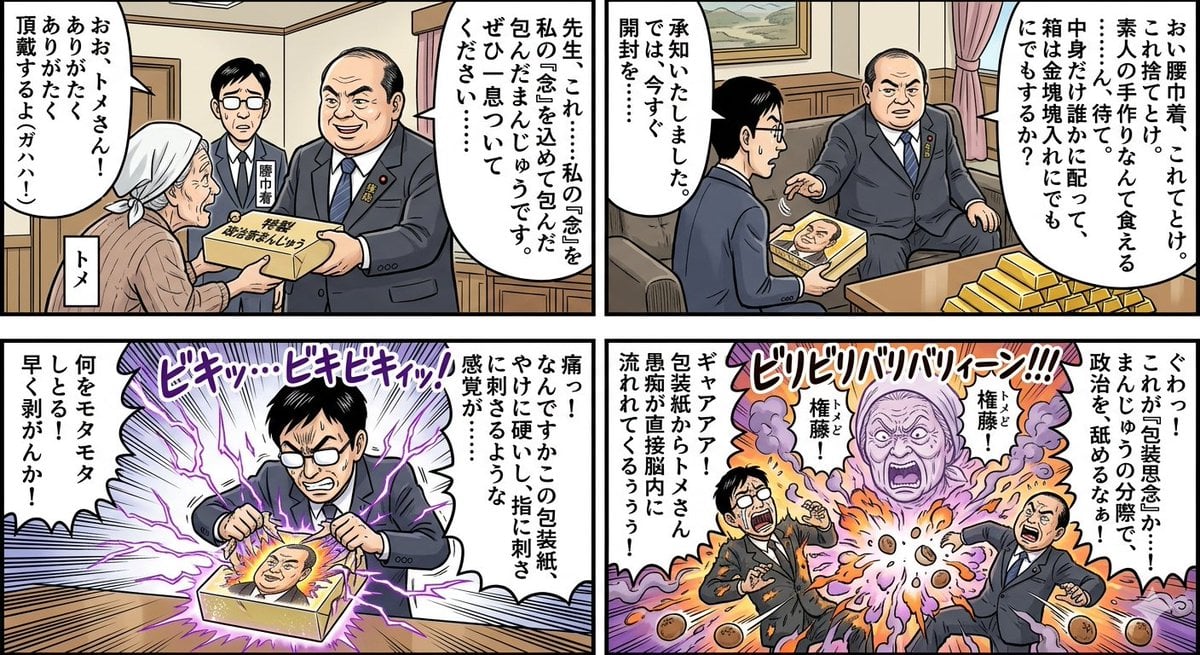
Four-Panel Manga: Politician Manju Incident
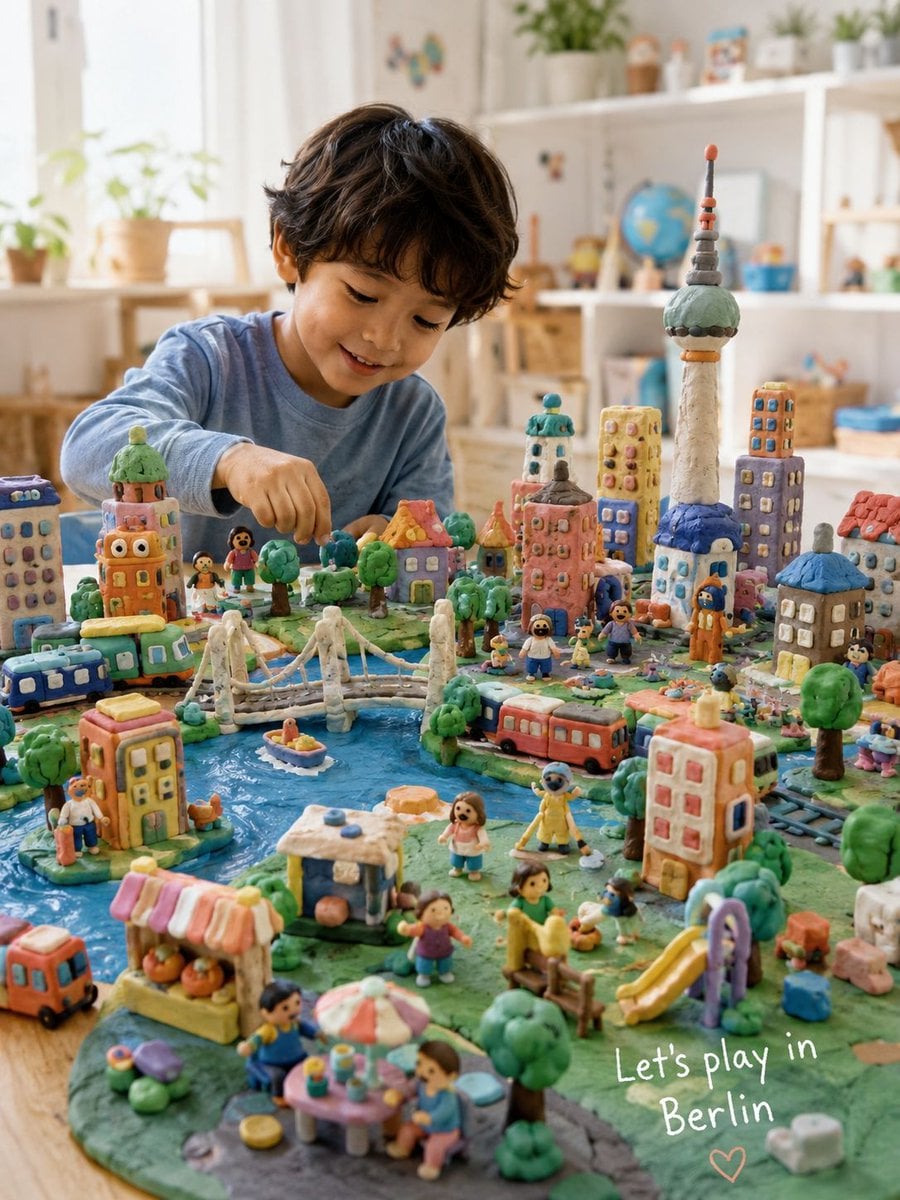
Handmade Play-Doh City Scene
Browse template categories
Cinematic Rainy City Street Photography questions
How do I use the Cinematic Rainy City Street Photography template?
Add your photo if the template asks for one, edit the prompt if you like — the template's model and format are already selected — and press Generate. Your version opens in PicX Studio.
Can I customize the Cinematic Rainy City Street Photography template?
Yes. You can change the subject, setting, lighting, mood, format, and available model controls before creating your image.
Is the Cinematic Rainy City Street Photography template free?
Opening and editing this template is free. Generating uses credits, shown on the Generate button when you are signed in.
Which AI model should I use?
Start with GPT Image 2, which is the model associated with this template. You can compare another compatible model for a different finish.
Looking for something else? Browse all templates.

Your photo, any look
Thousands of ready templates for every top image and video model, from one credit balance.