
Realistic Chen Hao Character Sheet
Generates a detailed photorealistic character reference board with turnaround views, expressions, poses, material details, and lighting references for a gritty urban thriller character.
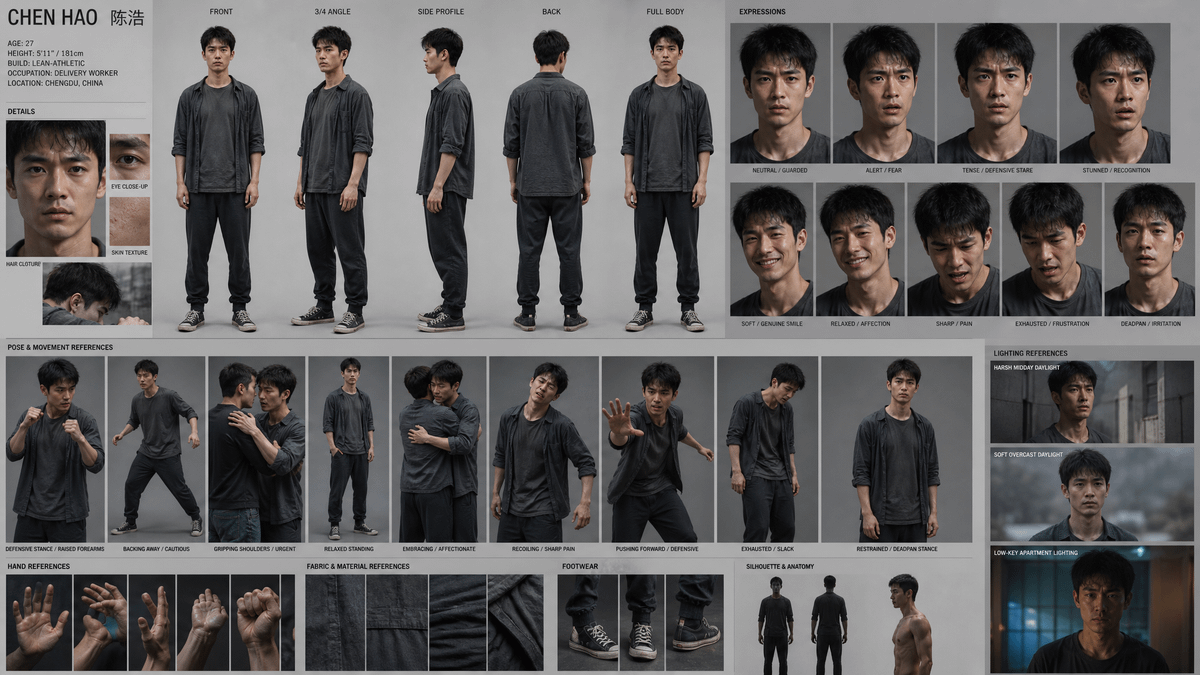
- Prompt included
- Model and format preset
- Free template
The prompt behind this image
Copy the exact prompt behind Realistic Chen Hao Character Sheet, or open it in the studio and make it yours.
Goal: Create a gritty cinematic character reference sheet for {argument name="character name" default="Chen Hao"}, a realistic 27-year-old Chinese male delivery worker in Chengdu, China, with a guarded, exhausted survival-drama presence. Canvas: Wide horizontal character sheet, 16:9 aspect ratio, neutral light-gray studio background, clean grid layout, thin dividers, small uppercase black labels, documentary production-design feel. Use photorealistic full-body and close-up images with consistent identity across all panels. Character profile text at top left: Large title “CHEN HAO” plus Chinese characters “陈浩”. Include a compact profile block reading: AGE: 27; HEIGHT: 5'11" / 181cm; BUILD: LEAN-ATHLETIC; OCCUPATION: DELIVERY WORKER; LOCATION: CHENGDU, CHINA. Subject details: Short messy black hair, tired dark eyes, defined cheekbones, light stubble or rough skin texture, East Asian features, lean athletic build, medium height. Outfit is exactly 4 main visible pieces: charcoal-gray open overshirt with rolled sleeves, dark faded T-shirt, loose black jogger pants, worn black canvas sneakers with white laces and rubber toe caps. Overall palette is desaturated charcoal, black, gray, and muted skin tones. Clothing should look damp, worn, wrinkled, and practical. Main turnaround row: Show exactly 5 standing figure views across the upper middle, each labeled: 1) FRONT, 2) 3/4 ANGLE, 3) SIDE PROFILE, 4) BACK, 5) FULL BODY. Keep proportions consistent and studio-lit. Details section: Include exactly 4 detail panels on the left: 1) intense face close-up labeled HAIR CLOTHURE, 2) narrow eye close-up labeled EYE CLOSE-UP, 3) forearm/skin detail labeled SKIN TEXTURE, 4) side head/neck photo in rain or shadow without extra text. Expressions section: Include exactly 9 facial expression portraits in a 2-row grid on the upper right, labeled: 1) NEUTRAL / GUARDED, 2) ALERT / FEAR, 3) TENSE / DEFENSIVE STARE, 4) STUNNED / RECOGNITION, 5) SOFT / GENUINE SMILE, 6) RELAXED / AFFECTION, 7) SHARP / PAIN, 8) EXHAUSTED / FRUSTRATION, 9) DEADPAN / IRRITATION. Expressions should be subtle, realistic, and emotionally worn rather than theatrical. Pose and movement references: Include exactly 9 mid-to-full-body action panels in the lower middle, labeled: 1) DEFENSIVE STANCE / RAISED FOREARMS, 2) BACKING AWAY / CAUTIOUS, 3) GRIPPING SHOULDERS / URGENT, 4) RELAXED STANDING, 5) EMBRACING / AFFECTIONATE, 6) RECOILING / SHARP PAIN, 7) PUSHING FORWARD / DEFENSIVE, 8) EXHAUSTED / SLACK, 9) RESTRAINED / DEADPAN STANCE. Bottom reference strip: Include exactly 5 hand reference panels labeled HAND REFERENCES, showing: 1) open palm front, 2) two hands gesturing, 3) side palm, 4) wet or strained hand, 5) clenched fist. Include exactly 4 fabric/material close-ups labeled FABRIC & MATERIAL REFERENCES, showing worn canvas, seam detail, wrinkled cotton, and dark folded cloth. Include exactly 3 footwear reference panels labeled FOOTWEAR, showing front shoes, side/standing shoe view, and close-up of the worn sneaker. Silhouette and anatomy: Include exactly 3 small figure/anatomy references near the lower right: front black silhouette, back black silhouette, and shirtless side torso profile showing lean musculature. Lighting references: Include exactly 3 cinematic panels stacked on the far right labeled LIGHTING REFERENCES: 1) HARSH MIDDAY DAYLIGHT in an urban alley, 2) SOFT OVERCAST DAYLIGHT with misty gray background, 3) LOW-KEY APARTMENT LIGHTING with blue-orange moody interior light. Visual style: Hyperrealistic photography, sharp but slightly gritty texture, muted contrast, consistent face and body, production bible / character sheet design, no fantasy elements, no bright colors, no logos, no watermark. The sheet should look like a professional film or game character reference board for {argument name="genre" default="urban survival thriller"}.
How to use Realistic Chen Hao Character Sheet in 3 steps
- 1Upload ImagePNG, JPG or paste
Add your photo
Upload the photo the template builds on. The prompt, model and format are already set.
- 2…a portrait of your subject in softgolden-hour light, 85mm…
Personalize
Edit the subject and creative details for your destination.
- 3Generate
Generate
Press Generate — your image is created in PicX Studio, so you can compare it with the original and refine one variable at a time.
More like this
Templates with the same subject, style or setup. Open one to see its prompt.

Dancer Character - Four View Reference Sheet

Movement Sheet - Dance Reference (Seedance 2.0)
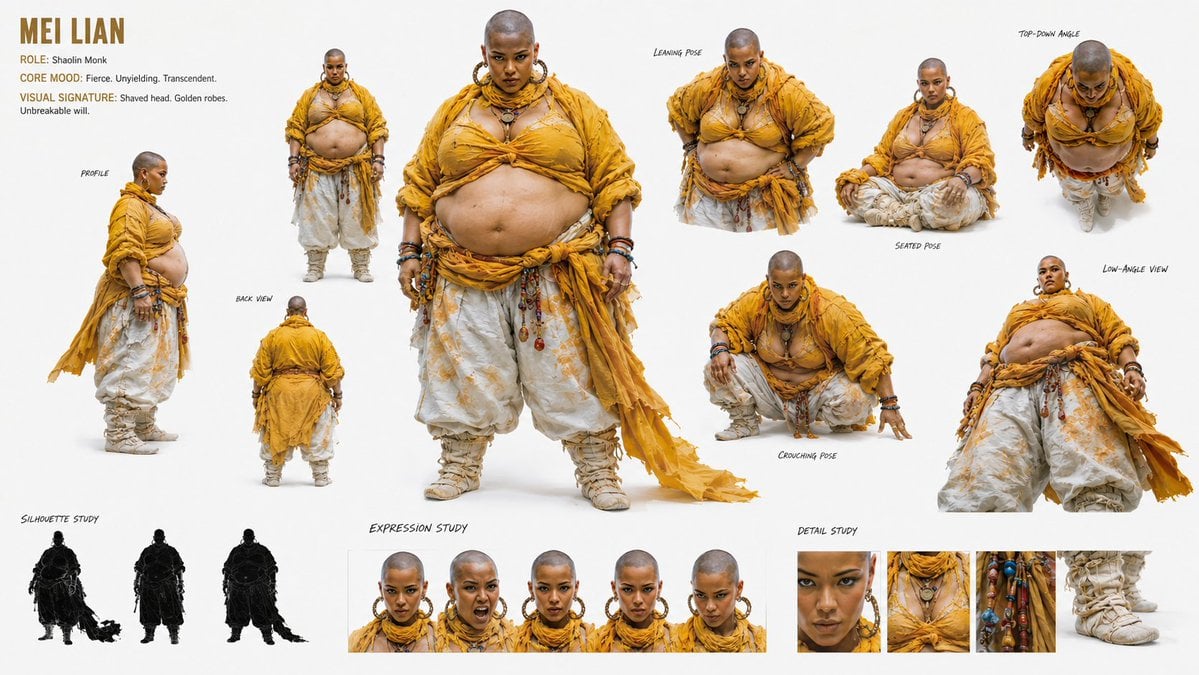
Shaolin Monk Character Sheet
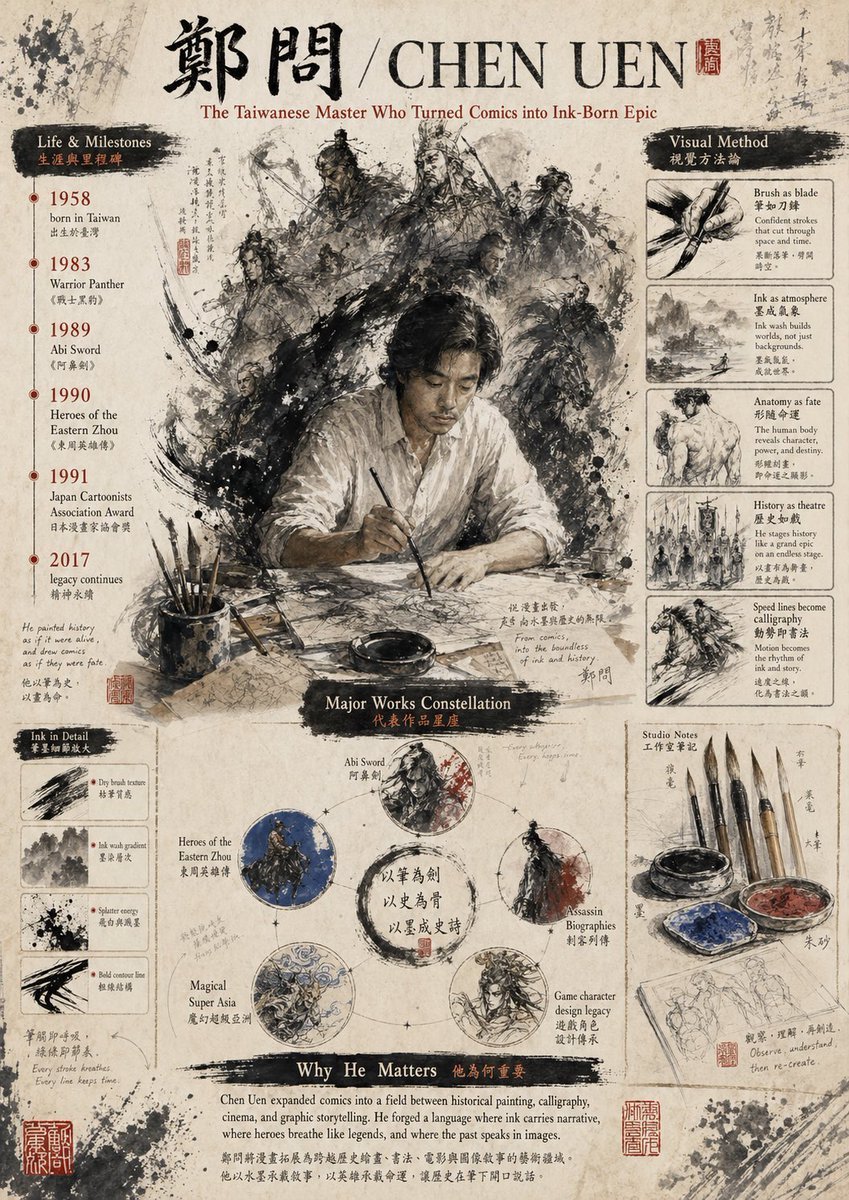
Ink-Wash Tribute Poster for Chen Uen

Gpt2 Infographic Edu Visual Ink Wash Tribute Poster for Chen Uen

Six VTuber Japanese Logo Sheet

Retro Manga StackChan Concept Sheet

Halloween Nun Chibi Character Sheet

Anime Lantern Girl Character Sheet
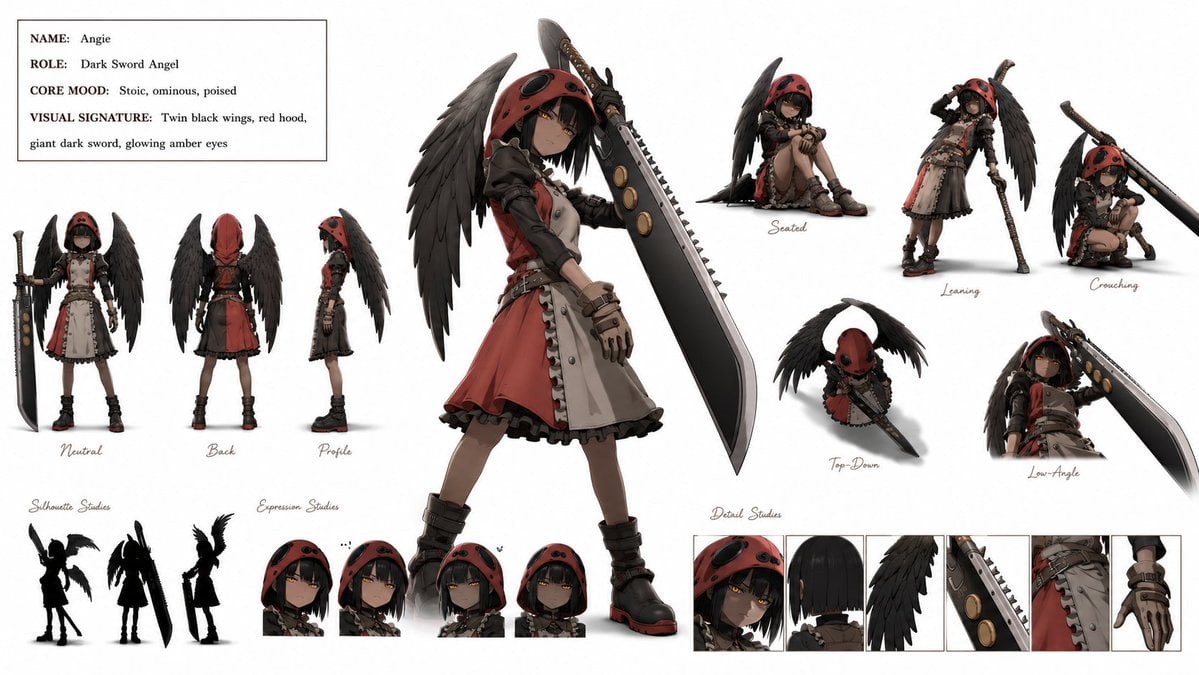
Dark Sword Angel Character Sheet

Mental Peace Sheet Music Poster

Anime Character Sheet Reference Prompt
Make it yours
Realistic Chen Hao Character Sheet works as-is. These are the safest ways to change it without losing the look.
Change one field
Copy a single group, rewrite it, and generate again so you can see what that field is doing.
Keep the frame, change the subject
Hold the composition and light of Realistic Chen Hao Character Sheet, then swap wardrobe, props or the person for a new take.
| If the result… | Why | Fix |
|---|---|---|
| The result drifts from the preview | Too many fields changed at once. | Reuse Realistic Chen Hao Character Sheet as-is first, then change one group — subject, light, or setting. |
| The model over-stylizes the scene | The prose prompt leaves finish and camera underspecified. | Add one camera or lighting sentence and stay on GPT Image 2. |
More GPT Image 2 templates
Other prompts made for GPT Image 2.

Realistic Portrait of Woman and Deer

The Vista Modular Condo Poster

AI Model Routing Comparison Infographic

2.5D Anime Art Board

Isometric Productivity Desk Scene

New York Double Exposure Poster

Four-Panel AI Landscape Comparison

Japanese Tatami Lifestyle Magazine Cover

NESCAFÉ Coffee Map Poster

Brutalist Cogito Chinese Typography Poster
More image prompts
Fresh picks from across the catalog.
Retro-Futuristic Muscle Car Prompt

Ancient Temple Portrait — White Dress Nano Banana
Cards, Shakespeare, and Nabokov scenes
Professional Sports Campaign Portrait
Nano Banana Pro for Scientific Illustration Generation
Cinematic Street Portrait
Cyber Imperial Floating Palace City
Editorial Portrait with Identity Lock and Dramatic Lighting
Child Three-View Clothing Reference
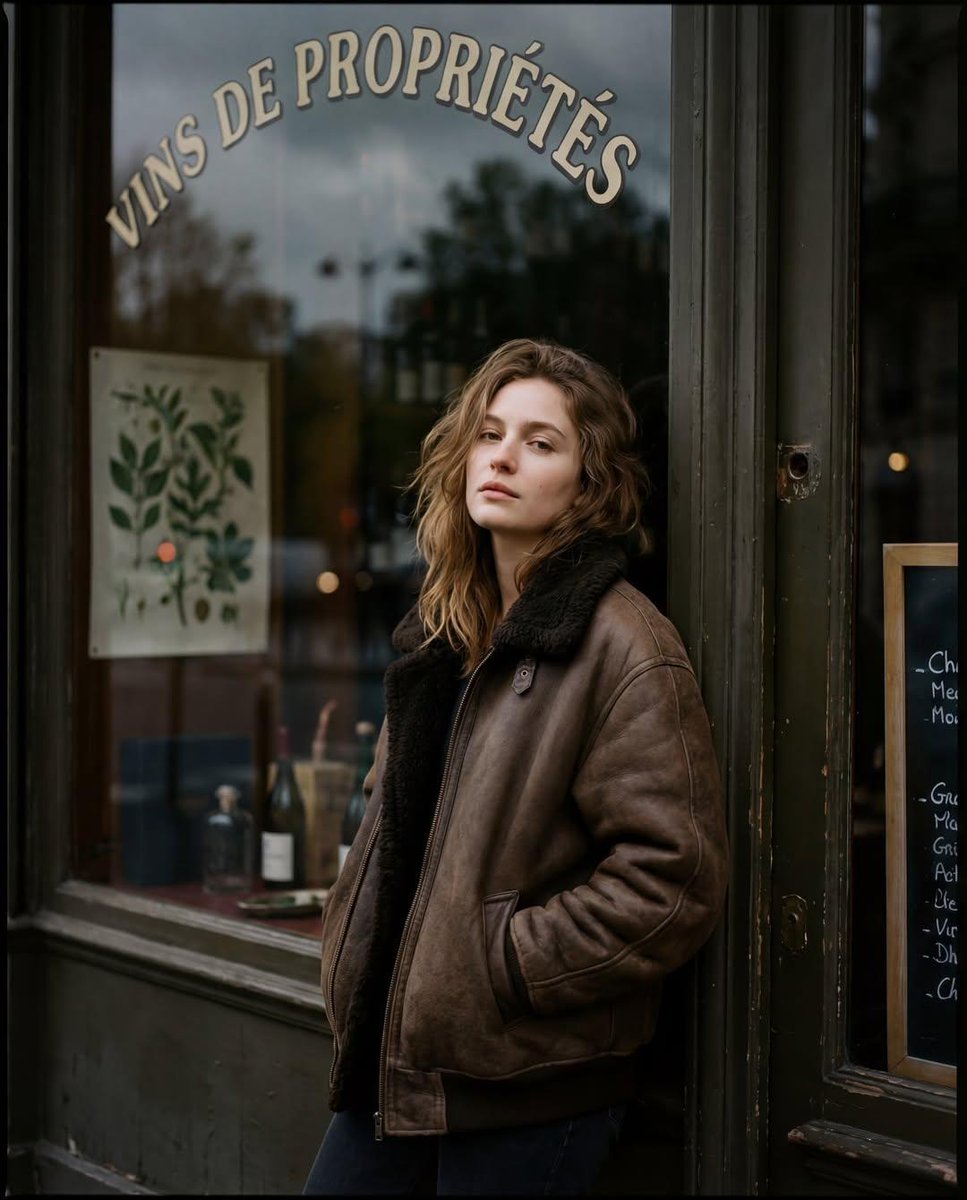
Moody Paris Street Editorial Portrait (Film Scan Aesthetic)
Browse template categories
Realistic Chen Hao Character Sheet questions
How do I use the Realistic Chen Hao Character Sheet template?
Add your photo if the template asks for one, edit the prompt if you like — the template's model and format are already selected — and press Generate. Your version opens in PicX Studio.
Can I customize the Realistic Chen Hao Character Sheet template?
Yes. You can change the subject, setting, lighting, mood, format, and available model controls before creating your image.
Is the Realistic Chen Hao Character Sheet template free?
Opening and editing this template is free. Generating uses credits, shown on the Generate button when you are signed in.
Which AI model should I use?
Start with GPT Image 2, which is the model associated with this template. You can compare another compatible model for a different finish.
Looking for something else? Browse all templates.

Your photo, any look
Thousands of ready templates for every top image and video model, from one credit balance.