
Moonlit Floral Kimono Nobleman
A detailed prompt for generating a graceful anime-style nobleman in a translucent floral kimono holding a folding fan under moonlight.
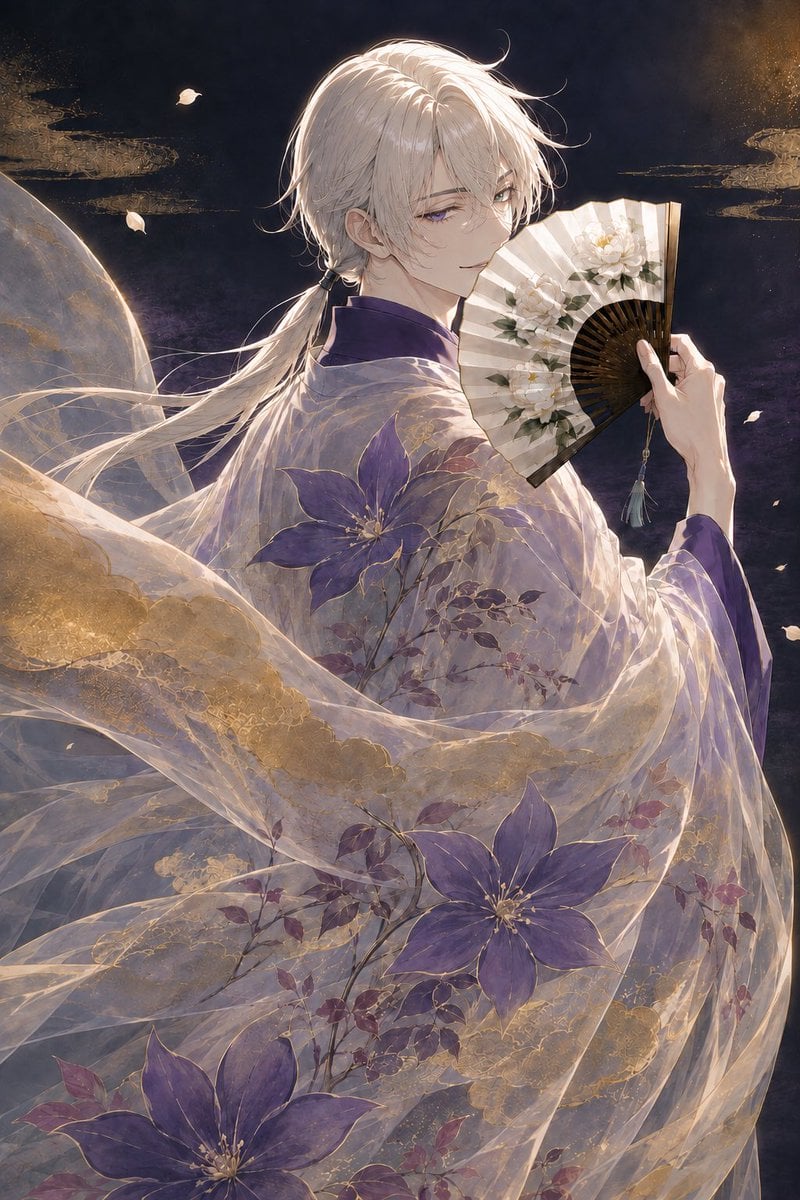
- Prompt included
- Model and format preset
- Free template
The prompt behind this image
Copy the exact prompt behind Moonlit Floral Kimono Nobleman, or open it in the studio and make it yours.
Create an elegant vertical anime illustration of a refined androgynous young nobleman wearing a translucent floral kimono in a moonlit fantasy night scene. The character has {argument name="hair color" default="silvery white"} medium-length hair gathered into a low ponytail with loose windblown strands, pale skin, delicate features, and one visible violet eye with a calm, faintly mysterious smile. Show him in a three-quarter back pose turning his face toward the viewer, holding an open folding fan near his mouth; the fan is cream-colored with dark wooden ribs, painted with white flowers and green leaves, and has a small tassel charm hanging from the handle. Dress him in a layered purple inner robe and a sheer, flowing outer kimono made of gauzy organza-like fabric, covered with raised botanical patterns: exactly three large purple clematis-like flowers visible across the lower robe and shoulder area, smaller purple leaves and branches, and ornate metallic gold floral embroidery that catches the light. The outer fabric should billow dramatically across the foreground like transparent ribbons, revealing overlapping folds, subtle iridescence, and golden lace textures. Set the background in deep navy and smoky violet with a large dim moon or planet partially visible on the left, thin golden cloud motifs, scattered pale flower petals, and a soft celestial glow. Use a luxurious Japanese fantasy aesthetic, highly detailed painterly anime rendering, fine linework, luminous rim lighting on the hair and fabric, soft shadows, sparkling gold dust, graceful motion, romantic atmosphere, and a portrait-oriented 2:3 composition. No text, no watermark, no modern objects.
How to use Moonlit Floral Kimono Nobleman in 3 steps
- 1Upload ImagePNG, JPG or paste
Add your photo
Upload the photo the template builds on. The prompt, model and format are already set.
- 2…a portrait of your subject in softgolden-hour light, 85mm…
Personalize
Edit the subject and creative details for your destination.
- 3Generate
Generate
Press Generate — your image is created in PicX Studio, so you can compare it with the original and refine one variable at a time.
More like this
Templates with the same subject, style or setup. Open one to see its prompt.
Dark Floral Kimono Portrait
Floraverse Botanical Fusion
FLORAVERSE BOTANICAL FUSION
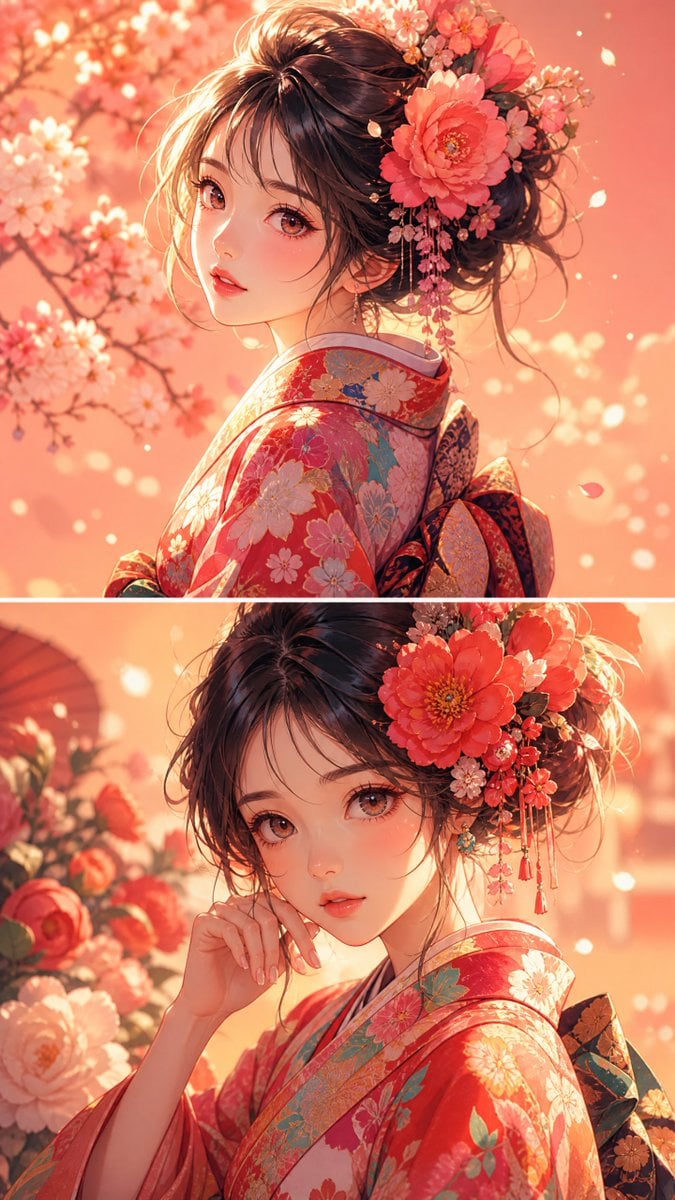
Anime Girl Floral Kimono Portrait
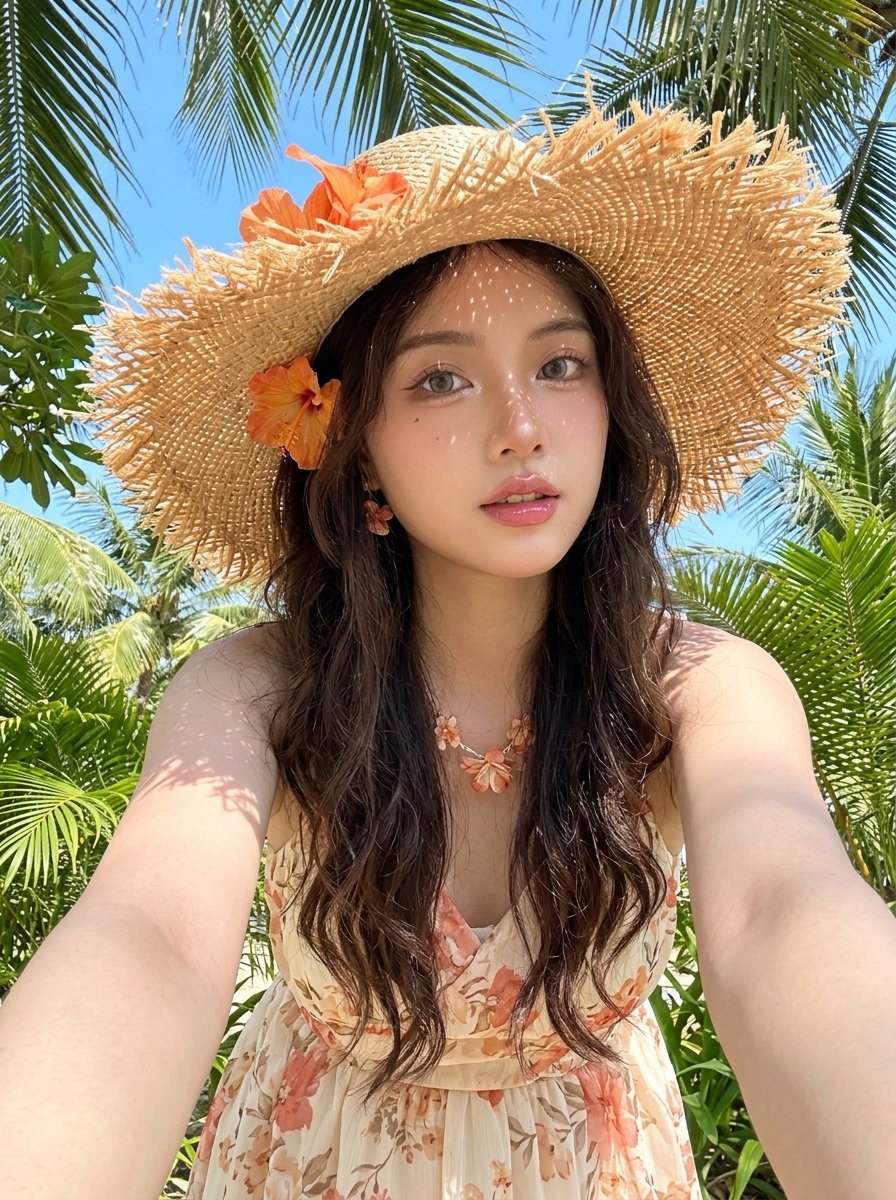
Tropical Vacation Selfie — Nano Banana (Chryzleen)
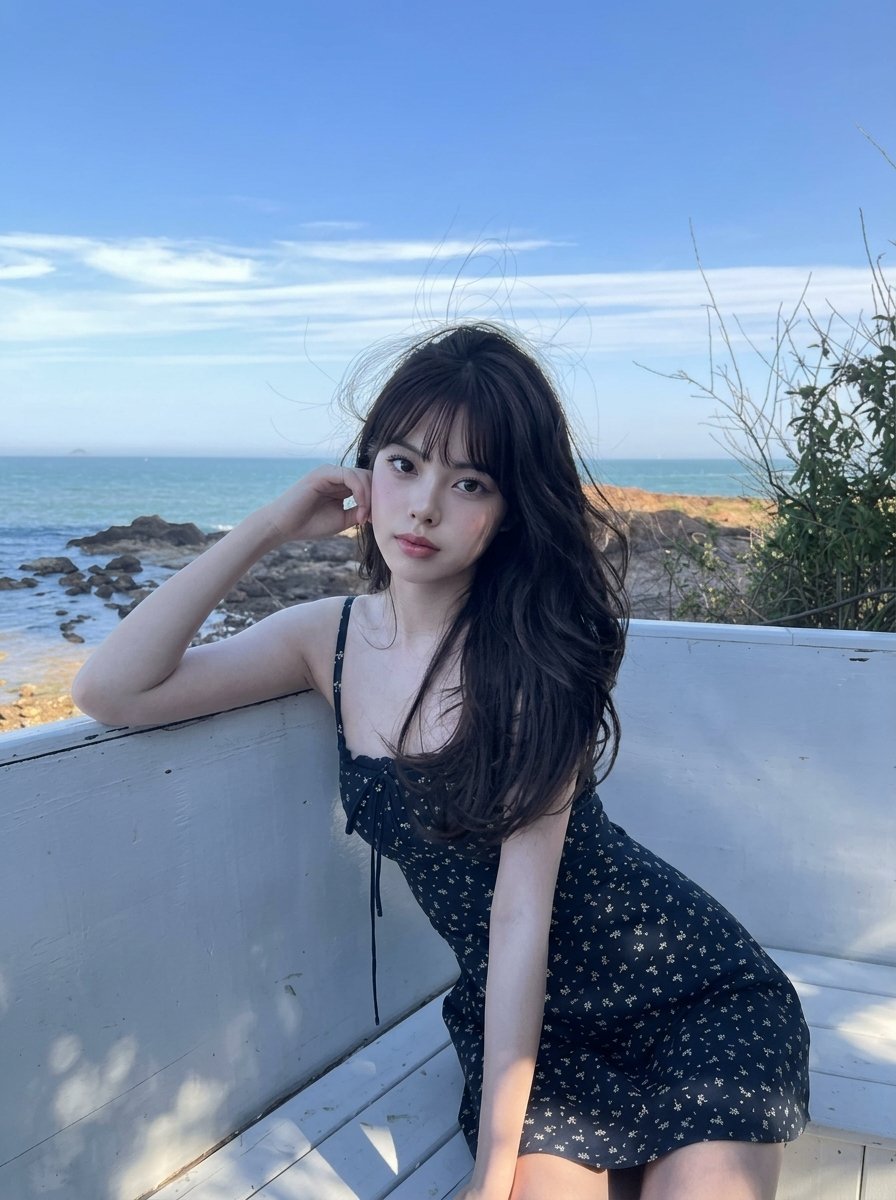
Coastal Bench Portrait — Navy Floral Sundress
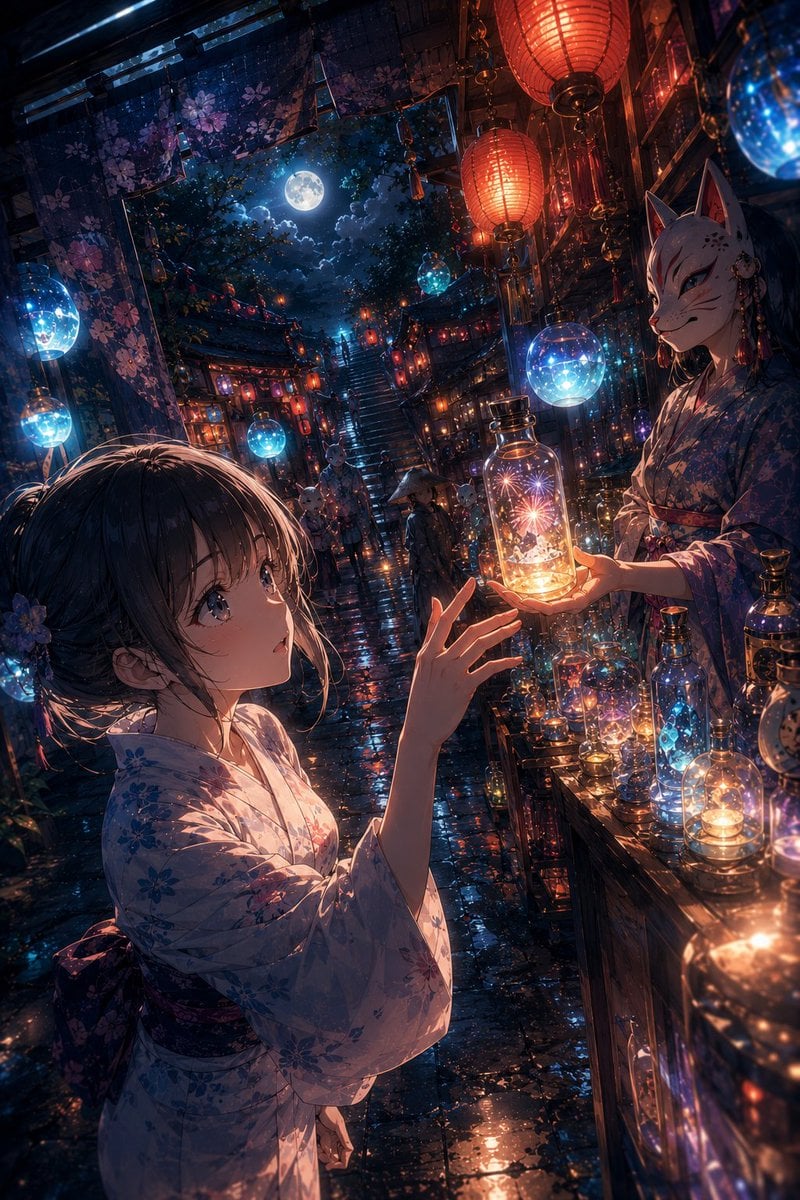
Moonlit Fox Mask Night Market

Lone Mountaineer in Moonlit Snow
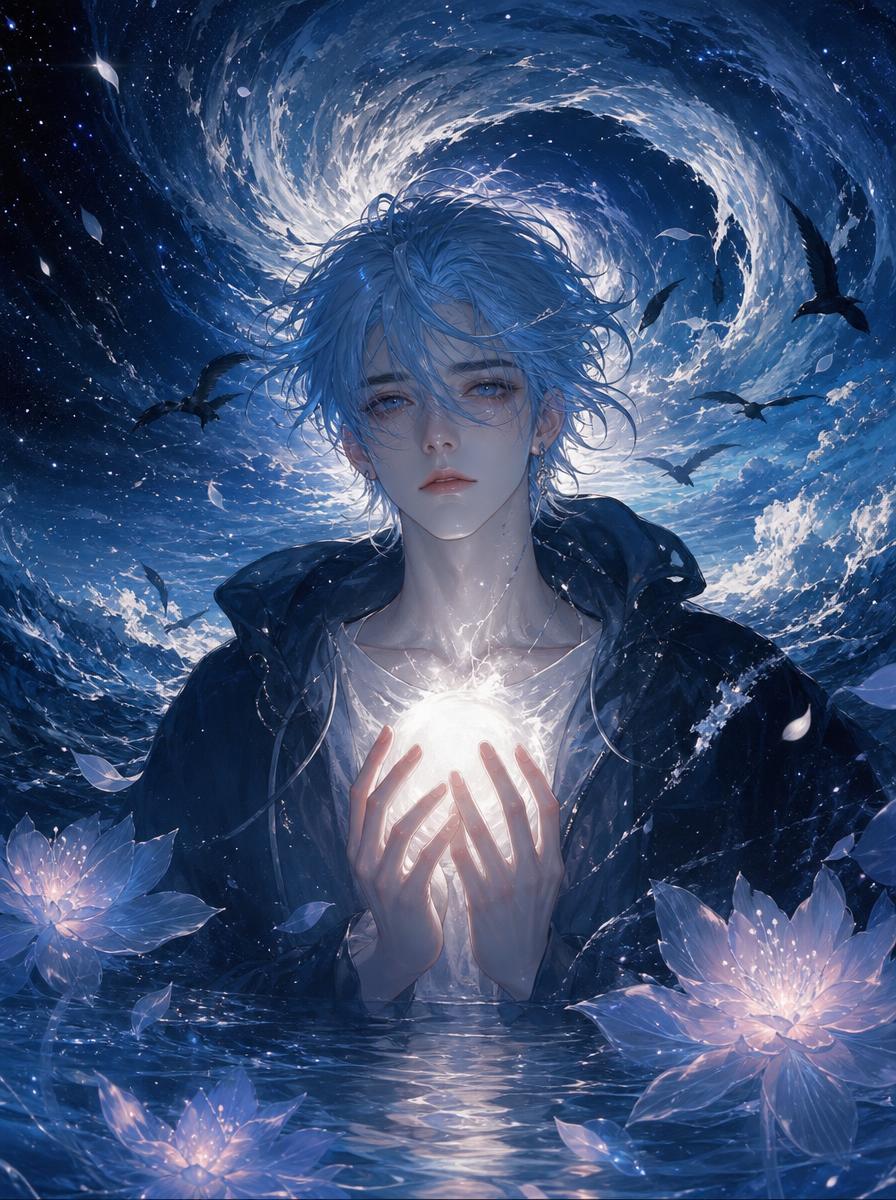
Moonlit Ghost Lotus Anime Portrait

Celestial Sakura Kimono Maiden
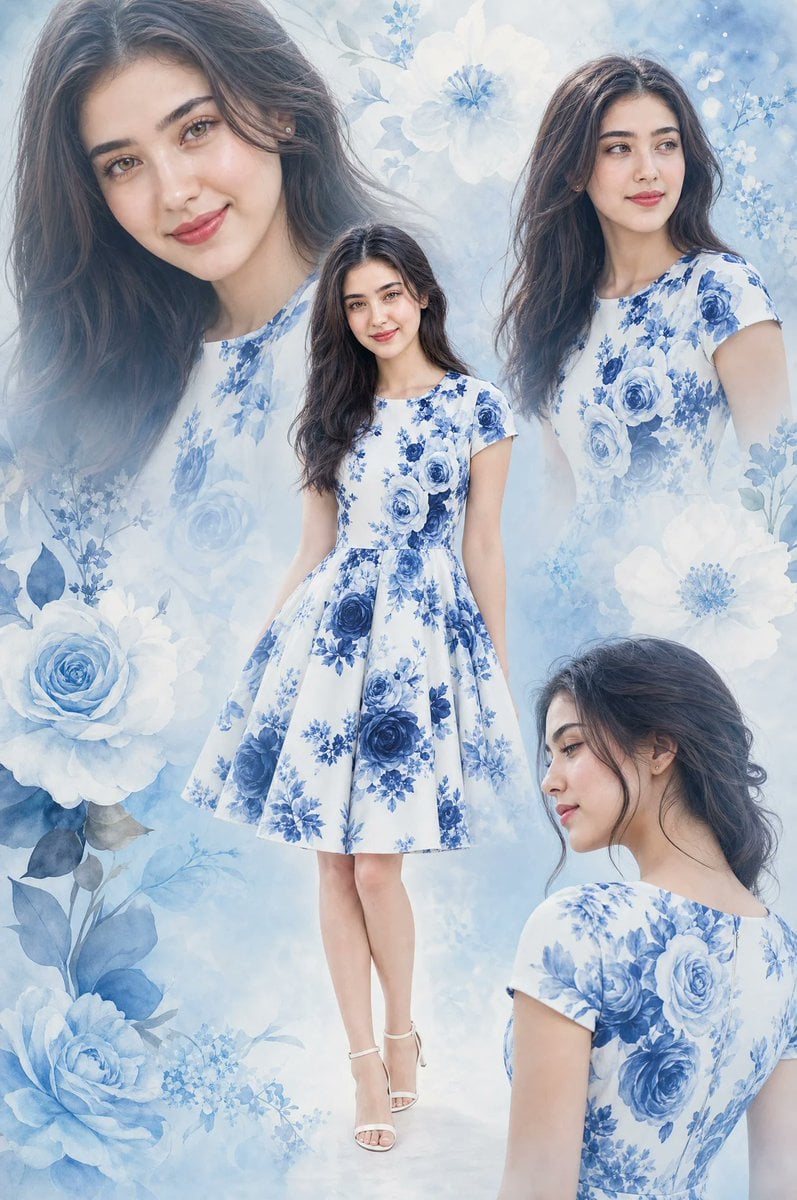
Floral Dress Fashion Collage
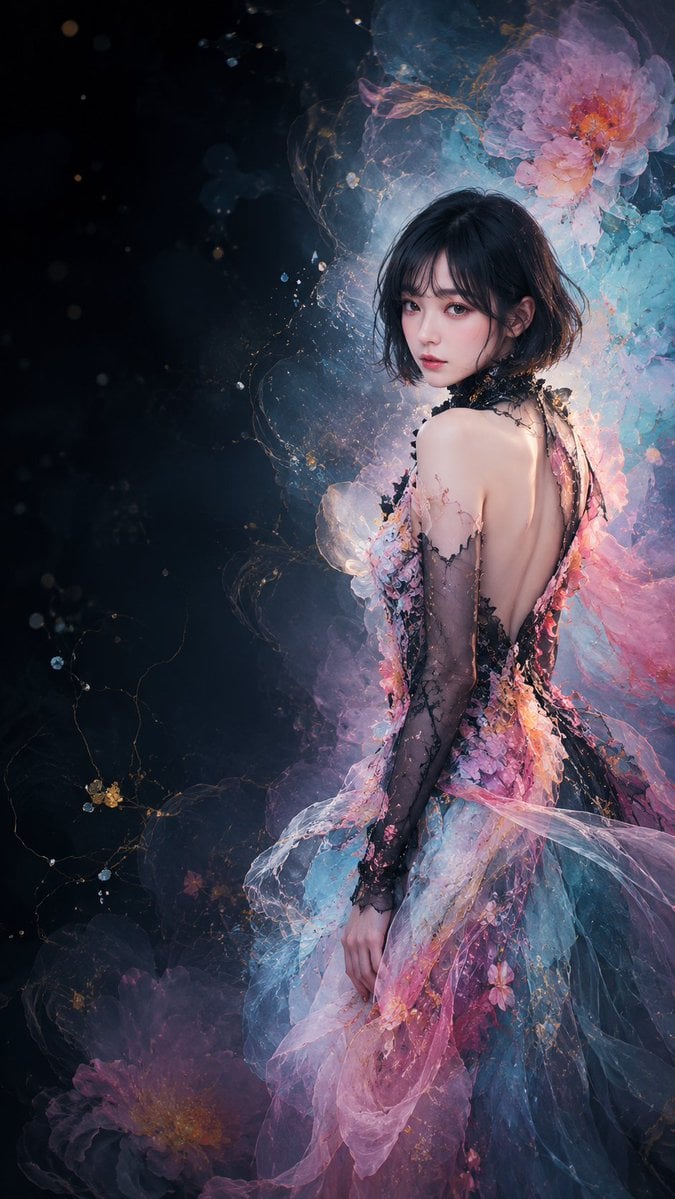
Ethereal Floral Couture Portrait
Make it yours
Moonlit Floral Kimono Nobleman works as-is. These are the safest ways to change it without losing the look.
Change one field
Copy a single group, rewrite it, and generate again so you can see what that field is doing.
Keep the frame, change the subject
Hold the composition and light of Moonlit Floral Kimono Nobleman, then swap wardrobe, props or the person for a new take.
| If the result… | Why | Fix |
|---|---|---|
| The result drifts from the preview | Too many fields changed at once. | Reuse Moonlit Floral Kimono Nobleman as-is first, then change one group — subject, light, or setting. |
| The model over-stylizes the scene | The prose prompt leaves finish and camera underspecified. | Add one camera or lighting sentence and stay on GPT Image 2. |
More GPT Image 2 templates
Other prompts made for GPT Image 2.

Six VTuber Japanese Logo Sheet

Realistic Portrait of Woman and Deer

The Vista Modular Condo Poster

AI Model Routing Comparison Infographic

2.5D Anime Art Board

Isometric Productivity Desk Scene

New York Double Exposure Poster

Four-Panel AI Landscape Comparison

Japanese Tatami Lifestyle Magazine Cover

NESCAFÉ Coffee Map Poster
More image prompts
Fresh picks from across the catalog.
Whimsical Dream Race Concept
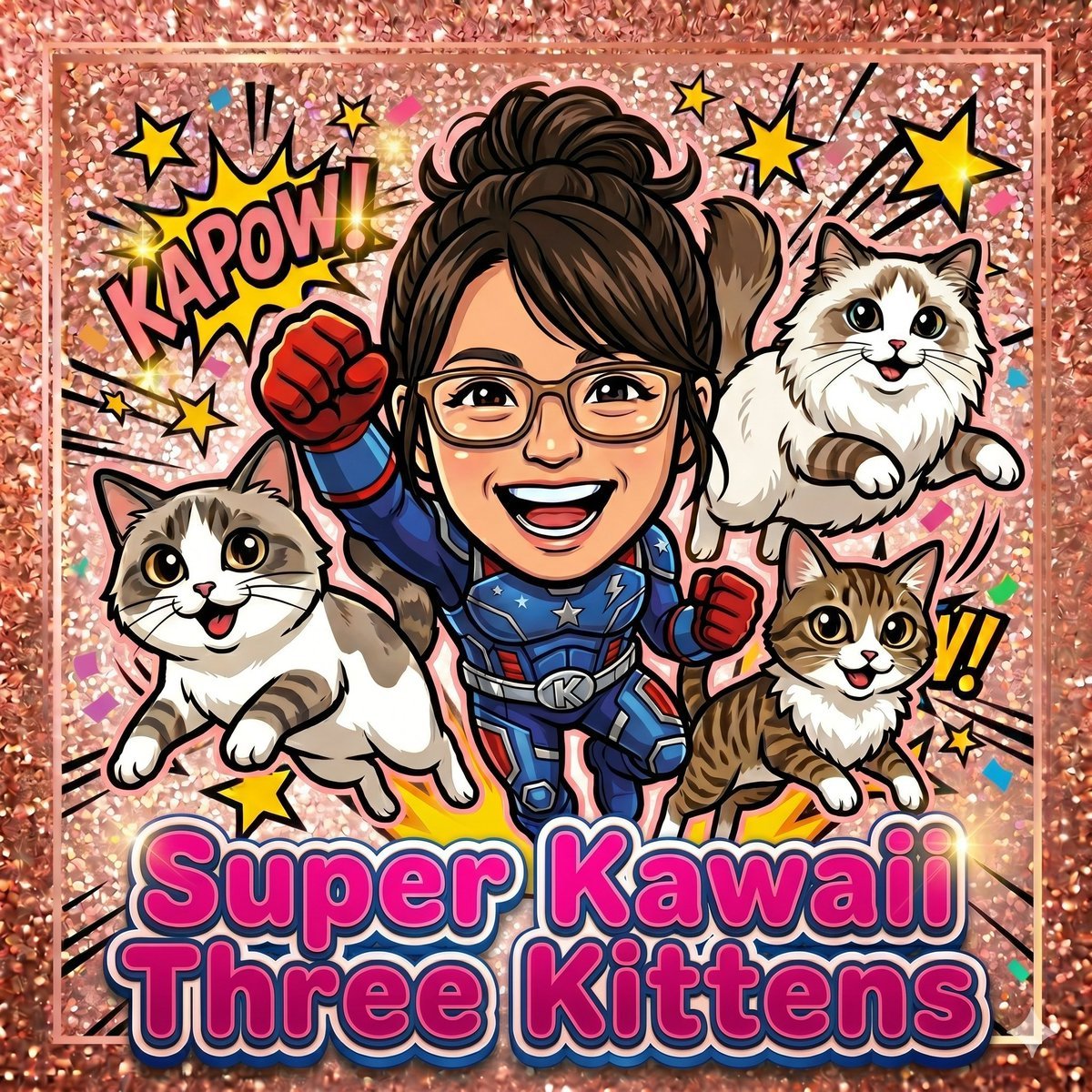
Super Kawaii Three Kittens Poster

The Ultimate Nano Banana Pro Master Prom
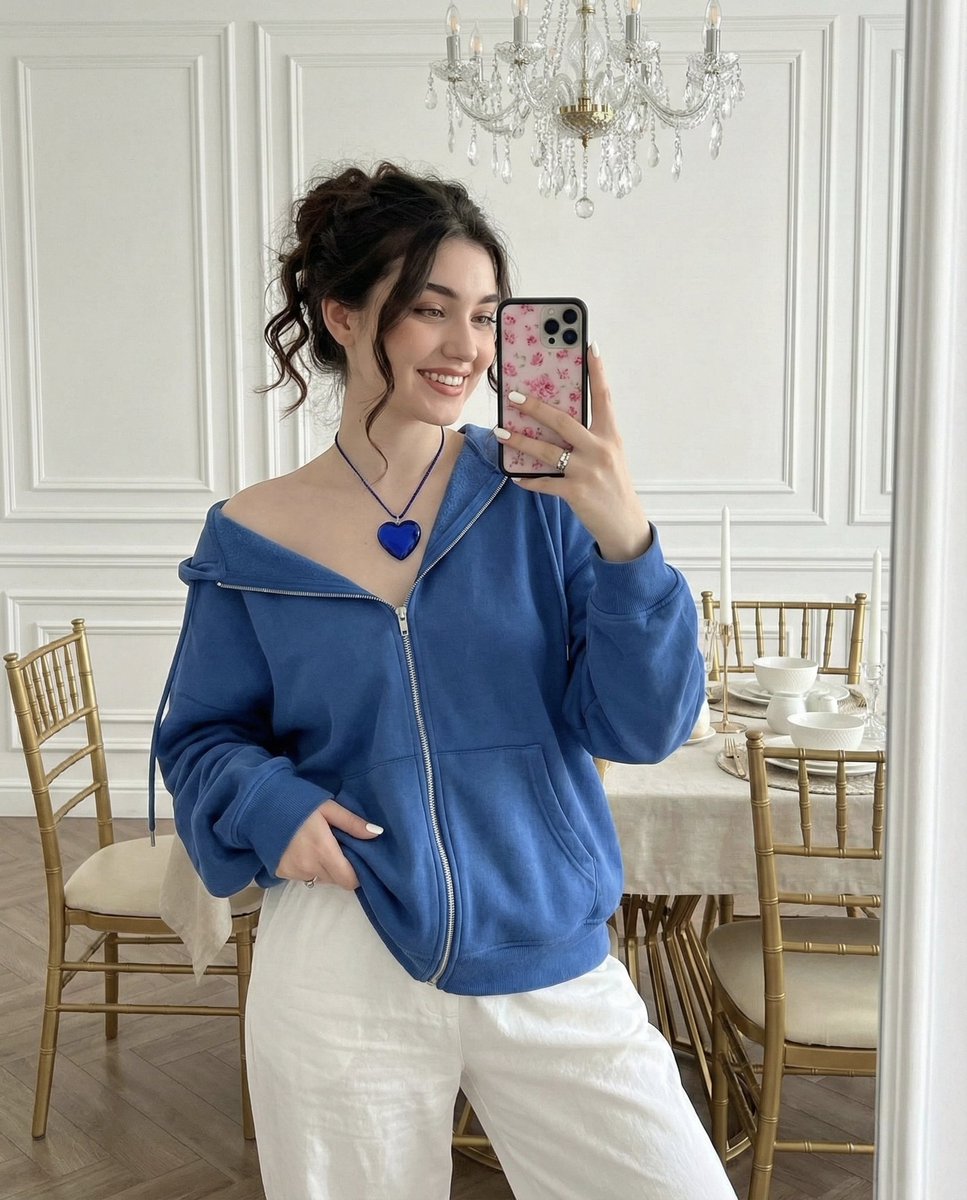
Glamorous Mirror Selfie in an Elegant Dining Room
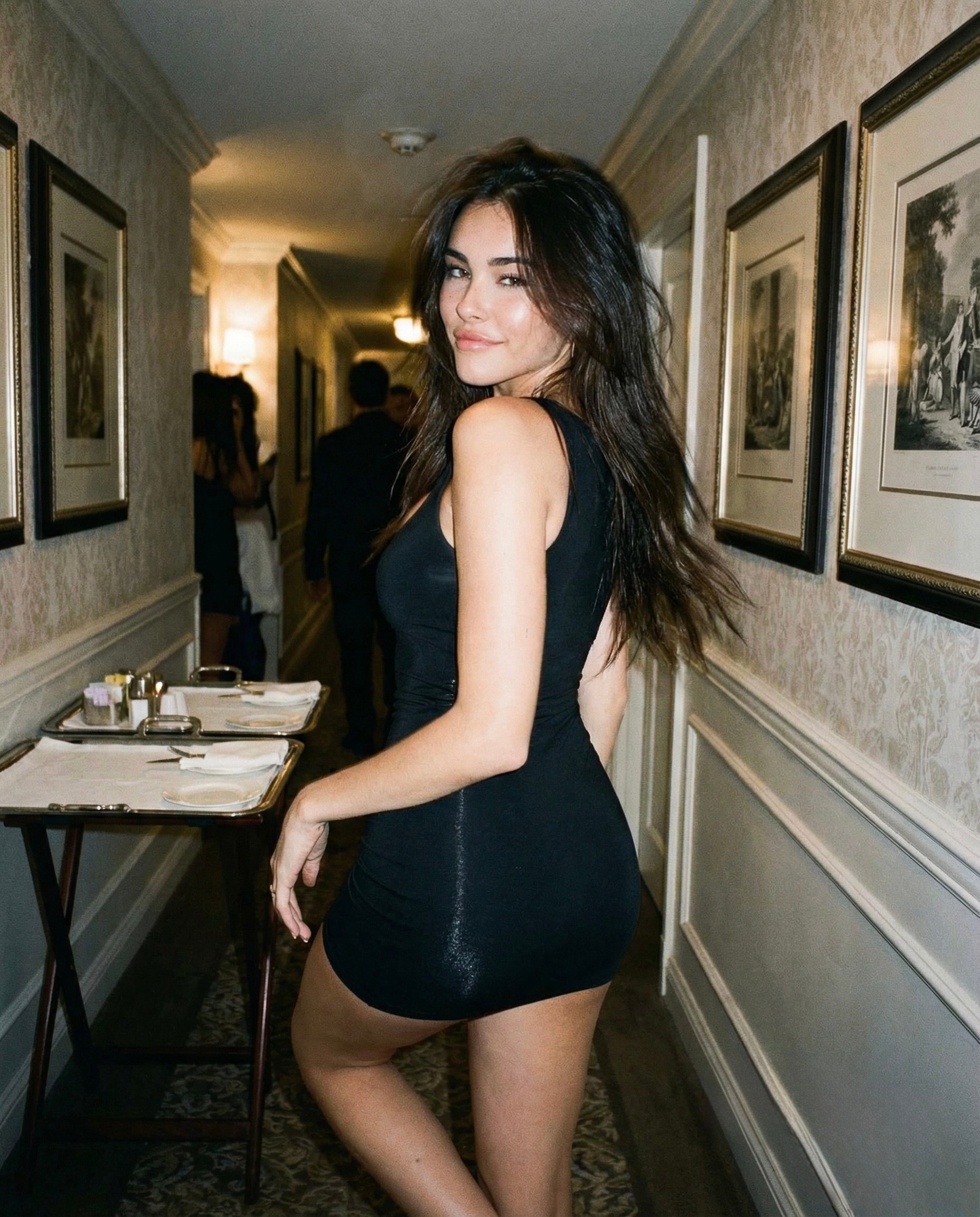
Madison Beer Hotel Iphone Flash
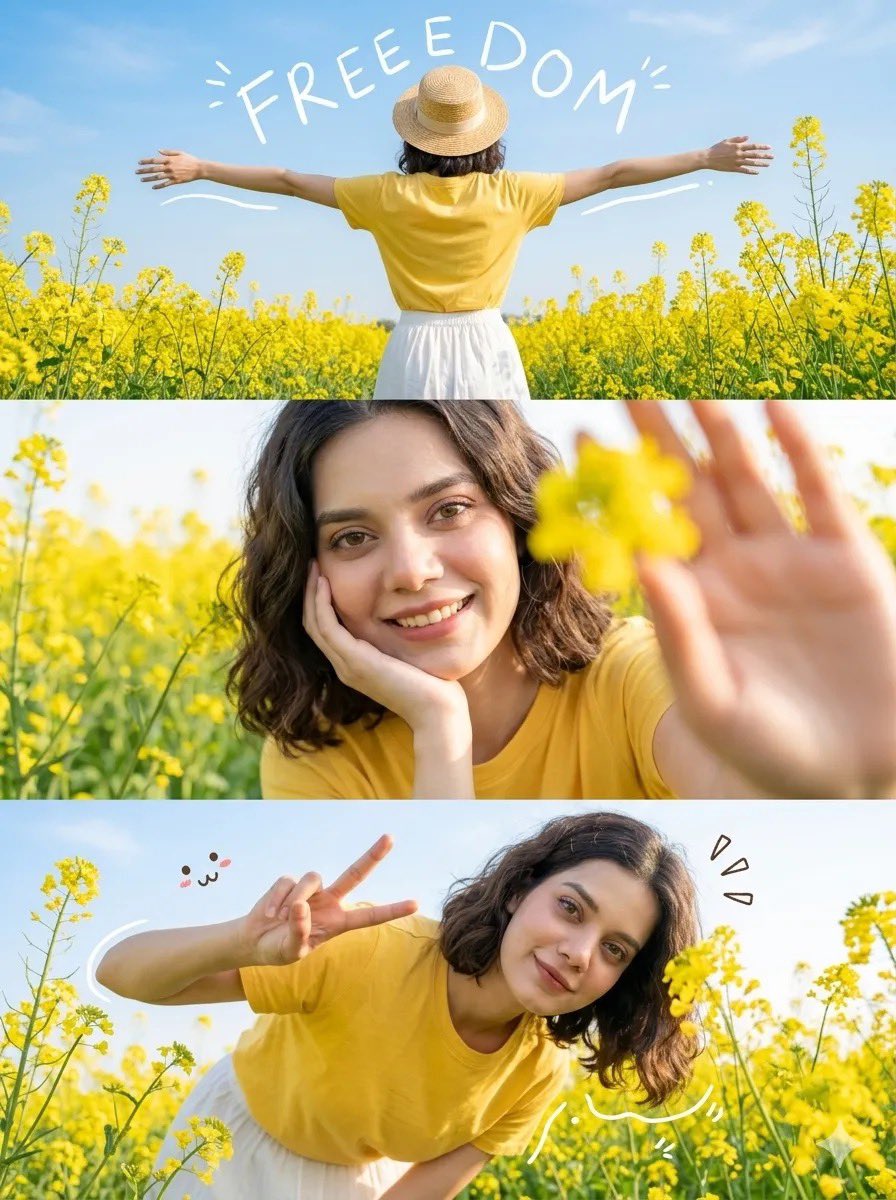
Mustard Flower Field Summer
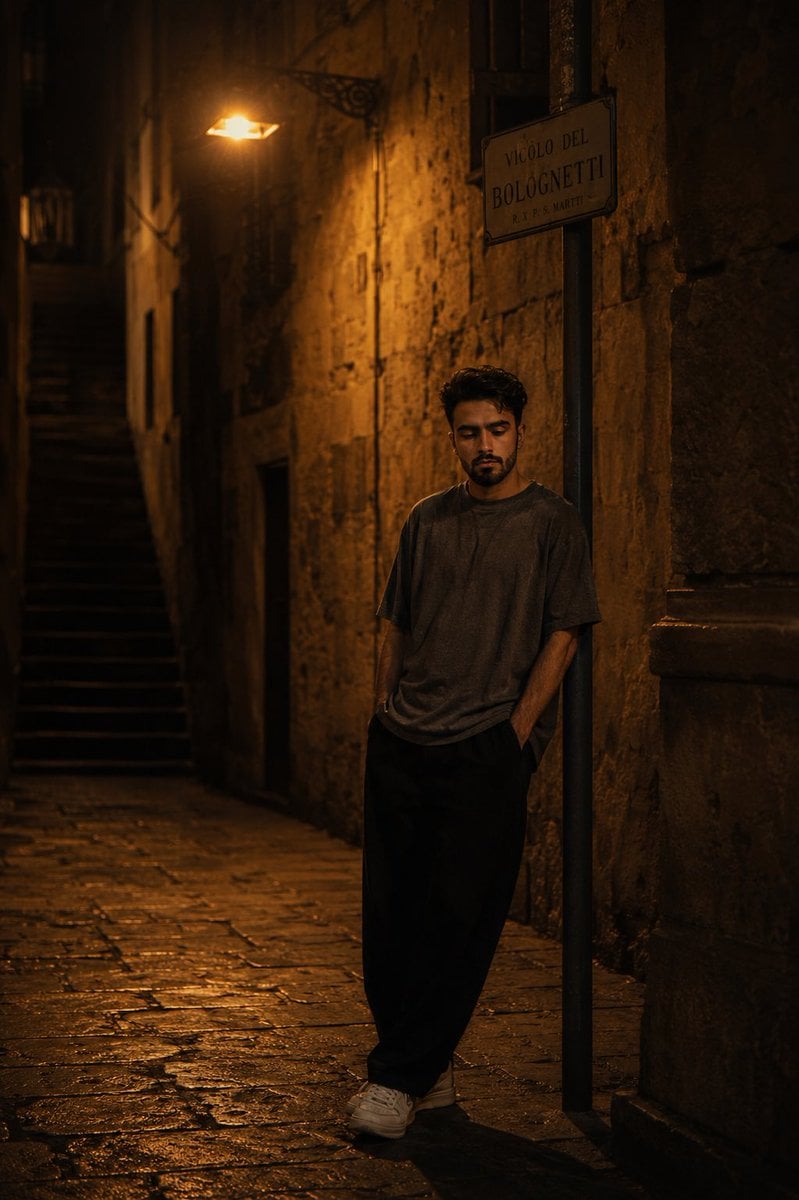
European Stone Alley Night Portrait
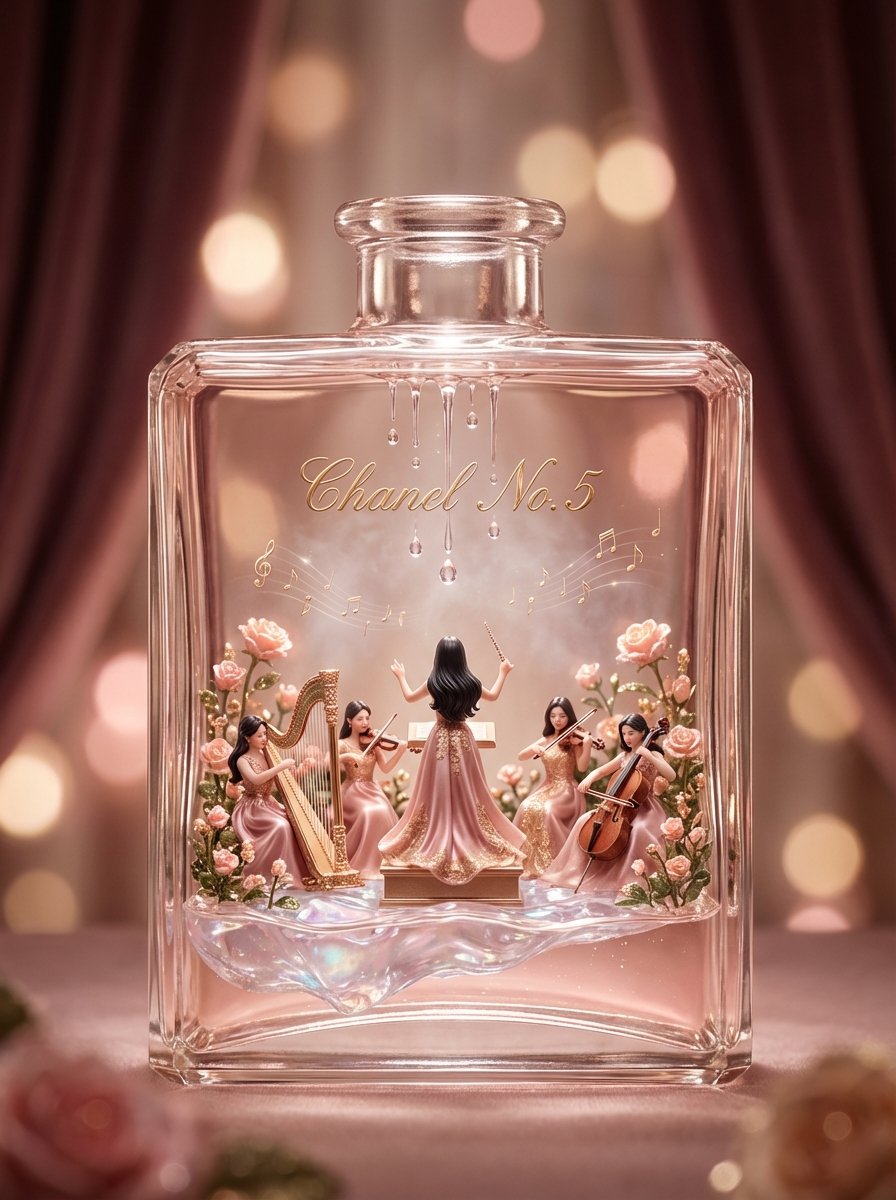
Luxury Skincare Diorama in a Perfume Bottle
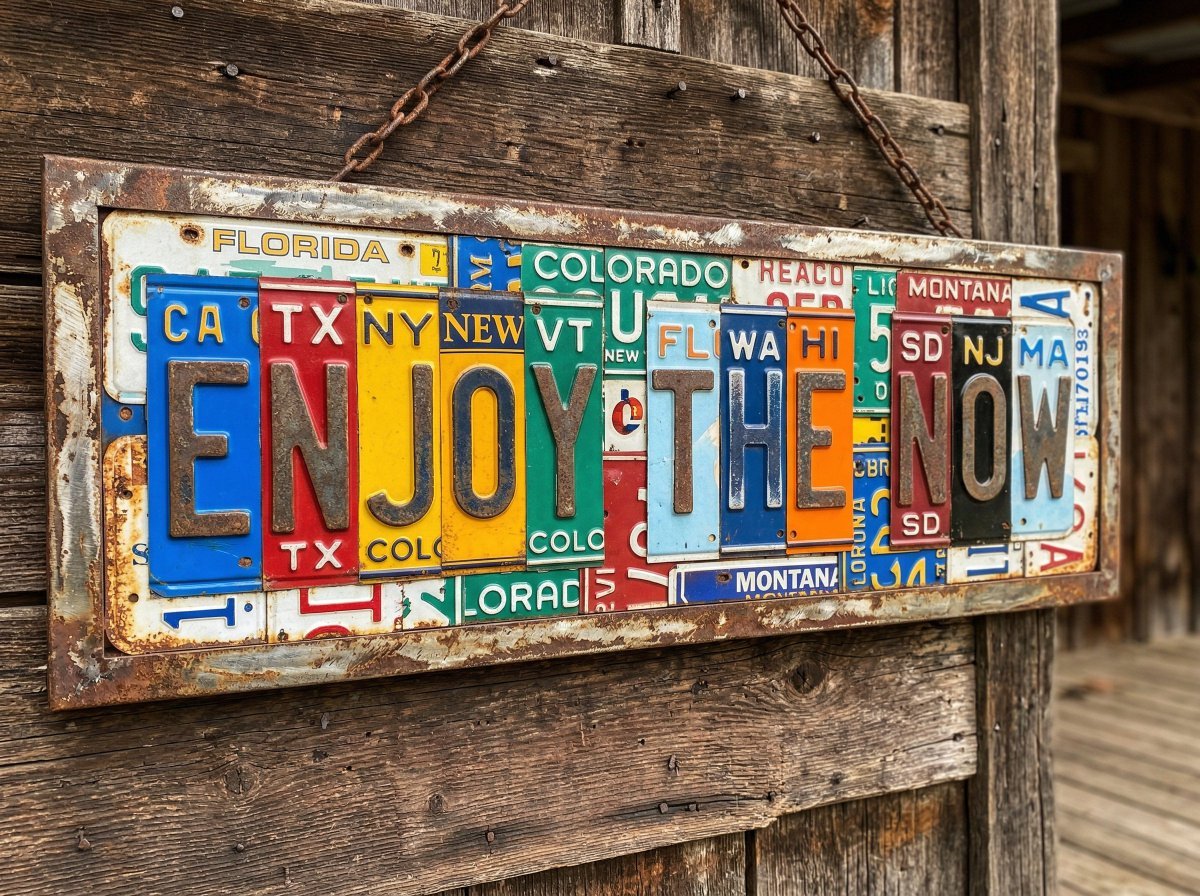
Distressed License Plate Sign
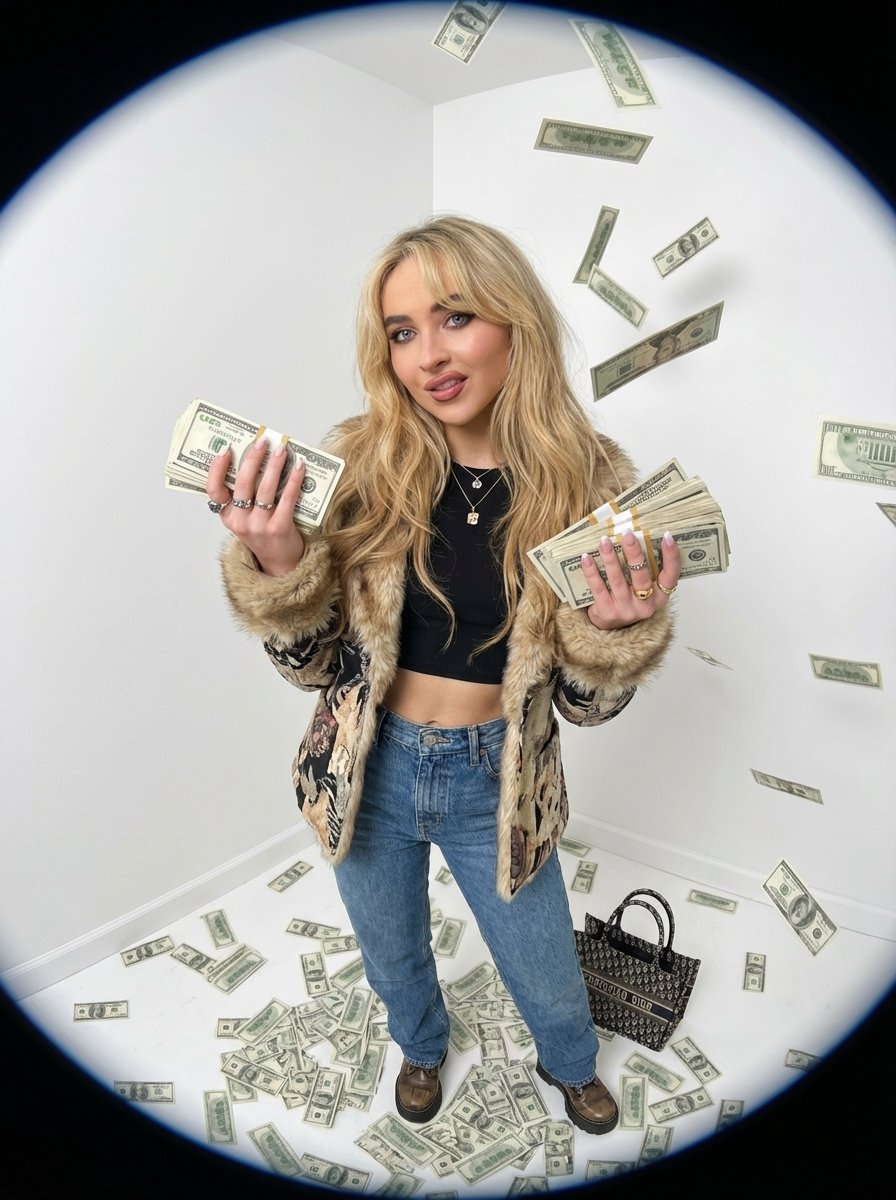
Fisheye portrait with money in a white studio
Browse template categories
Moonlit Floral Kimono Nobleman questions
How do I use the Moonlit Floral Kimono Nobleman template?
Add your photo if the template asks for one, edit the prompt if you like — the template's model and format are already selected — and press Generate. Your version opens in PicX Studio.
Can I customize the Moonlit Floral Kimono Nobleman template?
Yes. You can change the subject, setting, lighting, mood, format, and available model controls before creating your image.
Is the Moonlit Floral Kimono Nobleman template free?
Opening and editing this template is free. Generating uses credits, shown on the Generate button when you are signed in.
Which AI model should I use?
Start with GPT Image 2, which is the model associated with this template. You can compare another compatible model for a different finish.
Looking for something else? Browse all templates.

Your photo, any look
Thousands of ready templates for every top image and video model, from one credit balance.