
Cinematic GPT-Image 2.5 Announcement
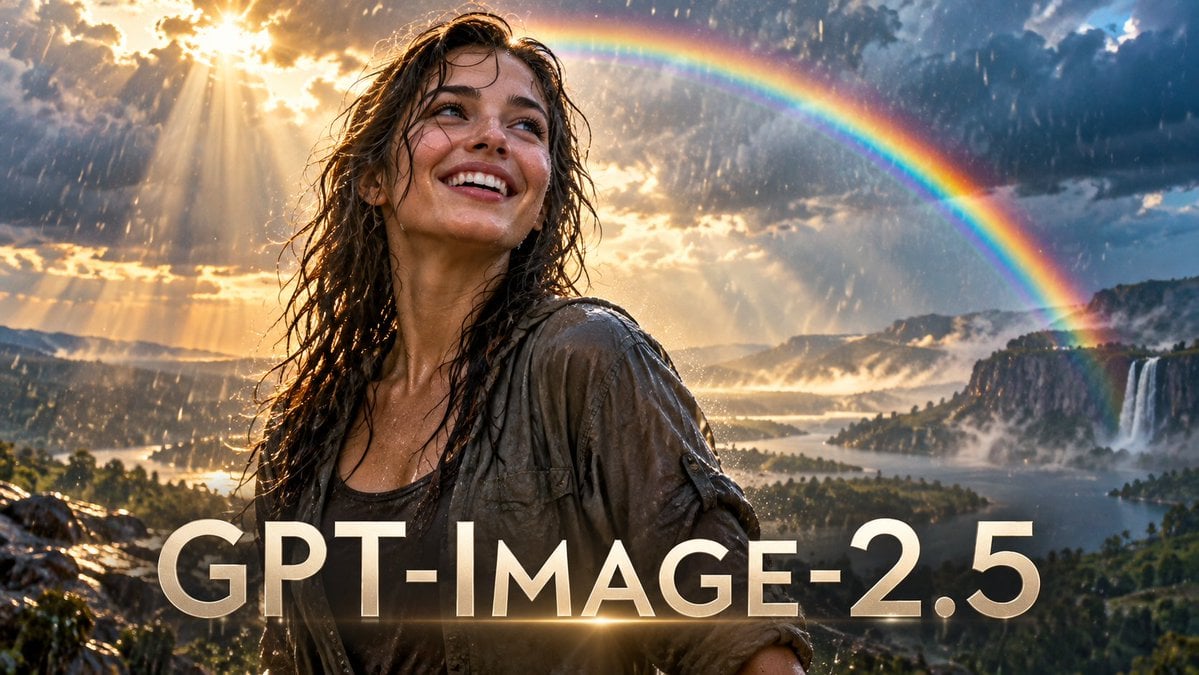
A dramatic photorealistic widescreen announcement image featuring a rain-soaked smiling woman, rainbow, epic landscape, and bold GPT-IMAGE-2.5 title text.
- Prompt included
- Model and format preset
- Free template
The prompt behind this image
Copy the exact prompt behind Cinematic GPT-Image 2.5 Announcement, or open it in the studio and make it yours.
Create a cinematic photorealistic widescreen hero image for an AI image model announcement. A young woman with {argument name="character appearance" default="wet wavy brown hair, natural skin, bright smile, and expressive eyes"} stands in the foreground slightly left of center, soaked by rain, wearing {argument name="outfit" default="a drenched gray-brown utility jacket over a dark tank top"}. She looks upward with joyful wonder, face lit by golden sunlight breaking through dramatic storm clouds. Heavy rain streaks through the scene while warm sunbeams pour from the upper left, creating sparkling highlights on her wet hair and clothing. Behind her is an epic fantasy-realistic landscape: a vast green valley with a lake or river, misty cliffs, distant mountains, and exactly two visible waterfalls on the right side, all under stormy blue-gray clouds. A vivid full rainbow arcs across the upper right sky from behind the woman toward the waterfalls, with rich saturated colors and slight atmospheric glow. Add large bold uppercase title text across the bottom foreground reading {argument name="headline text" default="GPT-IMAGE-2.5"}, in a clean modern sans-serif font, off-white to pale gold, with subtle 3D depth, soft shadow, and a horizontal golden lens flare glowing through the baseline near the center. Use ultra-detailed cinematic lighting, high dynamic range, realistic rain, shallow depth of field on the woman, expansive background depth, dramatic contrast between storm and sunlight, 16:9 composition, no extra logos, no watermark, no additional text.
How to use Cinematic GPT-Image 2.5 Announcement in 3 steps
- 1Upload ImagePNG, JPG or paste
Add your photo
Upload the photo the template builds on. The prompt, model and format are already set.
- 2…a portrait of your subject in softgolden-hour light, 85mm…
Personalize
Edit the subject and creative details for your destination.
- 3Generate
Generate
Press Generate — your image is created in PicX Studio, so you can compare it with the original and refine one variable at a time.
More like this
Templates with the same subject, style or setup. Open one to see its prompt.
Retro ChatGPT Images 2.5 Announcement Poster
GPT-Image V2 Feature Announcement
LUMINA CANDY Anime Announcement Poster
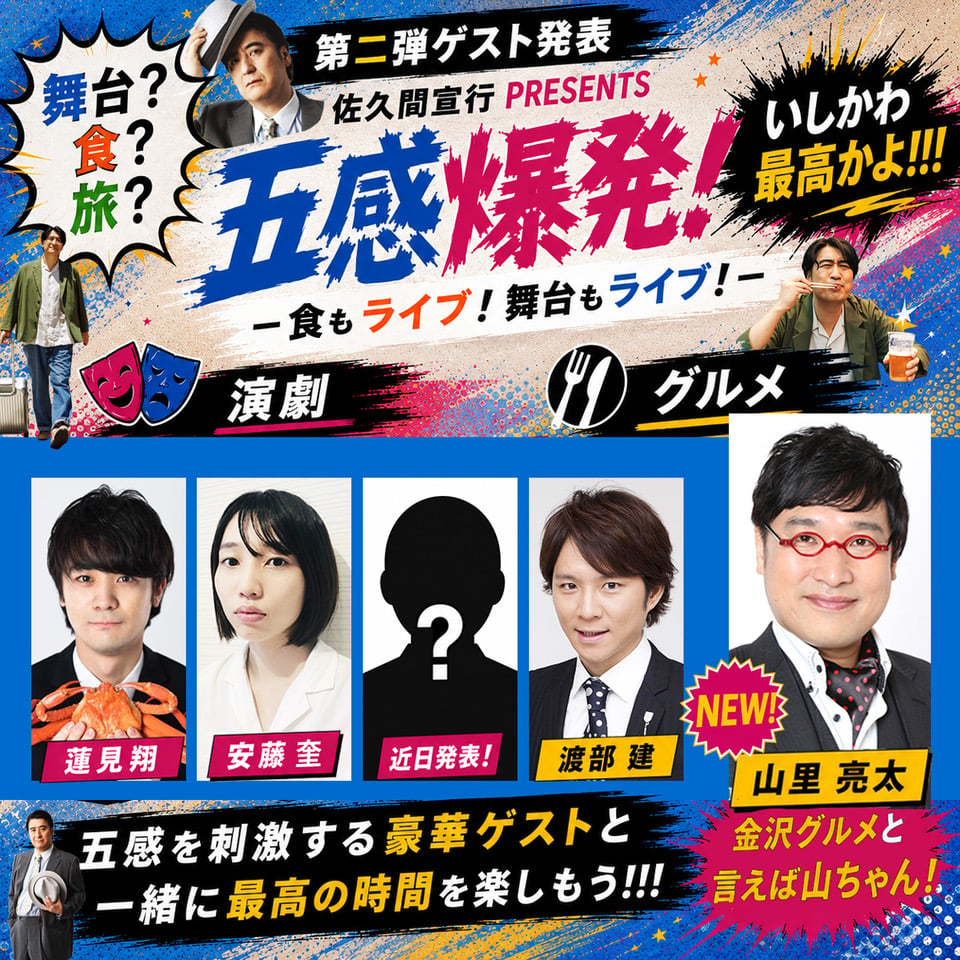
Chaotic Japanese Guest Announcement Poster

Office Transfer Announcement Poster

Pink Office Transfer Announcement Poster
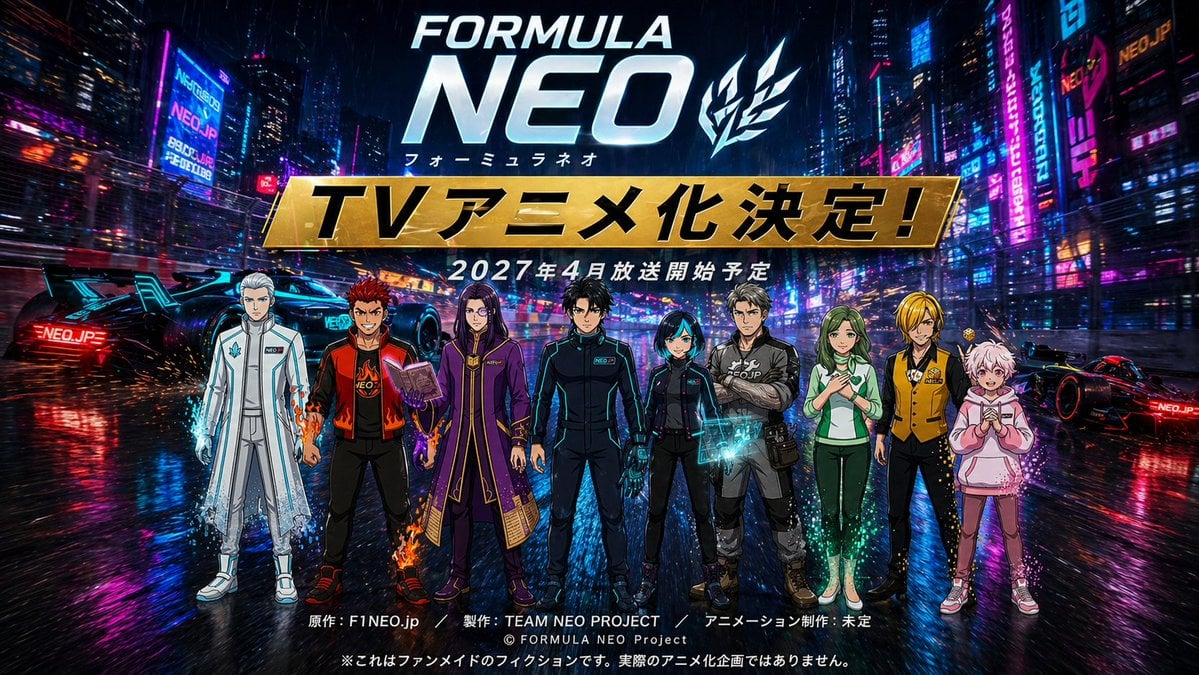
Cyberpunk Anime Announcement Poster
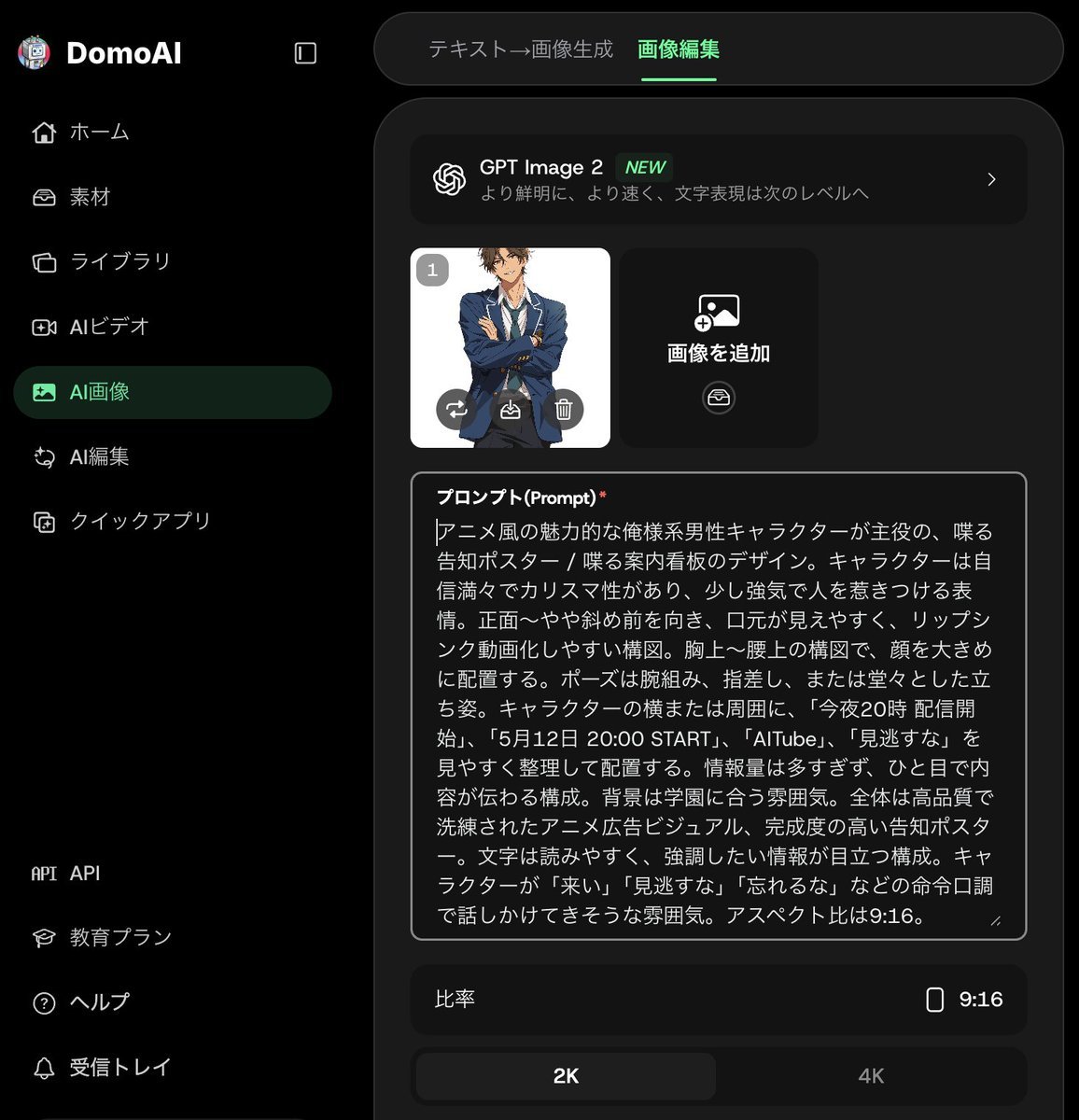
Anime Announcement Poster Template
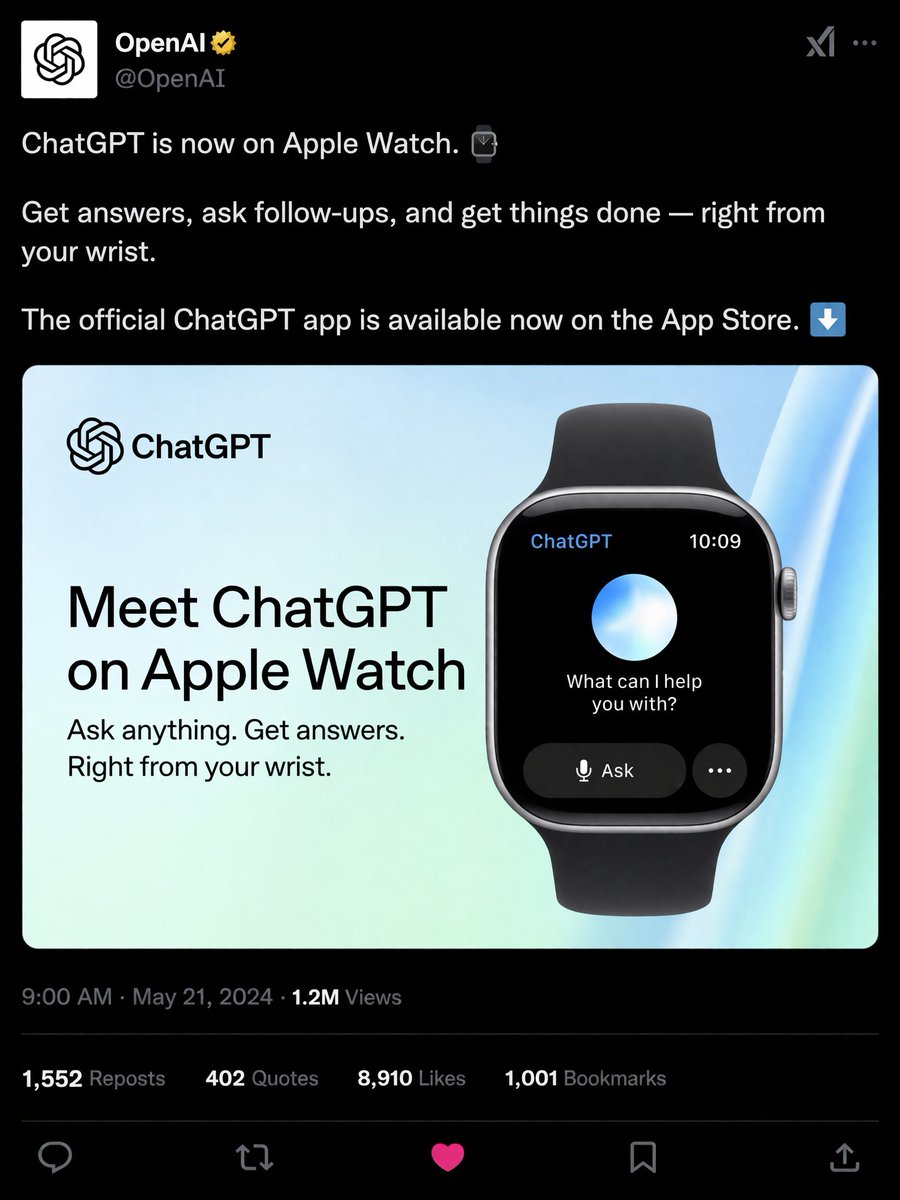
Social Media Product Announcement Mockup

Tech Product Announcement Infographic

Apple-Style CEO Announcement Poster
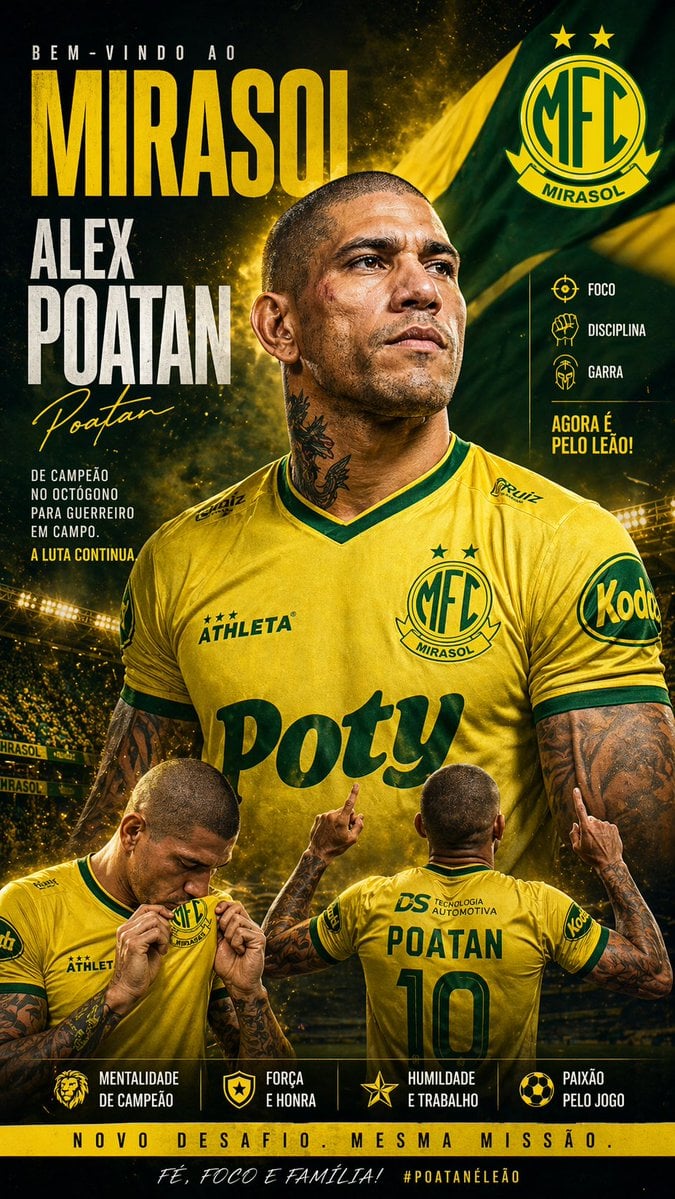
Mirassol FC Signing Announcement Poster
Make it yours
Cinematic GPT-Image 2.5 Announcement works as-is. These are the safest ways to change it without losing the look.
Change one field
Copy a single group, rewrite it, and generate again so you can see what that field is doing.
Keep the frame, change the subject
Hold the composition and light of Cinematic GPT-Image 2.5 Announcement, then swap wardrobe, props or the person for a new take.
| If the result… | Why | Fix |
|---|---|---|
| The result drifts from the preview | Too many fields changed at once. | Reuse Cinematic GPT-Image 2.5 Announcement as-is first, then change one group — subject, light, or setting. |
| The model over-stylizes the scene | The prose prompt leaves finish and camera underspecified. | Add one camera or lighting sentence and stay on GPT Image 2. |
More GPT Image 2 templates
Other prompts made for GPT Image 2.

Six VTuber Japanese Logo Sheet

Realistic Portrait of Woman and Deer

The Vista Modular Condo Poster

AI Model Routing Comparison Infographic

2.5D Anime Art Board

Isometric Productivity Desk Scene

New York Double Exposure Poster

Four-Panel AI Landscape Comparison

Japanese Tatami Lifestyle Magazine Cover

NESCAFÉ Coffee Map Poster
More image prompts
Fresh picks from across the catalog.
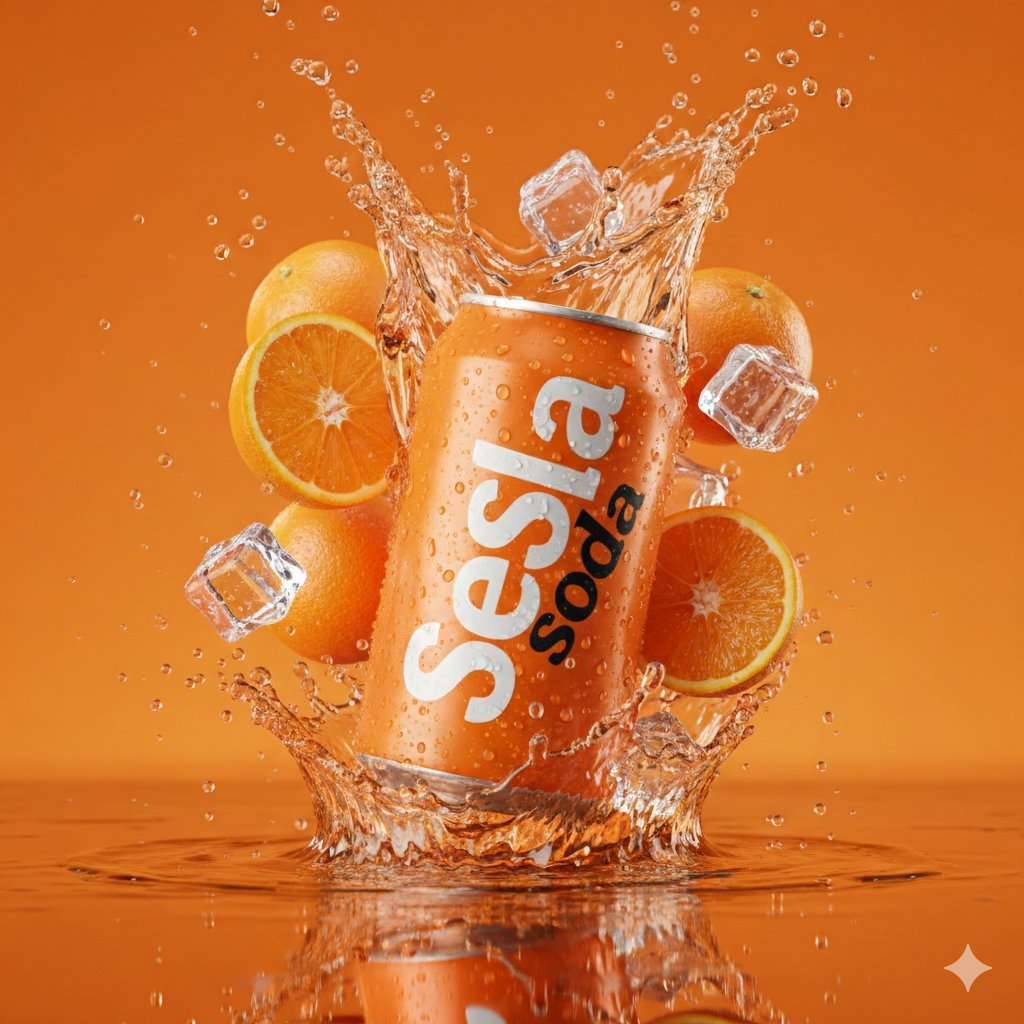
Hyper-Realistic Soda Can Splash Commercial Photo
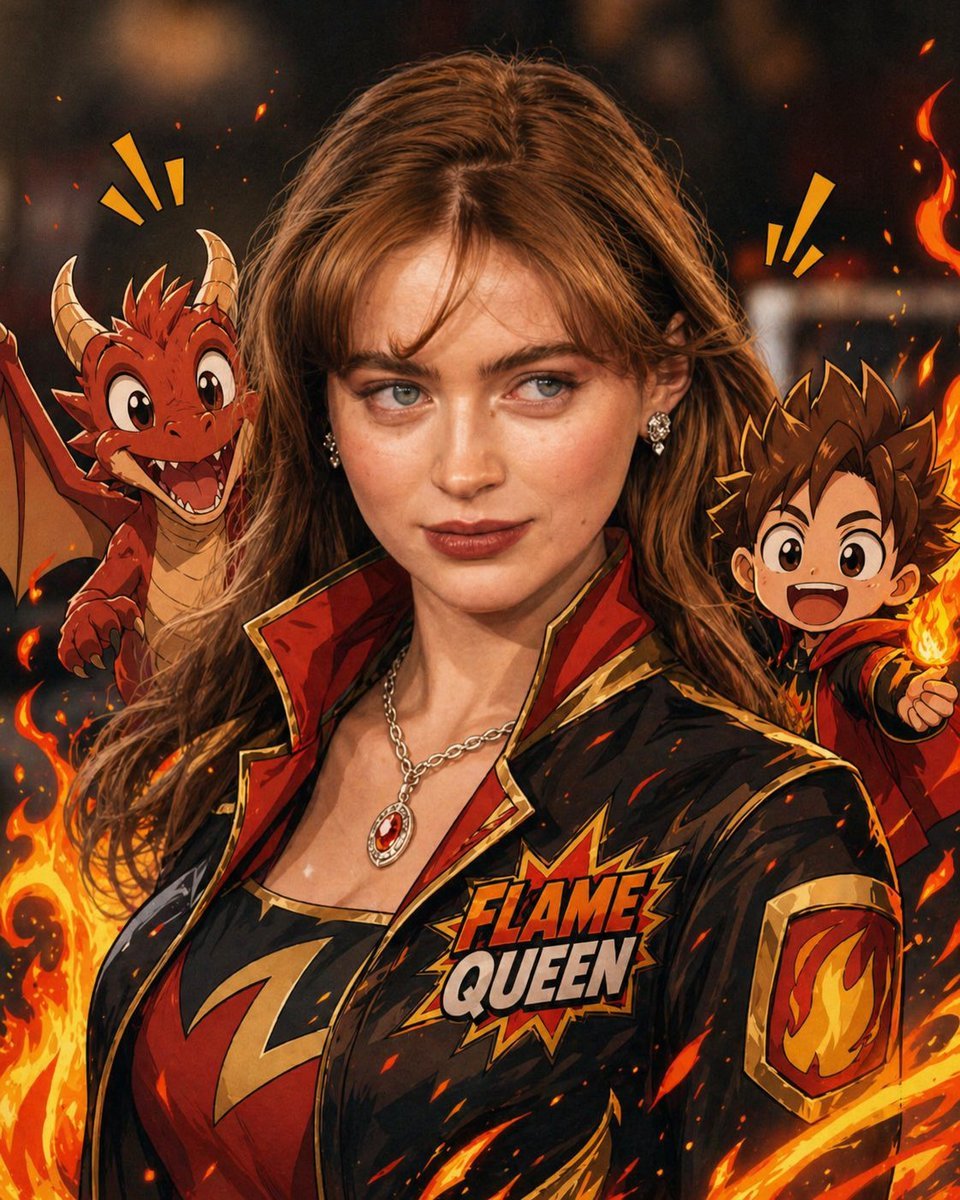
Mixed-Reality Comic Transformation
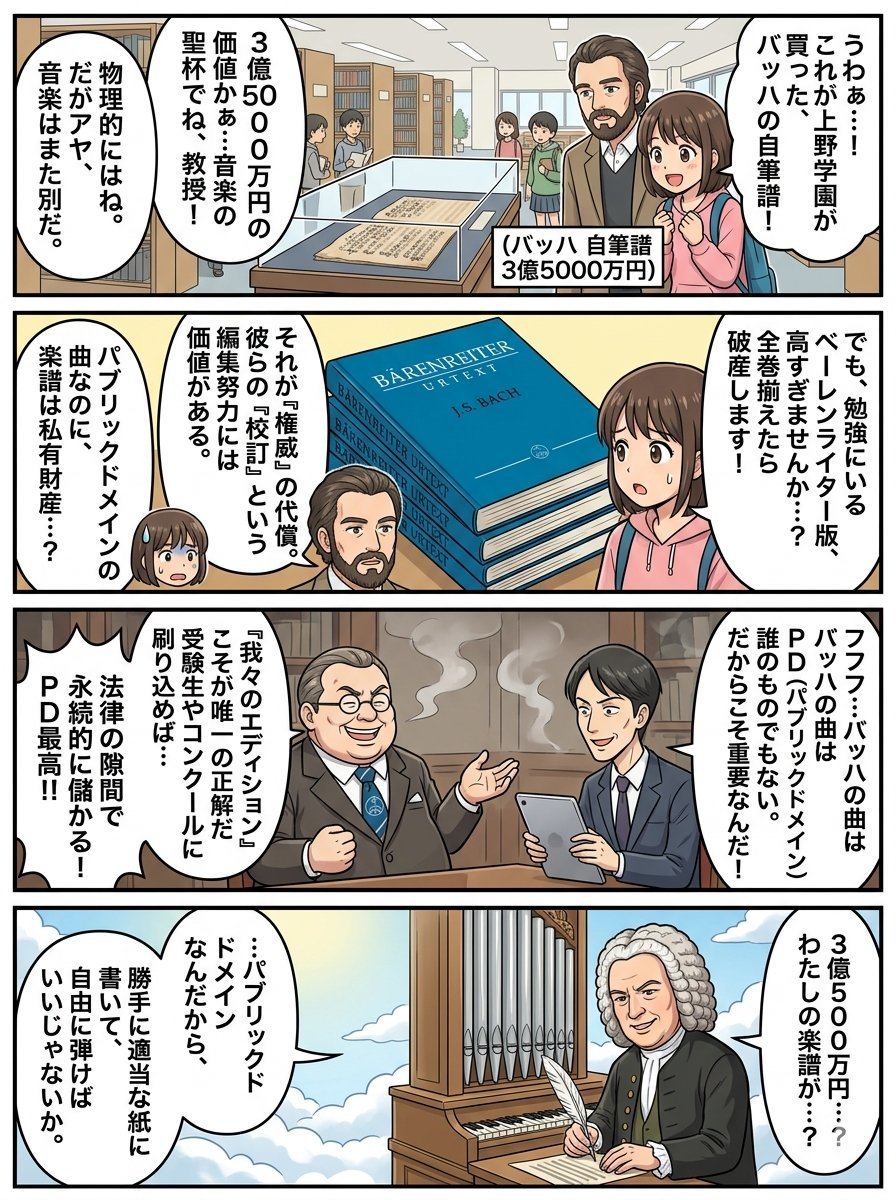
Nano Banana Pro 4-Panel Comic Prompt: Bach in Heaven
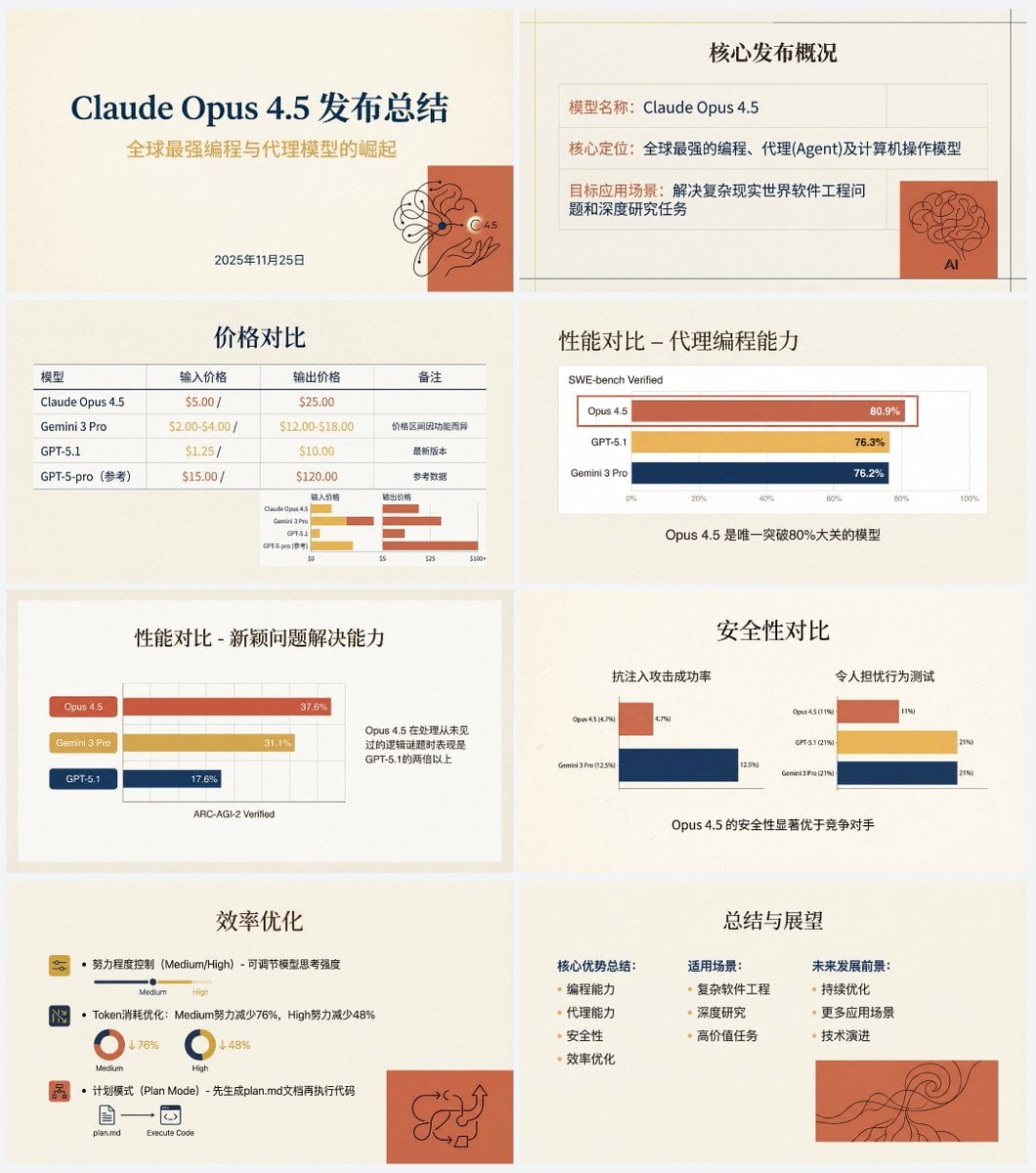
Anthropic-style warm academic PPT workflow prompt
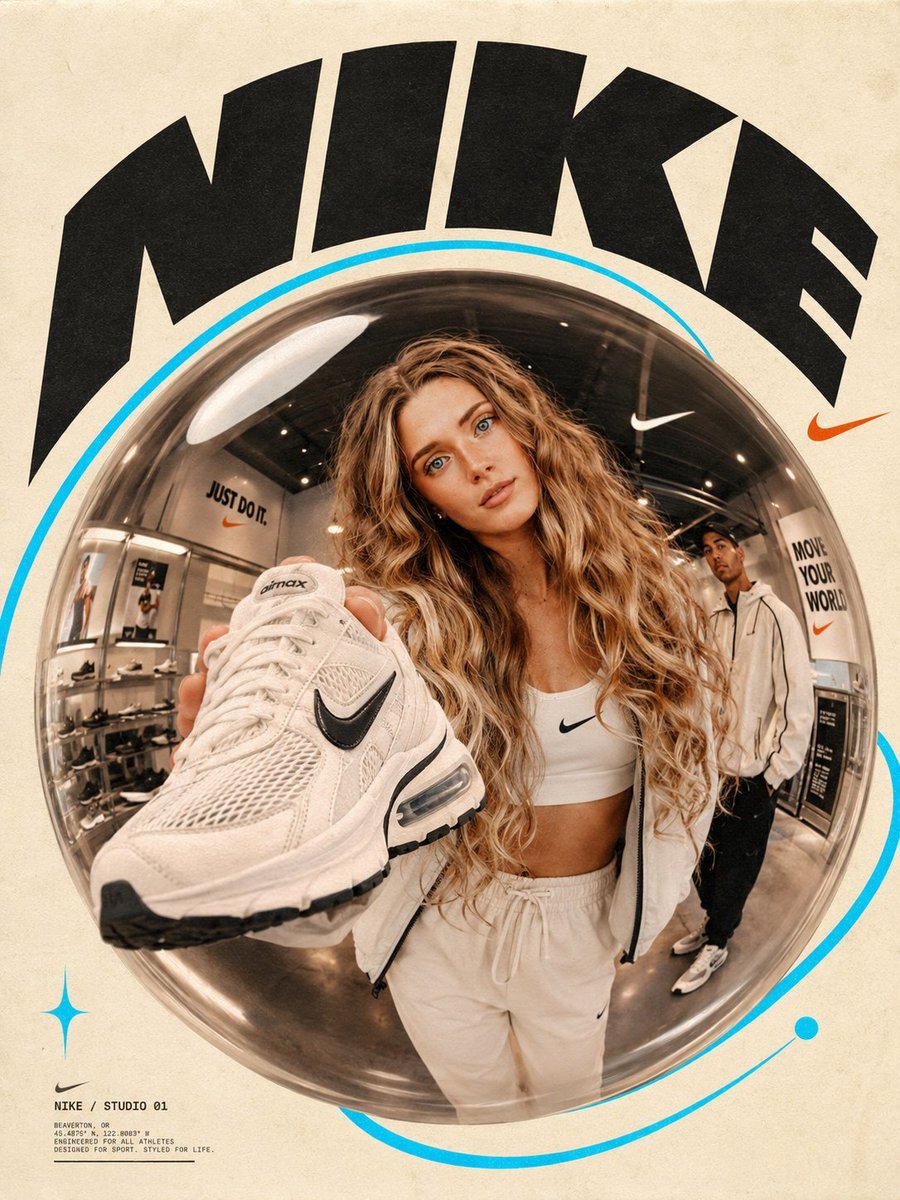
Fisheye Lens Branded Universe Poster

VTuber Chat Stream Thumbnail
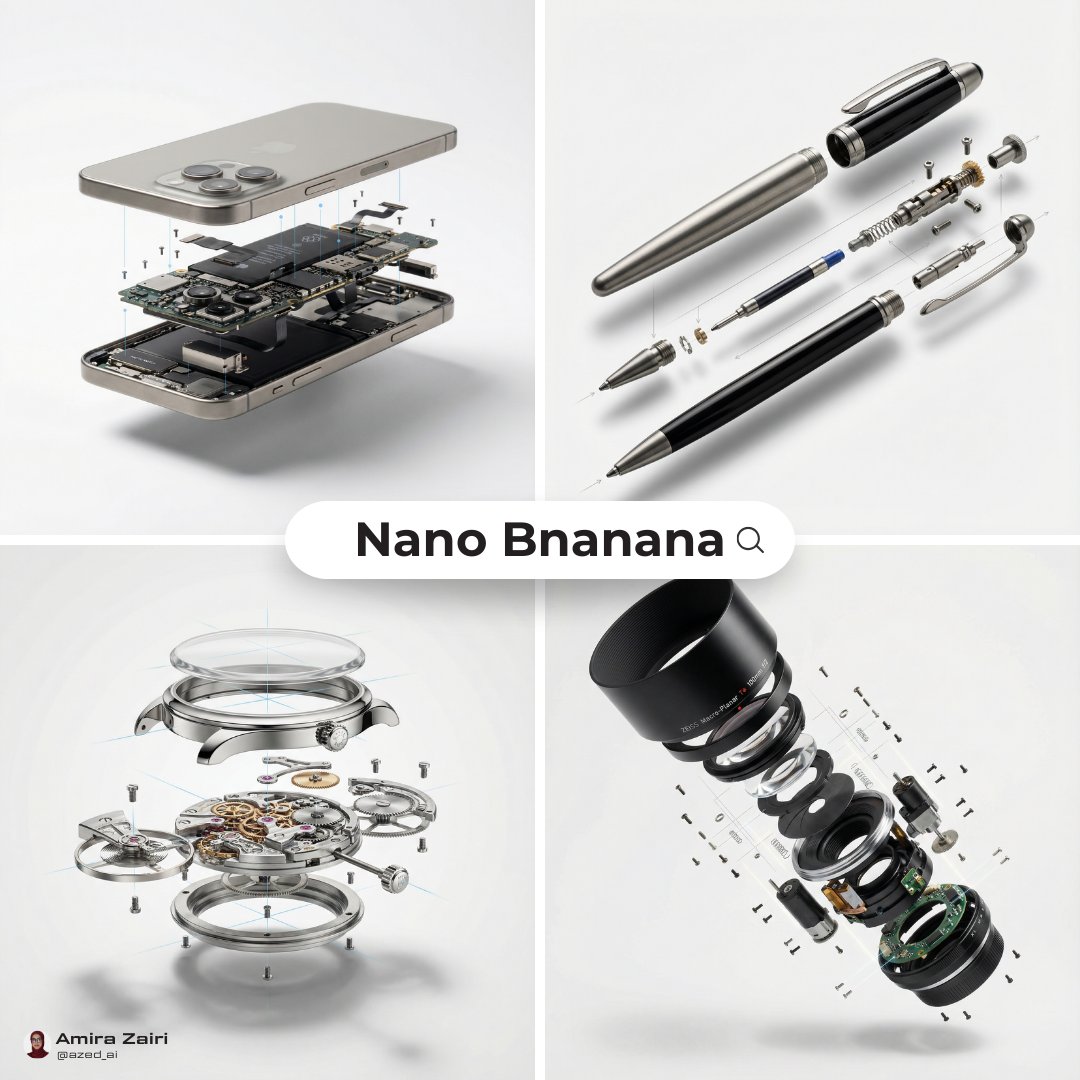
Exploded View Diagram Showing Internal Mechanical Structure
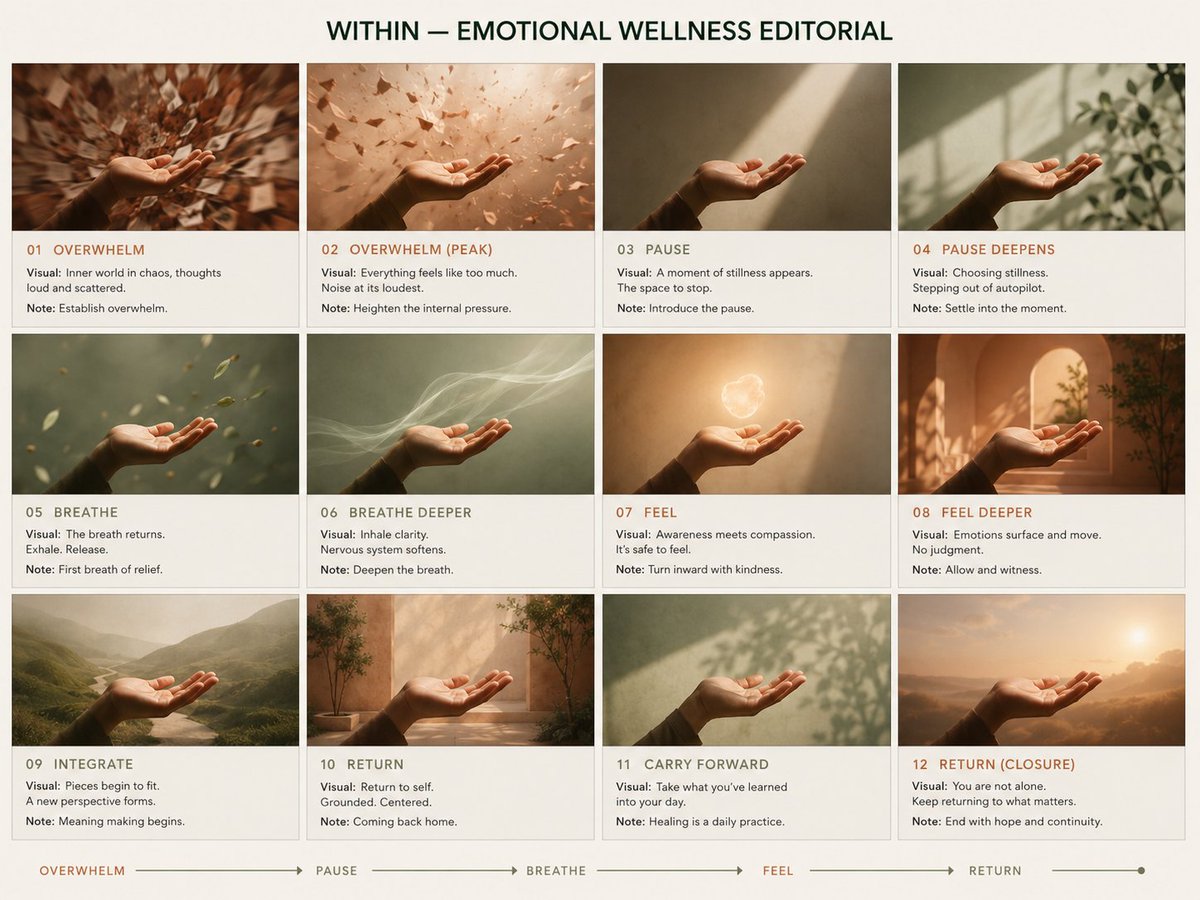
Premium Pitch Deck Storyboard
Photorealistic Omikuji (Fortune Slip) Design
Y2K Scrapbook Collage Poster
Browse template categories
Cinematic GPT-Image 2.5 Announcement questions
How do I use the Cinematic GPT-Image 2.5 Announcement template?
Add your photo if the template asks for one, edit the prompt if you like — the template's model and format are already selected — and press Generate. Your version opens in PicX Studio.
Can I customize the Cinematic GPT-Image 2.5 Announcement template?
Yes. You can change the subject, setting, lighting, mood, format, and available model controls before creating your image.
Is the Cinematic GPT-Image 2.5 Announcement template free?
Opening and editing this template is free. Generating uses credits, shown on the Generate button when you are signed in.
Which AI model should I use?
Start with GPT Image 2, which is the model associated with this template. You can compare another compatible model for a different finish.
Looking for something else? Browse all templates.

Your photo, any look
Thousands of ready templates for every top image and video model, from one credit balance.