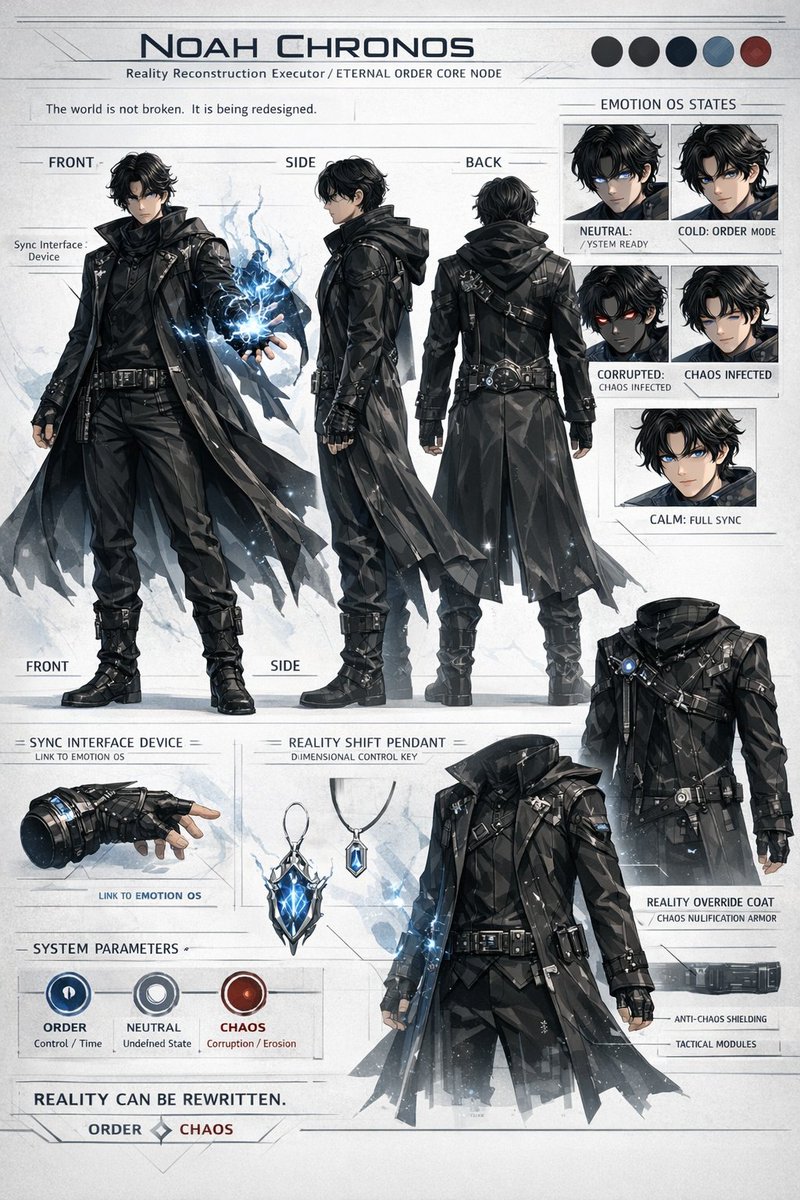
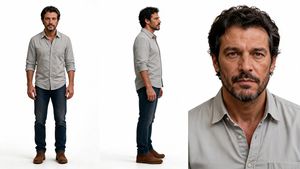
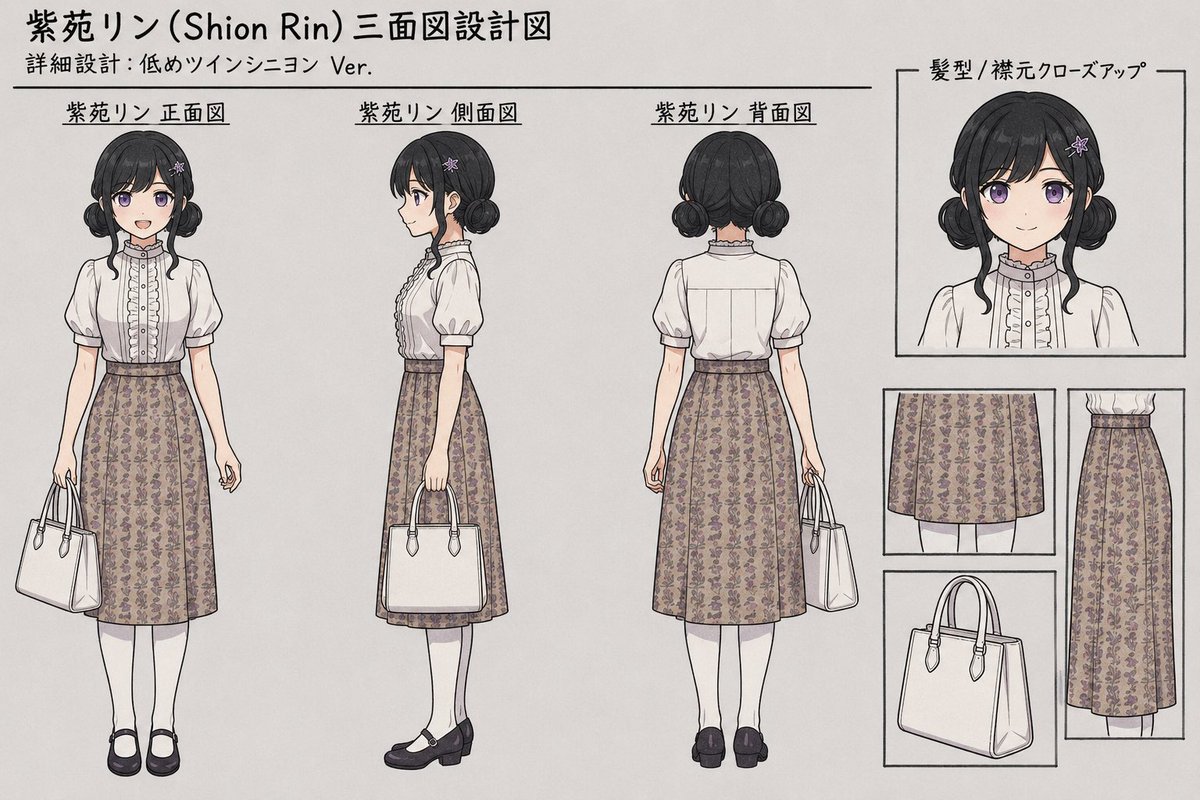
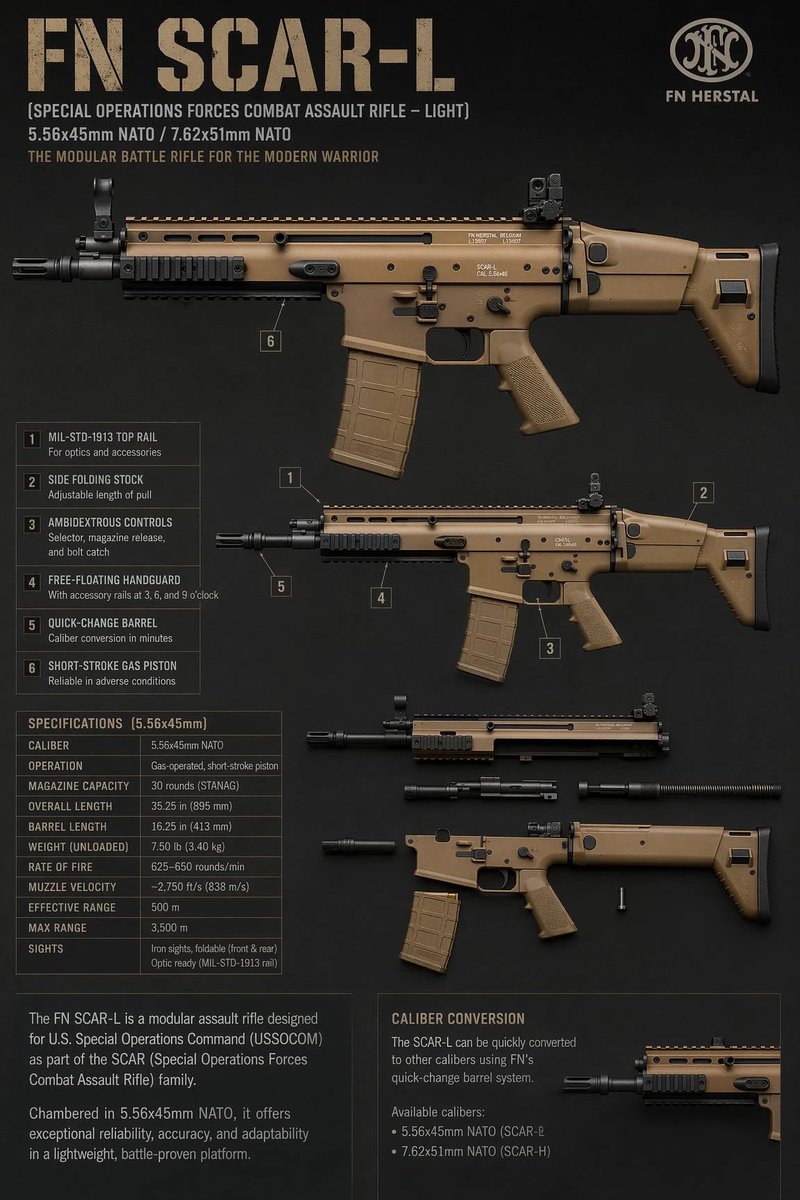
How do I use the Four-View Tactical Carbine Reference Sheet template?
Choose the primary action to open PicX Studio with the available template settings. Review the model and format, personalize the creative direction, and generate when ready.
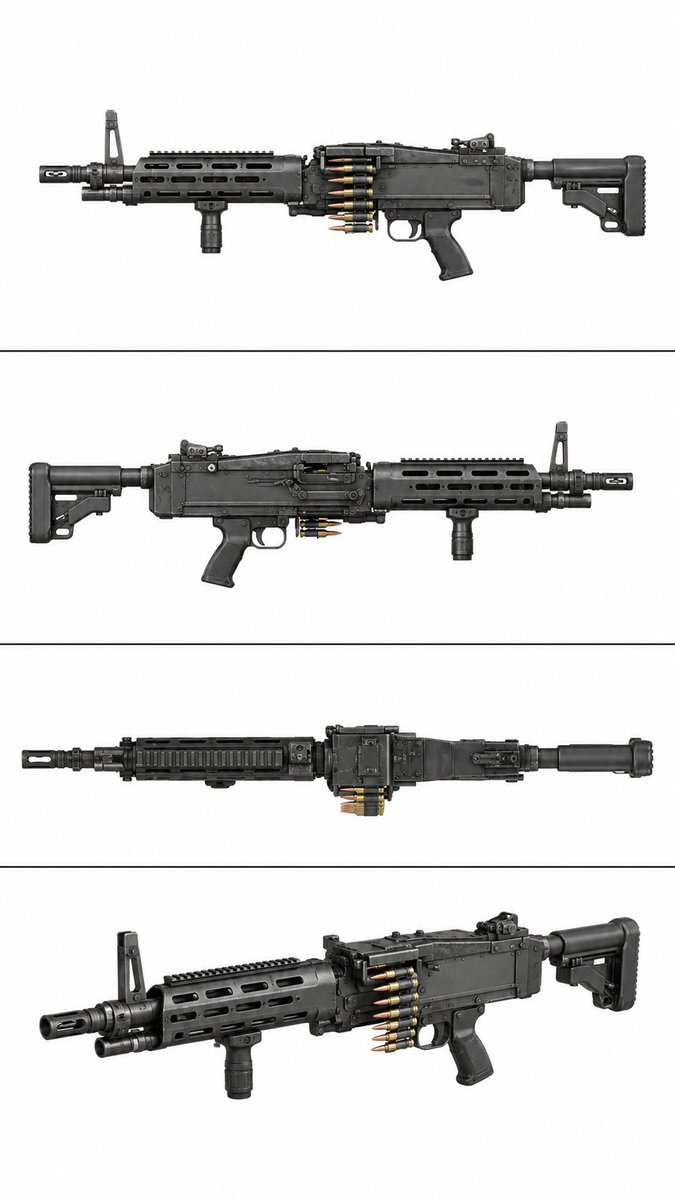
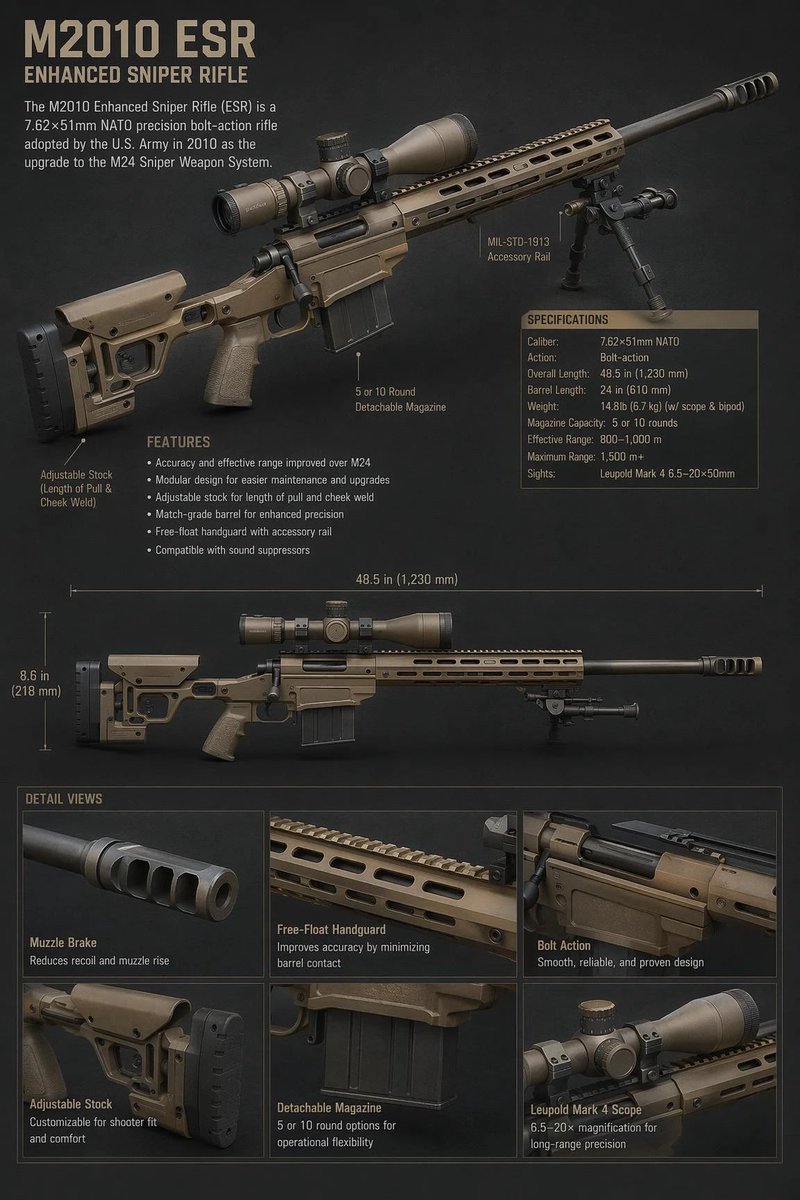
Generates a clean multi-angle studio reference sheet of a fictional black tactical carbine for visual concept art or catalog-style presentation.
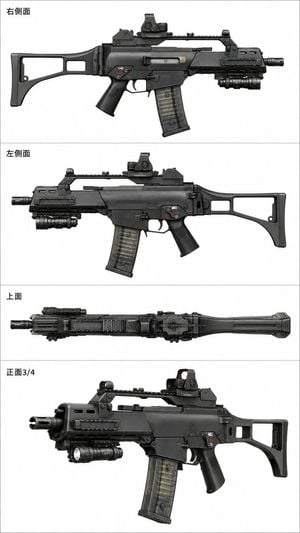
Goal: Create a clean product reference sheet showing a realistic black tactical carbine-style firearm from multiple angles, like a studio catalog render for a fictional modern weapon. Use {argument name="weapon type" default="black compact tactical carbine"} as the subject, with no hands, no people, and no environment. Canvas: Tall vertical white canvas, approximately 2:3 aspect ratio, divided into exactly 4 horizontal panels by thin light-gray separator lines. Each panel has a small black Japanese label at the upper left. Layout: Show exactly 4 views of the same weapon: 1) top panel labeled {argument name="right side label" default="右側面"}, a perfectly horizontal right-side profile facing right; 2) second panel labeled {argument name="left side label" default="左側面"}, a perfectly horizontal left-side profile facing left; 3) third panel labeled {argument name="top view label" default="上面"}, a narrow top-down view running left to right; 4) bottom panel labeled {argument name="front three quarter label" default="正面3/4"}, a larger front three-quarter view with the muzzle on the left and the stock on the right. Subject details: The weapon is matte black and dark gunmetal with realistic hard-surface modeling, subtle edge highlights, molded polymer body panels, screws, pins, seams, vents, and Picatinny-style rail details. Include exactly 6 major visible components repeated consistently across the views: skeletonized folding-style stock, angled pistol grip, translucent curved magazine, compact optic sight on the top rail, short fore-end with side rails and vent slots, and a cylindrical under-barrel flashlight module. Add small selector markings and tiny red/white decals on the receiver, but keep them mostly illegible. Visual style: High-resolution realistic product photography mixed with technical reference rendering, neutral studio lighting, sharp focus, crisp silhouettes, black and gray tones, minimal shadows, white background, no dramatic effects. Constraints: Keep the firearm unloaded-looking and presented only as a static visual object. Do not show ammunition, firing, disassembly, internal mechanisms, measurements, exploded diagrams, or instructions. Use exactly 4 labeled panels and no extra captions, watermarks, logos, or decorative background elements.
Choose the primary action to open PicX Studio with the available template settings. Review the model and format, personalize the creative direction, and generate when ready.
Yes. You can change the subject, setting, lighting, mood, format, and available model controls before creating your image.
This template is free to open and customize. Generation usage is shown in PicX Studio before you create.
Start with GPT Image 2, which is the model associated with this template. You can compare another compatible model for a different finish.
Follow a topic to a crawlable collection of related PicX Studio templates.