
Candid Ins-style Dreamcore Selfie
A prompt designed to create natural, 'just woke up' lifestyle photos with an aesthetic blurry lens effect and cozy bedroom vibes.
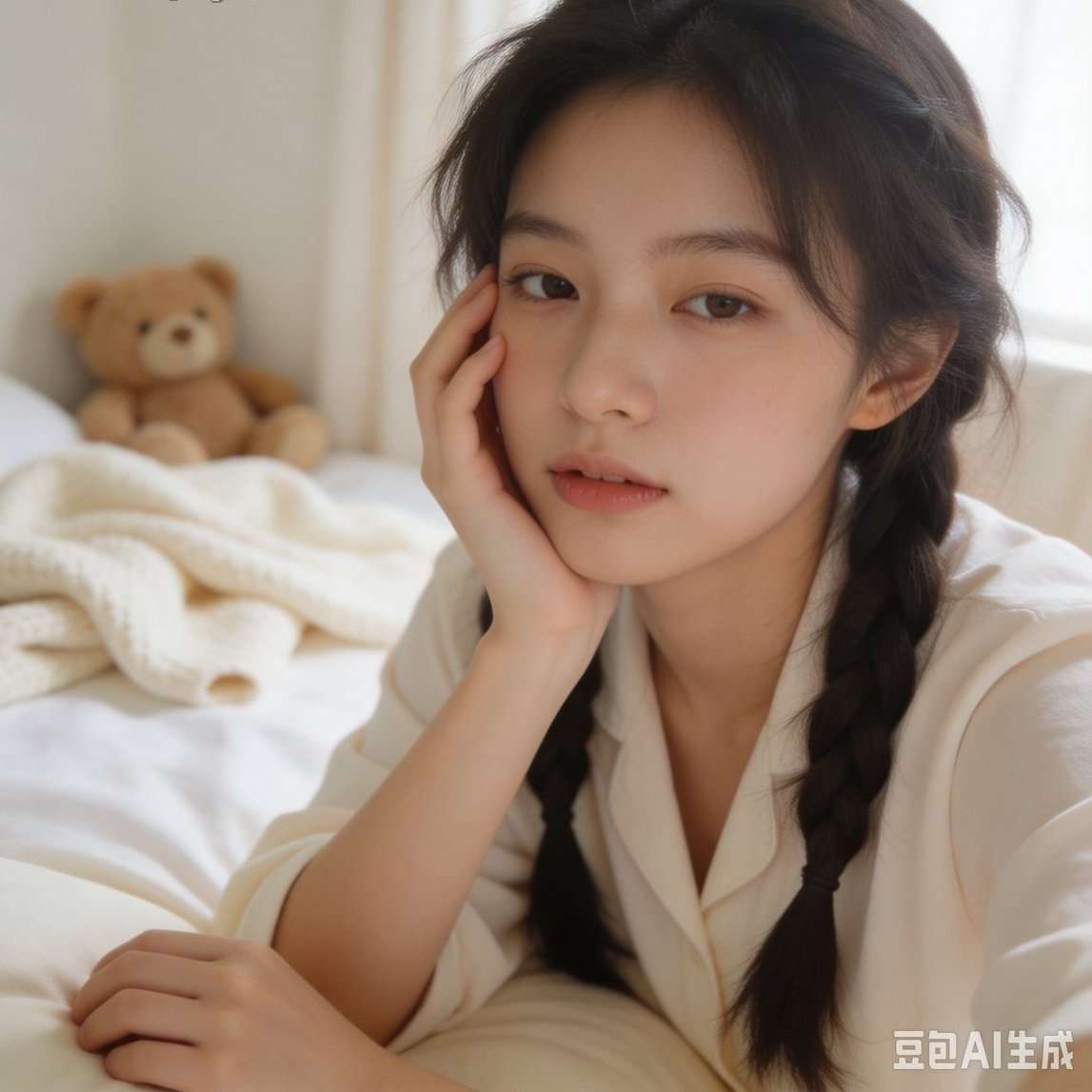
- Prompt included
- Model and format preset
- Free template
The prompt behind this image
Copy the exact prompt behind Candid Ins-style Dreamcore Selfie, or open it in the studio and make it yours.
日常碎片抓拍的ins风摄影,{argument name="角色描述" default="18岁亚洲漂亮的扎着双麻花辫的女生"}用前置摄像头自拍,一只手撑着脸颊,另一只手随意搭在床边。画面带自然的失焦模糊感,像刚睡醒随手记录的瞬间。背景是{argument name="环境" default="白天的卧室,床上堆着揉皱的针织开衫和毛绒玩偶"},整体{argument name="色调" default="奶白色调"},梦核般暧昧朦胧的氛围。
How to use Candid Ins-style Dreamcore Selfie in 3 steps
- 1
Open
The prompt is already in the box next to the preview, with the template's model and format selected.
- 2…a portrait of your subject in softgolden-hour light, 85mm…
Personalize
Edit the subject and creative details for your destination.
- 3Generate
Generate
Press Generate — your image is created in PicX Studio, so you can compare it with the original and refine one variable at a time.
More like this
Templates with the same subject, style or setup. Open one to see its prompt.
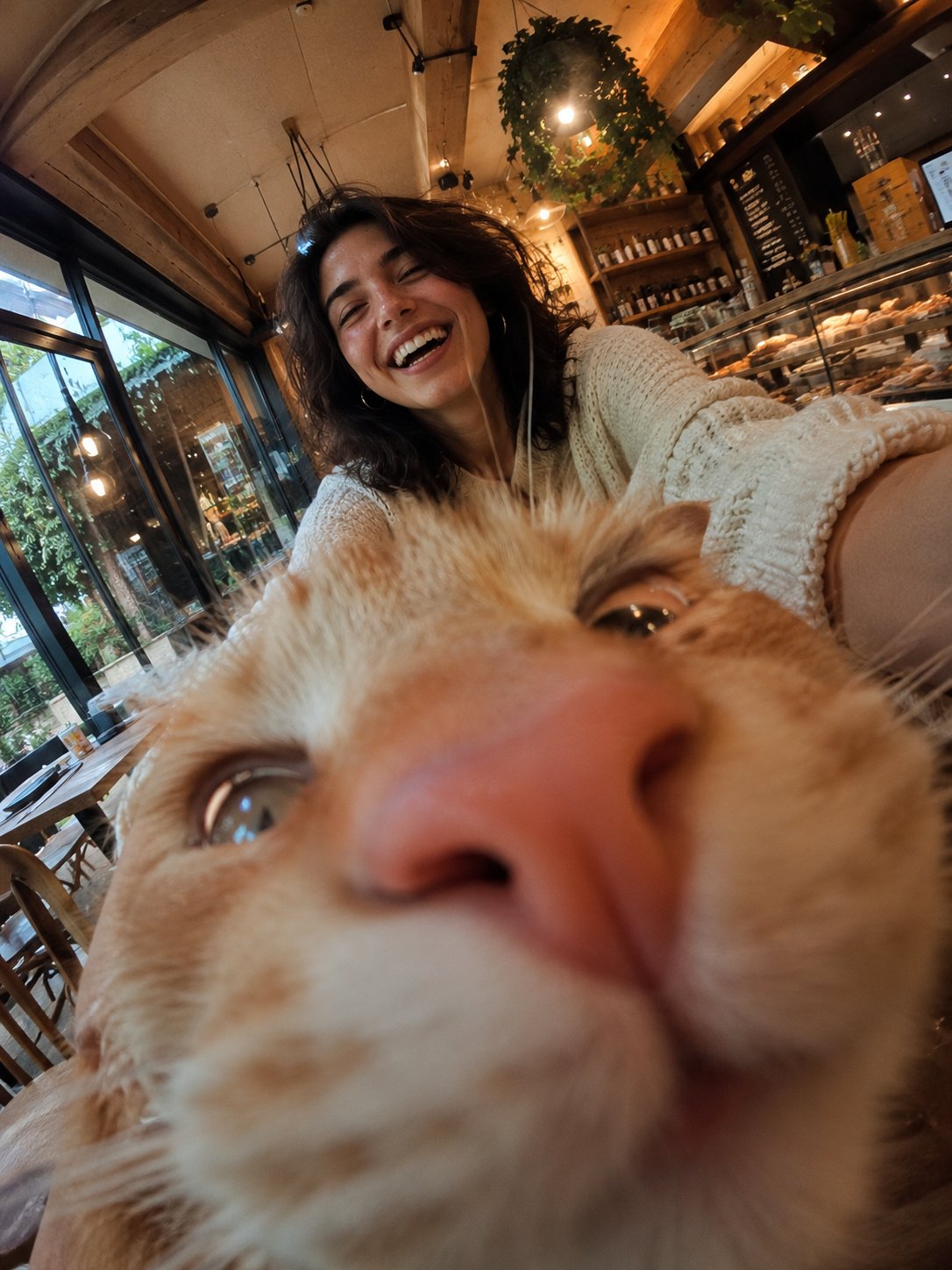
Cat Photobomb Selfie — 0.5x Wide Angle Café Chaos
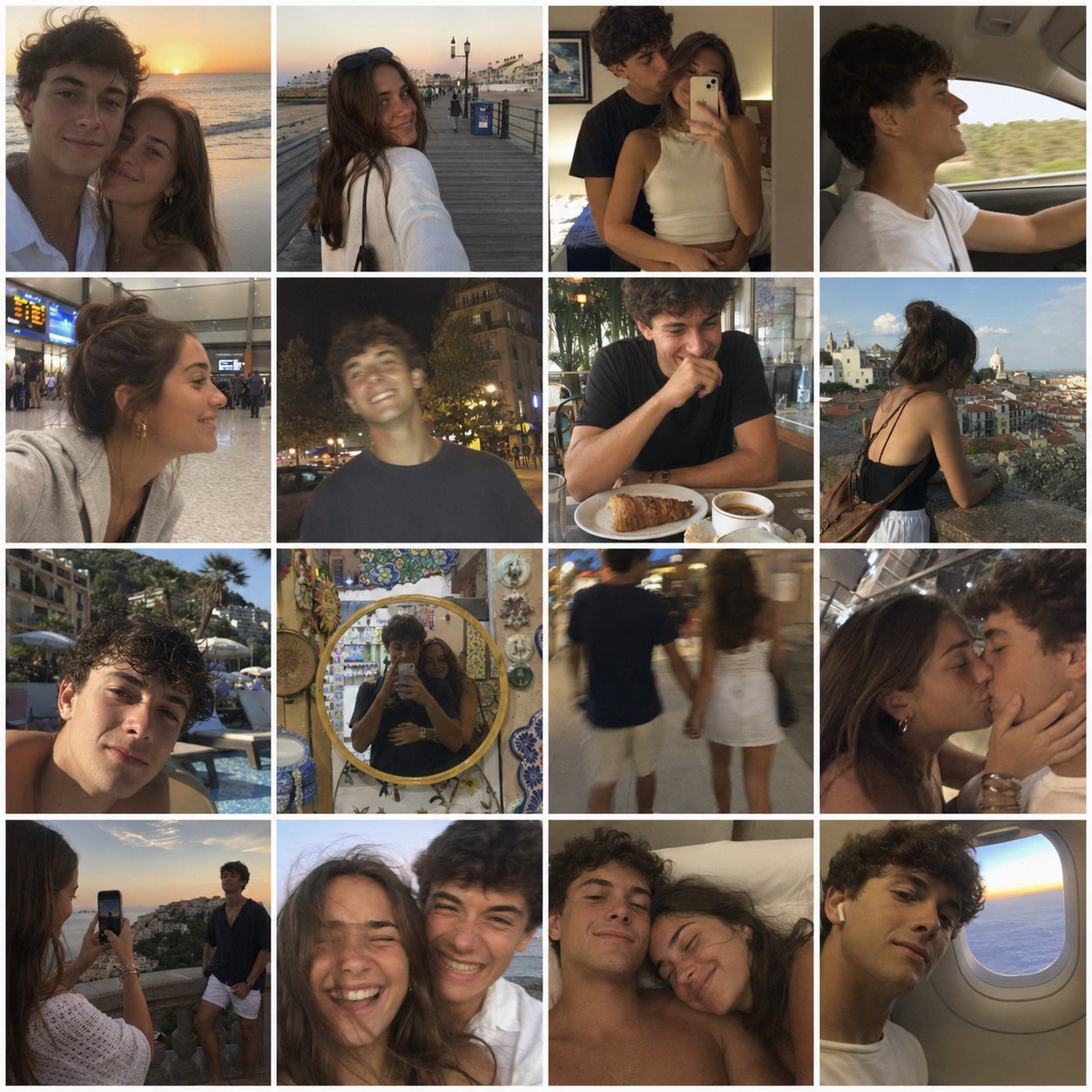
4x4 Grid - Candid Nostalgic Vacation Selfies
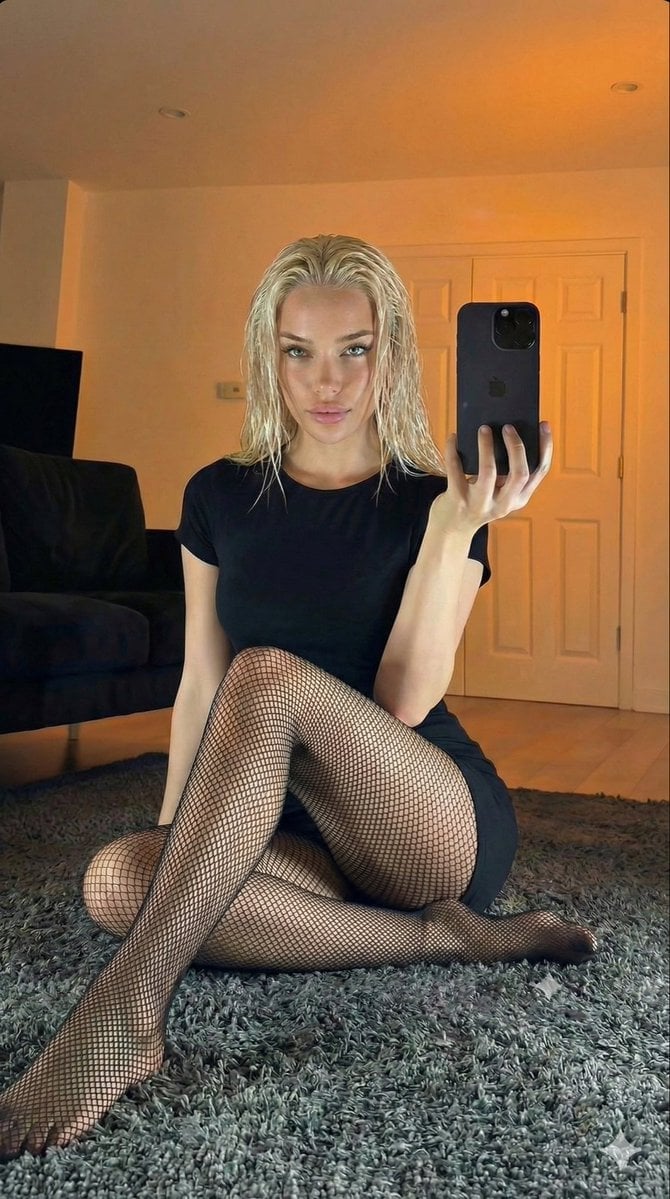
Living Room Rug Evening Mirror Selfie

Sunday Afternoon, 1988

Our Song was on a Cassette
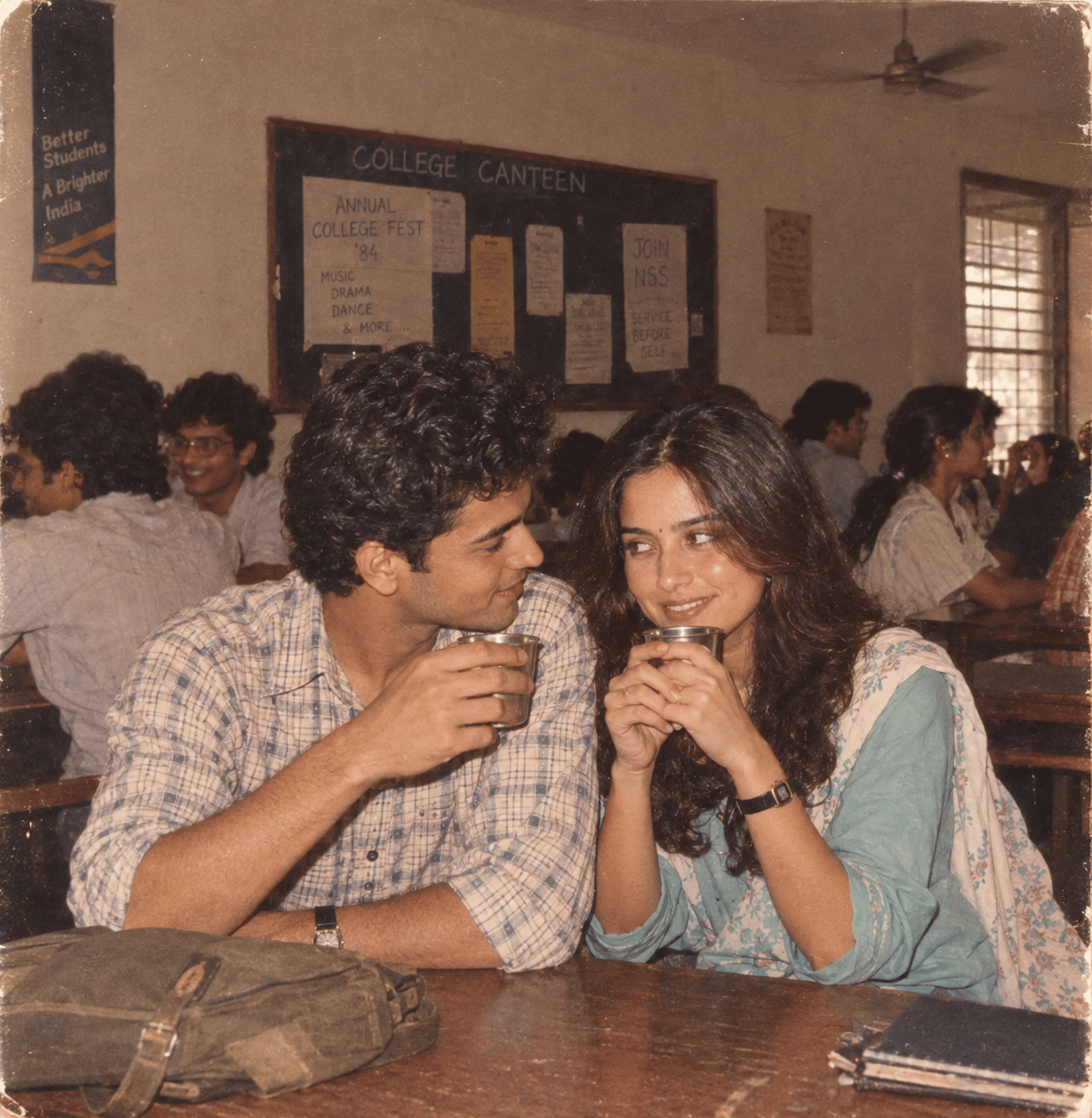
The Date After College

80s College Gate
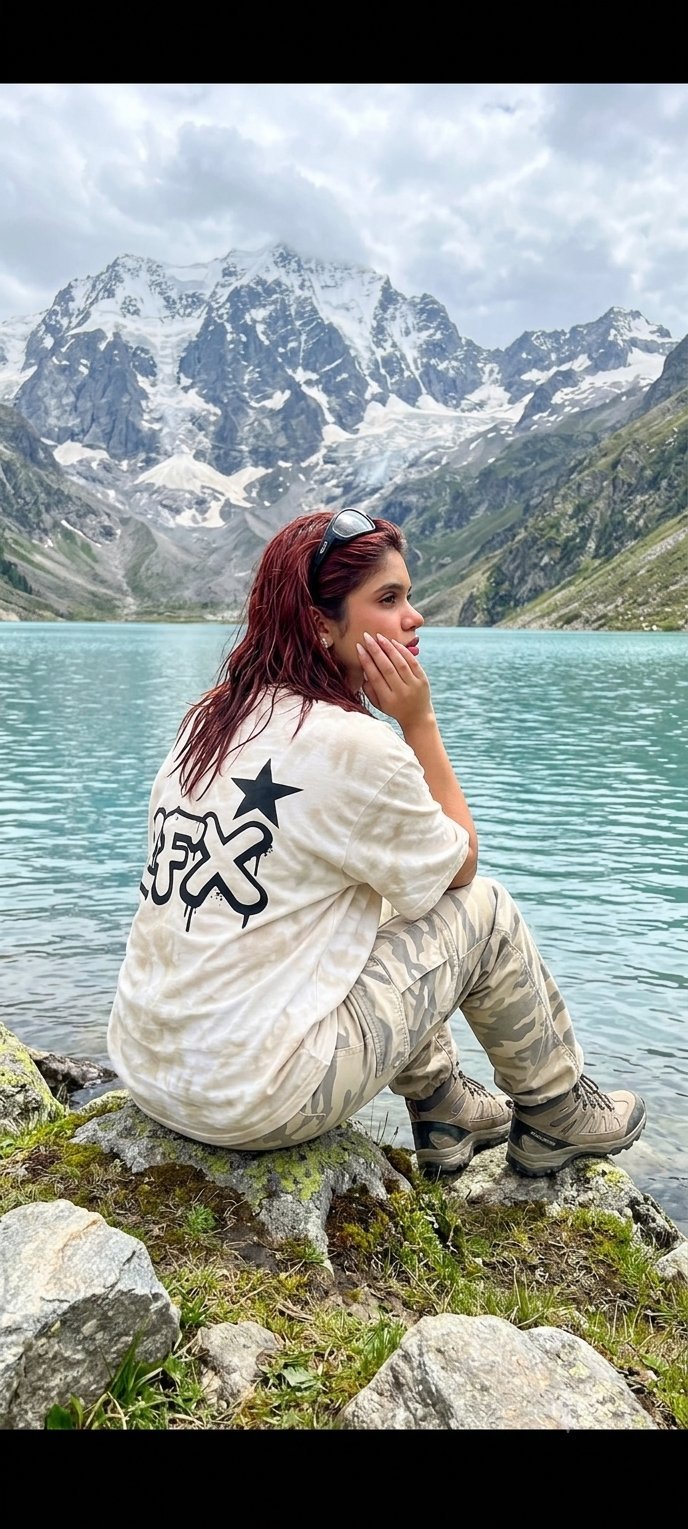
Teen Girl Alpine Lake Mountain View

Rooftop Fisheye — Cat-Ear Balaclava at Golden Hour

Felt & Knit 3D Character — Photo-Exact Face, Pixar-Quality Plush Figurine
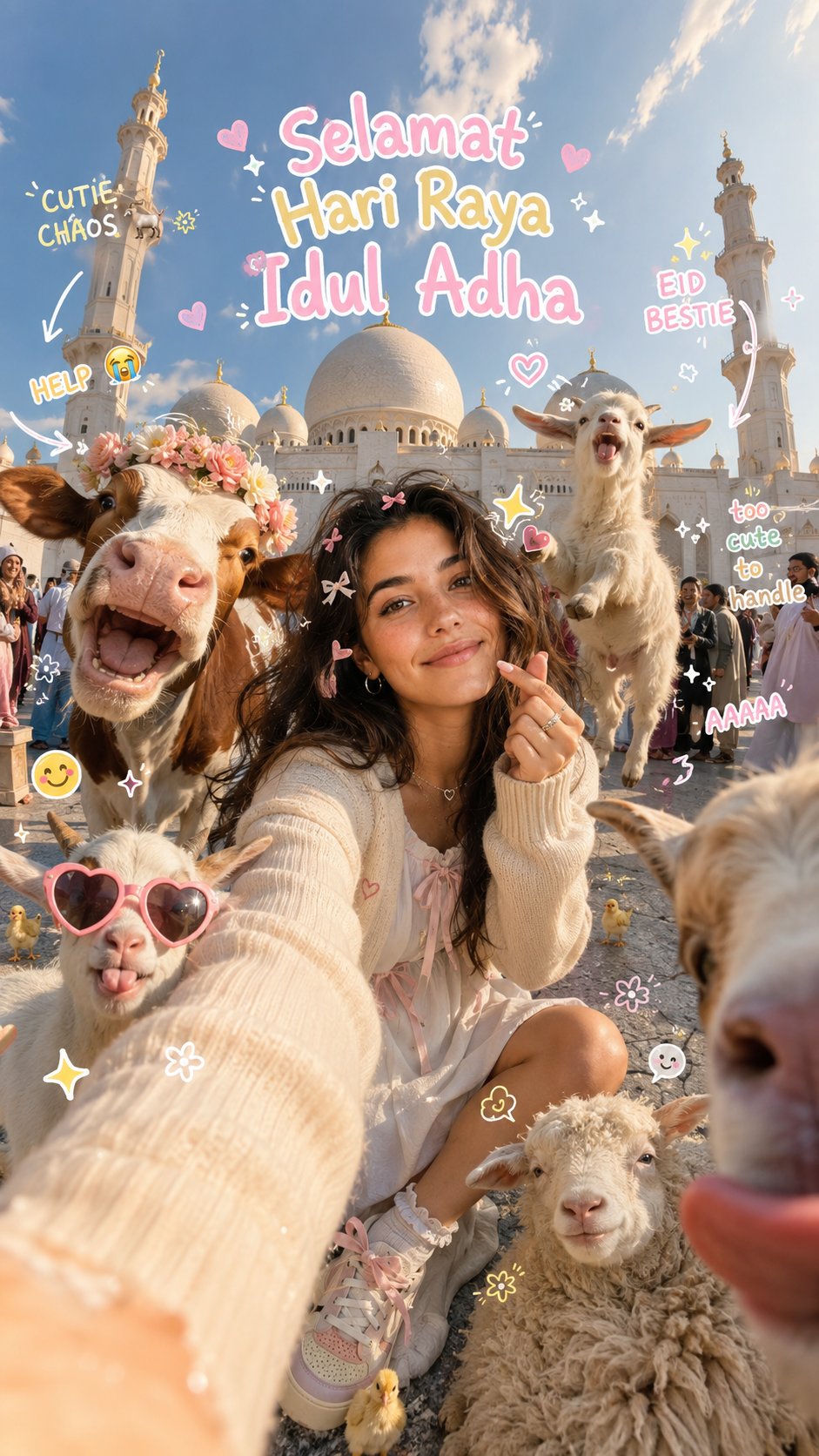
Eid al-Adha Cute Chaos — Fisheye Selfie with Farm Selfie, Mosque & Animals
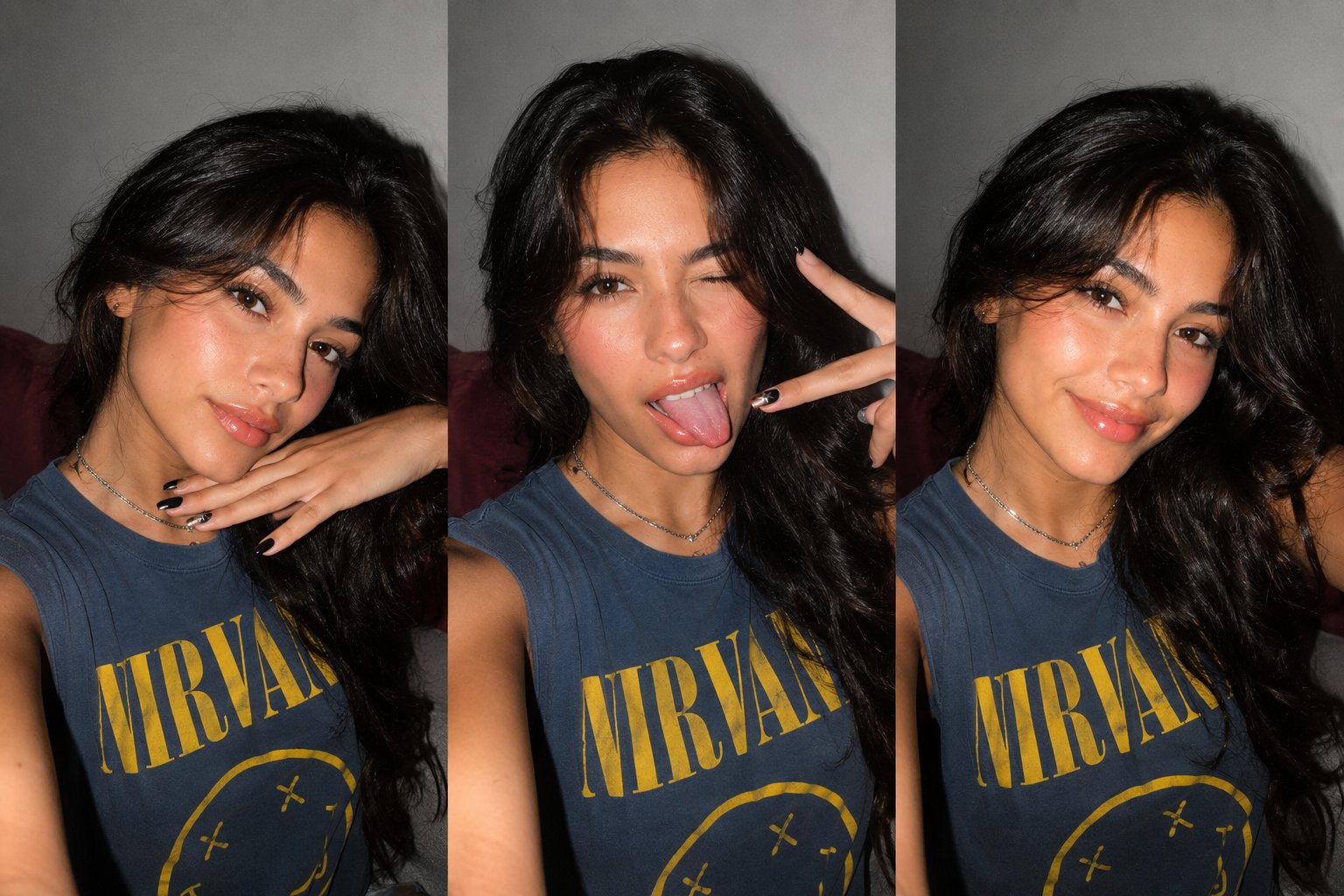
Gen Z Triple Selfie Collage — Y2K Flash Photography
Make it yours
Candid Ins-style Dreamcore Selfie works as-is. These are the safest ways to change it without losing the look.
Change one field
Copy a single group, rewrite it, and generate again so you can see what that field is doing.
Keep the frame, change the subject
Hold the composition and light of Candid Ins-style Dreamcore Selfie, then swap wardrobe, props or the person for a new take.
| If the result… | Why | Fix |
|---|---|---|
| The result drifts from the preview | Too many fields changed at once. | Reuse Candid Ins-style Dreamcore Selfie as-is first, then change one group — subject, light, or setting. |
| The model over-stylizes the scene | The prose prompt leaves finish and camera underspecified. | Add one camera or lighting sentence and stay on GPT Image 2. |
More GPT Image 2 templates
Other prompts made for GPT Image 2.

Six VTuber Japanese Logo Sheet

Realistic Portrait of Woman and Deer

The Vista Modular Condo Poster

AI Model Routing Comparison Infographic

2.5D Anime Art Board

Isometric Productivity Desk Scene

New York Double Exposure Poster

Four-Panel AI Landscape Comparison

Japanese Tatami Lifestyle Magazine Cover

NESCAFÉ Coffee Map Poster
More image prompts
Fresh picks from across the catalog.
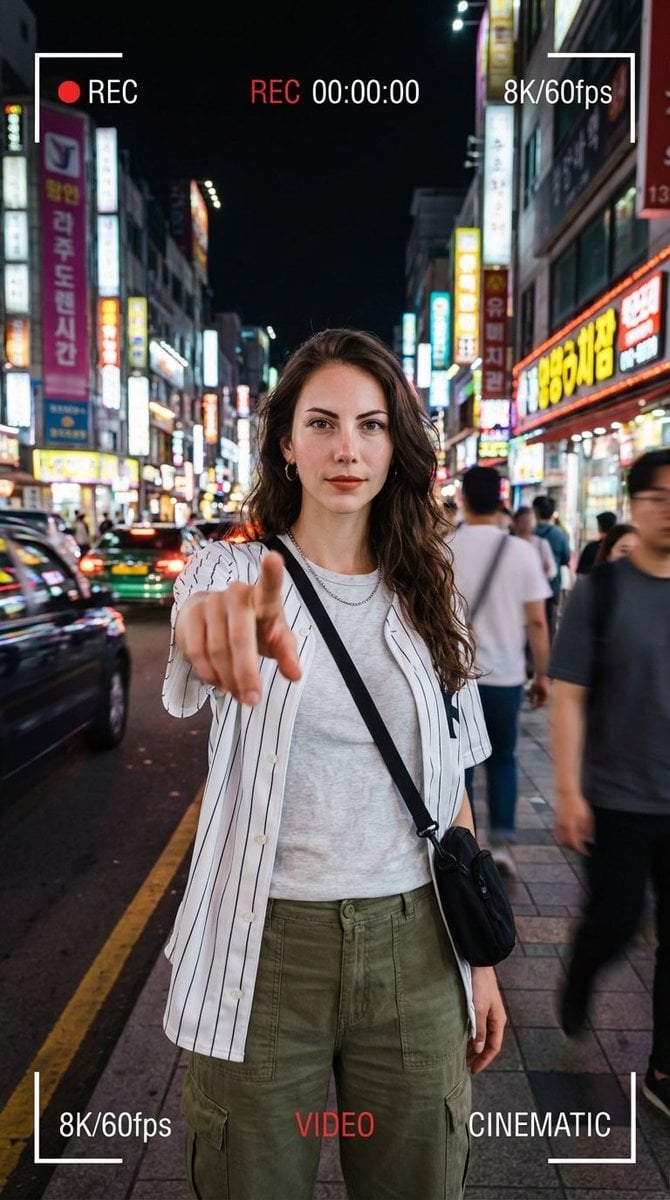
Hyper-Realistic Urban Night Portrait with UI Overlay

Arpeggio Bass Humanization Sheet
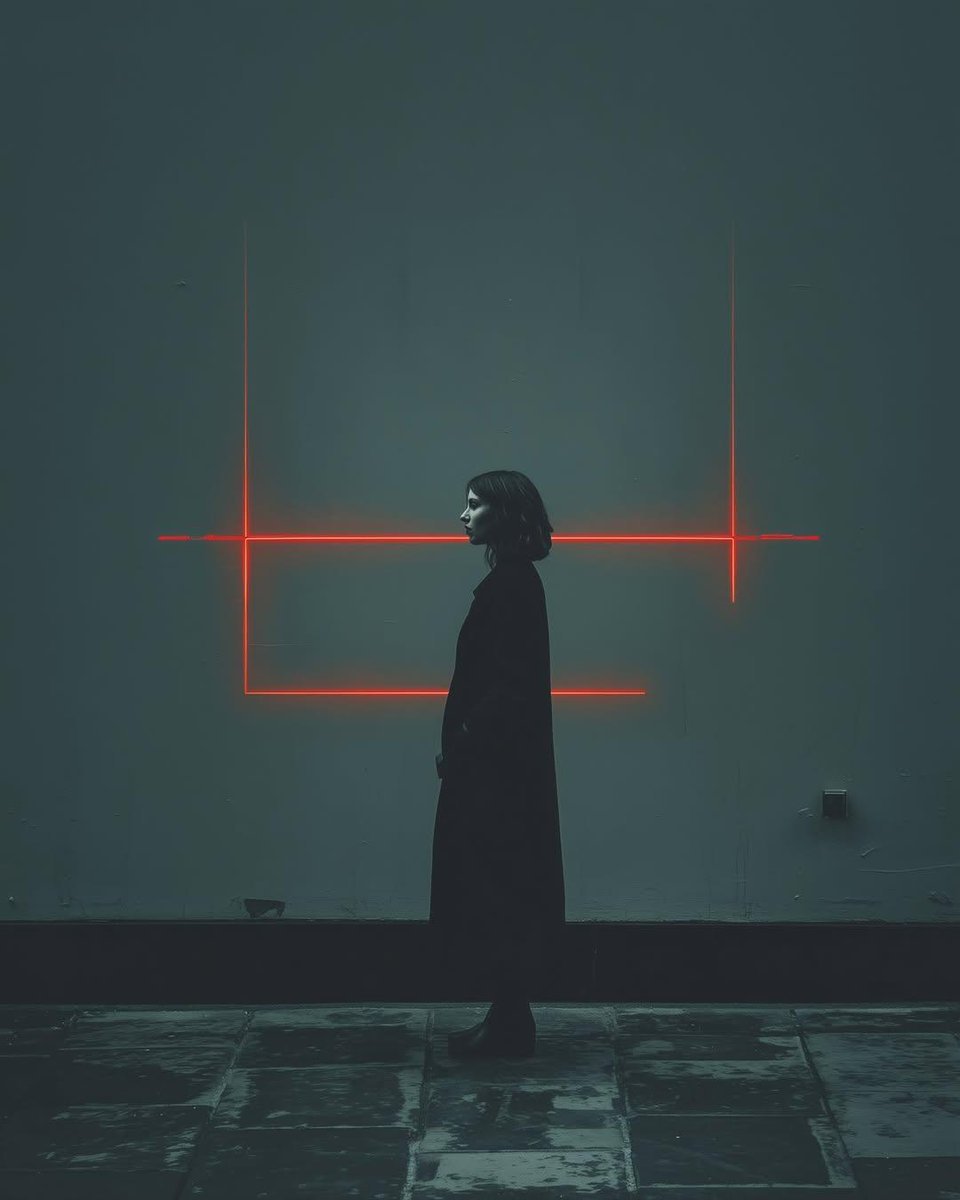
Cyberpunk woman in neon frame
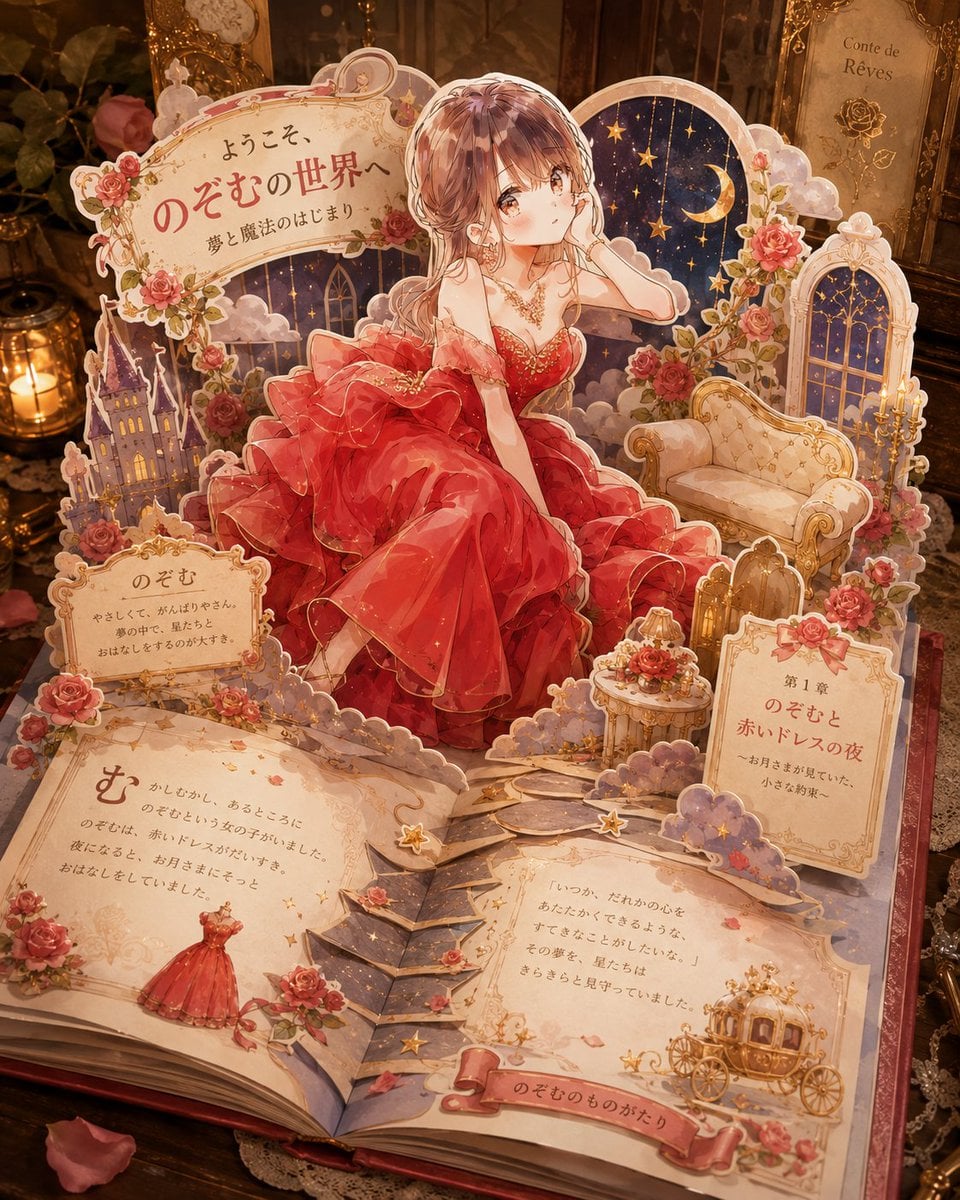
Personalized Pop-Up Fairy Tale Book
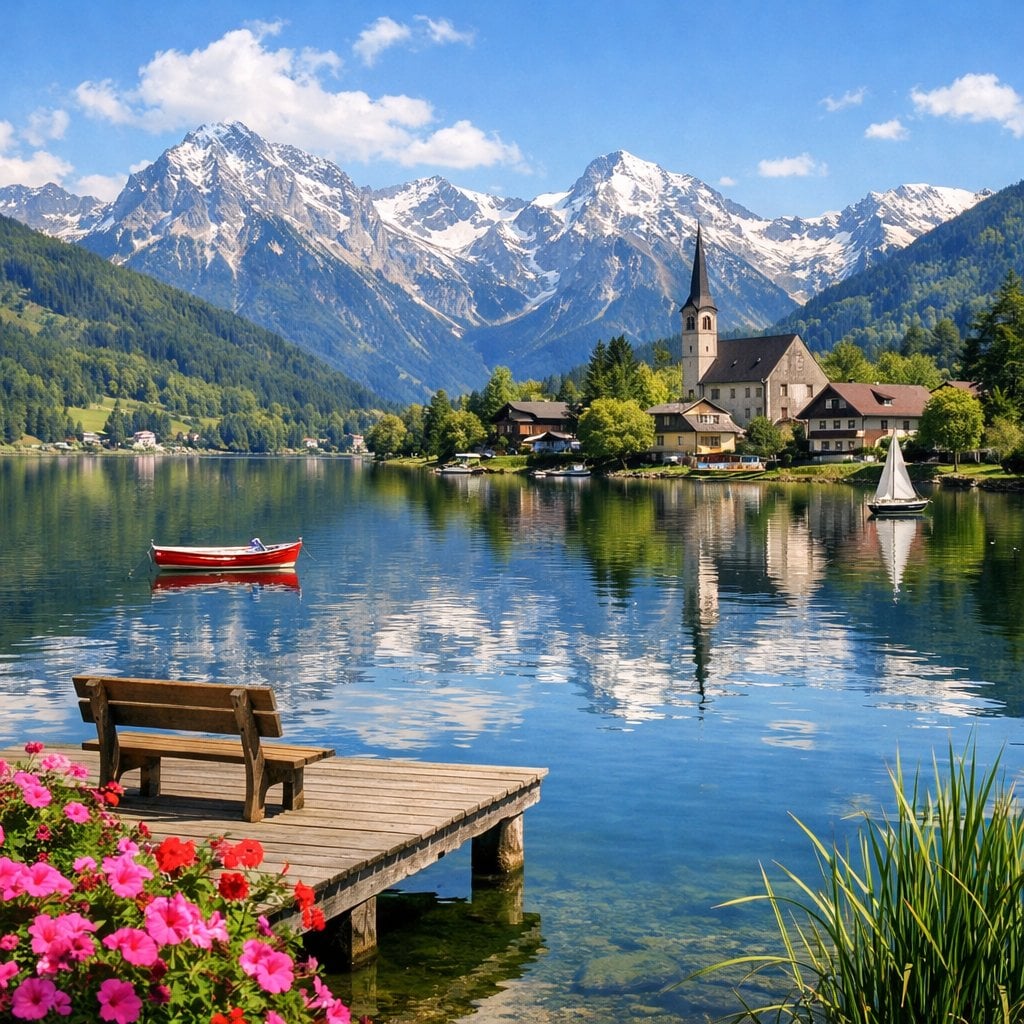
Idyllic Alpine Lake Village Landscape

Oriental Mythical Beast Suanni Poster
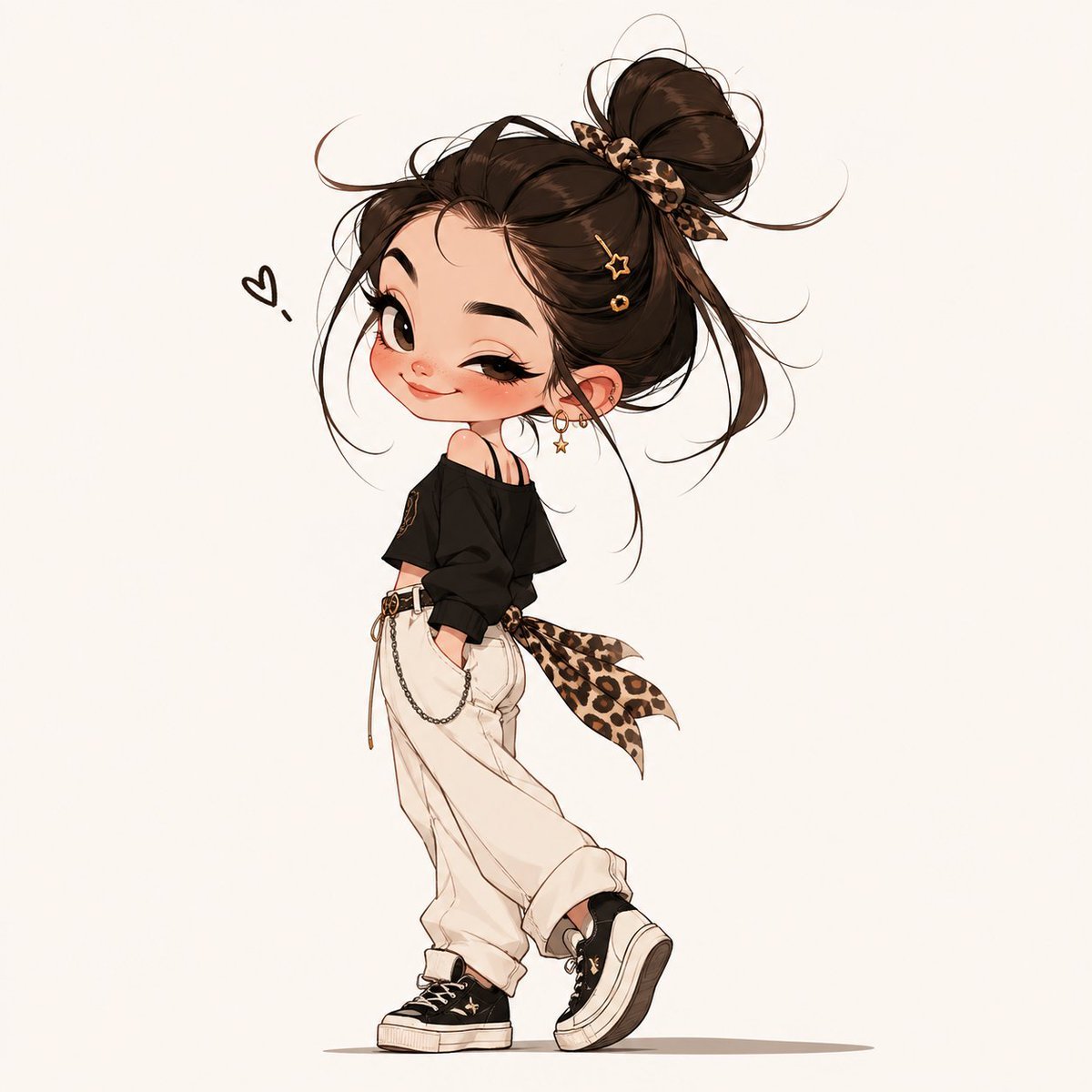
Chibi Fashion Girl With Leopard Accents
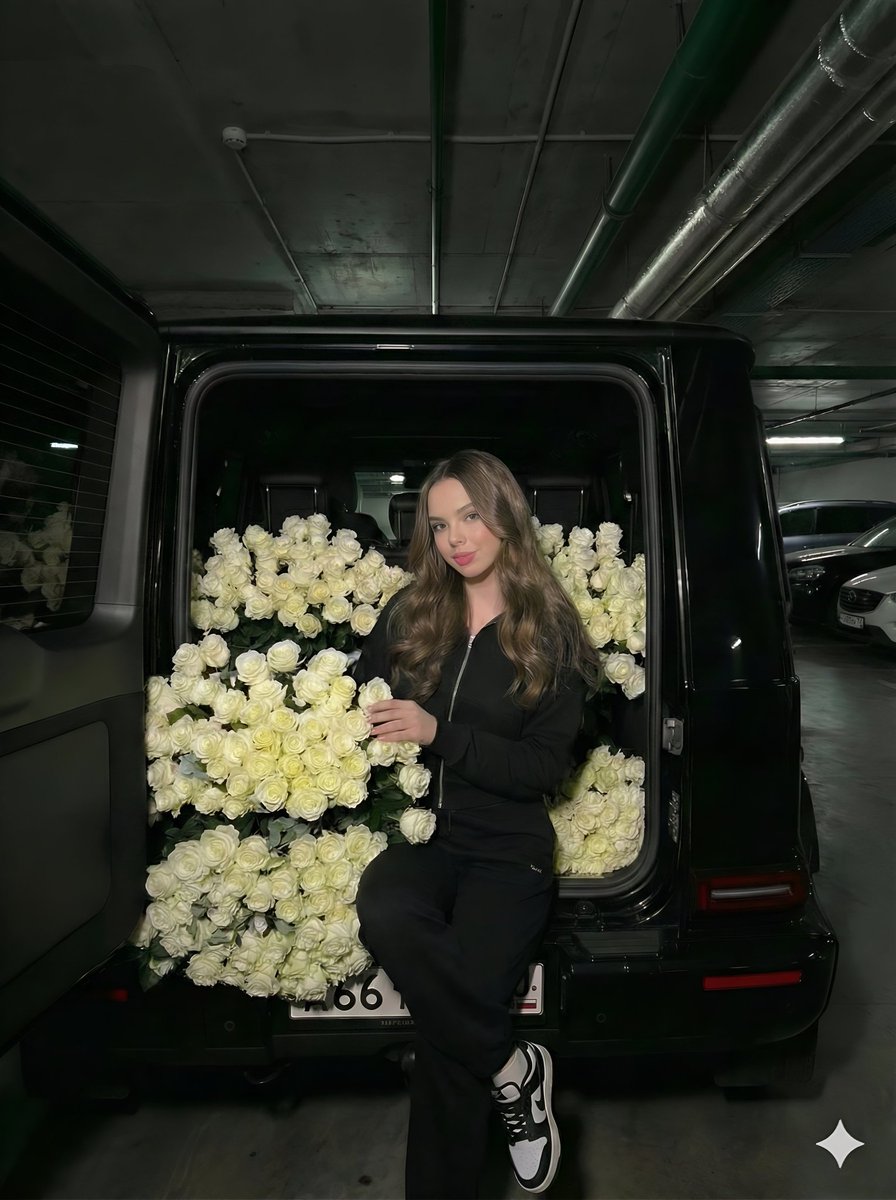
Fashion Editorial in Car Trunk with White Roses
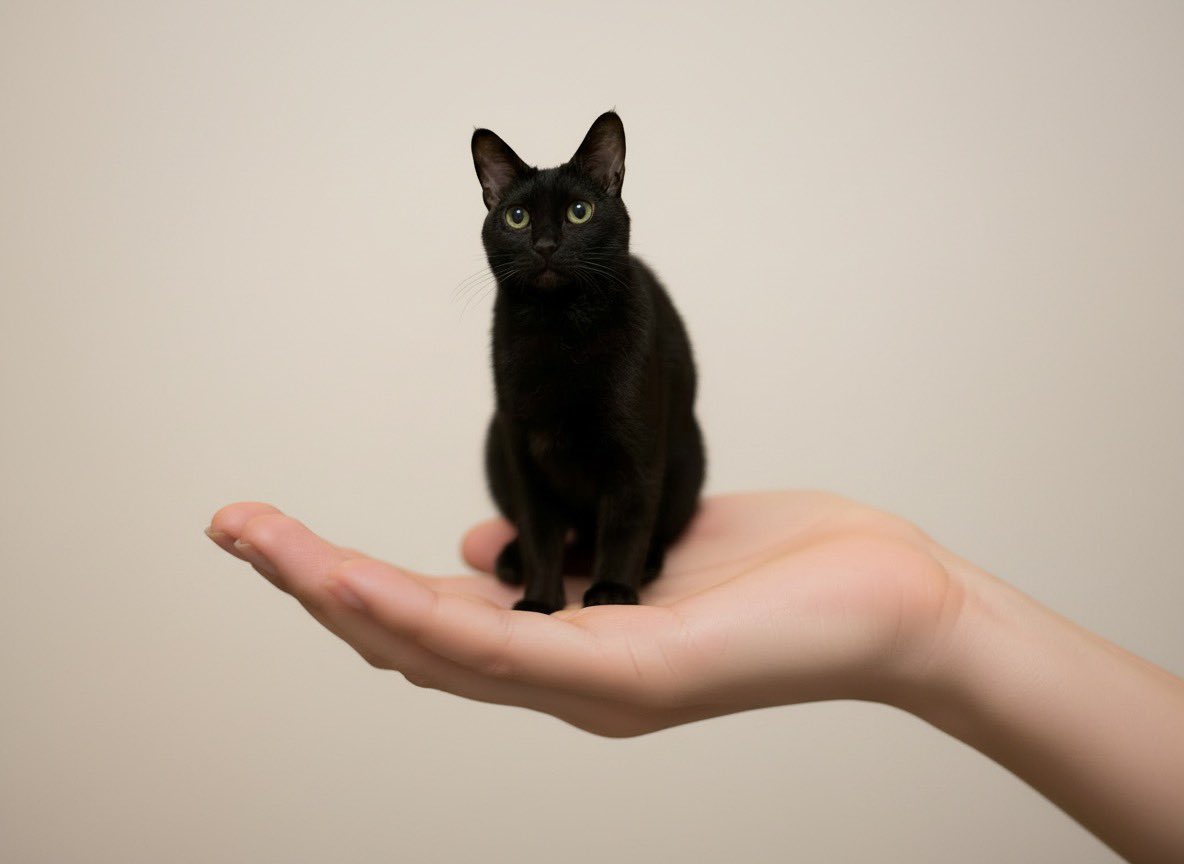
Miniature Pet on Palm Prompt for Image Generation
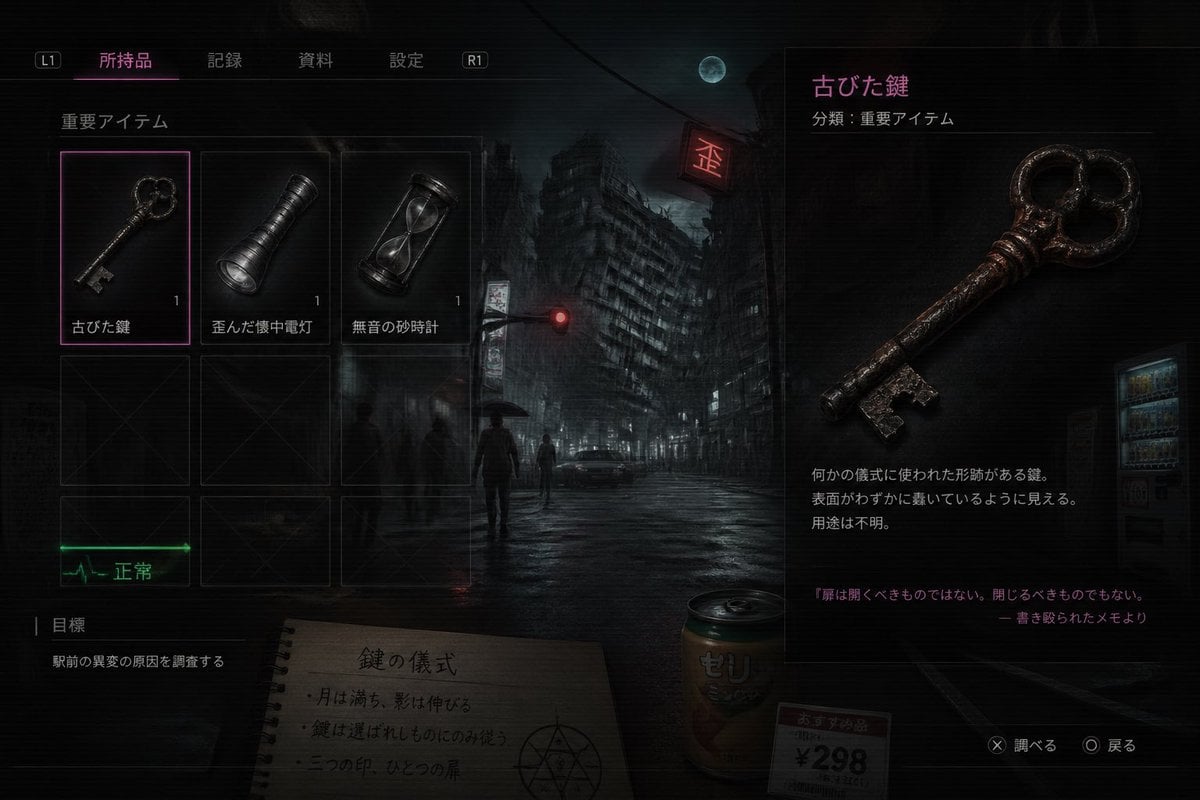
Japanese Horror Game Inventory Screen
Browse template categories
Candid Ins-style Dreamcore Selfie questions
How do I use the Candid Ins-style Dreamcore Selfie template?
Add your photo if the template asks for one, edit the prompt if you like — the template's model and format are already selected — and press Generate. Your version opens in PicX Studio.
Can I customize the Candid Ins-style Dreamcore Selfie template?
Yes. You can change the subject, setting, lighting, mood, format, and available model controls before creating your image.
Is the Candid Ins-style Dreamcore Selfie template free?
Opening and editing this template is free. Generating uses credits, shown on the Generate button when you are signed in.
Which AI model should I use?
Start with GPT Image 2, which is the model associated with this template. You can compare another compatible model for a different finish.
Looking for something else? Browse all templates.

Your photo, any look
Thousands of ready templates for every top image and video model, from one credit balance.