
Pixel Faded Landscape Poster
A high-concept prompt for creating a travel poster that contrasts a real photo with a stylized 'pixel-faded' version of the same scene.
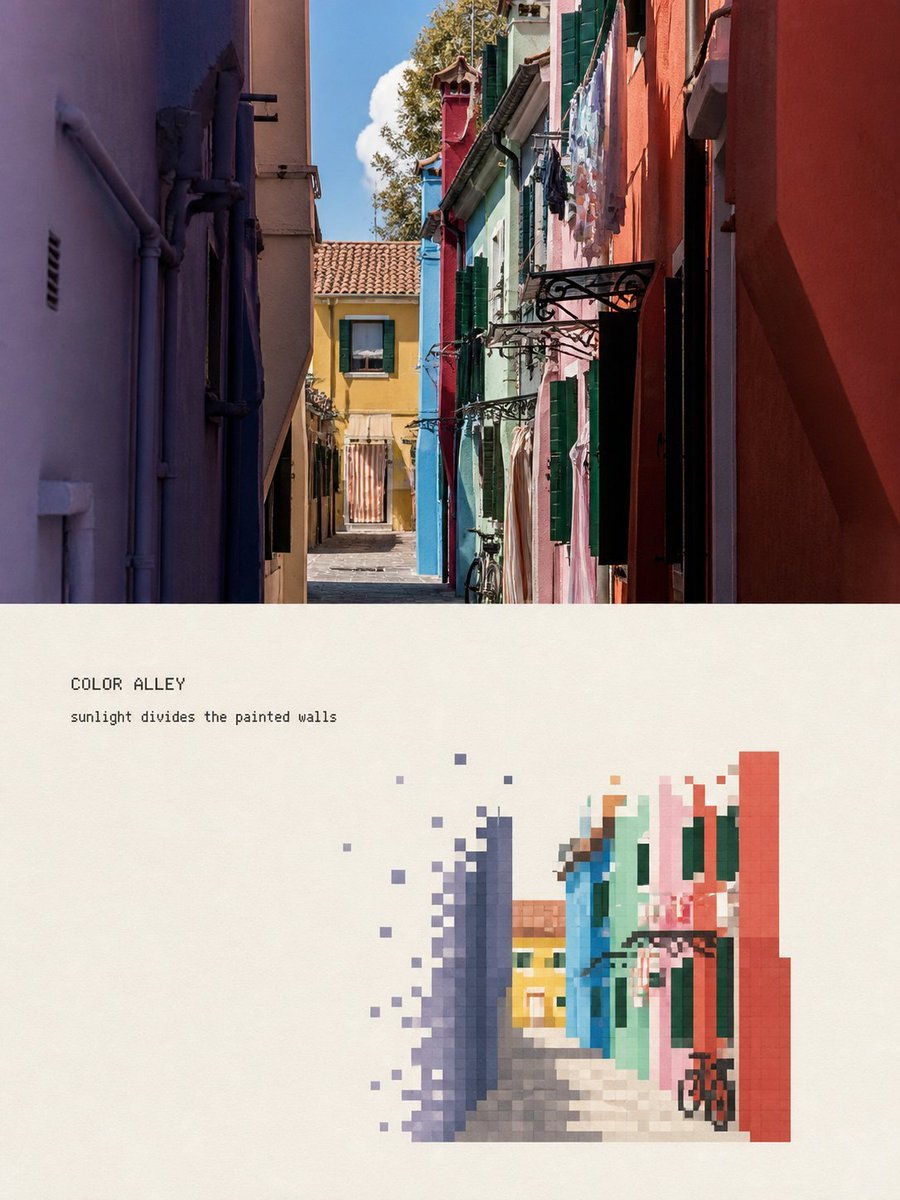
- Prompt included
- Model and format preset
- Free template
The prompt behind this image
Copy the exact prompt behind Pixel Faded Landscape Poster, or open it in the studio and make it yours.
请将我上传的每一张旅行照片分别制作成一张独立的高级编辑海报,不多图拼接,每张照片单独输出。 整体采用3:4竖版上下对比构图,上下两个区域约为1:1,中间以笔直、清楚、干净的水平边界分隔。不要羽化、渗透或叠层,不要把原图缩成角标、圆角卡片或悬浮缩略图。 上半部分必须保留高保真的原始照片。准确保持主体身份与数量、建筑轮廓、屋顶与门窗比例、人物姿态、车辆、桥梁、船只、道路方向、前后遮挡、观察角度、真实材质、自然光影和原有色彩氛围。仅进行轻微、克制的旅行杂志、艺术出版物或摄影展级调色,并加入极薄胶片颗粒。不得把照片画成插画,不得移动、替换、增删或扭曲主体,不得改变建筑和街道透视。 下半部分在温暖米白或浅象牙色纸面上,将同一场景重新组织为一幅具有大量留白的“人工像素消隐景观”。这不是照片马赛克滤镜,也不是把整张照片降低分辨率。 先从照片中选择一个最有识别度的视觉锚点,例如一座桥、一段彩色立面、一座穹顶、一辆摩托车、一辆自行车、一艘船、一个门楼或一组明确屋顶,再只保留能够说明地点和空间关系的最少元素。 采用缩小提炼的二次构图:主体通常只占转绘区宽度约30%–50%、高度约30%–50%,集中在中下部、偏左或偏右,并依据原照片的方向自然安排。四周保留至少约50%–65%的完整米白纸面。 不要把原始街景完整铺满下半区域。背景只保留两三层稀疏像素暗示。删除重复窗格、瓦片细纹、招牌小字、游客杂影、密集管线、枝叶与摄影噪声,但不得删掉决定主体身份的屋檐、桥拱、穹顶、车辆轮廓、人物姿态或道路方向。 使用边缘清楚、正方或近似正方的离散像素块重新搭建形体: - 以中等尺寸像素块建立主体的大轮廓、体量、明暗和主要色面。 - 在屋檐、塔尖、穹顶边缘、门窗比例、桥拱、人物姿态、车轮、船头等识别关键处使用更小、更密的像素块。 - 在建筑外缘、植被、路面、水面、倒影和远景处逐渐减少像素密度,使方块断开、错位、散落并消失到纸面。 - 主体内部相对完整,外围形成清楚的像素消隐带。 - 消隐必须来自独立方块数量与密度的下降,不得使用柔焦、羽化、烟雾、透明渐变或像素拉伸。 - 少量离散方块可以沿屋檐、道路透视、水流、地形或运动方向离开主体,但不能成为随机数字故障。 配色完全从当前照片提取并压缩为约6–12个主色阶。保留主体最具识别度的1–3个颜色,再用相邻深浅色建立体积。 环境色降低饱和度,并向自然灰、石灰色、灰蓝、灰绿、木褐或照片自身的建筑色统一。可以将照片中真实存在的一处小面积高饱和色作为视觉跳点,例如尾灯、门窗或服装颜色。 米白纸面必须是转绘区的最大色块。不得固定使用霓虹色、赛博蓝紫、与原图无关的日落橙或游戏机式高饱和配色。 根据照片中的地点、主体、方向或动作提炼少量英文文字。第一行为1–3个英文单词的小标题,第二行为一句5–10个英文单词的极短观察句。 文字内容应描述照片中真实可见的空间或动作,不写空泛的旅行口号,不虚构日期、坐标和地点。必须先在提示词中逐字确定文字,再进行生成。 文字放在远离像素主体的完整留白边缘,使用克制的等宽字体或细无衬线字体,字距略宽,可以带轻微方格或像素阶梯边缘,但必须清晰可读。文字面积不超过转绘区的3%–5%,不能成为第一视觉中心。 整体应像一幅经过人工挑选、限色和重新编排的低分辨率景观习作:主体结构清楚,边缘逐格游离,像一段正在从纸面上缓慢退去的旅行记忆。 像素是重组形体的媒介,不是廉价复古滤镜。 强制避免:照片马赛克滤镜、整体降分辨率、模糊像素化、同构图低清重画、平滑数字插画、8-bit游戏界面、复古游戏角色、体素3D、Minecraft方块、赛博故障、数据损坏特效、像素拉伸、圆点半调、十字绣、钻石画、满版像素背景、通用旅游图标、虚构地标、随意增加人物车辆、主体过大、留白不足、像素越过上下分界、粗大标题、作者名、签名、Logo、二维码、网址、假中文、乱码和水印。 最重要的规则:不要把照片变糊,而要重新决定哪些信息应该被像素保留、哪些信息应该逐格消失;主体必须一眼对应原照片,纸白必须比像素更多。
How to use Pixel Faded Landscape Poster in 3 steps
- 1Upload ImagePNG, JPG or paste
Add your photo
Upload the photo the template builds on. The prompt, model and format are already set.
- 2…a portrait of your subject in softgolden-hour light, 85mm…
Personalize
Edit the subject and creative details for your destination.
- 3Generate
Generate
Press Generate — your image is created in PicX Studio, so you can compare it with the original and refine one variable at a time.
More like this
Templates with the same subject, style or setup. Open one to see its prompt.

Premium Vintage Travel Poster Landscape
Premium Vintage Travel Poster Landscape

Japan Travel Brochure Poster

Teen Girl Alpine Lake Mountain View

Pixel Limited Finale Fireworks

Pixel Limited Garden Maze

Pixel Limited Rooftop Concert

Pixel Limited Bicycle Coast

Pixel Limited Castle Gate

Pixel Limited Kitchen Chaos

Pixel Limited Carnival Ride

Pixel Limited Rainy Bus Stop
Make it yours
Pixel Faded Landscape Poster works as-is. These are the safest ways to change it without losing the look.
Change one field
Copy a single group, rewrite it, and generate again so you can see what that field is doing.
Keep the frame, change the subject
Hold the composition and light of Pixel Faded Landscape Poster, then swap wardrobe, props or the person for a new take.
| If the result… | Why | Fix |
|---|---|---|
| The result drifts from the preview | Too many fields changed at once. | Reuse Pixel Faded Landscape Poster as-is first, then change one group — subject, light, or setting. |
| The model over-stylizes the scene | The prose prompt leaves finish and camera underspecified. | Add one camera or lighting sentence and stay on GPT Image 2. |
More GPT Image 2 templates
Other prompts made for GPT Image 2.

Six VTuber Japanese Logo Sheet

Realistic Portrait of Woman and Deer

The Vista Modular Condo Poster

AI Model Routing Comparison Infographic

2.5D Anime Art Board

Isometric Productivity Desk Scene

New York Double Exposure Poster

Four-Panel AI Landscape Comparison

Japanese Tatami Lifestyle Magazine Cover

NESCAFÉ Coffee Map Poster
More image prompts
Fresh picks from across the catalog.
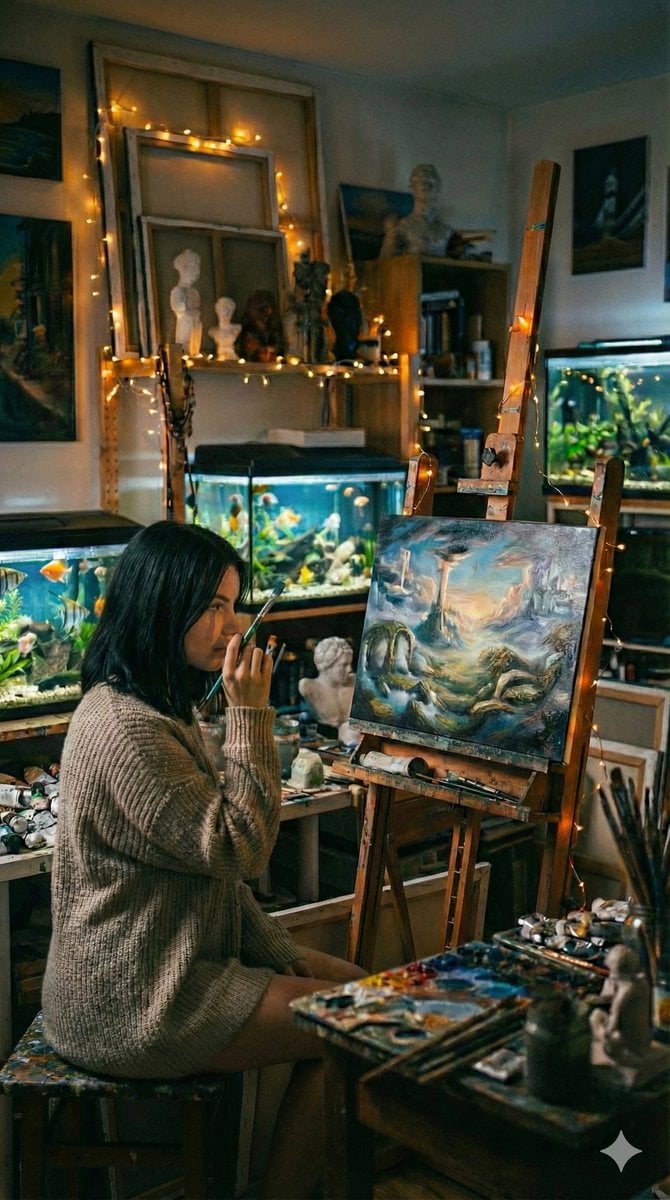
Cinematic Fine-Art Photography of an Artist in Her Studio

Weekend Farmers Market Mirror Selfie (Reference Image Required)
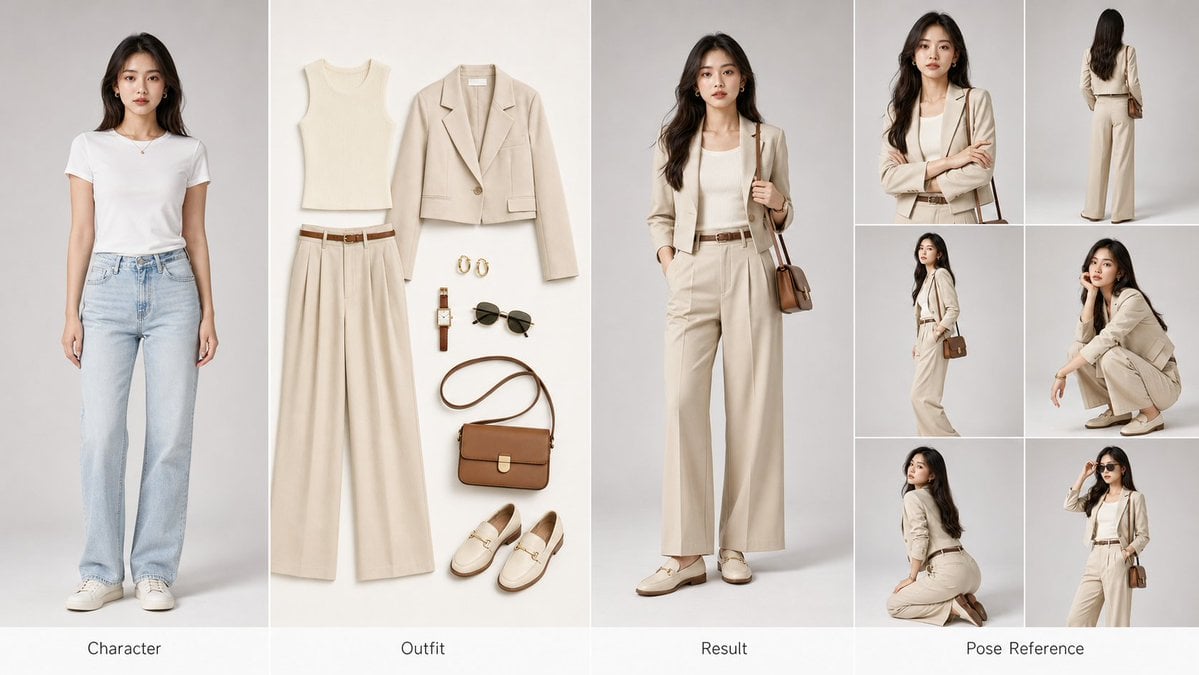
AI Fashion Comparison Poster
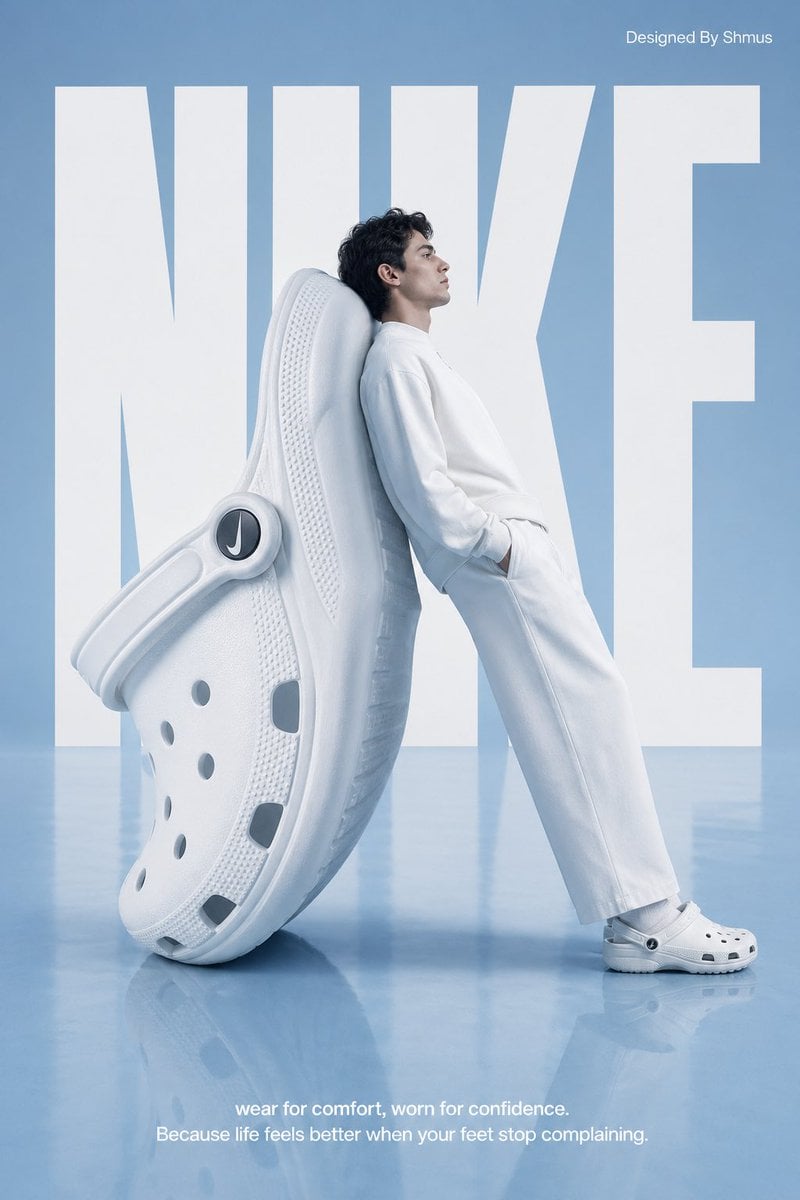
Surrealist Nike Clog Advertisement
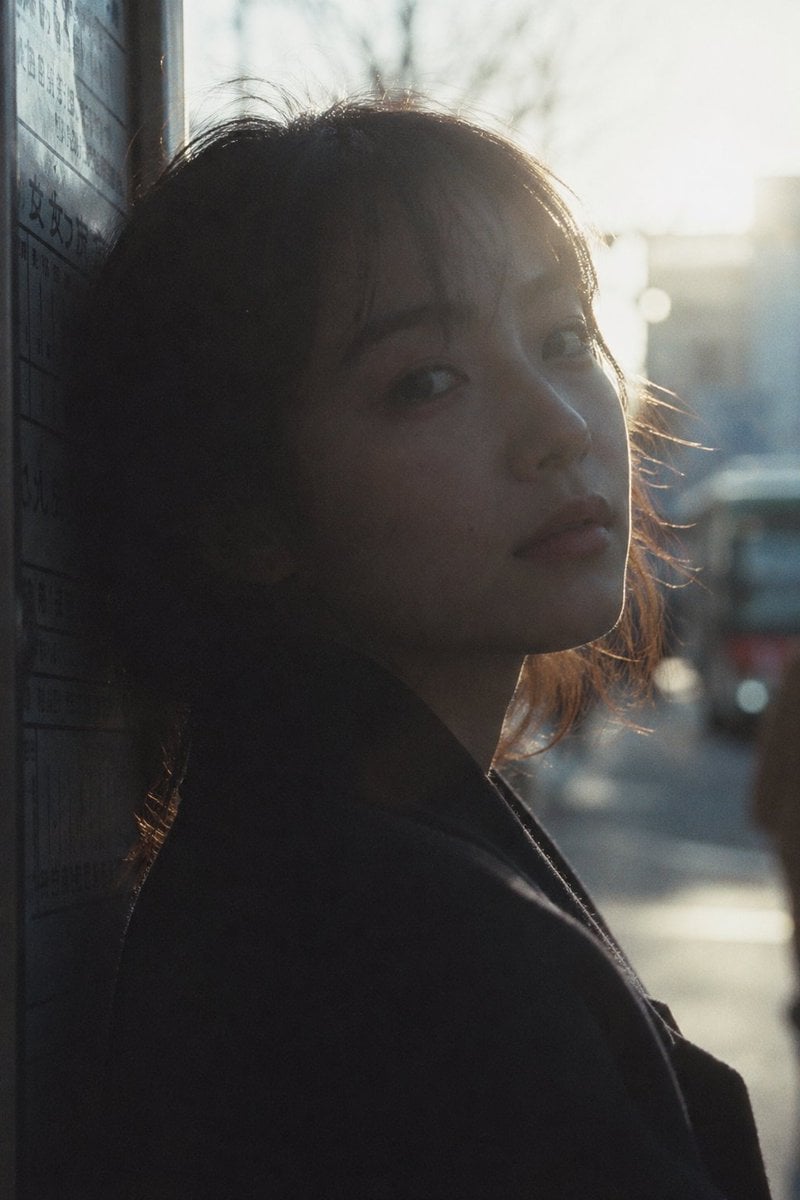
Cinematic Urban Silhouette Portrait
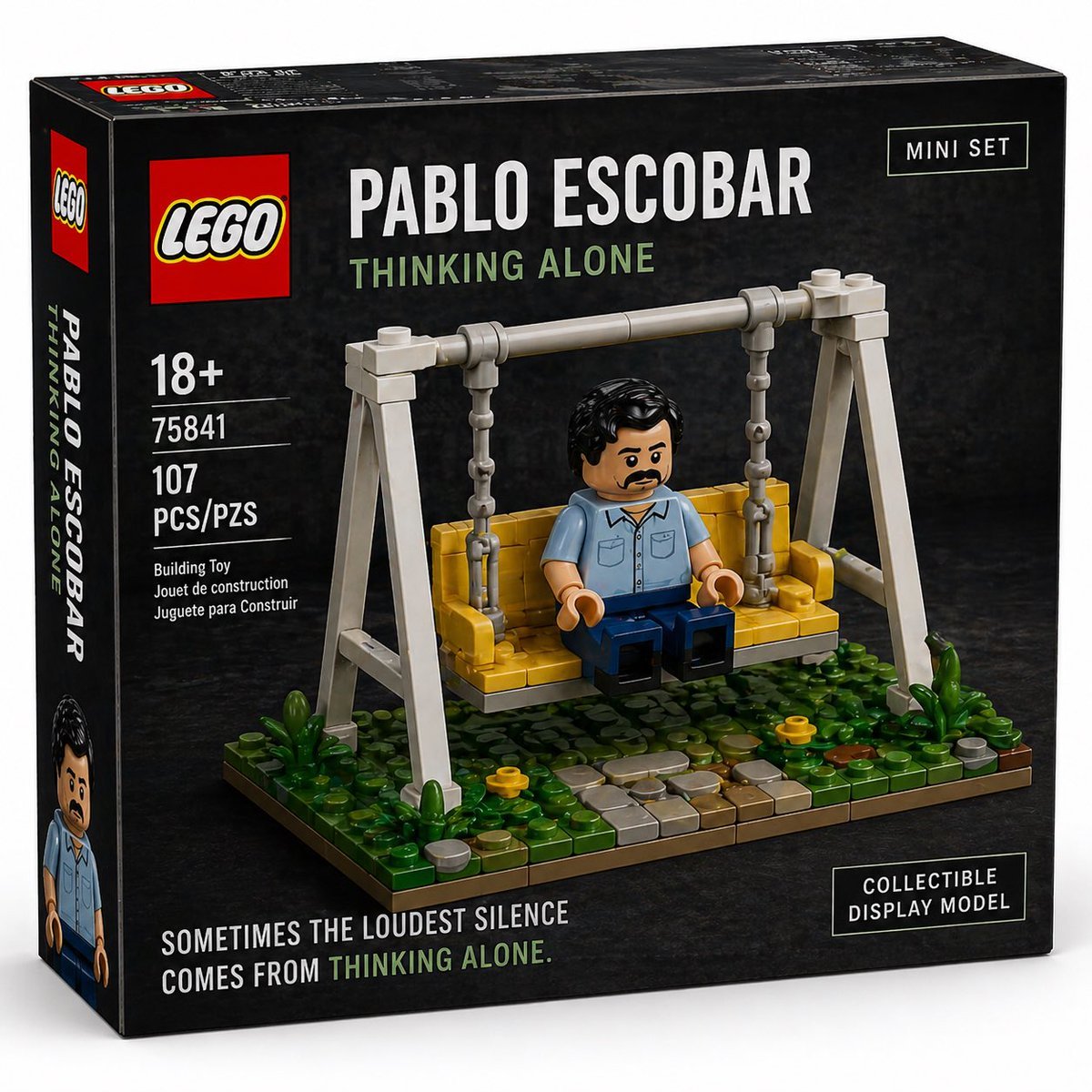
Brick Mini Set Box Mockup

untitled
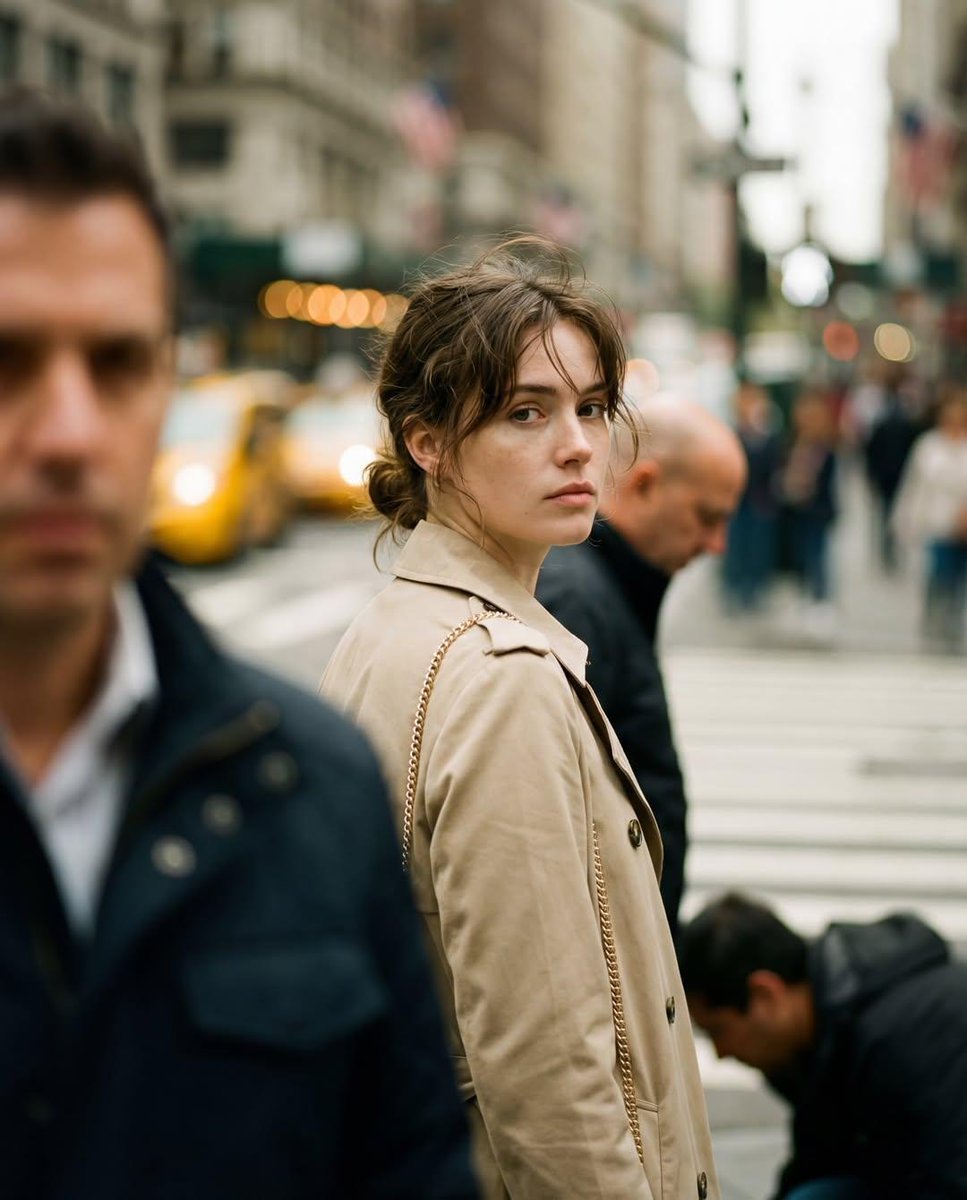
Candid Street Photography with Documentary Realism
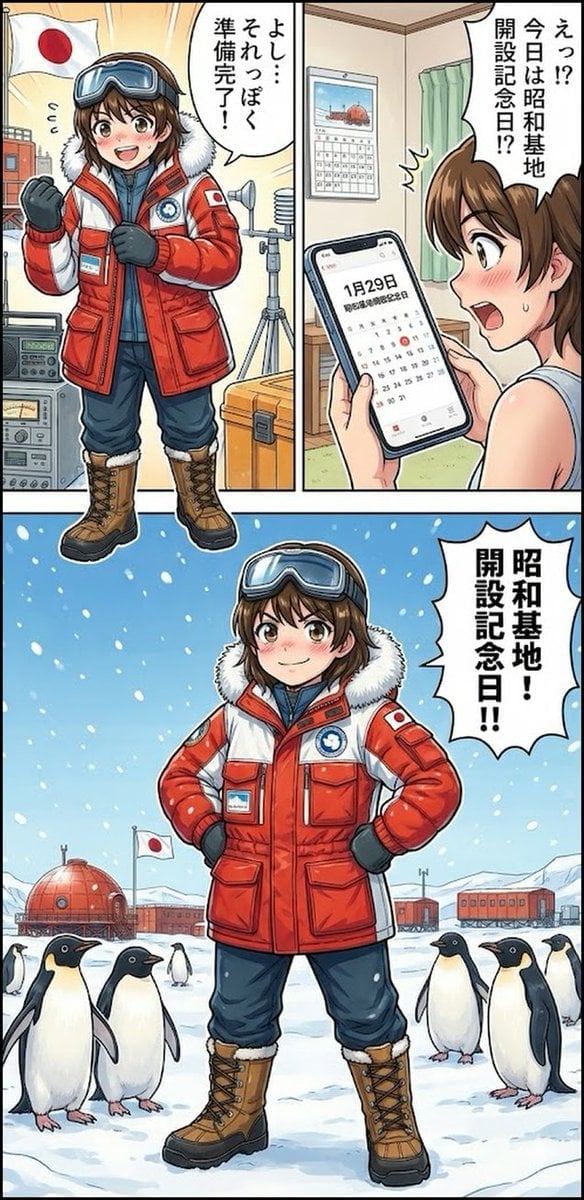
Daily Drawing: Hasuka-chan Manga
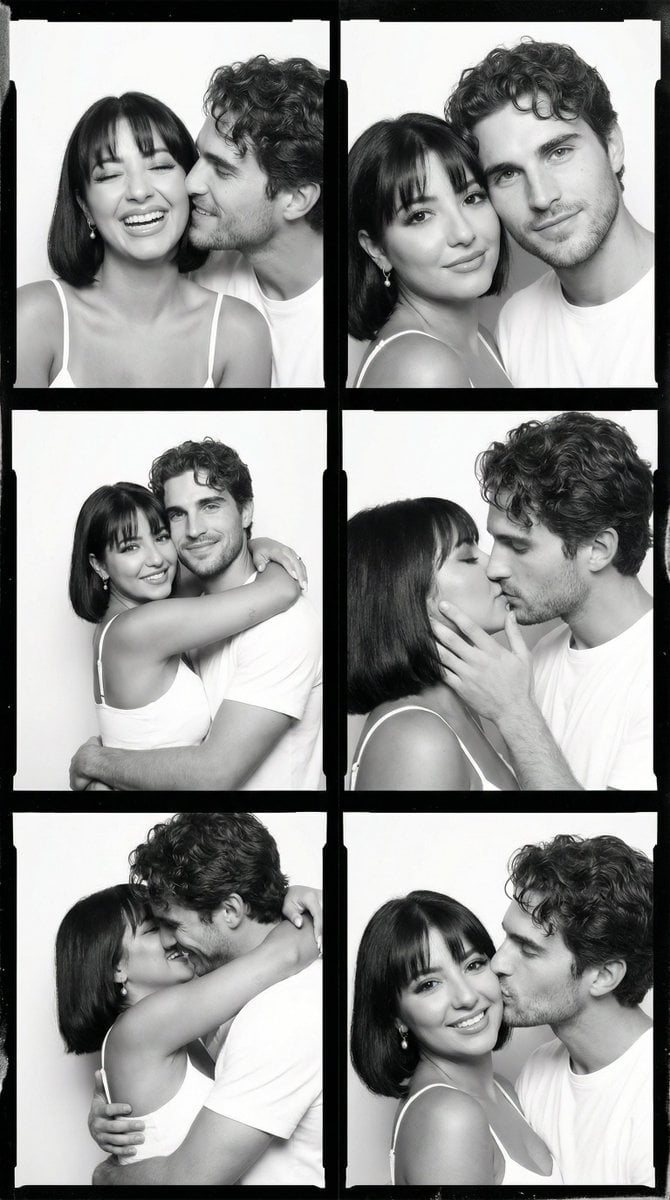
Black and White Film Contact Sheet of Intimate Couple
Browse template categories
Pixel Faded Landscape Poster questions
How do I use the Pixel Faded Landscape Poster template?
Add your photo if the template asks for one, edit the prompt if you like — the template's model and format are already selected — and press Generate. Your version opens in PicX Studio.
Can I customize the Pixel Faded Landscape Poster template?
Yes. You can change the subject, setting, lighting, mood, format, and available model controls before creating your image.
Is the Pixel Faded Landscape Poster template free?
Opening and editing this template is free. Generating uses credits, shown on the Generate button when you are signed in.
Which AI model should I use?
Start with GPT Image 2, which is the model associated with this template. You can compare another compatible model for a different finish.
Looking for something else? Browse all templates.

Your photo, any look
Thousands of ready templates for every top image and video model, from one credit balance.