
Barefoot Window Pirouette
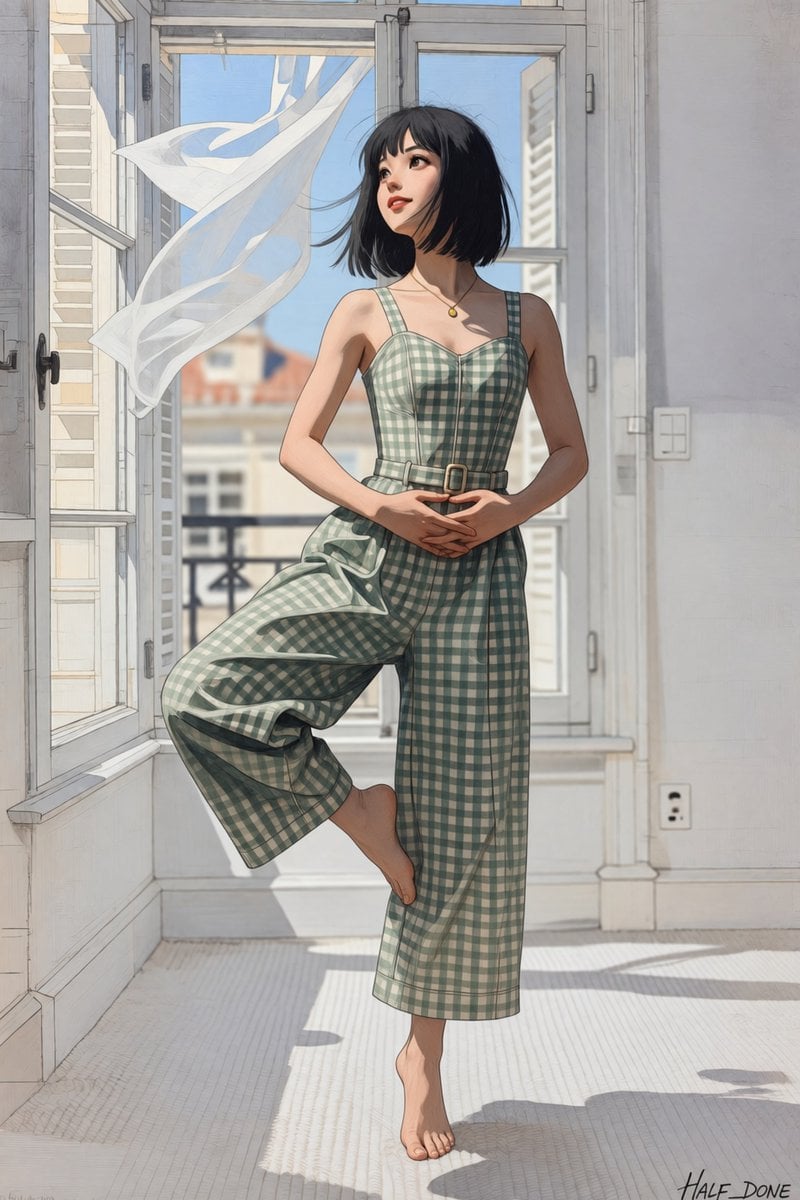
A vertical anime-style illustration prompt for a barefoot woman posing gracefully in a sunlit apartment with an open window and flowing curtain.
- Prompt included
- Model and format preset
- Free template
The prompt behind this image
Copy the exact prompt behind Barefoot Window Pirouette, or open it in the studio and make it yours.
Create a polished anime-style digital illustration of {argument name="character name" default="a young woman"} standing barefoot in a graceful ballet pirouette-like pose inside a bright European apartment. She has {argument name="hair color" default="short black bob hair with wispy bangs"}, fair skin, delicate facial features, soft red lips, and a calm upward gaze toward the open window. She wears a sleeveless {argument name="outfit pattern" default="sage green and cream gingham wide-leg jumpsuit"} with a fitted bodice, square neckline, thin straps, a narrow belt with a small buckle, cropped flowing trousers, and a small gold pendant necklace. Her hands are gently clasped at her waist, one leg supports her on bare toes while the other knee is lifted and bent across her body; emphasize that she is barefoot, with no ballet shoes or footwear. The room has tall white French doors and open casement windows, pale gray-white walls, a light textured floor, and strong morning sunlight casting long angular shadows. Outside the window is a softly blurred city balcony and neighboring buildings under a clear blue sky. A sheer white curtain billows dramatically inward from the breeze on the left side, creating a flowing ribbon shape. Use refined linework, soft watercolor-like shading, subtle painterly texture, elegant proportions, natural anatomy, cinematic lighting, airy atmosphere, pastel colors, and a clean high-resolution vertical composition. Add a small artist signature reading {argument name="signature text" default="HALF_DONE"} in the bottom-right corner. Avoid extra people, avoid text other than the signature, avoid shoes, avoid distorted feet or hands.
How to use Barefoot Window Pirouette in 3 steps
- 1Upload ImagePNG, JPG or paste
Add your photo
Upload the photo the template builds on. The prompt, model and format are already set.
- 2…a portrait of your subject in softgolden-hour light, 85mm…
Personalize
Edit the subject and creative details for your destination.
- 3Generate
Generate
Press Generate — your image is created in PicX Studio, so you can compare it with the original and refine one variable at a time.
More like this
Templates with the same subject, style or setup. Open one to see its prompt.

Rainy Café Window Moody Portrait
Nano Banana - Window Wine Red Dress

LIGHTING each element still lit by its original source, windows casting
Reflective Urban Cafe Window Portrait
Melancholic Pre-dawn Window Portrait
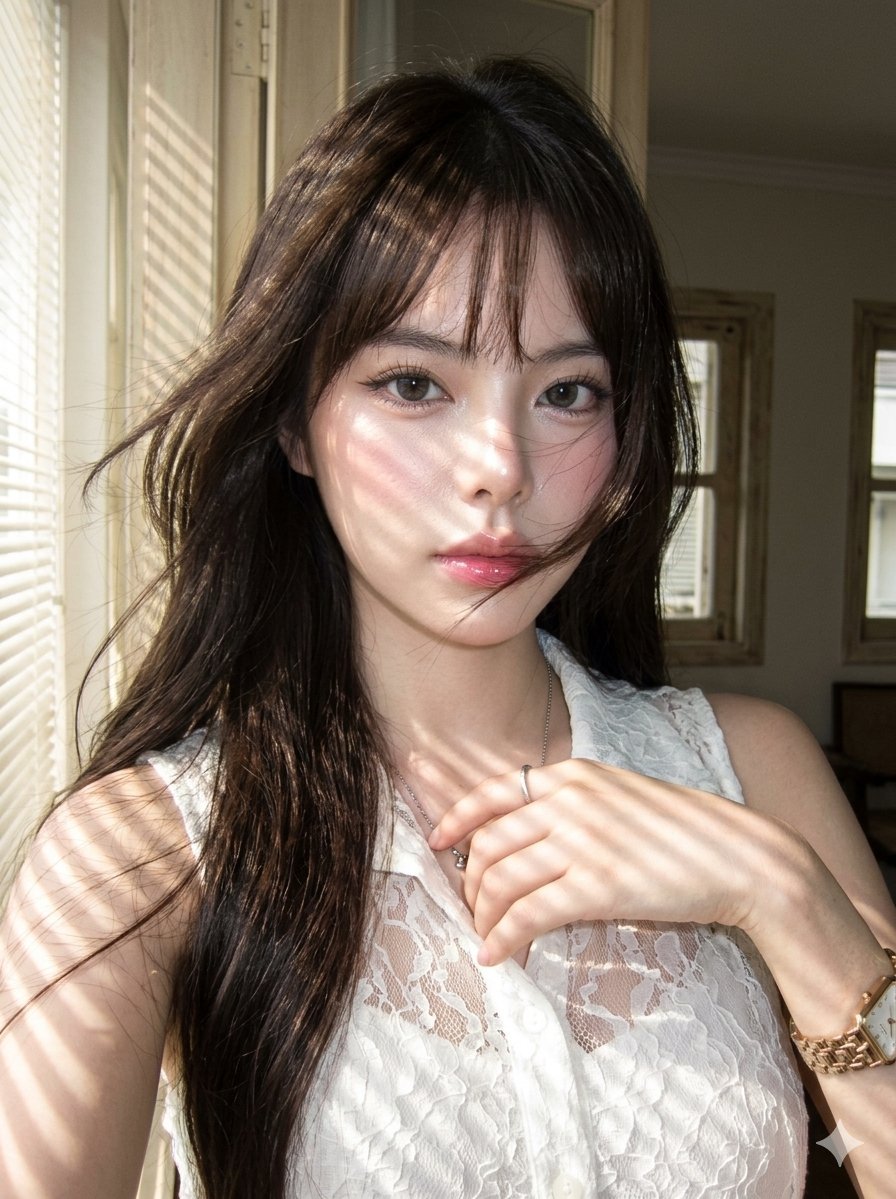
Striped Window Shadow Editorial
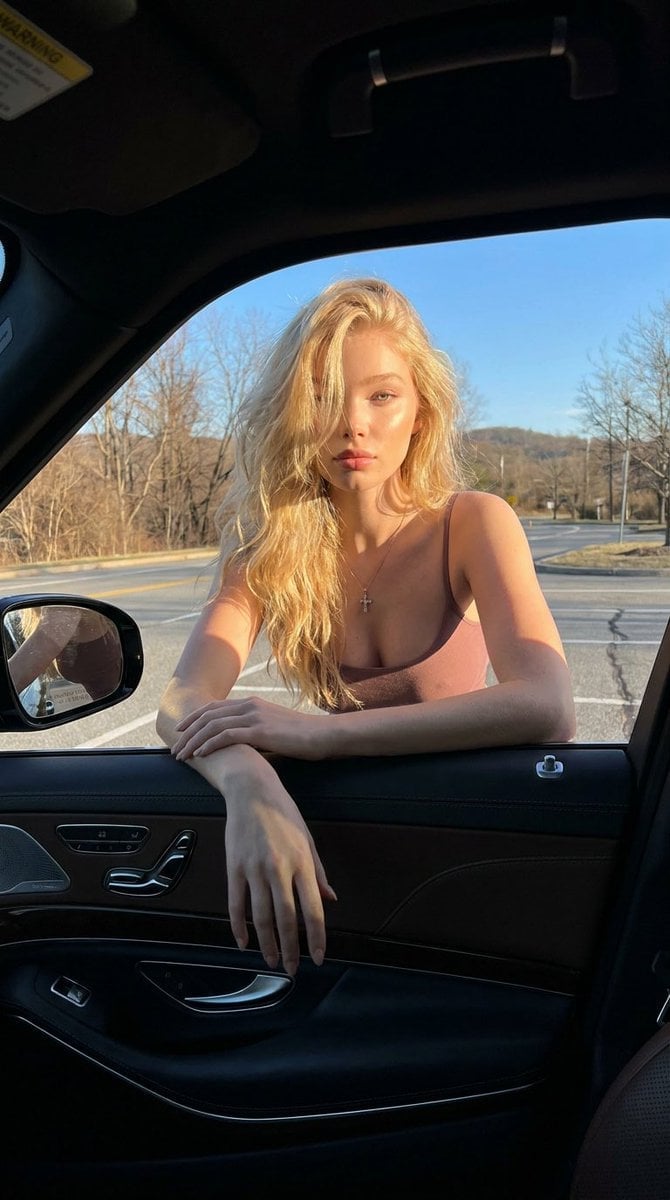
Cinematic Car Window Portrait
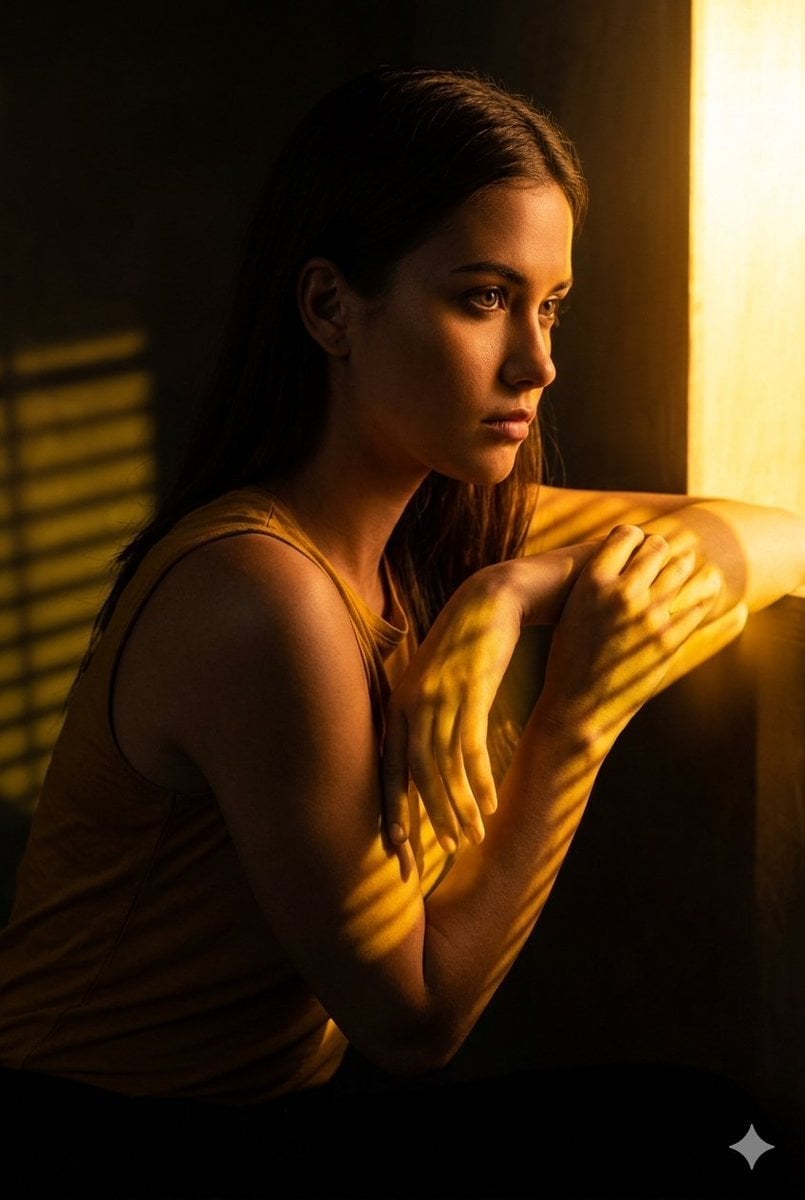
Golden Hour Window Reflection Portrait
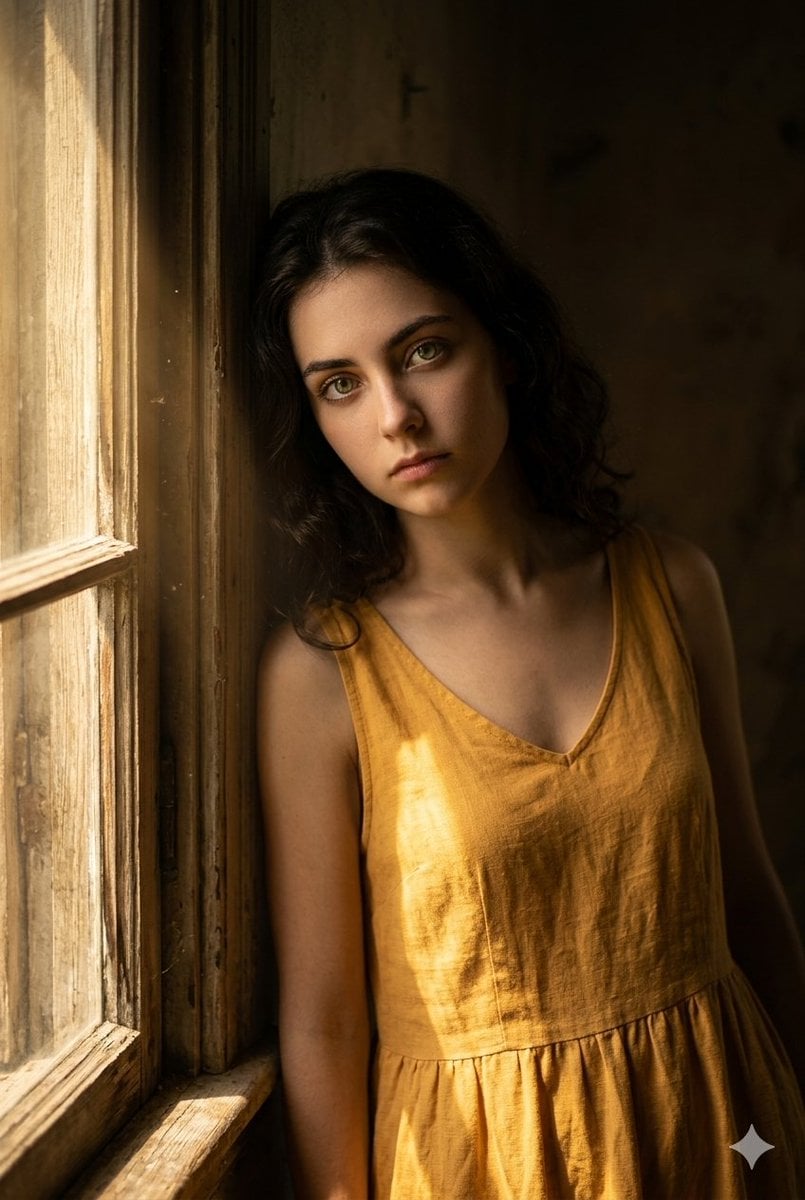
Moody Rustic Window Portrait
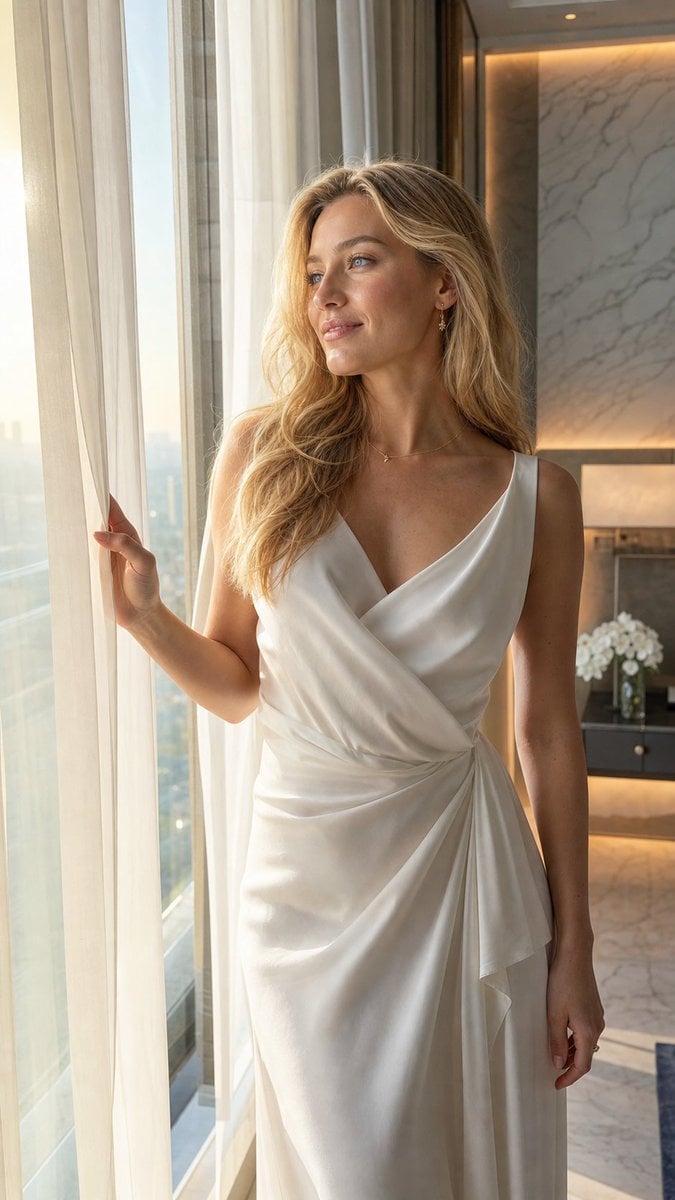
Elegant Hotel Window Editorial
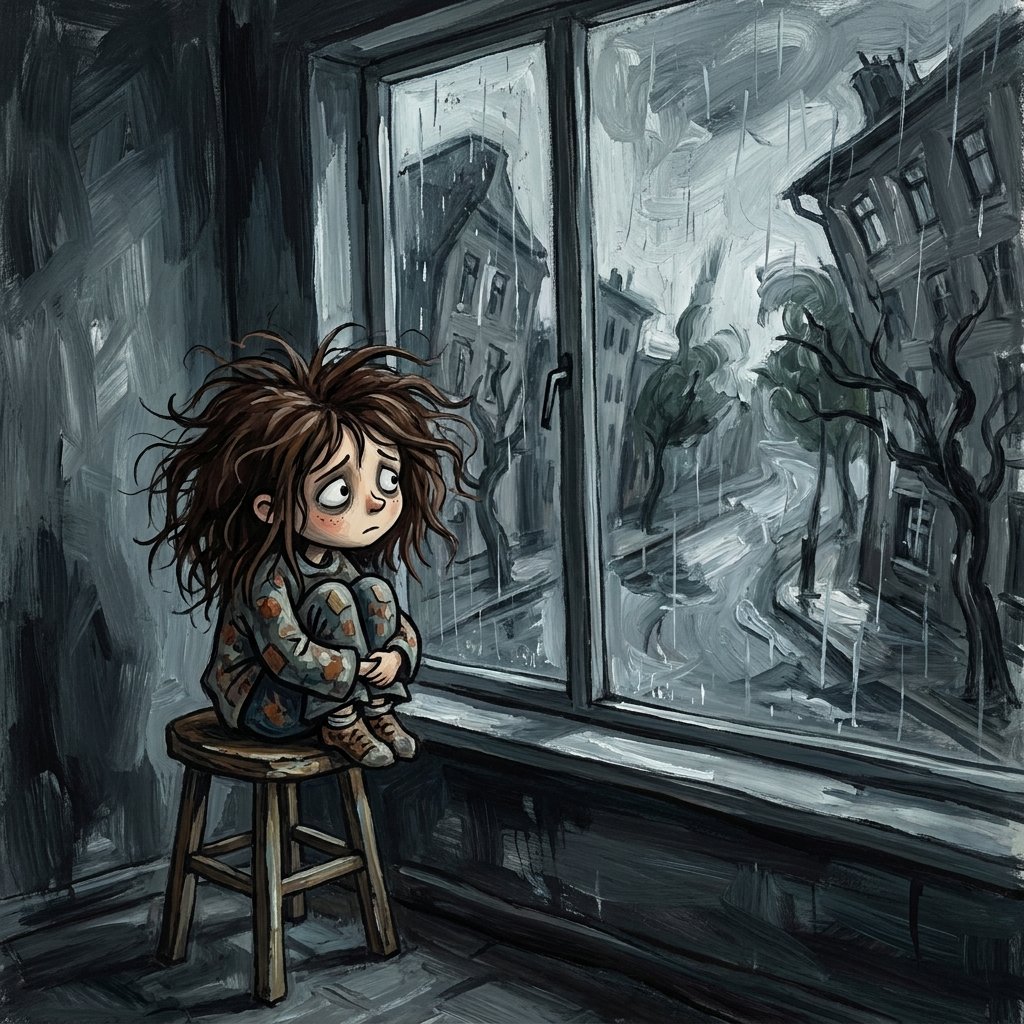
Sad Child by Rainy Window
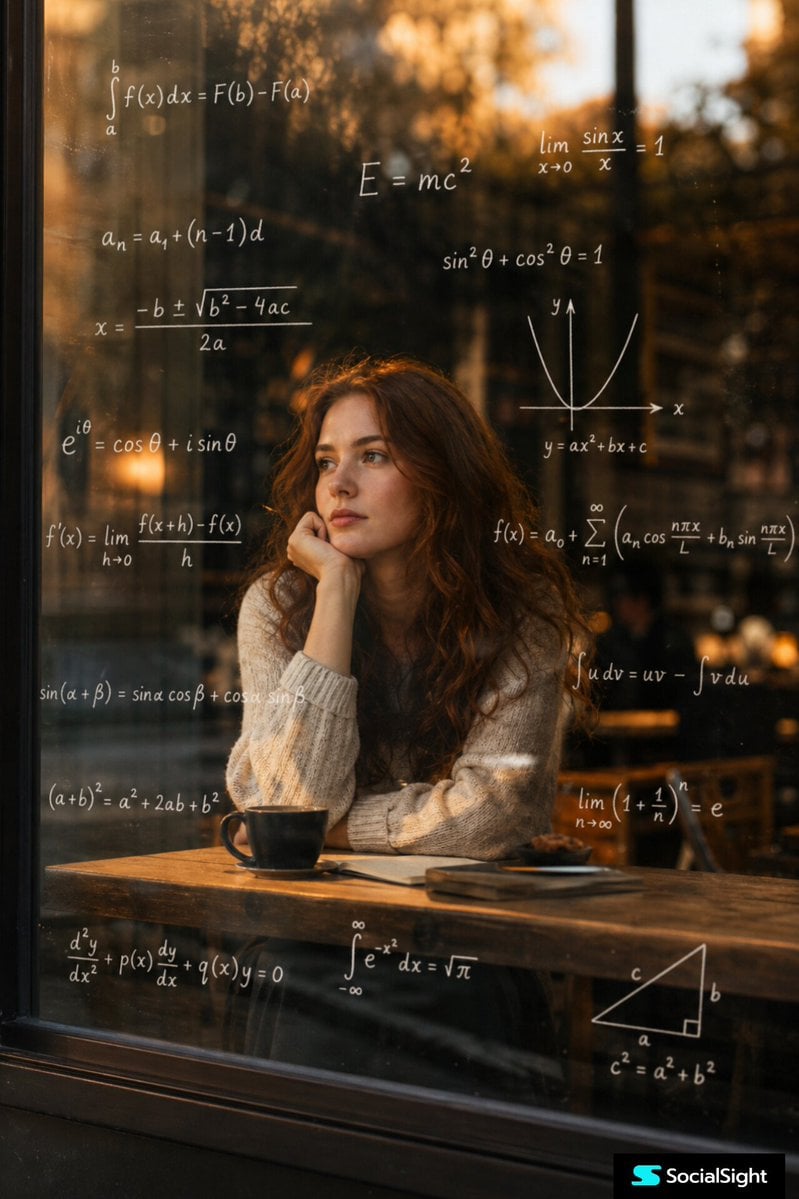
Thoughtful Woman Cafe Window Equations
Make it yours
Barefoot Window Pirouette works as-is. These are the safest ways to change it without losing the look.
Change one field
Copy a single group, rewrite it, and generate again so you can see what that field is doing.
Keep the frame, change the subject
Hold the composition and light of Barefoot Window Pirouette, then swap wardrobe, props or the person for a new take.
| If the result… | Why | Fix |
|---|---|---|
| The result drifts from the preview | Too many fields changed at once. | Reuse Barefoot Window Pirouette as-is first, then change one group — subject, light, or setting. |
| The model over-stylizes the scene | The prose prompt leaves finish and camera underspecified. | Add one camera or lighting sentence and stay on GPT Image 2. |
More GPT Image 2 templates
Other prompts made for GPT Image 2.

Six VTuber Japanese Logo Sheet

Realistic Portrait of Woman and Deer

The Vista Modular Condo Poster

AI Model Routing Comparison Infographic

2.5D Anime Art Board

Isometric Productivity Desk Scene

New York Double Exposure Poster

Four-Panel AI Landscape Comparison

Japanese Tatami Lifestyle Magazine Cover

NESCAFÉ Coffee Map Poster
More image prompts
Fresh picks from across the catalog.
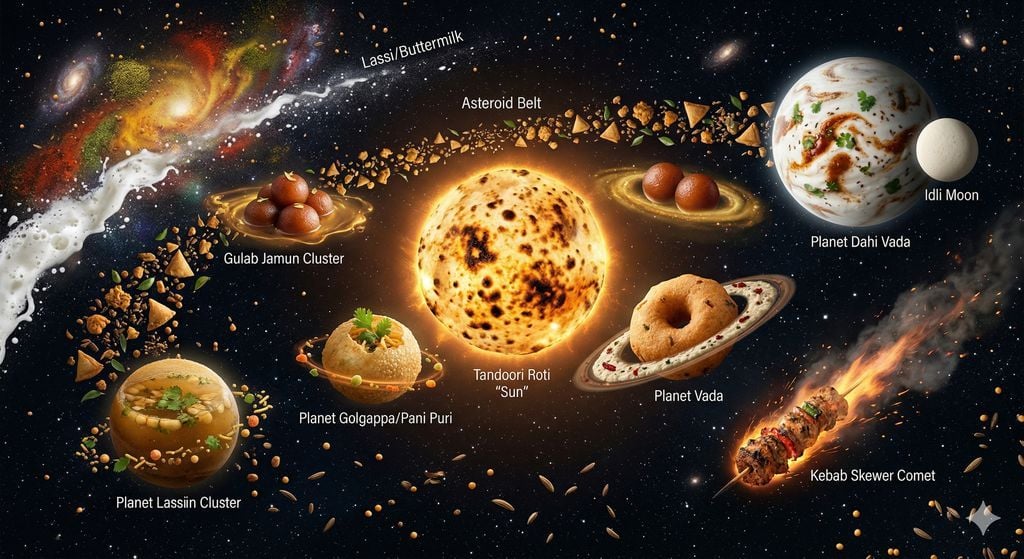
The Food Galaxy: Cosmic Indian Street Food Solar System
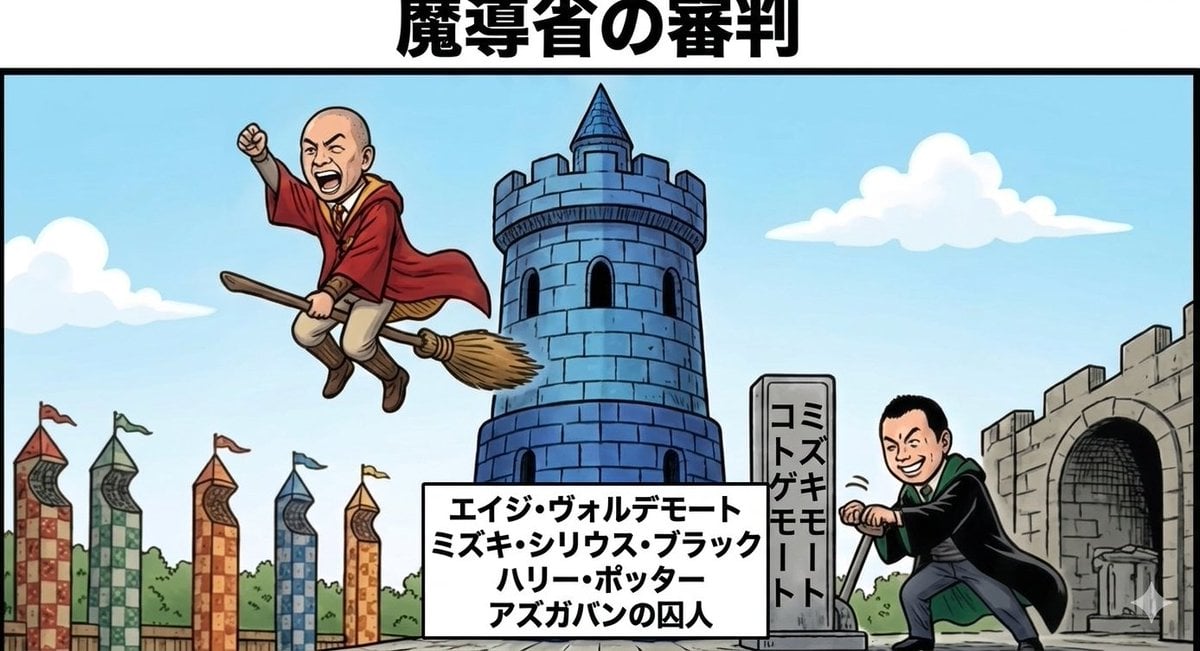
Harry Potter/Viking Crossover Prompt
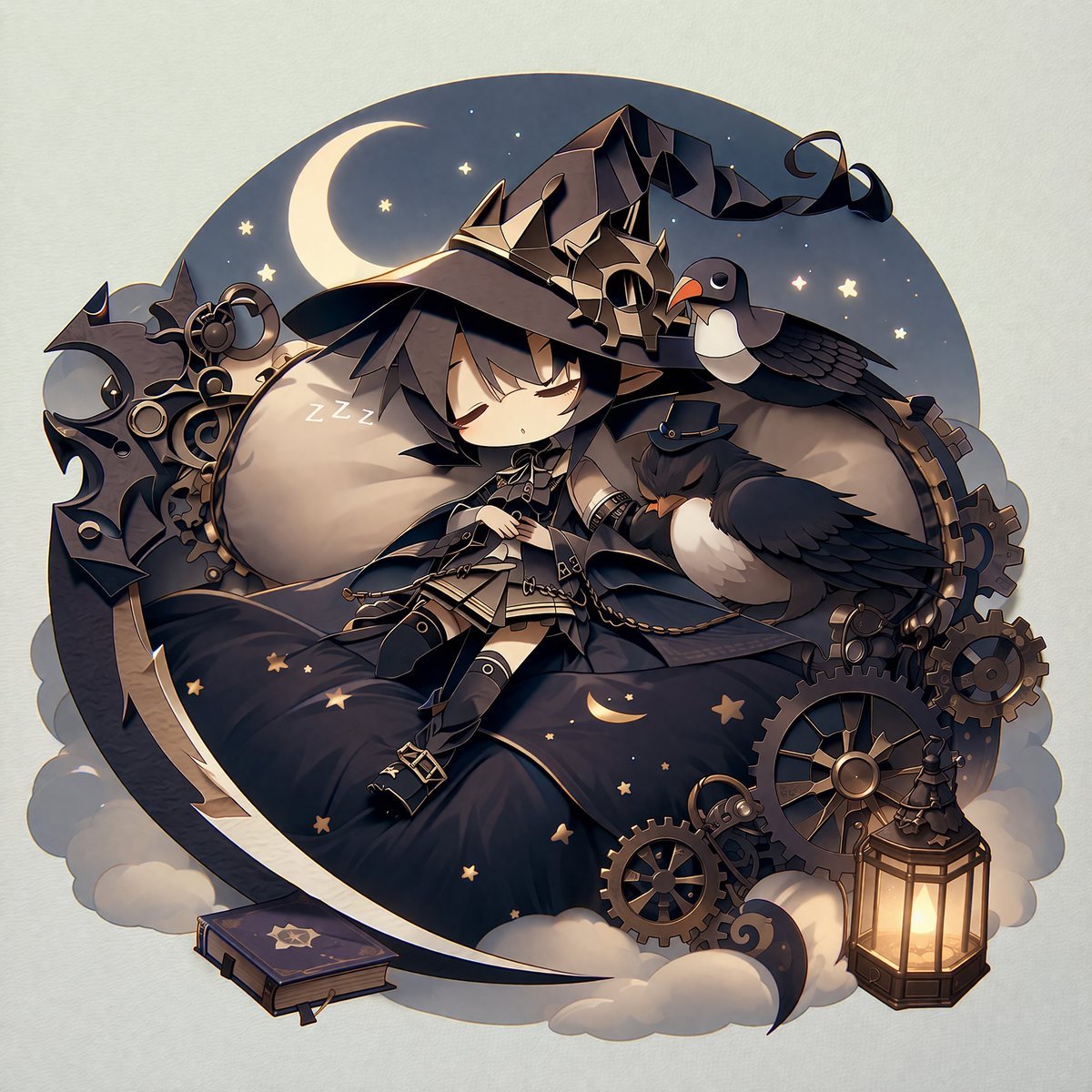
Steampunk Chibi Witch Sticker Illustration
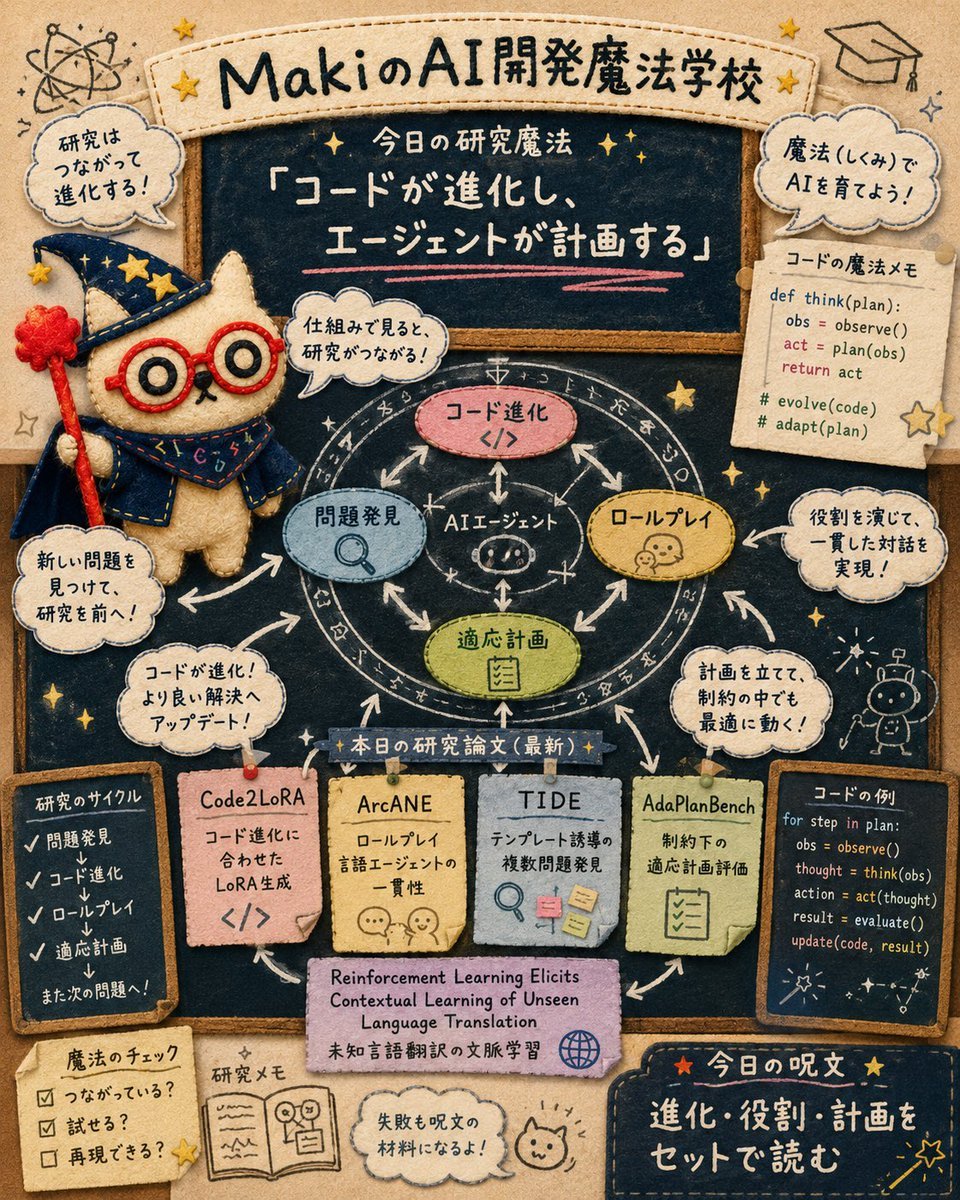
Felt AI Magic School Infographic
Emoji Aesthetic Prompts (Dark vs. Pastel)
Gear 5 Chalkboard Classroom Mural
E-commerce product listing photo prompt for lifestyle setting
Seasonal Korean restaurant menu image
Golden Hour Beach Couple
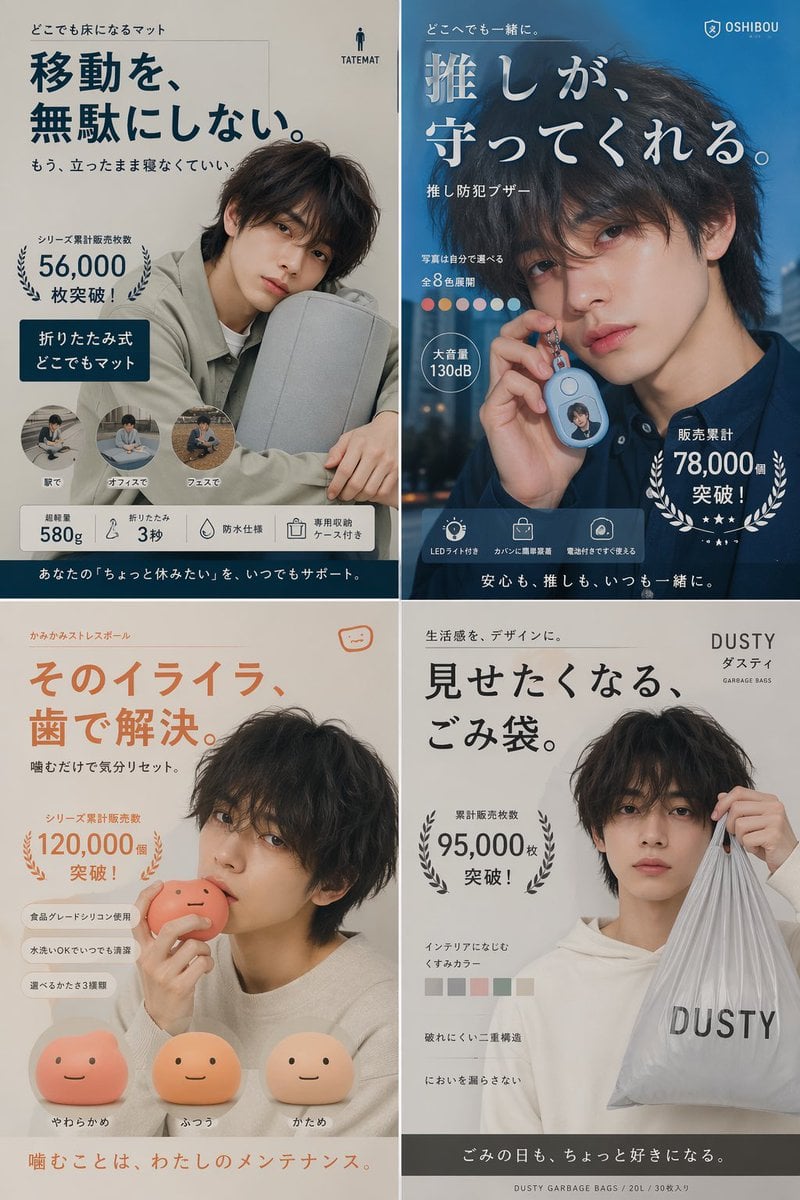
Japanese Ikemen Product Ad Grid
Browse template categories
Barefoot Window Pirouette questions
How do I use the Barefoot Window Pirouette template?
Add your photo if the template asks for one, edit the prompt if you like — the template's model and format are already selected — and press Generate. Your version opens in PicX Studio.
Can I customize the Barefoot Window Pirouette template?
Yes. You can change the subject, setting, lighting, mood, format, and available model controls before creating your image.
Is the Barefoot Window Pirouette template free?
Opening and editing this template is free. Generating uses credits, shown on the Generate button when you are signed in.
Which AI model should I use?
Start with GPT Image 2, which is the model associated with this template. You can compare another compatible model for a different finish.
Looking for something else? Browse all templates.

Your photo, any look
Thousands of ready templates for every top image and video model, from one credit balance.