
Minimalist Cinematic Vertical Poster with Character Reference
A sophisticated prompt for creating minimalist, monochrome posters with single accent colors while maintaining character consistency from a reference image.
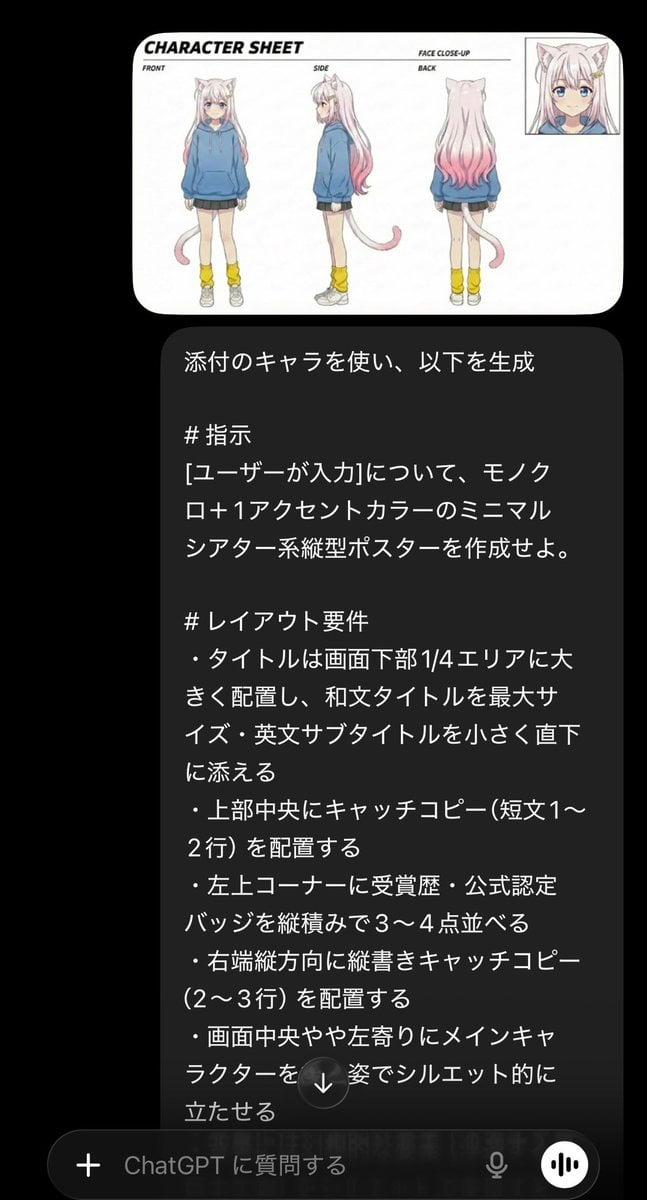
- Prompt included
- Model and format preset
- Free template
The prompt behind this image
Copy the exact prompt behind Minimalist Cinematic Vertical Poster with Character Reference, or open it in the studio and make it yours.
添付のキャラを使い、以下を生成 # 指示 {argument name="ユーザー入力" default="[ユーザーが入力]"}について、モノクロ+{argument name="アクセントカラー" default="1アクセントカラー"}のミニマルシアター系縦型ポスターを作成せよ。 # レイアウト要件 ・タイトルは画面下部1/4エリアに大きく配置し、和文タイトルを最大サイズ・英文サブタイトルを小さく直下に添える ・上部中央にキャッチコピー(短文1〜2行)を配置する ・左上コーナーに受賞歴・公式認定バッジを縦積みで3〜4点並べる ・右端縦方向に縦書きキャッチコピー(2〜3行)を配置する ・画面中央やや左寄りにメインキャラクターを後ろ姿でシルエット的に立たせる ・背景には幻想的な要素(浮遊する島・巨大生物)をシルエットで表現する ・最下部に制作スタッフクレジット・公開日・配給情報を小さく横並びで配置する ・公開日は右下に大きなフォントで目立たせる # デザイン要件 ・背景はモノクロ(黒〜グレーグラデーション)で統一する ・アクセントカラーは1色のみ(例:鮮やかなコバルトブルーまたはゴールド) ・イラストスタイルはシルエット+細いラインアートの組み合わせ ・タイトル文字はホワイト+アクセントカラーで強調する ・全体的にシネマティック・アーティスティックな雰囲気を演出する ・カラフルな背景・過度な装飾・グラデーション多用は避ける ・フォーマット:縦型、アスペクト比 2:3(例:800×1200px)、高解像度
How to use Minimalist Cinematic Vertical Poster with Character Reference in 3 steps
- 1Upload ImagePNG, JPG or paste
Add your photo
Upload the photo the template builds on. The prompt, model and format are already set.
- 2…a portrait of your subject in softgolden-hour light, 85mm…
Personalize
Edit the subject and creative details for your destination.
- 3Generate
Generate
Press Generate — your image is created in PicX Studio, so you can compare it with the original and refine one variable at a time.
More like this
Templates with the same subject, style or setup. Open one to see its prompt.
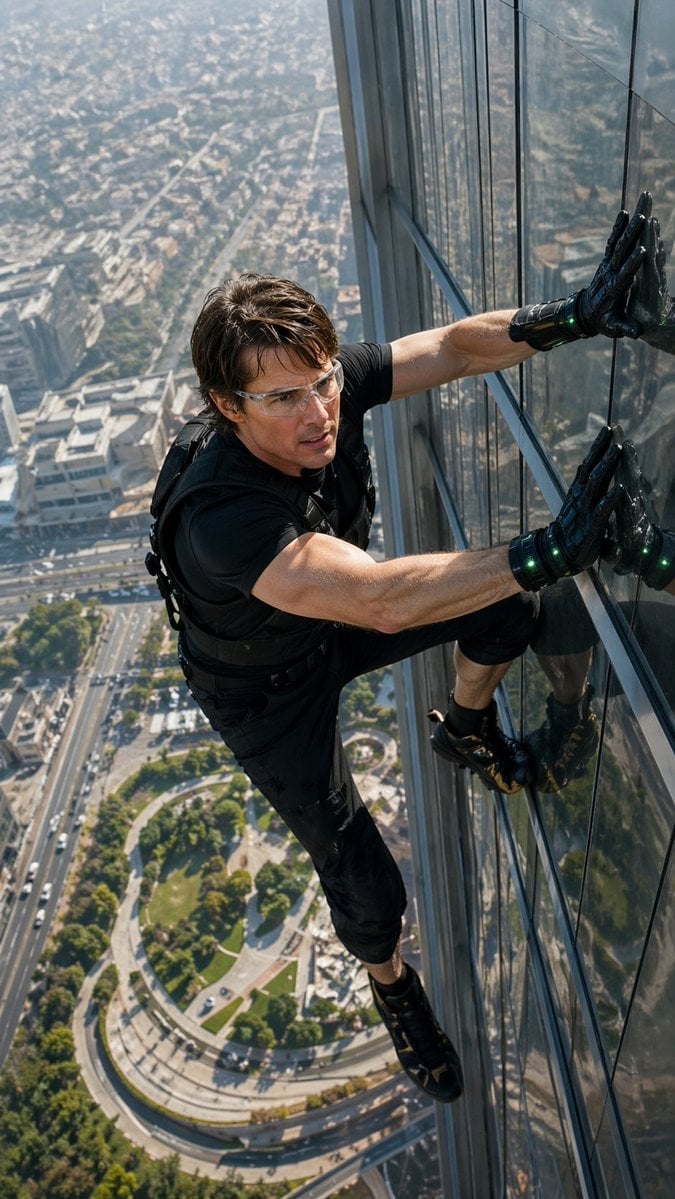
Skyscraper Symbiote Ascent Vertical Poster
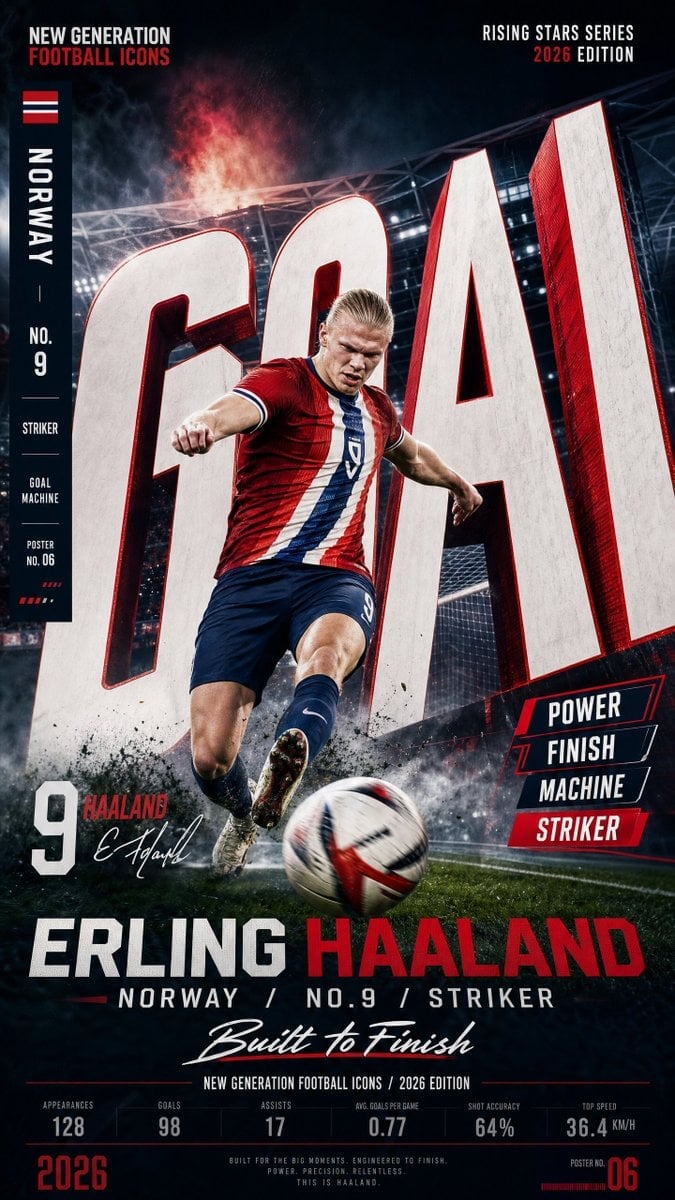
Vertical Football Star Campaign Poster
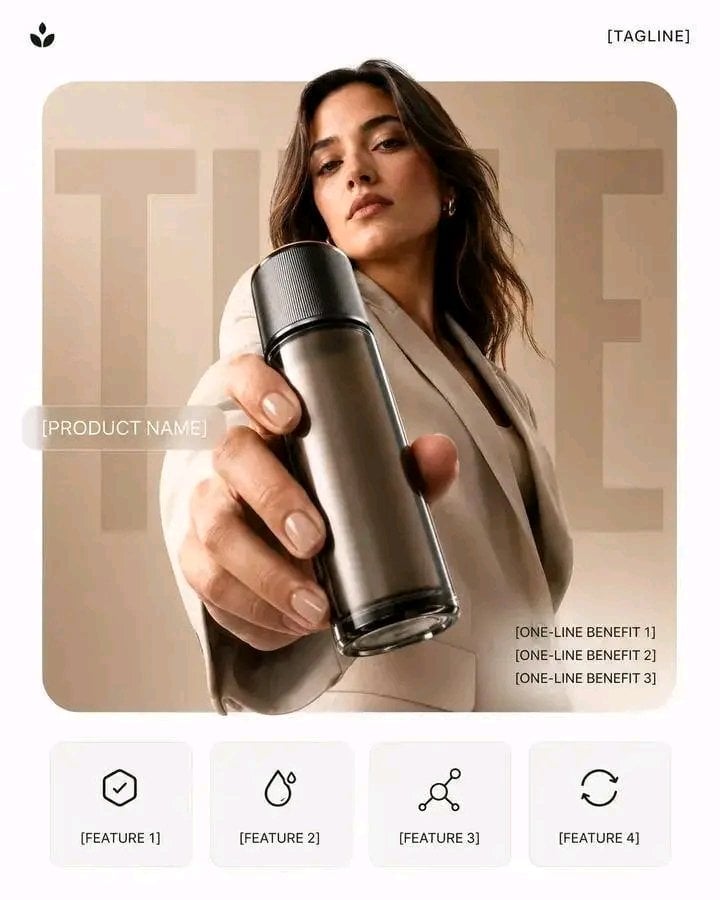
Premium Vertical Product Campaign Poster
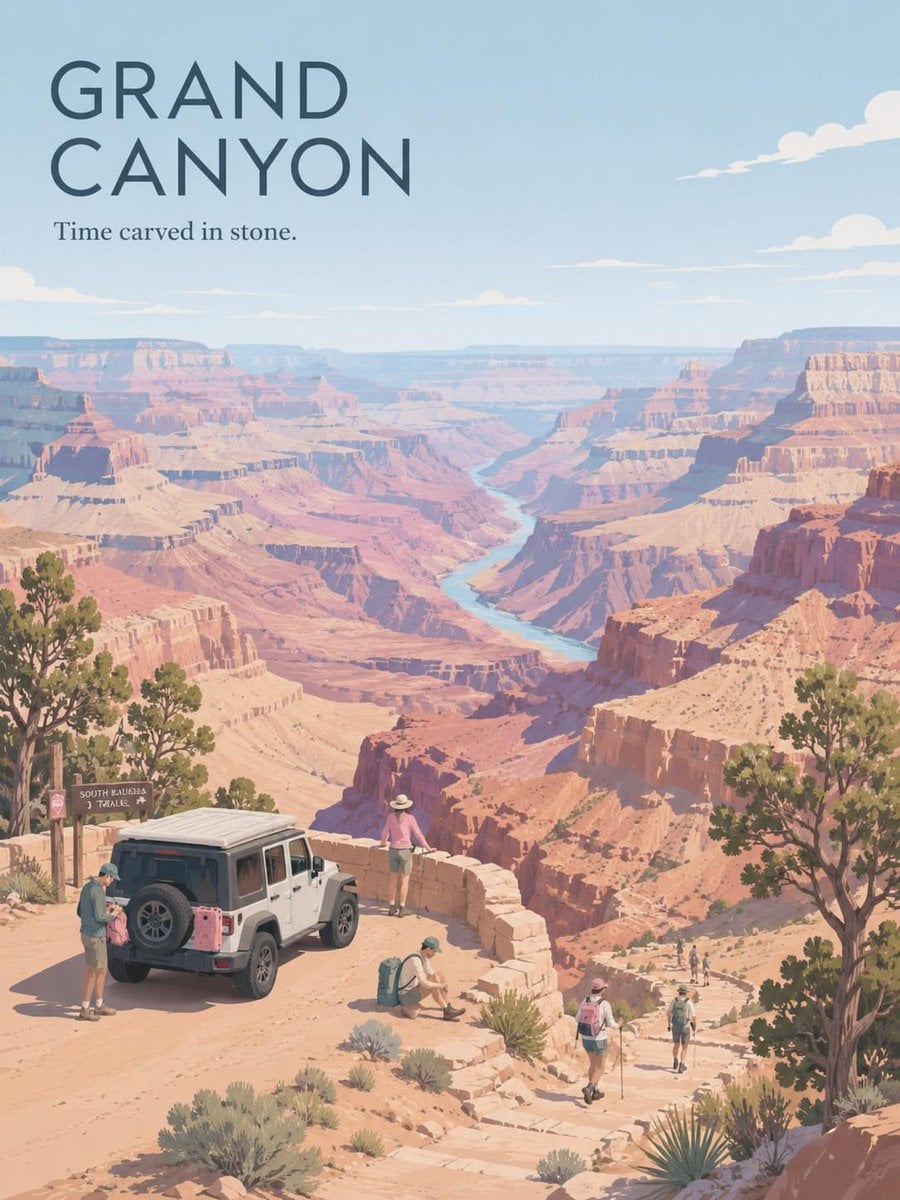
Premium Vintage Travel Poster Landscape
Premium Vertical Product Campaign Poster

Japan Travel Brochure Poster
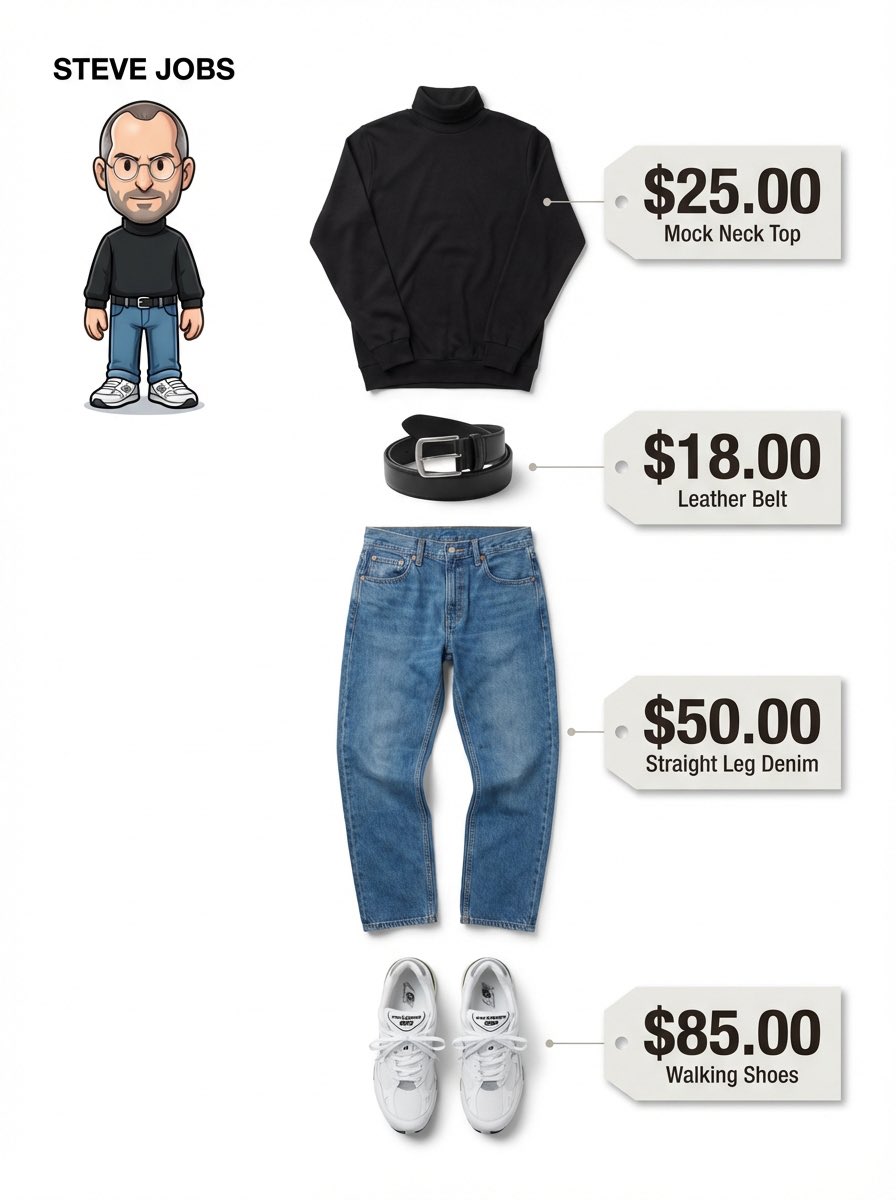
Clean, minimalist fashion infographic from an uploaded reference photo
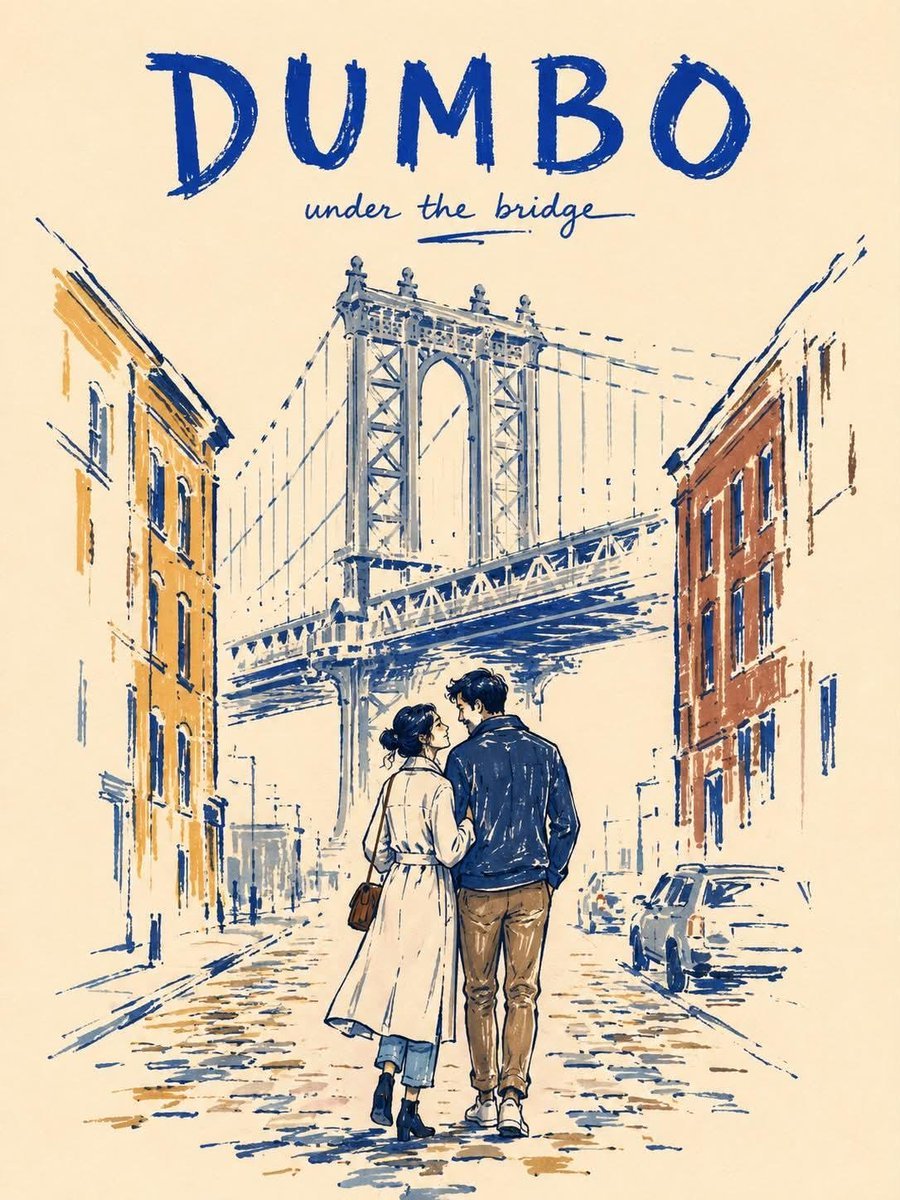
Minimalist Marker Travel Poster
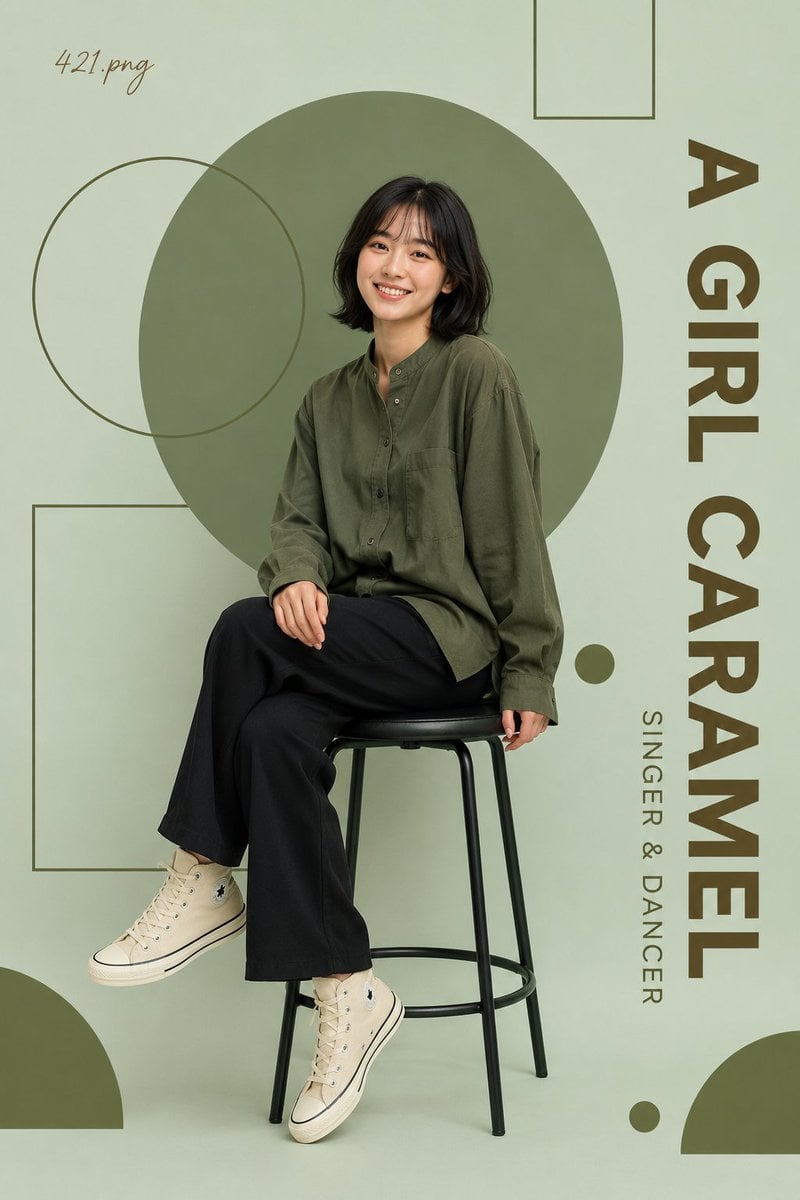
Minimalist Olive Green Editorial Poster
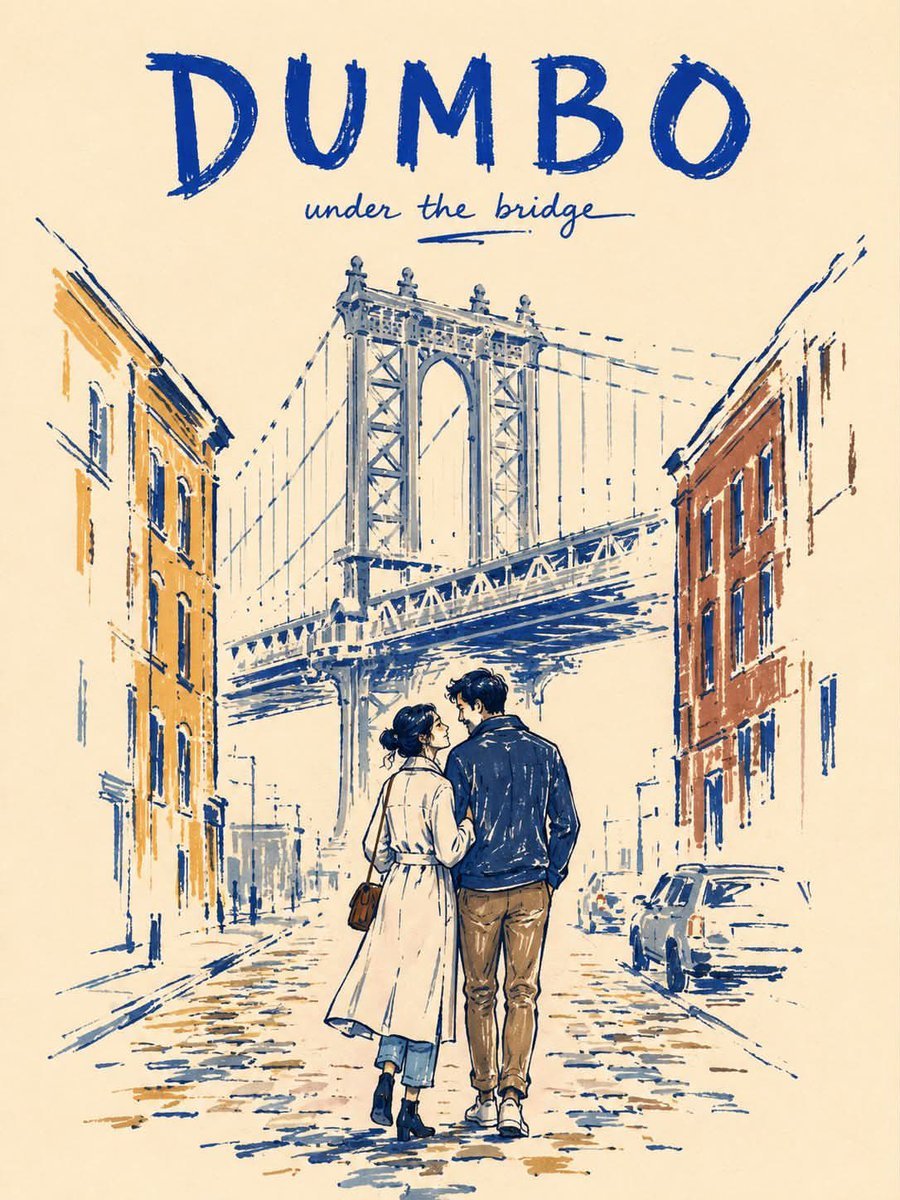
Minimalist Marker Pen NYC Travel Poster
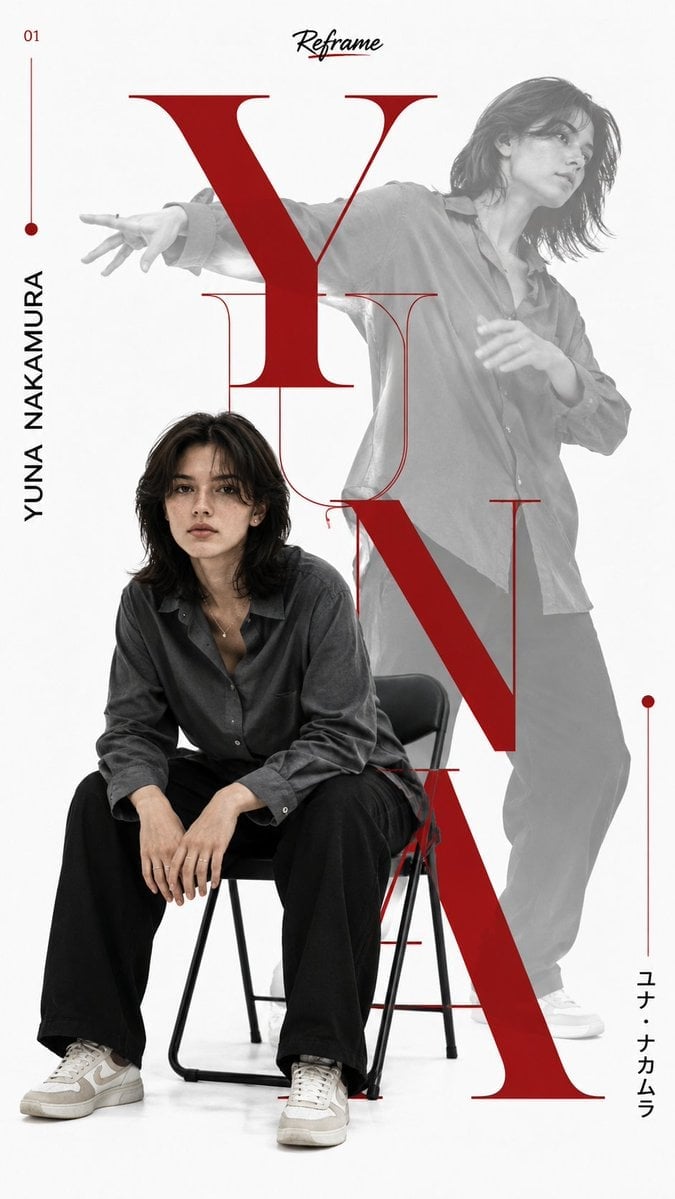
Japanese Minimalist Editorial Fashion Poster
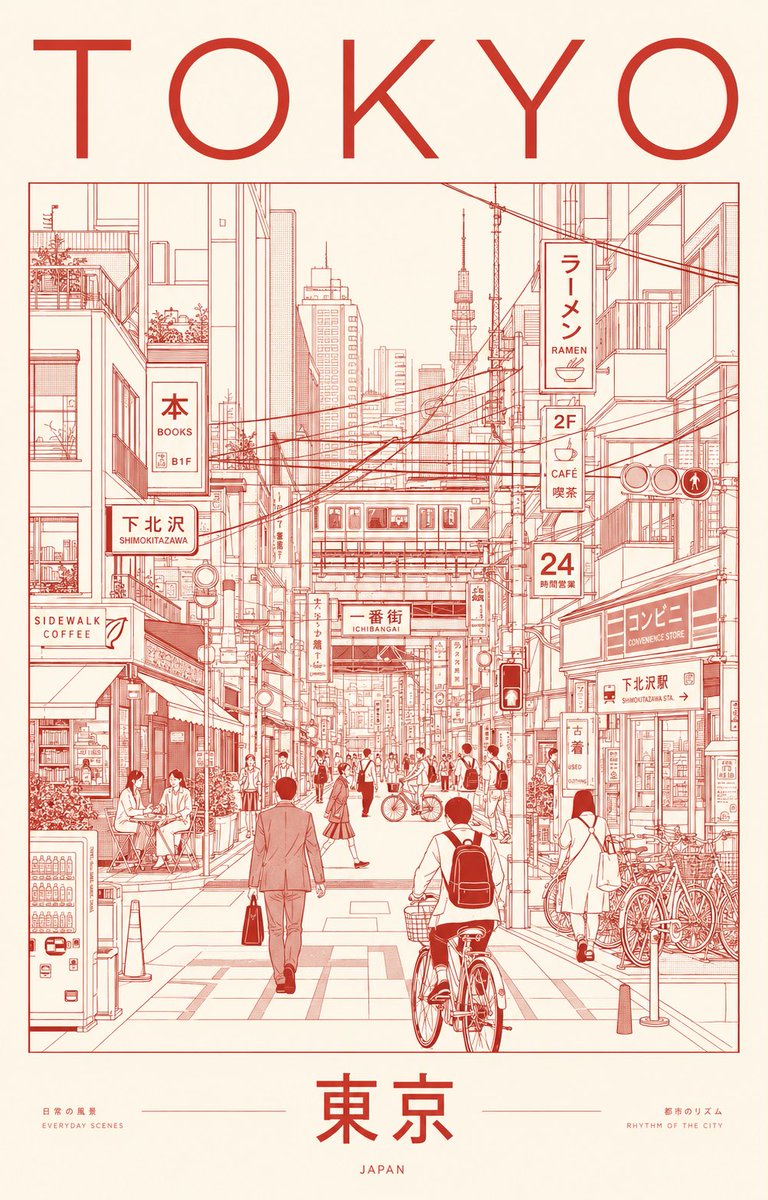
Minimalist Tokyo City Line-Art Poster
Make it yours
Minimalist Cinematic Vertical Poster with Character Reference works as-is. These are the safest ways to change it without losing the look.
Change one field
Copy a single group, rewrite it, and generate again so you can see what that field is doing.
Keep the frame, change the subject
Hold the composition and light of Minimalist Cinematic Vertical Poster with Character Reference, then swap wardrobe, props or the person for a new take.
| If the result… | Why | Fix |
|---|---|---|
| The result drifts from the preview | Too many fields changed at once. | Reuse Minimalist Cinematic Vertical Poster with Character Reference as-is first, then change one group — subject, light, or setting. |
| The model over-stylizes the scene | The prose prompt leaves finish and camera underspecified. | Add one camera or lighting sentence and stay on GPT Image 2. |
More GPT Image 2 templates
Other prompts made for GPT Image 2.

Six VTuber Japanese Logo Sheet

Realistic Portrait of Woman and Deer

The Vista Modular Condo Poster

AI Model Routing Comparison Infographic

2.5D Anime Art Board

Isometric Productivity Desk Scene

New York Double Exposure Poster

Four-Panel AI Landscape Comparison

Japanese Tatami Lifestyle Magazine Cover

NESCAFÉ Coffee Map Poster
More image prompts
Fresh picks from across the catalog.
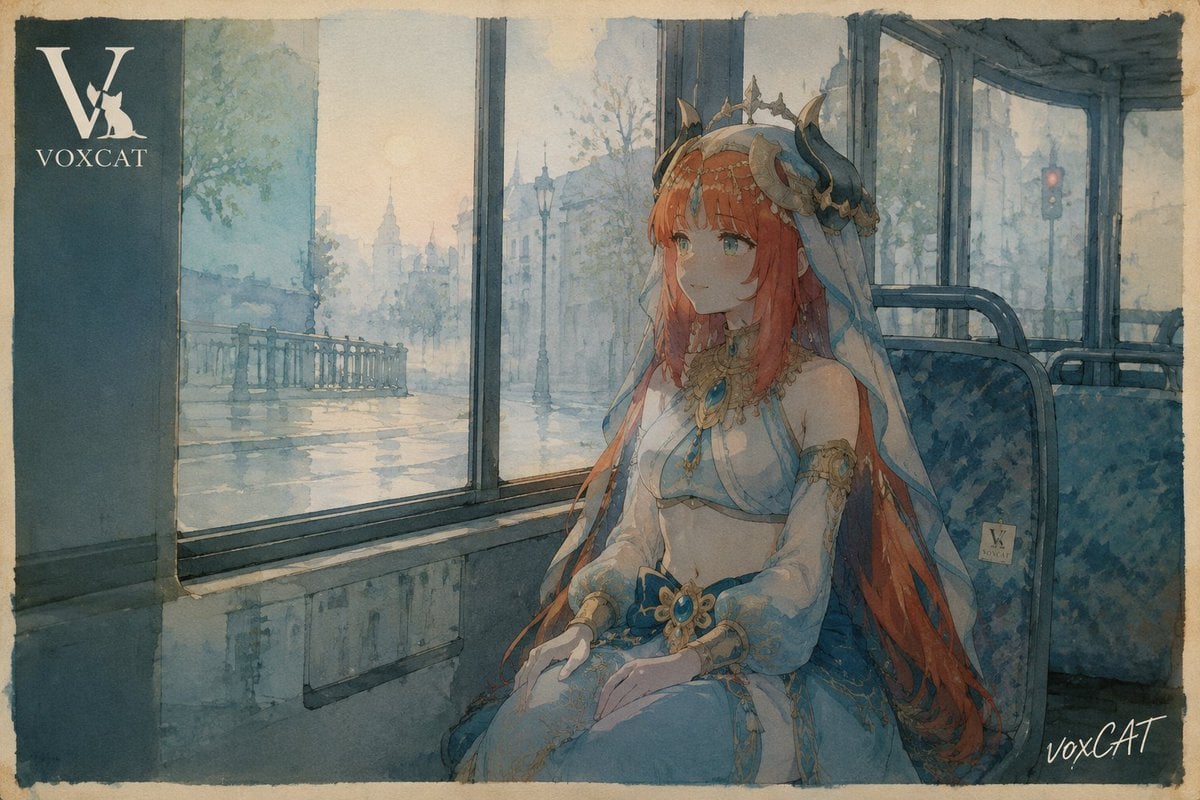
Poetic Bus Window Character Still
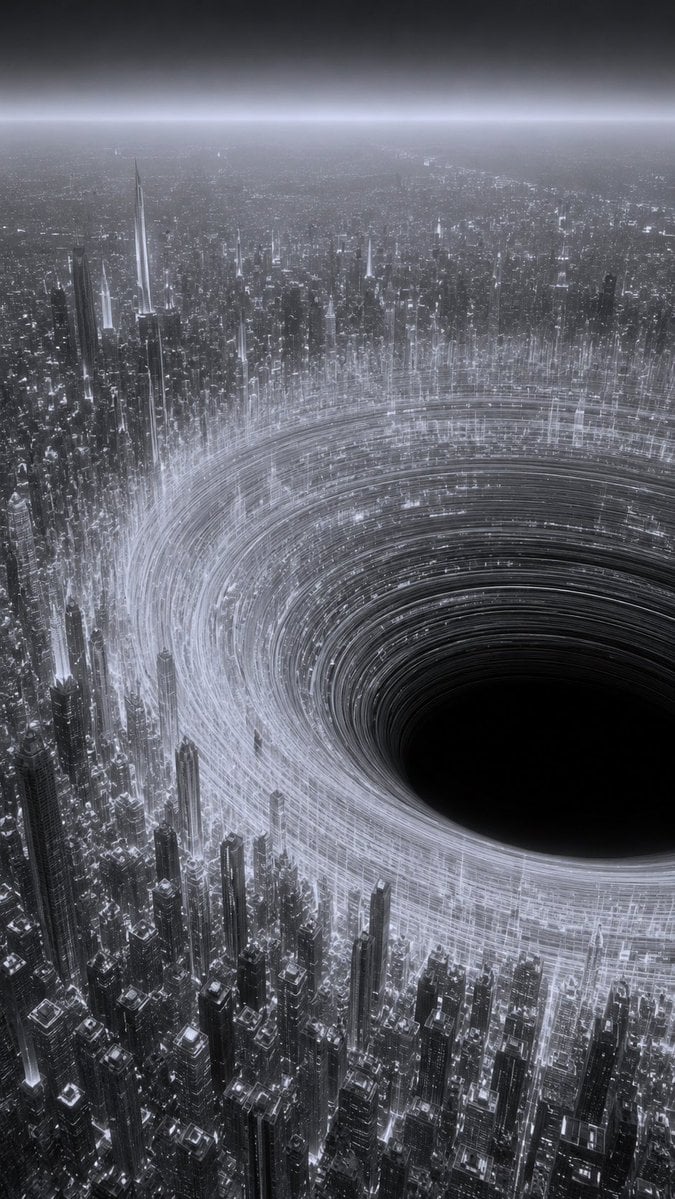
Monochrome Megacity Black Hole

Voxel Chibi Cat-Ear Girl
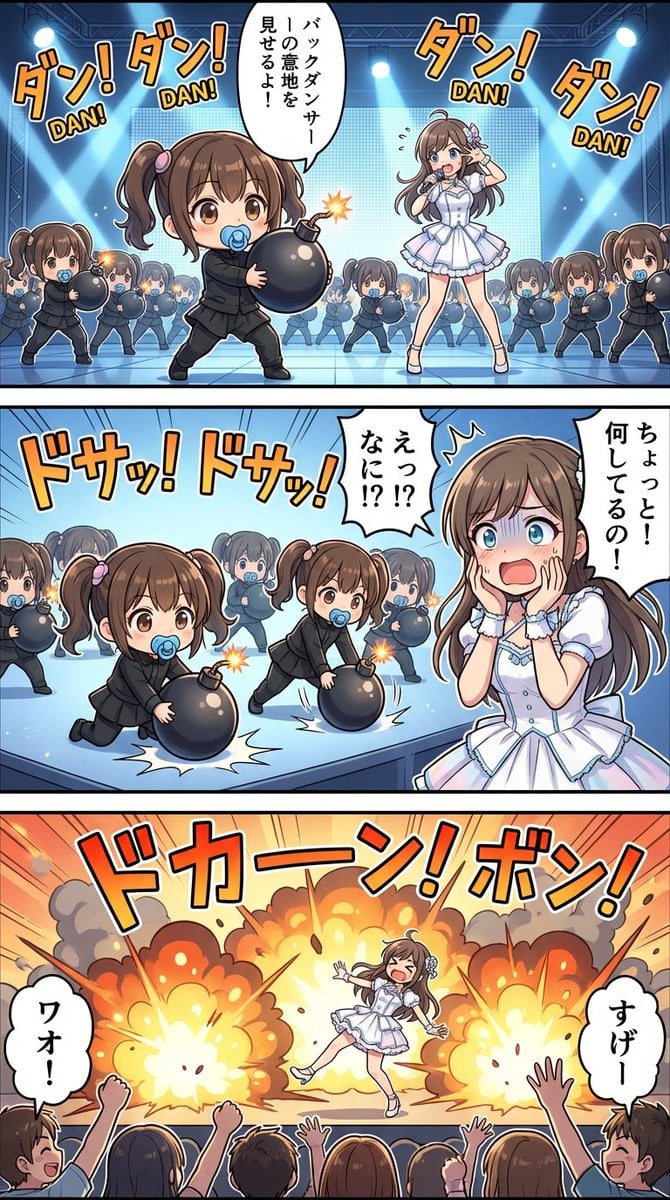
High-detail story-art layout with frames and speech bubbles

Universal JSON Template for Editorial Product Ads
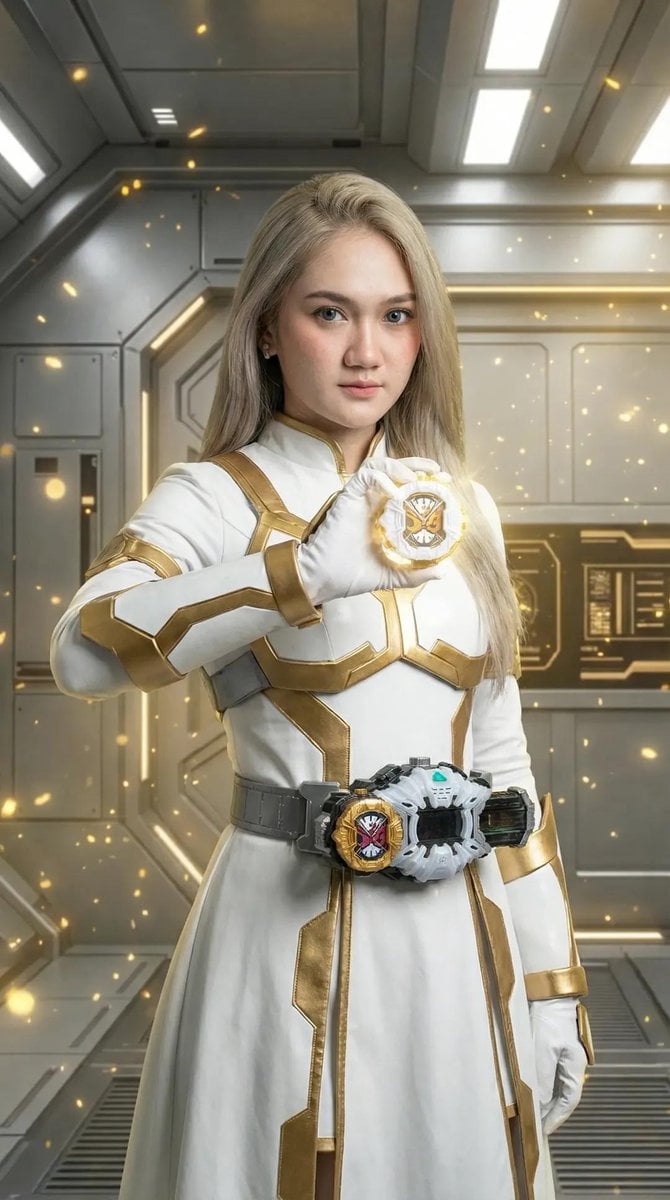
Kamen Rider Armor Transformation Sequence Prompt

Thumbnail Generation Prompt for Sales Content (Brain/Tips/Note)
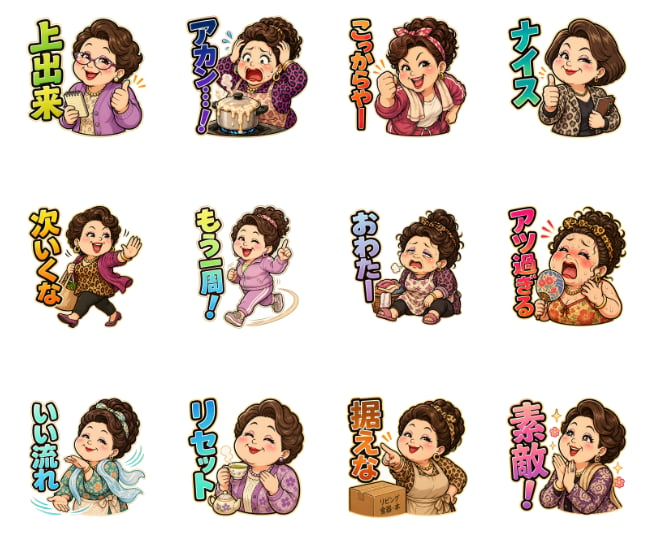
Pachinko Auntie LINE Sticker Sheet

Faceless Blond Anime Icon
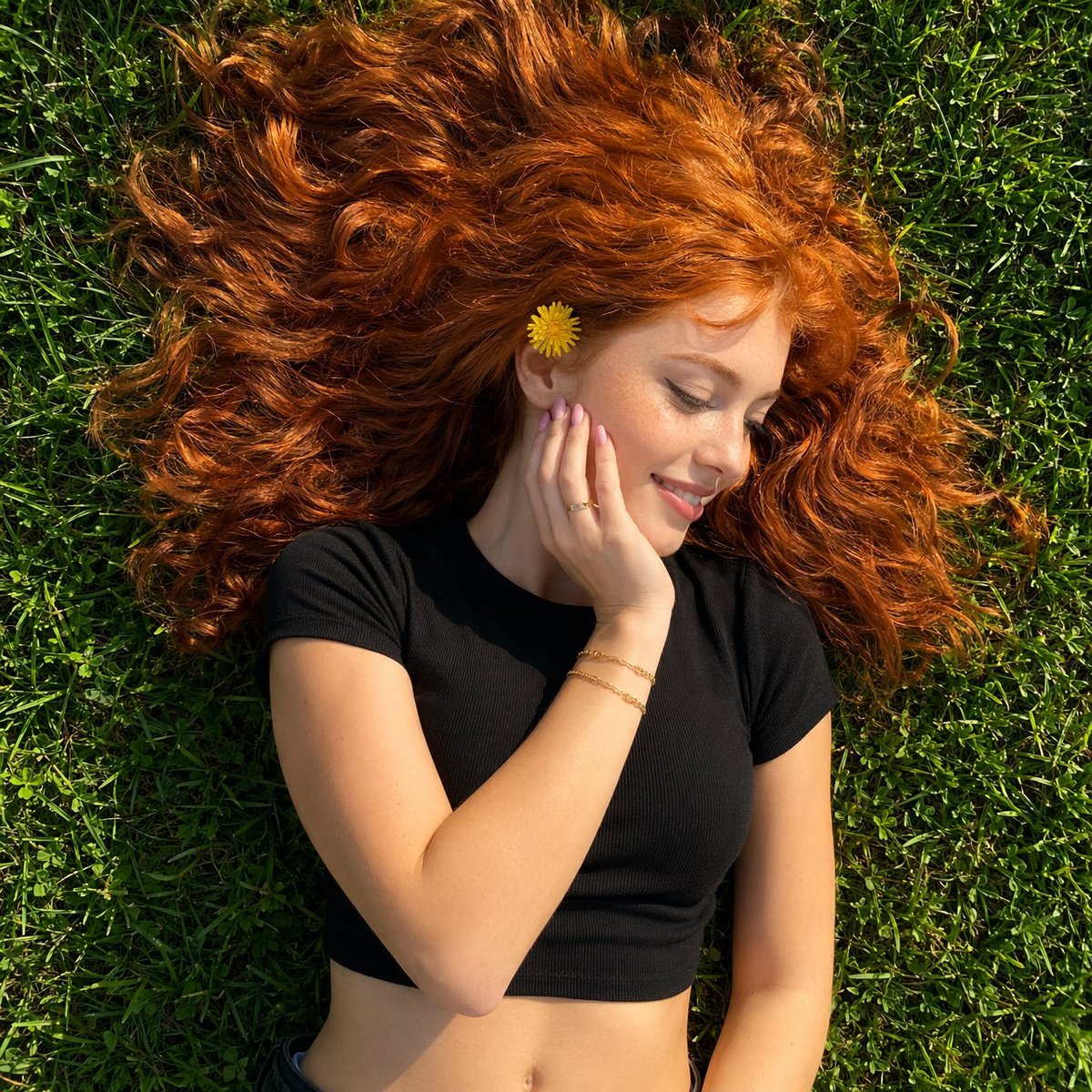
Top-Down Red Hair Woman Portrait
Browse template categories
Minimalist Cinematic Vertical Poster with Character Reference questions
How do I use the Minimalist Cinematic Vertical Poster with Character Reference template?
Add your photo if the template asks for one, edit the prompt if you like — the template's model and format are already selected — and press Generate. Your version opens in PicX Studio.
Can I customize the Minimalist Cinematic Vertical Poster with Character Reference template?
Yes. You can change the subject, setting, lighting, mood, format, and available model controls before creating your image.
Is the Minimalist Cinematic Vertical Poster with Character Reference template free?
Opening and editing this template is free. Generating uses credits, shown on the Generate button when you are signed in.
Which AI model should I use?
Start with GPT Image 2, which is the model associated with this template. You can compare another compatible model for a different finish.
Looking for something else? Browse all templates.

Your photo, any look
Thousands of ready templates for every top image and video model, from one credit balance.