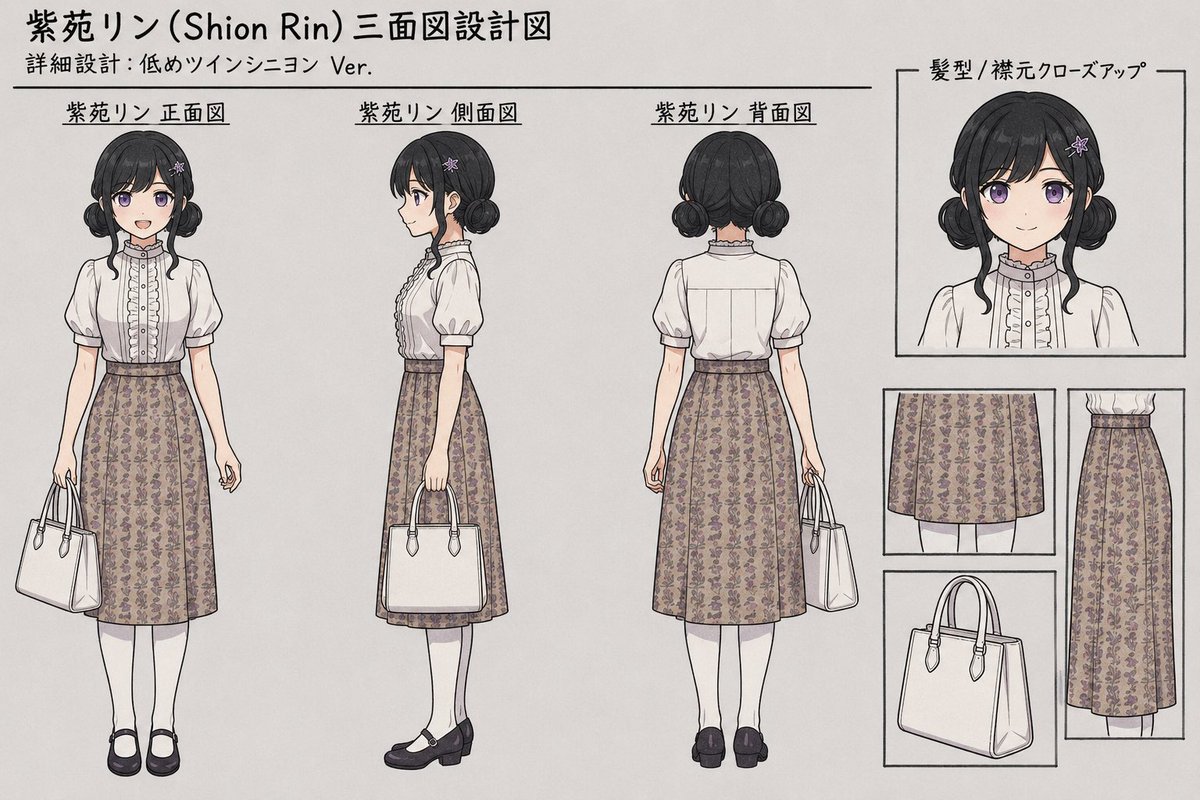
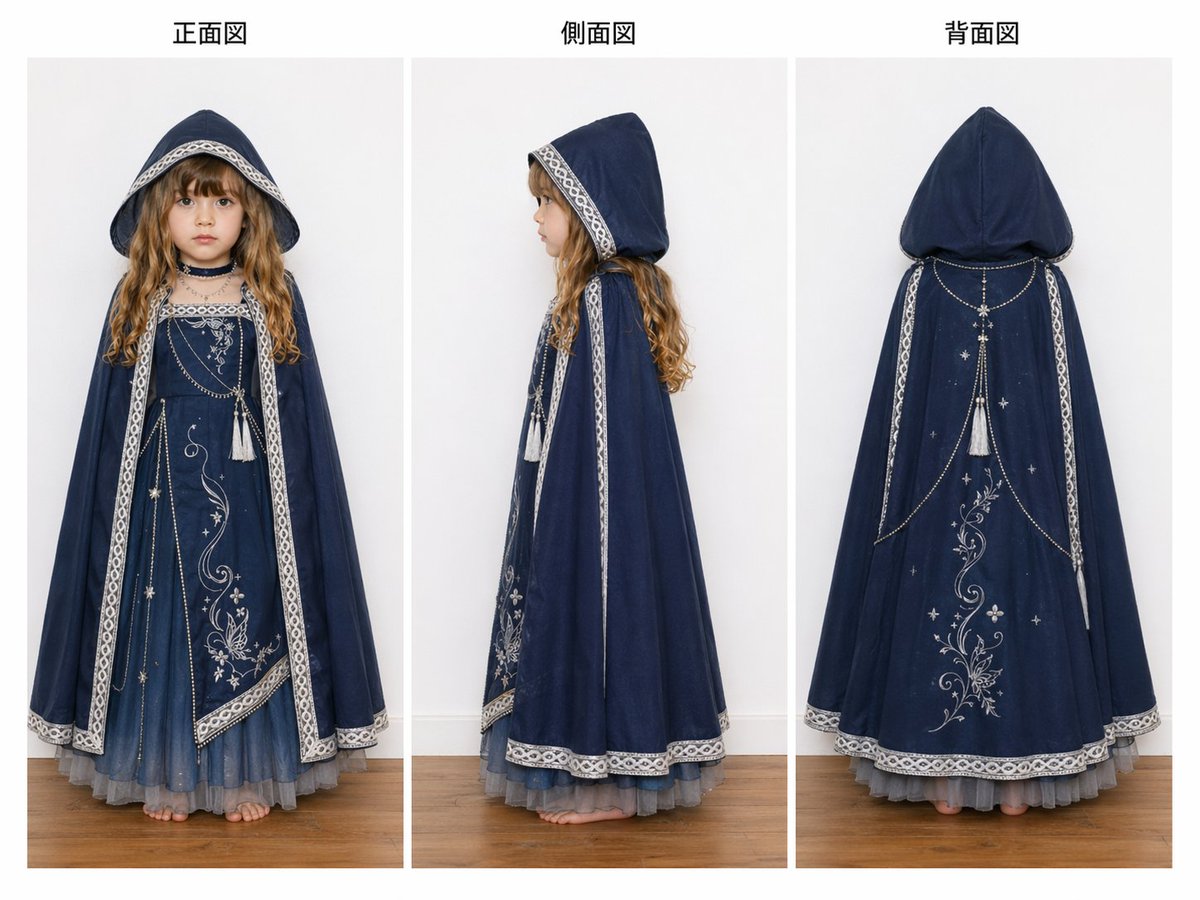
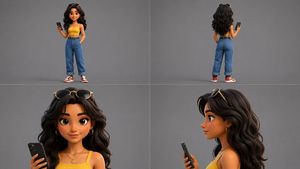
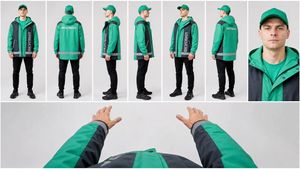
How do I use the Three-View Character Reference Sheet Layout template?
Choose the primary action to open PicX Studio with the available template settings. Review the model and format, personalize the creative direction, and generate when ready.
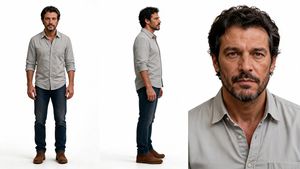
A structural prompt for generating a character design sheet with a specific 25/75 split, featuring three-view full-body diagrams and face close-ups on a gray ba
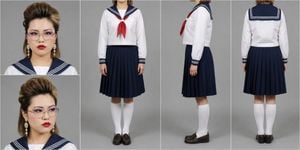
{argument name="画像比率" default="横長2:1"}の画像。全体を左右に分割し、左側を全体幅の25%、右側を全体幅の75%にする。右側は高さいっぱいを使った3:2エリアとし、その中に{argument name="背景色" default="灰色背景"}の3面図を正面・側面・背面の順に横並びで配置する。3面図は3カットすべて全身が見える{argument name="立ち姿" default="立ち姿"}にする。ただし3カットすべて、上端は顎の少し下で切り、顎から下のみを写す。首より上は完全にフレーム外とし、顔・頭部・髪の毛は一切写さない。 左側は上下に2分割し、同じ大きさの正方形2枚を配置する。どちらも灰色背景の顔アップ。上は真面目な表情でカメラ目線の正面顔。下は目線を外した顔。右側の3面図は全身衣装の確認用として構成する。
Choose the primary action to open PicX Studio with the available template settings. Review the model and format, personalize the creative direction, and generate when ready.
Yes. You can change the subject, setting, lighting, mood, format, and available model controls before creating your image.
This template is free to open and customize. Generation usage is shown in PicX Studio before you create.
Start with GPT Image 2, which is the model associated with this template. You can compare another compatible model for a different finish.
Follow a topic to a crawlable collection of related PicX Studio templates.