
Overhead Pepperoni Pizza Photo
Generates a realistic top-down studio product photo of a whole pepperoni pizza for food advertising or menu imagery.
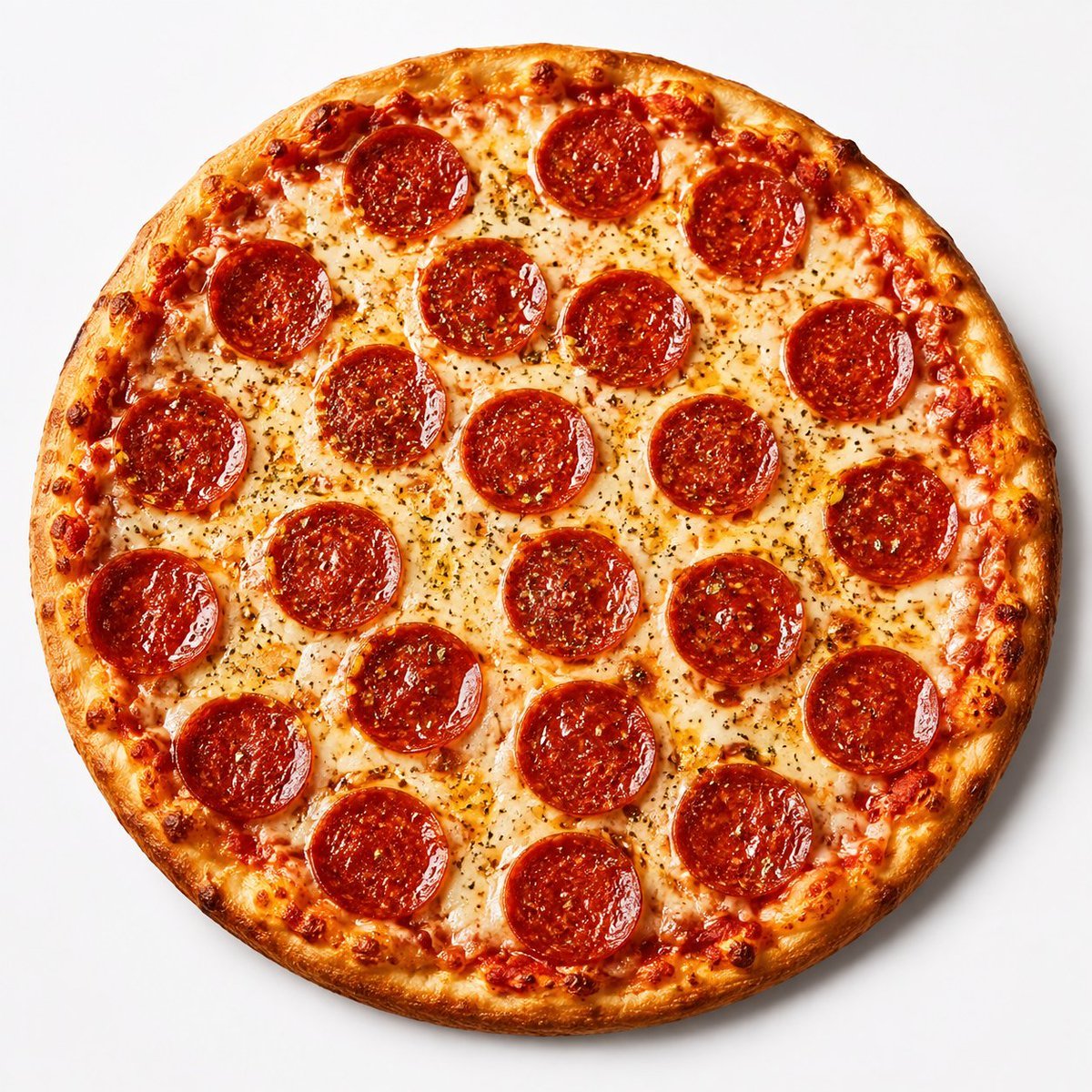
- Prompt included
- Model and format preset
- Free template
The prompt behind this image
Copy the exact prompt behind Overhead Pepperoni Pizza Photo, or open it in the studio and make it yours.
Create a high-quality professional overhead product photograph of a whole pepperoni pizza centered on a clean bright white seamless studio background. The pizza should be perfectly round and fill most of the square frame, photographed from directly above with soft studio lighting and a subtle natural shadow around the crust. Show a thin-to-medium golden-brown crust with darker toasted bubbles around the rim, rich red tomato sauce visible near the edges, glossy melted mozzarella cheese with lightly browned spots, fine dried herb seasoning scattered across the cheese, and exactly 21 round pepperoni slices arranged evenly across the surface in a balanced pattern from edge to center. Make the pepperoni deep red-orange, shiny with rendered oil, slightly curled at the edges, and speckled with seasoning. Keep the composition appetizing, realistic, crisp, and commercial-food-photography quality, with no plate, no text, no hands, no props, and no background clutter.
How to use Overhead Pepperoni Pizza Photo in 3 steps
- 1Upload ImagePNG, JPG or paste
Add your photo
Upload the photo the template builds on. The prompt, model and format are already set.
- 2…a portrait of your subject in softgolden-hour light, 85mm…
Personalize
Edit the subject and creative details for your destination.
- 3Generate
Generate
Press Generate — your image is created in PicX Studio, so you can compare it with the original and refine one variable at a time.
More like this
Templates with the same subject, style or setup. Open one to see its prompt.
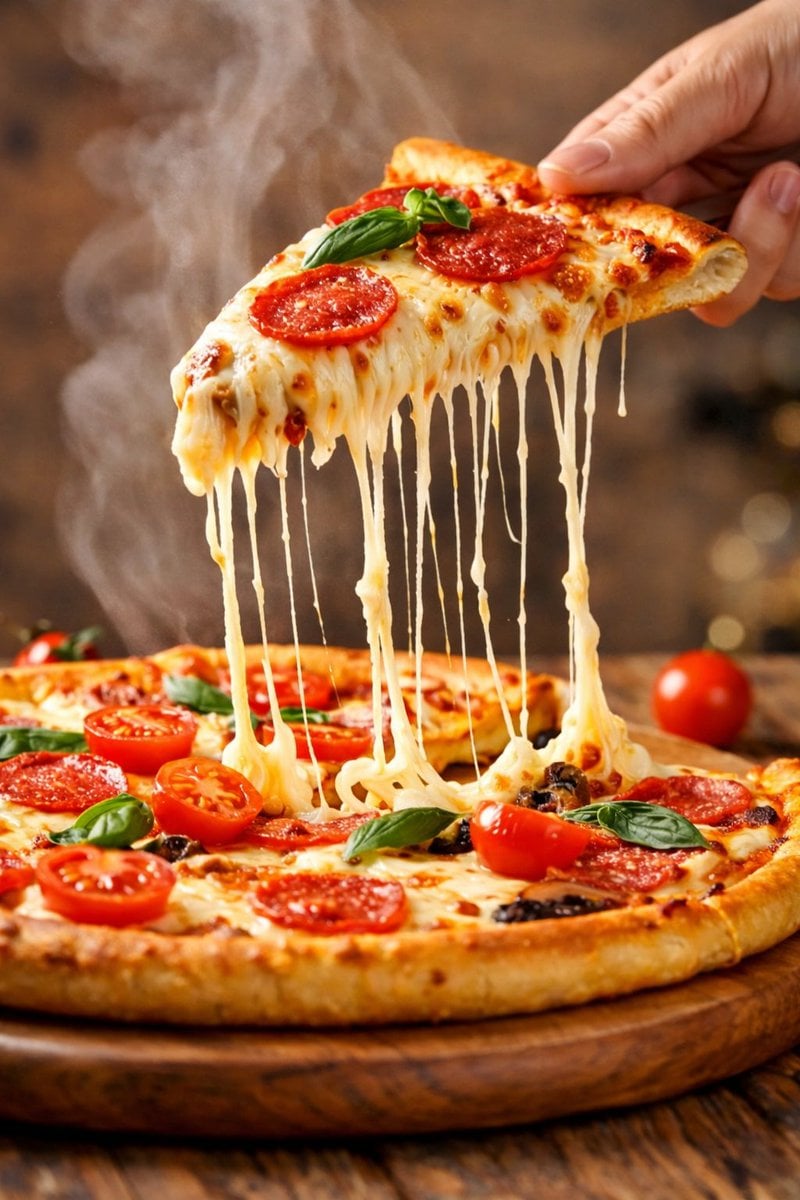
Hyper-realistic cinematic close-up of a pepperoni pizza slice with dramatic cheese pull
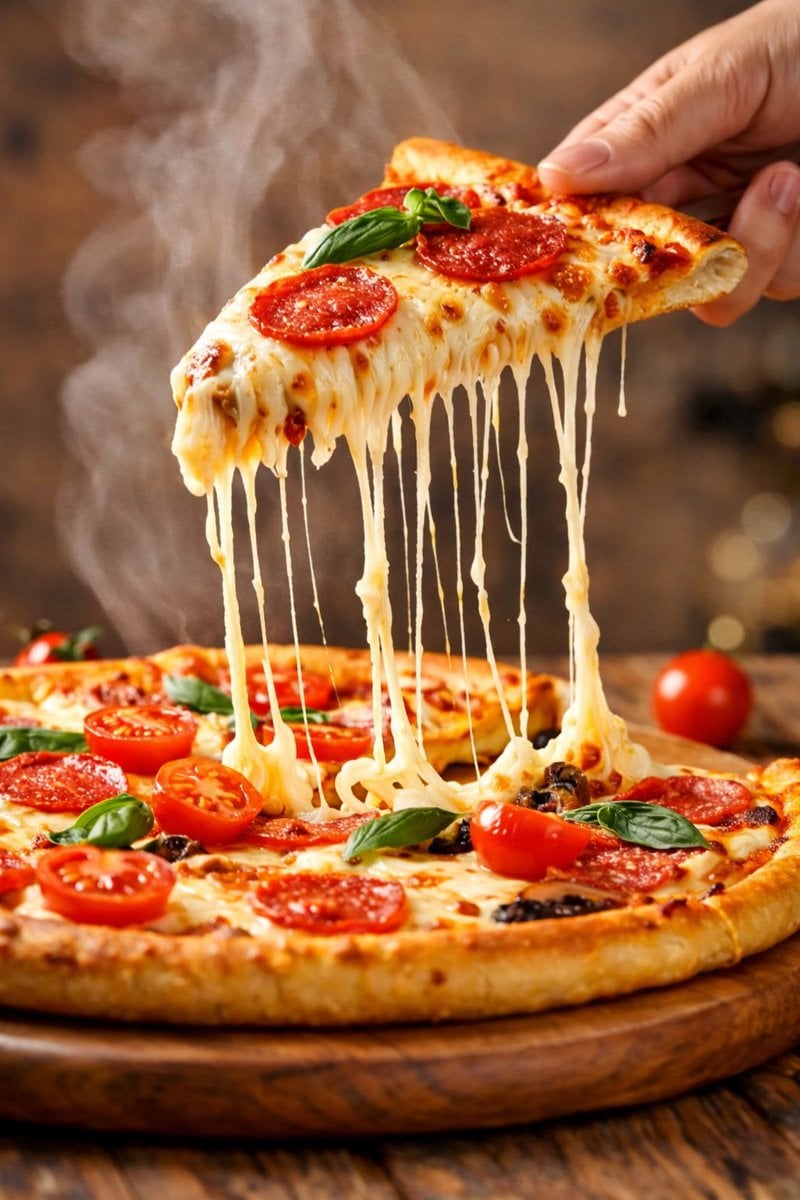
Hyper-realistic close-up of a pepperoni pizza slice with dramatic cheese pull

Donato Pizzaiolo Character Bible
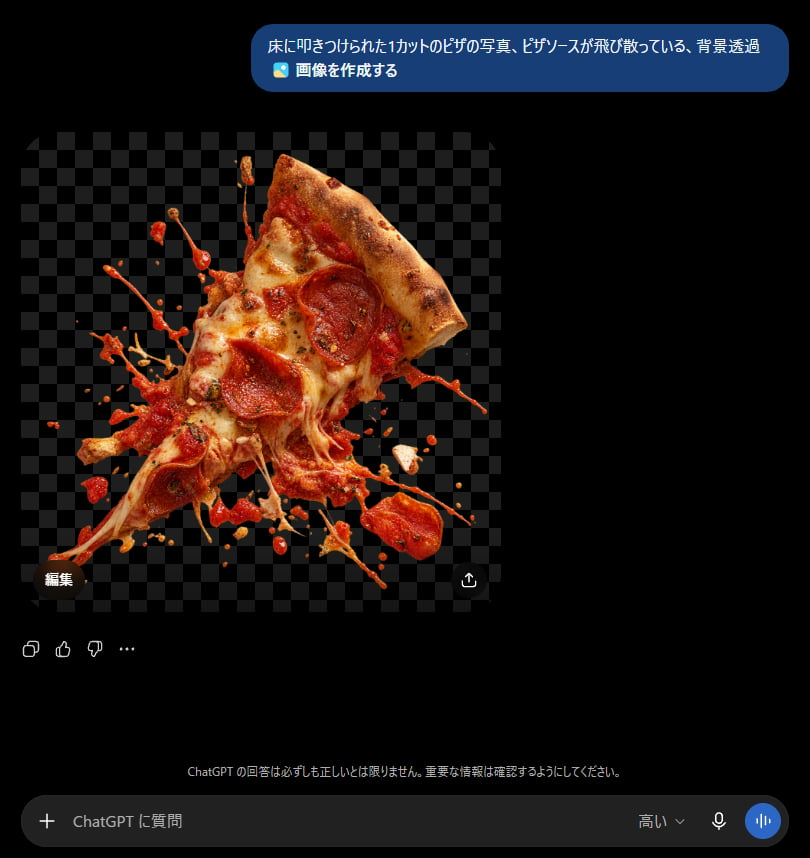
ChatGPT Transparent Pizza Result
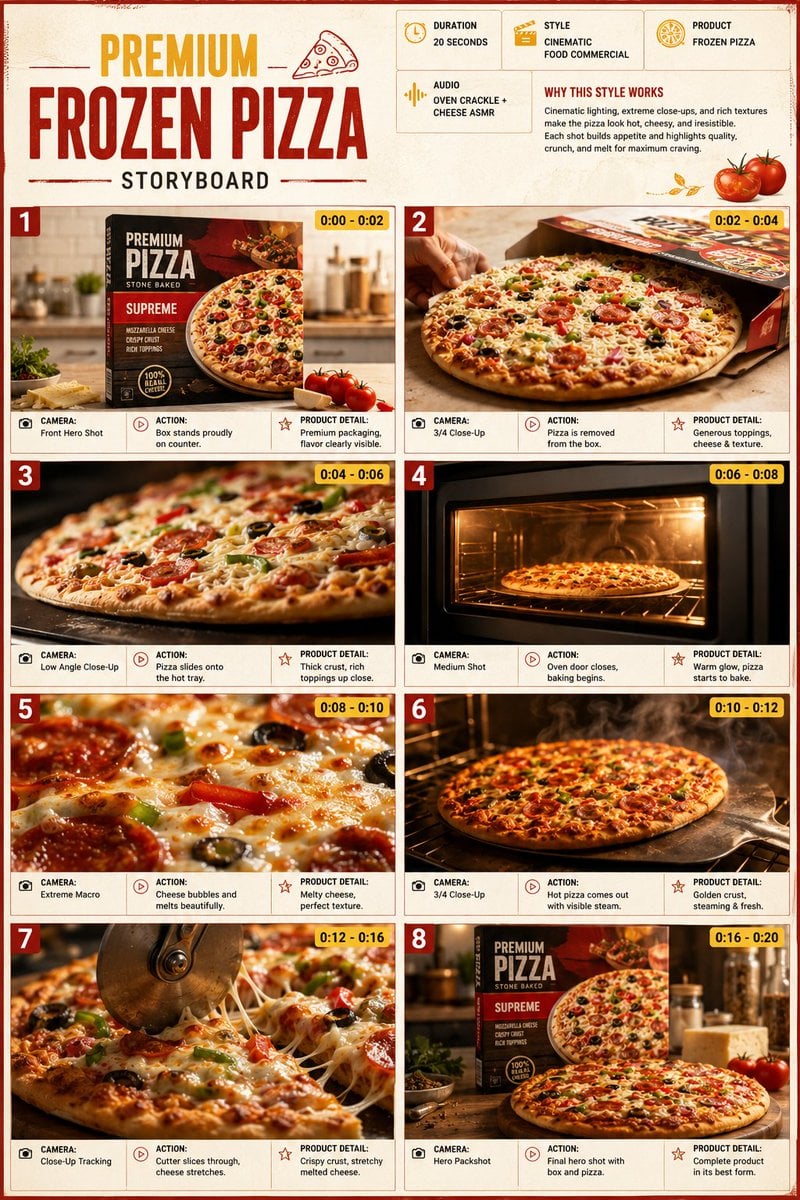
Frozen Pizza Commercial Storyboard
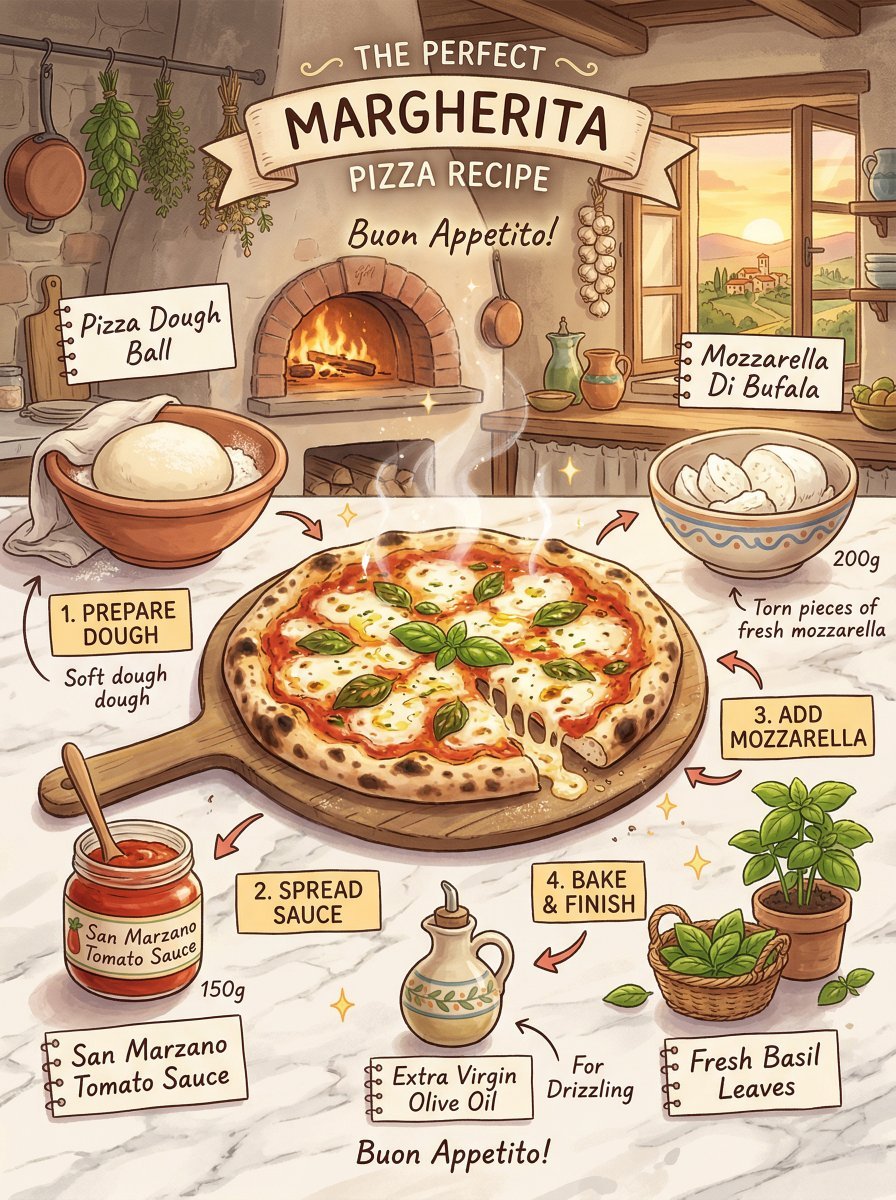
Margherita pizza recipe infographic, Studio Ghibli inspired
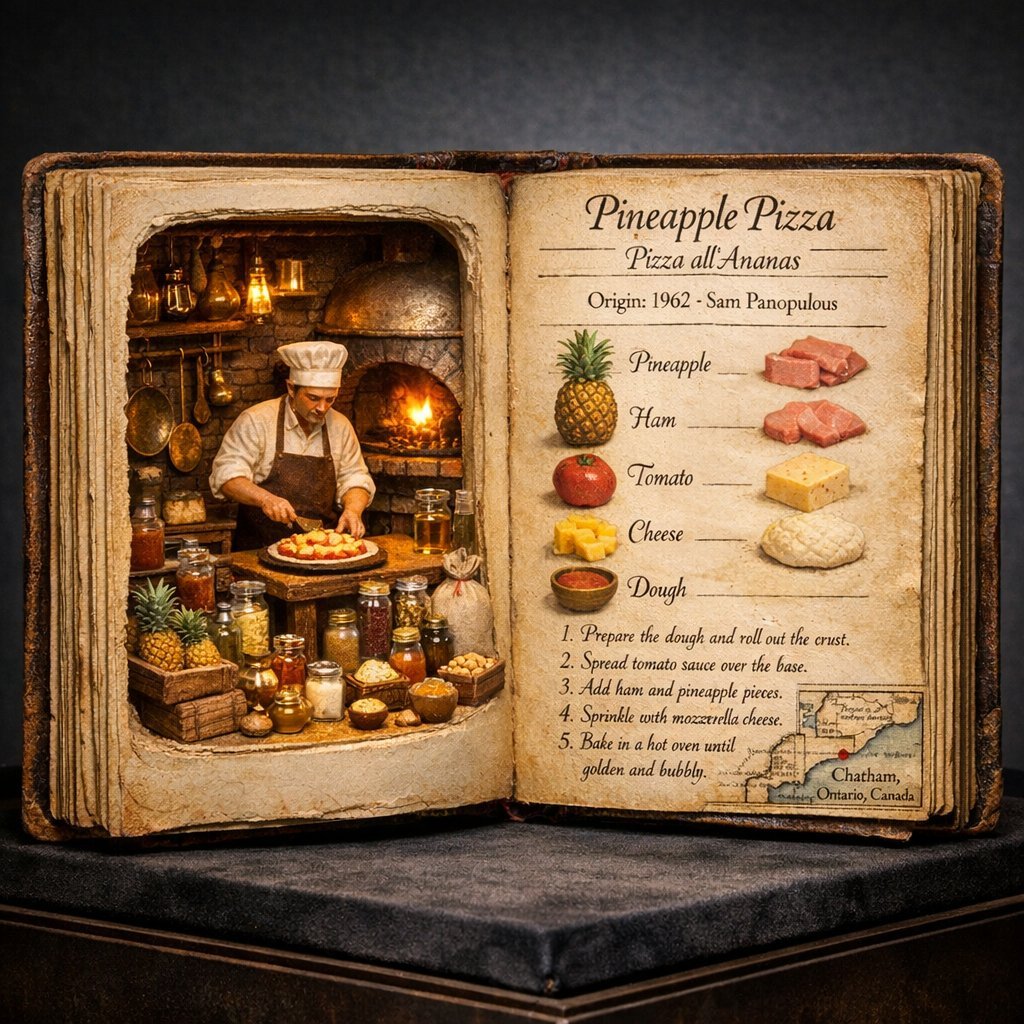
Do this for Pineapple Pizza
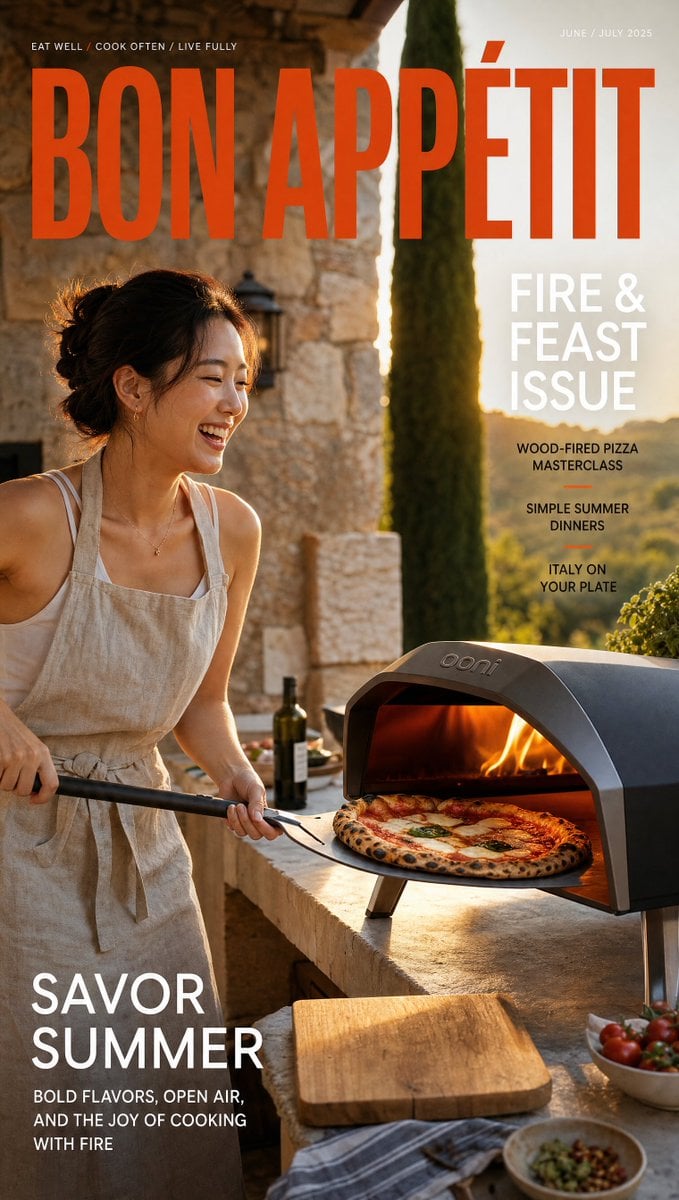
Outdoor Pizza Lifestyle Magazine Cover
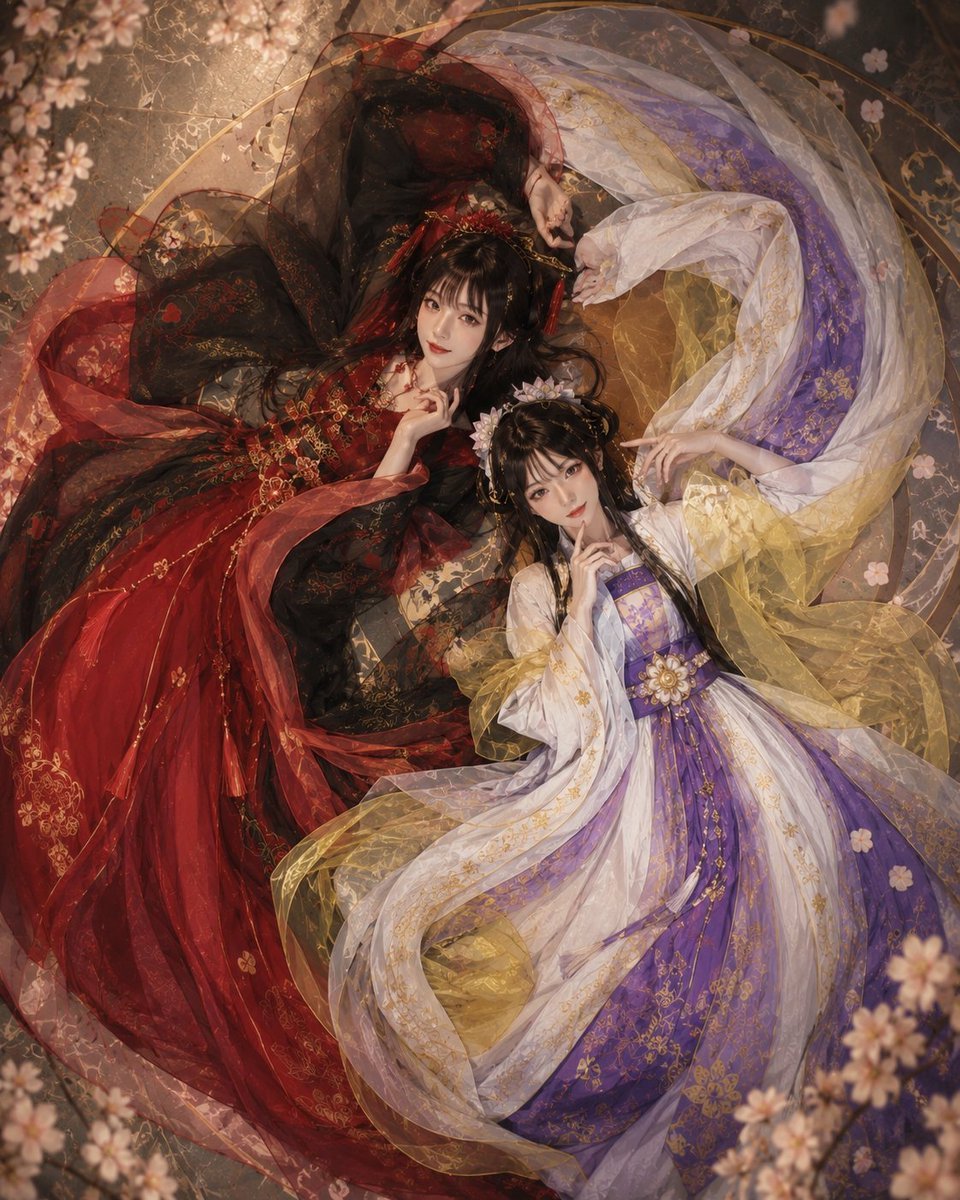
Overhead Fantasy Hanfu Cosplay Duo
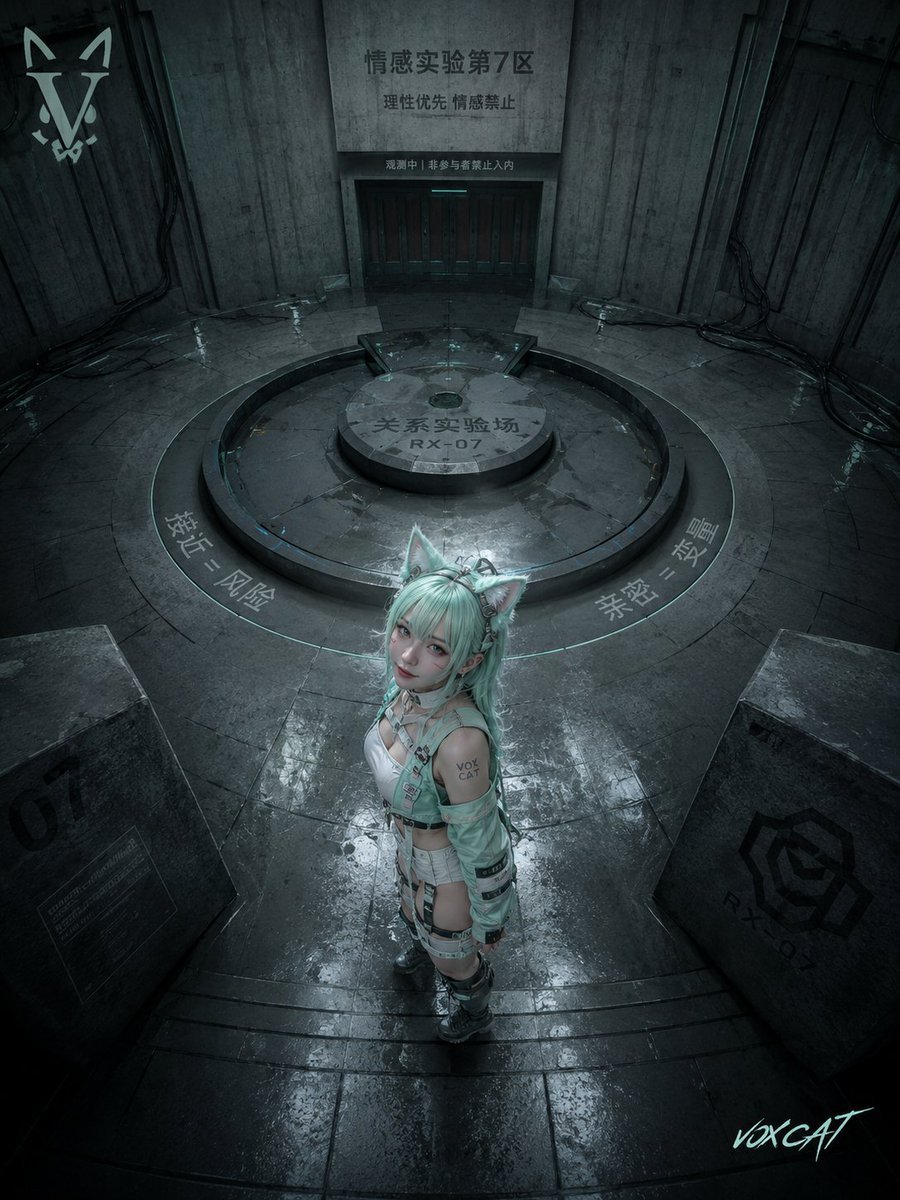
Overhead Sci-Fi Catgirl Test Yard
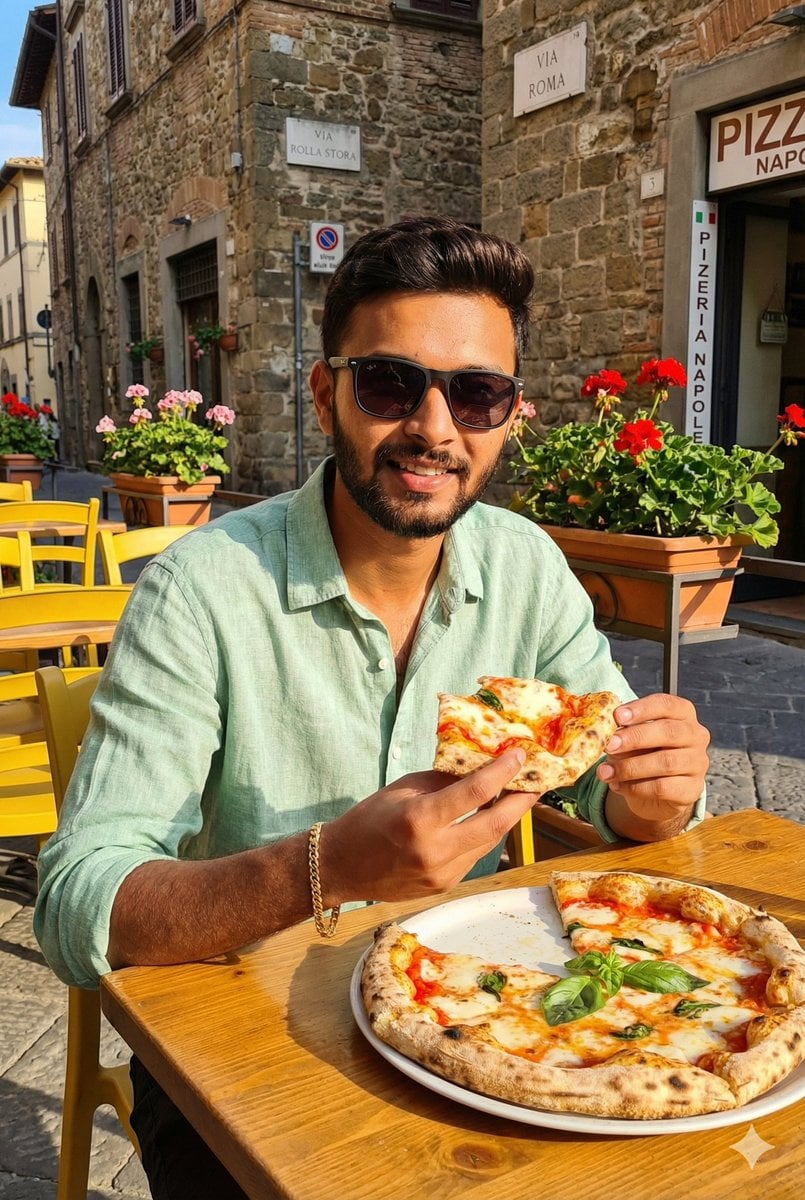
Italian Café Pizza Scene
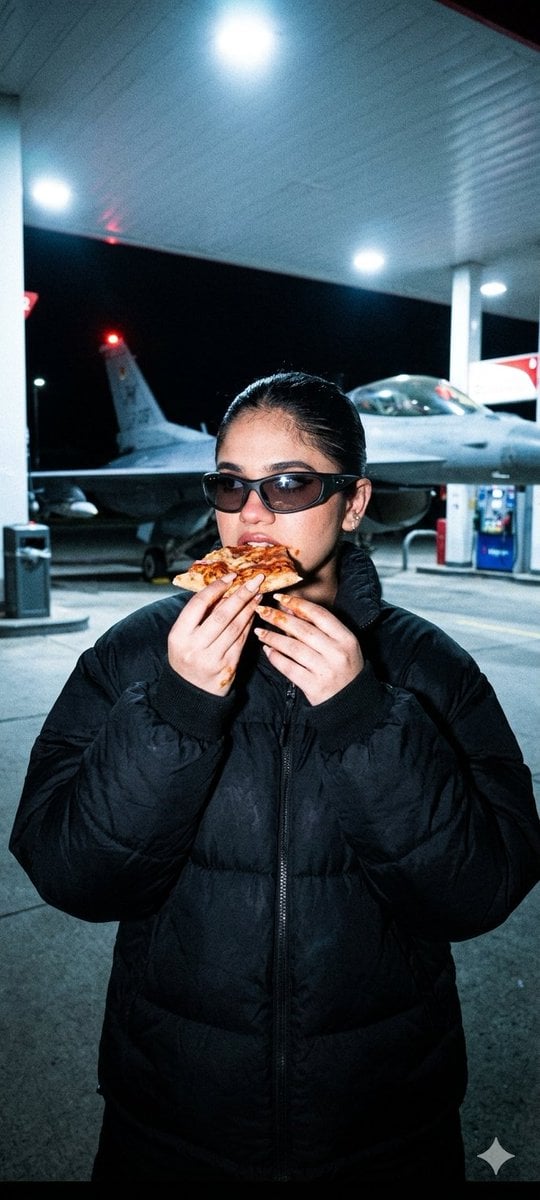
Underground Paparazzi Fighter Jet Pizza
Make it yours
Overhead Pepperoni Pizza Photo works as-is. These are the safest ways to change it without losing the look.
Change one field
Copy a single group, rewrite it, and generate again so you can see what that field is doing.
Keep the frame, change the subject
Hold the composition and light of Overhead Pepperoni Pizza Photo, then swap wardrobe, props or the person for a new take.
| If the result… | Why | Fix |
|---|---|---|
| The result drifts from the preview | Too many fields changed at once. | Reuse Overhead Pepperoni Pizza Photo as-is first, then change one group — subject, light, or setting. |
| The model over-stylizes the scene | The prose prompt leaves finish and camera underspecified. | Add one camera or lighting sentence and stay on GPT Image 2. |
More GPT Image 2 templates
Other prompts made for GPT Image 2.

Six VTuber Japanese Logo Sheet

Realistic Portrait of Woman and Deer

The Vista Modular Condo Poster

AI Model Routing Comparison Infographic

2.5D Anime Art Board

Isometric Productivity Desk Scene

New York Double Exposure Poster

Four-Panel AI Landscape Comparison

Japanese Tatami Lifestyle Magazine Cover

NESCAFÉ Coffee Map Poster
More image prompts
Fresh picks from across the catalog.
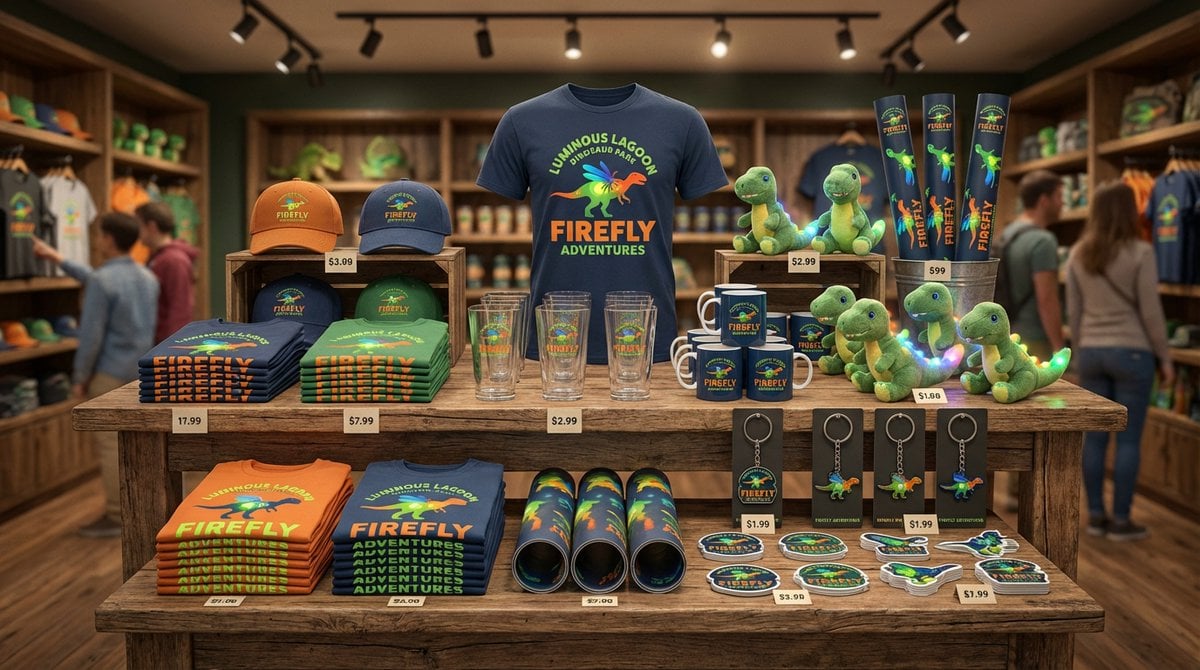
Dinosaur Park Gift Shop Merchandise Display

Artemis II Mission Journal Diorama
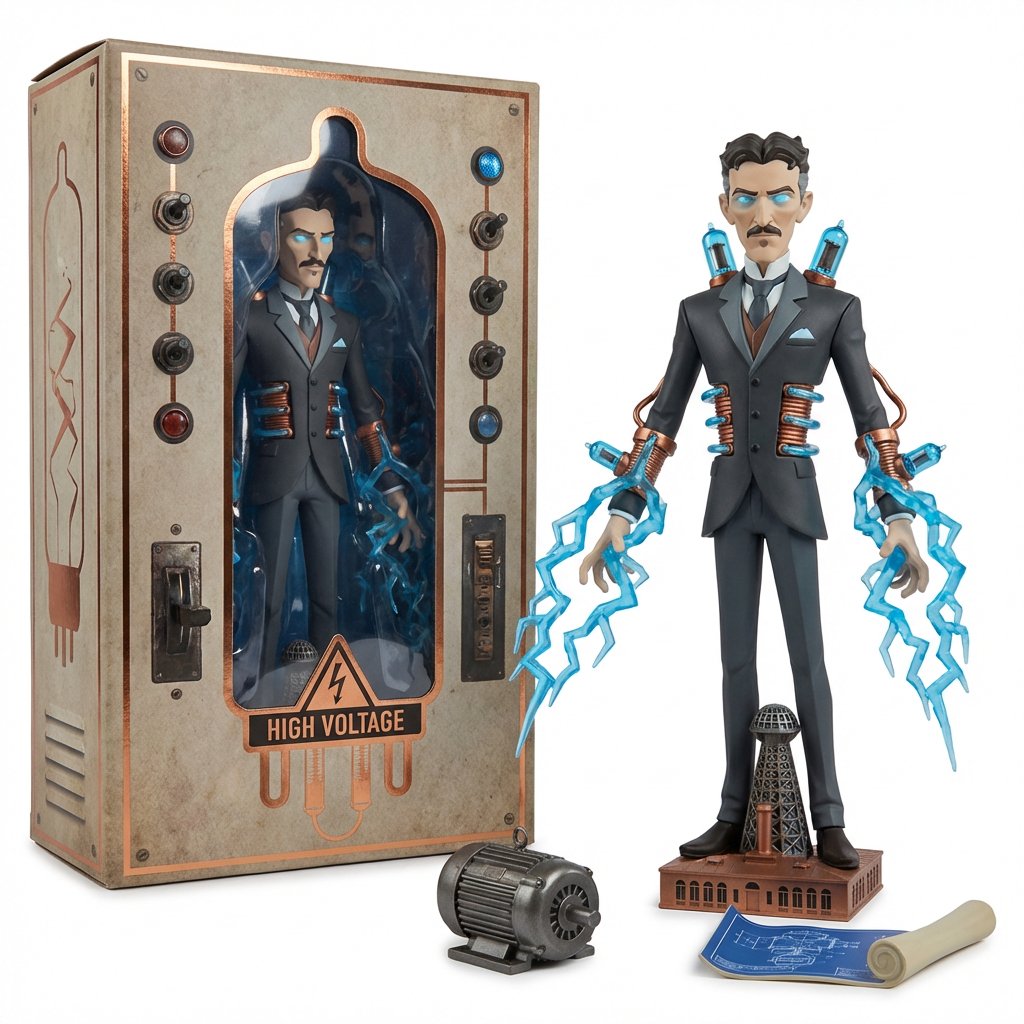
Collectible Toyline Forge Engine System Prompt

Skincare Product Studio Shot
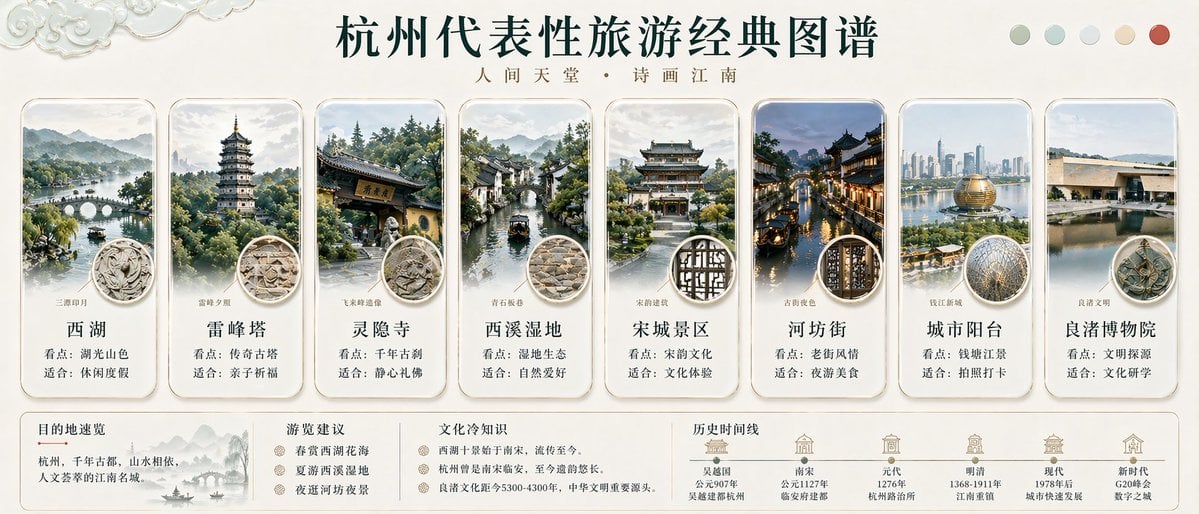
Hangzhou Travel Infographic Poster
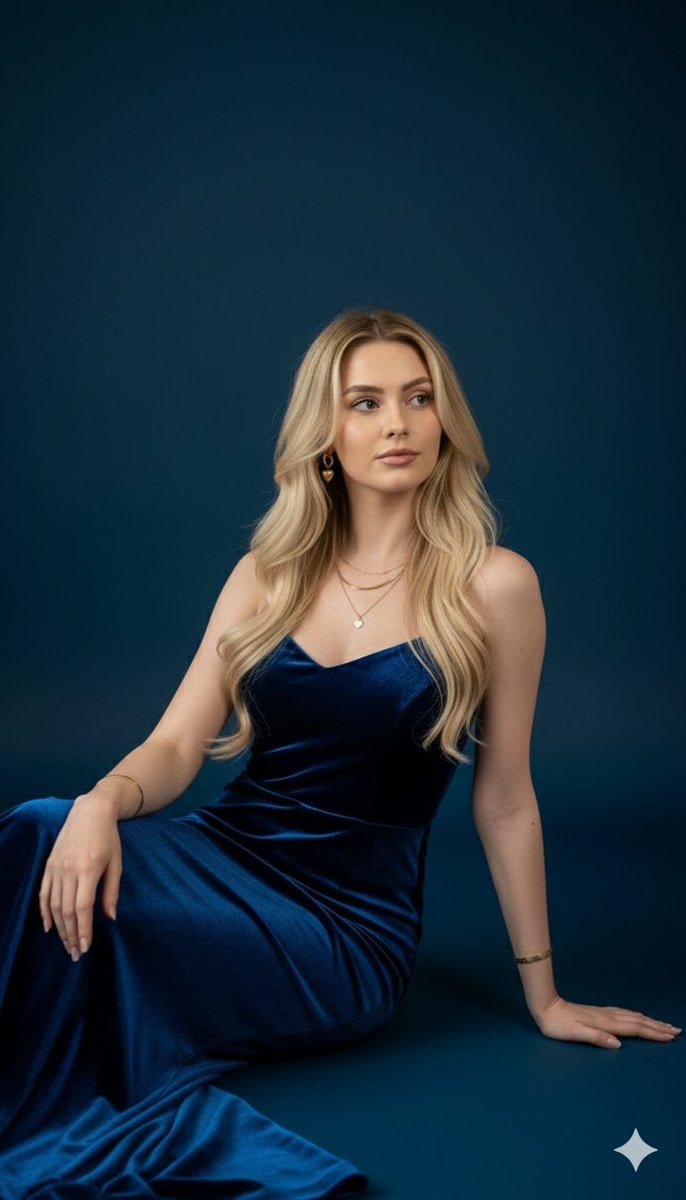
Royal Blue Velvet Evening Gown Portrait Prompt
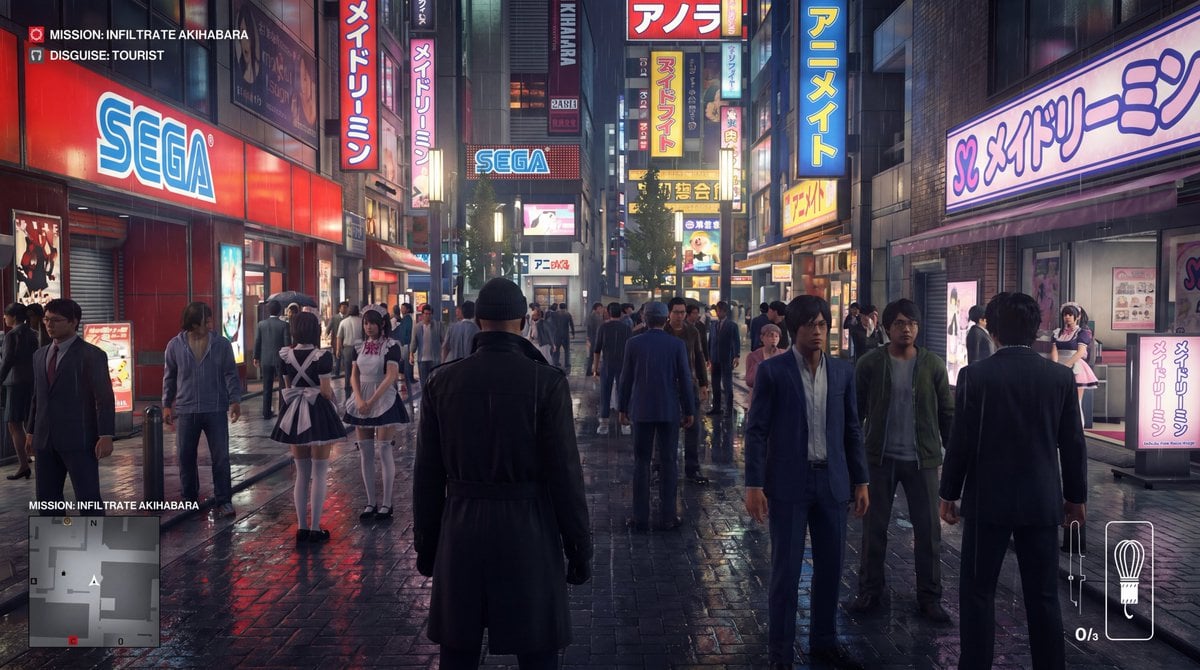
Character in location prompt
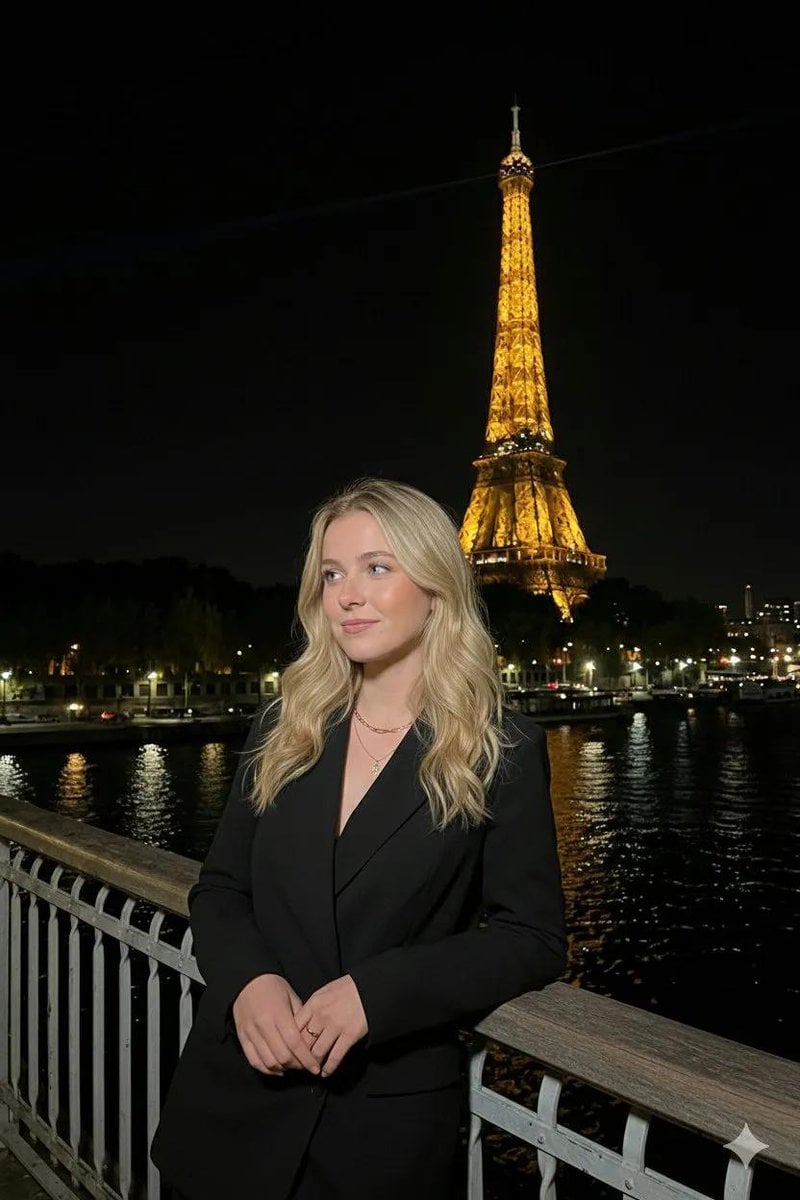
Paris Night Flash Photography (Eiffel Tower)
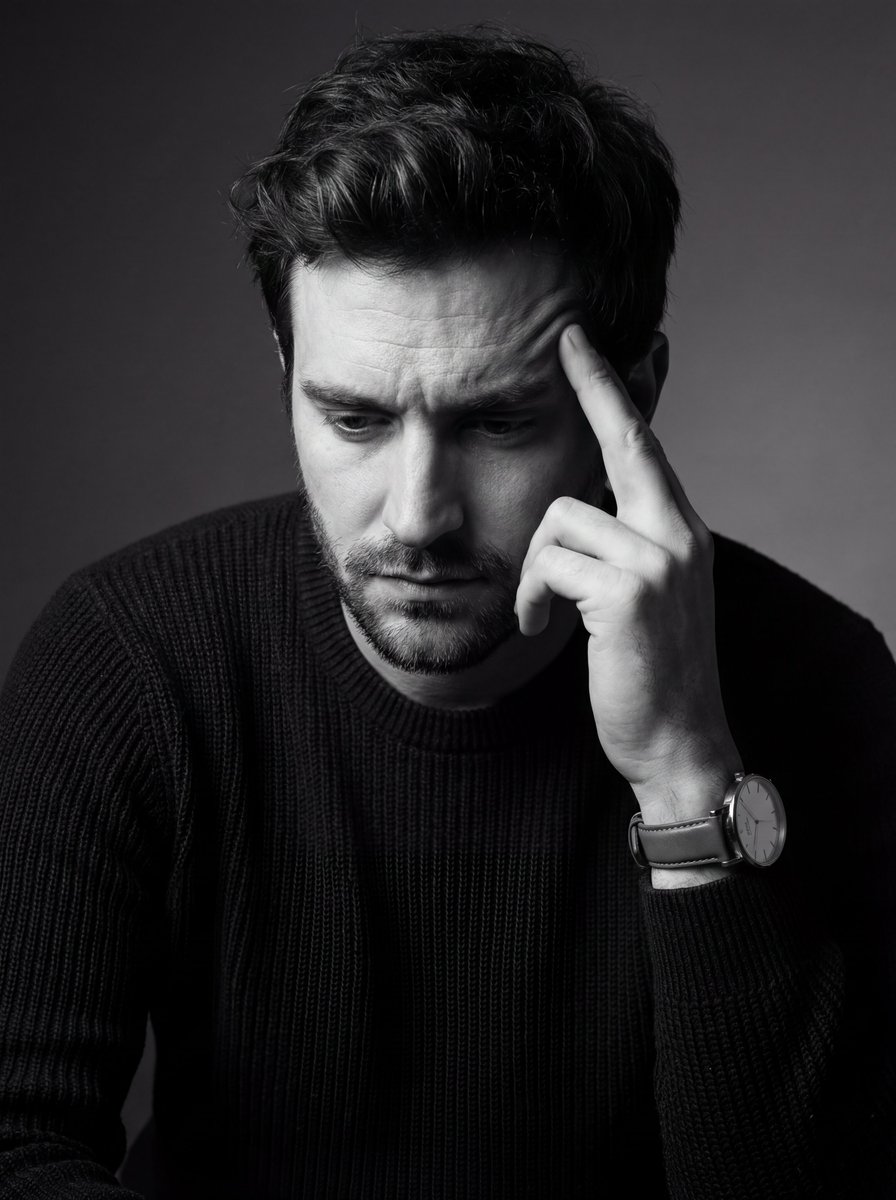
Monochrome Fine Art Portrait with Low-Key Lighting
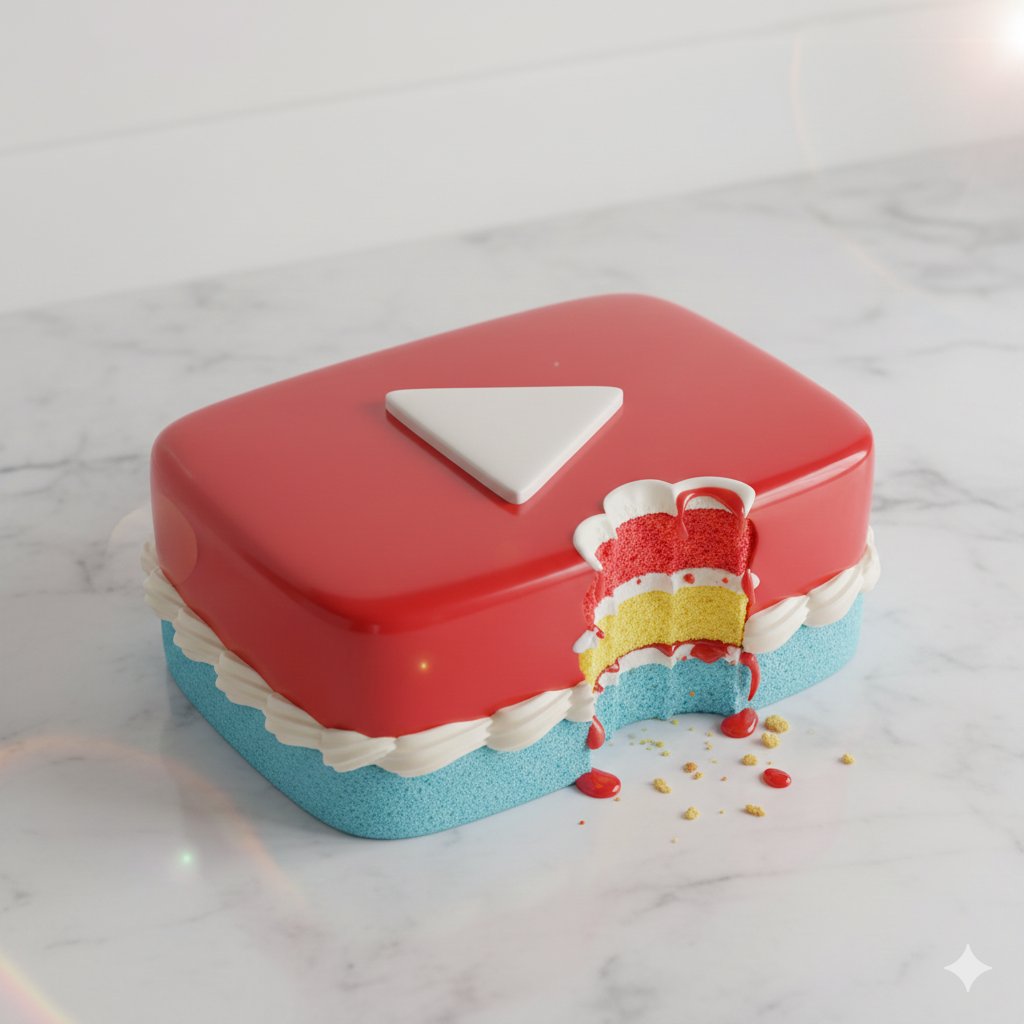
Whimsical hyper-realistic cake illustration prompt
Browse template categories
Overhead Pepperoni Pizza Photo questions
How do I use the Overhead Pepperoni Pizza Photo template?
Add your photo if the template asks for one, edit the prompt if you like — the template's model and format are already selected — and press Generate. Your version opens in PicX Studio.
Can I customize the Overhead Pepperoni Pizza Photo template?
Yes. You can change the subject, setting, lighting, mood, format, and available model controls before creating your image.
Is the Overhead Pepperoni Pizza Photo template free?
Opening and editing this template is free. Generating uses credits, shown on the Generate button when you are signed in.
Which AI model should I use?
Start with GPT Image 2, which is the model associated with this template. You can compare another compatible model for a different finish.
Looking for something else? Browse all templates.

Your photo, any look
Thousands of ready templates for every top image and video model, from one credit balance.