How do I use the Mixed Media Street Fashion Portrait template?
Choose the primary action to open PicX Studio with the available template settings. Review the model and format, personalize the creative direction, and generate when ready.
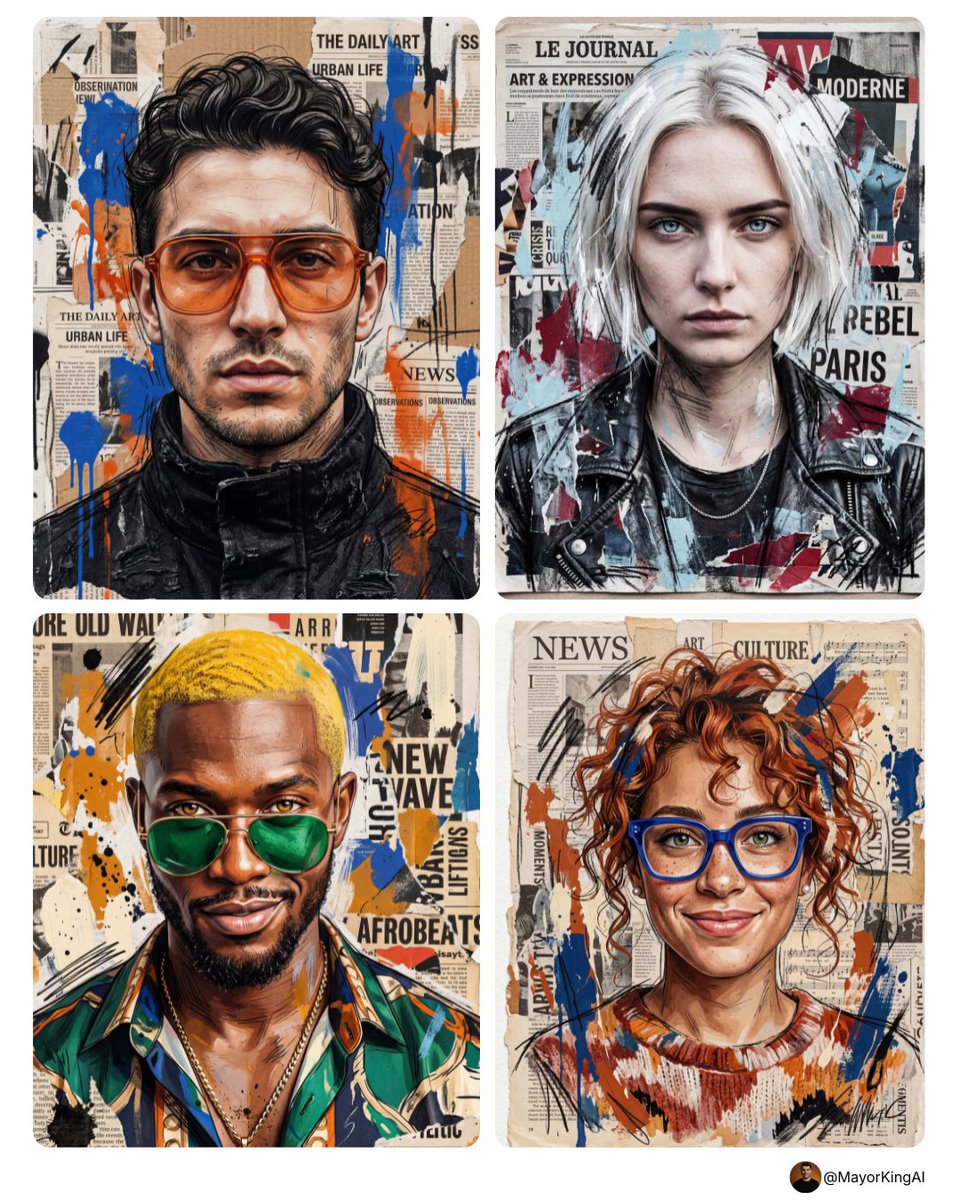
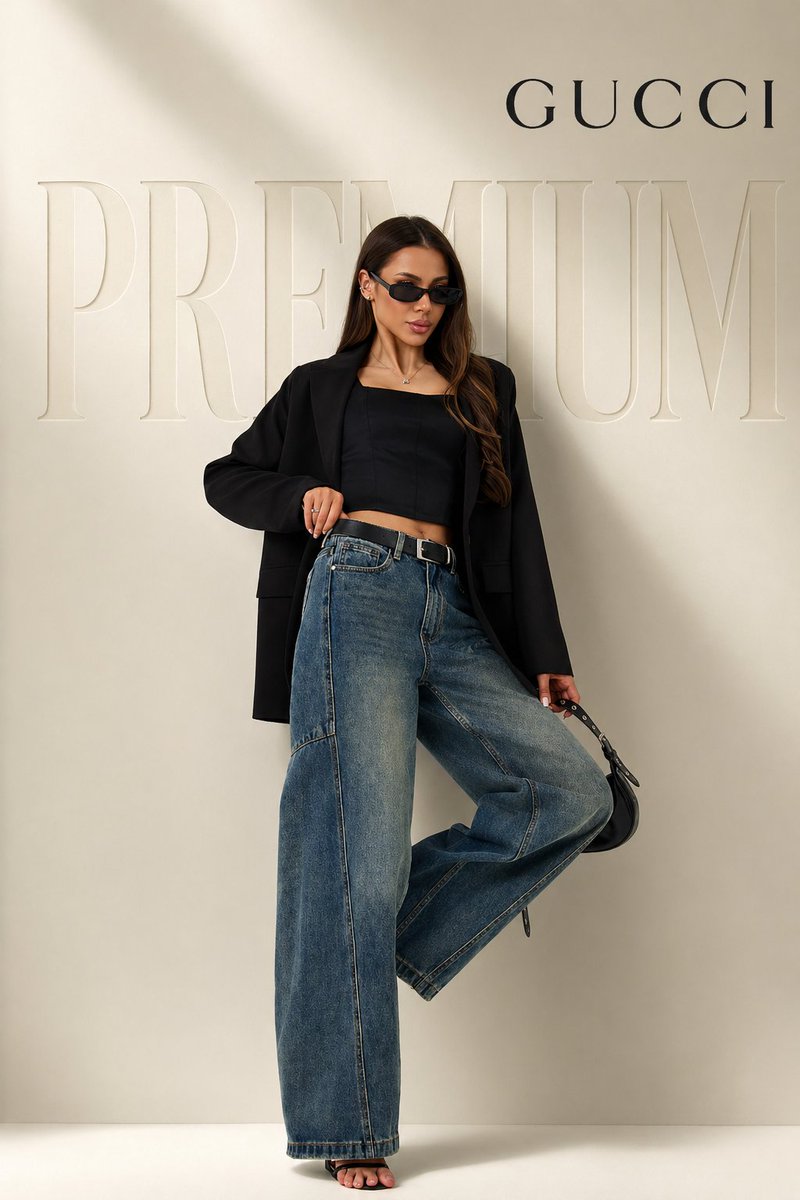
Generates a vertical photorealistic fashion portrait enhanced with colorful torn-paper collage and hand-drawn marker accents for social media/editorial visuals.
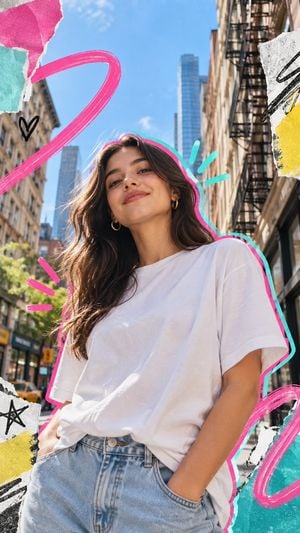
Create a photorealistic mixed-media street-fashion collage portrait of {argument name="character description" default="a confident young woman with long wavy dark brown hair, warm tan skin, gold hoop earrings, and a soft closed-mouth smile"}. Frame her in a medium close-up from mid-thigh to above the head, shot from a slightly low angle as she faces the camera with relaxed confidence, one hand in the pocket of light blue high-waisted jeans. She wears {argument name="outfit" default="an oversized plain white T-shirt tucked loosely into light blue denim jeans"}. Place her on a sunny New York-style city street with tall buildings on both sides, black metal fire escapes, a distant glass skyscraper centered behind her, bright blue sky, strong daylight, and a shallow depth-of-field urban background. Use a vertical {argument name="aspect ratio" default="9:16"} canvas with vibrant editorial energy. Add a handmade collage overlay: cut-paper torn edges in the corners, textured scraps of white, teal, hot pink, and yellow paper, rough black marker doodles, and thick brushstroke graphics. Include exactly 8 visible graphic elements: 1 large hot-pink looped brushstroke sweeping across the upper left, 1 hot-pink curved brushstroke loop at the lower right, 1 neon outline tracing the woman’s silhouette in alternating hot pink and turquoise, 3 short turquoise emphasis strokes near the right side of her head, 3 short hot-pink emphasis strokes near her left hair/shoulder, 1 small black heart doodle on the left, 1 black star doodle on the lower-left paper scrap, and 1 black scribble mark on the upper-right paper scrap. Keep the photo realistic under the collage marks, with natural skin texture, realistic fabric folds, sunlit hair highlights, and crisp magazine-cover composition. Avoid text, logos, watermarks, extra people, distorted anatomy, or over-smoothed skin.
Choose the primary action to open PicX Studio with the available template settings. Review the model and format, personalize the creative direction, and generate when ready.
Yes. You can change the subject, setting, lighting, mood, format, and available model controls before creating your image.
This template is free to open and customize. Generation usage is shown in PicX Studio before you create.
Start with GPT Image 2, which is the model associated with this template. You can compare another compatible model for a different finish.
Follow a topic to a crawlable collection of related PicX Studio templates.