
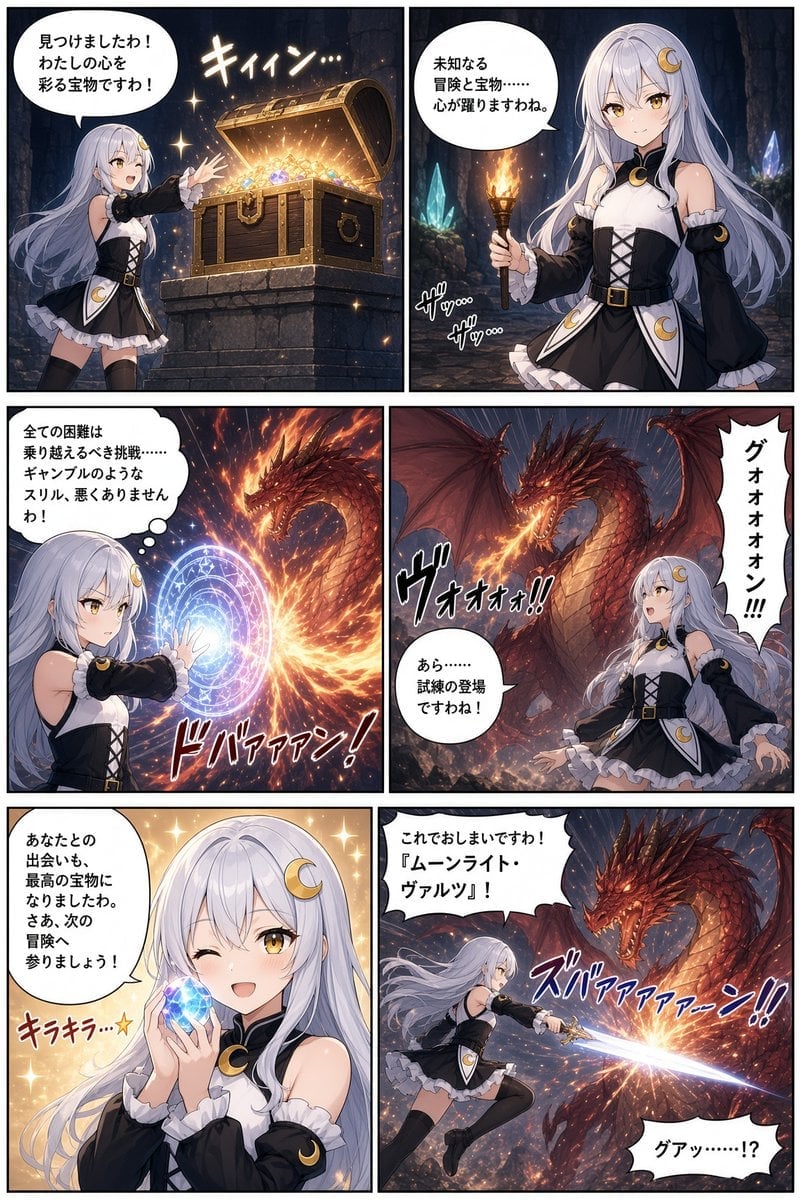
Six-Panel Anime Dungeon Manga
Generates a full-color fantasy manga page of a moon-themed heroine finding treasure and battling a dragon, suitable for comic-style storytelling.
- Prompt included
- Model and format preset
- Free template
The prompt behind this image
Copy the exact prompt behind Six-Panel Anime Dungeon Manga, or open it in the studio and make it yours.
Goal: Create a polished full-color anime fantasy manga page featuring {argument name="character name" default="a silver-haired moon-themed heroine"} discovering treasure and confronting a dragon in a cave dungeon. Canvas: Vertical manga page, 2 columns by 3 rows, six rectangular panels with thin black gutters and borders. High-resolution digital anime illustration, dramatic lighting, crisp line art, detailed backgrounds, dynamic manga sound effects, expressive speech bubbles. Main character: A young anime adventurer girl with very long pale silver hair, golden eyes, fair skin, and a crescent-moon hair ornament. She wears a black-and-white moon priestess adventurer outfit: sleeveless white bodice, black corset lacing, black detached sleeves with frilled white cuffs, short layered skirt with white ruffles, black thigh-high stockings, small belt, and crescent-moon gold accents. Her mood shifts from excited, curious, determined, startled, happy, then heroic. Panel layout and content: Use exactly 6 panels. 1. Top-left panel: Inside a dark stone dungeon, the heroine excitedly points toward an open wooden treasure chest on a stone pedestal. The chest is overflowing with gold coins and colorful gems, emitting warm golden light and sparkles. Add a round speech bubble in Japanese: 「見つけましたわ!わたしの心を彩る宝物ですわ!」 and a glowing sound effect: 「キィィン…」. 2. Top-right panel: Half-body portrait of the heroine holding a lit torch in a crystal-lined cave, looking intrigued and cautious. Blue crystals and stone walls in the background, warm torch flame. Speech bubble: 「未知なる冒険と宝物……心が躍りますわね。」 Add small rustling sound effects: 「ザッ…」「ザッ…」. 3. Middle-left panel: The heroine casts a luminous circular magic barrier or spell sigil with one hand. A fiery blast collides with the blue-white magic circle, throwing sparks and orange flames. She looks calm and determined. Thought bubble: 「全ての困難は乗り越えるべき挑戦……ギャンブルのようなスリル、悪くありませんわ!」 Large action sound effect: 「ドバァァン!」. 4. Middle-right panel: A massive red dragon appears in the cavern, wings spread, glowing eyes and flaming mouth, towering over the heroine who stands at the lower right in surprise. Use heavy dramatic perspective, embers, smoke, and rubble. Tall vertical speech bubble from the dragon: 「グォォォォン!!!」 Small speech bubble from the heroine: 「あら……試練の登場ですわね!」 Sound effect: 「ヴォォォ!!」. 5. Bottom-left panel: Close-up cheerful portrait of the heroine winking and smiling, holding a sparkling blue gemstone close to her face with both hands. Warm golden sparkling background. Speech bubble: 「あなたとの出会いも、最高の宝物になりましたわ。さぁ、次の冒険へ参りましょう!」 Add cute sparkle sound effect: 「キラキラ☆」. 6. Bottom-right panel: Dynamic battle scene: the heroine lunges or flies forward with a glowing sword or magic blade, attacking the red dragon. Strong diagonal composition, blue-white sword beam clashing against the dragon’s fiery breath, sparks and debris everywhere. Speech bubble from heroine: 「これでおしまいですわ!『ムーンライト・ヴァルツ』!」 Dragon reaction bubble: 「グァッ……!?」 Large slash sound effect: 「ズバァァァァーン!!」. Visual style: Modern high-detail anime manga, similar to a premium fantasy light-novel comic page, saturated colors, glossy highlights, cinematic lighting, expressive faces, dramatic action effects, clean speech bubbles, Japanese manga typography. Use a dark dungeon palette with gold treasure glow, blue crystal light, orange fire, and red dragon flames. Constraints: Preserve the exact six-panel page structure and the exact described count of visible major elements: 1 heroine, 1 treasure chest, 1 torch, 1 magic circle, 1 red dragon, 1 blue gemstone, and 1 glowing sword attack. Keep all speech and sound-effect text legible in Japanese, with no watermark, no logo, and no extra panels.
How to use Six-Panel Anime Dungeon Manga in 3 steps
- 1Upload ImagePNG, JPG or paste
Add your photo
Upload the photo the template builds on. The prompt, model and format are already set.
- 2…a portrait of your subject in softgolden-hour light, 85mm…
Personalize
Edit the subject and creative details for your destination.
- 3Generate
Generate
Press Generate — your image is created in PicX Studio, so you can compare it with the original and refine one variable at a time.
More like this
Templates with the same subject, style or setup. Open one to see its prompt.
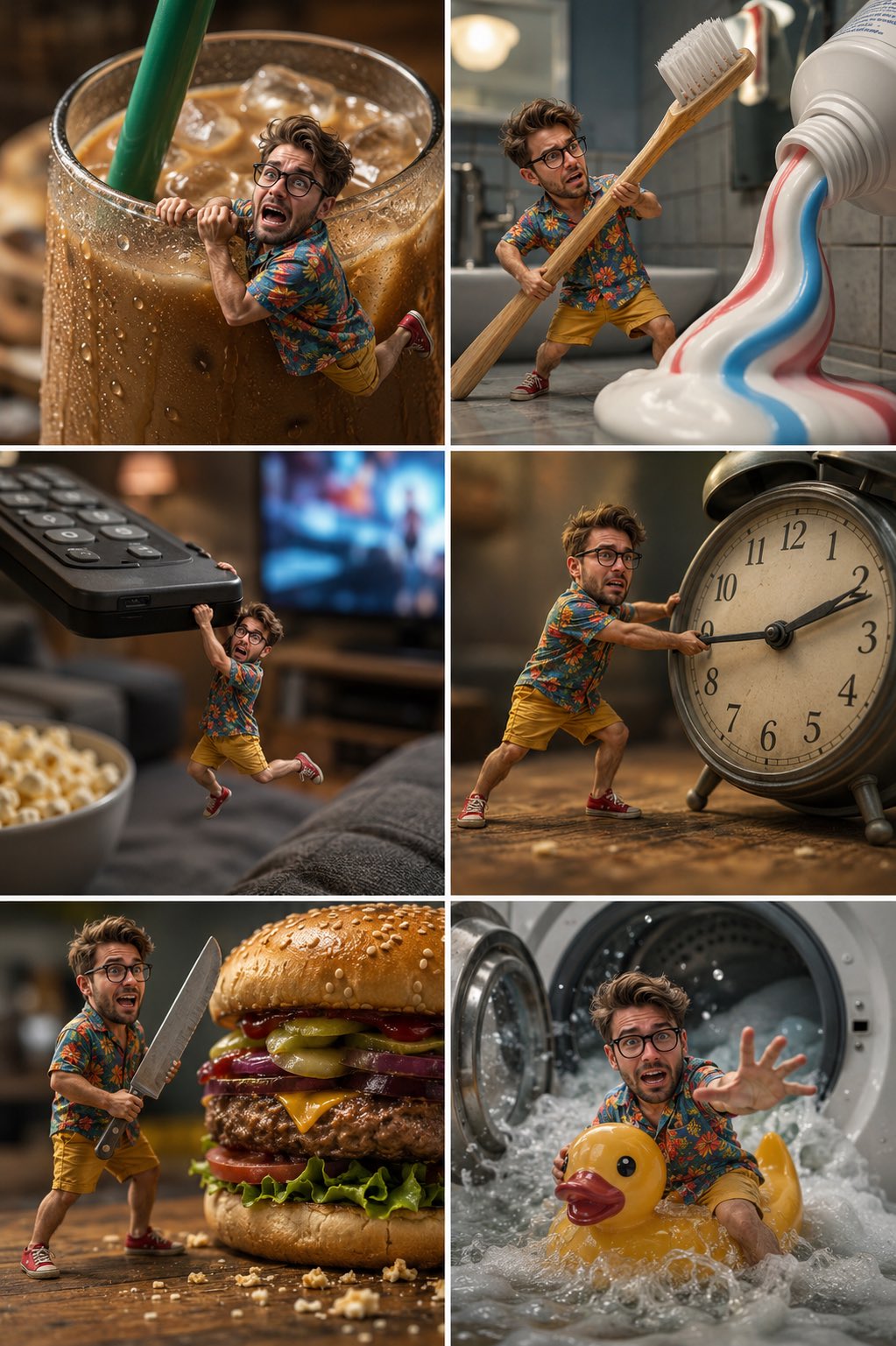
Tiny Man Macro Survival Six-Panel Collage
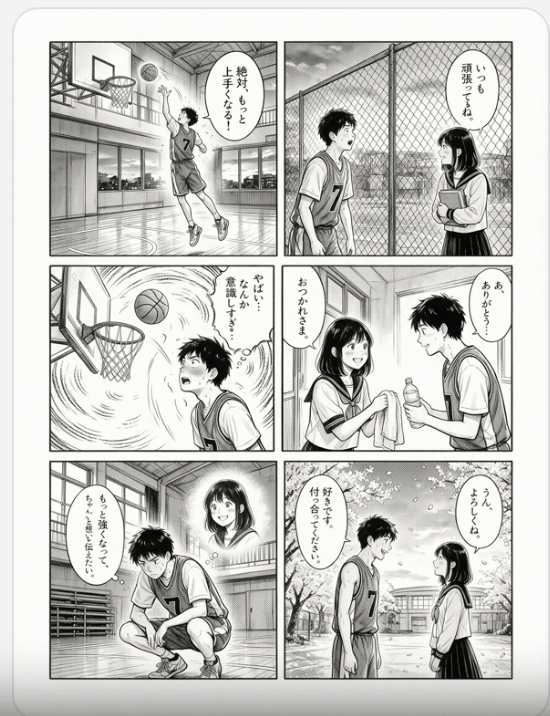
Six-Panel Basketball Romance Manga
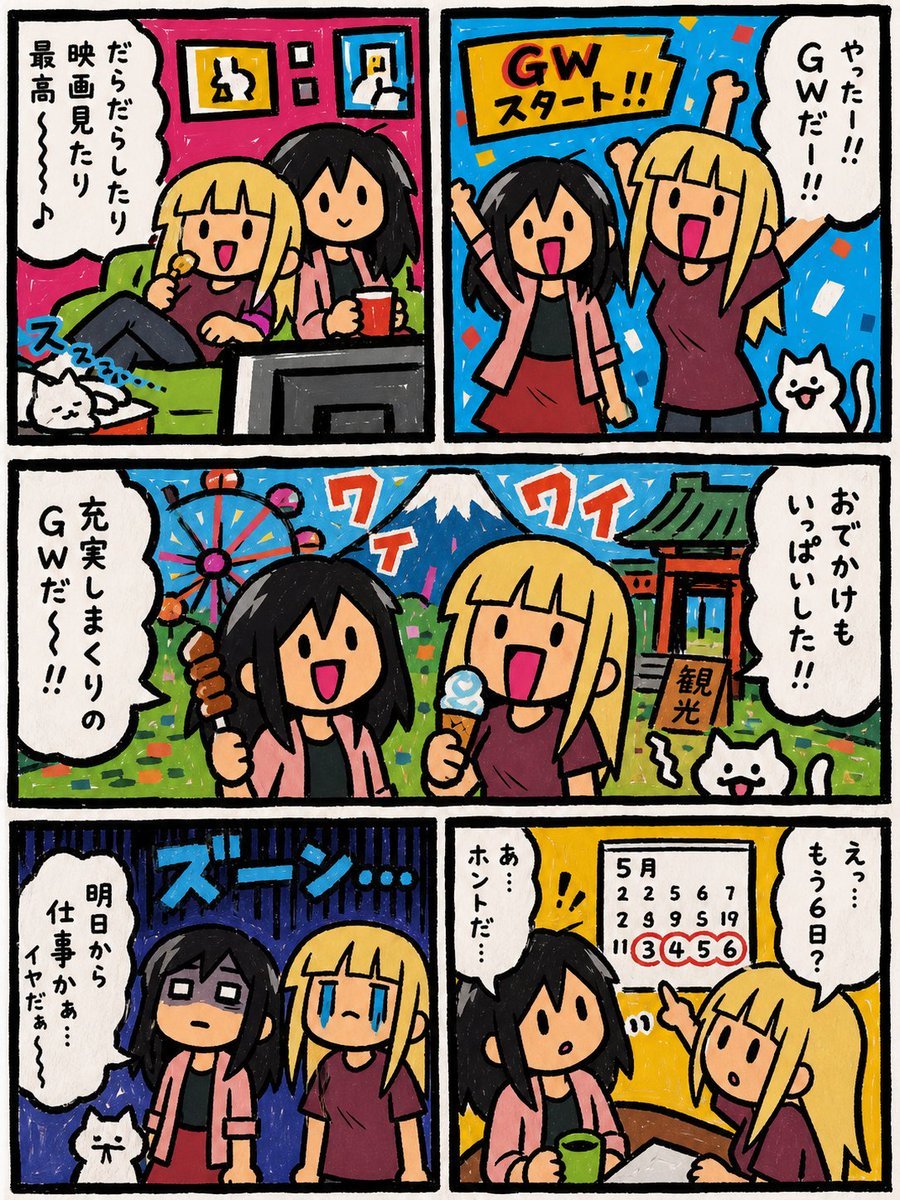
Six-Panel Golden Week Manga Comic
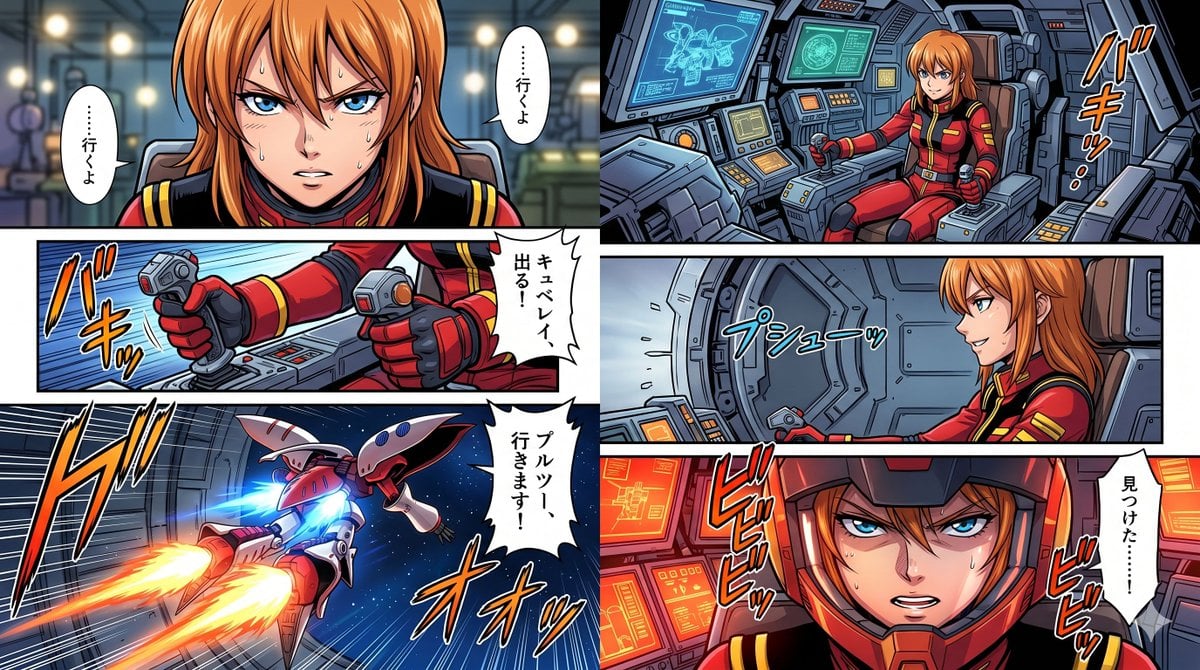
Six-Panel Mecha Pilot Manga
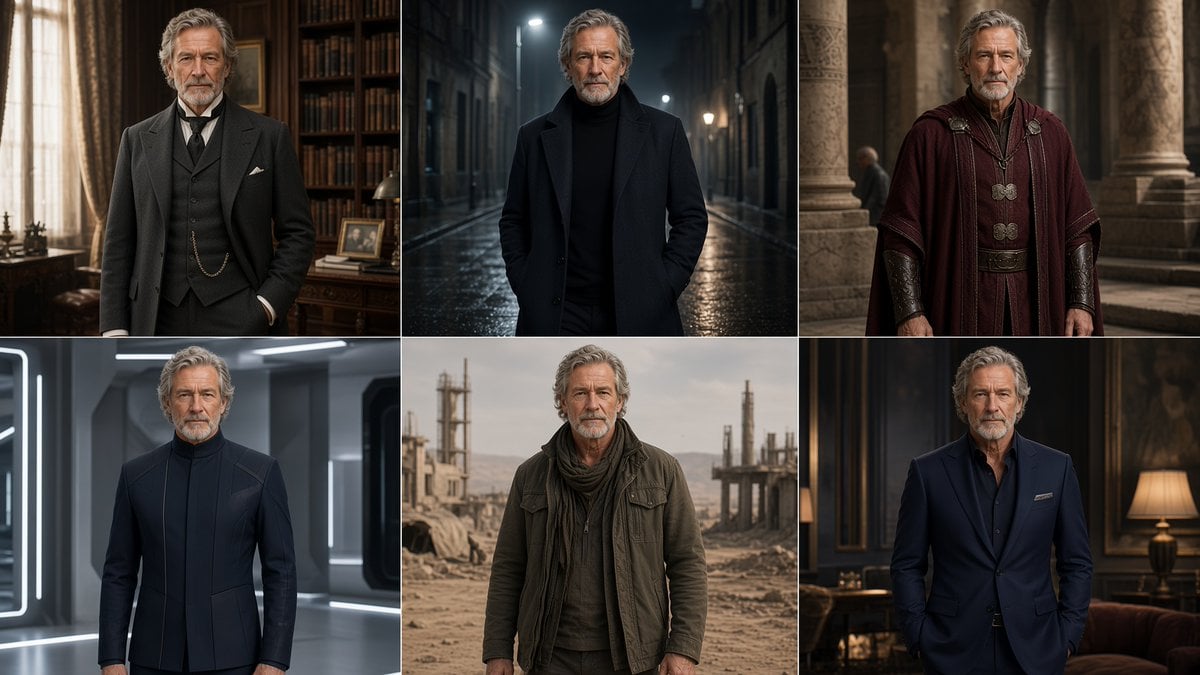
Six-Panel Cinematic Character Variations
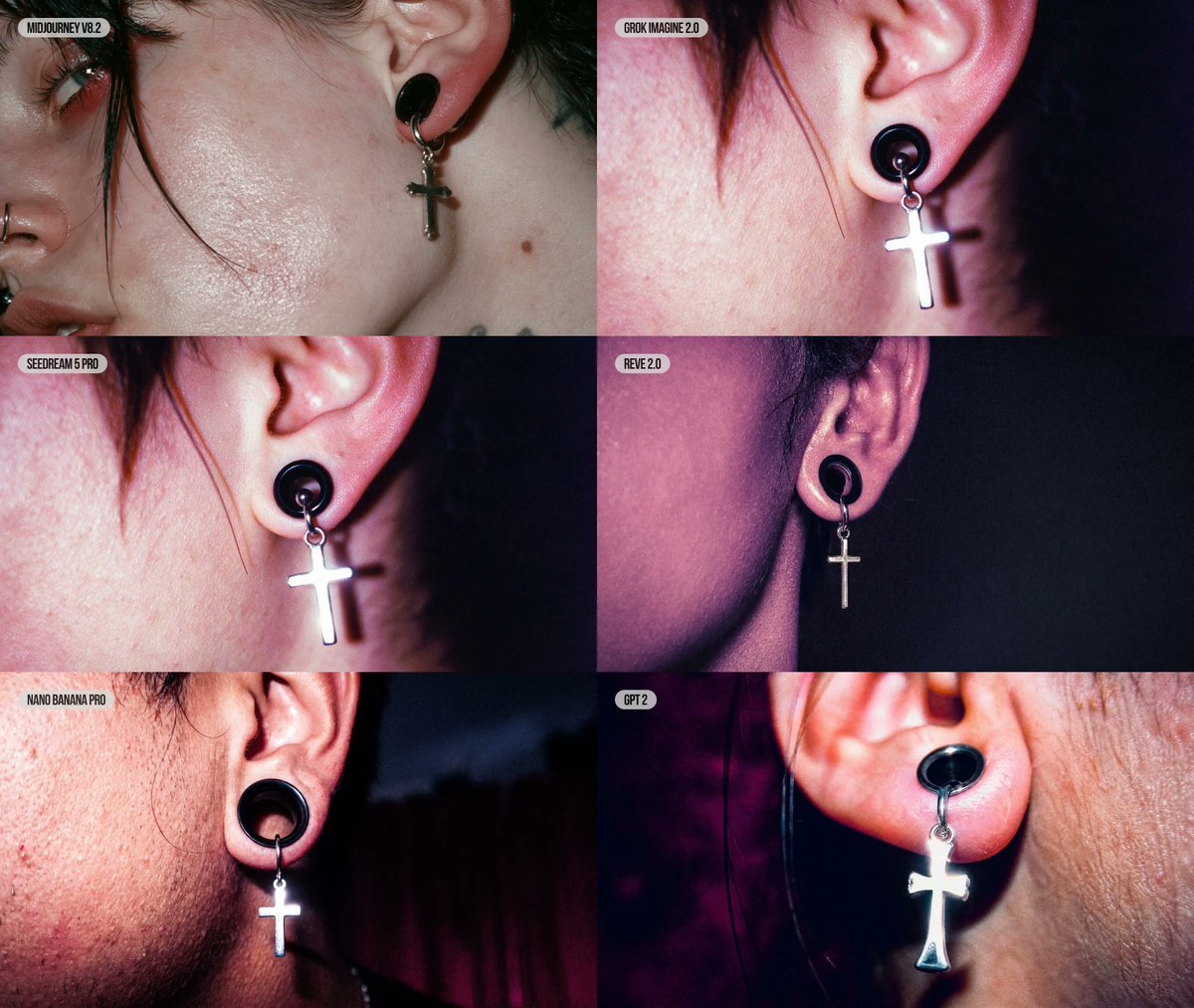
Six-Panel AI Jewelry Portrait Comparison

Cozy Six-Panel Bedtime Stages Collage

Four-Panel Anime Face Comparison
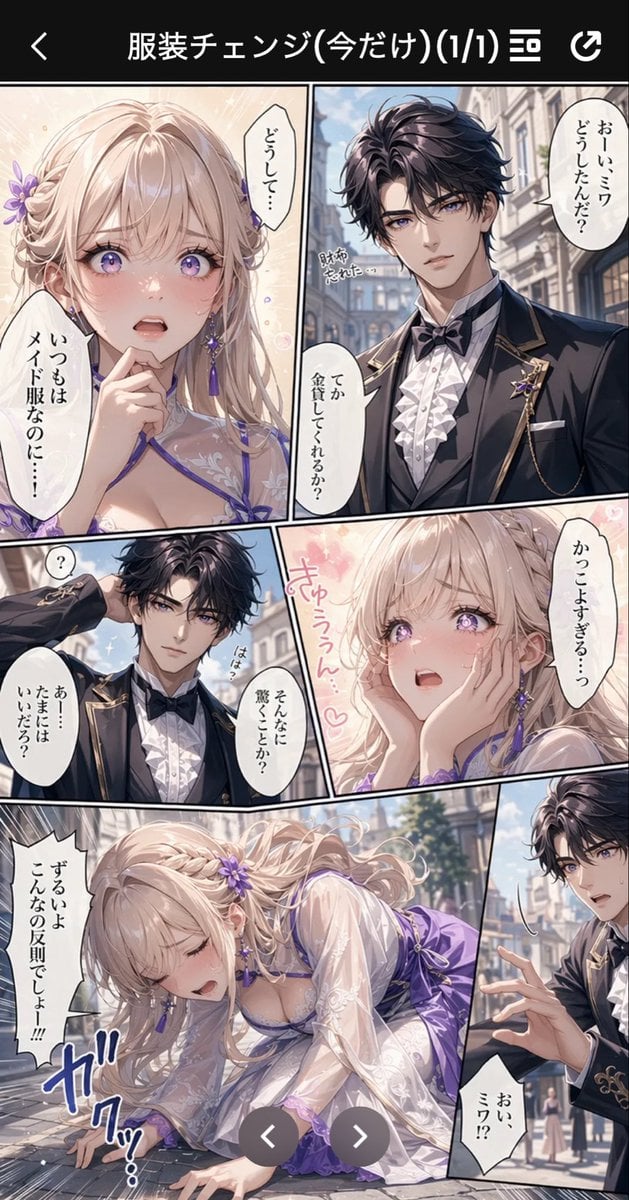
Anime Butler Date Manga Screenshot

Six-Panel Retro Japanese Poster Collage

Seven-Panel Cyberpunk Manga Alley

Cel 2D Finale Fireworks
Make it yours
Six-Panel Anime Dungeon Manga works as-is. These are the safest ways to change it without losing the look.
Change one field
Copy a single group, rewrite it, and generate again so you can see what that field is doing.
Keep the frame, change the subject
Hold the composition and light of Six-Panel Anime Dungeon Manga, then swap wardrobe, props or the person for a new take.
| If the result… | Why | Fix |
|---|---|---|
| The result drifts from the preview | Too many fields changed at once. | Reuse Six-Panel Anime Dungeon Manga as-is first, then change one group — subject, light, or setting. |
| The model over-stylizes the scene | The prose prompt leaves finish and camera underspecified. | Add one camera or lighting sentence and stay on GPT Image 2. |
More GPT Image 2 templates
Other prompts made for GPT Image 2.

Six VTuber Japanese Logo Sheet

Realistic Portrait of Woman and Deer

The Vista Modular Condo Poster

AI Model Routing Comparison Infographic

2.5D Anime Art Board

Isometric Productivity Desk Scene

New York Double Exposure Poster

Four-Panel AI Landscape Comparison

Japanese Tatami Lifestyle Magazine Cover

NESCAFÉ Coffee Map Poster
More image prompts
Fresh picks from across the catalog.
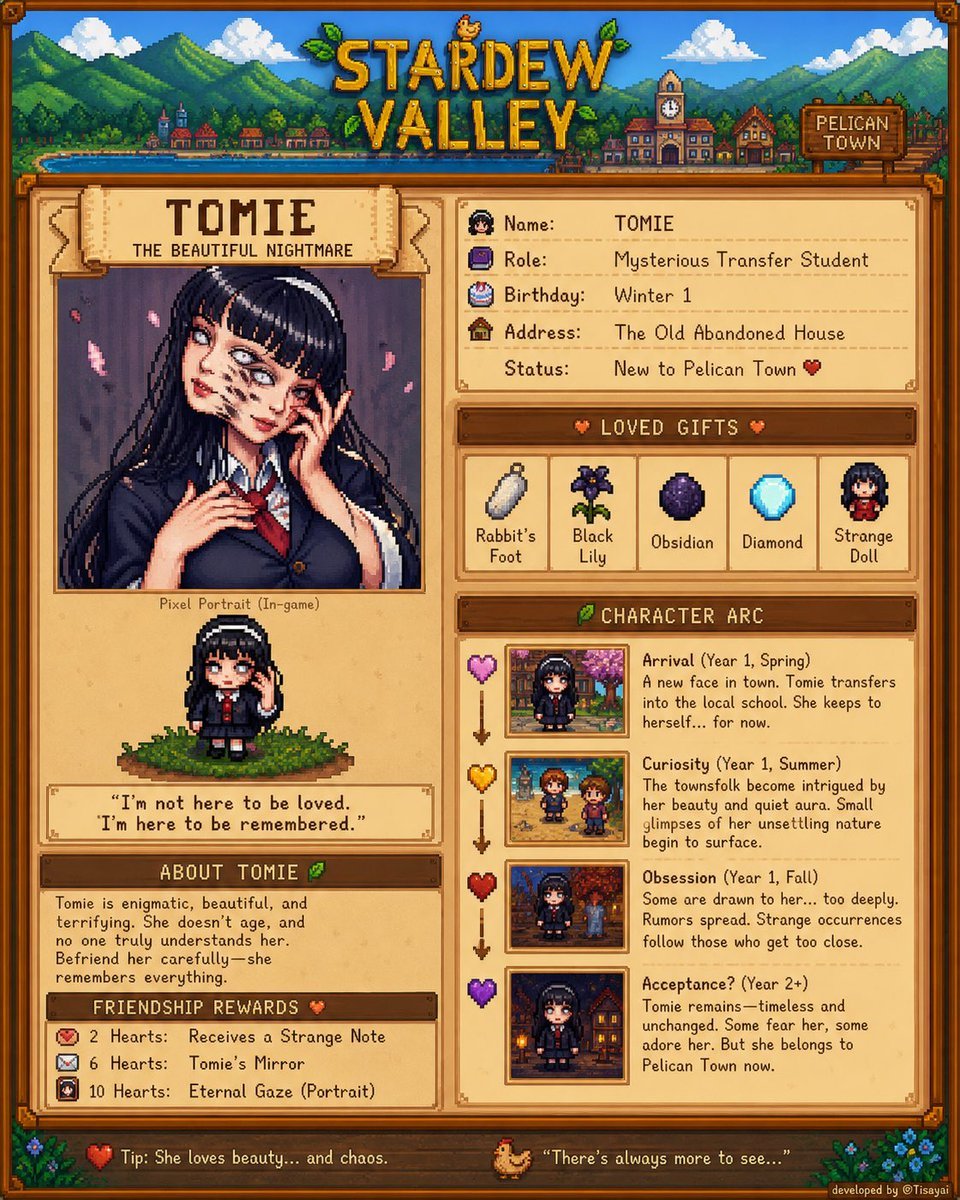
Stardew Valley Character Wiki Poster
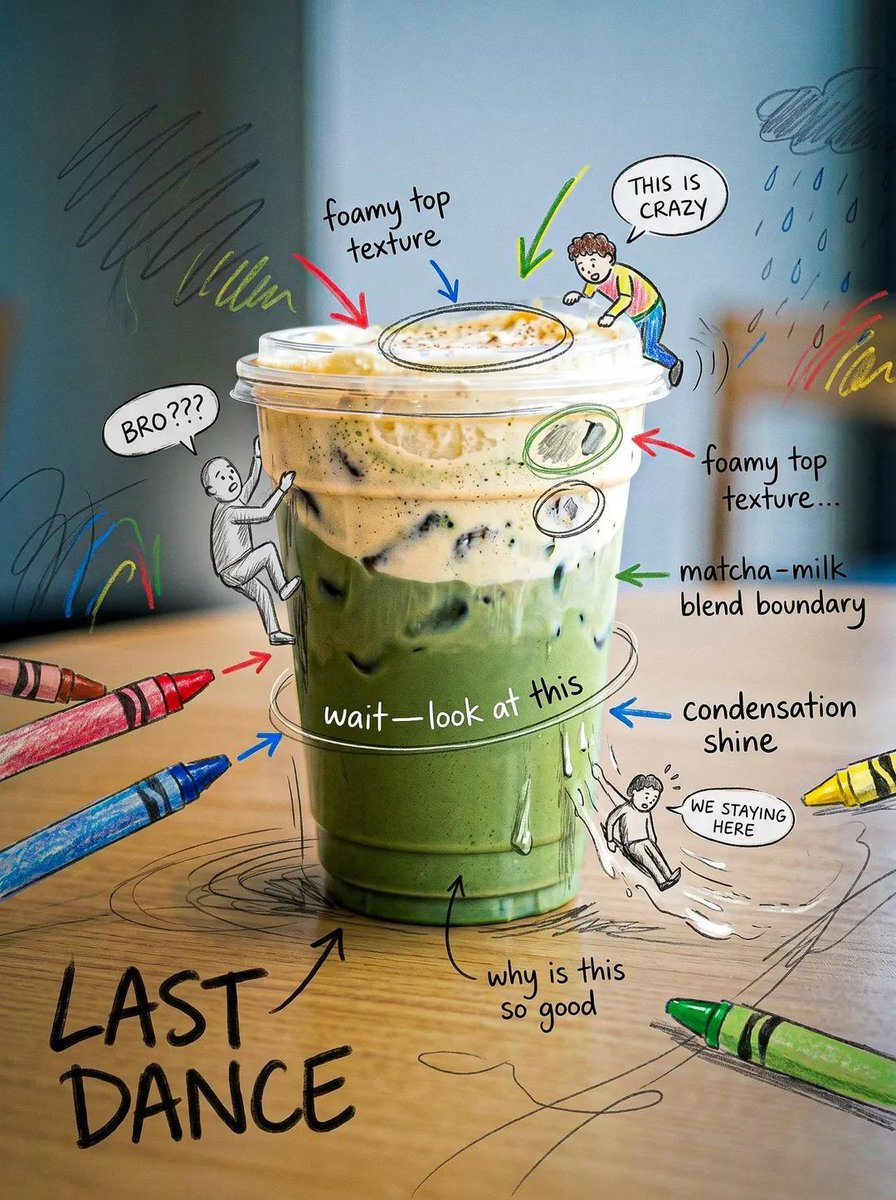
Creative Doodled Image Overlay
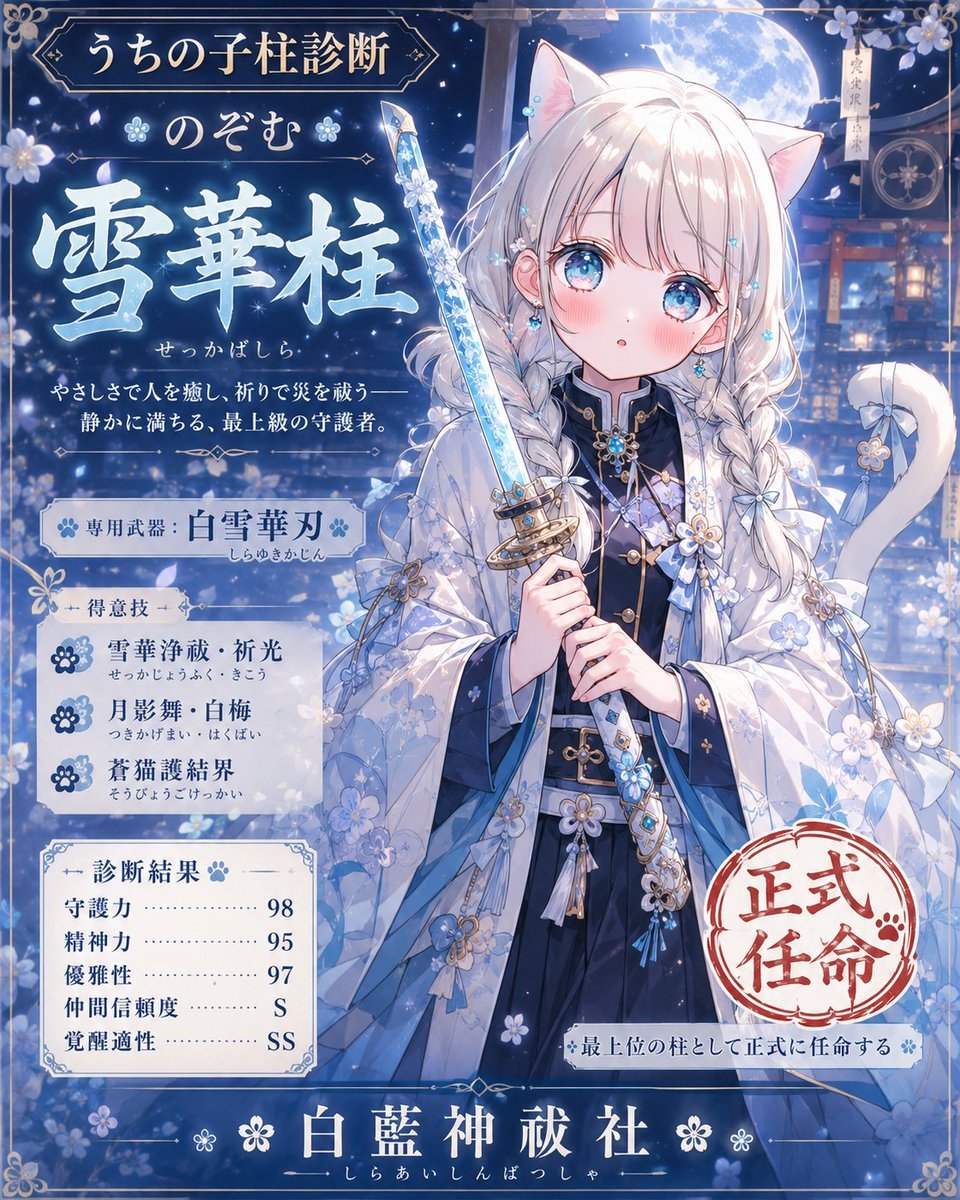
Snow Flower Hashira Diagnosis Poster
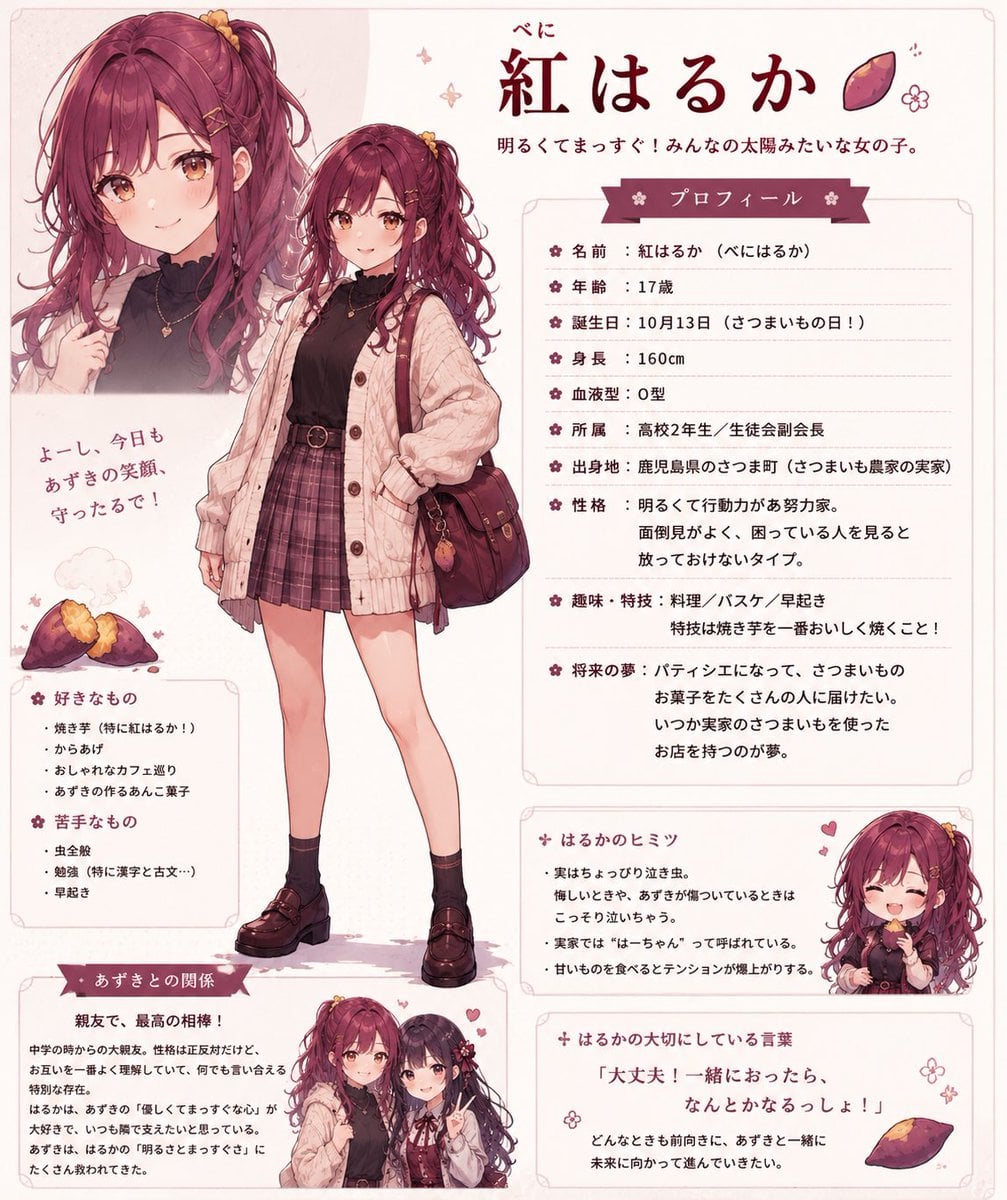
Beni Haruka Anime Character Sheet
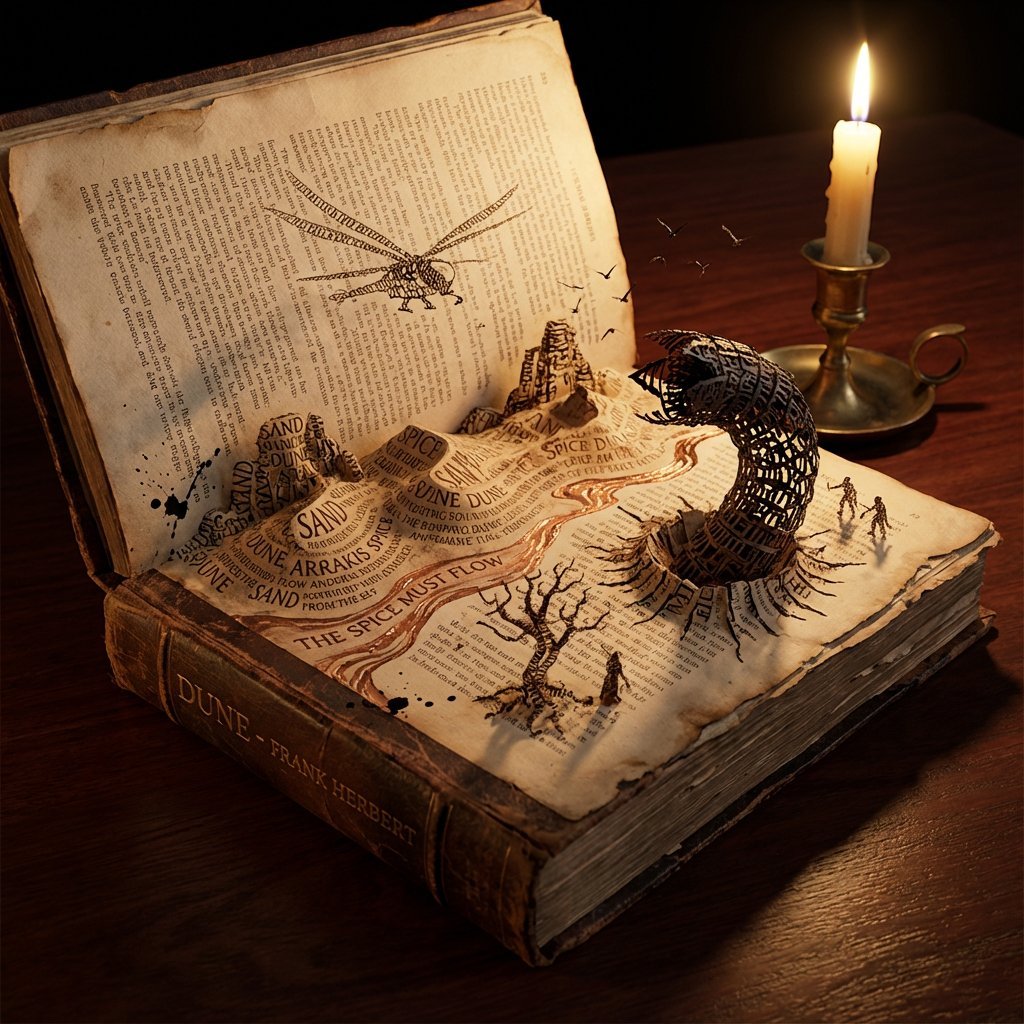
Storybook Typography Diorama Prompt (Dune)
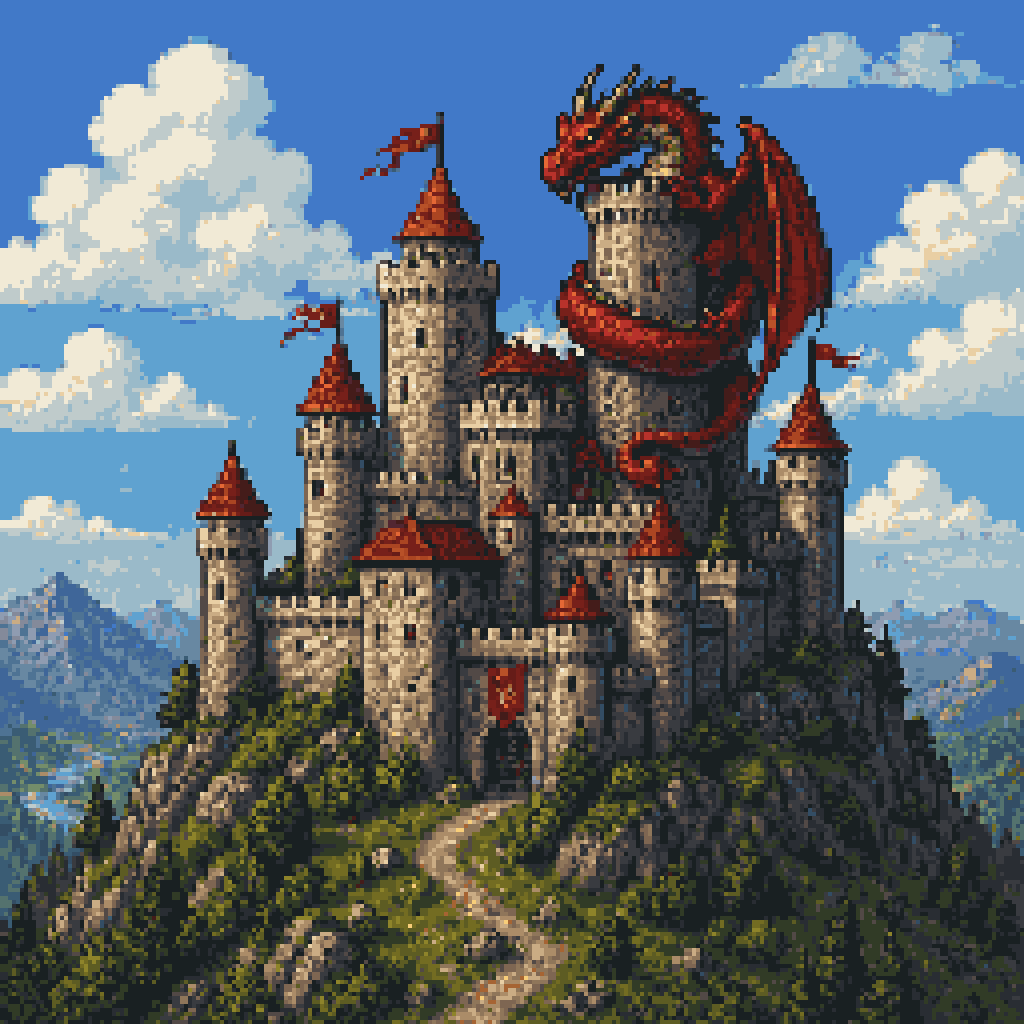
Pixel Art Dragon Castle

Commercial Photography Prompt: Still Subject in Motion Blur

Felt Cat Character Reference Sheet
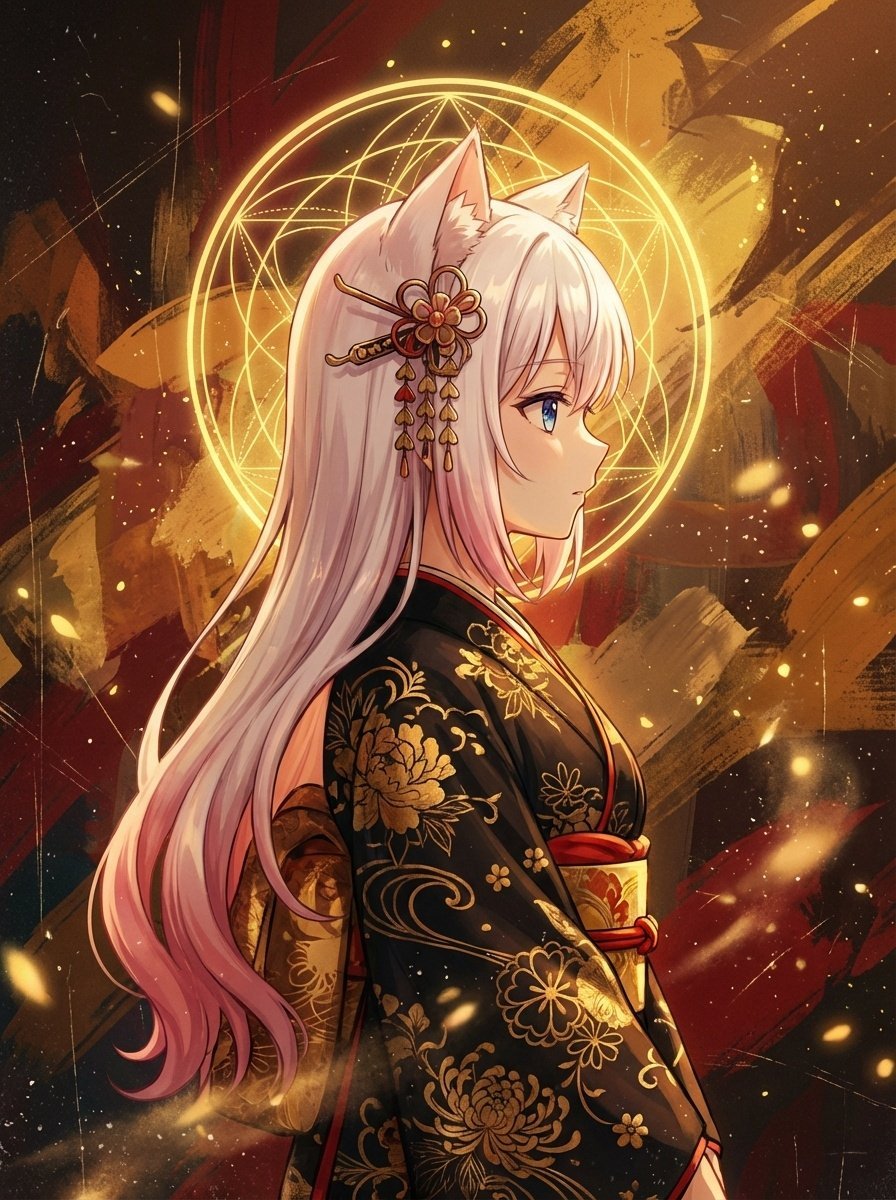
Surreal Anime Nekomimi in Kimono
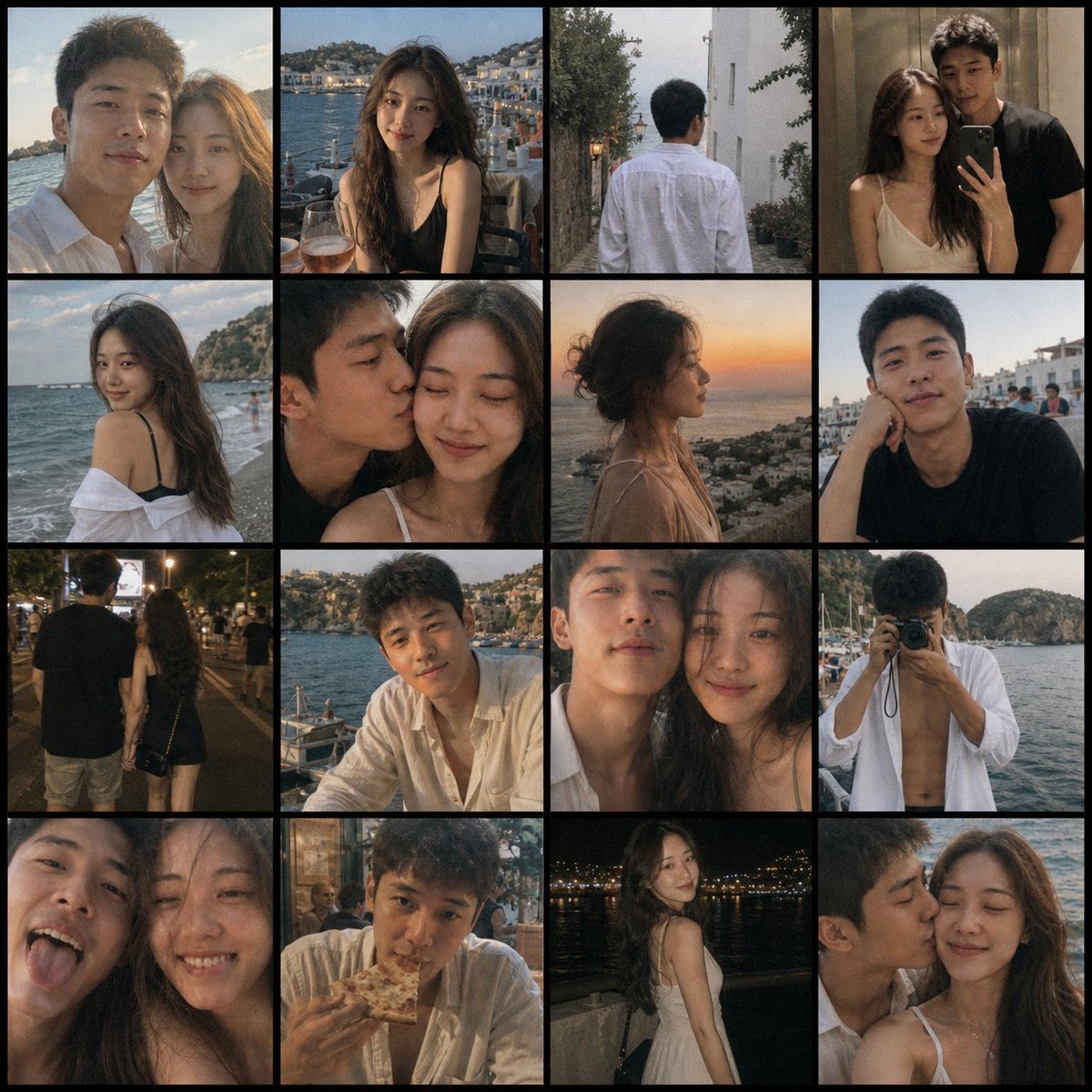
Romantic Couple Travel Album Grid
Browse template categories
Six-Panel Anime Dungeon Manga questions
How do I use the Six-Panel Anime Dungeon Manga template?
Add your photo if the template asks for one, edit the prompt if you like — the template's model and format are already selected — and press Generate. Your version opens in PicX Studio.
Can I customize the Six-Panel Anime Dungeon Manga template?
Yes. You can change the subject, setting, lighting, mood, format, and available model controls before creating your image.
Is the Six-Panel Anime Dungeon Manga template free?
Opening and editing this template is free. Generating uses credits, shown on the Generate button when you are signed in.
Which AI model should I use?
Start with GPT Image 2, which is the model associated with this template. You can compare another compatible model for a different finish.
Looking for something else? Browse all templates.

Your photo, any look
Thousands of ready templates for every top image and video model, from one credit balance.