
Miami Night Dance Cover
A neon synthwave Miami nightlife music poster featuring a dancing silhouette, skyline double exposure, and promotional track text.
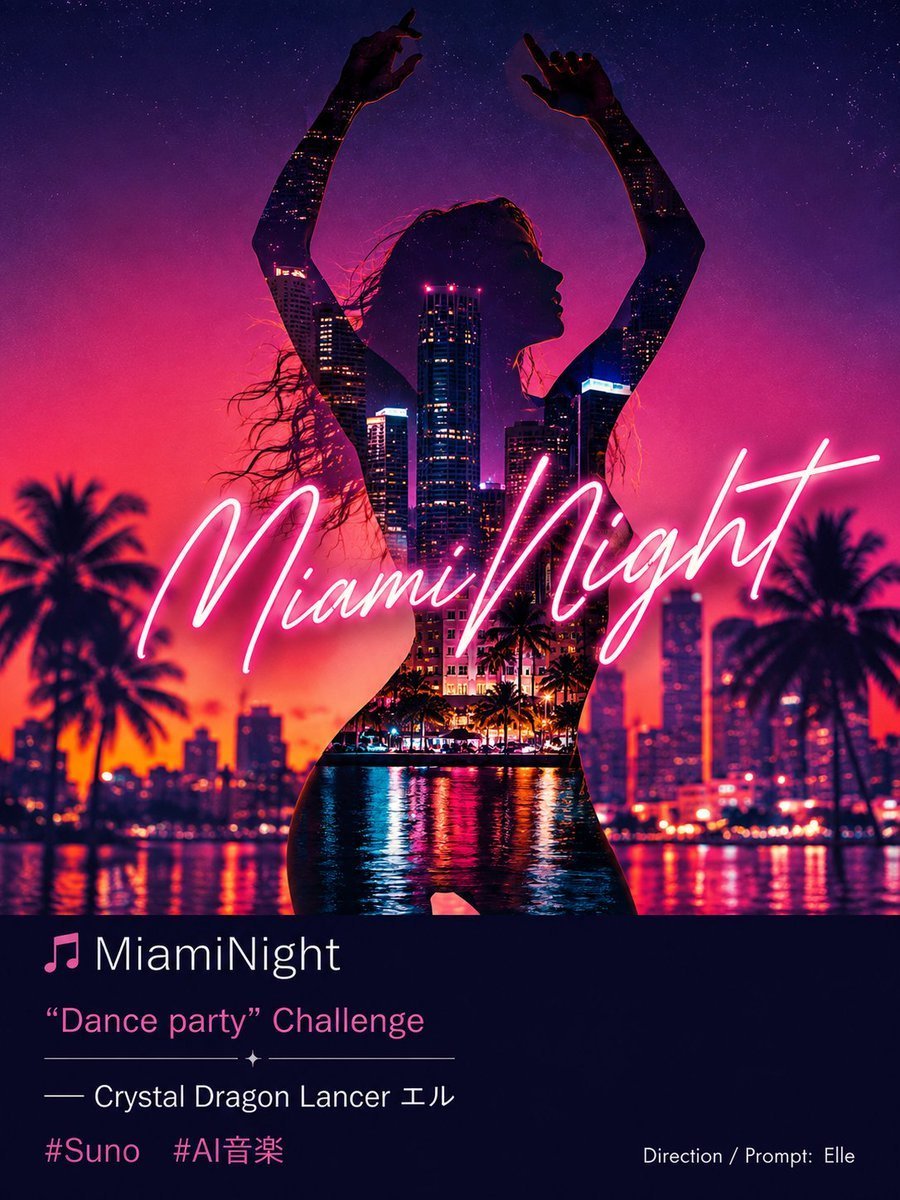
- Prompt included
- Model and format preset
- Free template
The prompt behind this image
Copy the exact prompt behind Miami Night Dance Cover, or open it in the studio and make it yours.
Goal: Create a square-to-portrait neon music cover poster for a tropical synthwave dance track titled {argument name="headline text" default="Miami Night"}, blending a silhouetted dancing woman with a Miami skyline double exposure. Canvas: Vertical 4:5 poster, high-resolution, glossy cinematic finish. Use a vivid sunset-to-night gradient background: hot orange and magenta near the horizon, deep purple and navy starry sky at the top. Main image: Center a full-body female dancer silhouette, facing right in profile, arms raised above her head with both hands posed like she is dancing. Her long loose hair flows left in the wind. Her body is a dark silhouette filled with a double-exposure city scene: illuminated high-rise skyscrapers, tiny window lights, pink rooftop lights, palm trees, waterfront reflections, and rippling bay water inside the torso and legs. Keep her outline crisp and elegant, with strong backlighting. Background environment: Show a Miami waterfront skyline at night with palm trees on both sides, blurred city buildings, sparkling lights, and neon reflections across the water. Include exactly 2 prominent palm tree silhouettes in the foreground, one on the left and one on the right, plus smaller distant palms near the skyline. Add a star-filled sky above. Typography over main art: Across the dancer and skyline, place large glowing handwritten cursive neon text reading {argument name="neon script text" default="Miami Night"}. The script should be bright pink-white, like a neon tube, spanning nearly the full width of the image and crossing the center. Bottom information panel: Add a dark navy rectangular lower panel occupying about the bottom quarter of the poster. Include exactly 6 visible text/icon elements arranged like a music promotion card: 1) a pink music note icon followed by white title text {argument name="track title" default="MiamiNight"}; 2) pink subtitle text {argument name="challenge text" default="“Dance party” Challenge"}; 3) a thin decorative horizontal divider with a small sparkle at the center; 4) white artist line reading {argument name="artist line" default="— Crystal Dragon Lancer エル"}; 5) two pink hashtags reading "#Suno" and "#AI音楽"; 6) small white credit text at bottom right reading "Direction / Prompt: Elle". Visual style: Retro Miami nightlife, synthwave album artwork, neon pink and purple color palette, cinematic double exposure, glossy reflections, high contrast, dreamy tropical party atmosphere, clean social-media cover design. Constraints: Keep all listed text legible and positioned as described. Do not add extra logos, watermarks, or unrelated text. Preserve the Japanese characters exactly where they appear in the default text.
How to use Miami Night Dance Cover in 3 steps
- 1Upload ImagePNG, JPG or paste
Add your photo
Upload the photo the template builds on. The prompt, model and format are already set.
- 2…a portrait of your subject in softgolden-hour light, 85mm…
Personalize
Edit the subject and creative details for your destination.
- 3Generate
Generate
Press Generate — your image is created in PicX Studio, so you can compare it with the original and refine one variable at a time.
More like this
Templates with the same subject, style or setup. Open one to see its prompt.

One Dance Before Midnight
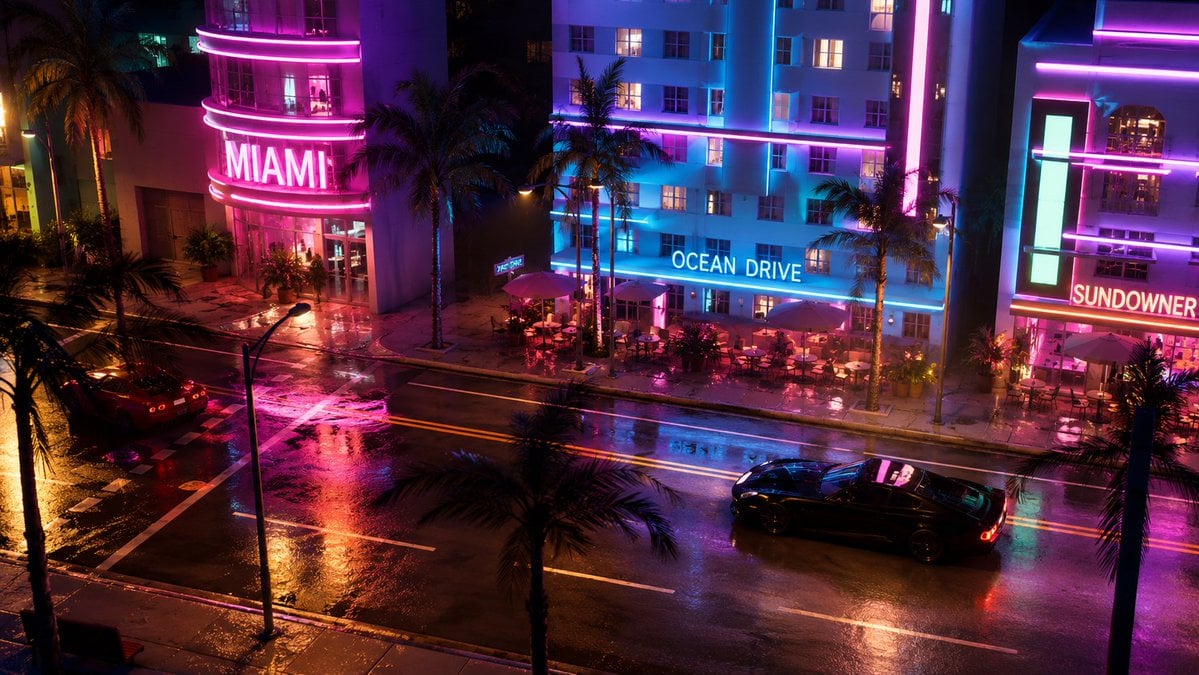
Miami Nightlife Scene Stylization
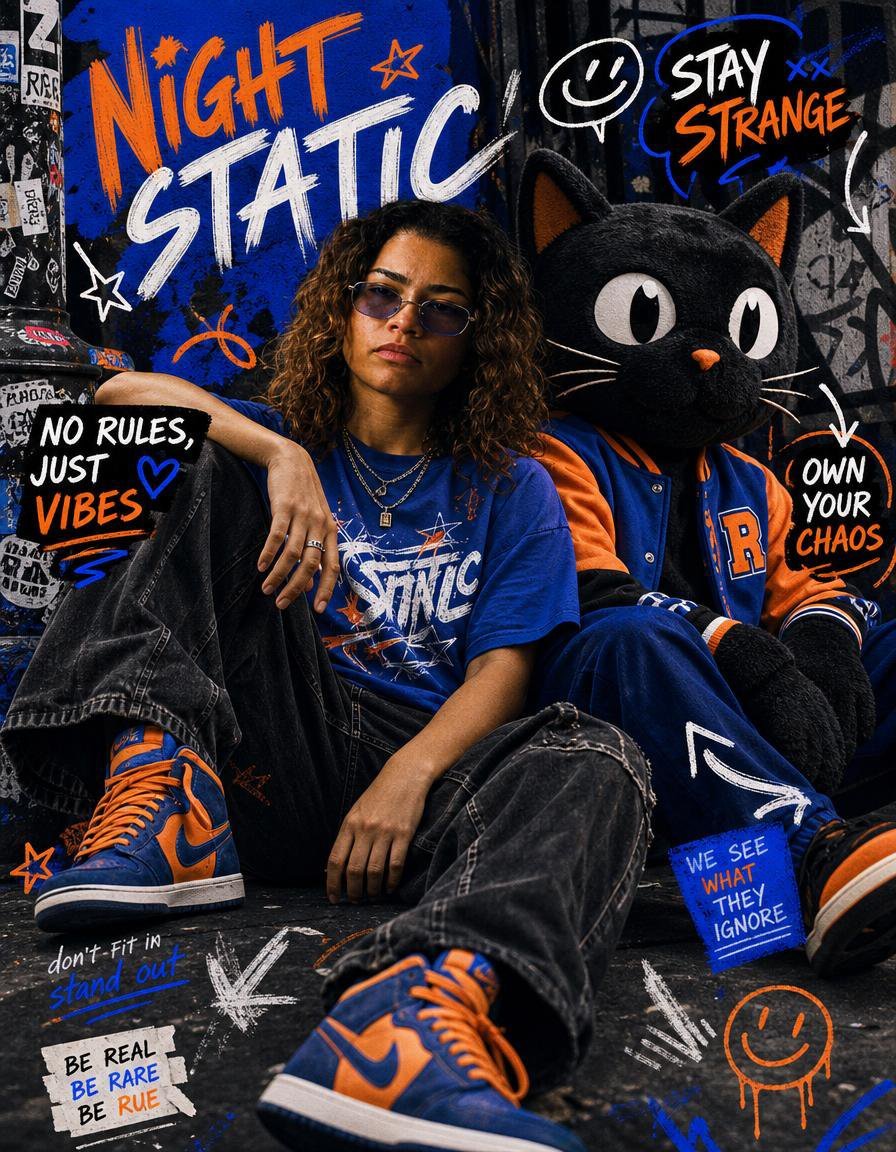
Night Static Streetwear Cover

Subway Platform Quiet Introspective Portrait
Subway Platform Quiet Introspective Portrait

Spider-Man Night Swing New York Cinematic
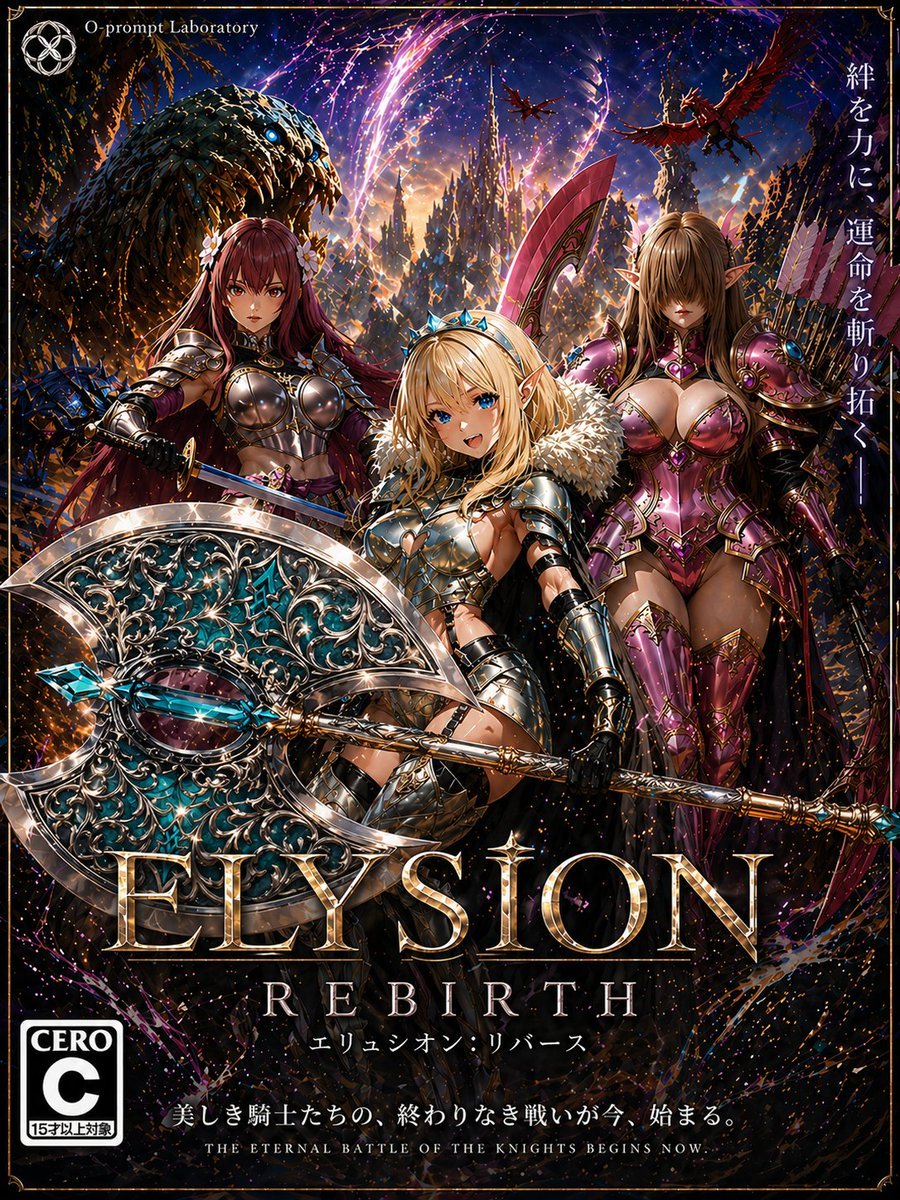
Fantasy RPG Game Cover with Three Knight Women

Floating Woman Above Cityscape with Notifications

Movement Sheet - Dance Reference (Seedance 2.0)

Night Sports Car Portrait — Cinematic Moody

Nano Banana - Cozy Cafe Night
Nano Banana - Dancing Carefree Paris
Make it yours
Miami Night Dance Cover works as-is. These are the safest ways to change it without losing the look.
Change one field
Copy a single group, rewrite it, and generate again so you can see what that field is doing.
Keep the frame, change the subject
Hold the composition and light of Miami Night Dance Cover, then swap wardrobe, props or the person for a new take.
| If the result… | Why | Fix |
|---|---|---|
| The result drifts from the preview | Too many fields changed at once. | Reuse Miami Night Dance Cover as-is first, then change one group — subject, light, or setting. |
| The model over-stylizes the scene | The prose prompt leaves finish and camera underspecified. | Add one camera or lighting sentence and stay on GPT Image 2. |
More GPT Image 2 templates
Other prompts made for GPT Image 2.

Six VTuber Japanese Logo Sheet

Realistic Portrait of Woman and Deer

The Vista Modular Condo Poster

AI Model Routing Comparison Infographic

2.5D Anime Art Board

Isometric Productivity Desk Scene

New York Double Exposure Poster

Four-Panel AI Landscape Comparison

Japanese Tatami Lifestyle Magazine Cover

NESCAFÉ Coffee Map Poster
More image prompts
Fresh picks from across the catalog.
Golden Hour Ferrari Interior Fashion Prompt
Casual Student Uniform Street Photo
GARP biology for Tregs illustration
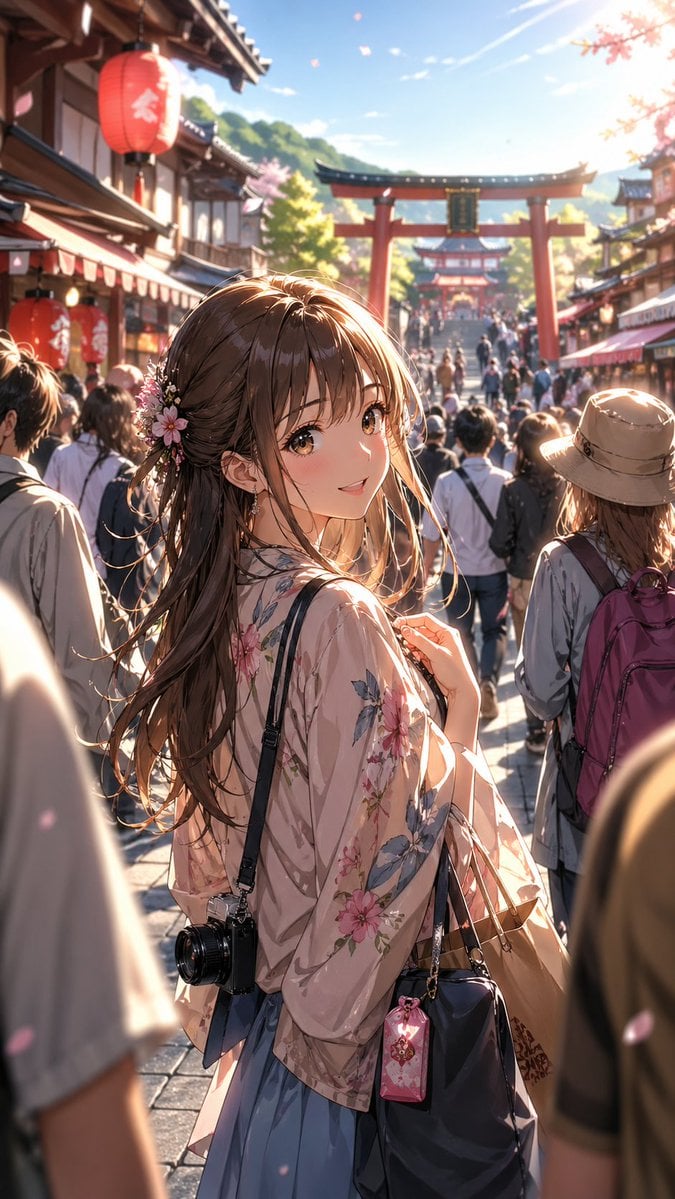
Anime Shrine Street Portrait
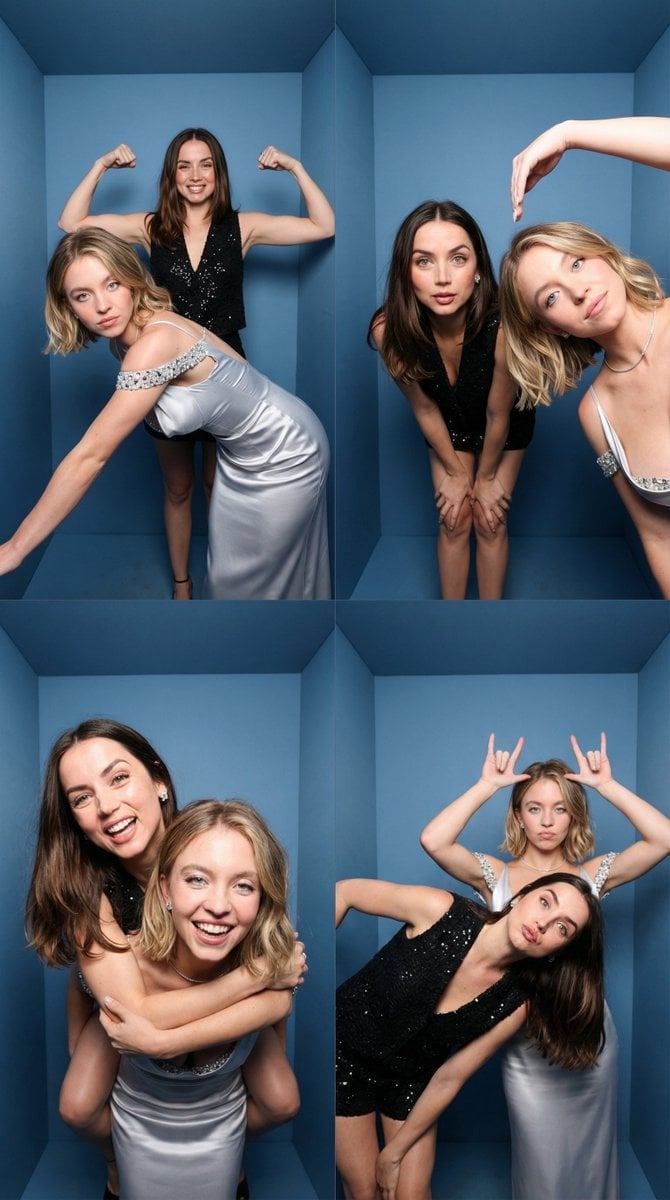
iPhone-Realistic 2x2 Photobooth Collage
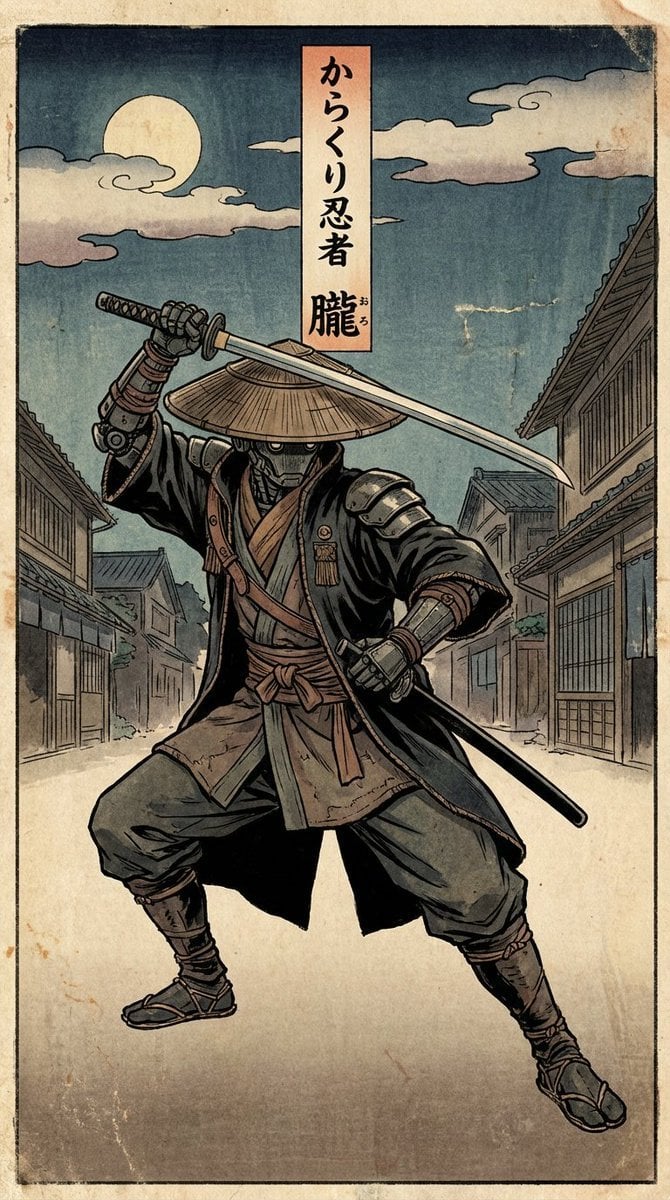
Edo-style woodblock print ninja character
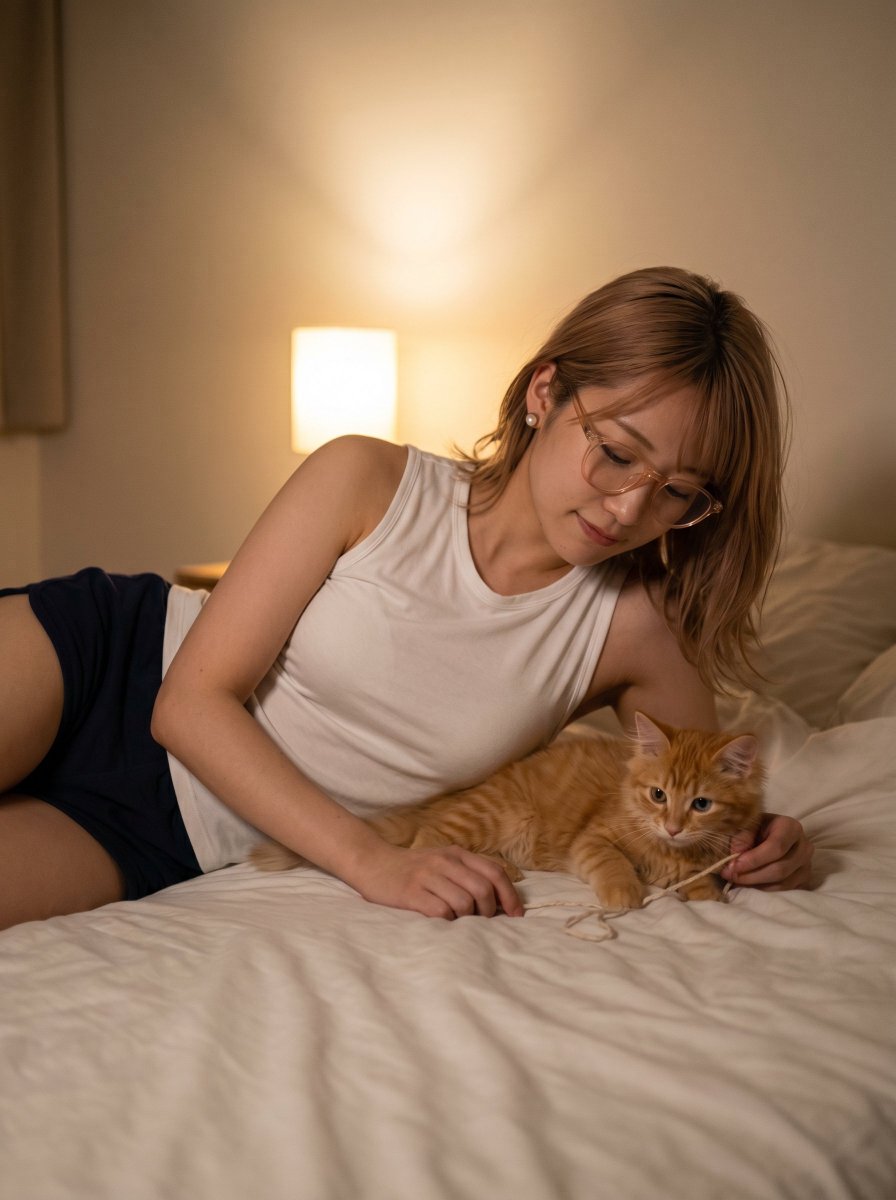
Cozy Bedtime Woman With Ginger Kitten
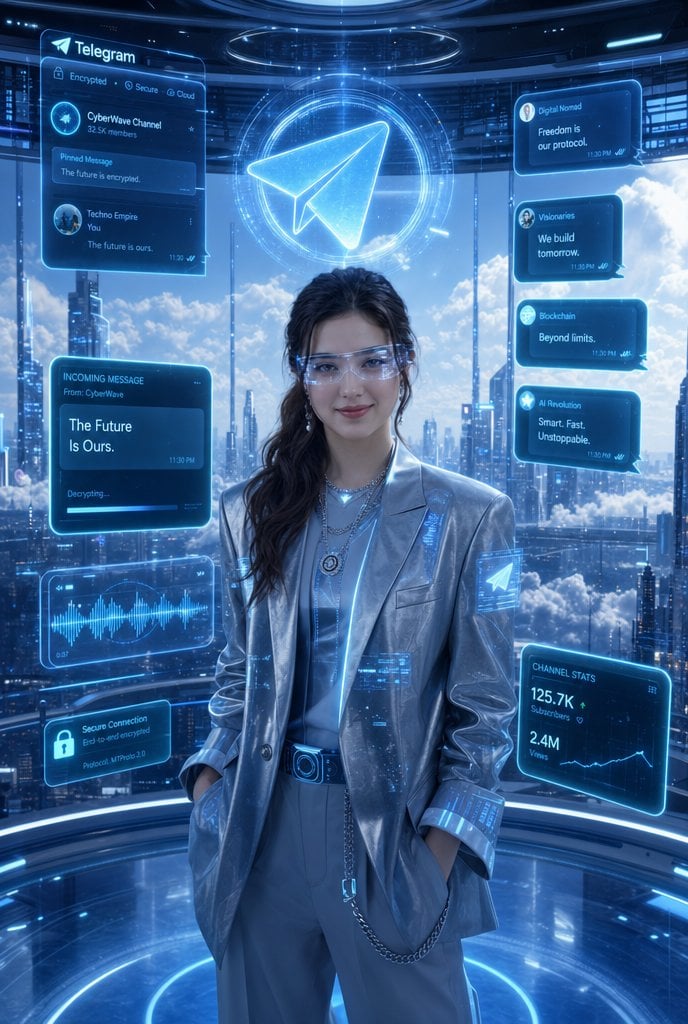
Luxury Telegram Cyber Hub Poster
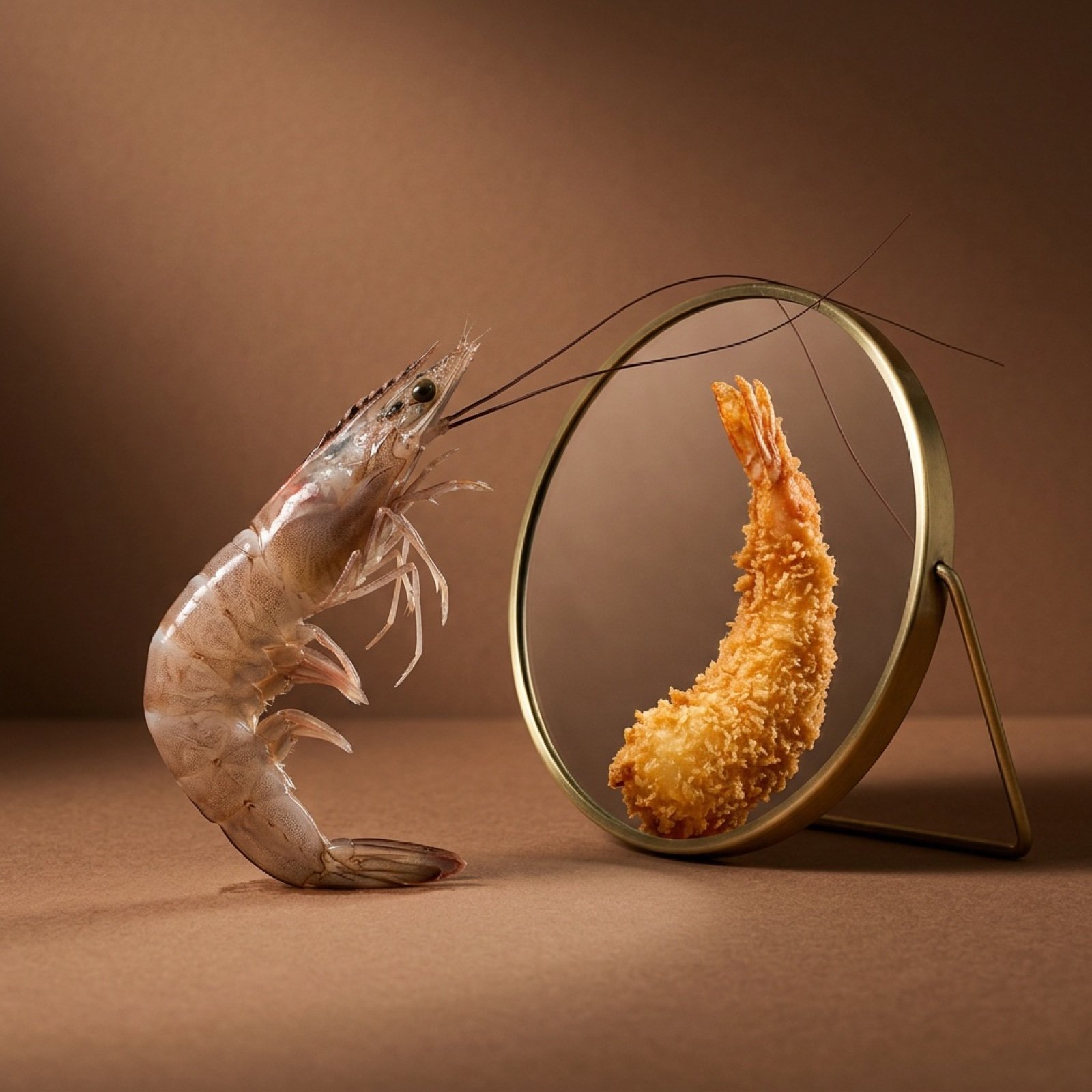
Surreal Food Still Life Prompt (Shrimp Transformation)
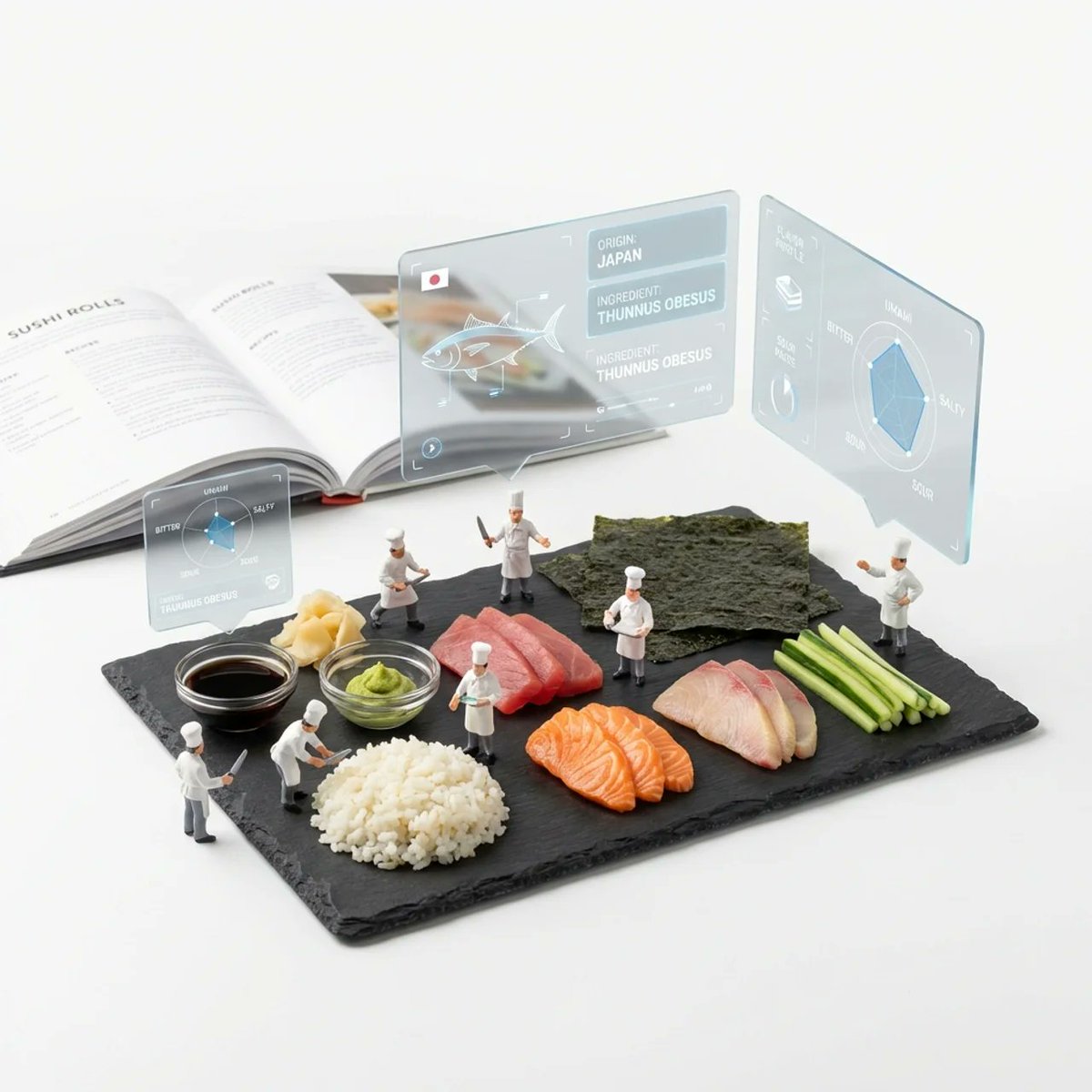
Deconstructed Ingredients Visualization
Browse template categories
Miami Night Dance Cover questions
How do I use the Miami Night Dance Cover template?
Add your photo if the template asks for one, edit the prompt if you like — the template's model and format are already selected — and press Generate. Your version opens in PicX Studio.
Can I customize the Miami Night Dance Cover template?
Yes. You can change the subject, setting, lighting, mood, format, and available model controls before creating your image.
Is the Miami Night Dance Cover template free?
Opening and editing this template is free. Generating uses credits, shown on the Generate button when you are signed in.
Which AI model should I use?
Start with GPT Image 2, which is the model associated with this template. You can compare another compatible model for a different finish.
Looking for something else? Browse all templates.

Your photo, any look
Thousands of ready templates for every top image and video model, from one credit balance.