
Chinese Home Compute Buying Guide
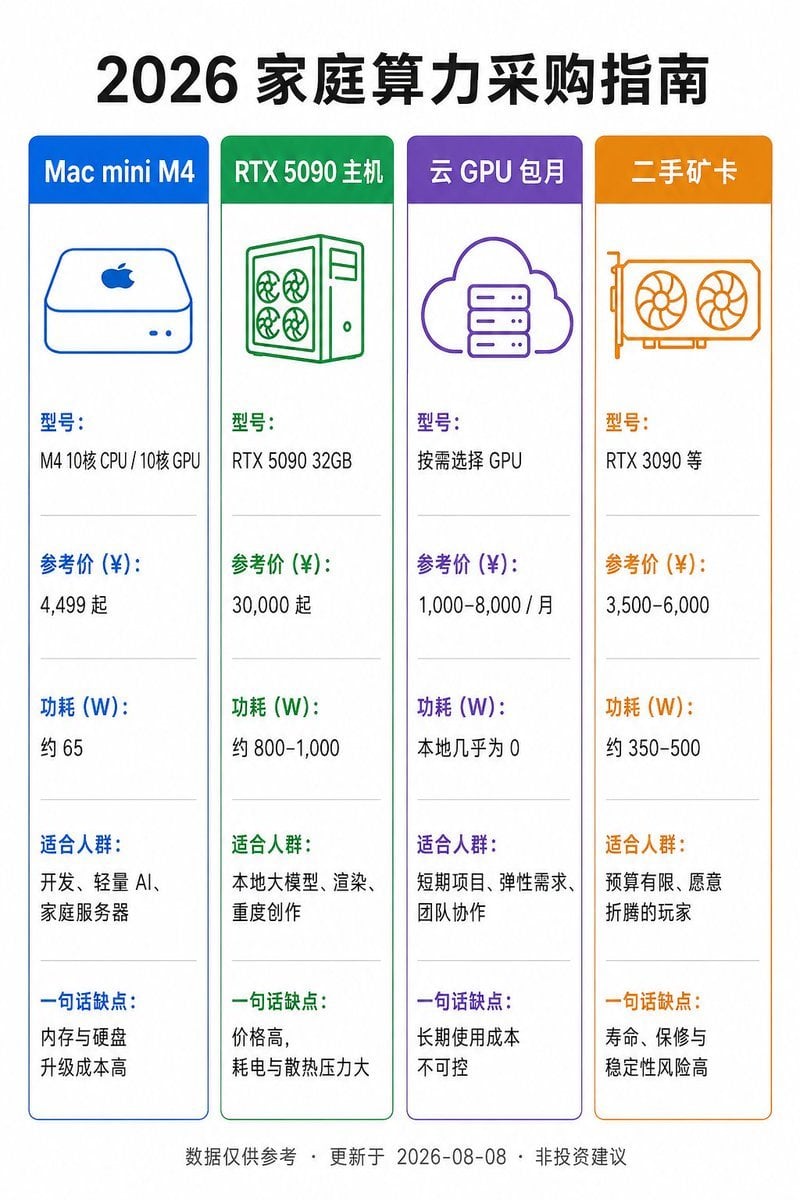
A vertical Chinese infographic comparing four home computing purchase options with prices, power usage, audiences, and drawbacks.
- Prompt included
- Model and format preset
- Free template
The prompt behind this image
Copy the exact prompt behind Chinese Home Compute Buying Guide, or open it in the studio and make it yours.
Goal: Create a vertical Chinese product comparison infographic on a white background with a clean flat-design style. The main title at the top is {argument name="headline text" default="2026 家庭算力采购指南"}, in large bold black Chinese type, centered. Canvas: Portrait 2:3 aspect ratio, approximately 768×1152 px. Use generous white margins, crisp vector lines, and a balanced grid layout. Layout: Place exactly 4 tall rounded-rectangle comparison cards in one horizontal row beneath the title. Each card has a colored header bar, a matching thin border, a simple line icon near the top, then five stacked information sections separated by pale gray horizontal divider lines. Use neat left-aligned Chinese text inside each card. Cards, colors, icons, and text content: 1. Blue card header: “Mac mini M4”. Icon: simple blue outline Mac mini with Apple logo and two small front dots. Sections: “型号:” / “M4 10核 CPU / 10核 GPU”; “参考价 (¥):” / “4,499 起”; “功耗 (W):” / “约 65”; “适合人群:” / “开发、轻量 AI、家庭服务器”; “一句话缺点:” / “内存与硬盘升级成本高”. 2. Green card header: “RTX 5090 主机”. Icon: green outline desktop tower with four fan circles and side panel. Sections: “型号:” / “RTX 5090 32GB”; “参考价 (¥):” / “30,000 起”; “功耗 (W):” / “约 800–1,000”; “适合人群:” / “本地大模型、渲染、重度创作”; “一句话缺点:” / “价格高,耗电与散热压力大”. 3. Purple card header: “云 GPU 包月”. Icon: purple outline cloud containing a server rack. Sections: “型号:” / “按需选择 GPU”; “参考价 (¥):” / “1,000–8,000 / 月”; “功耗 (W):” / “本地几乎为 0”; “适合人群:” / “短期项目、弹性需求、团队协作”; “一句话缺点:” / “长期使用成本不可控”. 4. Orange card header: “二手矿卡”. Icon: orange outline dual-fan graphics card. Sections: “型号:” / “RTX 3090 等”; “参考价 (¥):” / “3,500–6,000”; “功耗 (W):” / “约 350–500”; “适合人群:” / “预算有限、愿意折腾的玩家”; “一句话缺点:” / “寿命、保修与稳定性风险高”. Footer: Center a small gray footnote along the bottom: “数据仅供参考 · 更新于 2026-08-08 · 非投资建议”. Visual style: Minimal flat infographic, Chinese sans-serif font, high readability, accurate alignment, consistent spacing, no shadows, no photos, no decorative background. Ensure all Chinese text is sharp and legible, with the section labels colored to match each card’s header.
How to use Chinese Home Compute Buying Guide in 3 steps
- 1Upload ImagePNG, JPG or paste
Add your photo
Upload the photo the template builds on. The prompt, model and format are already set.
- 2…a portrait of your subject in softgolden-hour light, 85mm…
Personalize
Edit the subject and creative details for your destination.
- 3Generate
Generate
Press Generate — your image is created in PicX Studio, so you can compare it with the original and refine one variable at a time.
More like this
Templates with the same subject, style or setup. Open one to see its prompt.

Sunday Afternoon, 1988
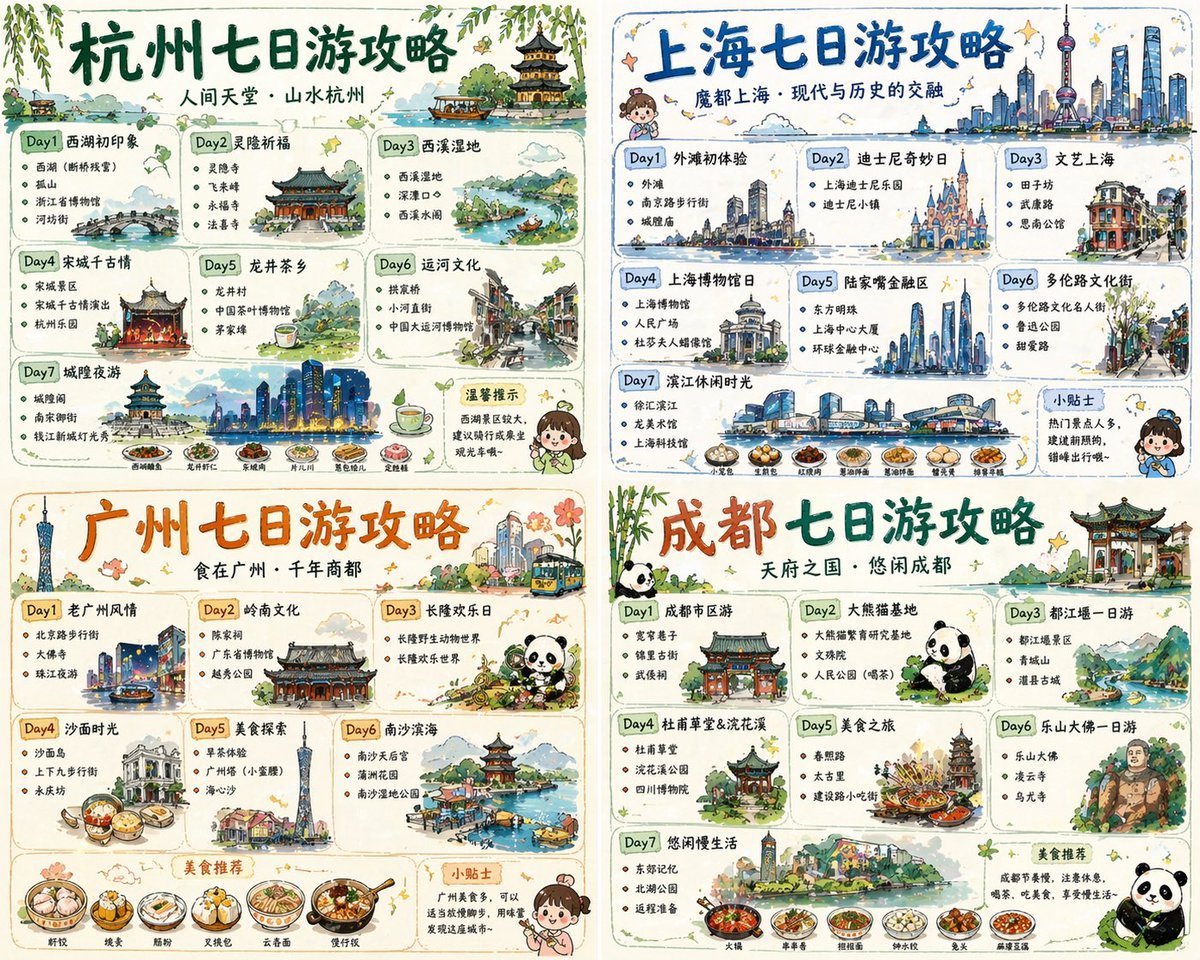
Four-City Chinese Travel Guide Poster Set
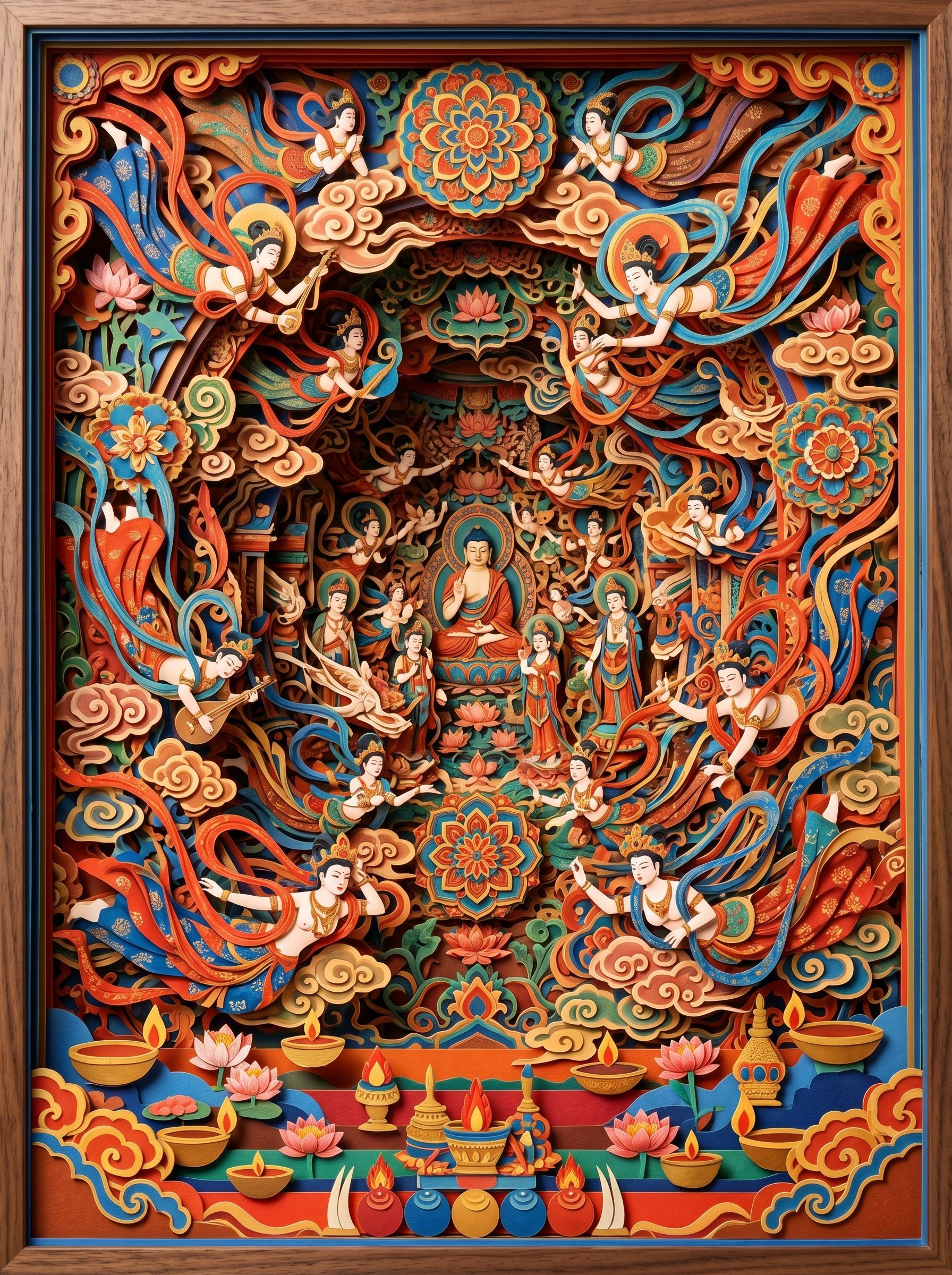
敦煌纸雕飞天 — 3D Layered Paper Cutout
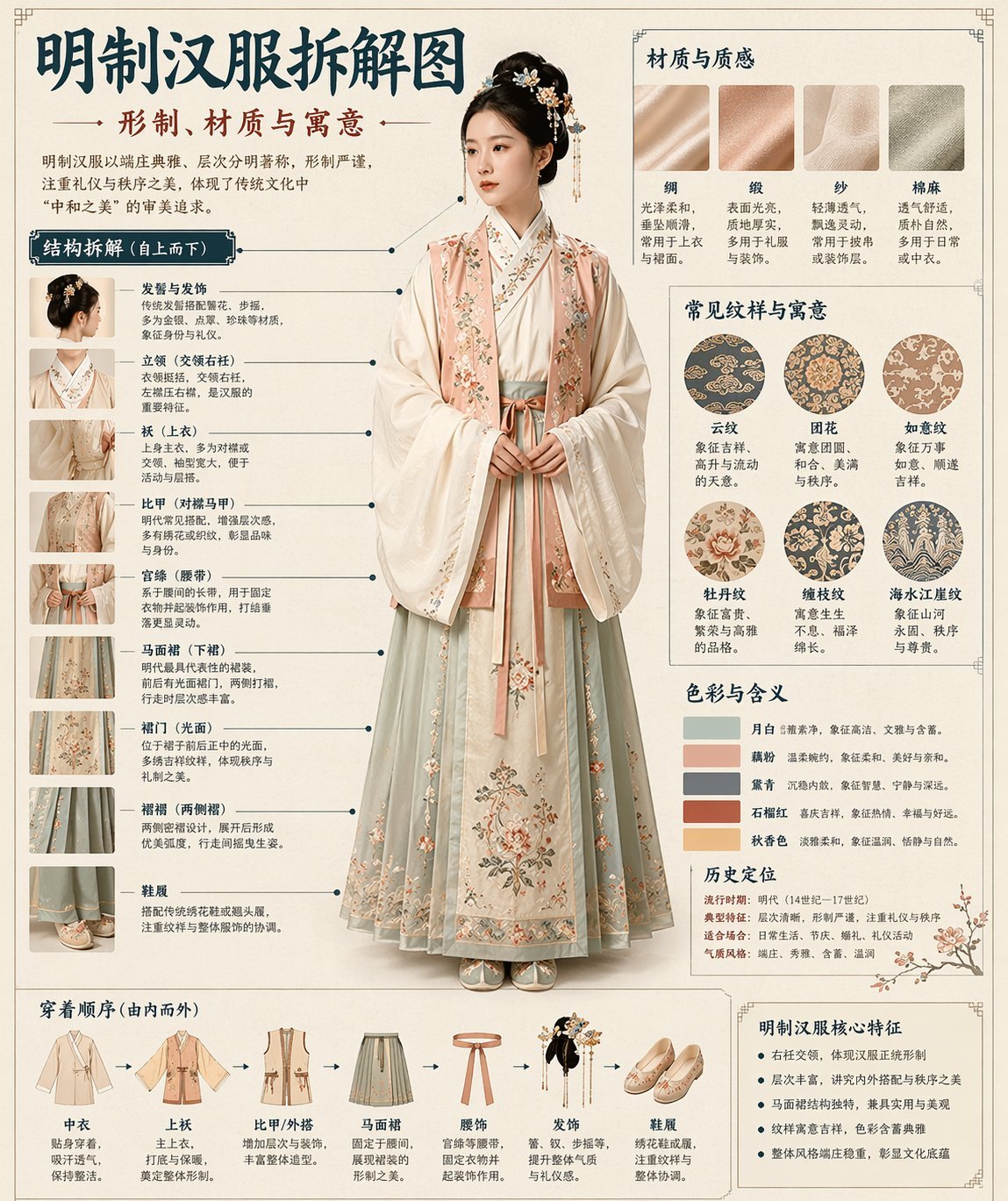
博物馆图鉴式汉服拆解图 — GPT-image-2
Photography Scheme Reference Guide
Computer Museum Coding Demo
Modern Home Gym Wall Makeover
Retro Y2K Computer Workspace Portrait

Brutalist Cogito Chinese Typography Poster
Monumental Chinese Ocean Poster
Chinese Growth Flywheel Strategy Cover
Traditional Chinese Moxibustion Poster
Make it yours
Chinese Home Compute Buying Guide works as-is. These are the safest ways to change it without losing the look.
Change one field
Copy a single group, rewrite it, and generate again so you can see what that field is doing.
Keep the frame, change the subject
Hold the composition and light of Chinese Home Compute Buying Guide, then swap wardrobe, props or the person for a new take.
| If the result… | Why | Fix |
|---|---|---|
| The result drifts from the preview | Too many fields changed at once. | Reuse Chinese Home Compute Buying Guide as-is first, then change one group — subject, light, or setting. |
| The model over-stylizes the scene | The prose prompt leaves finish and camera underspecified. | Add one camera or lighting sentence and stay on GPT Image 2. |
More GPT Image 2 templates
Other prompts made for GPT Image 2.

Six VTuber Japanese Logo Sheet

Realistic Portrait of Woman and Deer

The Vista Modular Condo Poster

AI Model Routing Comparison Infographic

2.5D Anime Art Board

Isometric Productivity Desk Scene

New York Double Exposure Poster

Four-Panel AI Landscape Comparison

Japanese Tatami Lifestyle Magazine Cover

NESCAFÉ Coffee Map Poster
More image prompts
Fresh picks from across the catalog.

Golden Hour Outdoor Lifestyle Portrait Prompt

Chill-out Cinematic Poster

Charming Character Flaw Portrait
Custom Anime Itasha Vehicle Generator

Moody Paris Street Editorial Portrait

Raw street photography portrait with film aesthetic

Minimalist Fashion Portrait with Sculptural Bodice
Fictional Gothic Sci-Fi Game Case Photo
Bench press muscle diagram
Technical Blueprint Drawing Prompt
Browse template categories
Chinese Home Compute Buying Guide questions
How do I use the Chinese Home Compute Buying Guide template?
Add your photo if the template asks for one, edit the prompt if you like — the template's model and format are already selected — and press Generate. Your version opens in PicX Studio.
Can I customize the Chinese Home Compute Buying Guide template?
Yes. You can change the subject, setting, lighting, mood, format, and available model controls before creating your image.
Is the Chinese Home Compute Buying Guide template free?
Opening and editing this template is free. Generating uses credits, shown on the Generate button when you are signed in.
Which AI model should I use?
Start with GPT Image 2, which is the model associated with this template. You can compare another compatible model for a different finish.
Looking for something else? Browse all templates.

Your photo, any look
Thousands of ready templates for every top image and video model, from one credit balance.