
90s Retro Anime DJ Girl
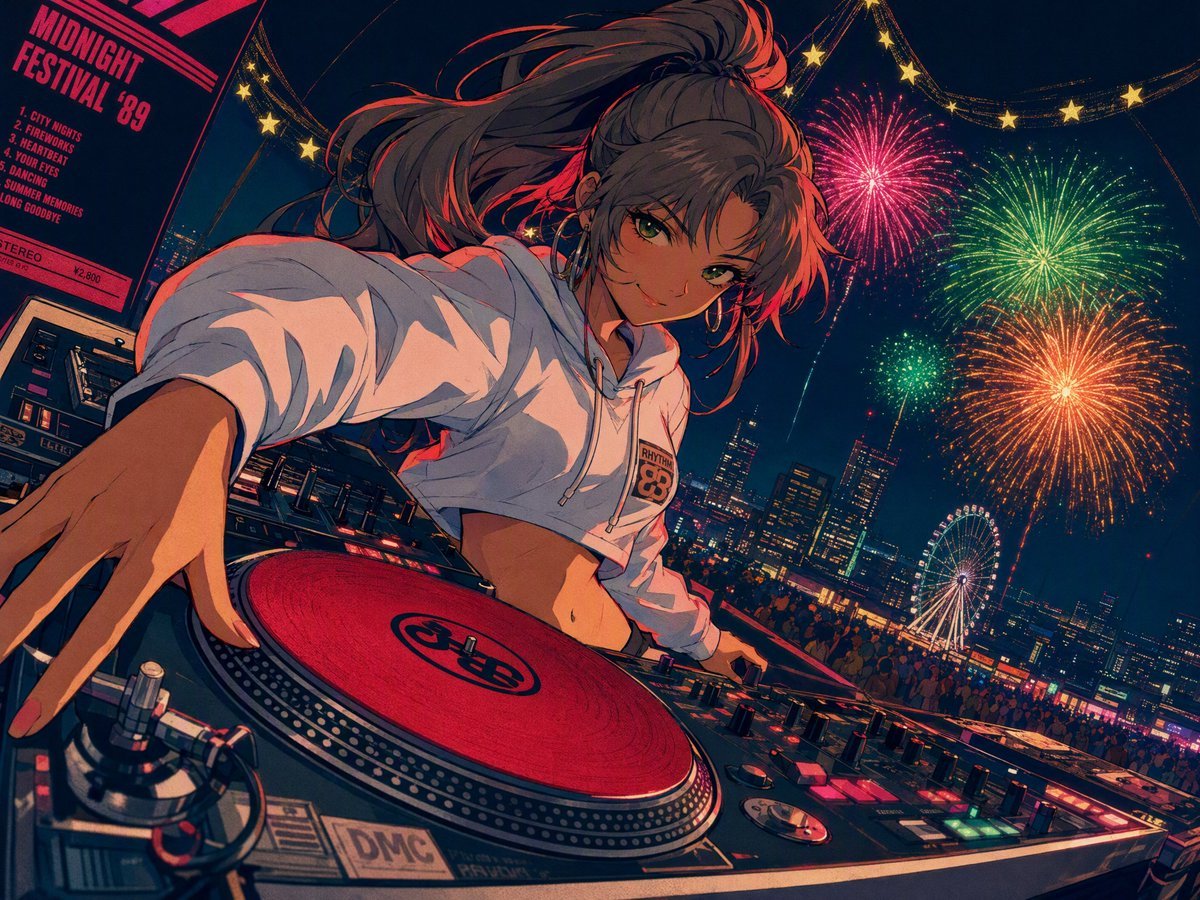
A vibrant city-pop style anime illustration of a DJ girl at a festival, featuring high-angle fisheye perspective and neon lighting.
- Prompt included
- Model and format preset
- Free template
The prompt behind this image
Copy the exact prompt behind 90s Retro Anime DJ Girl, or open it in the studio and make it yours.
Retro 90s anime-style illustration; a low-angle fisheye shot looking up from the DJ deck; a playful girl with a long, high ash-brown ponytail and sharp green eyes flashes a sly smile at the camera; she wears a white cropped hoodie (hood down, midriff exposed) and dynamically stretches one arm across the glowing turntable setup (featuring red slipmats); the background shows a nighttime festival midway under a canopy of golden star garlands, with massive, colorful fireworks blooming in magenta, green, and orange, plus distant city lights and a bokeh Ferris wheel; bold flat color blocks in deep red, navy blue, teal, and hot pink; intense red rim lighting accentuating her face and white hoodie; thick, clean linework; screen-print texture; dynamic Dutch angle composition; 1980s city-pop album cover vibe. Consistent style, perfect visual coherence, EDM, Stories-style animation, handheld camera, musical feel, tech-house, party, bouncing, shaky camera, dynamic motion, wind-blown effect, foreshortening, hand dancing, non-verbal, camera swaying left and right, unstable camera, fisheye lens moving rhythmically up/down and forward/backward, DJing, mostly dance moves, shimmy (shoulder shaking), hands raised upward, camera tracking and rotating, fisheye lens, fluid and elegant flowing motion, fingers sliding along body lines with the camera following the hand, momentary gestures facing the audience, flickering/jittery line art, flickering/jittery stippled shading, flickering/jittery art medium, flickering/jittery paint stroke textures, traditional painting medium, semi-sketch style.
How to use 90s Retro Anime DJ Girl in 3 steps
- 1
Open
The prompt is already in the box next to the preview, with the template's model and format selected.
- 2…a portrait of your subject in softgolden-hour light, 85mm…
Personalize
Edit the subject and creative details for your destination.
- 3Generate
Generate
Press Generate — your image is created in PicX Studio, so you can compare it with the original and refine one variable at a time.
More like this
Templates with the same subject, style or setup. Open one to see its prompt.











Make it yours
90s Retro Anime DJ Girl works as-is. These are the safest ways to change it without losing the look.
Change one field
Copy a single group, rewrite it, and generate again so you can see what that field is doing.
Keep the frame, change the subject
Hold the composition and light of 90s Retro Anime DJ Girl, then swap wardrobe, props or the person for a new take.
| If the result… | Why | Fix |
|---|---|---|
| The result drifts from the preview | Too many fields changed at once. | Reuse 90s Retro Anime DJ Girl as-is first, then change one group — subject, light, or setting. |
| The model over-stylizes the scene | The prose prompt leaves finish and camera underspecified. | Add one camera or lighting sentence and stay on GPT Image 2. |
More GPT Image 2 templates
Other prompts made for GPT Image 2.

Six VTuber Japanese Logo Sheet

Realistic Portrait of Woman and Deer

The Vista Modular Condo Poster

AI Model Routing Comparison Infographic

2.5D Anime Art Board

Isometric Productivity Desk Scene

New York Double Exposure Poster

Four-Panel AI Landscape Comparison

Japanese Tatami Lifestyle Magazine Cover

NESCAFÉ Coffee Map Poster
More image prompts
Fresh picks from across the catalog.
Five-View Boy Scavenger Turnaround

Anime Tactical RPG Battle UI
Pakistani Designer Fashion Portrait
Hyper-realistic 3D fluffy logo transformation
Hand-Drawn Urban Planning Map from 3D View
Miniature World Diorama Inside a Sphere
Close-up Candid Selfie Portrait of Young Woman
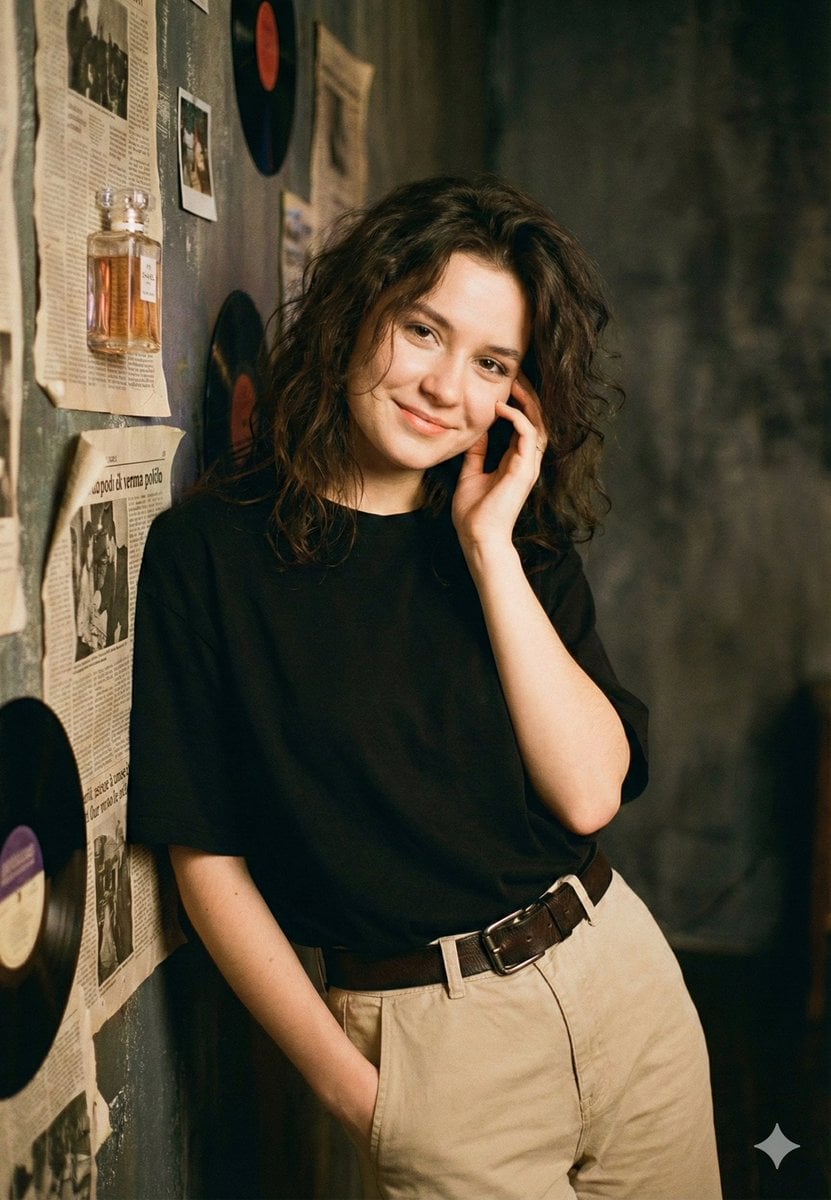
Vintage Rhythms Portrait Prompt
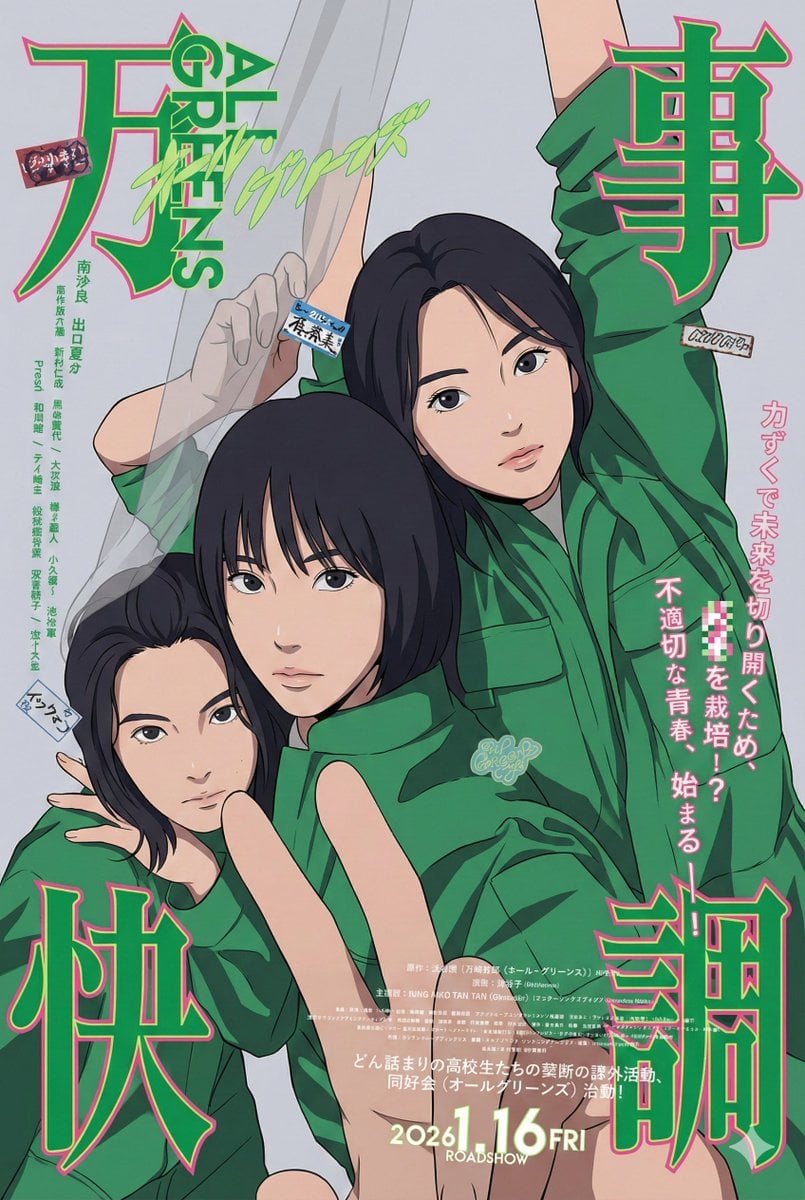
80s City Pop Illustration of Drama Characters
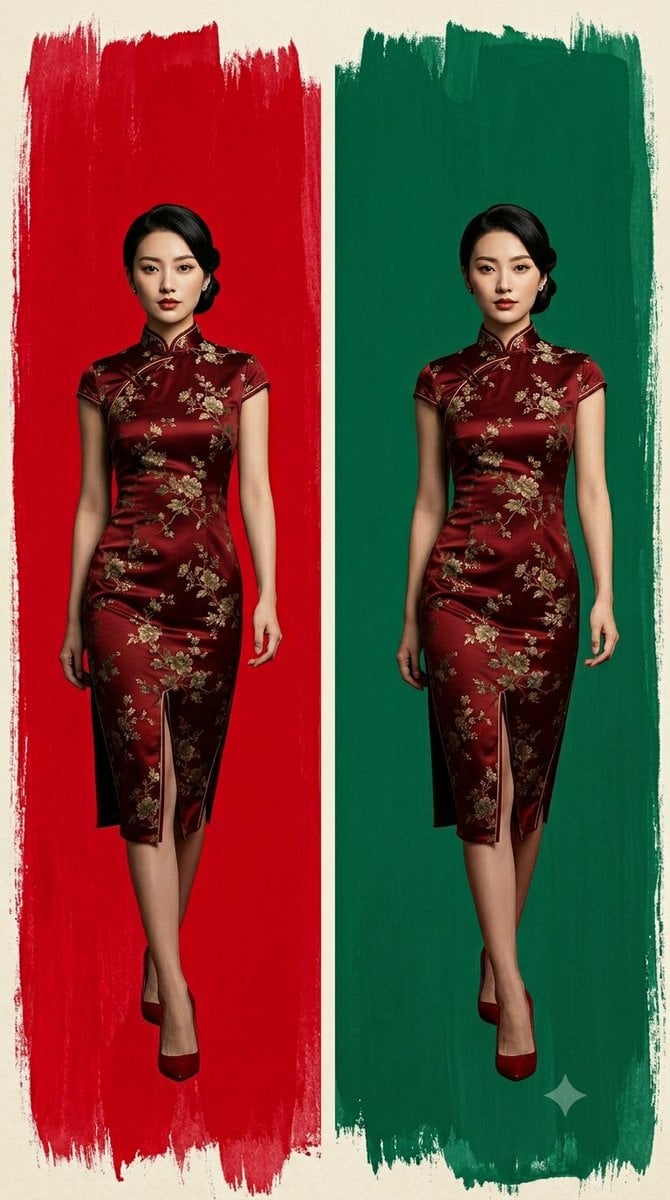
Cheongsam Fashion Diptych
Browse template categories
90s Retro Anime DJ Girl questions
How do I use the 90s Retro Anime DJ Girl template?
Add your photo if the template asks for one, edit the prompt if you like — the template's model and format are already selected — and press Generate. Your version opens in PicX Studio.
Can I customize the 90s Retro Anime DJ Girl template?
Yes. You can change the subject, setting, lighting, mood, format, and available model controls before creating your image.
Is the 90s Retro Anime DJ Girl template free?
Opening and editing this template is free. Generating uses credits, shown on the Generate button when you are signed in.
Which AI model should I use?
Start with GPT Image 2, which is the model associated with this template. You can compare another compatible model for a different finish.
Looking for something else? Browse all templates.

Your photo, any look
Thousands of ready templates for every top image and video model, from one credit balance.