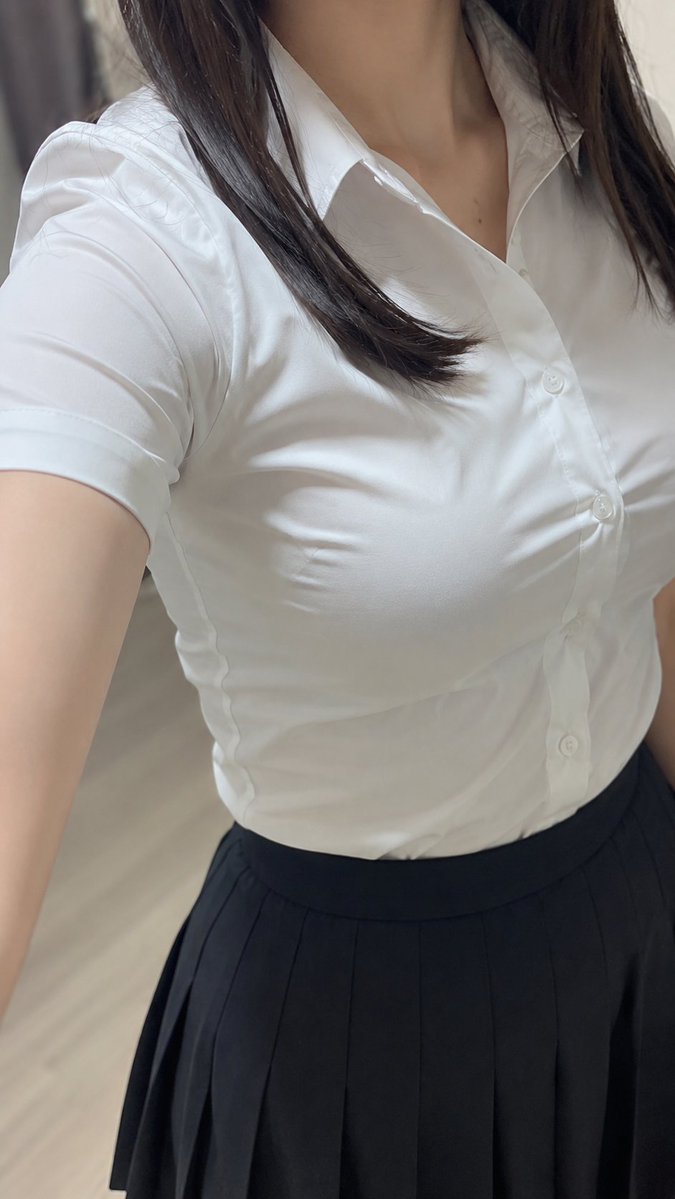
How do I use the Lakeside Car Selfie with Headphones template?
Choose the primary action to open PicX Studio with the available template settings. Review the model and format, personalize the creative direction, and generate when ready.
A photorealistic lifestyle selfie of an adult woman relaxing in a car by a lake while wearing headphones, suited for social media-style portrait generation. Change the subject, setting, or lighting one variable at a time.

Create a highly realistic vertical smartphone selfie photo of an adult East Asian woman resembling {argument name="character name" default="ANRI"} sitting in the front passenger seat of a modern car during a relaxed daytime outing. She has a short shoulder-length dark brown bob with side-swept bangs, smooth fair skin, soft natural makeup, defined eyes, and red-pink lips, looking directly into the camera with a calm gentle expression. She is wearing large white over-ear headphones, a delicate silver necklace with a tiny pendant, a fitted white ribbed sleeveless crop tank top, and white denim shorts. The selfie is taken from a slightly high wide-angle arm's-length perspective, with her extended arm visible at the right edge, creating a casual social-media feel. The car interior is black leather with a visible side window, door panel, seat, and headrest; outside the window is a bright scenic lakeside view with blue water, green trees, and softly blurred forested hills. Use natural daylight, soft flattering skin tones, shallow depth of field, crisp facial detail, realistic fabric texture, glossy car interior highlights, and a summery leisurely mood inspired by listening to music in free time. No text, no watermark, no extra people, no distorted anatomy.
Choose the primary action to open PicX Studio with the available template settings. Review the model and format, personalize the creative direction, and generate when ready.
Yes. You can change the subject, setting, lighting, mood, format, and available model controls before creating your image.
This template is free to open and customize. Generation usage is shown in PicX Studio before you create.
Start with GPT Image 2, which is the model associated with this template. You can compare another compatible model for a different finish.
Follow a topic to a crawlable collection of related PicX Studio templates.
43,474 public templates available. Verified via the PicX Studio public templates API; refreshed hourly.


















![Minimalist Flat Vector Travel Poster — Premium minimalist flat-vector travel poster for {argument name="city name" default="[CITY_NAME]"}, 3:4 vertical format.](https://cms-assets.youmind.com/media/1787917359711_3ug846_HQX205cbMAA6F6S-300x400.jpg)