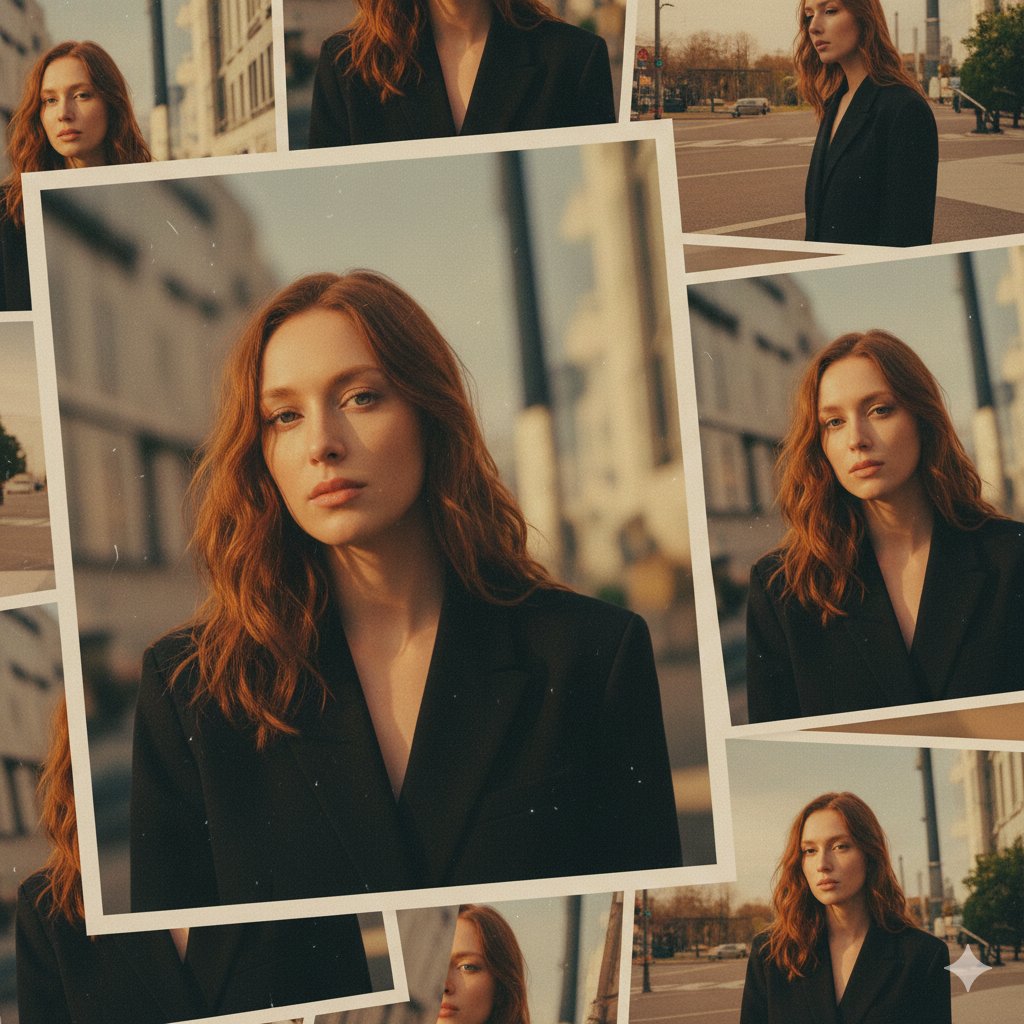
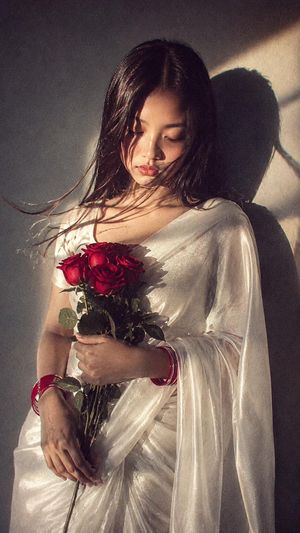
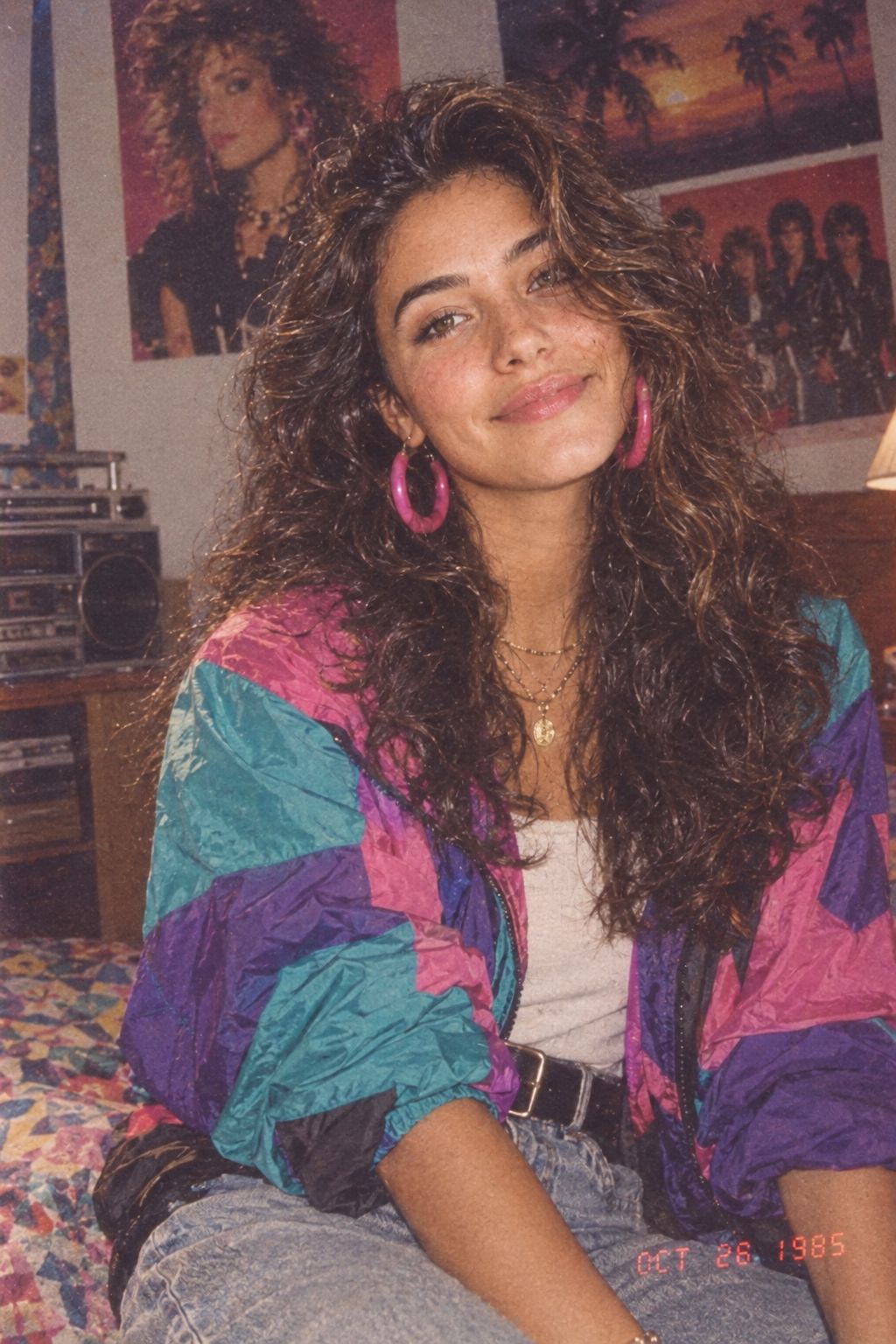
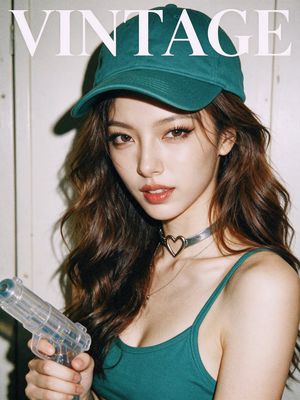
How do I use the Vintage Urban Film Portrait template?
Choose the primary action to open PicX Studio with the available template settings. Review the model and format, personalize the creative direction, and generate when ready.
A high-contrast vintage-style black and white photography prompt, focusing on a young woman in an oversized leather jacket against a dense urban backdrop.
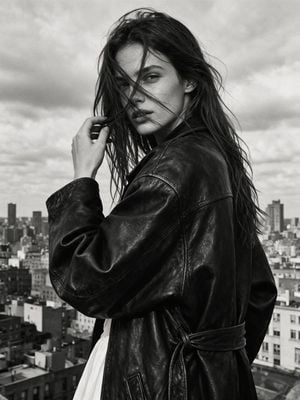
High-contrast black and white photography in vintage style with noticeable film grain, a close-up frame of a face in semi-profile, a young woman turns towards the camera, a strand of hair across her face. She touches her HAIR with her hand. Subject: {argument name="subject" default="Young woman with long dark disheveled hair"}. She is wearing an {argument name="outfit" default="oversized black leather jacket with wide sleeves"}, belted with a strap of the same fabric. A white slip or dress is visible under the jacket. Background: {argument name="background" default="Dense urban development on a cloudy day"}. Light and texture: Natural diffused daylight (overcast sky).
Choose the primary action to open PicX Studio with the available template settings. Review the model and format, personalize the creative direction, and generate when ready.
Yes. You can change the subject, setting, lighting, mood, format, and available model controls before creating your image.
This template is free to open and customize. Generation usage is shown in PicX Studio before you create.
Start with GPT Image 2, which is the model associated with this template. You can compare another compatible model for a different finish.
Follow a topic to a crawlable collection of related PicX Studio templates.