
RAKIB Social Media Design Poster
A vertical promotional poster template for a social media design brand featuring a central marketer, floating post mockups, and green premium branding.
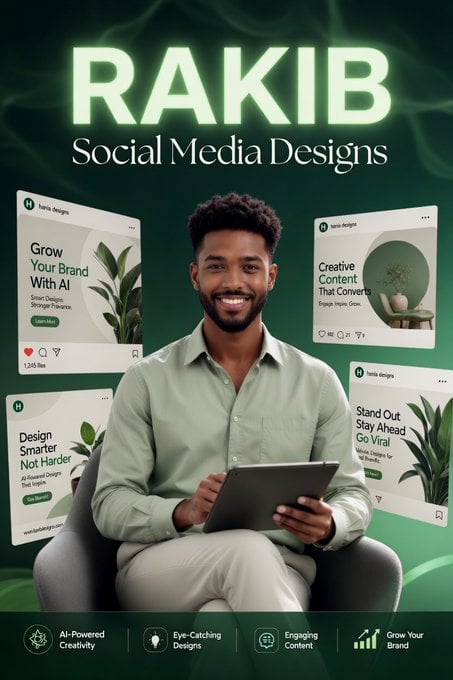
- Prompt included
- Model and format preset
- Free template
The prompt behind this image
Copy the exact prompt behind RAKIB Social Media Design Poster, or open it in the studio and make it yours.
Create a vertical social media promotional poster for {argument name="brand name" default="RAKIB"}, advertising {argument name="service line" default="Social Media Designs"}. Use a deep emerald-green studio background with soft smoky abstract waves and a subtle glowing aura behind the headline. Center a smiling young Black male designer/marketer seated in a modern gray armchair, wearing a pale sage-green button-up shirt and beige pants, holding a dark tablet with both hands. Make the portrait realistic, polished, and commercial, with soft front lighting and a confident friendly expression. Canvas and layout: portrait 2:3 ratio, poster-style composition. At the very top, place the huge uppercase word “RAKIB” in bold sans-serif letters, glowing pale mint-white. Directly below it, place “Social Media Designs” in an elegant white serif font. The person occupies the center lower half, overlapping the floating content cards around him. Floating cards: include exactly 4 tilted Instagram-style post mockup cards surrounding the subject, each with a white/cream background, rounded corners, tiny social icons, and the small header name “haris designs” with a green circular logo. Card 1 at upper left: headline “Grow Your Brand With AI,” with plant imagery and a green call-to-action pill. Card 2 at upper right: headline “Creative Content That Converts,” with a circular green interior/product image. Card 3 at lower left: headline “Design Smarter Not Harder,” with a leaf image. Card 4 at lower right: headline “Stand Out Stay Ahead Go Viral,” with a plant image. Keep all card text small but readable enough to imply social media design templates. Bottom feature strip: add a dark translucent green bar across the bottom with exactly 4 feature groups separated by thin vertical divider lines. From left to right: an AI/star icon labeled “AI-Powered Creativity”; a lightbulb icon labeled “Eye-Catching Designs”; a chat bubble icon labeled “Engaging Content”; an upward bar chart icon labeled “Grow Your Brand.” Visual style: premium digital marketing ad, realistic portrait combined with clean UI mockups, mint-green glow accents, high contrast, crisp typography, professional Instagram growth branding. No watermark, no extra logos beyond the mockup headers, no additional people, and no clutter.
How to use RAKIB Social Media Design Poster in 3 steps
- 1Upload ImagePNG, JPG or paste
Add your photo
Upload the photo the template builds on. The prompt, model and format are already set.
- 2…a portrait of your subject in softgolden-hour light, 85mm…
Personalize
Edit the subject and creative details for your destination.
- 3Generate
Generate
Press Generate — your image is created in PicX Studio, so you can compare it with the original and refine one variable at a time.
More like this
Templates with the same subject, style or setup. Open one to see its prompt.
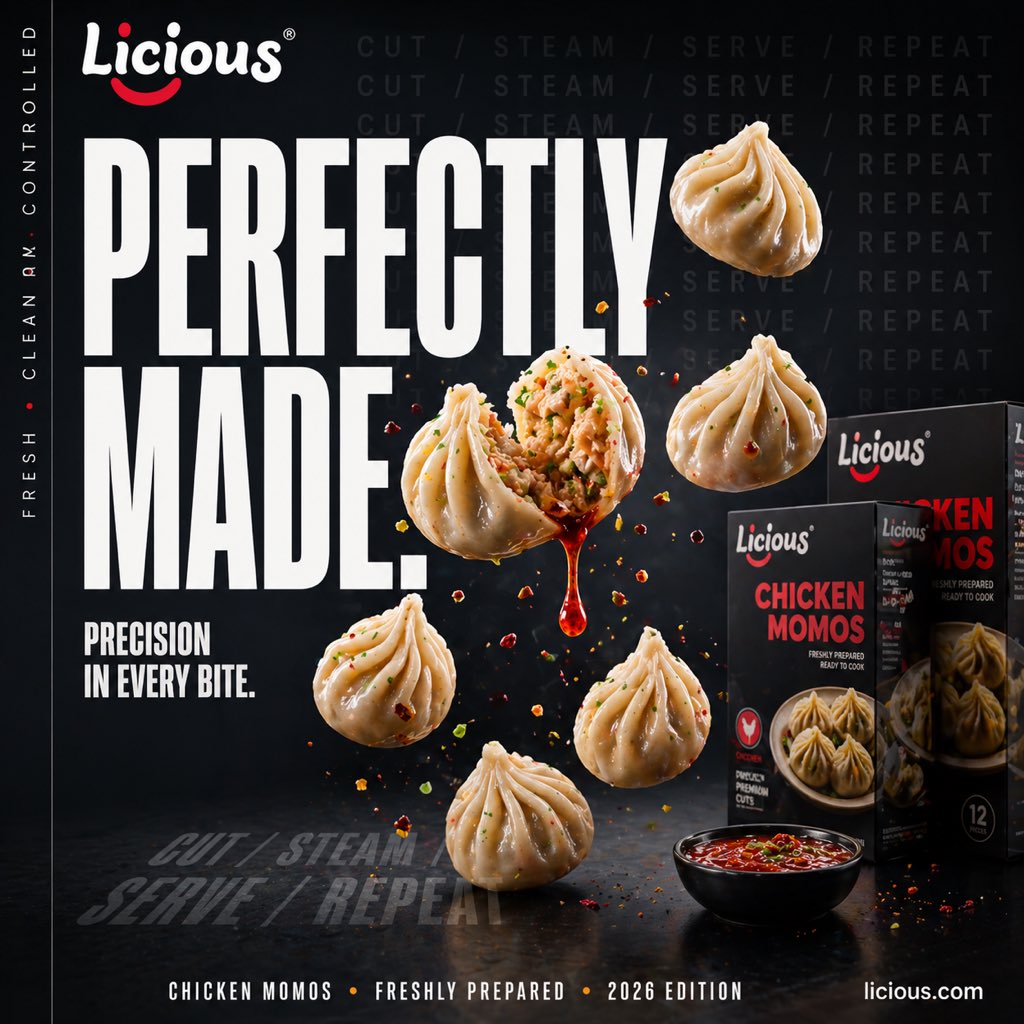
Gpt2 Social Media Post Cinematic Chicken Momos Ad Poster
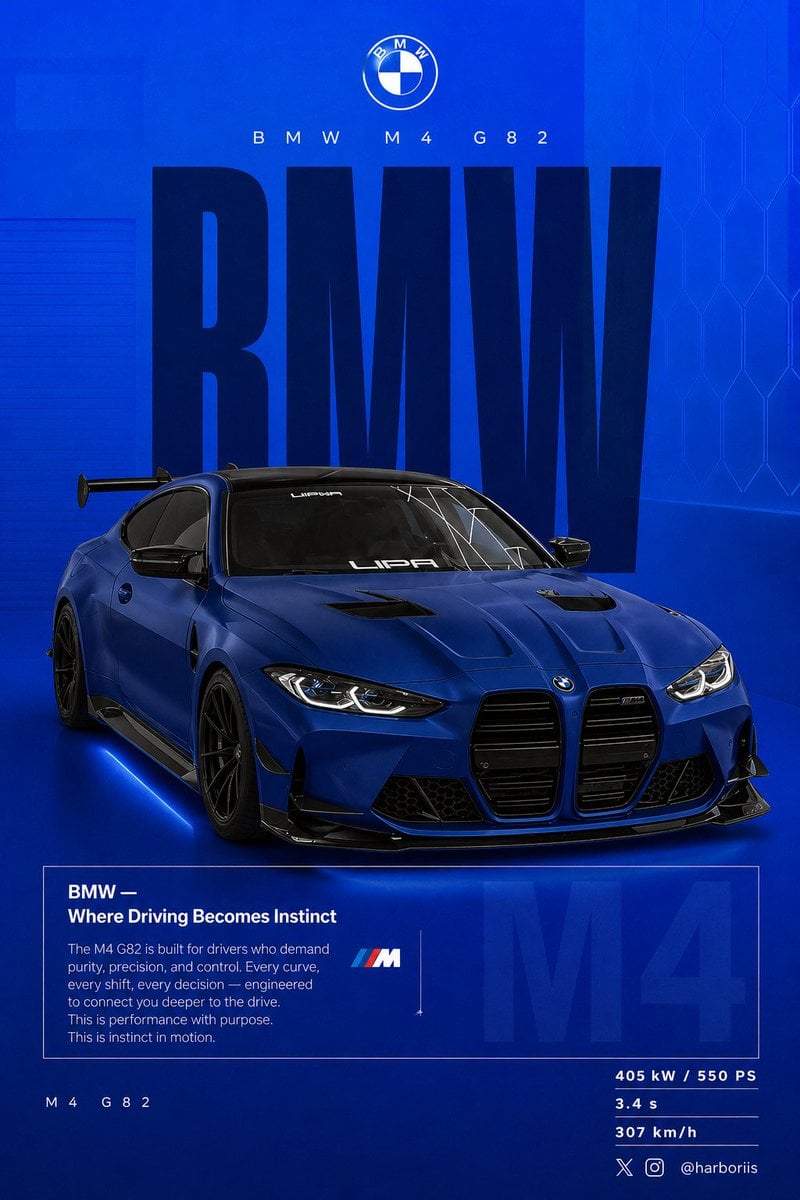
Gpt2 Social Media Post Bmw Performance Social Poster

Japan Travel Brochure Poster
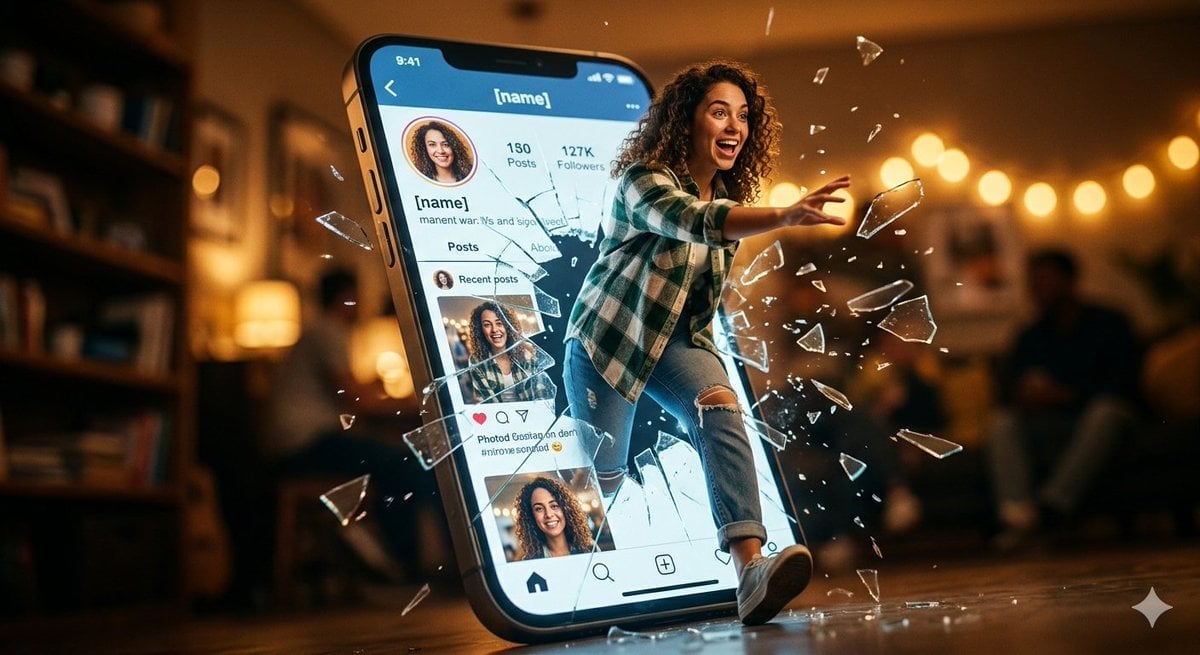
Shattered Screen Social Media Ad
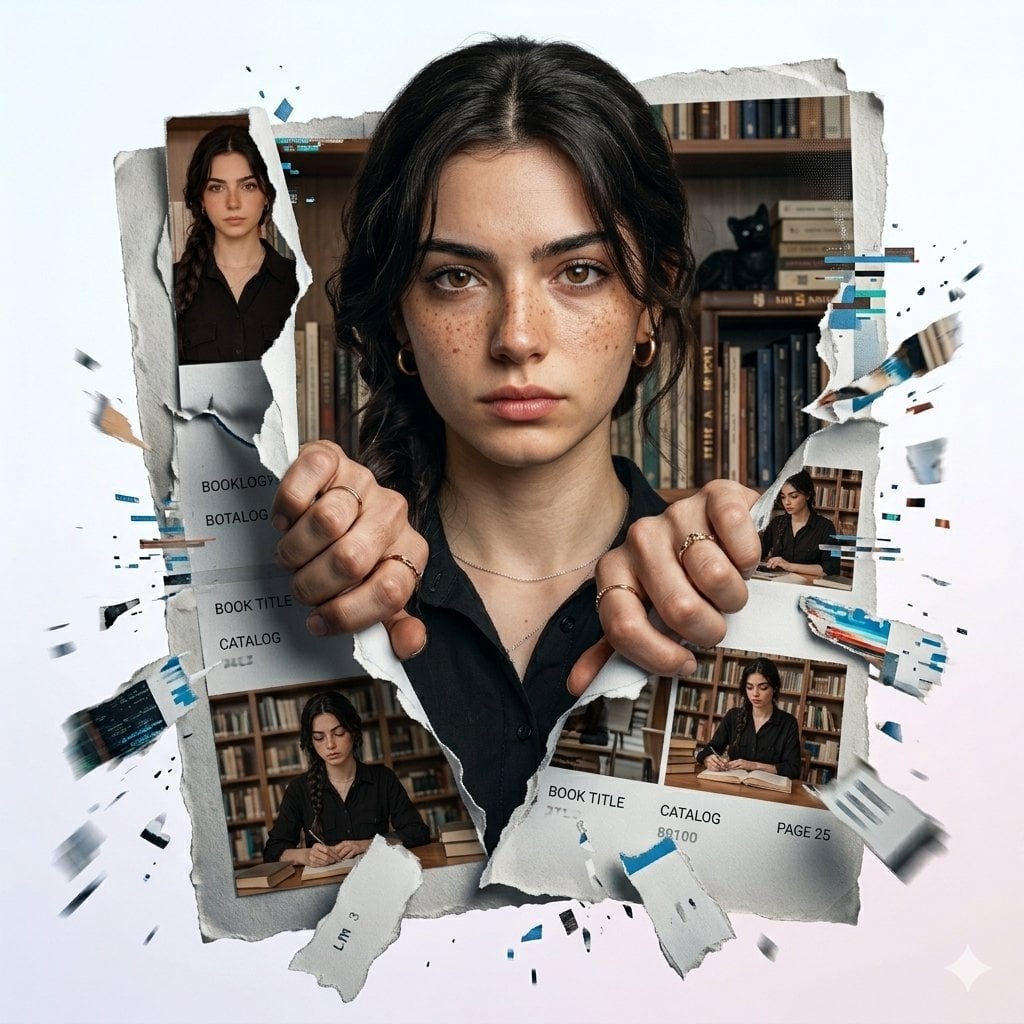
Torn Social Media Profile Art

Cartoon TV Show Poster Pack

Trendy Cafe Drink Promo Poster

Urban Fashion Editorial Collage Streetwear Poster

Premium Fashion Editorial Cover Layout System

Polo Ralph Lauren Luxury American Heritage Fashion Campaign

Monochrome Halftone Editorial Fashion Poster
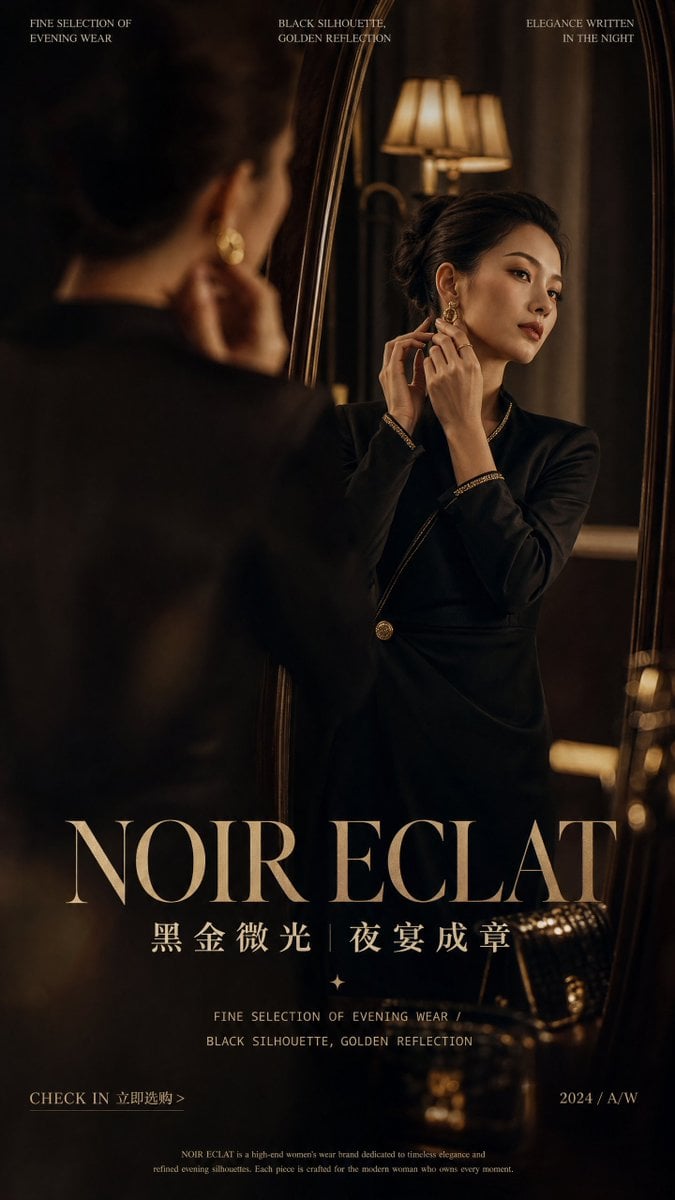
Retro Mirror Luxury Fashion Campaign Poster
Make it yours
RAKIB Social Media Design Poster works as-is. These are the safest ways to change it without losing the look.
Change one field
Copy a single group, rewrite it, and generate again so you can see what that field is doing.
Keep the frame, change the subject
Hold the composition and light of RAKIB Social Media Design Poster, then swap wardrobe, props or the person for a new take.
| If the result… | Why | Fix |
|---|---|---|
| The result drifts from the preview | Too many fields changed at once. | Reuse RAKIB Social Media Design Poster as-is first, then change one group — subject, light, or setting. |
| The model over-stylizes the scene | The prose prompt leaves finish and camera underspecified. | Add one camera or lighting sentence and stay on GPT Image 2. |
More GPT Image 2 templates
Other prompts made for GPT Image 2.

Six VTuber Japanese Logo Sheet

Realistic Portrait of Woman and Deer

The Vista Modular Condo Poster

AI Model Routing Comparison Infographic

2.5D Anime Art Board

Isometric Productivity Desk Scene

New York Double Exposure Poster

Four-Panel AI Landscape Comparison

Japanese Tatami Lifestyle Magazine Cover

NESCAFÉ Coffee Map Poster
More image prompts
Fresh picks from across the catalog.

Pure White Fairy Fortune Teller
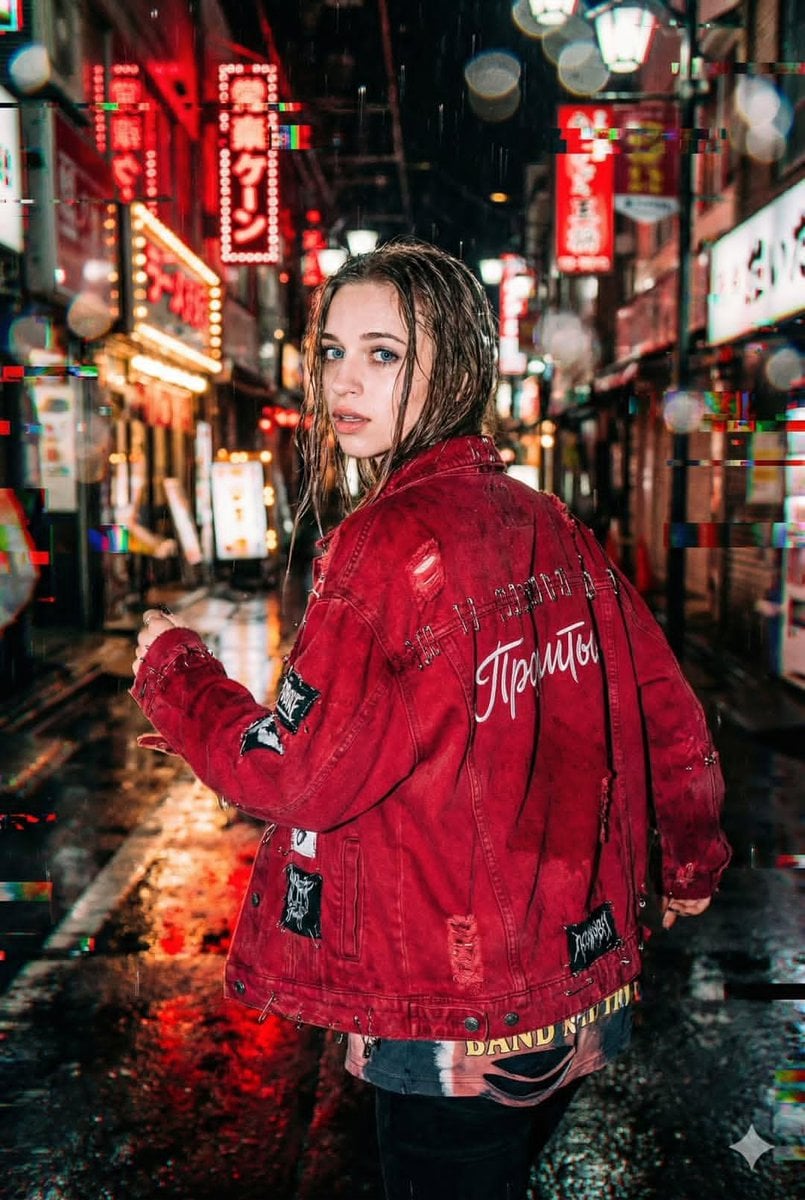
Neo-Tokyo Street Style Portrait Prompt with Glitch Effects
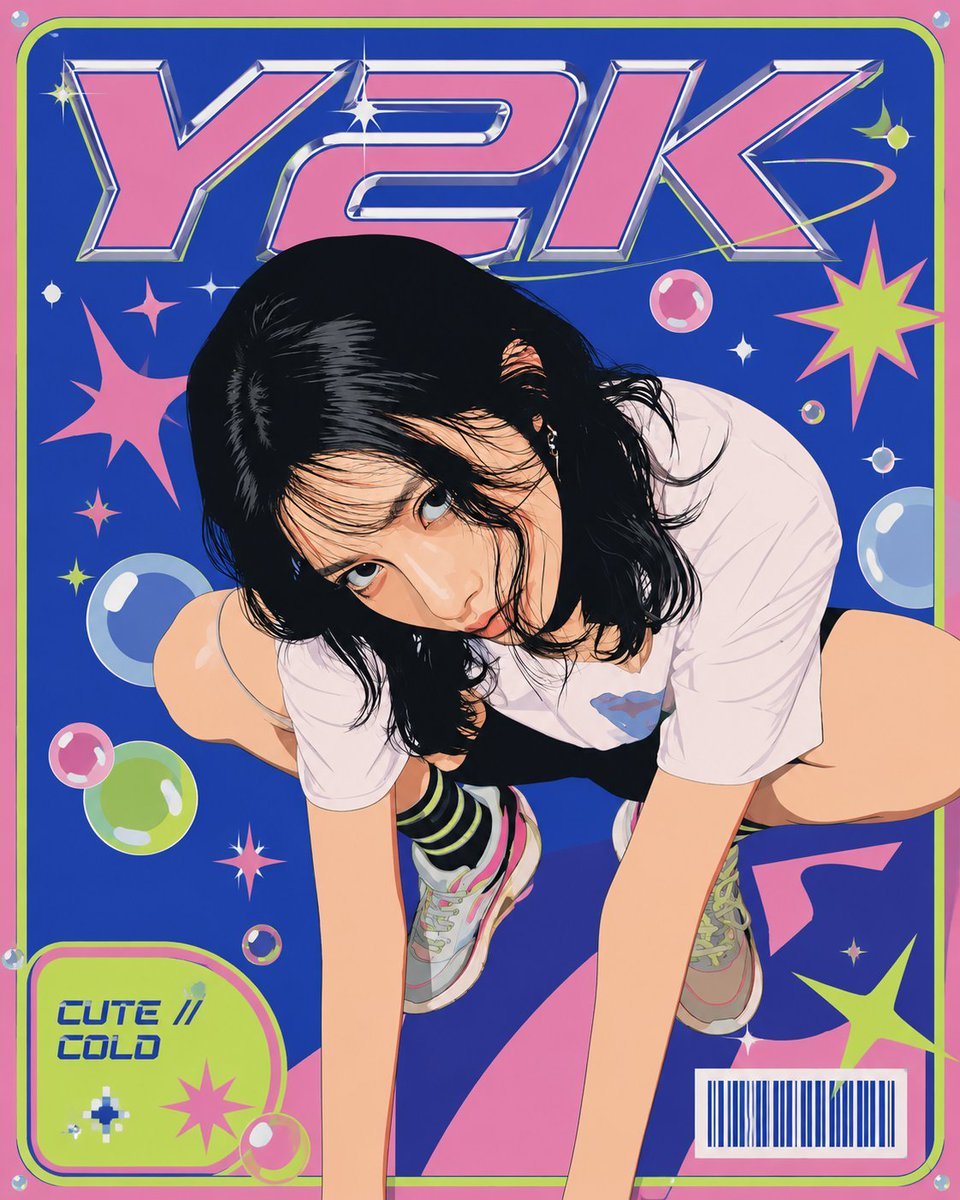
Y2K Vector Magazine Cover
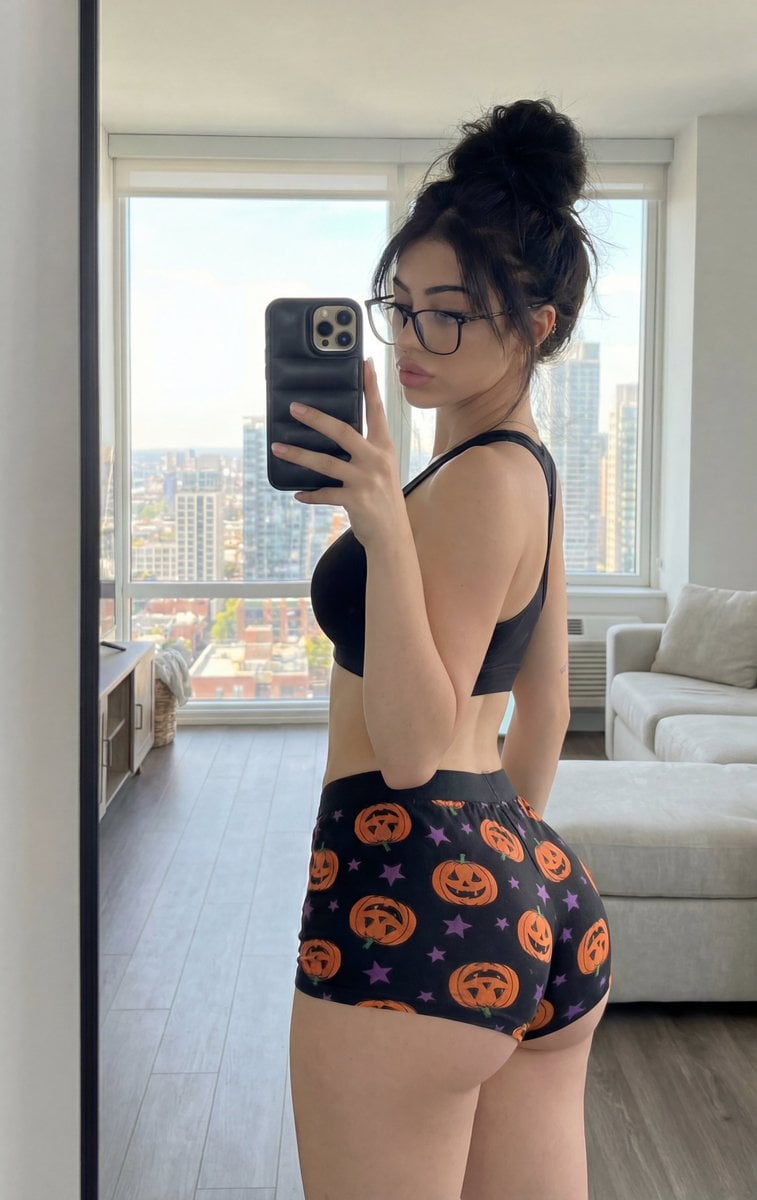
Detailed structured prompt for a photorealistic mirror selfie of an athletic woman
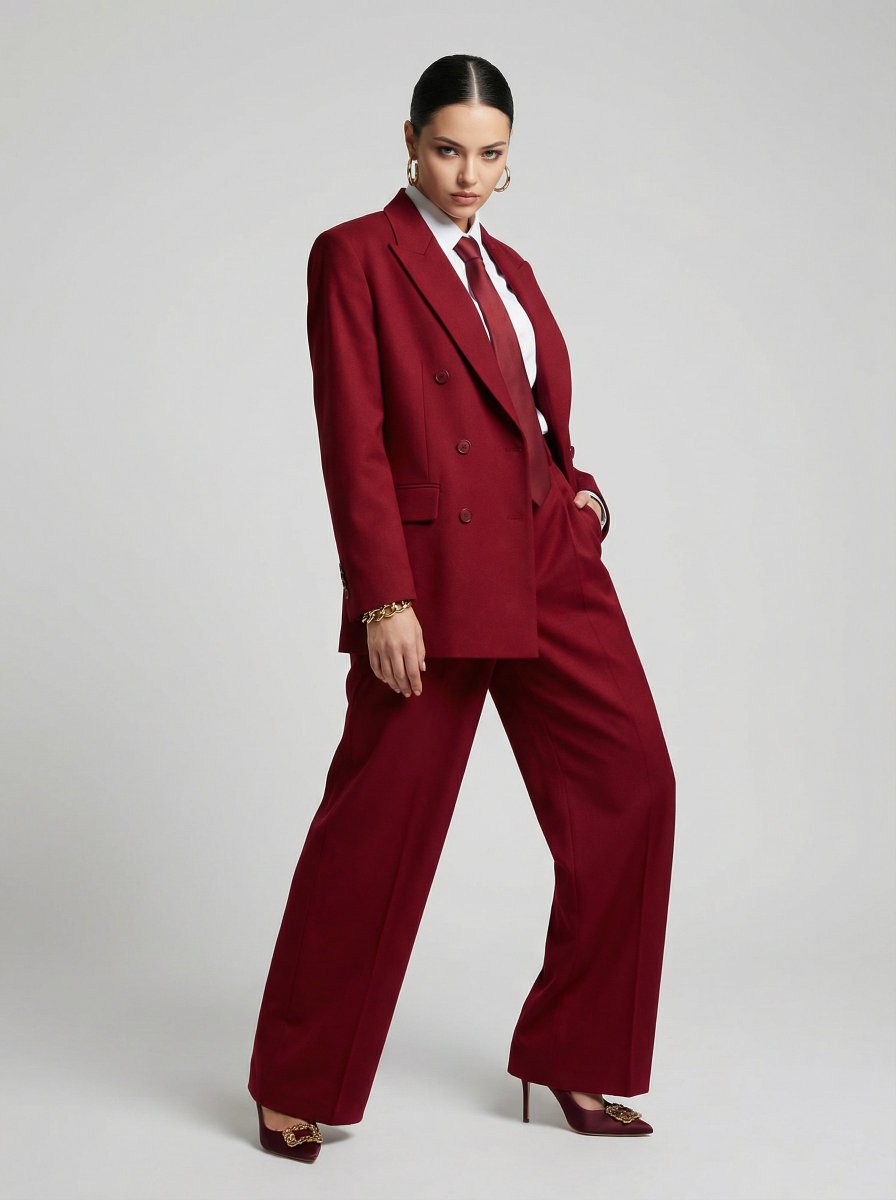
JSON Prompt for High-Fashion Editorial Portrait in Crimson Suit
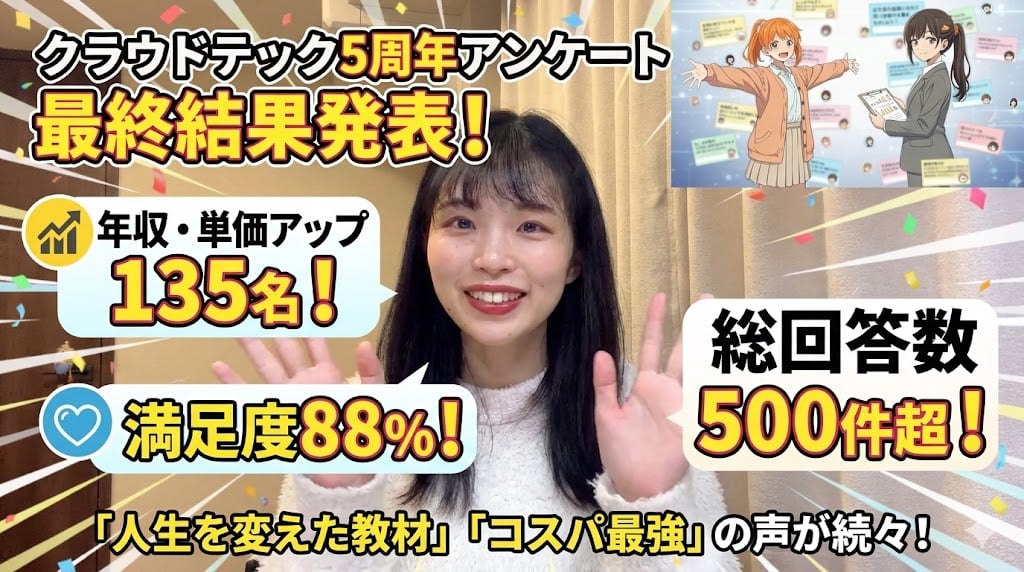
Eyecatch Image Generation from Video Transcript
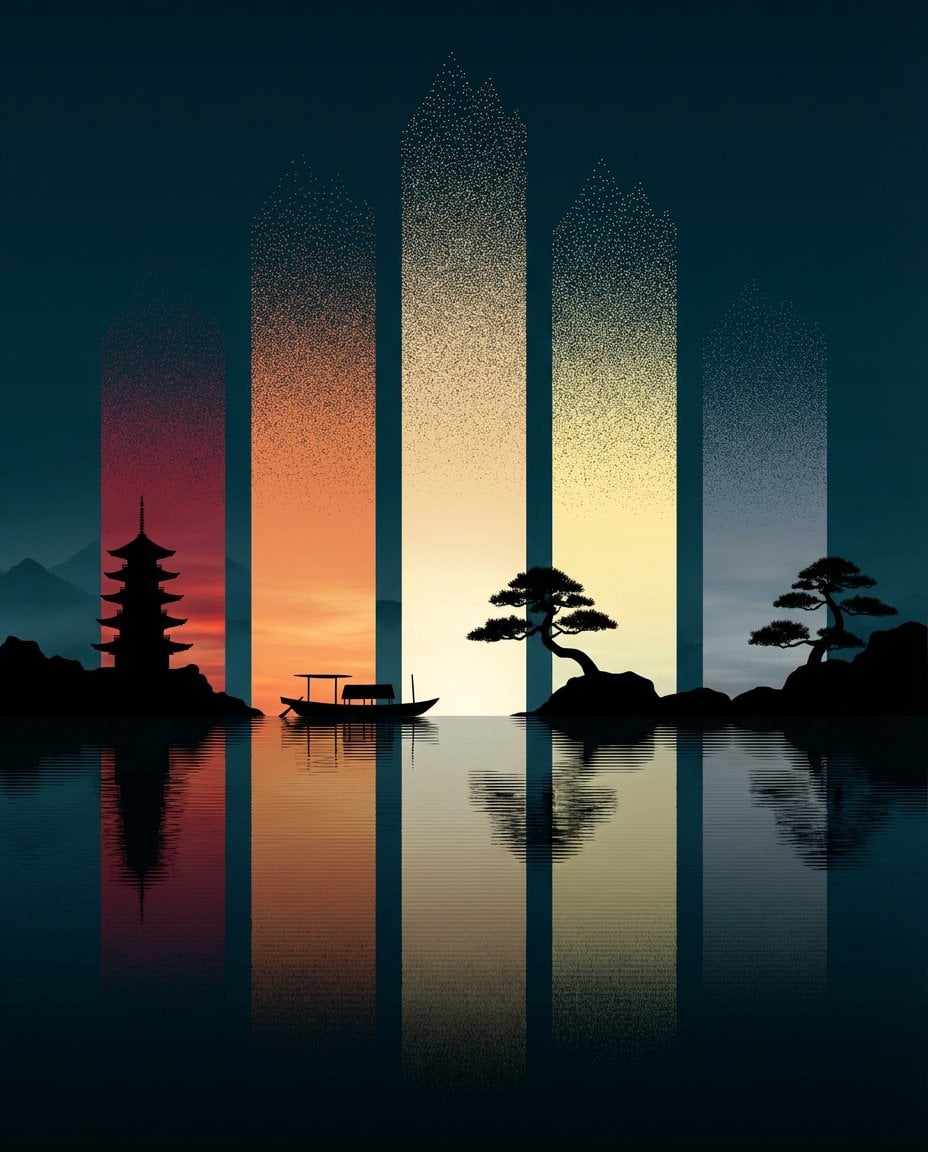
Abstract Eastern Zen Landscape with Time-Slice Lighting
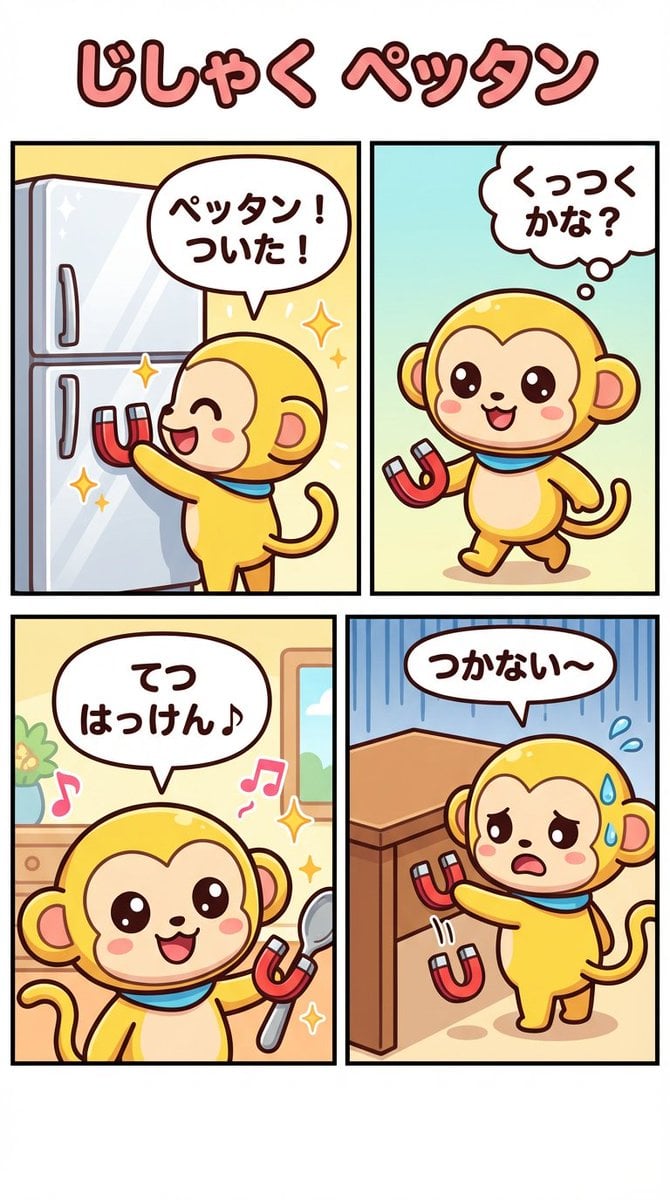
Nano-kun's Daily Life: Magnet Comic Strip Prompt
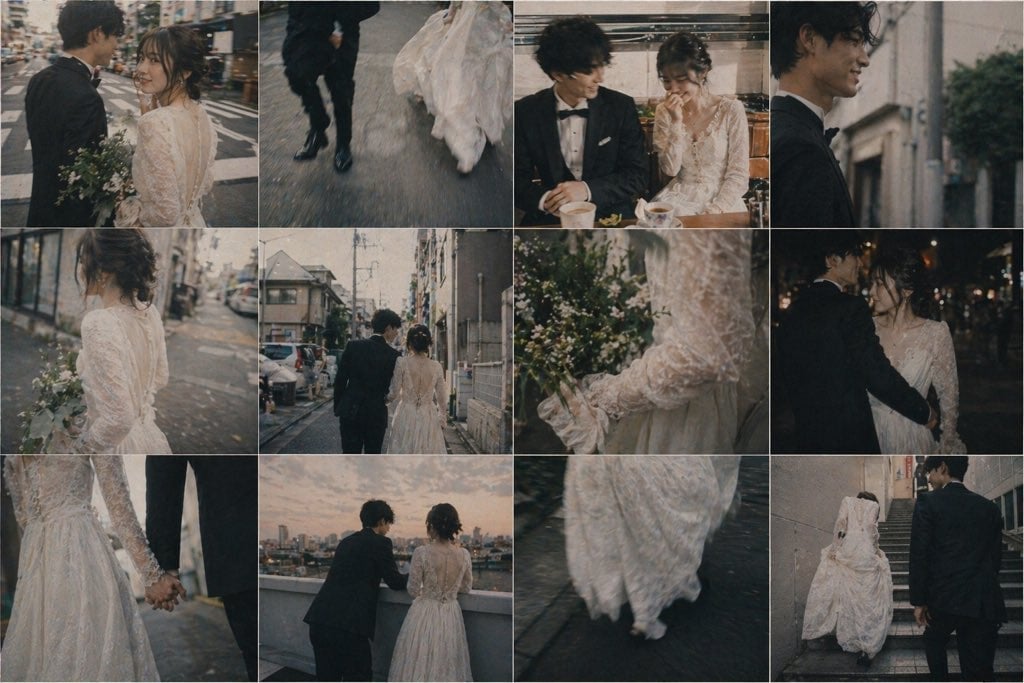
Emotional Japanese Wedding Photo Collage
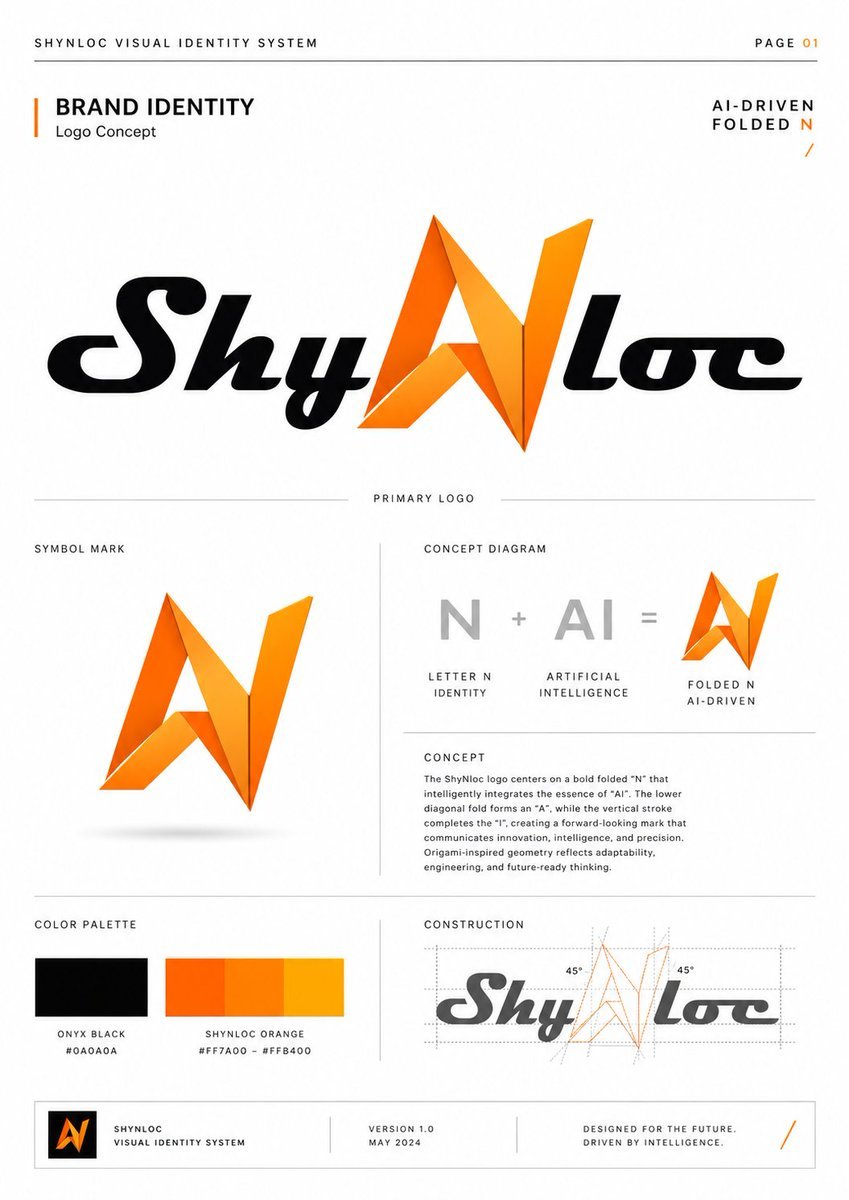
Shynloc Brand Identity Sheet
Browse template categories
RAKIB Social Media Design Poster questions
How do I use the RAKIB Social Media Design Poster template?
Add your photo if the template asks for one, edit the prompt if you like — the template's model and format are already selected — and press Generate. Your version opens in PicX Studio.
Can I customize the RAKIB Social Media Design Poster template?
Yes. You can change the subject, setting, lighting, mood, format, and available model controls before creating your image.
Is the RAKIB Social Media Design Poster template free?
Opening and editing this template is free. Generating uses credits, shown on the Generate button when you are signed in.
Which AI model should I use?
Start with GPT Image 2, which is the model associated with this template. You can compare another compatible model for a different finish.
Looking for something else? Browse all templates.

Your photo, any look
Thousands of ready templates for every top image and video model, from one credit balance.