
French Clio 5 Rental Flyer
A polished vertical French car rental advertisement featuring a blue compact car, pricing, benefits, and reservation contact details.
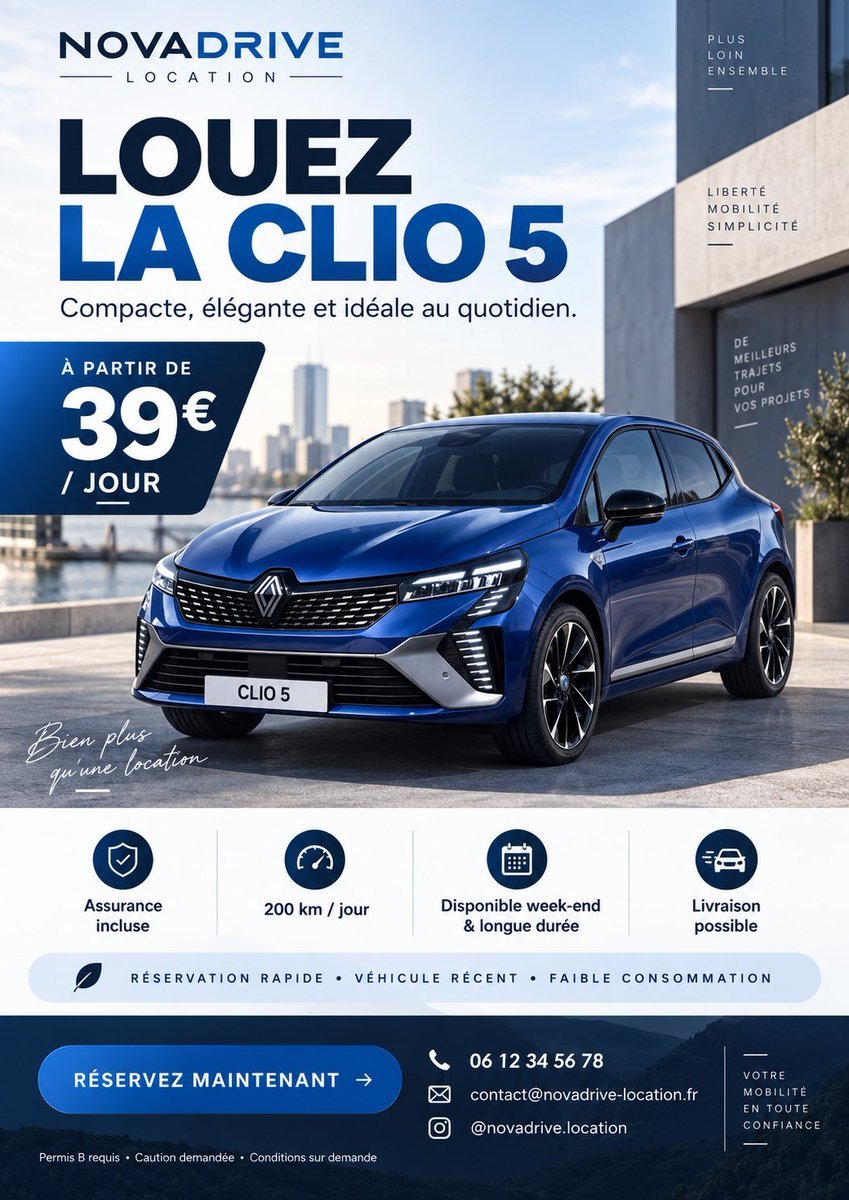
- Prompt included
- Model and format preset
- Free template
The prompt behind this image
Copy the exact prompt behind French Clio 5 Rental Flyer, or open it in the studio and make it yours.
Goal: Create a premium French car rental advertising flyer for {argument name="brand name" default="NOVADRIVE"}, promoting {argument name="car model" default="CLIO 5"} with a modern blue-and-white corporate style, realistic automotive photography, and clean graphic design. Canvas: Vertical portrait flyer, 4:5 ratio, high-resolution, designed like a polished social media ad or printed rental flyer. Use a bright urban waterfront setting with modern architecture, blue sky, soft daylight, and a realistic glossy blue compact hatchback parked front three-quarter view in the lower center. Layout: Top-left logo area with the brand name “NOVADRIVE” in bold navy uppercase, with “LOCATION” spaced below between thin horizontal lines. Main headline below: very large bold French text “LOUEZ” in dark navy, then “LA CLIO 5” in vivid blue. Under it, smaller subtitle: “Compacte, élégante et idéale au quotidien.” Place a dark navy rounded angled price tag on the left side overlapping the car scene, reading “À PARTIR DE” above a huge “39€” and “/ JOUR” below. Add a small handwritten white script near the lower-left of the car image: “Bien plus qu’une location”. Main subject: A realistic Renault-style blue compact car with black grille, sharp LED headlights, black-and-silver wheels, license plate reading “CLIO 5”, strong reflections on the bodywork, parked on a clean concrete plaza beside water and modern buildings. Keep the car dominant and photorealistic. Right-side building text: Add exactly 3 small vertical typographic blocks on the modern building facade: 1) “PLUS LOIN ENSEMBLE”, 2) “LIBERTÉ MOBILITÉ SIMPLICITÉ”, 3) “DE MEILLEURS TRAJETS POUR VOS PROJETS”, each in small uppercase white or navy with thin decorative lines. Benefits section: Under the car image, create a white horizontal strip containing exactly 4 evenly spaced icon-and-label columns separated by thin vertical dividers: 1) shield icon, “Assurance incluse”; 2) speedometer icon, “200 km / jour”; 3) calendar icon, “Disponible week-end & longue durée”; 4) fast car delivery icon, “Livraison possible”. Below these, add a pale blue rounded pill with a small leaf icon and uppercase text: “RÉSERVATION RAPIDE • VÉHICULE RÉCENT • FAIBLE CONSOMMATION”. Bottom call-to-action band: Use a dark navy footer with a subtle mountain or road landscape texture. On the left, place a large rounded blue button reading {argument name="call to action" default="RÉSERVEZ MAINTENANT →"}. In the center-right, show exactly 3 contact rows with white line icons: phone “06 12 34 56 78”, email “[email protected]”, Instagram “@novadrive.location”. At the very bottom-left in tiny white text: “Permis B requis • Caution demandée • Conditions sur demande”. On the far right, a narrow boxed slogan: “VOTRE MOBILITÉ EN TOUTE CONFIANCE” with thin decorative lines. Visual style: Sleek French rental advertisement, bold geometric sans-serif typography, deep navy and electric blue palette, high contrast, generous spacing, professional agency-grade layout, crisp icons, realistic photo-composite lighting, no clutter, no random decorative circles, no extra information beyond the specified text.
How to use French Clio 5 Rental Flyer in 3 steps
- 1Upload ImagePNG, JPG or paste
Add your photo
Upload the photo the template builds on. The prompt, model and format are already set.
- 2…a portrait of your subject in softgolden-hour light, 85mm…
Personalize
Edit the subject and creative details for your destination.
- 3Generate
Generate
Press Generate — your image is created in PicX Studio, so you can compare it with the original and refine one variable at a time.
More like this
Templates with the same subject, style or setup. Open one to see its prompt.
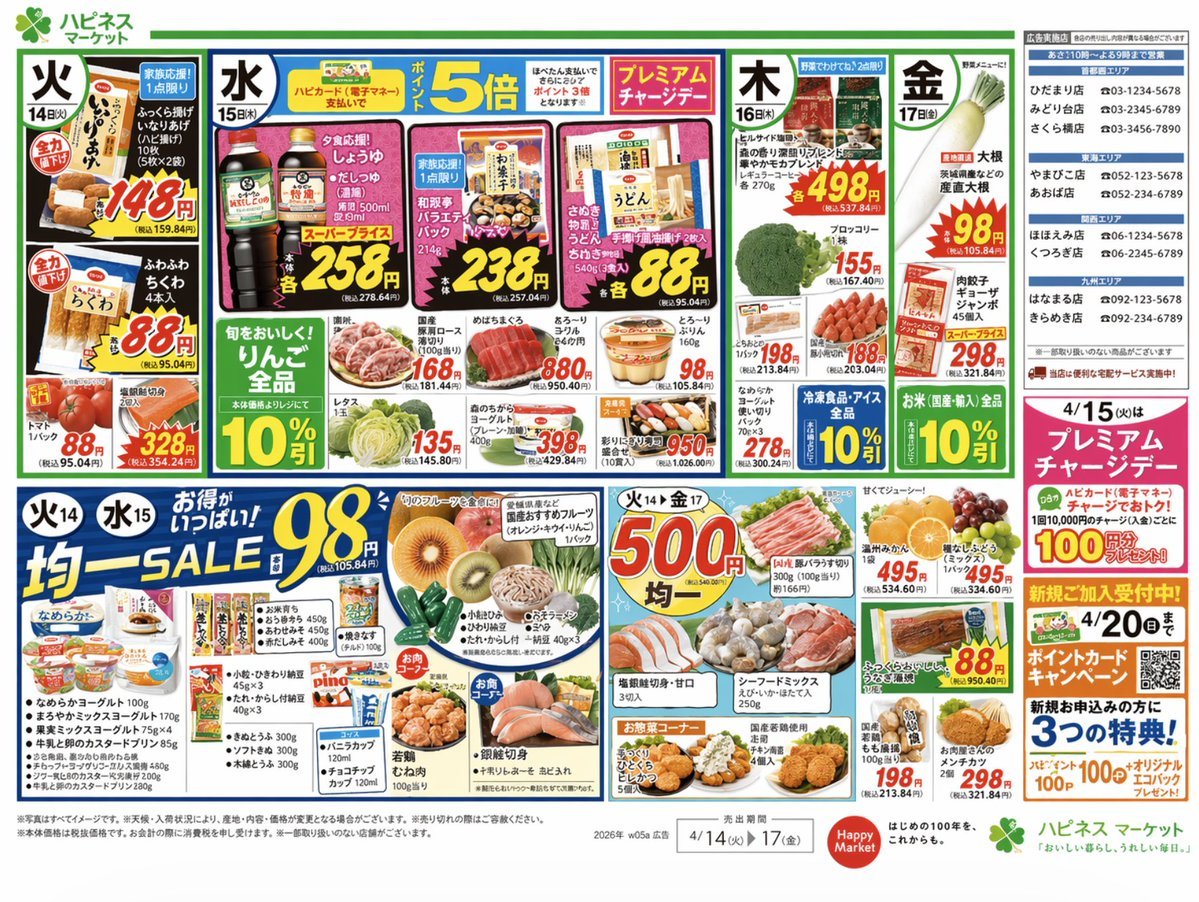
Japanese Supermarket Promotional Flyer

Romantic Mopping Slip in Rental Kitchen
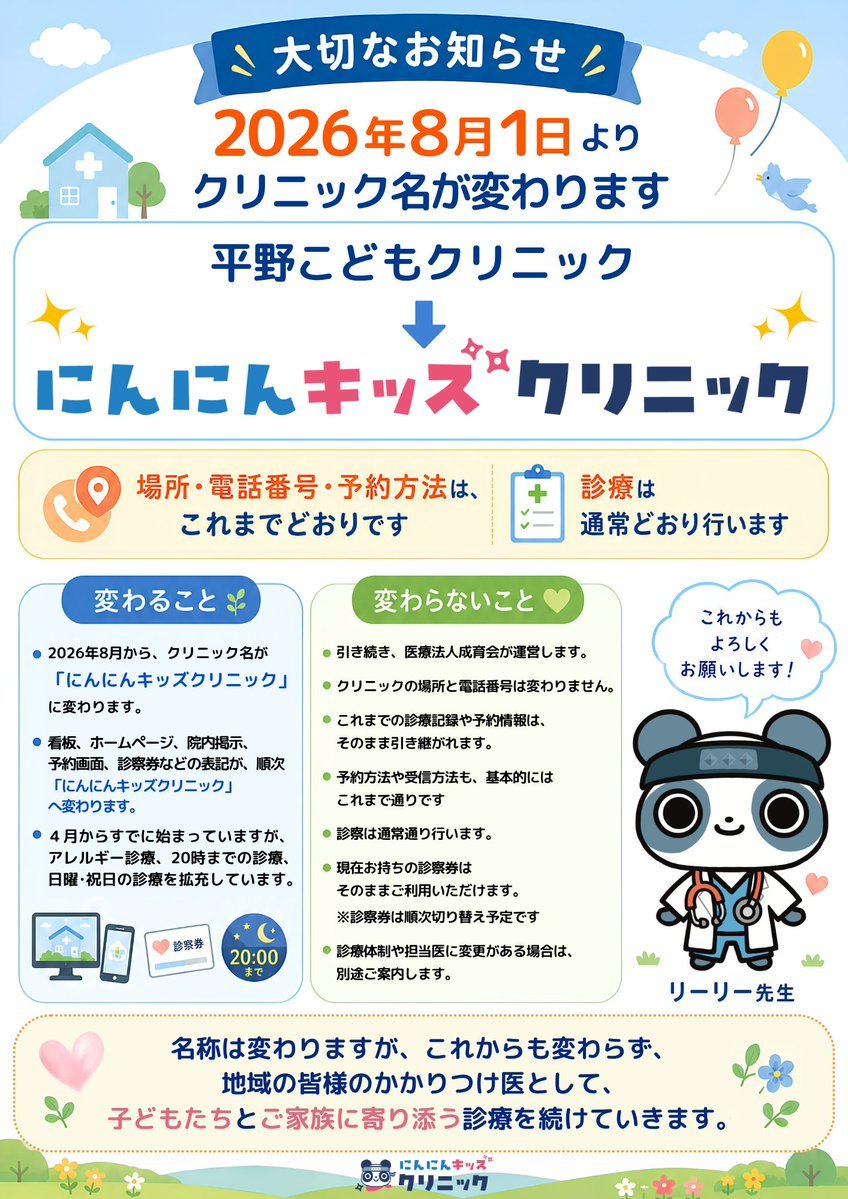
Japanese Pediatric Clinic Name Change Flyer
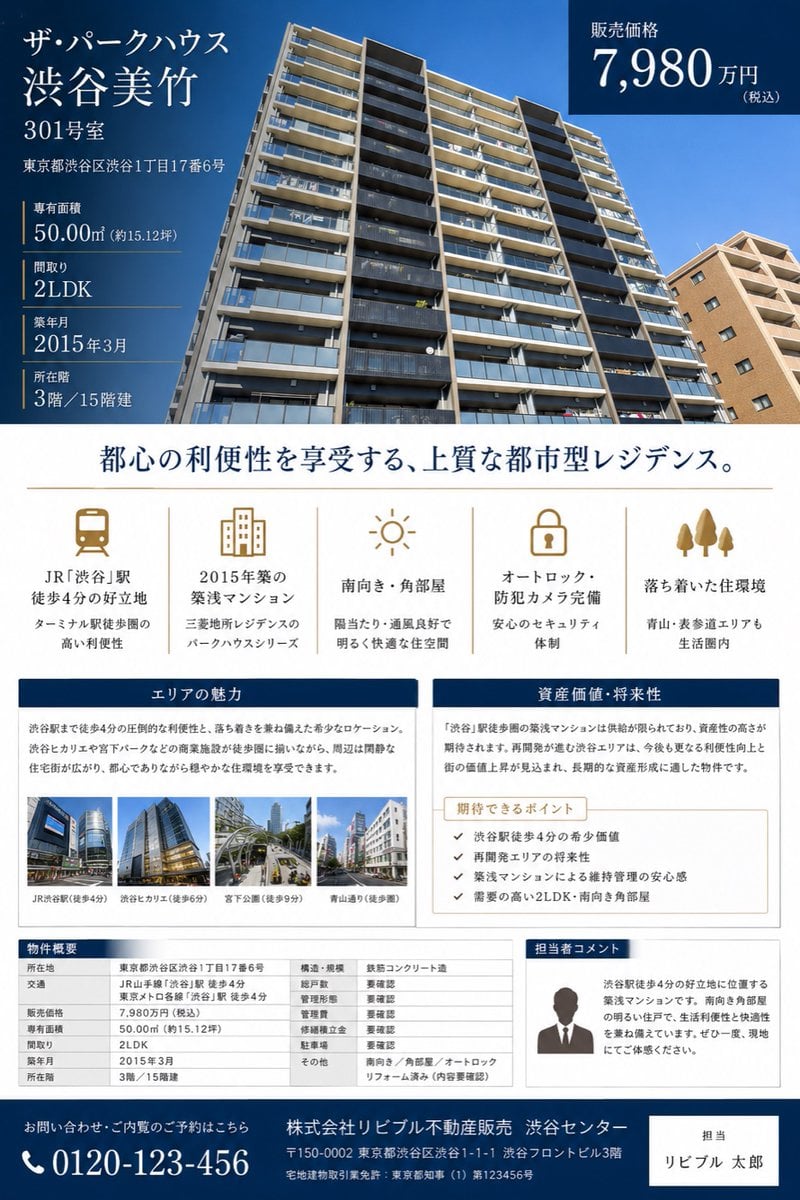
Japanese Luxury Condo Sales Flyer
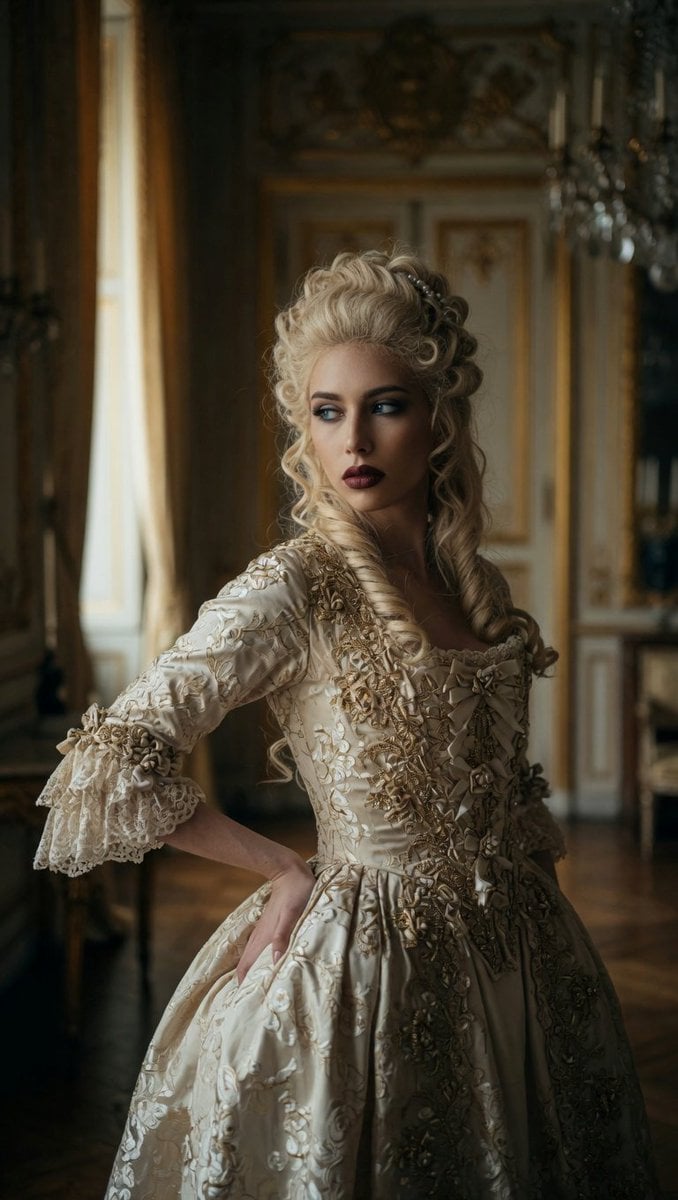
Marie Antoinette French Palace Portrait
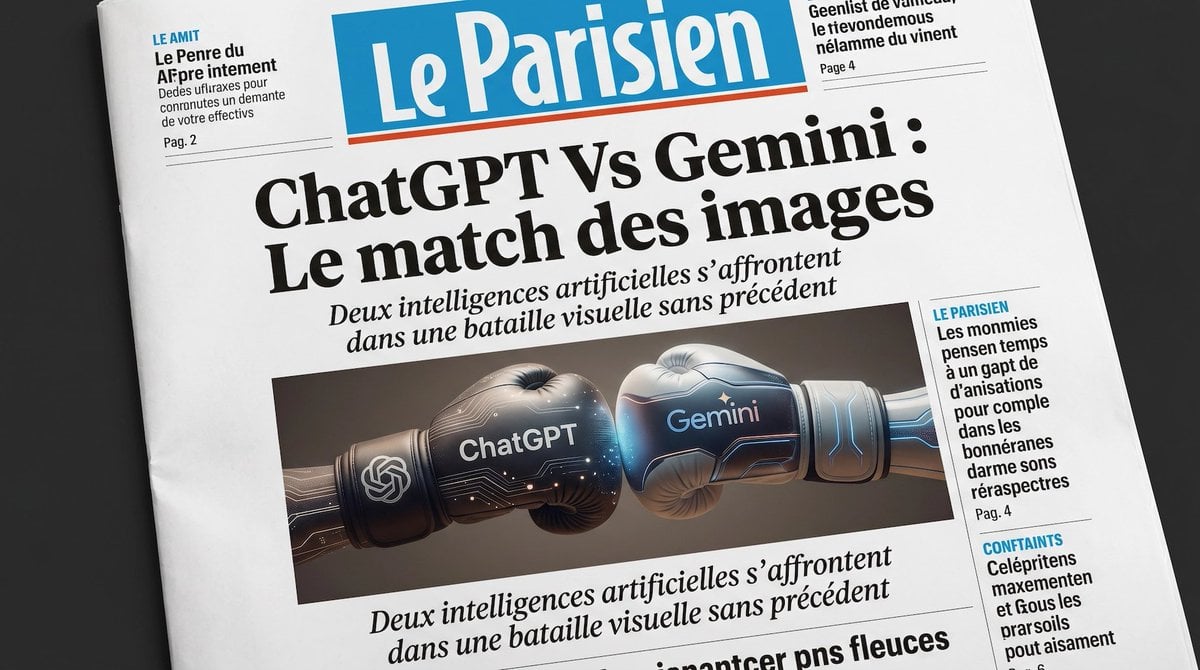
French AI Newspaper Front Page
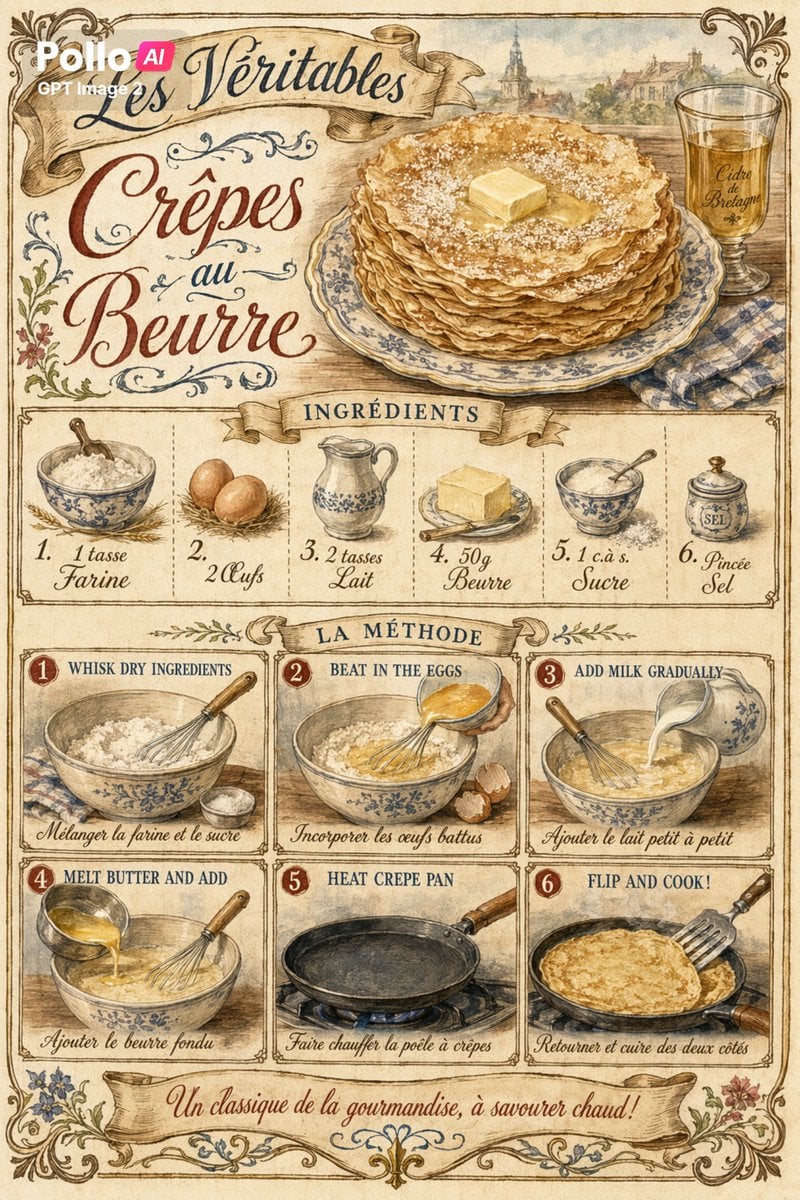
Vintage French Crepe Recipe Poster
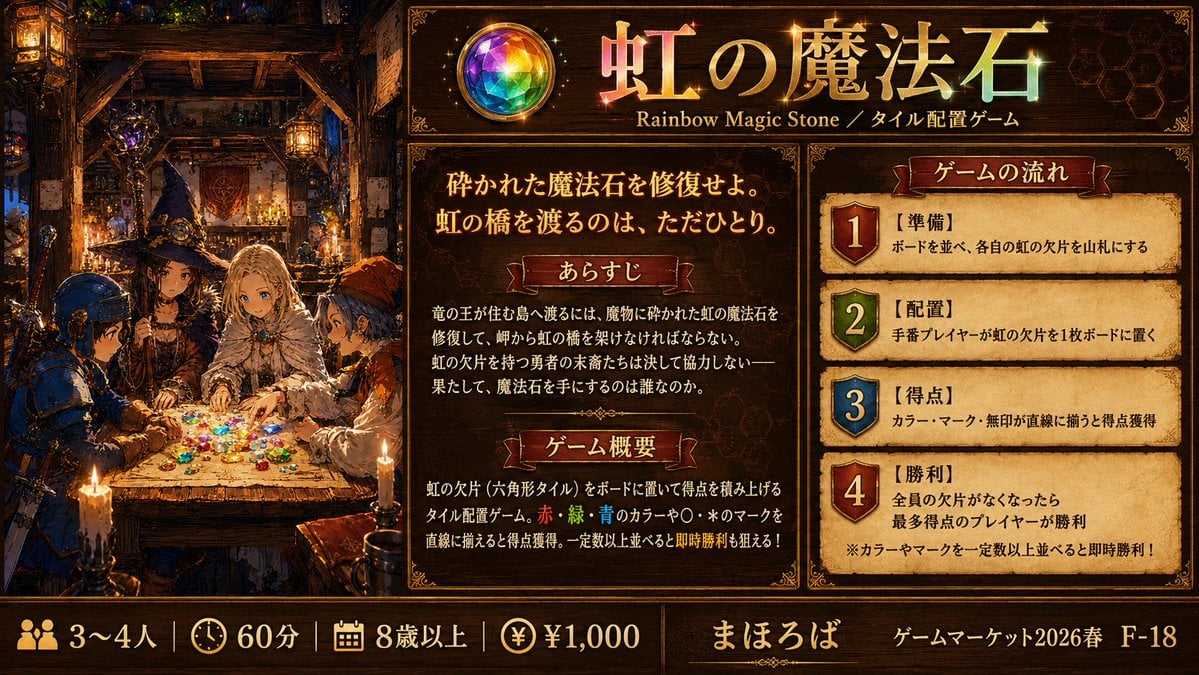
Rainbow Magic Stone Board Game Flyer
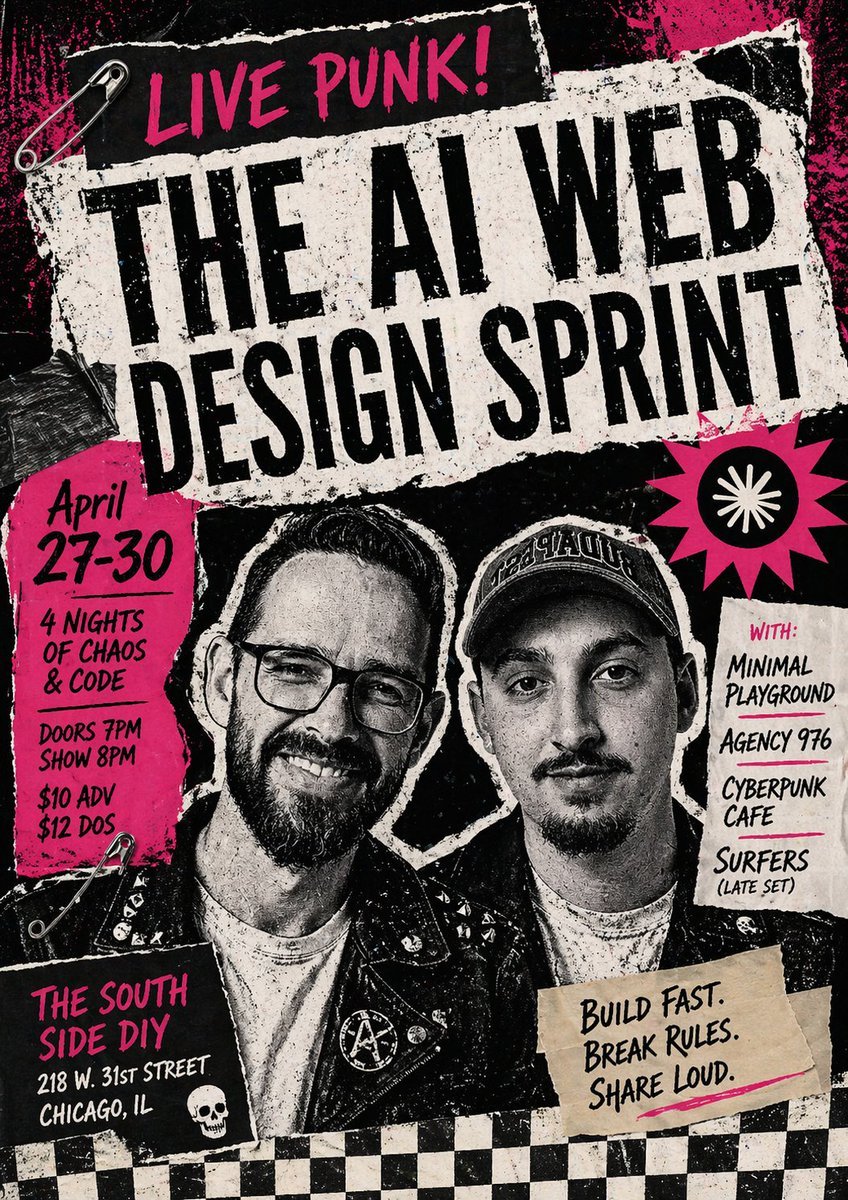
Punk AI Sprint Flyer
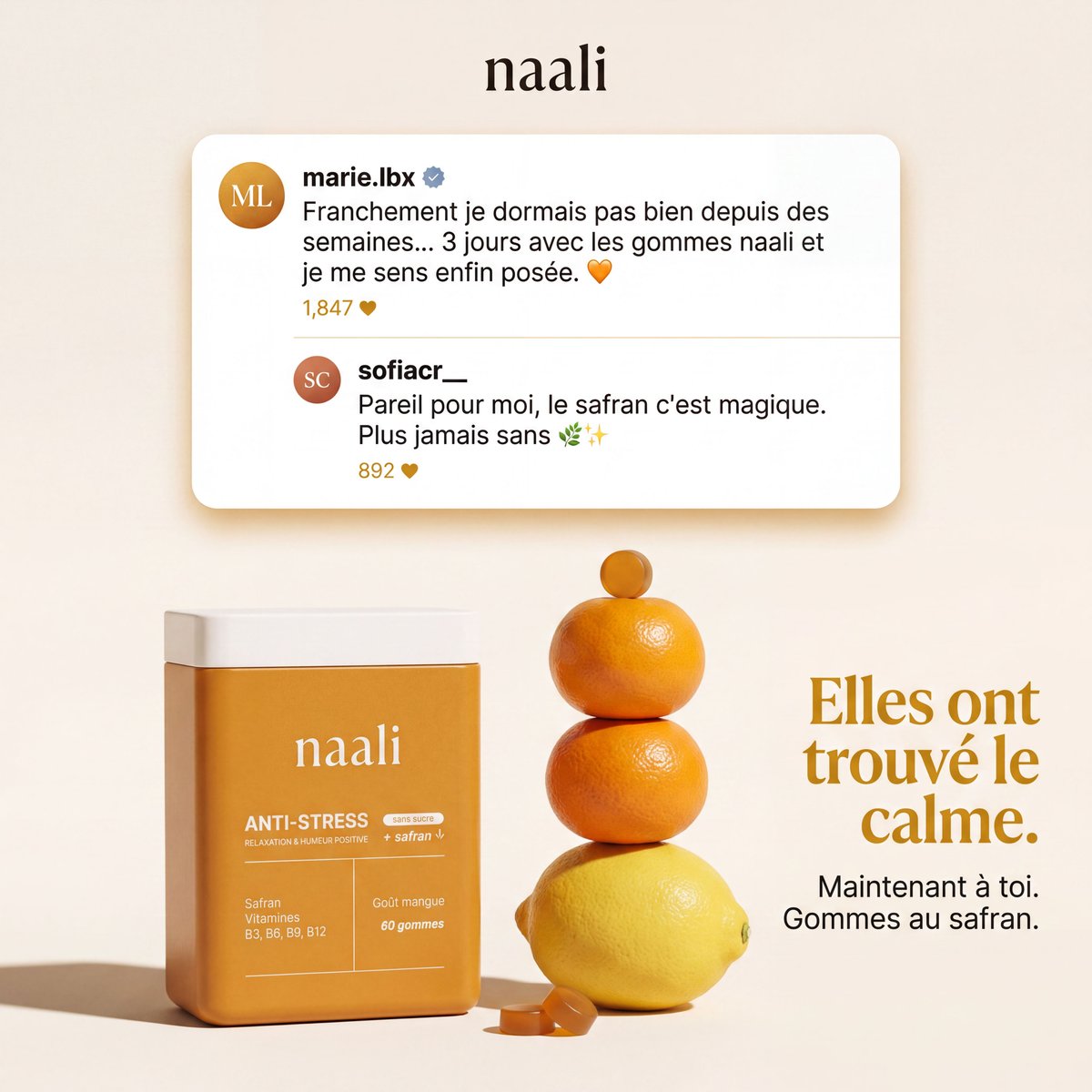
French Saffron Gummies Ad
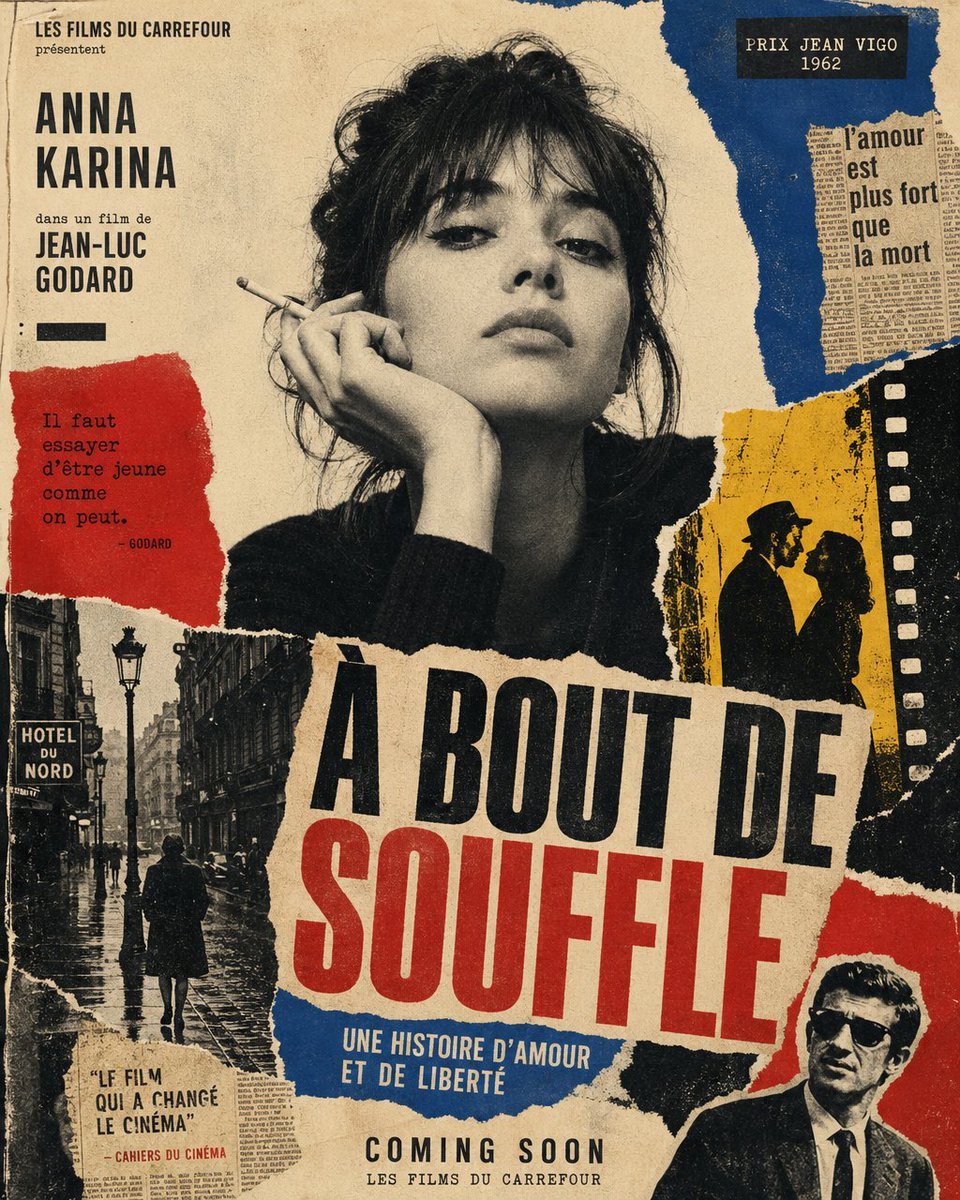
French New Wave Torn Poster Collage
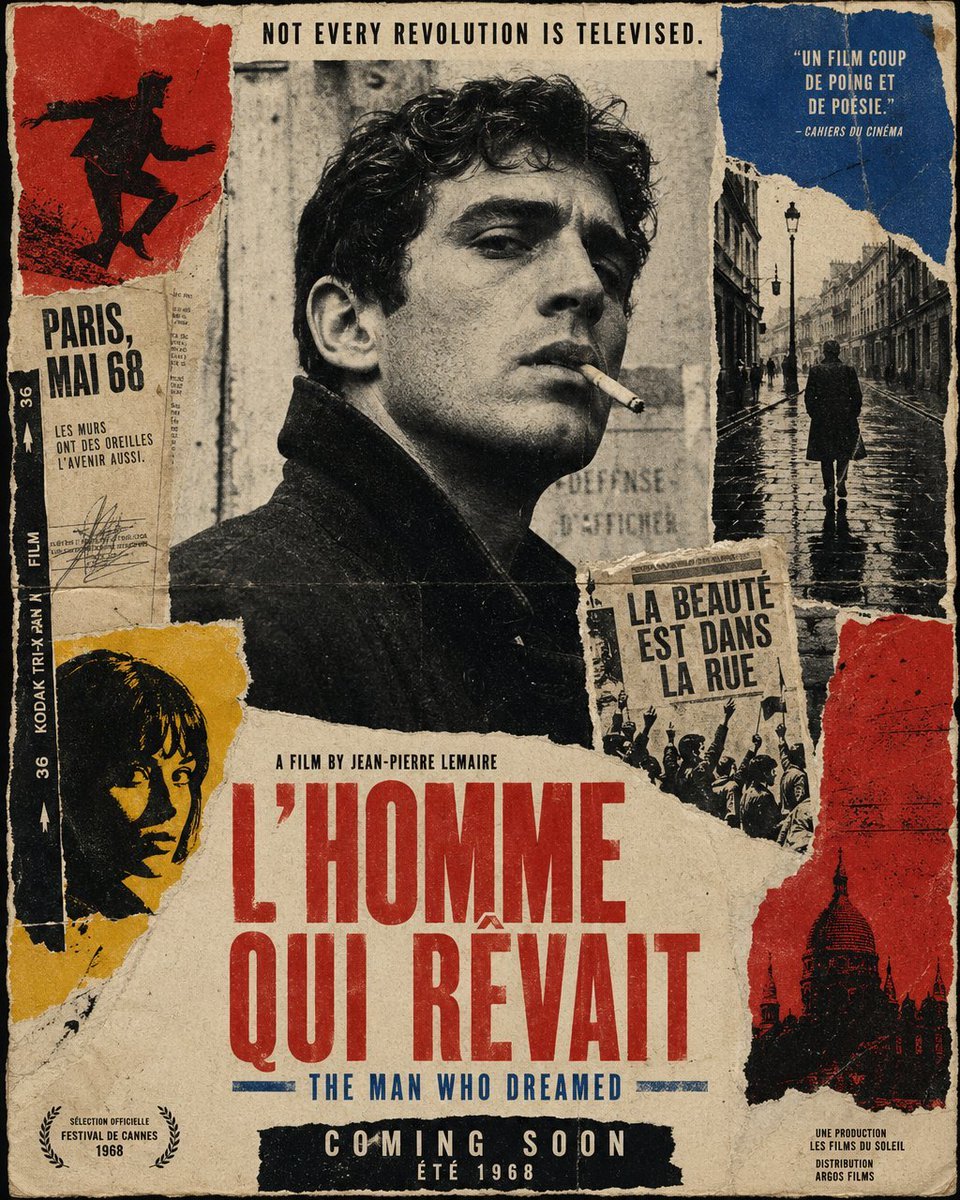
French New Wave Protest Film Poster
Make it yours
French Clio 5 Rental Flyer works as-is. These are the safest ways to change it without losing the look.
Change one field
Copy a single group, rewrite it, and generate again so you can see what that field is doing.
Keep the frame, change the subject
Hold the composition and light of French Clio 5 Rental Flyer, then swap wardrobe, props or the person for a new take.
| If the result… | Why | Fix |
|---|---|---|
| The result drifts from the preview | Too many fields changed at once. | Reuse French Clio 5 Rental Flyer as-is first, then change one group — subject, light, or setting. |
| The model over-stylizes the scene | The prose prompt leaves finish and camera underspecified. | Add one camera or lighting sentence and stay on GPT Image 2. |
More GPT Image 2 templates
Other prompts made for GPT Image 2.

Six VTuber Japanese Logo Sheet

Realistic Portrait of Woman and Deer

The Vista Modular Condo Poster

AI Model Routing Comparison Infographic

2.5D Anime Art Board

Isometric Productivity Desk Scene

New York Double Exposure Poster

Four-Panel AI Landscape Comparison

Japanese Tatami Lifestyle Magazine Cover

NESCAFÉ Coffee Map Poster
More image prompts
Fresh picks from across the catalog.
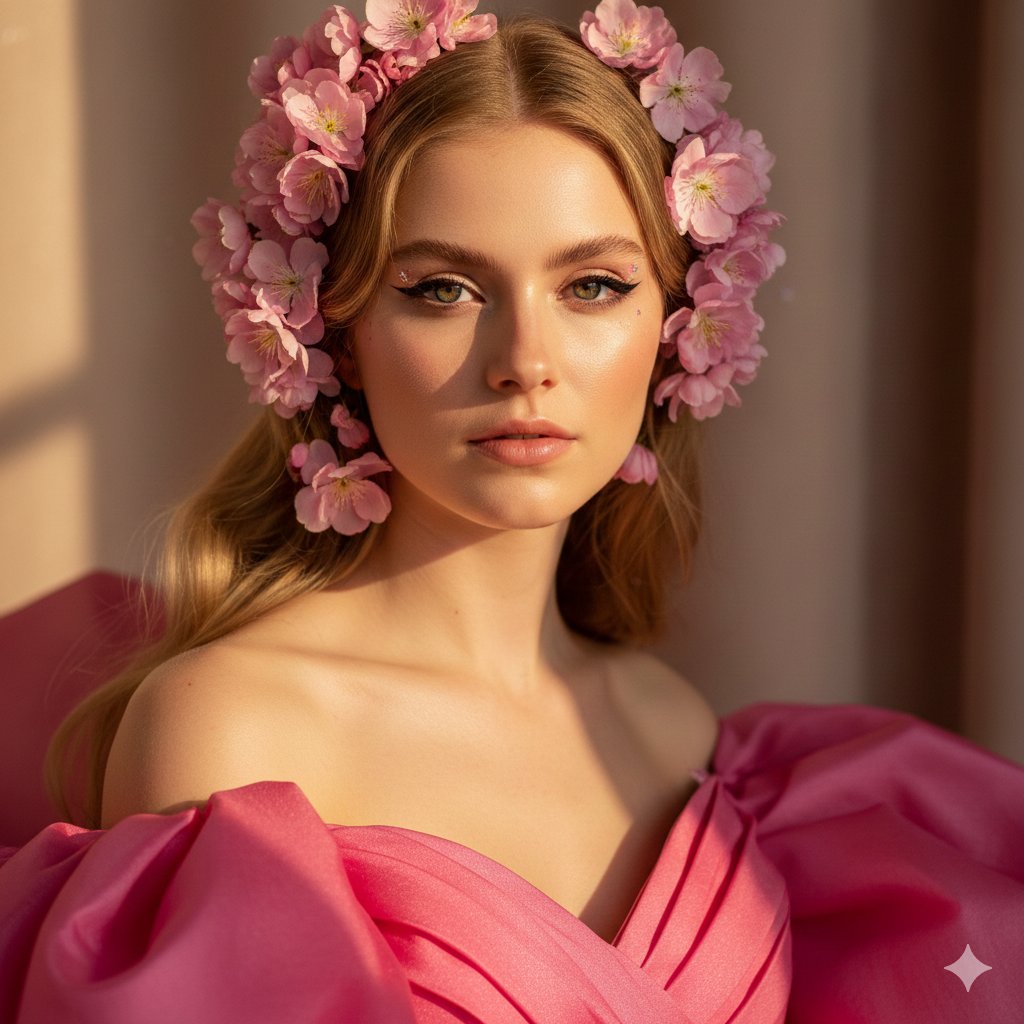
Cinematic Pink Blossom Couture Portrait
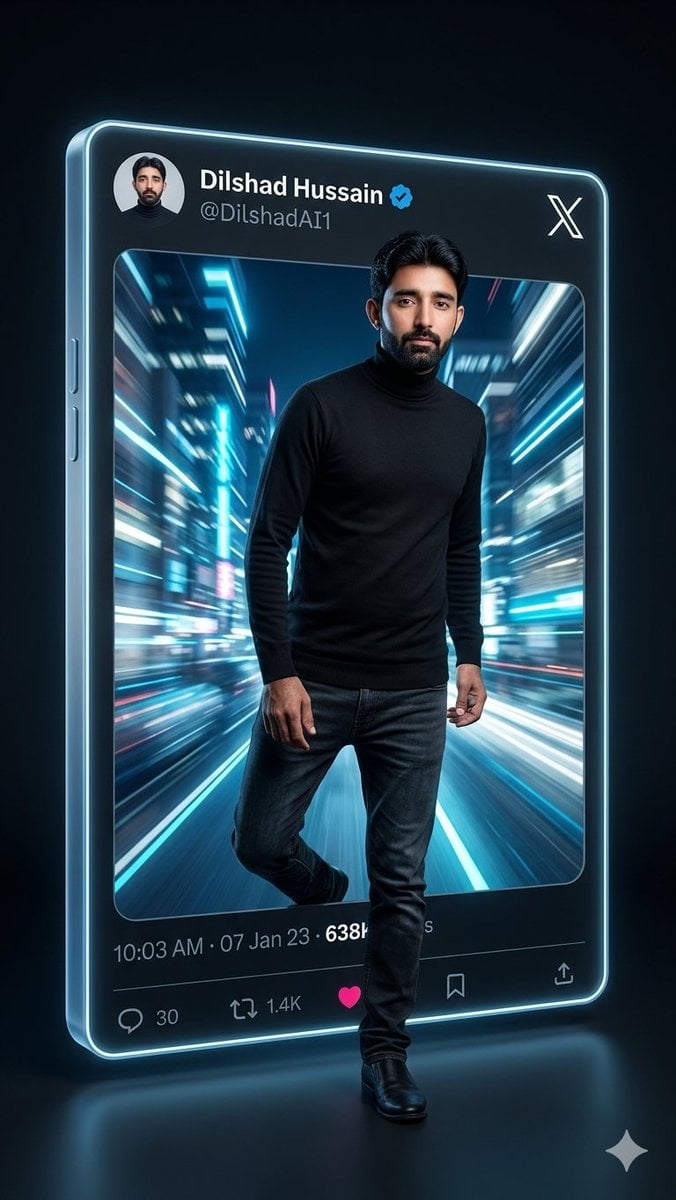
Neon X Post 3D Walkout Portrait

Flash Photography Portrait with Brick Wall

Add Santa Hat to Profile Picture (Image-to-Image)
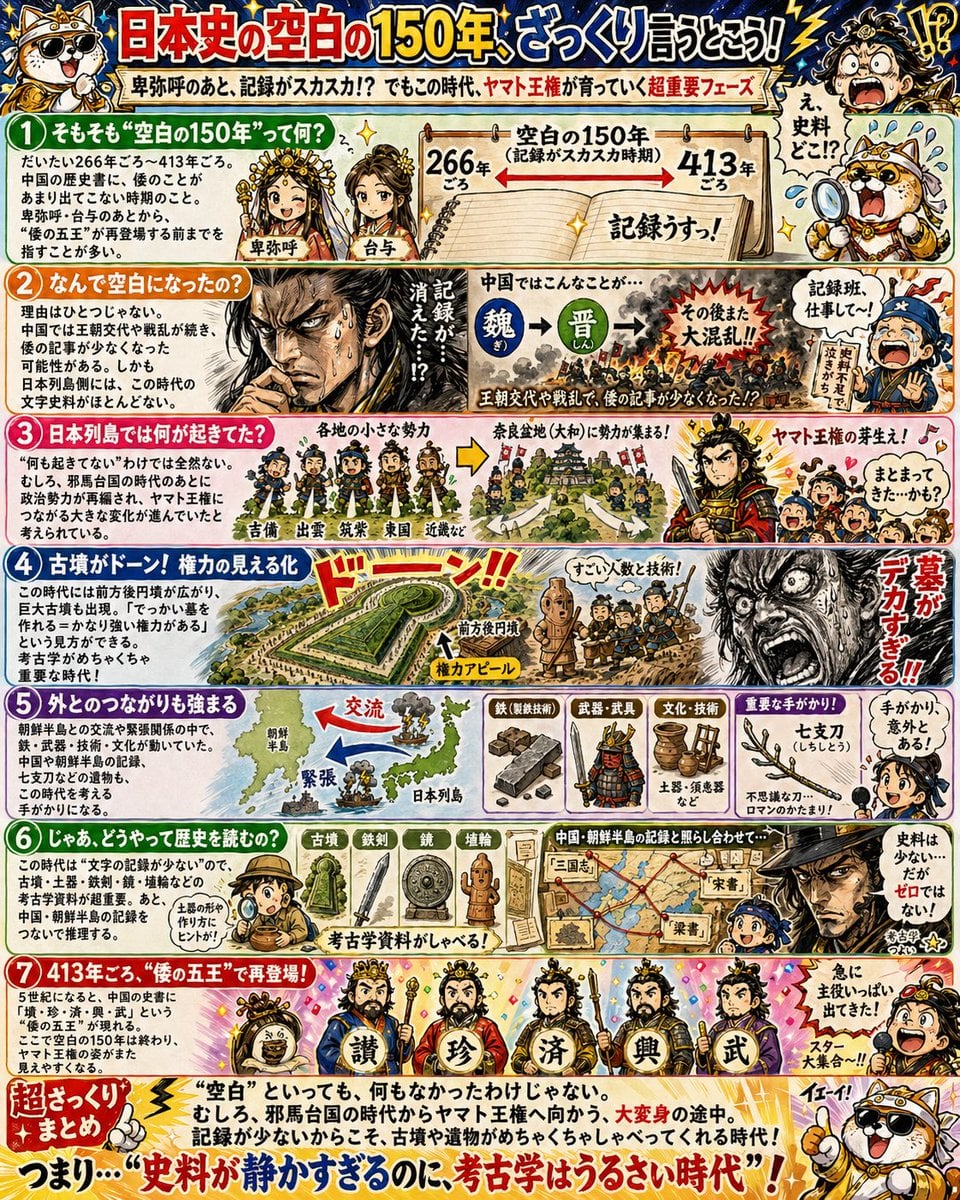
Manga History Poster on Japan's 150-Year Gap

Extreme Close-up Portrait with Glistening Skin

Anime Fantasy Painter in Blue Atelier

Reference-Based Cinematic World Expansion

Paparazzi Flash Crowd Scene Prompt (Identity Preservation)
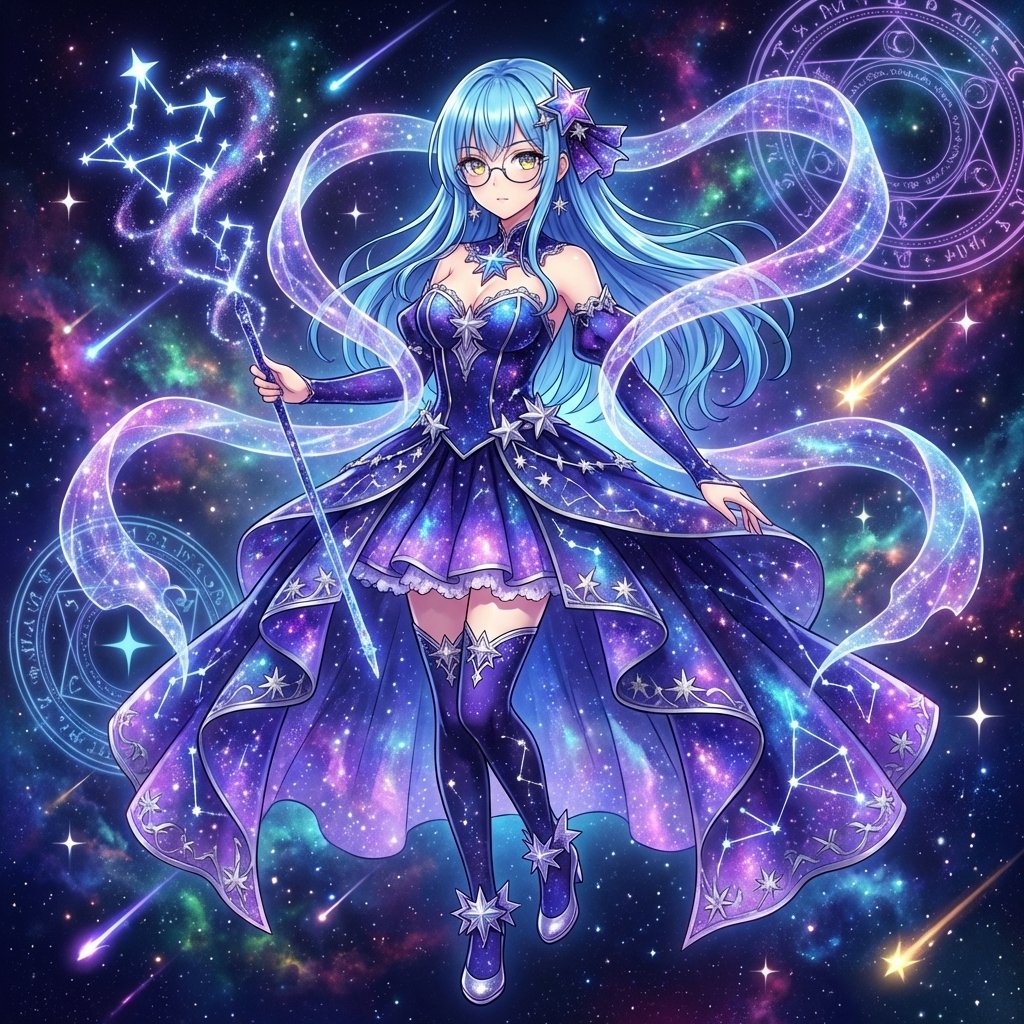
Magical Girl Transformation Prompt (Cosmic Attribute)
Browse template categories
French Clio 5 Rental Flyer questions
How do I use the French Clio 5 Rental Flyer template?
Add your photo if the template asks for one, edit the prompt if you like — the template's model and format are already selected — and press Generate. Your version opens in PicX Studio.
Can I customize the French Clio 5 Rental Flyer template?
Yes. You can change the subject, setting, lighting, mood, format, and available model controls before creating your image.
Is the French Clio 5 Rental Flyer template free?
Opening and editing this template is free. Generating uses credits, shown on the Generate button when you are signed in.
Which AI model should I use?
Start with GPT Image 2, which is the model associated with this template. You can compare another compatible model for a different finish.
Looking for something else? Browse all templates.

Your photo, any look
Thousands of ready templates for every top image and video model, from one credit balance.