How do I use the Cinematic Male Studio Portrait template?
Choose the primary action to open PicX Studio with the available template settings. Review the model and format, personalize the creative direction, and generate when ready.
A polished realistic portrait prompt for generating a dramatic amber-and-cyan lit male studio headshot.
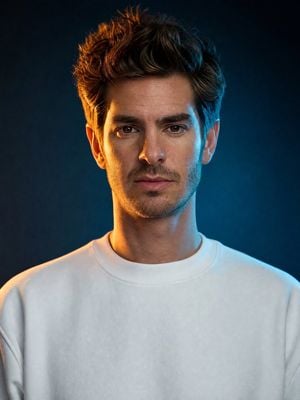
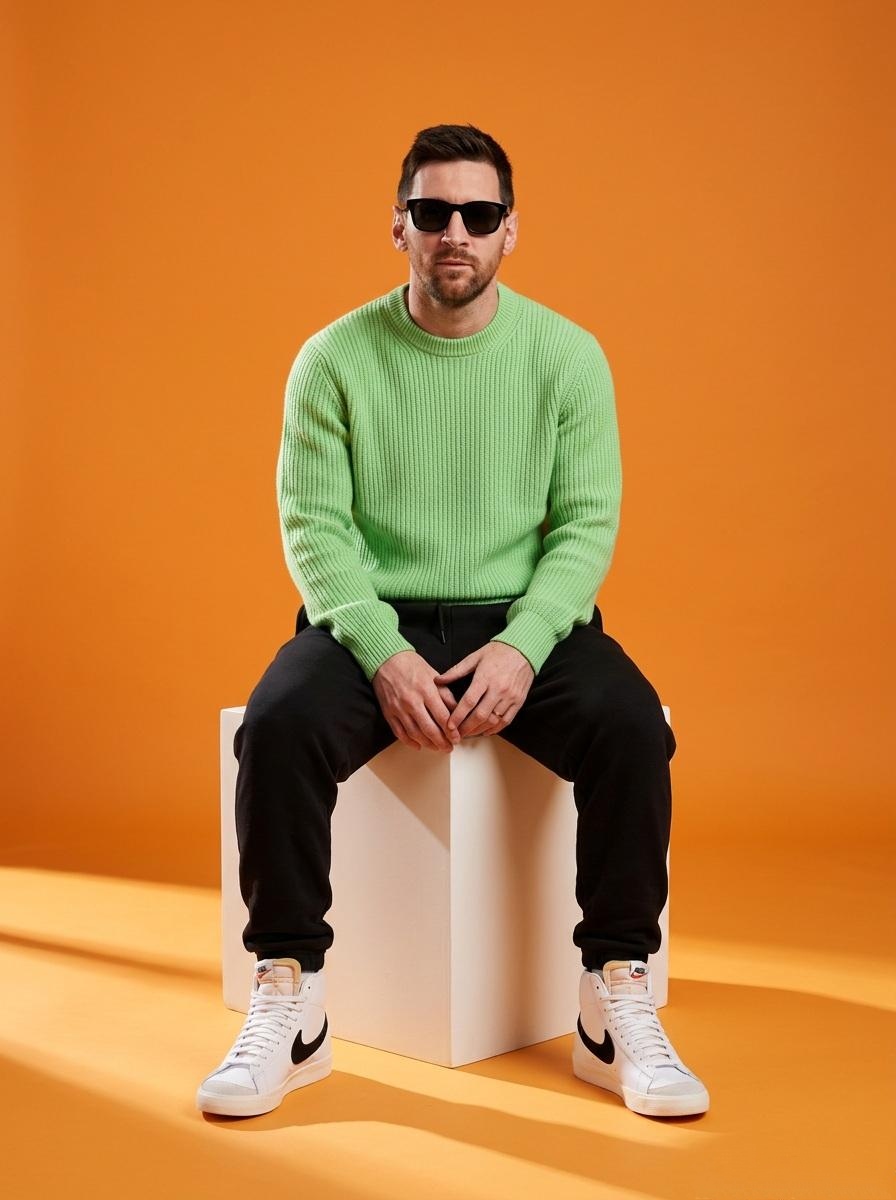
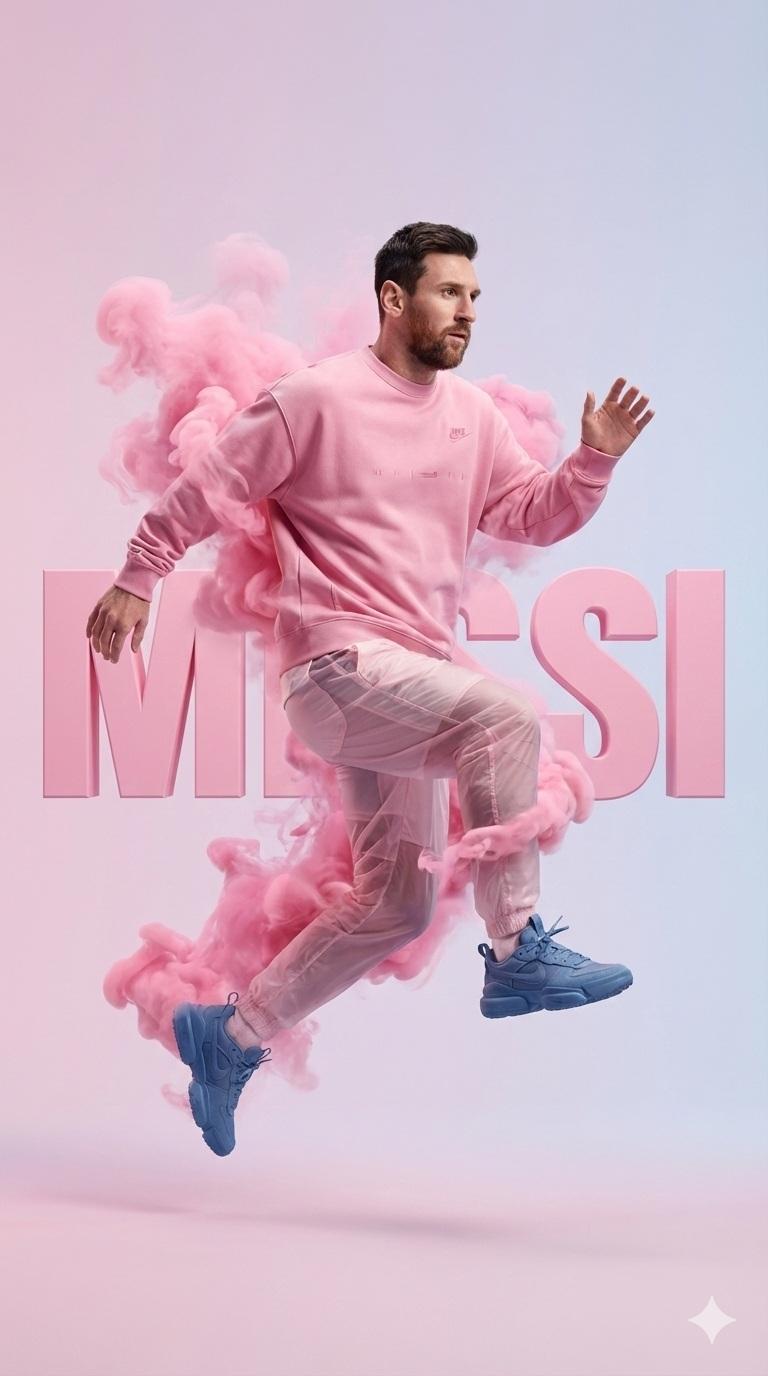
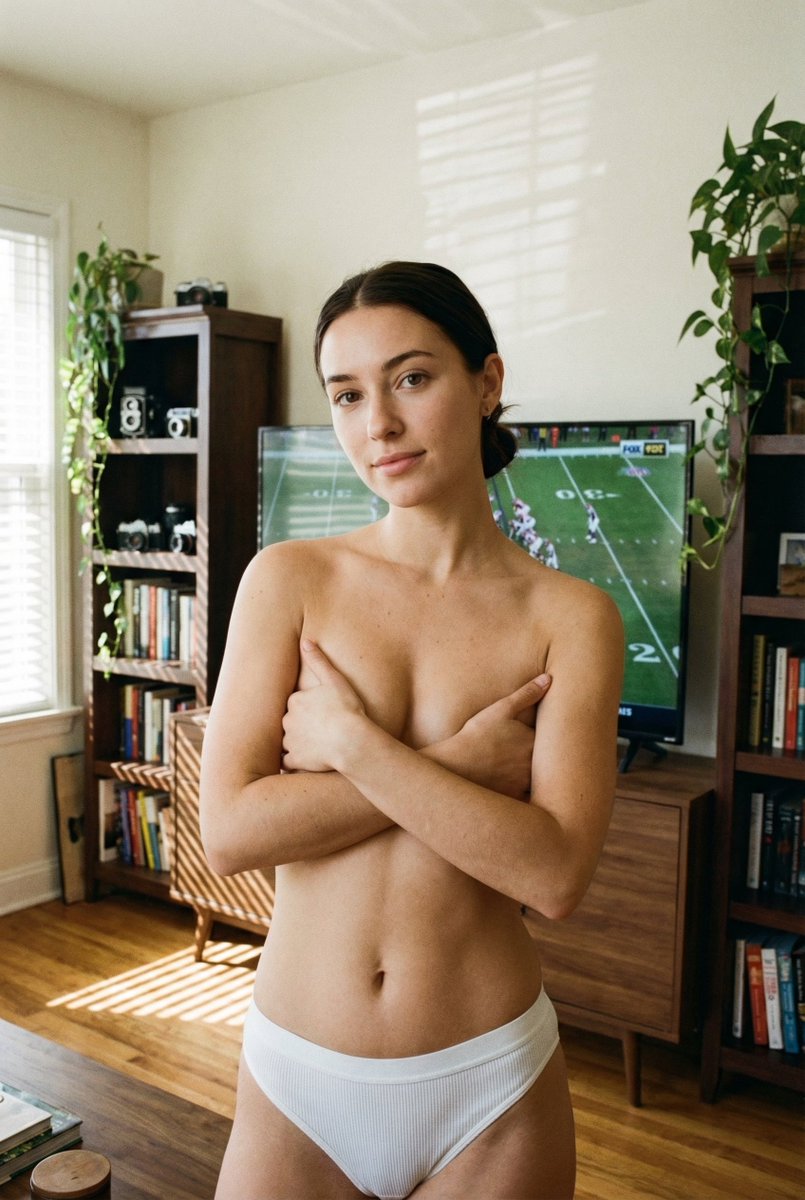
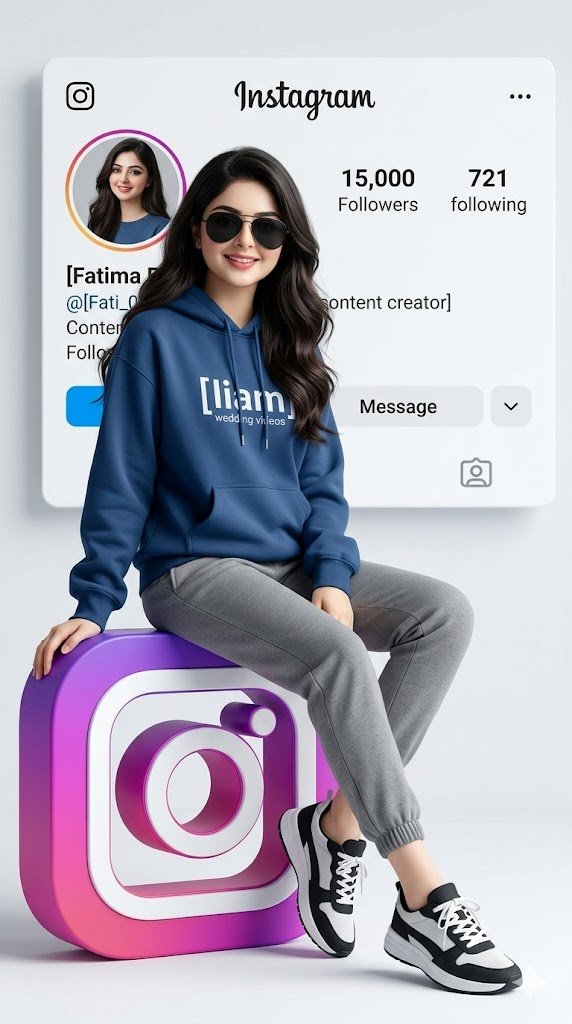
Create a cinematic, polished, naturally realistic studio portrait of a {argument name="subject" default="handsome young adult man"} facing the camera head-on from mid-chest up. He has {argument name="hair color and style" default="thick tousled dark brown hair with volume"}, warm brown eyes, strong brows, subtle stubble and a faint mustache, a defined jawline, and a calm serious expression with closed lips. Dress him in a {argument name="clothing" default="plain off-white crewneck sweatshirt"}. Use dramatic movie-style lighting with a warm amber key/rim light from the viewer’s left catching the hair, cheek, ear, and shoulder, balanced by a cool cyan-blue rim/fill light from the viewer’s right. Set him against a dark smoky blue-black studio background with a soft teal glow on the right side, shallow depth of field, crisp facial detail, realistic skin texture, natural pores, glossy catchlights, and high-end editorial color grading. Center the subject symmetrically, vertical 4:5 composition, no text, no accessories, no watermark, no extra people.
Choose the primary action to open PicX Studio with the available template settings. Review the model and format, personalize the creative direction, and generate when ready.
Yes. You can change the subject, setting, lighting, mood, format, and available model controls before creating your image.
This template is free to open and customize. Generation usage is shown in PicX Studio before you create.
Start with GPT Image 2, which is the model associated with this template. You can compare another compatible model for a different finish.
Follow a topic to a crawlable collection of related PicX Studio templates.