How do I use the Winter Golden Hour Portrait template?
Choose the primary action to open PicX Studio with the available template settings. Review the model and format, personalize the creative direction, and generate when ready.
A photorealistic prompt for creating an intimate winter city-park portrait with soft knitwear, backlit hair, and shallow depth of field.
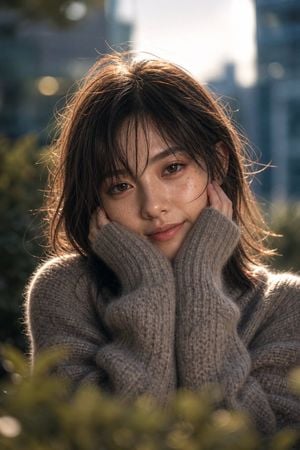
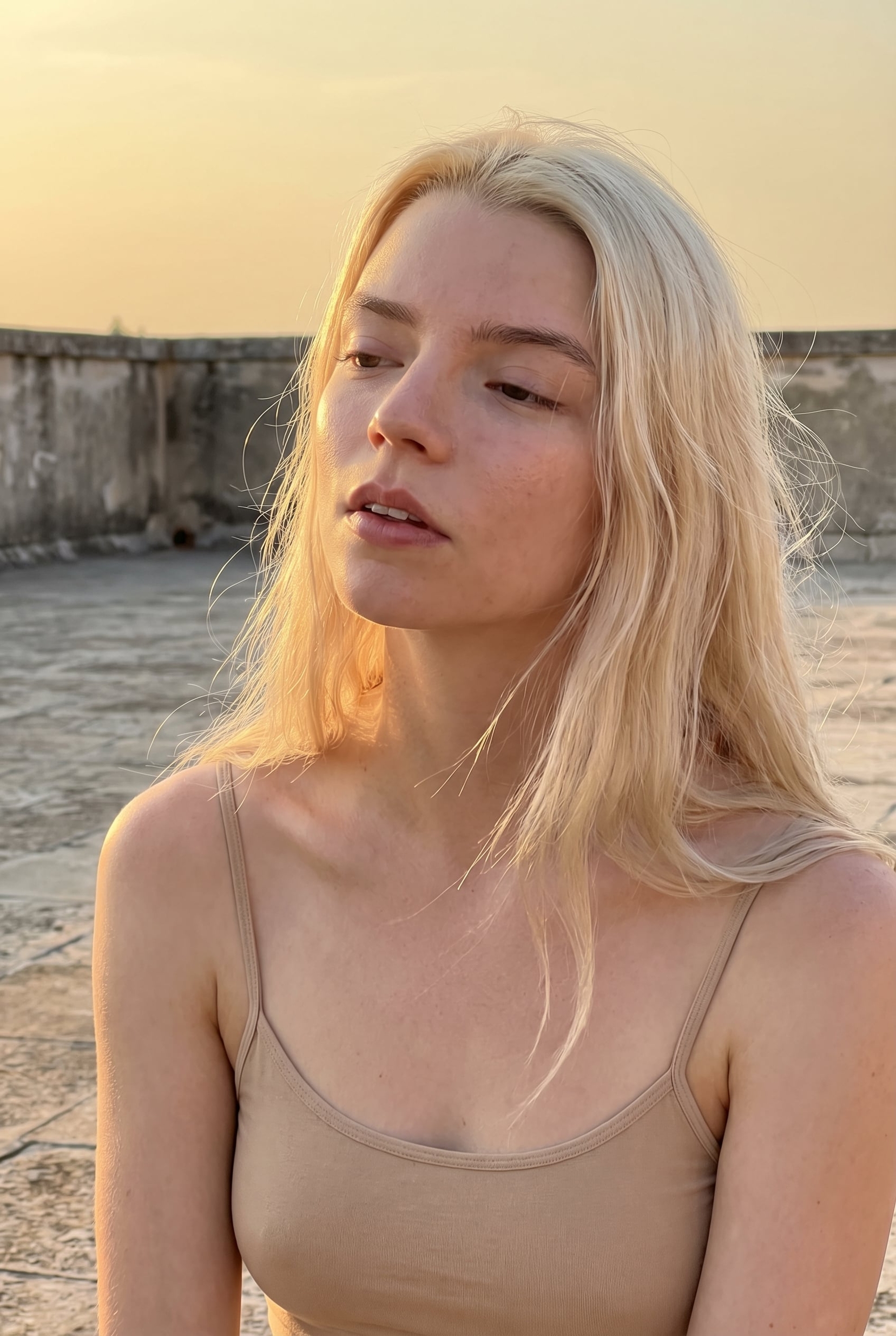
Create a photorealistic vertical winter portrait of {argument name="subject" default="a young Japanese woman"} outdoors in a city park, framed from chest up and looking directly into the camera with a gentle, quiet smile. She has {argument name="hair color" default="dark brown"} medium-length slightly messy hair with wispy bangs and loose flyaway strands glowing in backlight, warm brown eyes, natural makeup, soft skin texture, and subtle freckles across her cheeks and nose. She is wearing an oversized thick ribbed fuzzy knit sweater in {argument name="sweater color" default="warm gray taupe"}, with very long sleeves pulled over both hands as she cups her cheeks. Use a shallow depth of field with blurred green hedge leaves in the foreground at the bottom and a softly defocused urban background with tall buildings and round bokeh lights. Lighting should feel like {argument name="time of day" default="late winter afternoon golden hour"}: strong sun behind her head creating a bright rim light around her hair, warm highlights, soft shadows on the face, and a calm intimate mood. Shoot in a realistic 85mm portrait lens style, f/1.4, natural color grading, high detail on eyes, hair, and knit texture, vertical 2:3 composition, no text, no watermark, no extra people.
Choose the primary action to open PicX Studio with the available template settings. Review the model and format, personalize the creative direction, and generate when ready.
Yes. You can change the subject, setting, lighting, mood, format, and available model controls before creating your image.
This template is free to open and customize. Generation usage is shown in PicX Studio before you create.
Start with GPT Image 2, which is the model associated with this template. You can compare another compatible model for a different finish.
Follow a topic to a crawlable collection of related PicX Studio templates.