How do I use the Sunlit Candid City Portrait template?
Choose the primary action to open PicX Studio with the available template settings. Review the model and format, personalize the creative direction, and generate when ready.
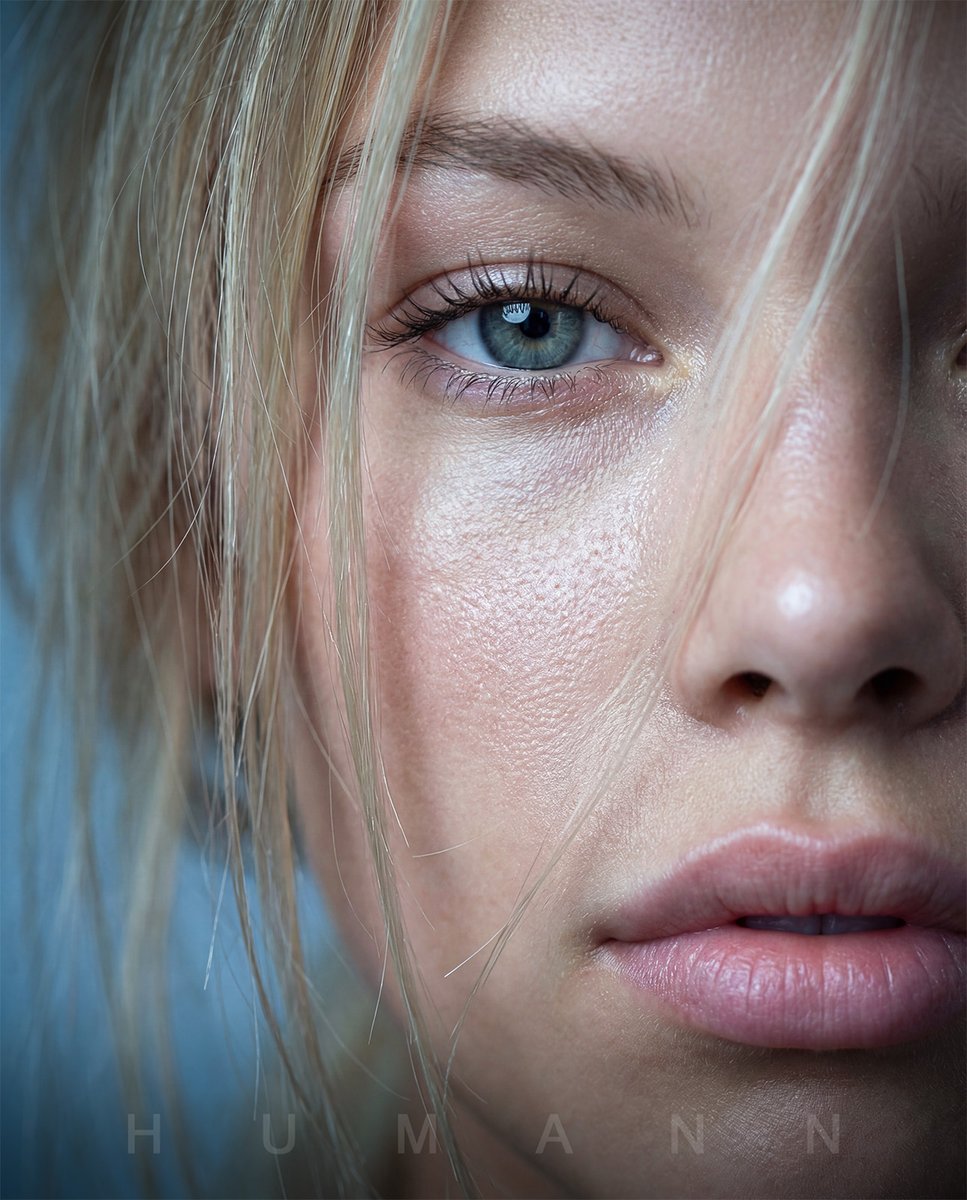
A photorealistic square close-up portrait of a smiling young woman with windblown hair, golden lens flare, and a blurred city street background.

Create an ultra-realistic close-up portrait photograph of a young {argument name="subject ethnicity" default="East Asian"} woman smiling softly at the camera on a bright city street. Frame her face very tightly, slightly off-center, with long dark brown-black hair blowing across her forehead, eyes, and cheeks in loose strands. She has luminous dewy skin, glossy natural pink lips, subtle makeup, warm brown eyes, and a gentle candid expression. The scene is backlit by strong low afternoon sunlight coming from behind her head, creating a bright starburst lens flare near the upper right side of her hair, horizontal flare streaks across the image, glowing rim light on individual hair strands, and a hazy film-like bloom. Use a shallow depth of field so the urban background is heavily blurred: indistinct buildings, street railings, road, and parked cars in cool blue-gray tones. The left edge should include a soft out-of-focus vertical foreground blur as if a hand, hair, or camera strap partially covers the lens. Color grade with warm golden highlights, soft contrast, slight overexposure, natural skin texture, and nostalgic 35mm film photography aesthetics. Square 1:1 composition, intimate candid snapshot, realistic optics, no text, no watermark, no accessories, no extra people.
Choose the primary action to open PicX Studio with the available template settings. Review the model and format, personalize the creative direction, and generate when ready.
Yes. You can change the subject, setting, lighting, mood, format, and available model controls before creating your image.
This template is free to open and customize. Generation usage is shown in PicX Studio before you create.
Start with GPT Image 2, which is the model associated with this template. You can compare another compatible model for a different finish.
Follow a topic to a crawlable collection of related PicX Studio templates.