
Surreal Macro Fashion Illusion
A surreal fashion carousel prompt featuring a miniature person standing on a finger, utilizing scale illusions and macro photography.
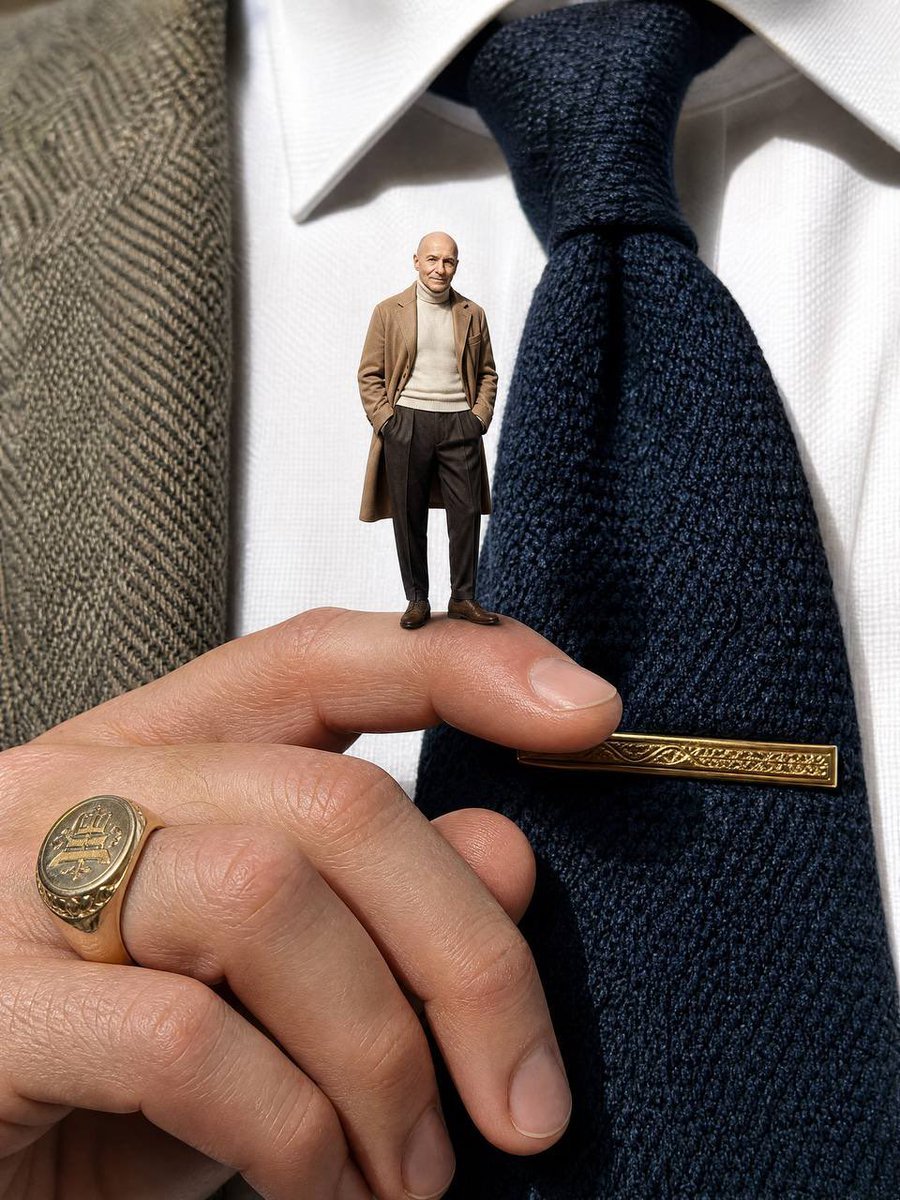
- Prompt included
- Model and format preset
- Free template
The prompt behind this image
Copy the exact prompt behind Surreal Macro Fashion Illusion, or open it in the studio and make it yours.
Creative fashion carousel cover, vertical 3:4, surreal scale illusion, ultra photoreal macro photography. Extreme close-up macro shot filling the frame: the chest of a person in {argument name="attire style" default="old money attire"} - {argument name="clothing details" default="crisp white oxford shirt, navy grenadine silk tie with a vintage gold tie bar, herringbone tweed blazer lapel on the right edge"} - and their hand raised in front of the tie, fingers relaxed, wearing a {argument name="accessory" default="gold signet ring on the pinky"}. Standing casually on top of the bent index finger: a tiny miniature version of the same person from the reference image, about as tall as two fingernails stacked, looking straight at the camera, both hands in pockets. The miniature wears a different old money outfit: camel overcoat over a cream turtleneck, brown pleated trousers, suede loafers. Both the giant chest and the tiny figure are the same person and the tiny figure's face matches the reference image exactly. Contrasty side lighting on the tiny figure's face. Sharp macro focus on the tie texture, tie bar and the tiny figure, soft falloff to a blurred cream townhouse background. Realistic contact shadow of the tiny figure on the finger skin. Natural daylight, muted editorial colors, shot on iphone macro, fashion carousel aesthetic.
How to use Surreal Macro Fashion Illusion in 3 steps
- 1Upload ImagePNG, JPG or paste
Add your photo
Upload the photo the template builds on. The prompt, model and format are already set.
- 2…a portrait of your subject in softgolden-hour light, 85mm…
Personalize
Edit the subject and creative details for your destination.
- 3Generate
Generate
Press Generate — your image is created in PicX Studio, so you can compare it with the original and refine one variable at a time.
More like this
Templates with the same subject, style or setup. Open one to see its prompt.
Firefly Pixar Spill — Nano Banana Pro
Surreal Y2K Street Fashion Smartphone Illusion

80s College Gate

1988 Mall Style

80s Polka Dot Saree

Surreal Cat Astronaut — Humanoid Face Freefall
Surreal Jumping Fashion Portrait
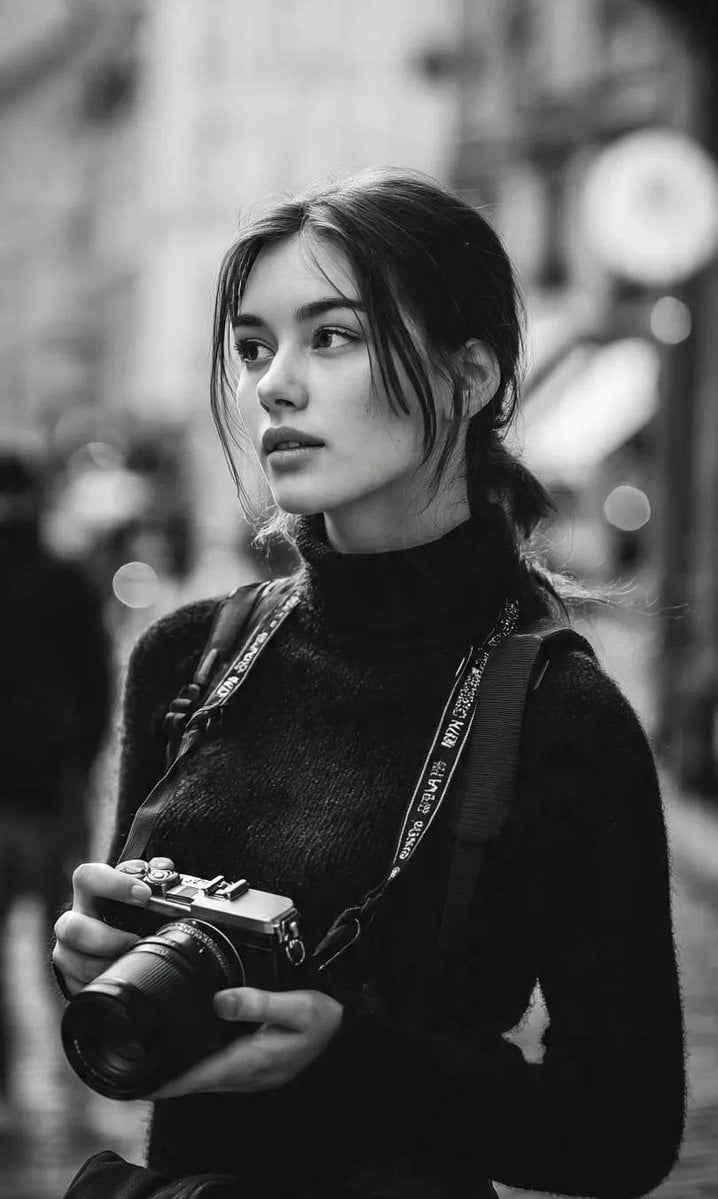
Cinematic Street Fashion Photographer Portrait
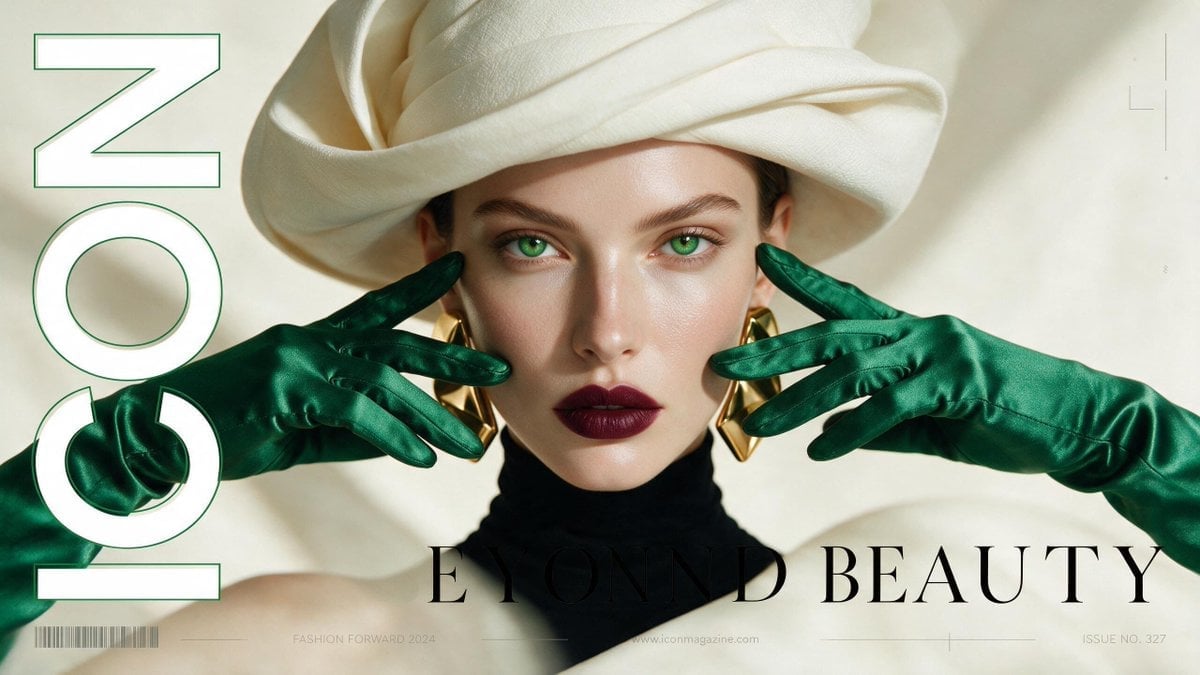
High-Fashion Editorial Magazine Cover ICON
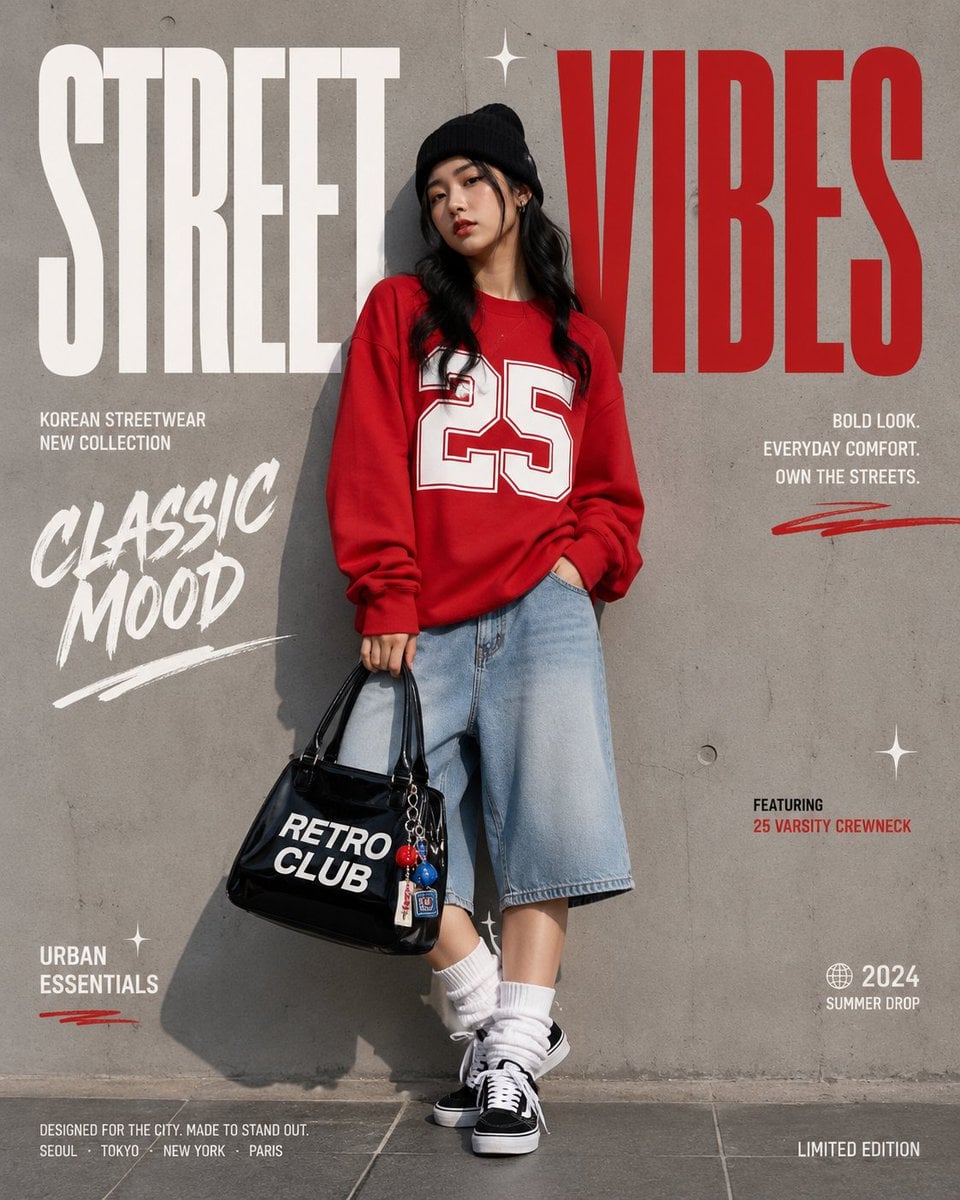
Korean Streetwear Minimalist Campaign Portrait
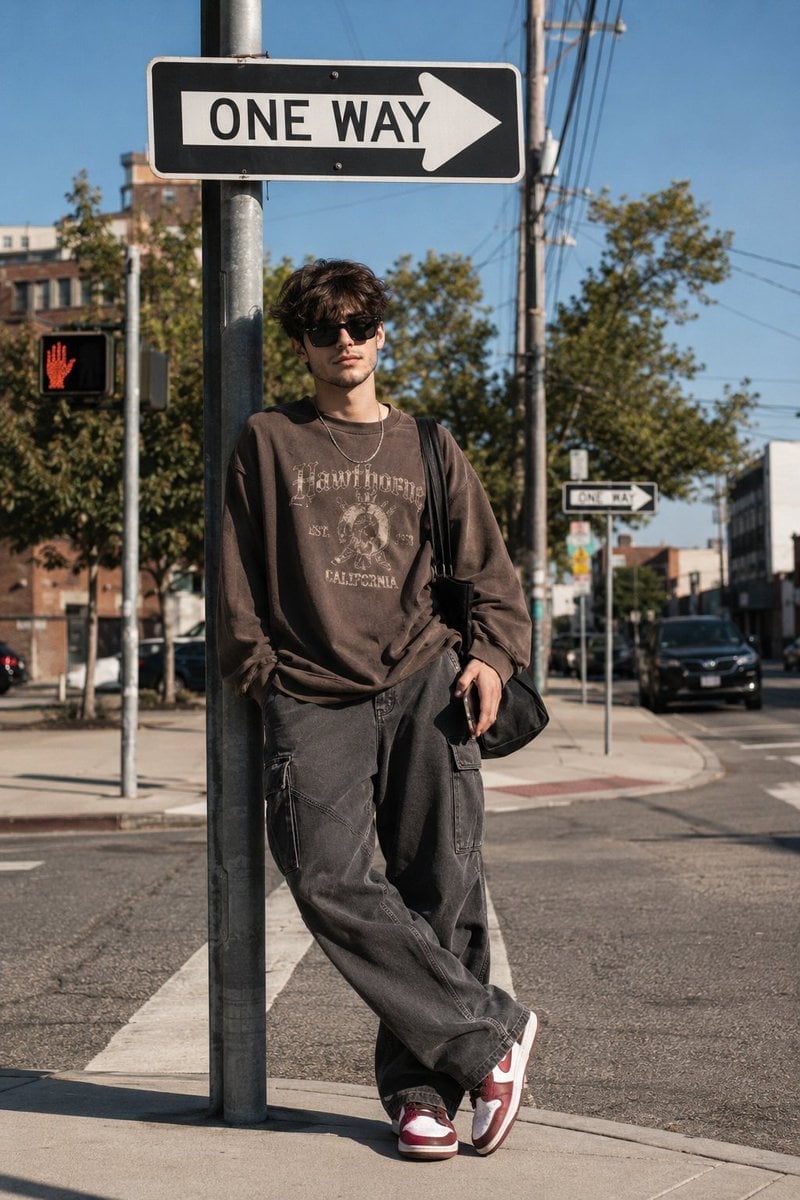
Cinematic Korean Streetwear Street Portrait
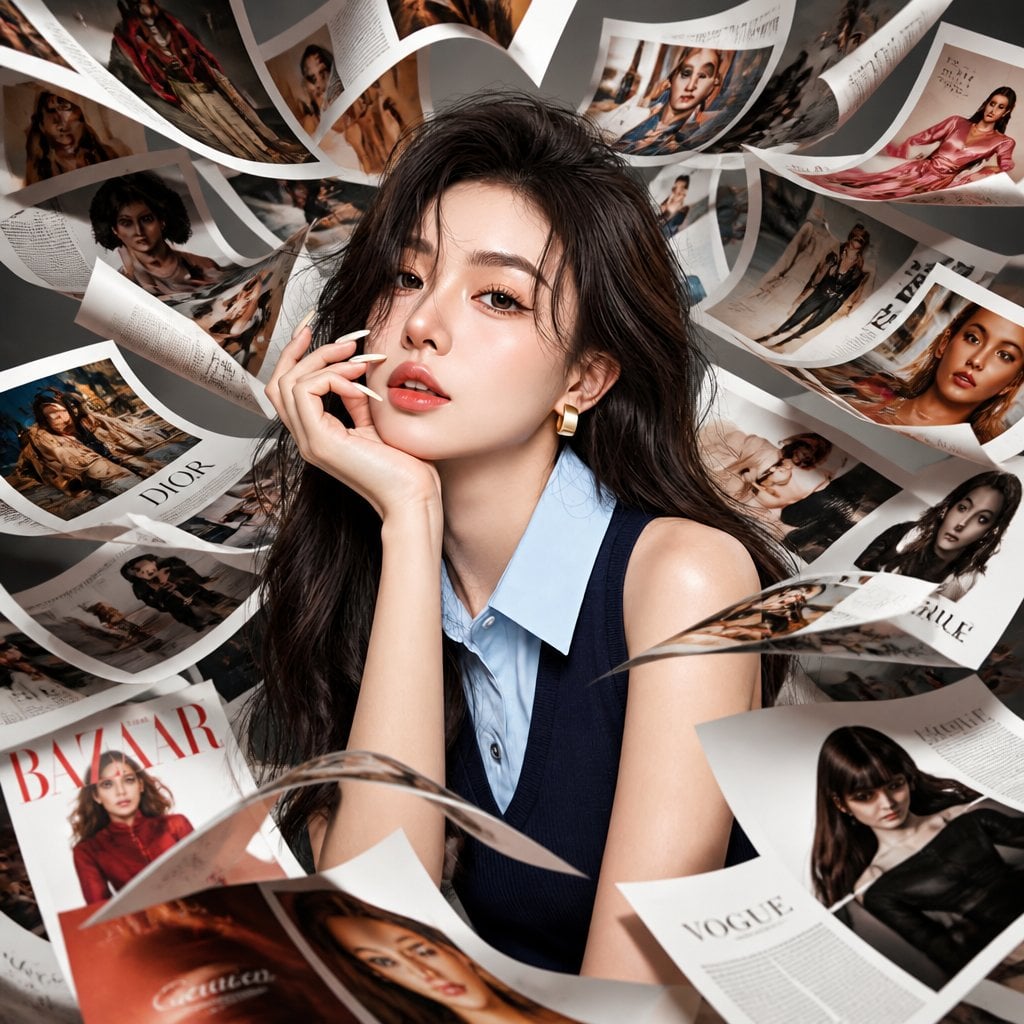
Korean Model Floating Magazine Pages Campaign
Make it yours
Surreal Macro Fashion Illusion works as-is. These are the safest ways to change it without losing the look.
Change one field
Copy a single group, rewrite it, and generate again so you can see what that field is doing.
Keep the frame, change the subject
Hold the composition and light of Surreal Macro Fashion Illusion, then swap wardrobe, props or the person for a new take.
| If the result… | Why | Fix |
|---|---|---|
| The result drifts from the preview | Too many fields changed at once. | Reuse Surreal Macro Fashion Illusion as-is first, then change one group — subject, light, or setting. |
| The model over-stylizes the scene | The prose prompt leaves finish and camera underspecified. | Add one camera or lighting sentence and stay on GPT Image 2. |
More GPT Image 2 templates
Other prompts made for GPT Image 2.

Six VTuber Japanese Logo Sheet

Realistic Portrait of Woman and Deer

The Vista Modular Condo Poster

AI Model Routing Comparison Infographic

2.5D Anime Art Board

Isometric Productivity Desk Scene

New York Double Exposure Poster

Four-Panel AI Landscape Comparison

Japanese Tatami Lifestyle Magazine Cover

NESCAFÉ Coffee Map Poster
More image prompts
Fresh picks from across the catalog.
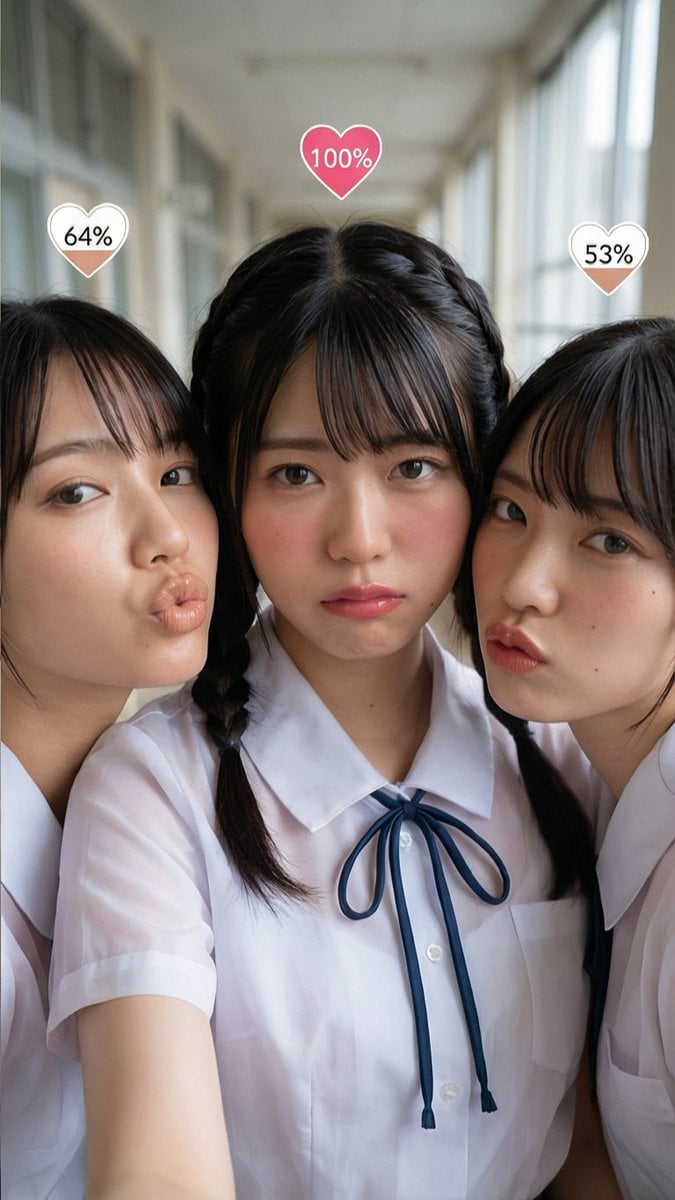
Generating Random Percentage Hearts on Subjects
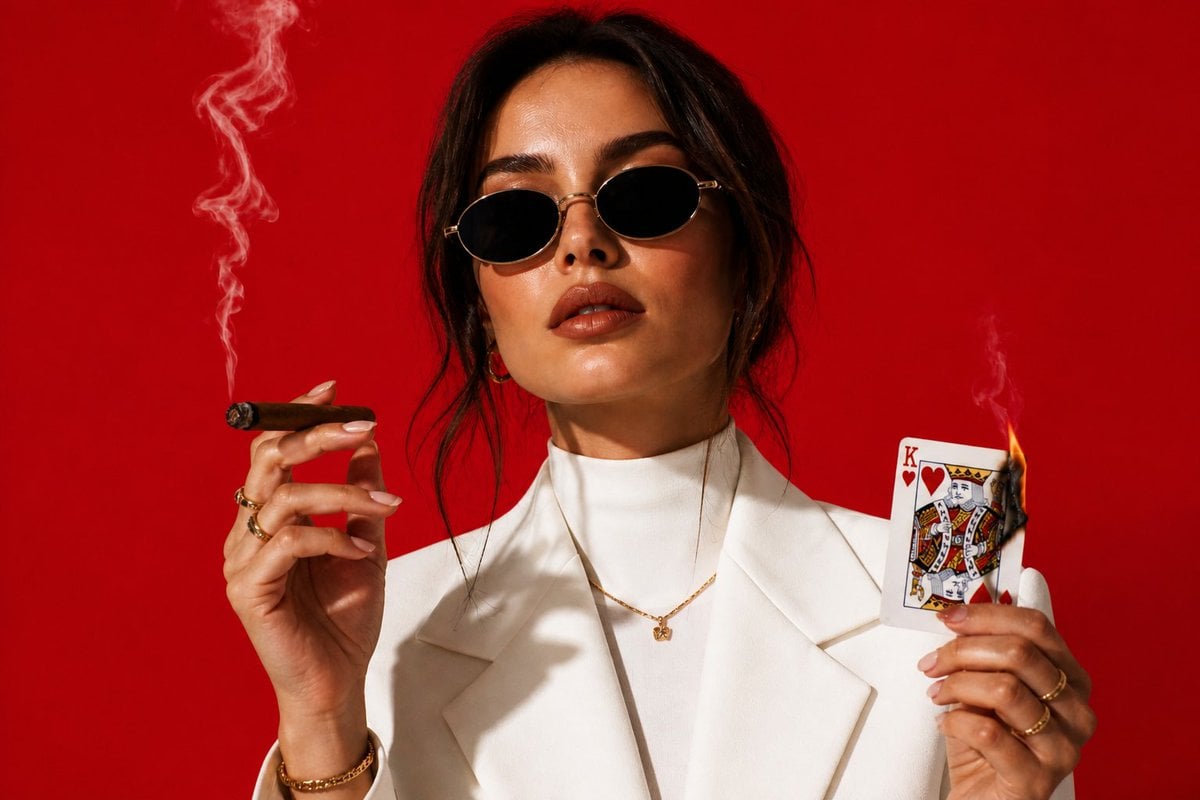
High-Fashion Cigar Portrait
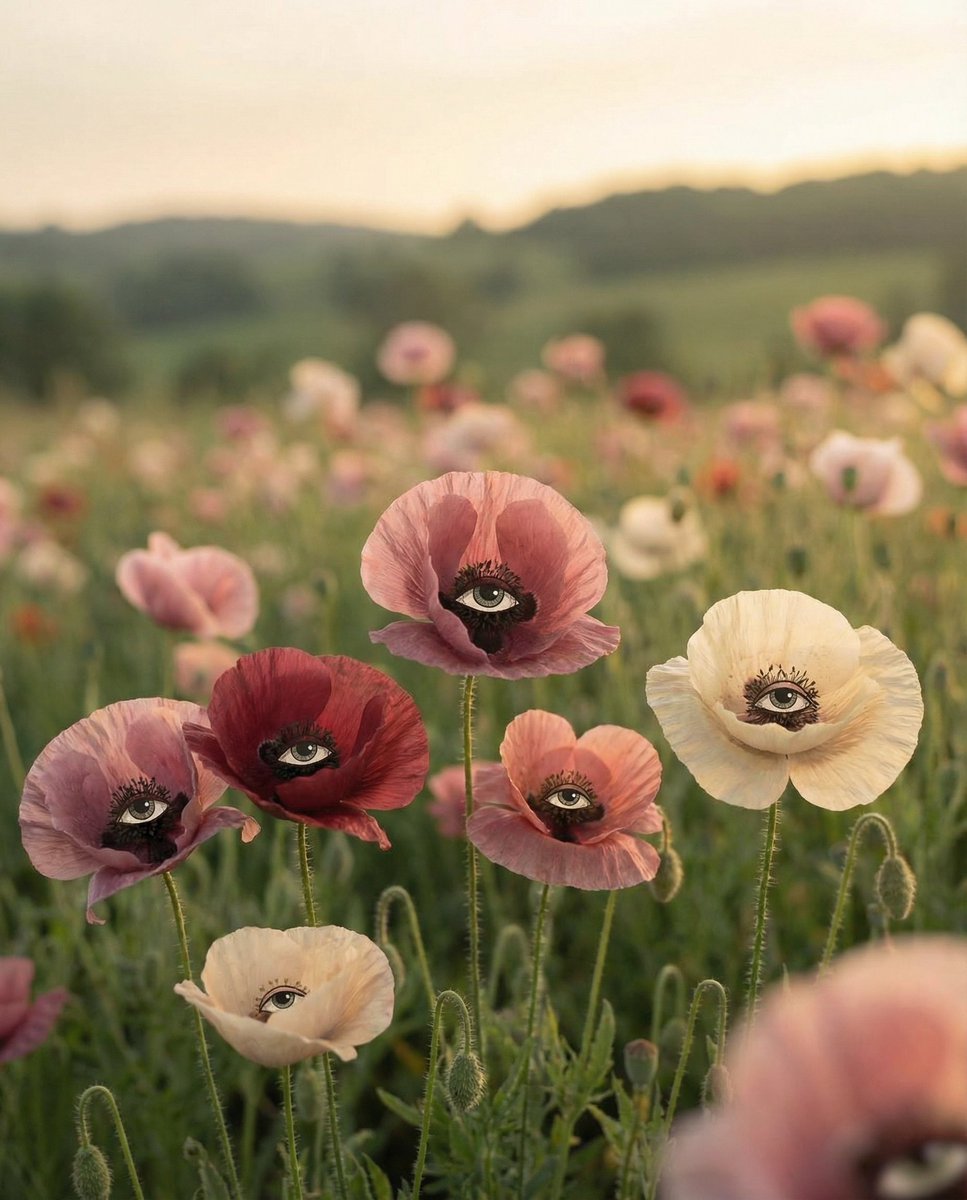
Surreal Poppies with Eyes
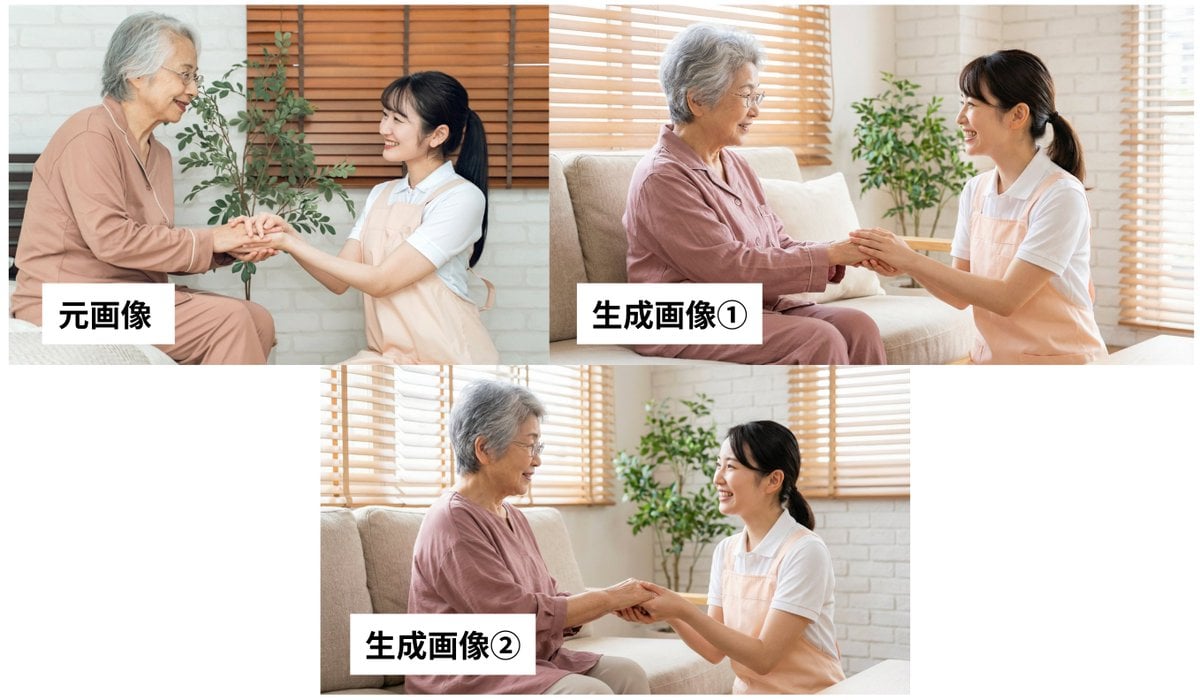
Custom GPT Prompt: Analyze Image and Generate JSON Prompt for Nano Banana Pro
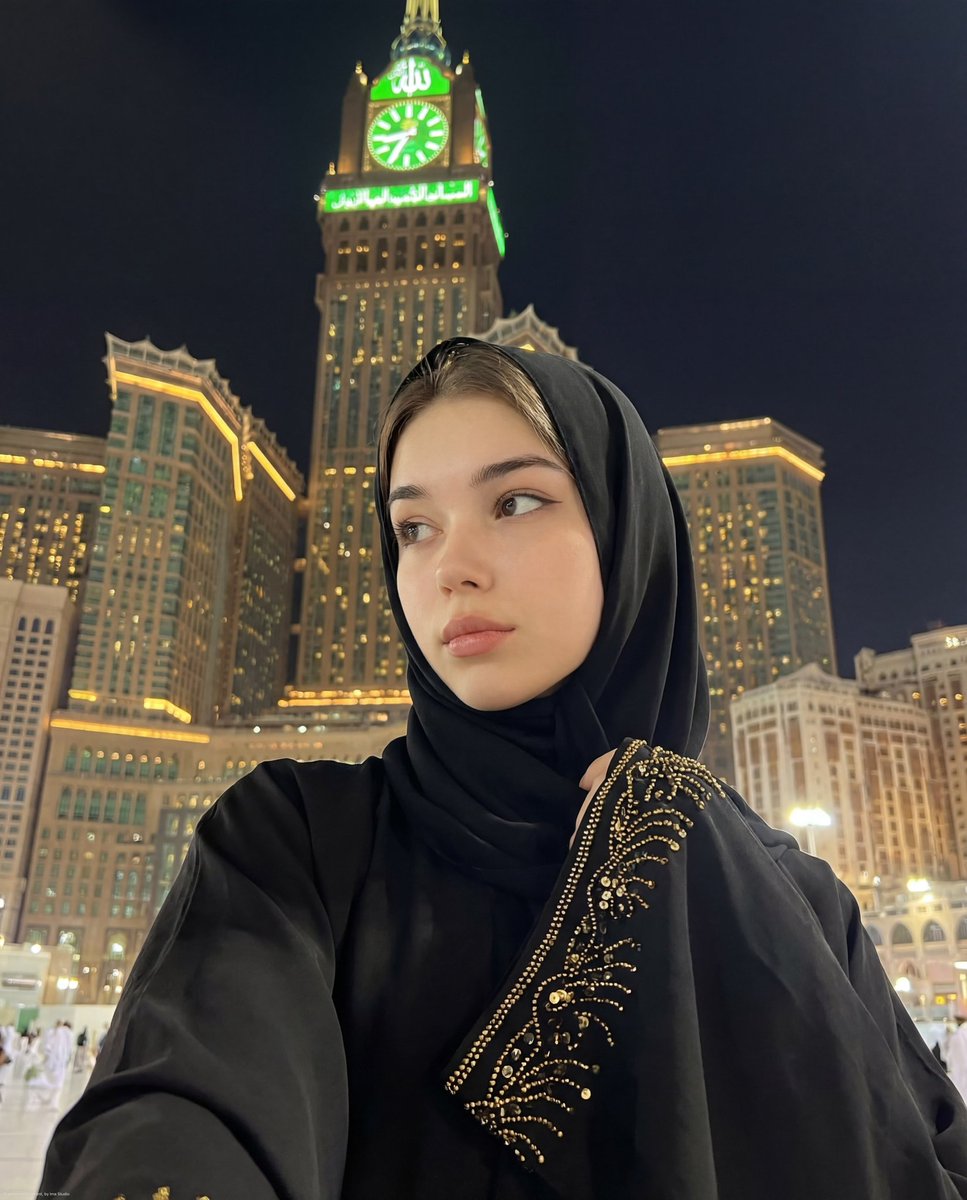
Ultra-Realistic Spiritual Night Selfie in Makkah
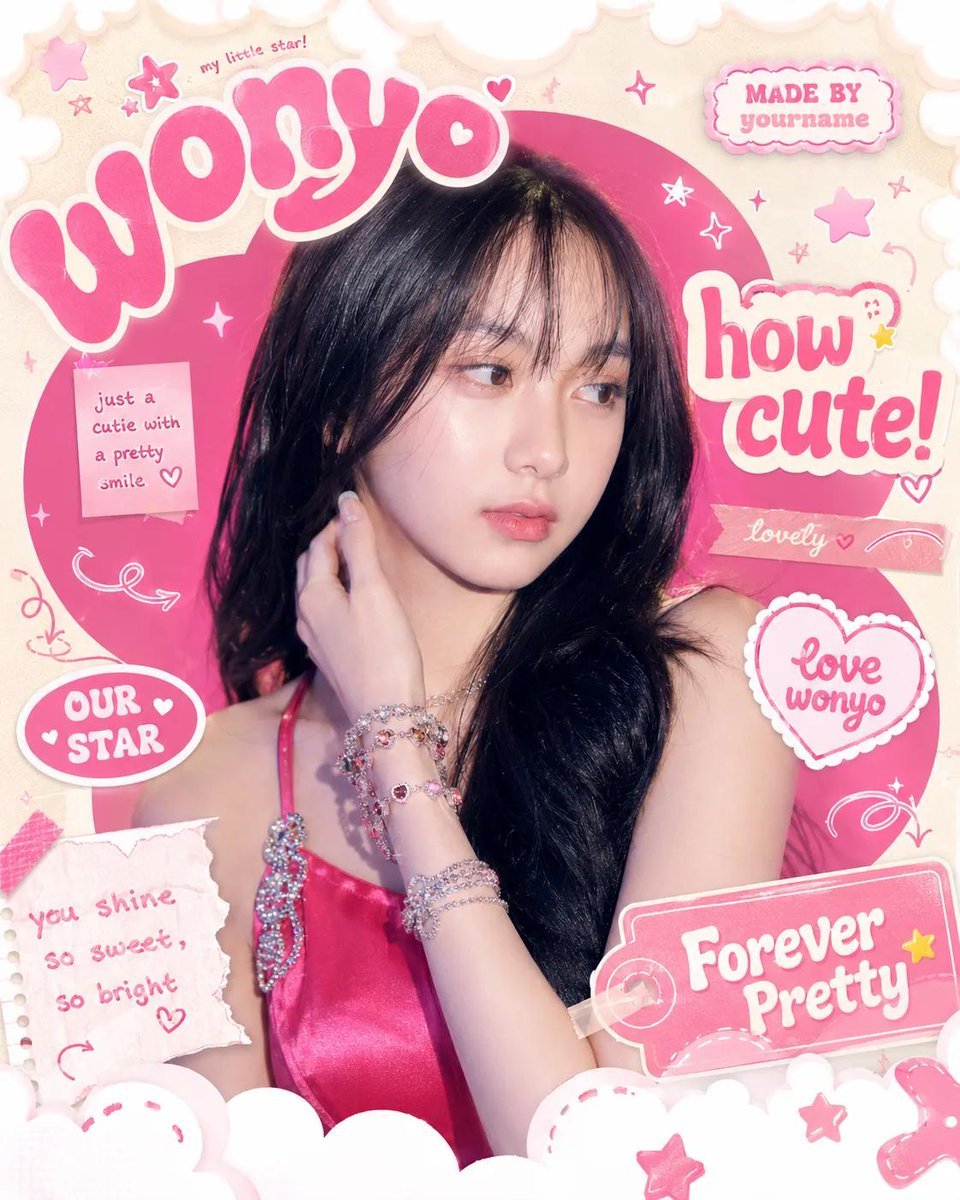
Gen Z Meme Doodle Poster
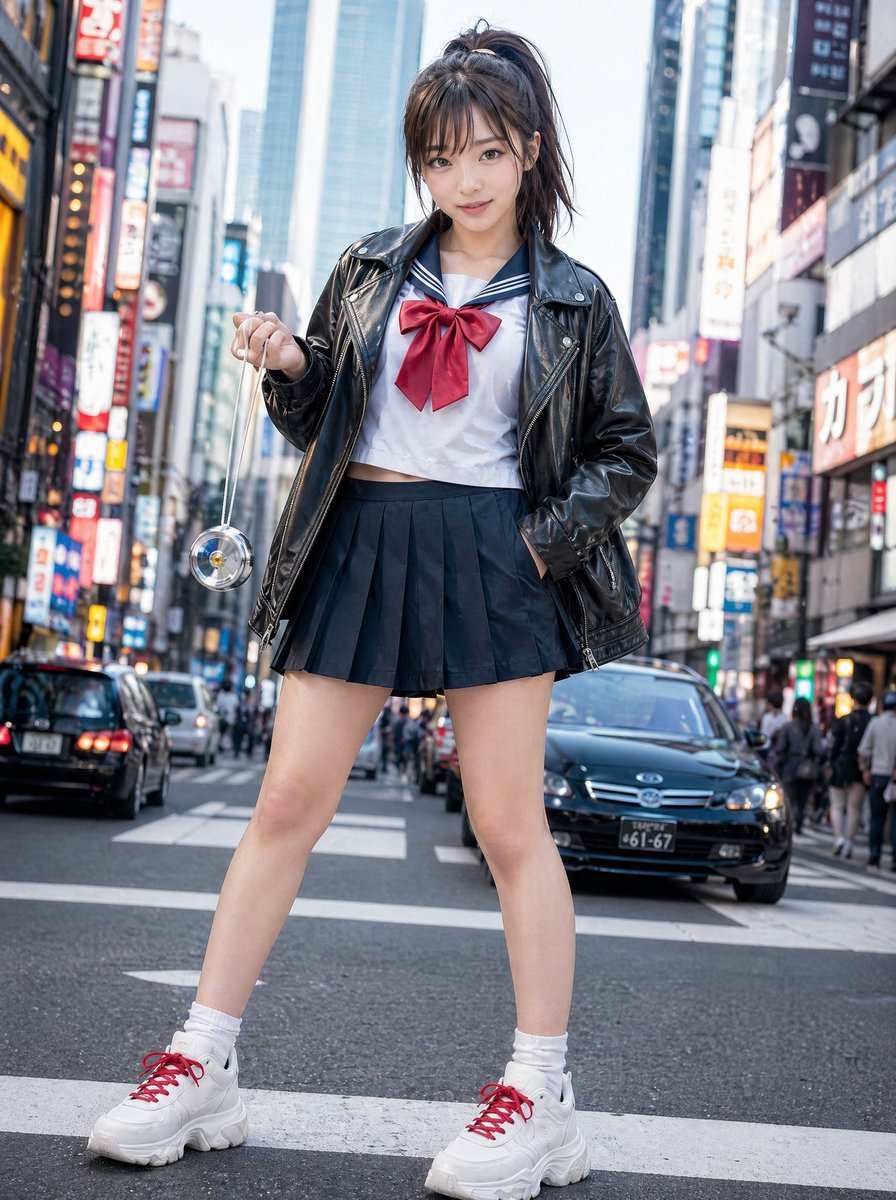
Modern Sukeban Street Portrait
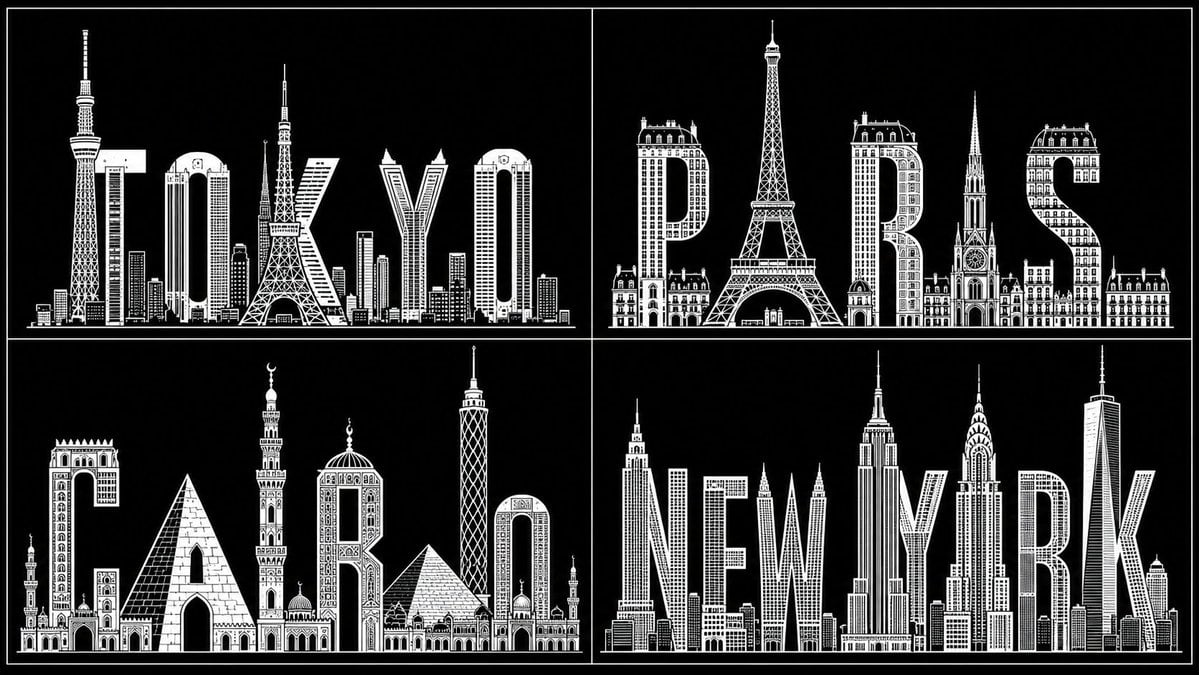
Typography City Skyline Silhouette
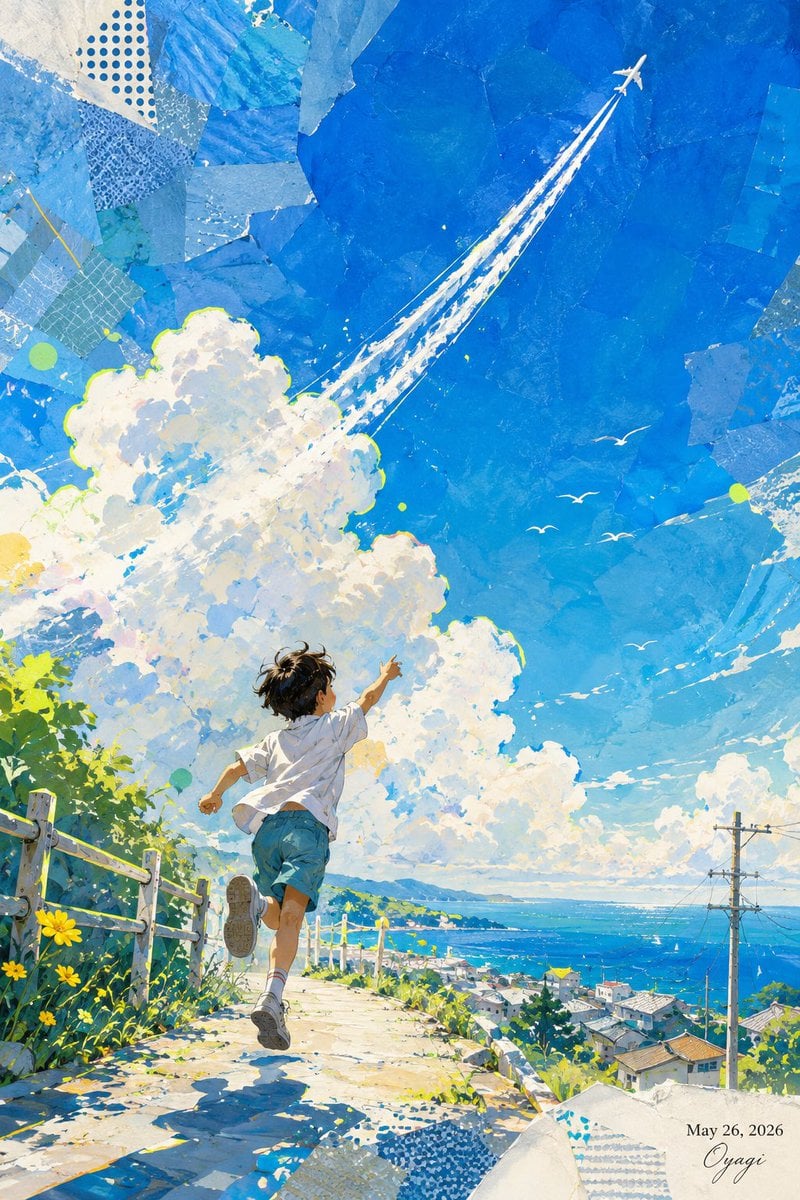
Boy Chasing Airplane Contrail
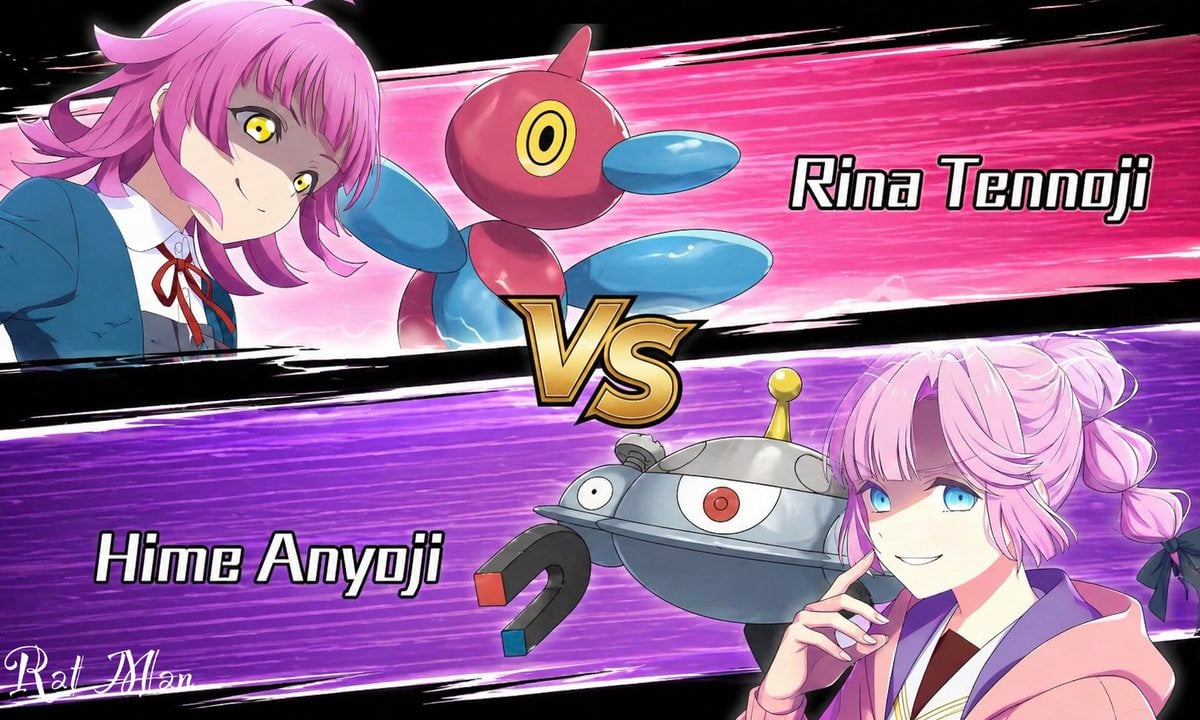
Anime Pokémon-Style Versus Screen
Browse template categories
Surreal Macro Fashion Illusion questions
How do I use the Surreal Macro Fashion Illusion template?
Add your photo if the template asks for one, edit the prompt if you like — the template's model and format are already selected — and press Generate. Your version opens in PicX Studio.
Can I customize the Surreal Macro Fashion Illusion template?
Yes. You can change the subject, setting, lighting, mood, format, and available model controls before creating your image.
Is the Surreal Macro Fashion Illusion template free?
Opening and editing this template is free. Generating uses credits, shown on the Generate button when you are signed in.
Which AI model should I use?
Start with GPT Image 2, which is the model associated with this template. You can compare another compatible model for a different finish.
Looking for something else? Browse all templates.

Your photo, any look
Thousands of ready templates for every top image and video model, from one credit balance.