
Nine-Panel Anime Storyboard Collage
Generates a cinematic 3×3 anime montage of a silver-haired girl with Japanese lyric-style captions for music visuals, storyboards, or album art.
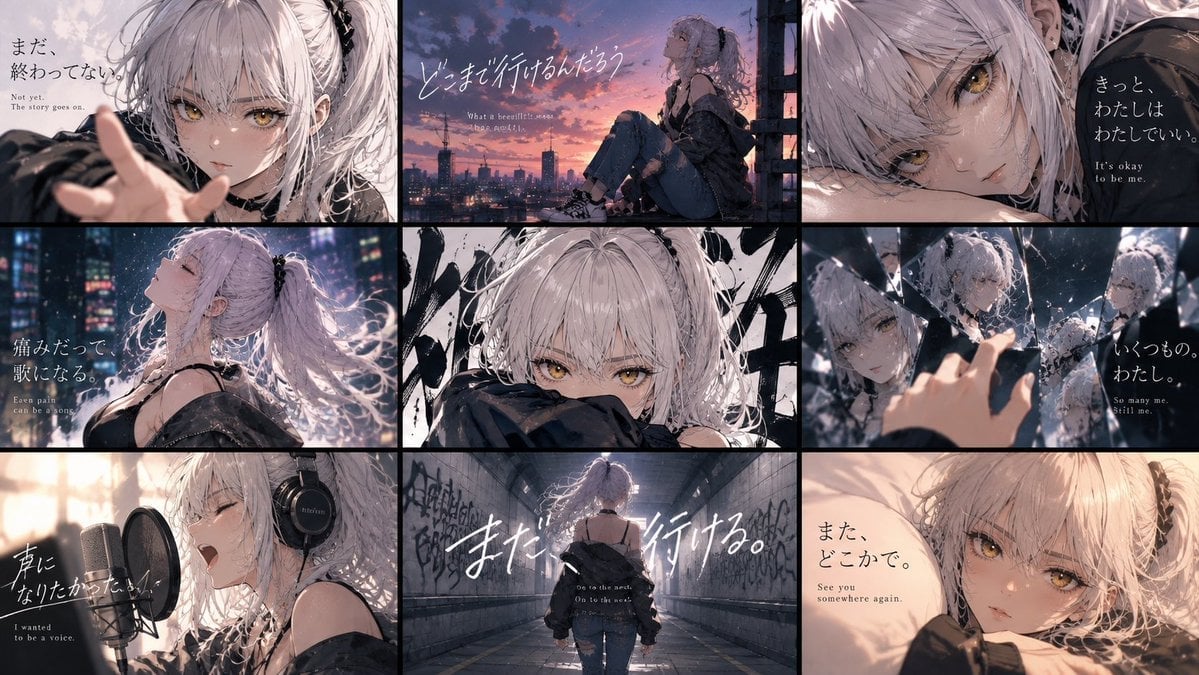
- Prompt included
- Model and format preset
- Free template
The prompt behind this image
Copy the exact prompt behind Nine-Panel Anime Storyboard Collage, or open it in the studio and make it yours.
Goal: Create a cinematic 3×3 anime key-visual collage featuring {argument name="character name" default="an unnamed silver-haired girl"} across nine emotional story panels, like a music video storyboard or visual novel ending montage. Canvas: Wide 16:9 image, approximately 1200×675, divided by thick black gutters into exactly 9 rectangular panels arranged in 3 columns and 3 rows. Use a moody dusk-to-night palette with soft bloom, film grain, shallow depth of field, rain/snow-like particles, and high-detail anime rendering. Main character: A young anime girl with pale skin, messy long {argument name="hair color" default="silver-white"} hair in loose twin tails with black ribbons, golden amber eyes, delicate face, and a melancholic expression. Outfit is dark streetwear: oversized black off-shoulder jacket, black camisole/straps, distressed jeans in some panels, sneakers in full-body views, and headphones in the singing panel. Keep her recognizable in all nine panels. Layout and panel content: Use exactly 9 discrete panels. 1. Top-left: close-up from the front, the girl reaches one hand toward the viewer with soft blurred fingers in the foreground; pale sky background. Add Japanese text 「まだ、終わってない。」 with small English subtitle “Not yet. The story goes on.” 2. Top-center: side view of the girl sitting on a rooftop or balcony ledge at sunset, city skyline and antennas in the distance, orange-purple clouds. Add large handwritten Japanese text 「どこまで行けるんだろう」 and a tiny English subtitle suggesting “What a beautiful sunset.” 3. Top-right: extreme close-up of her face lying sideways, amber eye prominent, dark background on the right. Add Japanese text 「きっと、わたしはわたしでいい。」 with English subtitle “It’s okay to be me.” 4. Middle-left: profile bust shot in a rainy neon city at night, head tilted back, eyes closed, hair flowing, glowing skyscraper lights behind. Add Japanese text 「痛みだって歌になる。」 with English subtitle “Even pain can be a song.” 5. Middle-center: intense front close-up, only her eyes and upper face visible above a dark sleeve, abstract black brushstroke graffiti behind her; no large subtitle needed. 6. Middle-right: fragmented mirror scene with her reflected in multiple shards, one hand reaching toward broken glass; cool blue lighting. Add Japanese text 「いくつもの、わたし。」 with English subtitle “So many me. Still me.” 7. Bottom-left: recording studio scene, side view of her singing passionately into a large condenser microphone with pop filter, wearing black over-ear headphones. Add Japanese text 「声になりたかった。」 with English subtitle “I wanted to be a voice.” 8. Bottom-center: rear full-body shot of her walking alone down a graffiti-covered tunnel or underpass toward a bright exit, oversized jacket slipping off shoulders. Add very large white handwritten Japanese text 「また、行ける。」 plus small English subtitle “Go to the next. On to the next.” 9. Bottom-right: warm intimate close-up of her lying on a pillow or bed, looking at the viewer with a soft tired expression. Add Japanese text 「また、どこかで。」 with English subtitle “See you somewhere again.” Typography: Mix elegant vertical Japanese Mincho-style text and expressive handwritten white brush script. English translations should be small, serif, and placed beneath or near the Japanese. Keep text legible but integrated into the cinematic image. Visual style: Ultra-detailed modern anime illustration, emotional J-pop album cover aesthetic, soft rim light on hair, sparkling highlights in amber eyes, painterly backgrounds, realistic lighting, dramatic crops, black panel borders, subtle chromatic aberration, no logos or watermarks. Customizable mood: Overall feeling should be {argument name="emotional tone" default="bittersweet, resilient, and quietly hopeful"}.
How to use Nine-Panel Anime Storyboard Collage in 3 steps
- 1Upload ImagePNG, JPG or paste
Add your photo
Upload the photo the template builds on. The prompt, model and format are already set.
- 2…a portrait of your subject in softgolden-hour light, 85mm…
Personalize
Edit the subject and creative details for your destination.
- 3Generate
Generate
Press Generate — your image is created in PicX Studio, so you can compare it with the original and refine one variable at a time.
More like this
Templates with the same subject, style or setup. Open one to see its prompt.

Headphones Lifestyle Nine Panel Grid
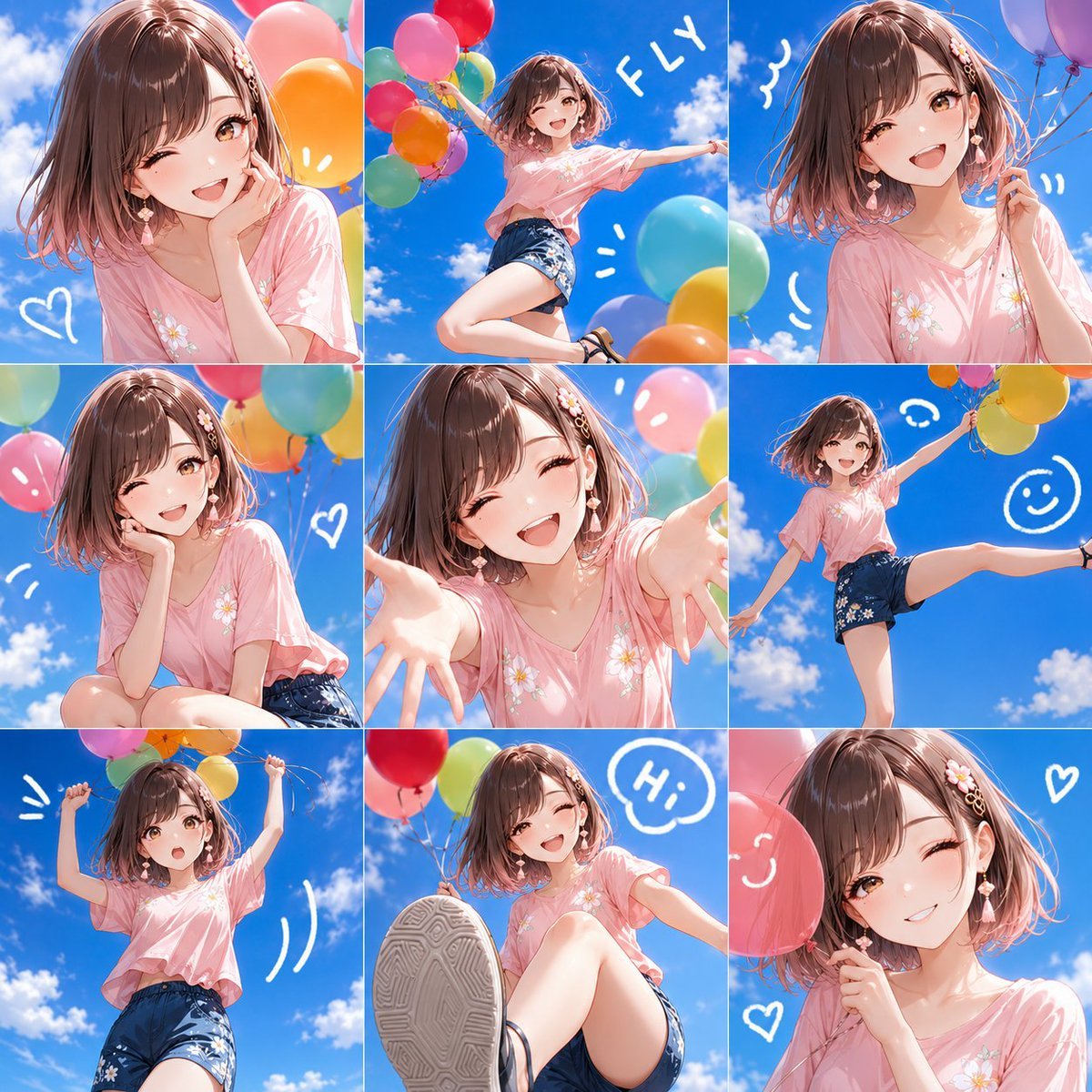
Nine-Panel Summer Balloon Anime Collage
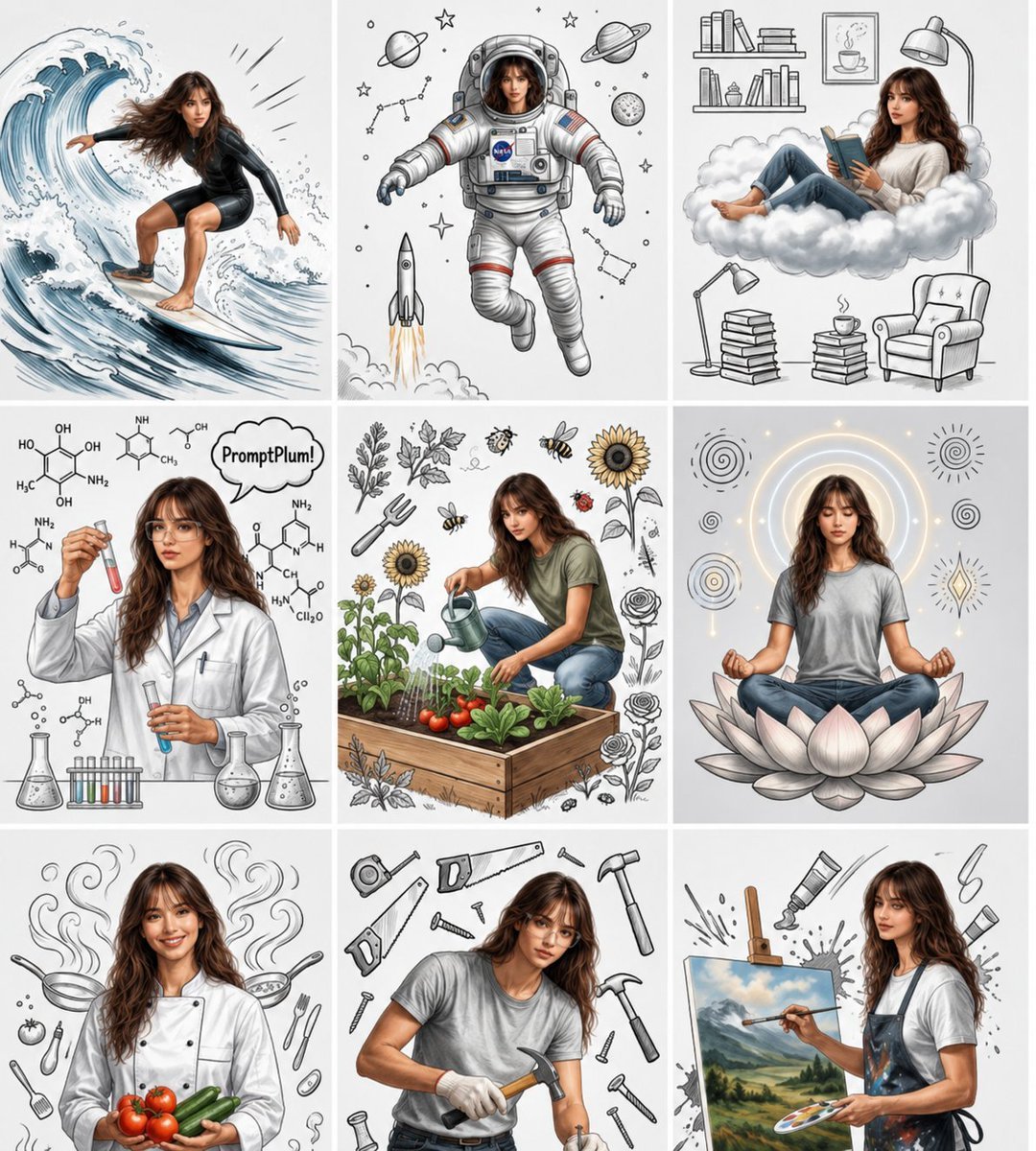
Consistent Character Nine-Panel Illustration Collage
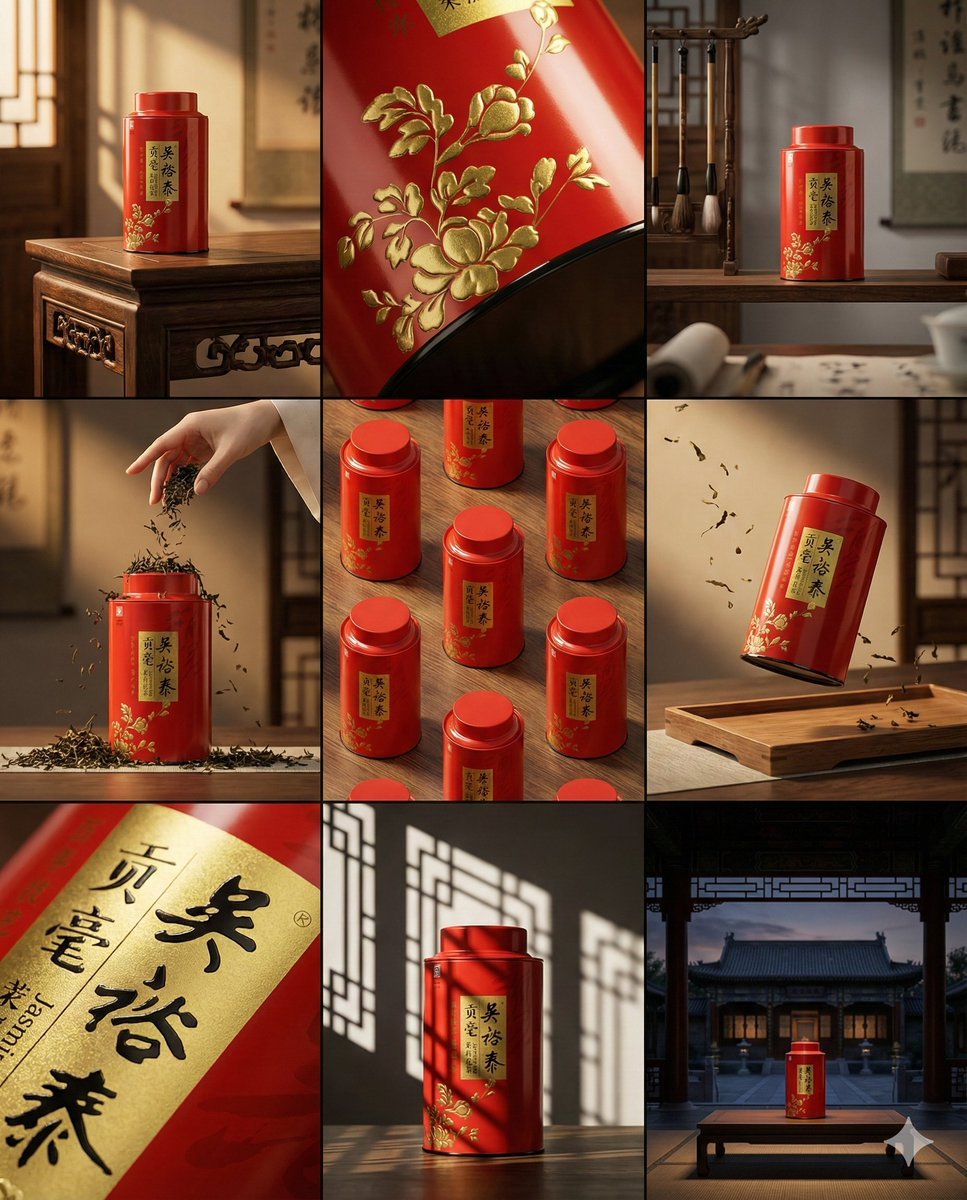
A clean 3 3 storyboard grid with nine equal-sized panels and an overall
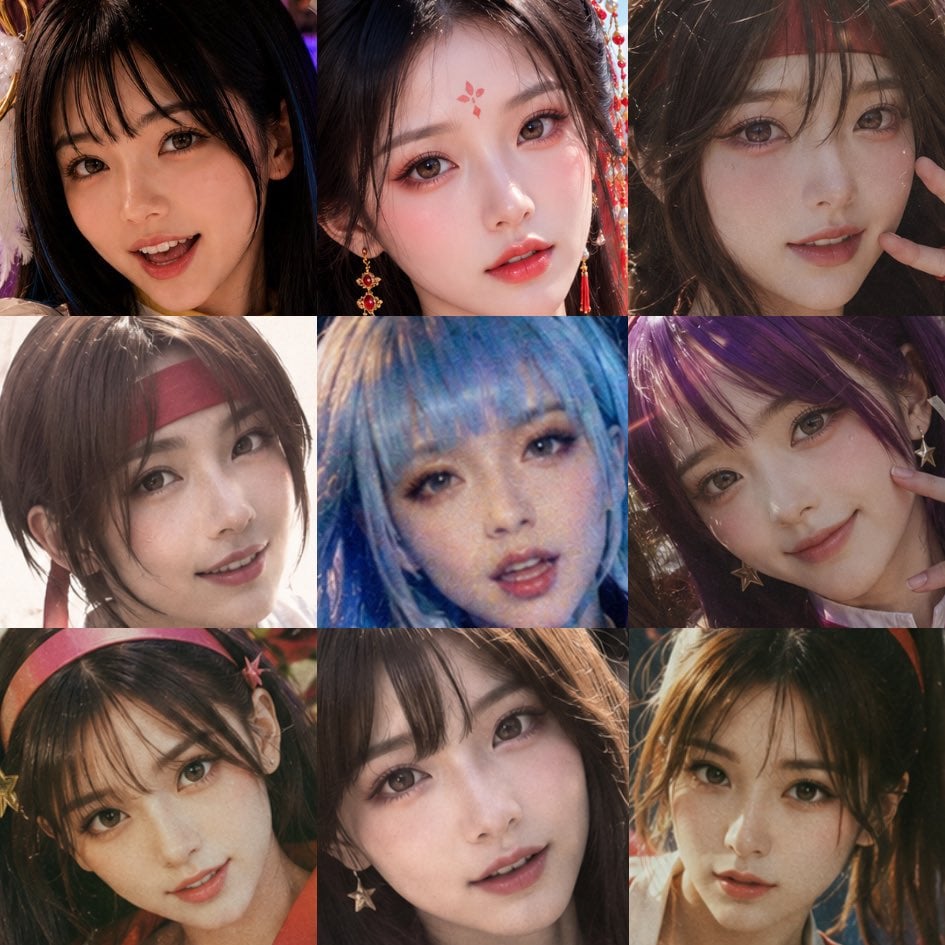
Nine-Panel AI Beauty Face Collage
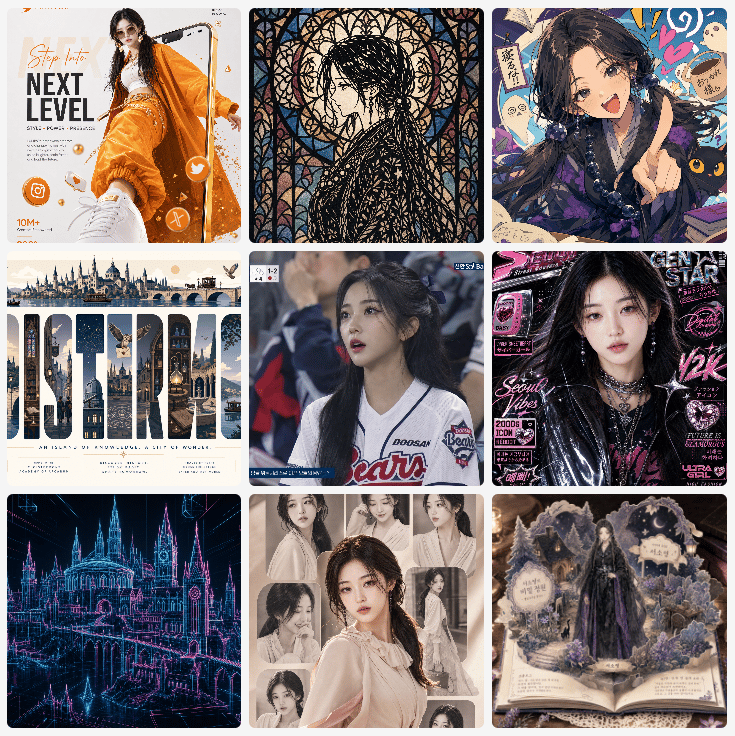
Nine-Panel AI Profile Gallery Collage
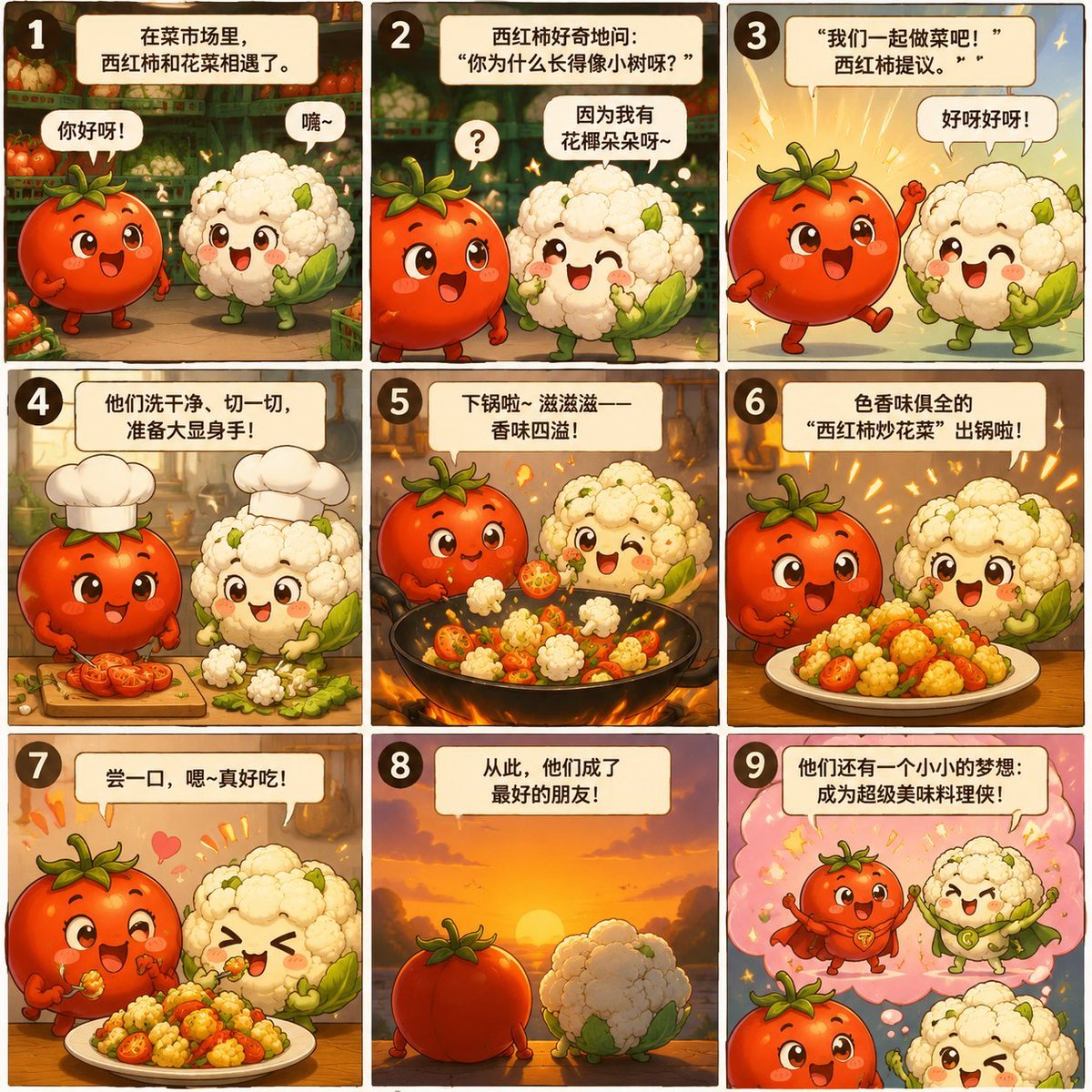
Nine-Panel Vegetable Anime Comic
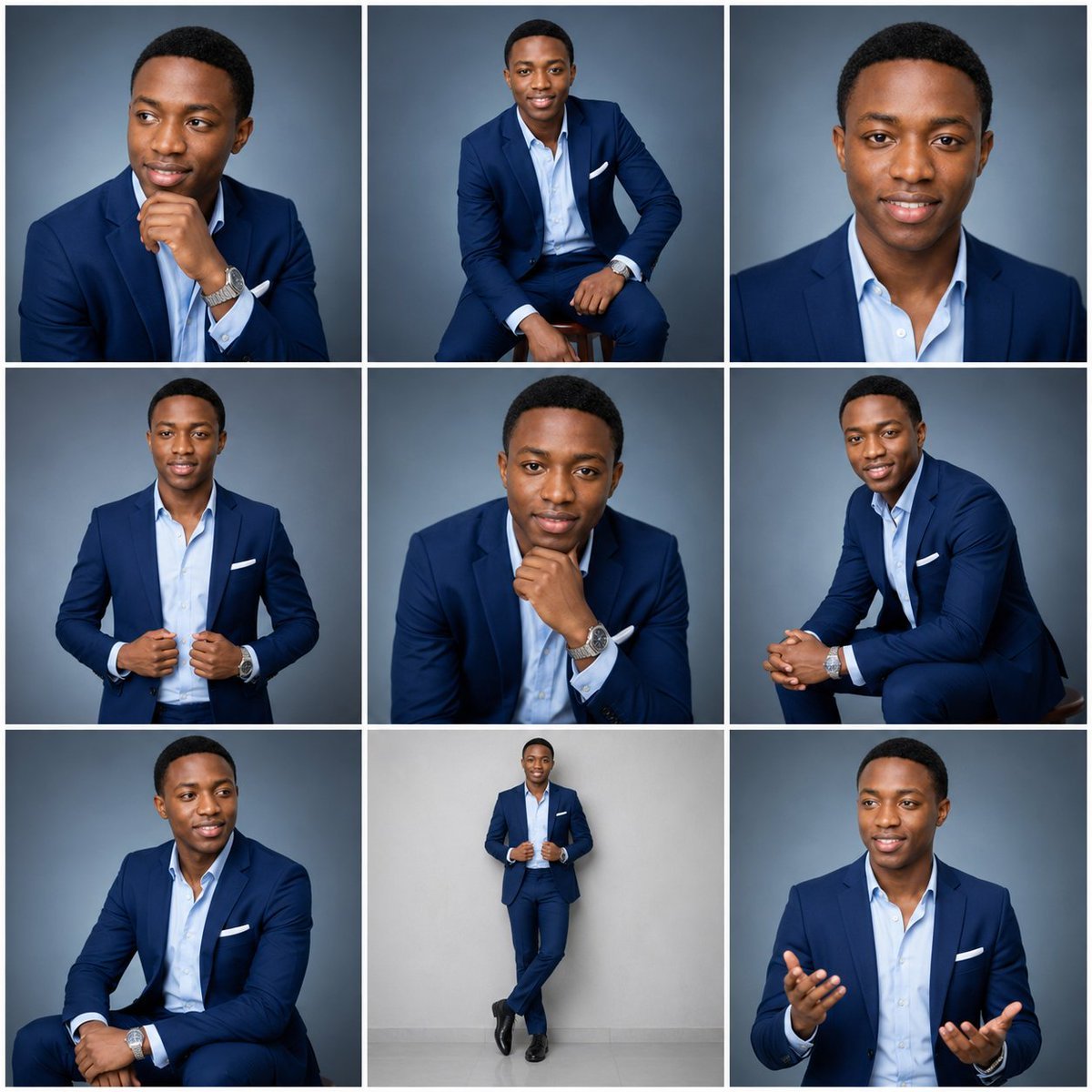
Nine-Frame Corporate Portrait Collage

A 3x3 grid storyboard contact sheet comprised of nine candid, cinematic
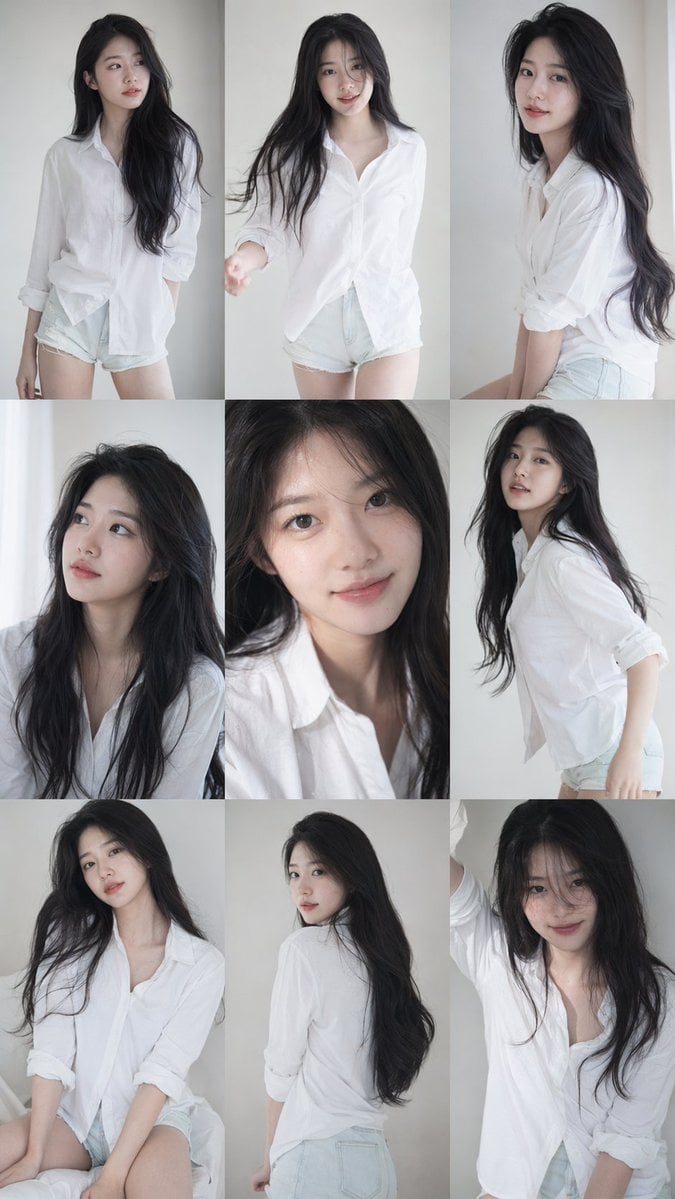
9 16 vertical a 3x3 grid collage nine images forming a Korean idol

Panel Mirror Selfie Collage

Cozy Six-Panel Bedtime Stages Collage
Make it yours
Nine-Panel Anime Storyboard Collage works as-is. These are the safest ways to change it without losing the look.
Change one field
Copy a single group, rewrite it, and generate again so you can see what that field is doing.
Keep the frame, change the subject
Hold the composition and light of Nine-Panel Anime Storyboard Collage, then swap wardrobe, props or the person for a new take.
| If the result… | Why | Fix |
|---|---|---|
| The result drifts from the preview | Too many fields changed at once. | Reuse Nine-Panel Anime Storyboard Collage as-is first, then change one group — subject, light, or setting. |
| The model over-stylizes the scene | The prose prompt leaves finish and camera underspecified. | Add one camera or lighting sentence and stay on GPT Image 2. |
More GPT Image 2 templates
Other prompts made for GPT Image 2.

Six VTuber Japanese Logo Sheet

Realistic Portrait of Woman and Deer

The Vista Modular Condo Poster

AI Model Routing Comparison Infographic

2.5D Anime Art Board

Isometric Productivity Desk Scene

New York Double Exposure Poster

Four-Panel AI Landscape Comparison

Japanese Tatami Lifestyle Magazine Cover

NESCAFÉ Coffee Map Poster
More image prompts
Fresh picks from across the catalog.
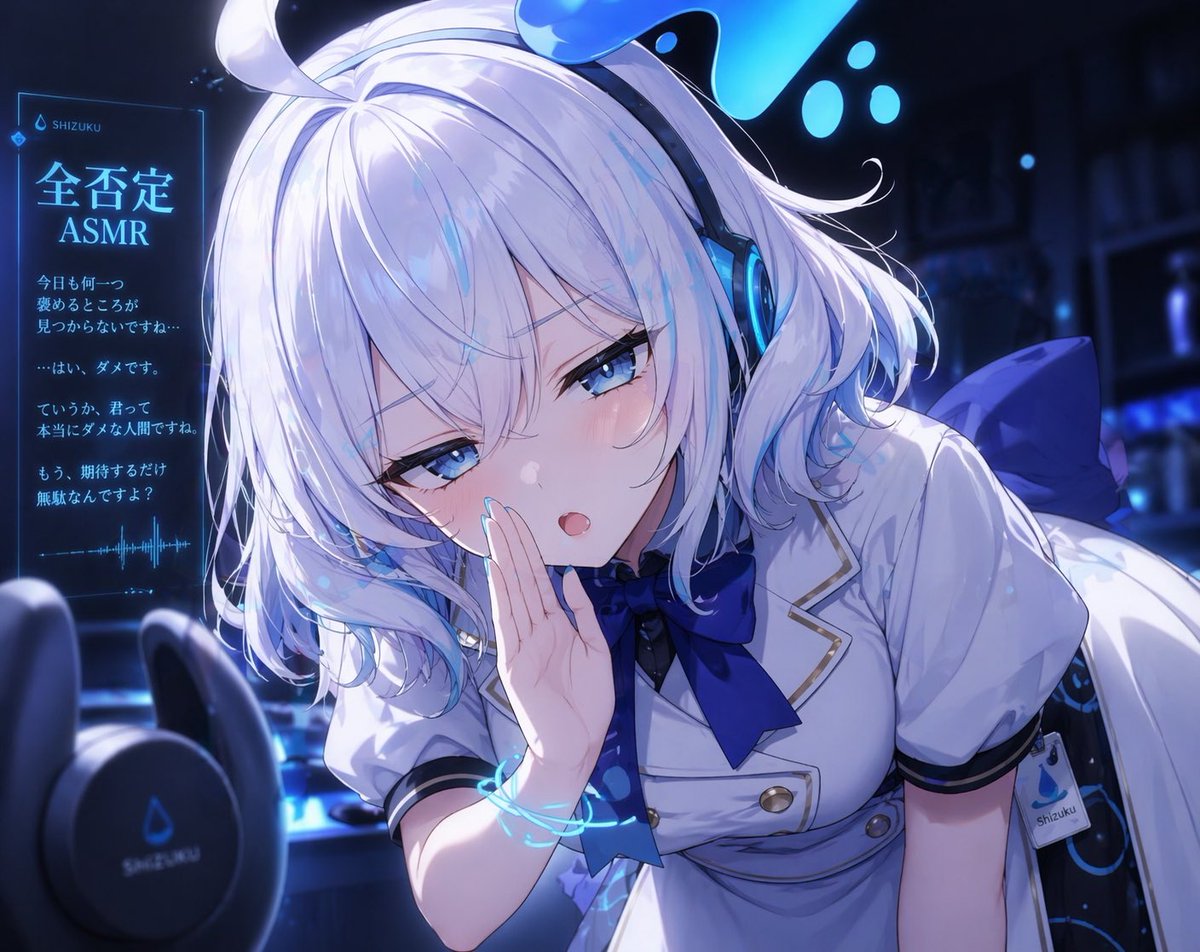
Blue Neon Denial ASMR Anime Portrait
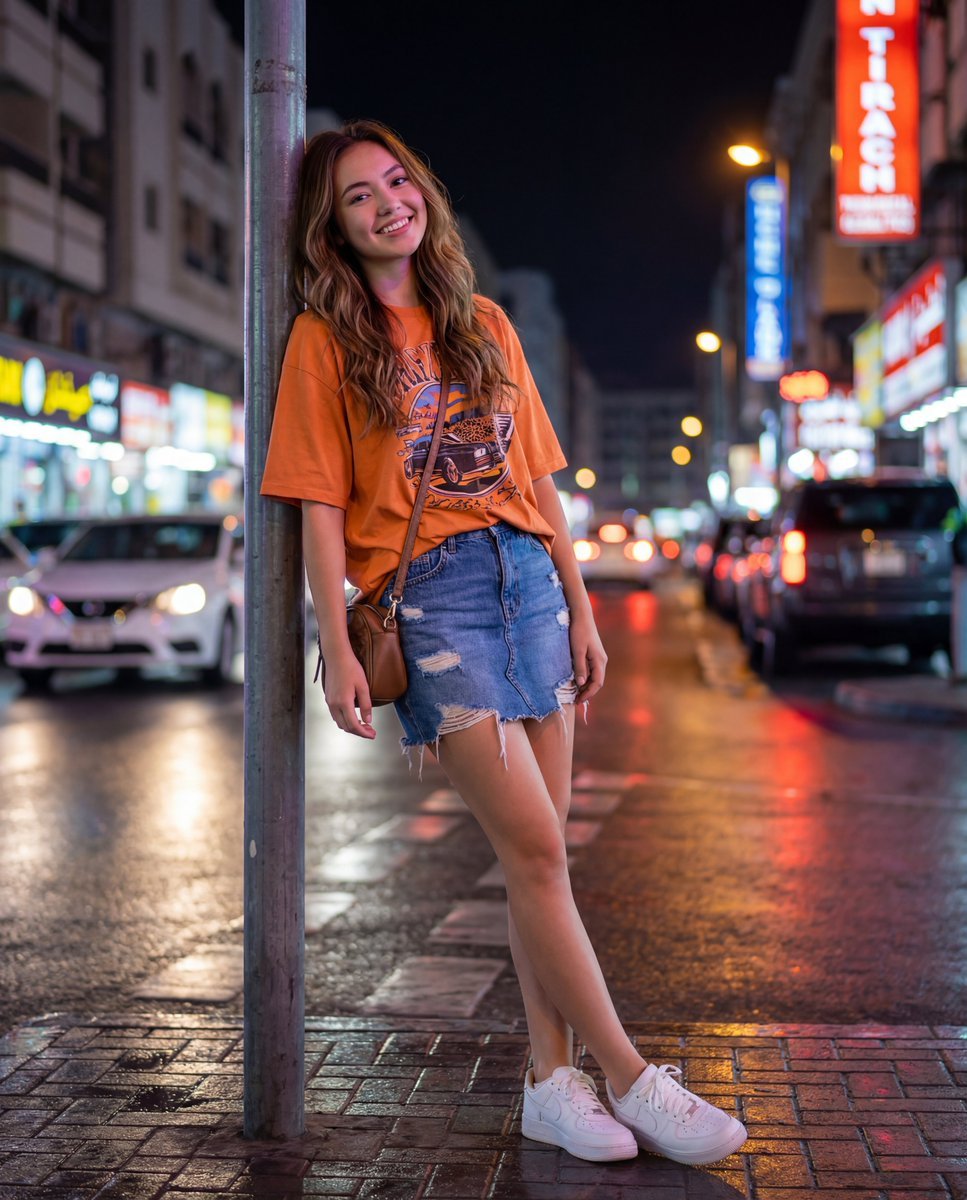
Urban Night Portrait with 100% Facial Accuracy
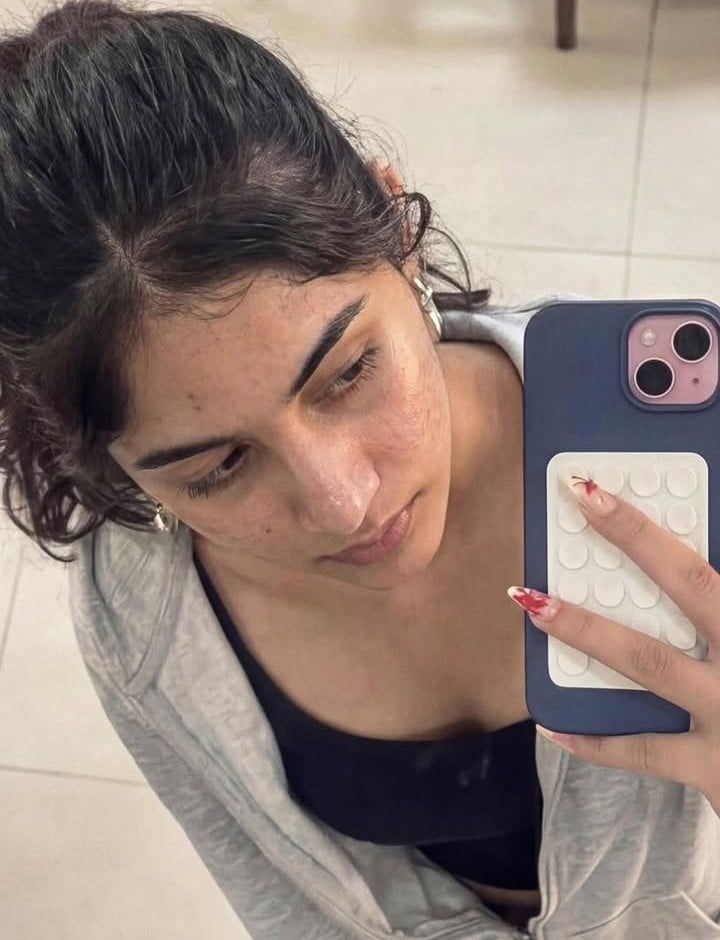
Image-to-Image Editing Example
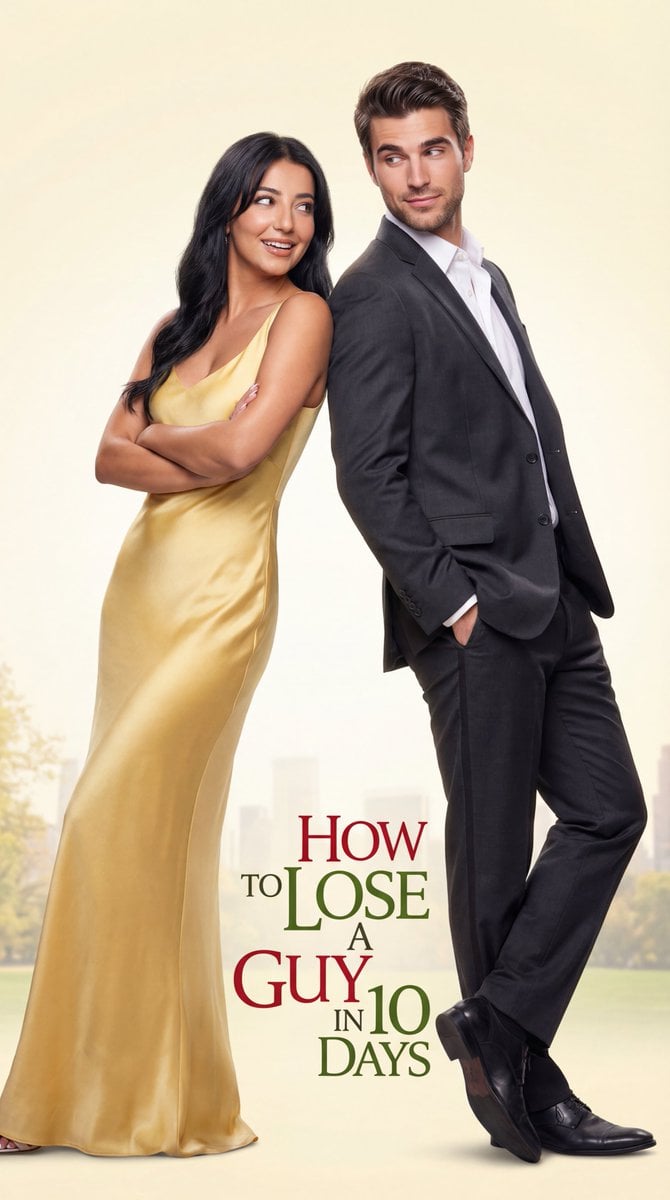
Early 2000s Rom-Com Movie Poster
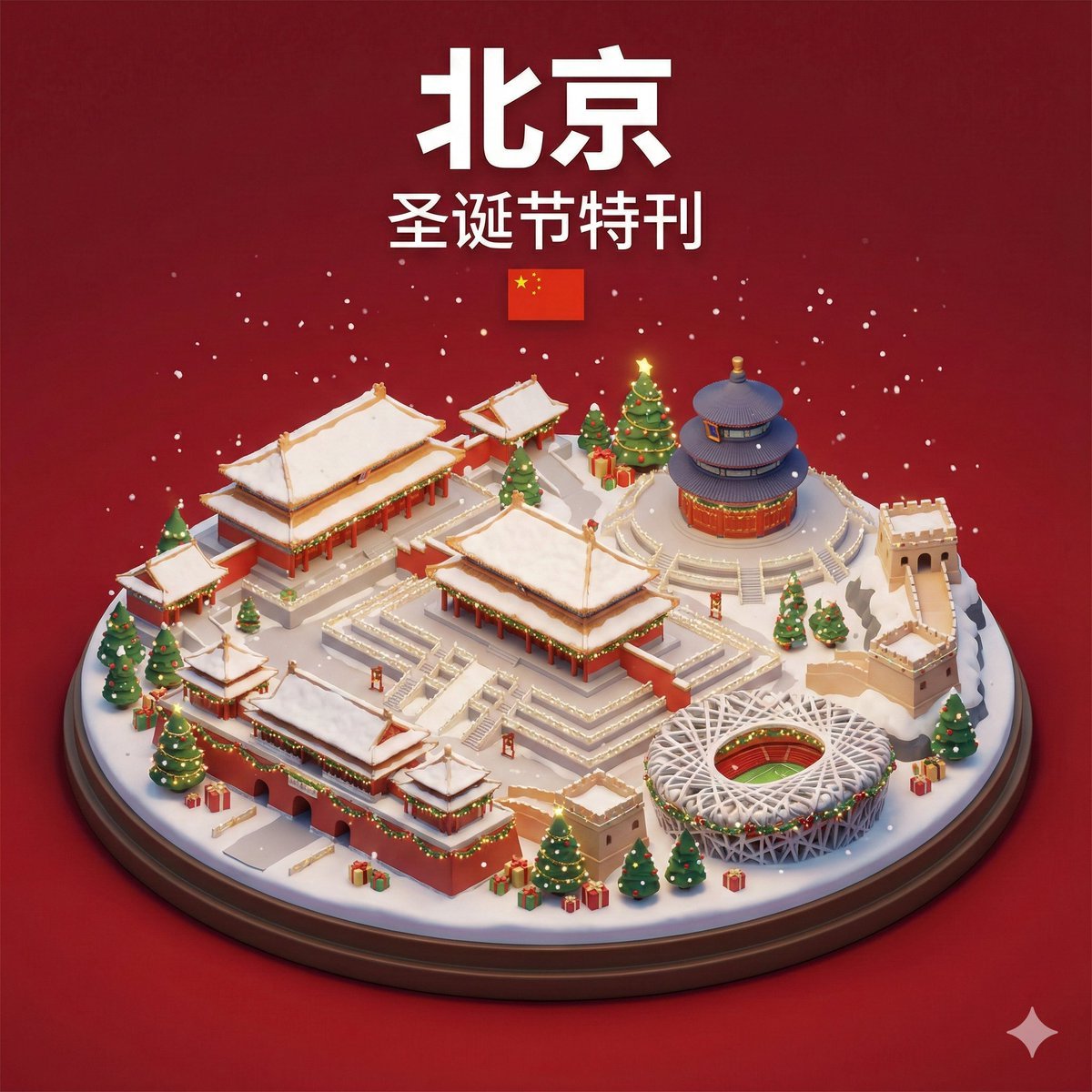
Isometric 3D Miniature City Diorama with Holiday Theme
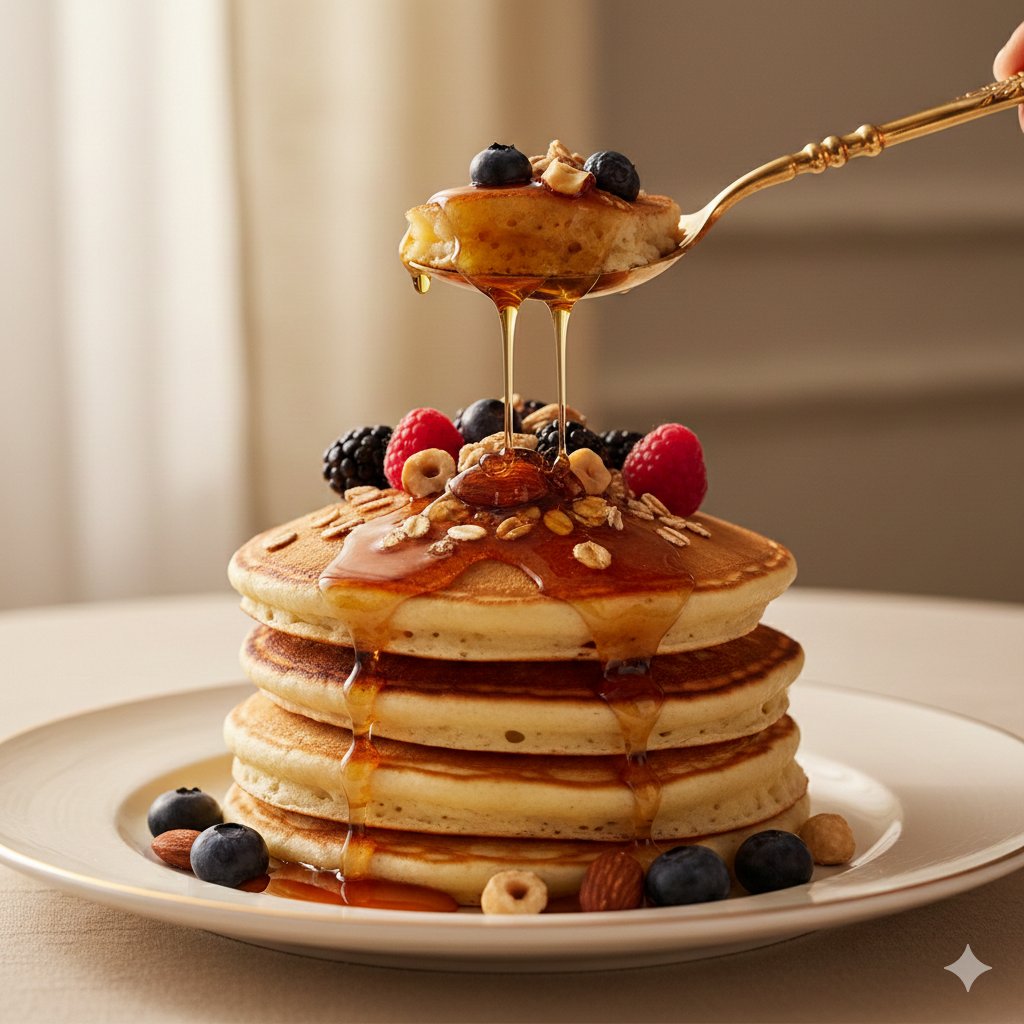
Ultra-Luxury Pancake Commercial Scene
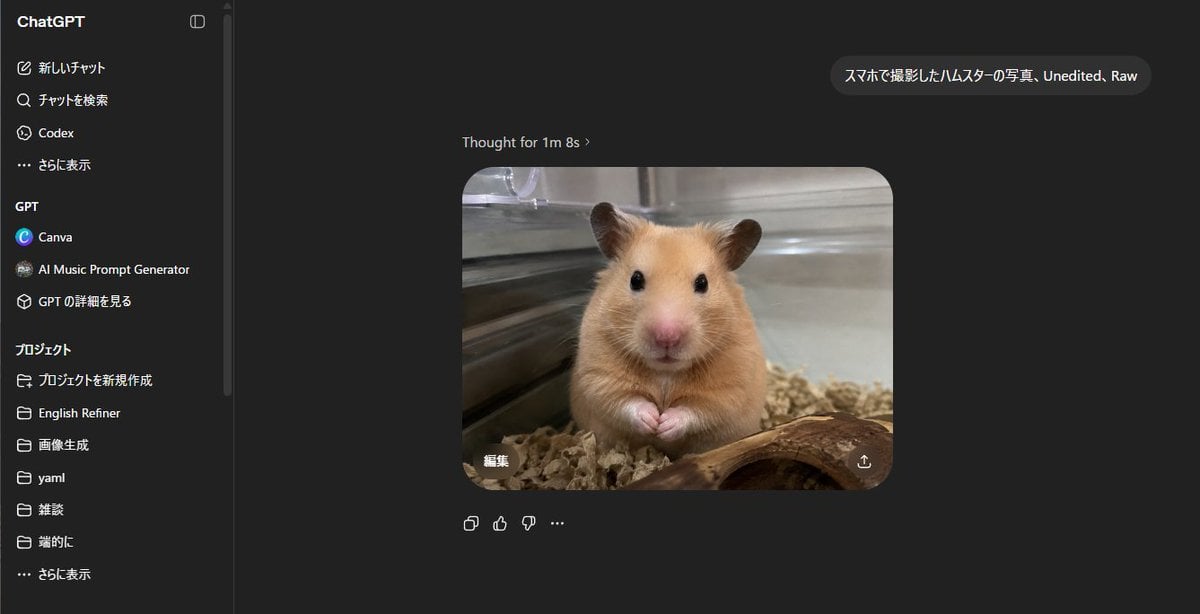
ChatGPT Hamster Image Screenshot
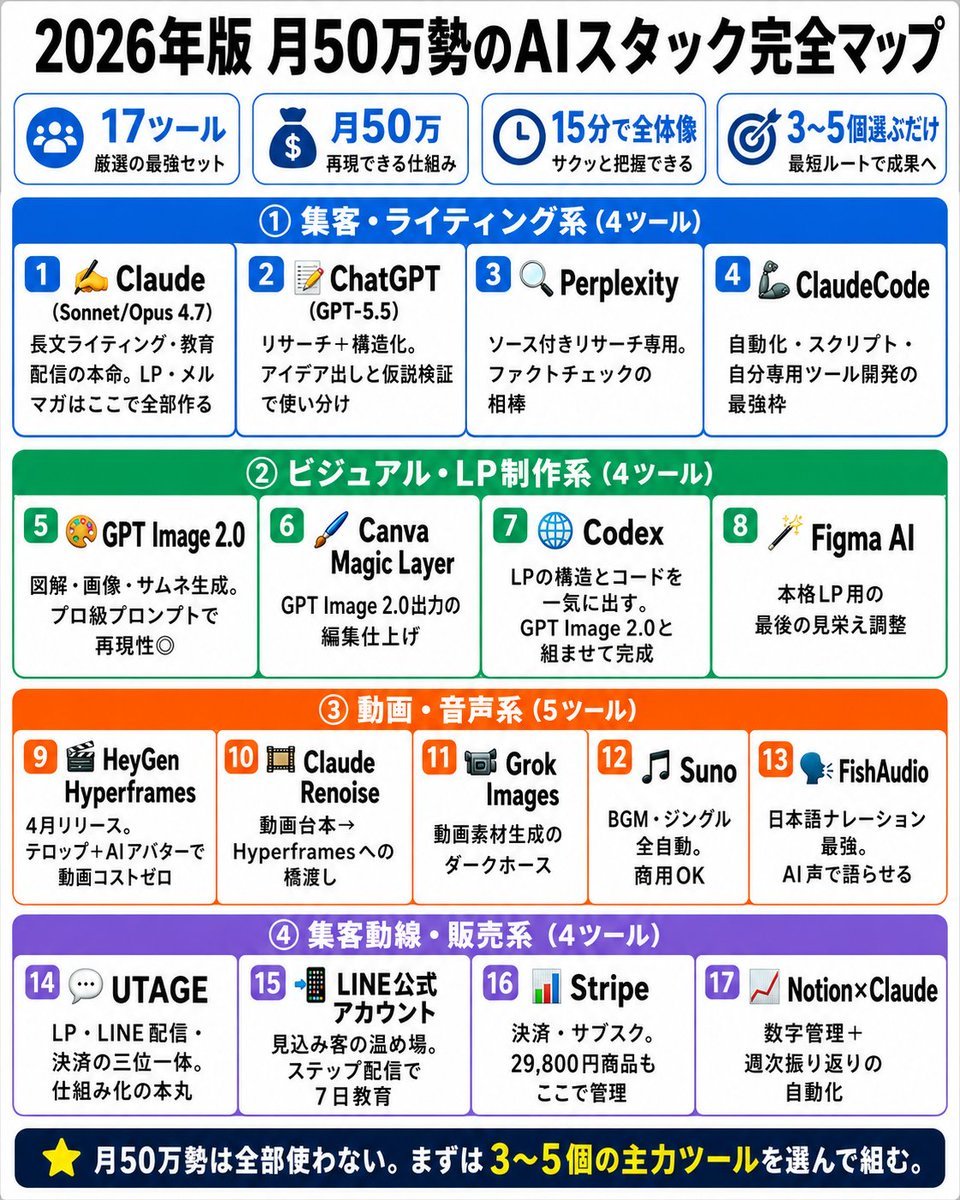
Japanese AI Stack Infographic Map
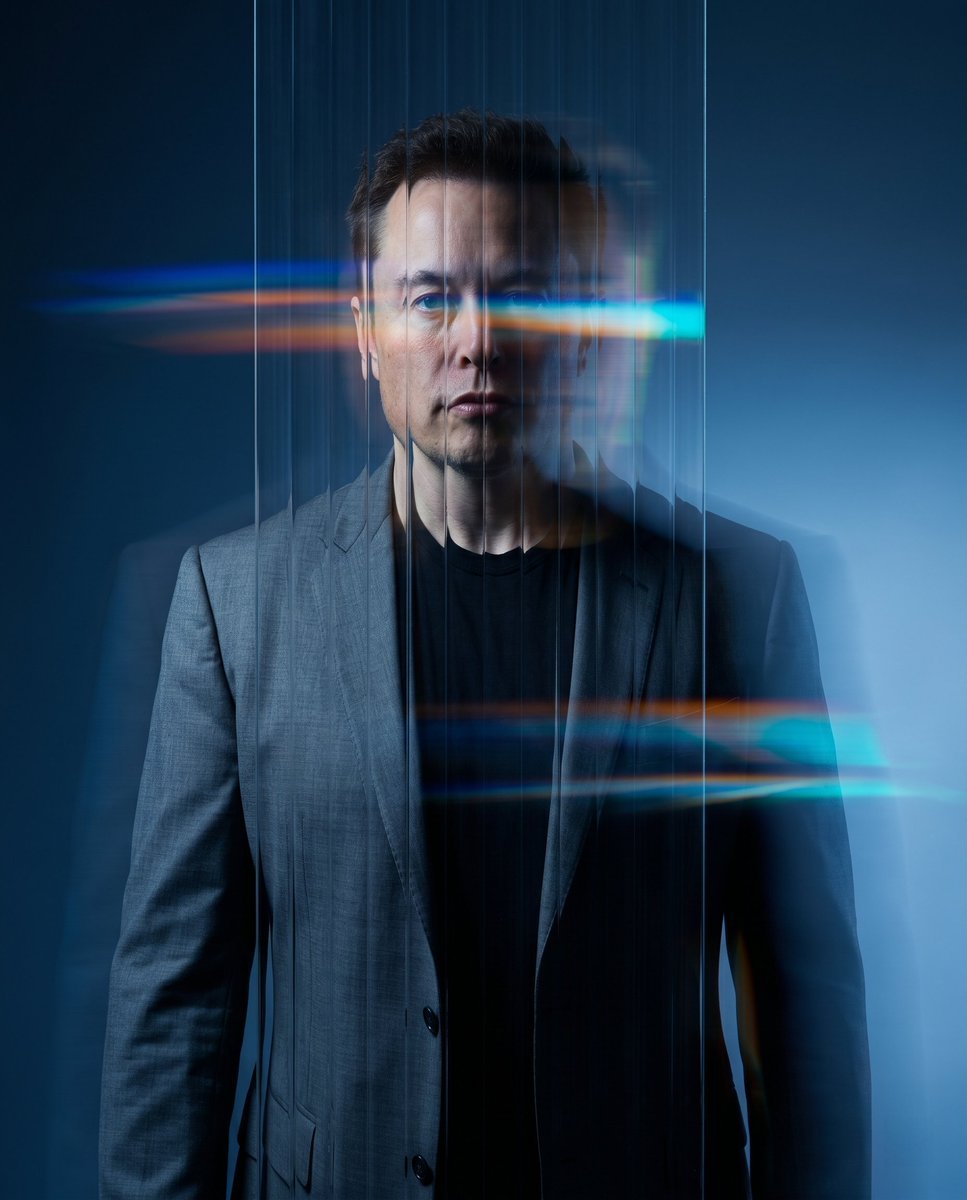
Refractive Glass Concept Portrait
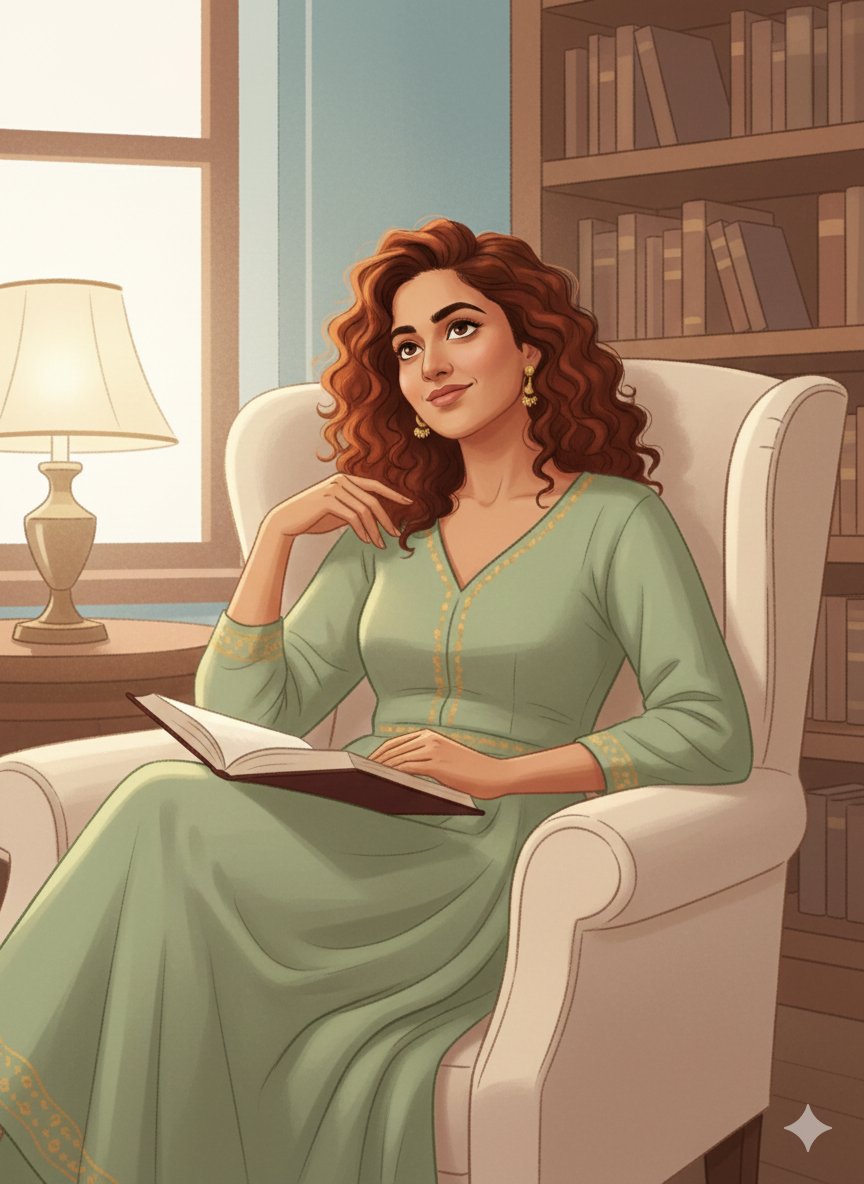
Identity-Preserving Storybook Illustration (Group)
Browse template categories
Nine-Panel Anime Storyboard Collage questions
How do I use the Nine-Panel Anime Storyboard Collage template?
Add your photo if the template asks for one, edit the prompt if you like — the template's model and format are already selected — and press Generate. Your version opens in PicX Studio.
Can I customize the Nine-Panel Anime Storyboard Collage template?
Yes. You can change the subject, setting, lighting, mood, format, and available model controls before creating your image.
Is the Nine-Panel Anime Storyboard Collage template free?
Opening and editing this template is free. Generating uses credits, shown on the Generate button when you are signed in.
Which AI model should I use?
Start with GPT Image 2, which is the model associated with this template. You can compare another compatible model for a different finish.
Looking for something else? Browse all templates.

Your photo, any look
Thousands of ready templates for every top image and video model, from one credit balance.