How do I use the Soft Grunge E-Girl Mirror Selfie template?
Choose the primary action to open PicX Studio with the available template settings. Review the model and format, personalize the creative direction, and generate when ready.
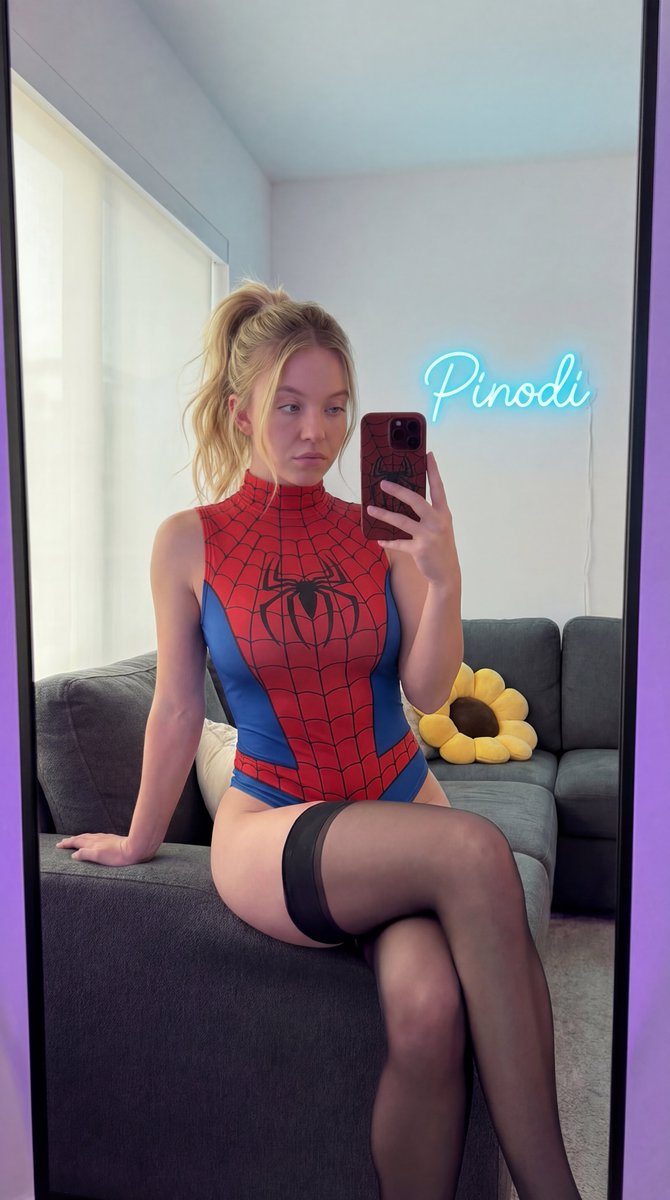
A photorealistic image generation prompt detailing a young woman taking a mirror selfie in a bedroom, featuring a soft grunge/E-girl aesthetic with Y2K fashion accents like a black pleated mini skirt, a gothic belt, and Hello Kitty accessories. Change the subject, setting, or lighting one variable at a time.

{ "subject": { "description": "Young woman with long, wavy brown hair", "features": "Fair skin, winged eyeliner, soft makeup, neutral expression", "physique": "Slim build" }, "apparel": { "top": "Black ribbed sleeveless crop top", "bottom": "Black pleated mini skirt with a gothic grommet belt and hanging straps", "footwear": "White ankle socks with a small {argument name="graphic detail" default="Hello Kitty"} graphic" }, "accessories": { "jewelry": "Delicate gold chain bracelet, silver cross necklace", "tech": "Smartphone with a {argument name="phone case graphic" default="Hello Kitty"} phone case and stickers" }, "pose": { "action": "Taking a mirror selfie", "posture": "Kneeling on a bed, body angled slightly to the side", "gaze": "Looking towards the mirror/phone" }, "environment": { "setting": "Bedroom interior", "details": "Grey duvet/bedding, plain white walls, small window in background", "lighting": "Soft, diffused indoor lighting" }, "style": { "aesthetic": "Soft grunge, E-girl, Y2K fashion, kawaii accents", "quality": "Photorealistic, high resolution, social media aesthetic, sharp focus" } }
Choose the primary action to open PicX Studio with the available template settings. Review the model and format, personalize the creative direction, and generate when ready.
Yes. You can change the subject, setting, lighting, mood, format, and available model controls before creating your image.
This template is free to open and customize. Generation usage is shown in PicX Studio before you create.
Start with Nano Banana 2, which is the model associated with this template. You can compare another compatible model for a different finish.
© 2026 PicX Studio. All rights reserved.

Follow a topic to a crawlable collection of related PicX Studio templates.
43,474 public templates available. Verified via the PicX Studio public templates API; refreshed hourly.


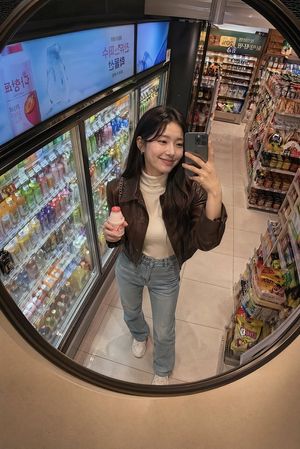
![nano-banana-grwm-mirror-selfie-pink — Nano Banana 2
Prompt (JSON):
{
"type": "image_prompt",
"description": {
"subject": {
"main": "[NAME] com o](/_next/image?url=https%3A%2F%2Fcdn.picxstudio.com%2Fuploads%2Ftweet_img_10a_612da6f9-cf6d-417e-bdd5-cc1300d1d830.jpg&w=828&q=100)













![Naive doodle-style subject illustration — A doodle-style {argument name="subject" default="[subject]"}, naive lines, humorous shape exaggeration](https://pbs.twimg.com/media/G6Wl2YxbsAARB2b.jpg)

















![Aesthetic 3D Crystal Figurine Prompt Template — 3D render of {argument name="subject" default="[Insert Characters or Subject]"} as stylized transluc…](https://pbs.twimg.com/media/G9_xNBlboAAHoNr.jpg)