1. Home
  2. /Templates
  3. /Golden Hour Street Portrait Transformation Prompt
Golden Hour Street Portrait Transformation Prompt - AI Image Template Preview
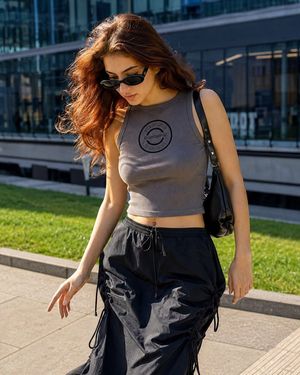
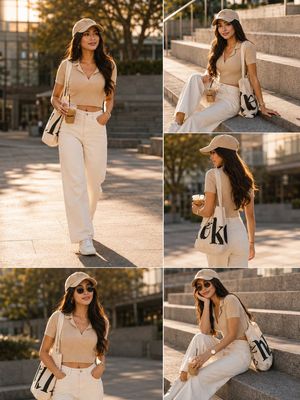
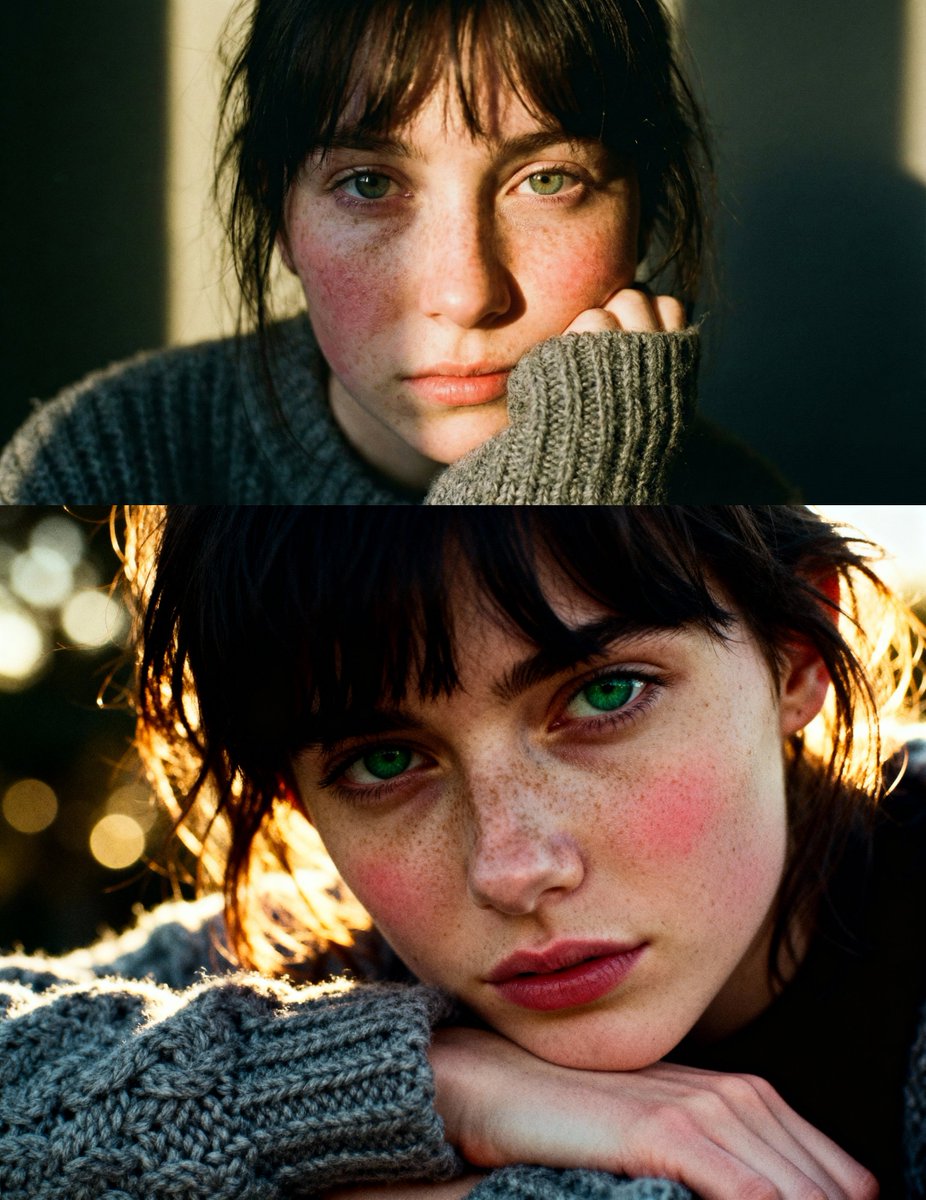
Golden Hour Street Portrait Transformation Prompt example 1

Source Post

XView original post
Free

Golden Hour Street Portrait Transformation Prompt

A comprehensive prompt designed for image-to-image transformation, instructing the AI to convert a reference photo into a high-end, cinematic street photography portrait. It requires accurate facial feature application, preservation of the original pose, detailed wardrobe enhancements (waxed canvas parka, indigo jeans), and specific cinematic lighting (cool-tone grade with warm golden rim light) against a historic tower backdrop with heavy bokeh.

✓Official Template

Sample Prompt

"Please use the female user’s reference photo to accurately apply all of her facial features. Edit this image — transform the photo into a high-end street-photography portrait of a female traveler/photographer leaning casually against a lamp post in front of a historic tower. Pose & composition (preserve): Standing with the left leg bent and foot resting on the lamp base, right leg relaxed. Left hand tucked into the jacket pocket, right hand holding a camera down by the thigh. Shoulders slightly turned toward the camera, chin gently lifted, gaze looking off-frame with a calm, confident expression. Keep the original framing and body alignment. Wardrobe & accessories: Keep the dark parka/jacket, enhance fabric texture with a subtle waxed canvas or premium matte finish Replace inner layer with a soft charcoal or muted knit sweater Retain blue jeans, deepen to rich indigo with natural creasing and realism Emphasize high-top sneakers — increase contrast on black-and-white panels, add light scuff details Add a slim messenger bag strap across the chest Add a compact leather wrist strap on the camera Optional: minimal jewelry (small studs or thin ring), understated and editorial Lighting & color grading: Cinematic cool-tone color grade with soft blue shadows. Add a warm golden rim light hitting the left side of the face and shoulder (late-afternoon sun feel). Slight contrast and midtone boost while preserving natural skin texture. Add subtle film grain and a gentle vignette to draw focus to the subject. Camera & optics look: Emulate a 35mm–50mm prime lens, shallow depth of field (f/1.8–2.8). The tower and pedestrians fall into smooth, painterly bokeh while the subject remains razor-sharp. Apply slight perspective correction so the tower peeks elegantly behind her shoulder. Enhance eye catchlights (or sunglasses reflection if present). Sharpen camera body and lens details. Background & atmosphere: Maintain the busy pedestrian environment but soften and desaturate it to make the subject pop. Increase clarity and texture on the historic stone tower for architectural strength. Add a few falling autumn leaves and a subtle wet-pavement sheen suggesting recent rain, with light reflections near the shoes. Final touches: Natural skin retouching (preserve pores and fine detail), boost micro-contrast on jacket and jeans, enhance glass and metal reflections on the camera. Export as photorealistic, vertical 4K editorial cro

AI Model

nano-banana-2
Use This Template

Click to start creating with this template

Share

About Golden Hour Street Portrait Transformation Prompt

"Please use the female user’s reference photo to accurately apply all of her facial features. Edit this image — transform the photo into a high-end street-photography portrait of a female traveler/photographer leaning casually against a lamp post in front of a historic tower. Pose & composition (preserve): Standing with the left leg bent and foot resting on the lamp base, right leg relaxed. Left hand tucked into the jacket pocket, right hand holding a camera down by the thigh. Shoulders slightly turned toward the camera, chin gently lifted, gaze looking off-frame with a calm, confident expression. Keep the original framing and body alignment. Wardrobe & accessories: Keep the dark parka/jacket, enhance fabric texture with a subtle waxed canvas or premium matte finish Replace inner layer with a soft charcoal or muted knit sweater Retain blue jeans, deepen to rich indigo with natural creasing and realism Emphasize high-top sneakers — increase contrast on black-and-white panels, add light scuff details Add a slim messenger bag strap across the chest Add a compact leather wrist strap on the camera Optional: minimal jewelry (small studs or thin ring), understated and editorial Lighting & color grading: Cinematic cool-tone color grade with soft blue shadows. Add a warm golden rim light hitting the left side of the face and shoulder (late-afternoon sun feel). Slight contrast and midtone boost while preserving natural skin texture. Add subtle film grain and a gentle vignette to draw focus to the subject. Camera & optics look: Emulate a 35mm–50mm prime lens, shallow depth of field (f/1.8–2.8). The tower and pedestrians fall into smooth, painterly bokeh while the subject remains razor-sharp. Apply slight perspective correction so the tower peeks elegantly behind her shoulder. Enhance eye catchlights (or sunglasses reflection if present). Sharpen camera body and lens details. Background & atmosphere: Maintain the busy pedestrian environment but soften and desaturate it to make the subject pop. Increase clarity and texture on the historic stone tower for architectural strength. Add a few falling autumn leaves and a subtle wet-pavement sheen suggesting recent rain, with light reflections near the shoes. Final touches: Natural skin retouching (preserve pores and fine detail), boost micro-contrast on jacket and jeans, enhance glass and metal reflections on the camera. Export as photorealistic, vertical 4K editorial cro Features: 100% free. PicXStudio's AI-powered template for instant image generation.

Optimised for nano-banana-2. Free to use — no sign-up required.

Related Templates

View all
x-meng_dagg695-gpt-image-2-on-socialsight

x-meng_dagg695-gpt-image-2-on-socialsight

x-Ozayrr_irl-chatgpt-image-2-vs-google

x-Ozayrr_irl-chatgpt-image-2-vs-google

x-chatgptpaglu-gpt-image-2-on-yapper-so

x-chatgptpaglu-gpt-image-2-on-yapper-so

x-AiwithLariab-image-on-nano-banana-2

x-AiwithLariab-image-on-nano-banana-2

x-oye_samia-hyper-realistic-scene-on-the-outskirts

x-oye_samia-hyper-realistic-scene-on-the-outskirts

x-Chryzleenprompt-create-image-a-hyper-photorealistic-polaroid

x-Chryzleenprompt-create-image-a-hyper-photorealistic-polaroid

Explore More

All Templates

Browse full gallery

Discover

Community creations

Moodboards

Curated collections

Start Creating

Generate AI images

From Our Blog

View all articles

From Stick Figures to Masterpieces: My Journey with AI Art

Discover how AI art generators are transforming creativity for everyone.

The Creative Revolution That's Changing Everything

How AI image tools are transforming businesses across industries.

About UsBlogEarn with PicXPrivacy PolicyTerms of Service
← Back to All Templates