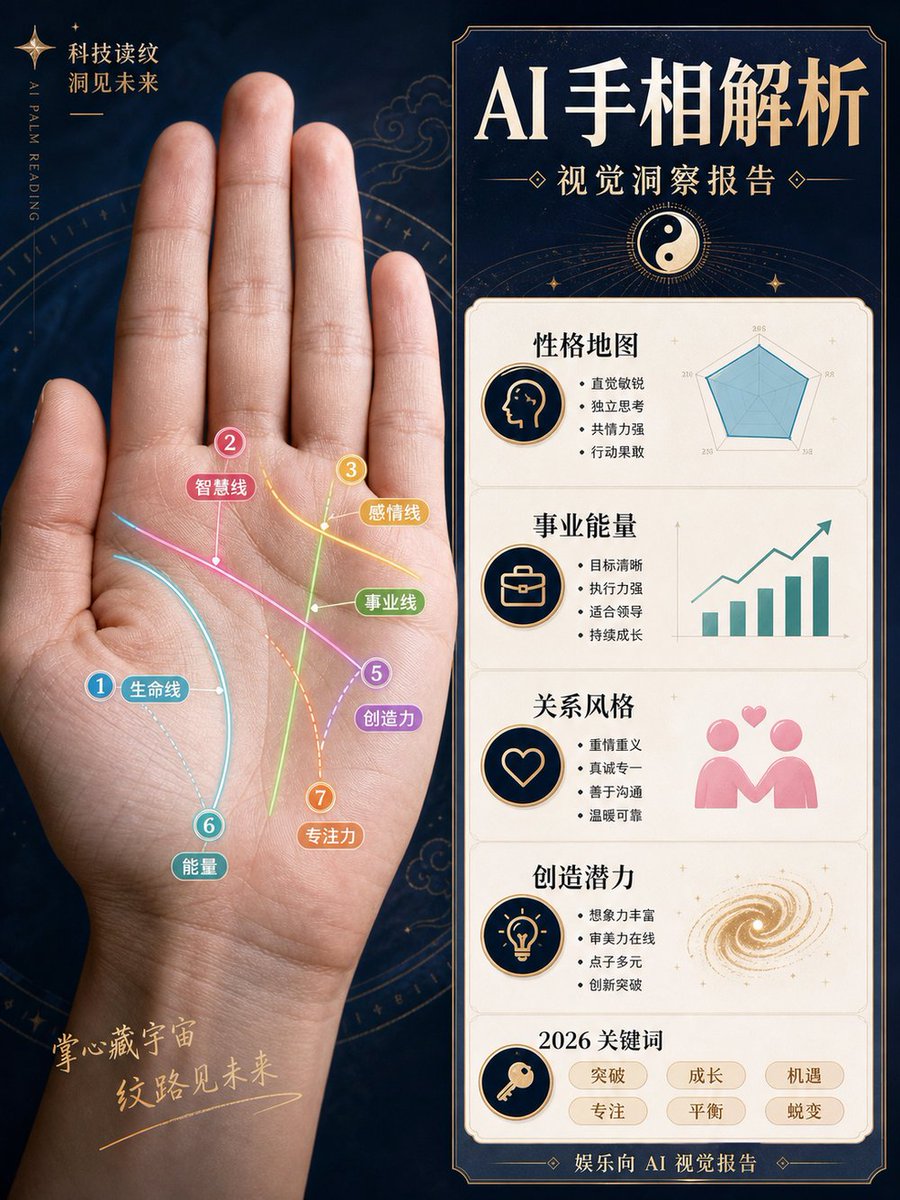
AI Palm Reading Report Poster
{"type":"Chinese magazine-style AI palm reading visual analysis report poster","format":"vertical 3:4 infographic poster","overall_style":"luxury mystic technology aesthetic, dark navy starry background, antique gold borders, clean editorial layout, high-end Chinese magazine typography, realistic photo mixed with flat infographic graphics, not fortune-telling but a visual observation report","main_subject":{"position":"left half","description":"a large realistic open human palm facing forward, wrist visible at bottom, fingers extended upward, softly lit skin texture, centered within a faint golden astrological compass circle","hand_photo":"{argument name="hand photo description" default="realistic left palm photo, open hand, fingers upright, natural skin tone"}"},"left_palm_overlay":{"count":7,"description":"seven colorful annotated palm lines drawn directly on the palm with glowing curved strokes, numbered circular markers, small rounded Chinese labels, thin connector dots","lines":[{"number":1,"label":"生命线","color":"cyan blue","position":"curving around the thumb mound"},{"number":2,"label":"智慧线","color":"pink","position":"diagonal line across the upper palm"},{"number":3,"label":"感情线","color":"yellow","position":"upper right palm near finger bases"},{"number":4,"label":"事业线","color":"green","position":"vertical line rising through the center palm"},{"number":5,"label":"创造力","color":"purple","position":"diagonal line toward lower right palm"},{"number":6,"label":"能量","color":"teal","position":"lower left palm near wrist"},{"number":7,"label":"专注力","color":"orange","position":"dotted vertical curve near lower center palm"}]},"left_background_text":{"top_left":"科技读纹\n洞见未来","vertical_english":"AI PALM READING","bottom_left":"掌心藏宇宙\n纹路见未来"},"right_panel":{"position":"right half","description":"tall bordered report card with dark navy header and cream content panels, gold trim and art deco corners","headline":"{argument name="headline text" default="AI 手相解析"}","subtitle":"{argument name="subtitle text" default="视觉洞察报告"}","header_icon":"yin-yang symbol in a golden circle with radiating lines","sections_count":5,"sections":[{"title":"性格地图","icon":"profile head silhouette in a navy-and-gold circle","text_bullets_count":4,"text_bullets":["直觉敏锐","独立思考","共情力强","行动果敢"],"visual":"teal radar chart with five axes"},{"title":"事业能量","icon":"briefcase in a navy-and-gold circle","text_bullets_count":4,"text_bullets":["目标清晰","执行力强","适合领导","持续成长"],"visual":"teal rising bar chart with upward arrow"},{"title":"关系风格","icon":"heart outline in a navy-and-gold circle","text_bullets_count":4,"text_bullets":["重情重义","真诚专一","善于沟通","温暖可靠"],"visual":"pink two-person relationship icon with floating hearts"},{"title":"创造潜力","icon":"light bulb in a navy-and-gold circle","text_bullets_count":4,"text_bullets":["想象力丰富","审美力在线","点子多元","创新突破"],"visual":"golden spiral galaxy swirl"},{"title":"2026 关键词","icon":"key in a navy-and-gold circle","keywords_count":6,"keywords":["突破","成长","机遇","专注","平衡","蜕变"]}],"footer":"娱乐向 AI 视觉报告"},"color_palette":"deep navy, cream white, antique gold, cyan, pink, yellow, green, purple, orange, teal","typography":"large bold elegant Chinese serif headline, smaller Chinese sans-serif bullet text, decorative gold separators","customization_notes":"Keep all Chinese text sharp and legible, preserve the exact section layout and counts, emphasize the combination of realistic palm photography and polished infographic analysis."}

![Analog Clock and Gourmet Burger Benchmark — Create an analog clock reading {argument name="time" default="15:32"} [Not digital and no other time], a {argument n](https://cms-assets.youmind.com/media/1788942275510_kg0sts_HRuAVTTXMAAawZT-300x200.jpg)


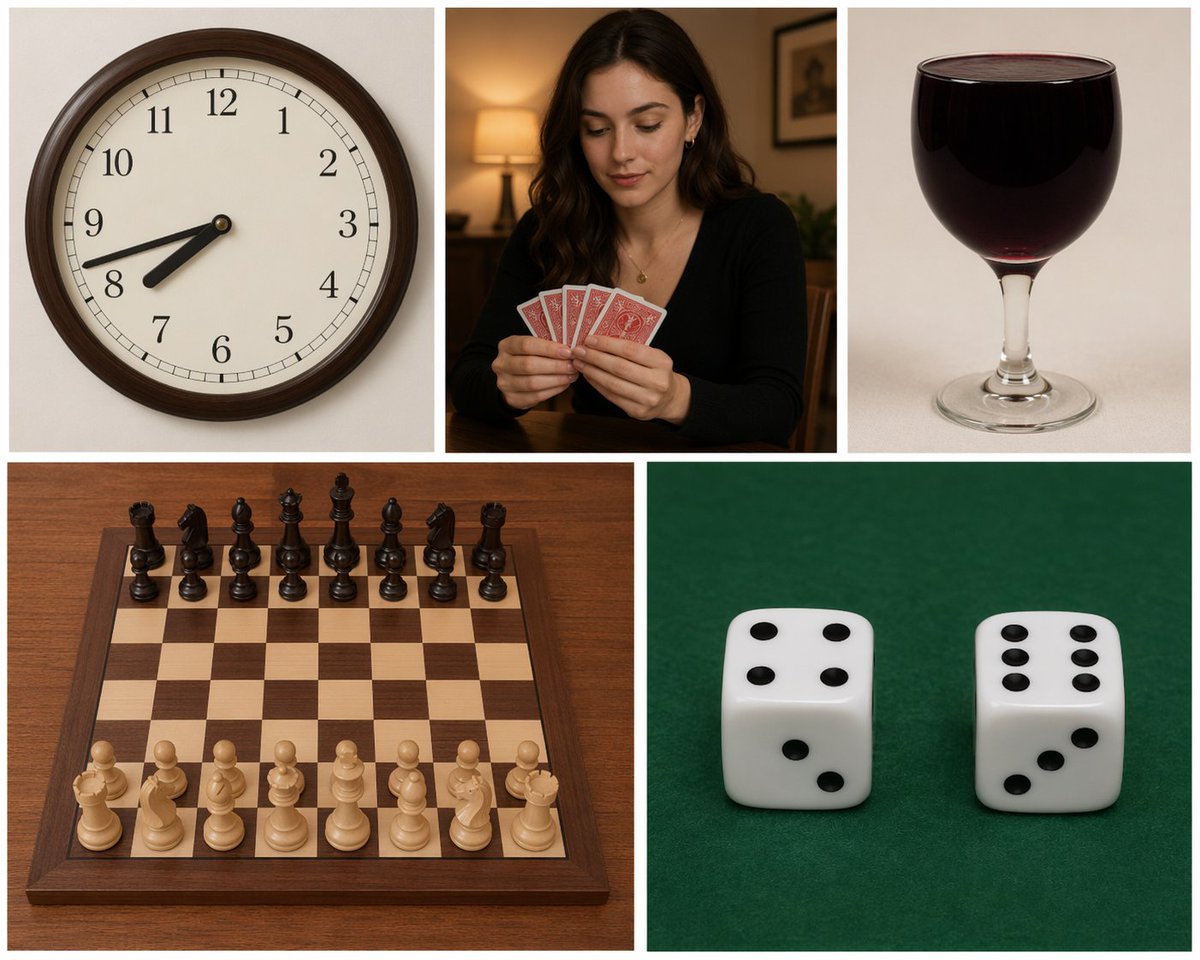
![Gambling Aptitude Research Report — 【情報入力欄】
キャラクター名:[{argument name="キャラクター名" default=" "}] ←必須
補足事項:[{argument name="補足事項" default=" "}] ←AIに伝えたいことがあれば記入
--](https://cms-assets.youmind.com/media/1781517884629_t2y8m5_HKxkT-vaIAAOvDo-300x400.jpg)


![Minimalist Flat Vector Travel Poster — Premium minimalist flat-vector travel poster for {argument name="city name" default="[CITY_NAME]"}, 3:4 vertical format.](https://cms-assets.youmind.com/media/1787917359711_3ug846_HQX205cbMAA6F6S-300x400.jpg)
































![Ultra-Realistic Commercial Food Photography Prompt (Biscuits) — Ultra-realistic {argument name="biscuit name" default="[BISCUIT NAME]"} biscuits stacked dynamic](https://pbs.twimg.com/media/G9vwGUSasAAF7Ck.jpg)
![Fairy-Core Mirror Selfie in Floral Cafe (Structured) — [subject]
reference_adherence = Strictly match the provided reference photo face exactly
hair = black
hai](https://pbs.twimg.com/media/G8lGMpjXQAANVqI.jpg)