How do I use the Hard Flash Photography Street Style template?
Choose the primary action to open PicX Studio with the available template settings. Review the model and format, personalize the creative direction, and generate when ready.
A highly detailed prompt for generating an ultra-photorealistic image using hard, direct on-camera flash, capturing a cool, rebellious, wealthy nightlife scene featuring a subject and a luxury sports car (Porsche 911 GT3 RS) in a dark parking lot. (free to use) — Free AI image template on PicX Studio.
{ "meta": { "aspect_ratio": "3:4", "quality": "ultra_photorealistic", "resolution": "8k", "camera": "DSLR with direct on-camera flash", "lens": "35mm wide angle", "style": "Flash photography, edgy street style, car culture luxury, candid night shoot, raw texture" }, "scene": { "location": "Dark asphalt parking lot or street", "environment": [ "Rough asphalt texture with gravel details", "Pitch black background (infinite dark)", "Luxury sports car side profile" ], "main_prop": { "object": "{argument name="car model" default="Porsche 911 GT3 RS"}", "color": "Baby blue (Gulf Blue)", "details": [ "Visible side air intake (black)", "Black side decal with 'GT3' text visible", "Large rear wing spoiler silhouette", "Glossy car paint reflecting the flash" ] }, "time": "Deep night", "atmosphere": "Cool, rebellious, wealthy nightlife, unbothered attitude" }, "lighting": { "type": "Hard Direct Flash", "key_light": "Strong frontal flash causing high contrast", "shadows": "Sharp, hard drop shadows behind the subject and car", "background_falloff": "Immediate falloff to black (vignette effect)", "reflections": "Specular highlights on the car door and the subject's forehead/nose" }, "camera_perspective": { "pov": "Eye-level / slightly low angle", "framing": "Full body seated, car cropped on the left", "focus": "Sharp focus on the subject and cat, deep depth of field due to flash" }, "subject": { "gender": "female", "age": "Early 20s", "ethnicity": "Caucasian", "body": { "posture": "Sitting on the ground, leaning slightly back against the car door", "legs": "Bent at knees, splayed comfortably", "skin": "Pale tone, realistic texture with minor flash washout on high points" }, "hair": { "color": "Platinum blonde with visible dark roots", "length": "Long, past shoulders", "texture": "Straight but tousled, messy 'bedhead' look, wind-blown strands", "shine": "High shine from flash" }, "face": { "expression": "Seductive, cool, direct eye contact with camera, pouty", "makeup": "Heavy night glam, sharp winged eyeliner, sculpted contour, glossy nude lips", "skin_texture": "Visible pores, makeup texture, not airbrushed" }, "outfit": { "top": { "type": "Basic tank top / crop top", "color": "Black", "fit": "Tight, sleeveless", "fabric": "Cotton matte finish" }, "bottom": { "type": "Cargo pants", "pattern": "Classic green/brown woodland camouflage", "fit": "Baggy, loose fit, resting on shoes", "fabric": "Heavy canvas/denim texture" }, "shoes": { "type": "Pointed toe stiletto pumps", "pattern": "Matching woodland camouflage", "heel_height": "High", "detail": "Vi" } } }
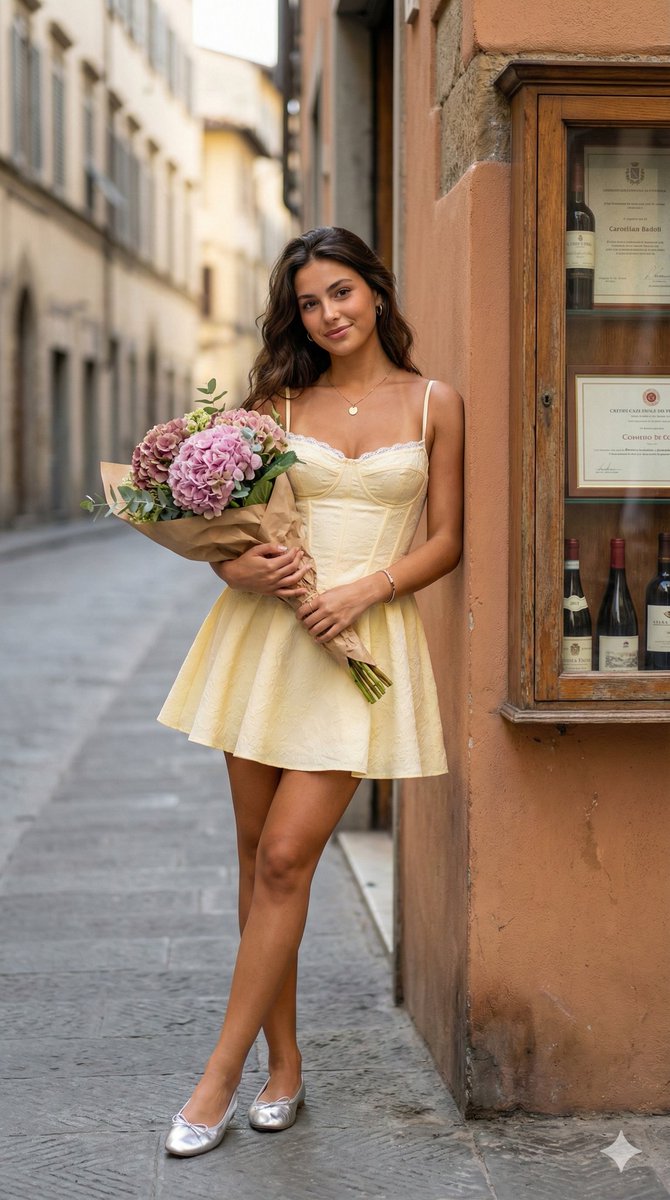
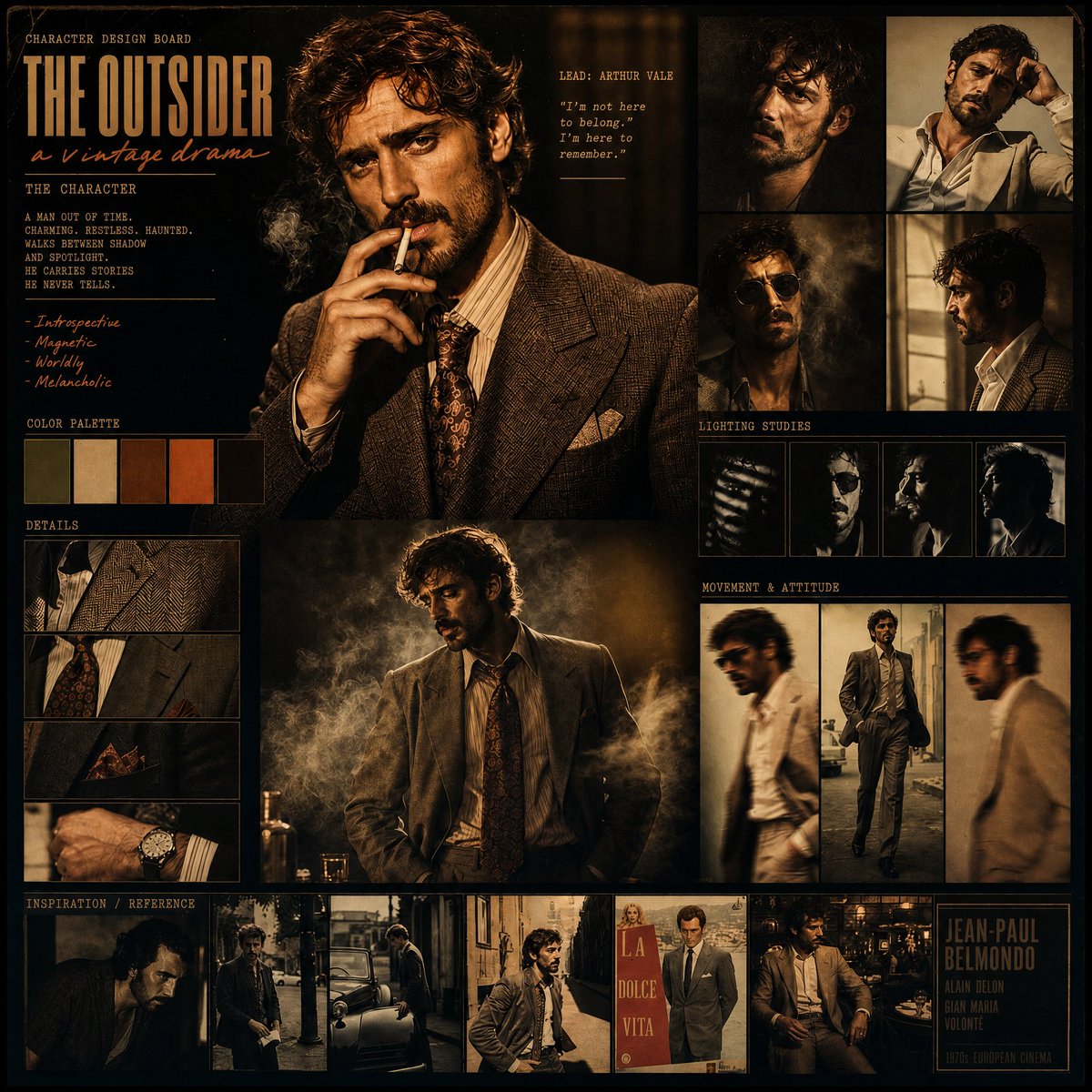
Use Hard Flash Photography Street Style to plan an AI image around nano-banana-2 generation. Match the preview's composition first, then personalize the subject, setting, and mood for your own project.
Use the primary action to load the template settings in PicX Studio.
Adjust the subject and creative details for your destination.
Create the image, compare the result with the preview, and refine one variable at a time.
A continuous mix — similar concepts first, woven with same-model prompts and fresh picks from the catalog.
Choose the primary action to open PicX Studio with the available template settings. Review the model and format, personalize the creative direction, and generate when ready.
Yes. You can change the subject, setting, lighting, mood, format, and available model controls before creating your image.
This template is free to open and customize. Generation usage is shown in PicX Studio before you create.
Start with nano-banana-2, which is the model associated with this template. You can compare another compatible model for a different finish.
Follow a topic to a crawlable collection of related PicX Studio templates.
39,155 public templates available. Verified via the PicX Studio public templates API; refreshed hourly.
A continuous mix — similar concepts first, woven with same-model prompts and fresh picks from the catalog.