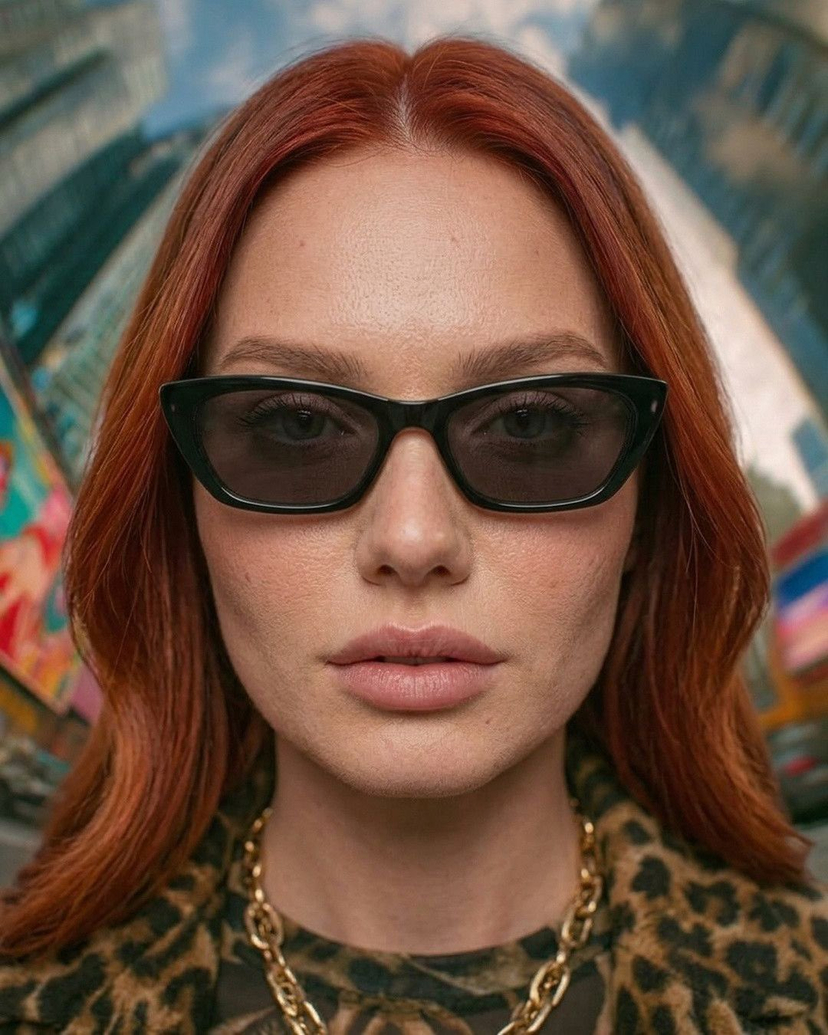
How do I use the Night Luxe Flash Photography Mirror Selfie template?
Choose the primary action to open PicX Studio with the available template settings. Review the model and format, personalize the creative direction, and generate when ready.
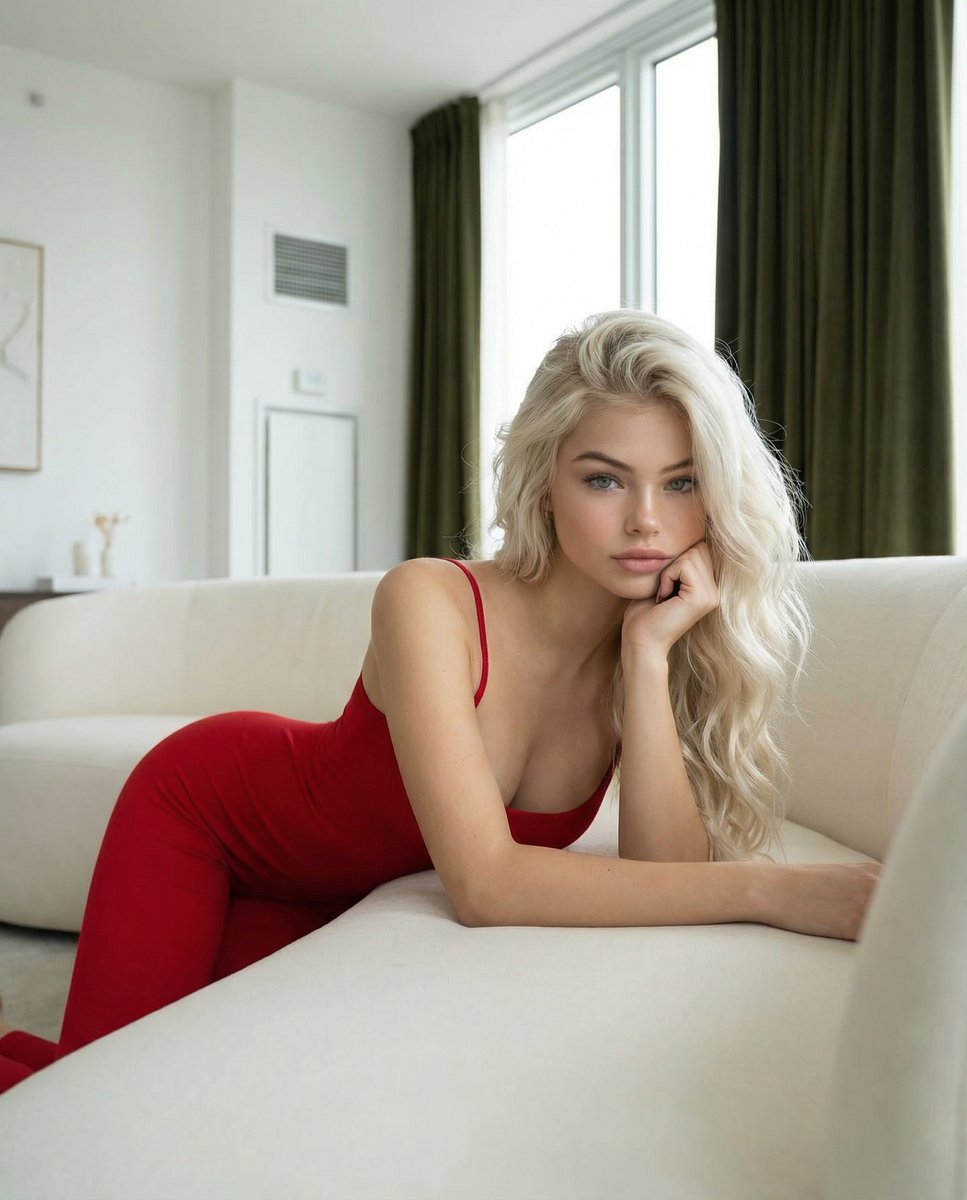
A highly detailed JSON prompt for generating an 8K photorealistic mirror selfie with a 'Night Luxe' aesthetic, using flash photography. Change the subject, setting, or lighting one variable at a time.

{ "specification_metadata": { "version": "16.1_night_mode_variant", "rendering_engine": "8K Photorealistic Hyper-Definition", "aspect_ratio": "9:16", "style_intent": "Flash Photography / Night Luxe Aesthetic" }, "subject_schema": { "biometrics": { "identity": "Young Western woman", "physique": "Athletic / Toned build", "facial_profile": { "complexion": "Clear / Flawless", "features": "Refined / Sharp", "skin_shader": "Dewy / High-specular reflection (Flash reactive)" } }, "capillary_logic": { "color": "Platinum Blonde", "style": "Voluminous loose waves", "fringe_logic": "Curtain bangs framing the face", "physics": "Soft bounce / High volume" }, "performance_kinematics": { "pose_archetype": "Standing hip-pop mirror selfie", "spatial_orientation": "Three-quarter profile reflection", "gesture": "One hand in hair, one hand holding device" } }, "wardrobe_schema": { "apparel_system": { "type": "Evening Cocktail Attire", "fabric_logic": { "texture": "Plush / Light-absorbing / Soft", "material": "Deep pile velvet with lace trim" }, "chroma_profile": { "primary": "Deep Emerald Green", "accent": "Jet Black" }, "garment_architecture": { "upper": "Corset bodice / Sweetheart neckline / Boning structure", "lower": "Mini skirt / Scalloped lace hem / High-waisted fit" } }, "accessory_system": { "material": "Yellow Gold", "items": [ { "type": "Necklace", "detail": "Chunky gold chain choker" }, { "type": "Earrings", "detail": "Gold hoops" }, { "type": "Rings", "detail": "Statement cocktail rings" } ] } }, "hardware_node": { "device_spec": { "model": "iPhone 16 Pro Max", "finish": "Black Titanium", "peripheral": "Black leather case" } }, "environmental_rig": { "scenography": { "interior_style": "Dark Luxury / Hotel Chic", "surfaces": { "floor": "Dark grey marble tile", "rug": "N/A (Reflective floor visibility)", "walls": "Charcoal slate / Dark textured wallpaper" }, "props": { "mirror": "Backlit LED vanity mirror" } }, "illumination_architecture": { "source_type": "Direct Smartphone Flash + Dim Ambient", "distribution": "Center-weighted / Vignetted edges", "shadow_logic": "Hard shadows behind subject / High contrast" } }, "technical_logic_node": { "optical_parameters": { "shot_type": "Vertical mirror selfie", "perspective": "Eye-level", "focus_mapping": "Sharp focus on eyes and phone case" }, "color_theory": { "base_palette": ["Dark Greens", "Charcoal", "Gold"], "contrast_element": "Bright flash reflection on skin/hair" }, "post_processing_directives": { "resolutio
Choose the primary action to open PicX Studio with the available template settings. Review the model and format, personalize the creative direction, and generate when ready.
Yes. You can change the subject, setting, lighting, mood, format, and available model controls before creating your image.
This template is free to open and customize. Generation usage is shown in PicX Studio before you create.
Start with Nano Banana 2, which is the model associated with this template. You can compare another compatible model for a different finish.
© 2026 PicX Studio. All rights reserved.

Follow a topic to a crawlable collection of related PicX Studio templates.
43,474 public templates available. Verified via the PicX Studio public templates API; refreshed hourly.


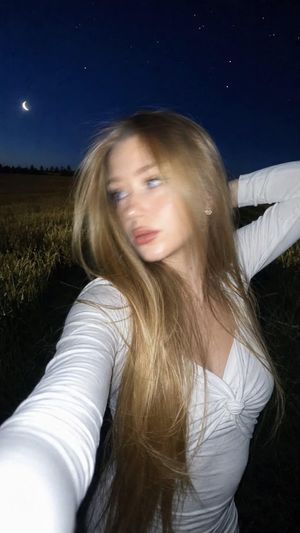





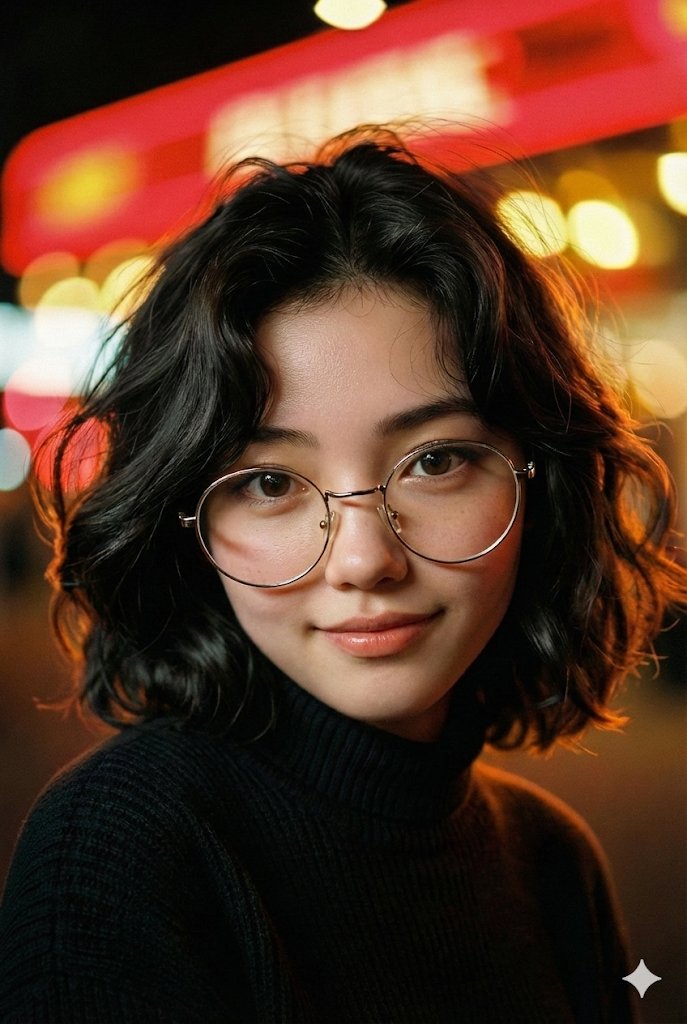



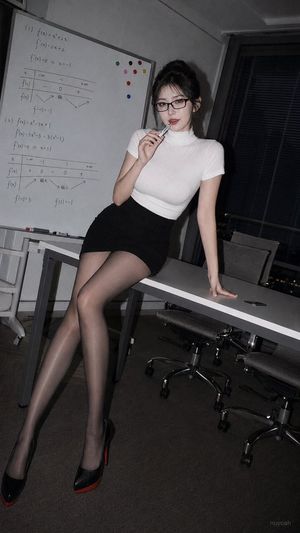

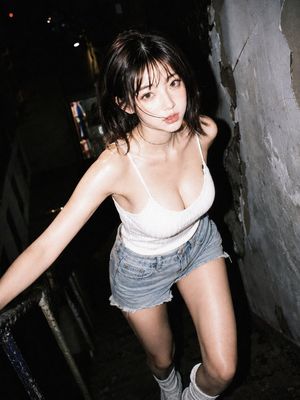
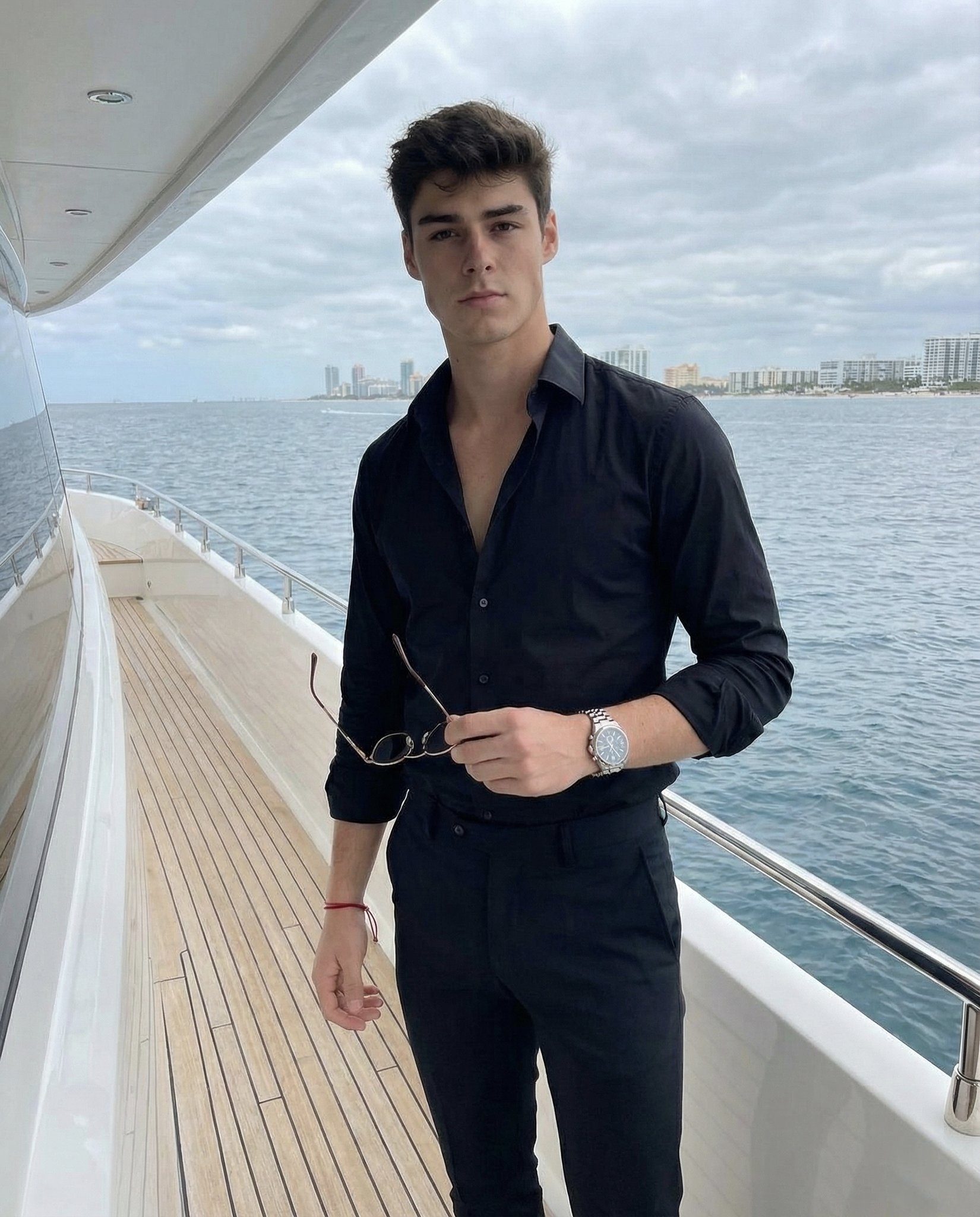



![Naive doodle-style subject illustration — A doodle-style {argument name="subject" default="[subject]"}, naive lines, humorous shape exaggeration](https://pbs.twimg.com/media/G6Wl2YxbsAARB2b.jpg)




















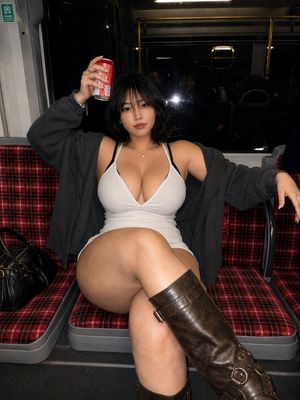
![Giant Animal in City Scene Prompt (Fox + West Lake) — 请生成一张图片。场景为 [{argument name="城市或地点" default="📍城市/地点"}] ,一只超级巨大、可爱的 [{argument name=…](https://pbs.twimg.com/media/G7-yxuKa0AAkpfU.jpg)