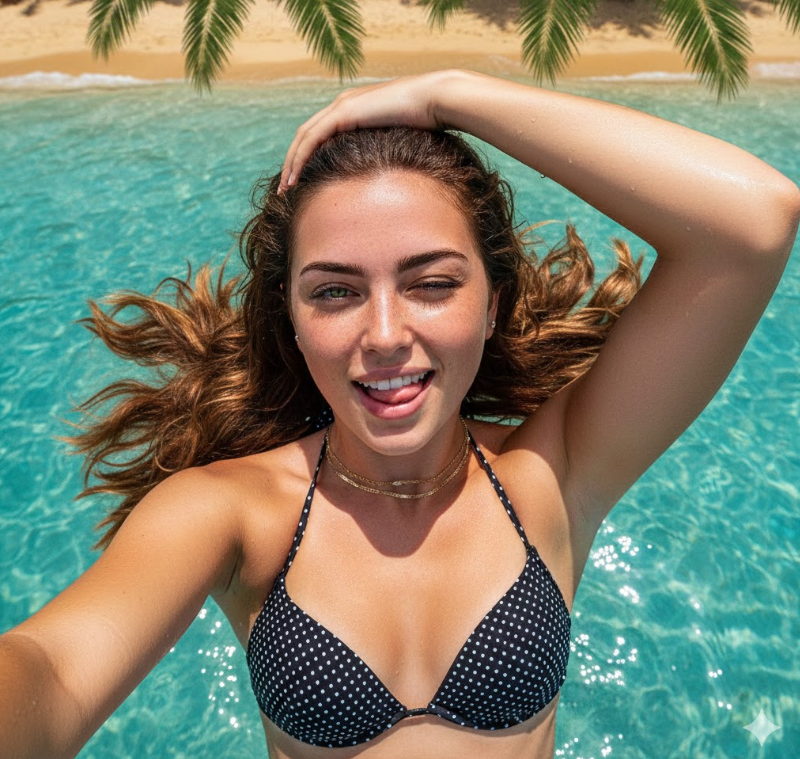
How do I use the Hyper-Realistic Ana de Armas Profile Macro Shot template?
Choose the primary action to open PicX Studio with the available template settings. Review the model and format, personalize the creative direction, and generate when ready.
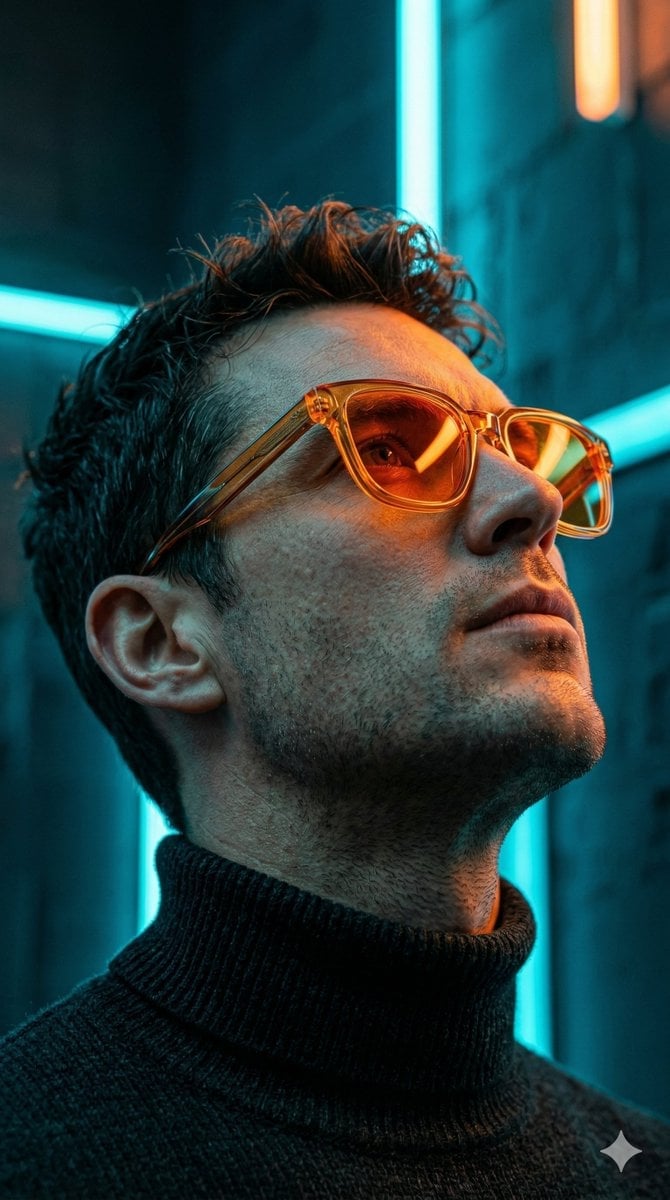
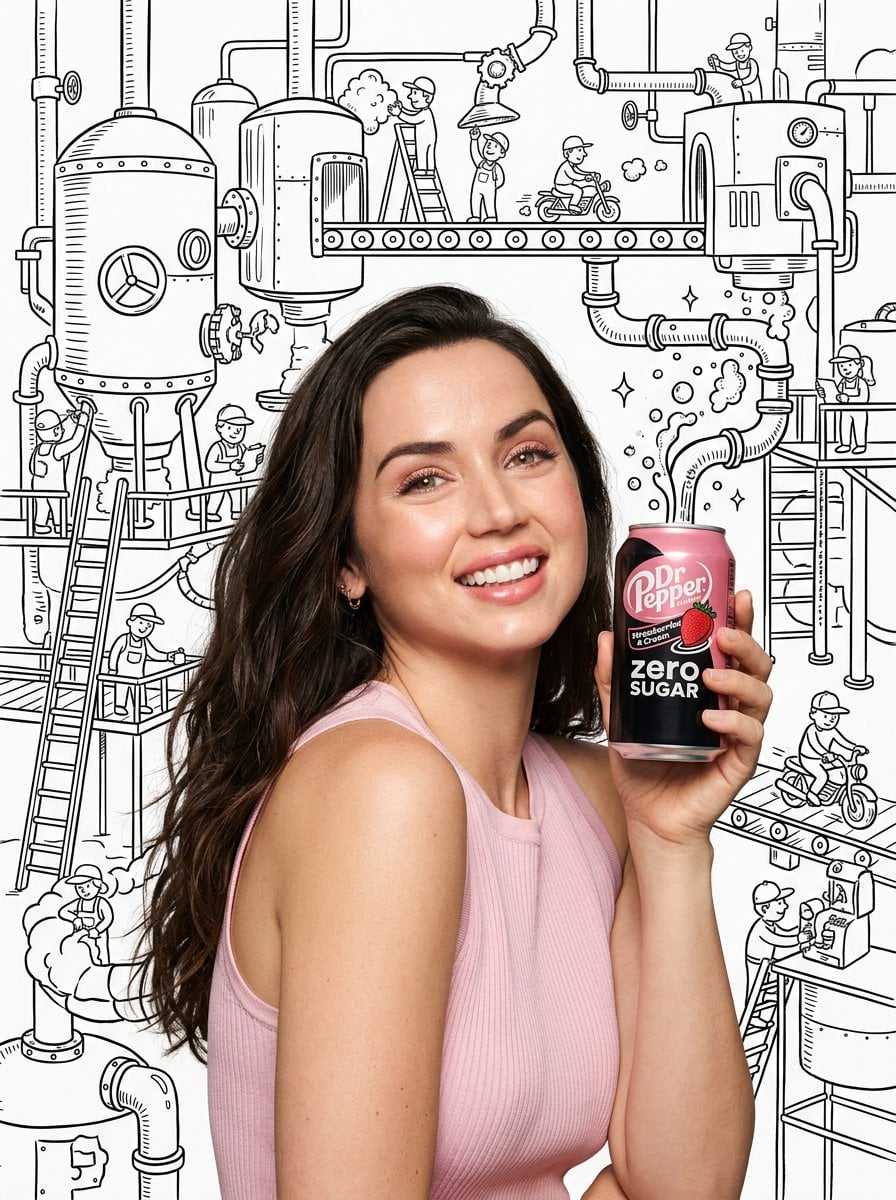
A highly technical prompt focused on generating an extreme profile close-up of Ana de Armas, emphasizing hyper-realistic skin textures, moisture effects (sweat
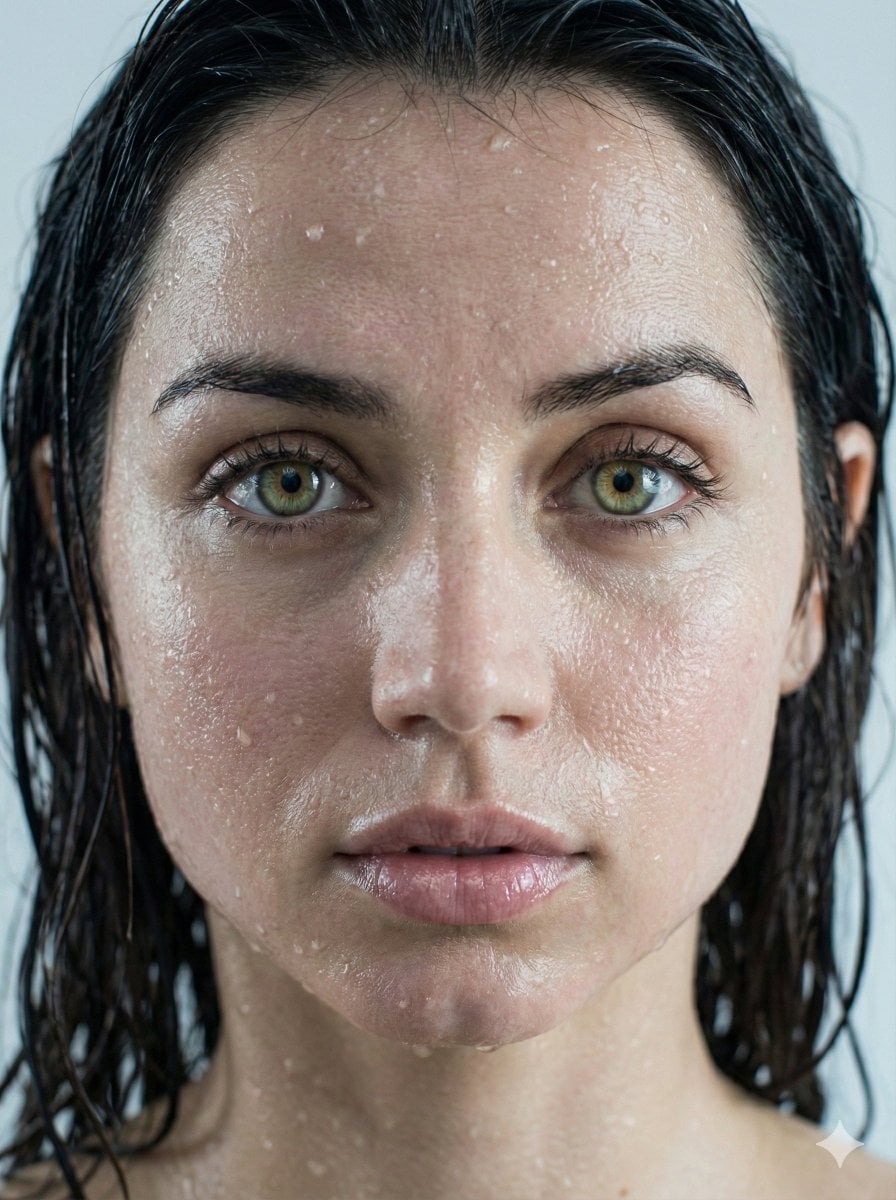
{ "request_metadata": { "version": "2.0", "priority_focus": "Hyper-realistic skin textures and identity fidelity", "aspect_ratio": "3:4" }, "subject_configuration": { "identity": { "name": "{argument name="celebrity name" default="Ana de Armas"}", "reference_mode": "strict_identity_matching", "source_reference": "uploaded_files", "preservation_weight": 1.0, "angle": "Extreme profile view" }, "facial_attributes": { "eyes": { "primary_color": "Natural Green", "secondary_color": "Hazel", "reflection_type": "Realistic catchlights", "aesthetic_constraint": "Avoid synthetic gloss or excessive shine" }, "lips": { "state": "Parted / Moist", "surface_texture": "Soft natural ridges", "finish": "Glossy sheen without distortion" }, "hair": { "color": "Dark Brunette", "state": "Saturated / Wet", "styling": "Clumping in natural strands, adhered to temples and neck" } } }, "environmental_rendering": { "moisture_fx": { "sweat_layer": "Fine glistening mist across the bridge of nose and forehead", "water_droplets": "Micro-droplets scattered on cheekbones and jawline", "surface_tension": "Realistic liquid adhesion to skin" }, "lighting_and_color": { "lighting_style": "Soft-box diffusion", "temperature": "Cool tones", "color_palette": ["Steel Blue", "Soft Cyan", "Natural Skin Tones"], "background": { "description": "Minimalist bokeh", "colors": ["Light Grey", "Pure White"], "depth_of_field": "Shallow" } } }, "technical_execution": { "rendering_engine": "CGI Photorealistic", "focal_length": "85mm macro", "texture_detail": "Pore-level resolution", "post_processing": "Raw photography style, no airbrushing" } }
Choose the primary action to open PicX Studio with the available template settings. Review the model and format, personalize the creative direction, and generate when ready.
Yes. You can change the subject, setting, lighting, mood, format, and available model controls before creating your image.
This template is free to open and customize. Generation usage is shown in PicX Studio before you create.
Start with Nano Banana 2, which is the model associated with this template. You can compare another compatible model for a different finish.
Follow a topic to a crawlable collection of related PicX Studio templates.