How do I use the American Sweetheart Outfit Sheet template?
Choose the primary action to open PicX Studio with the available template settings. Review the model and format, personalize the creative direction, and generate when ready.
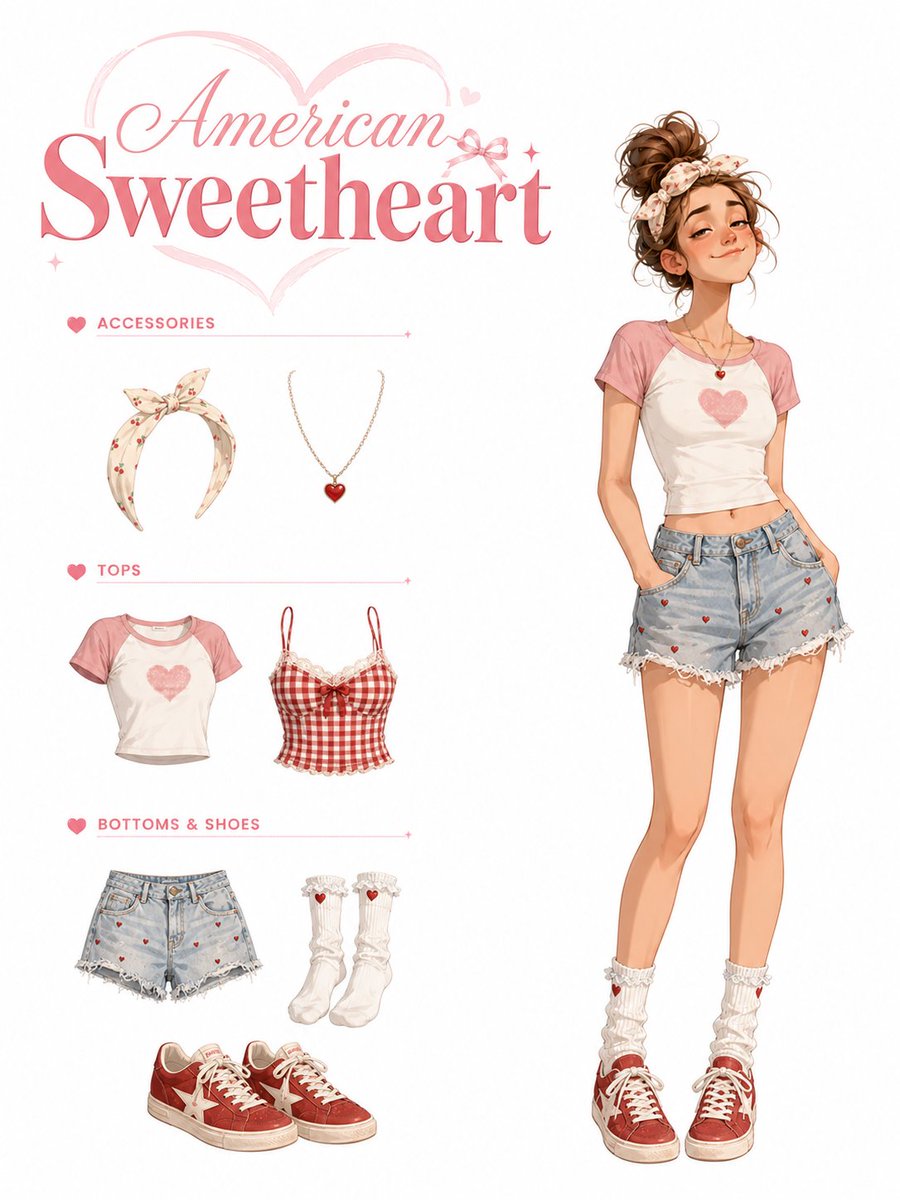
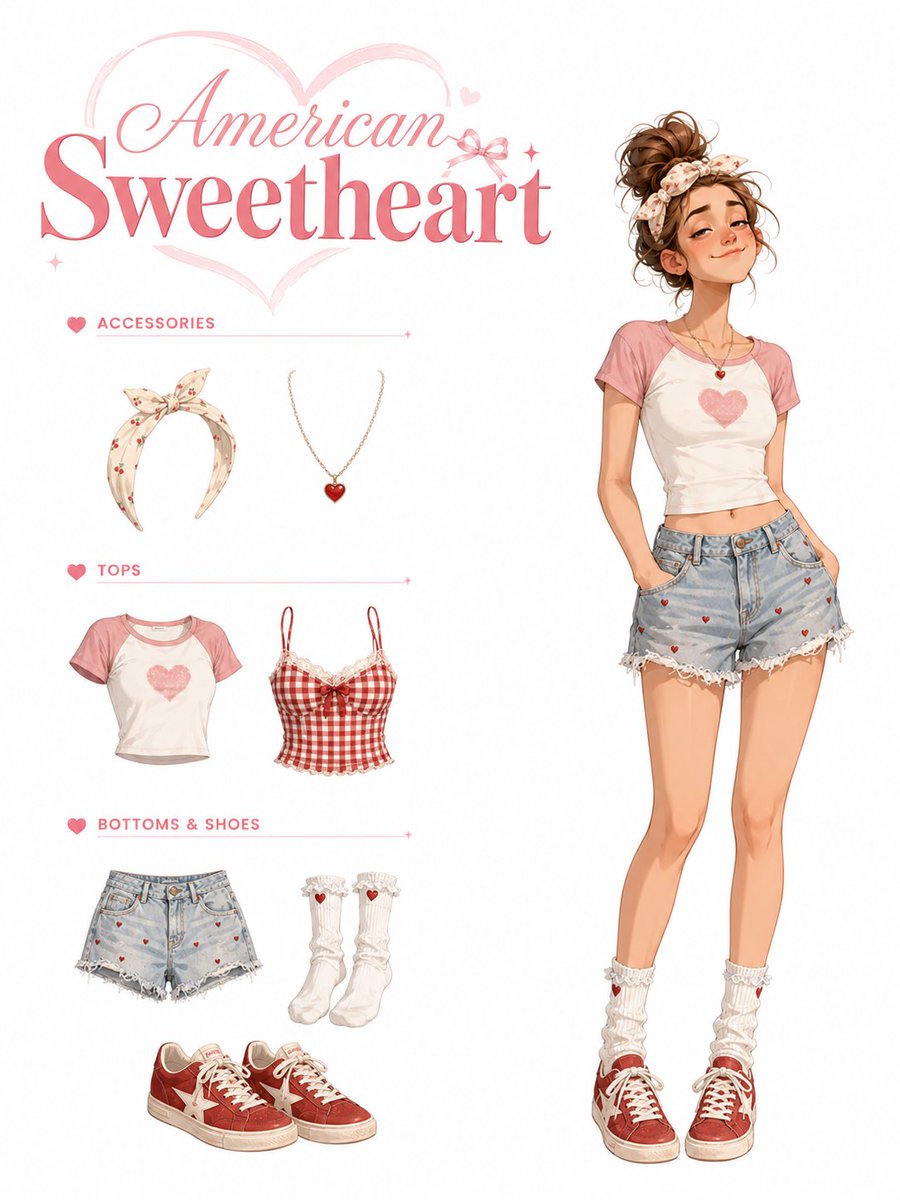
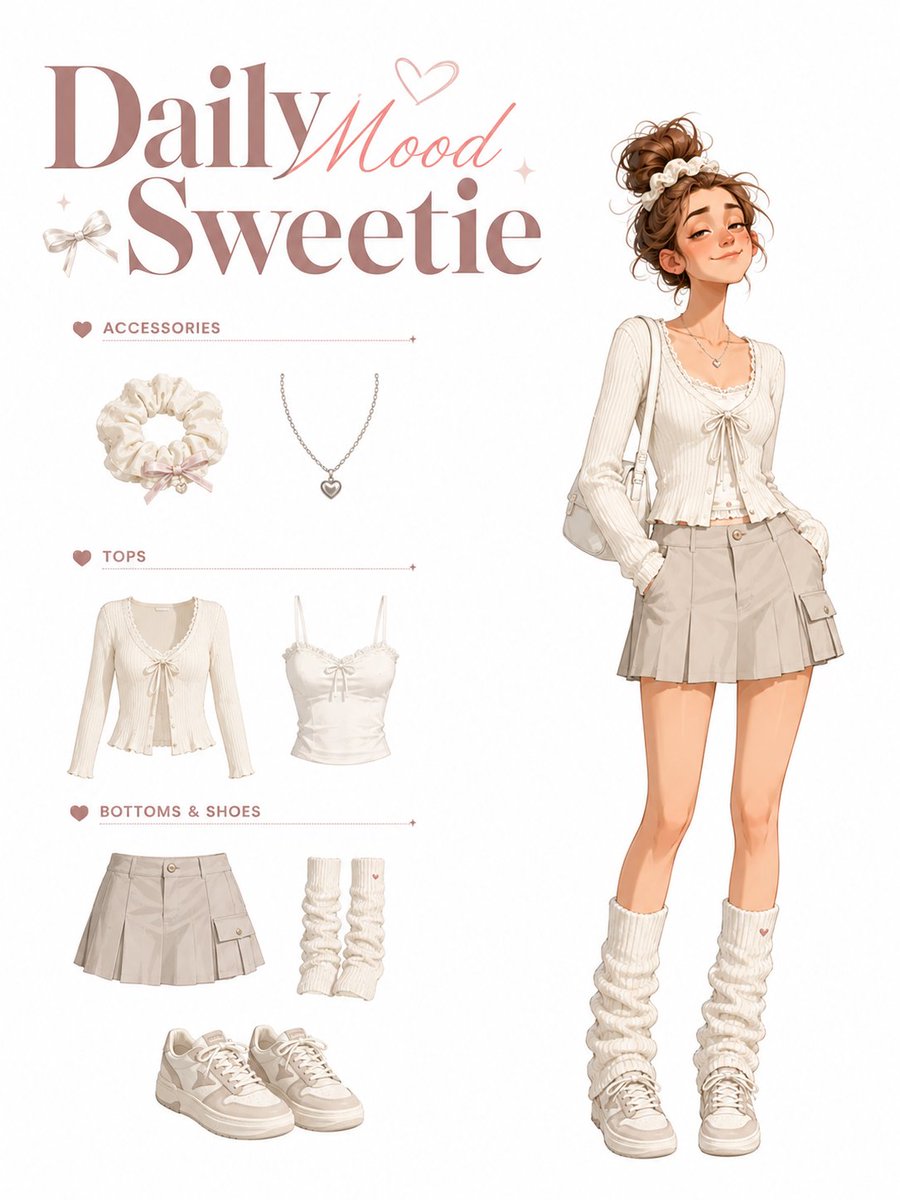
A pastel fashion character sheet showing a romantic Americana outfit breakdown with accessories, tops, bottoms, shoes, and a full-body styled model. (free to use) — Free AI image template on PicX Studio.
Goal: Create a cute fashion character outfit sheet titled {argument name="headline text" default="American Sweetheart"}, showing a full-body illustrated young woman on the right and a categorized wardrobe breakdown on the left. Canvas: Vertical portrait canvas, clean white background, soft pastel pink accents, airy magazine look. Use a polished semi-realistic anime/fashion-illustration style with delicate linework, warm skin tones, watercolor-like shading, and crisp clothing details. Layout: Large romantic title in the upper left, with “American” in elegant pink cursive script and “Sweetheart” in oversized bold pink serif lettering. Place a pale pink heart outline behind the title, plus a tiny bow, sparkles, and small heart decorations. Left column contains exactly 3 labeled wardrobe sections separated by thin pale-pink horizontal rules with small heart icons at the left and tiny sparkle ends at the right. Right side contains one full-body standing character, taking up most of the height. Text content: The visible labels are exactly 4 text elements: the main headline “American Sweetheart”, section label “ACCESSORIES”, section label “TOPS”, and section label “BOTTOMS & SHOES”. Use uppercase sans-serif pink lettering for the section labels. Wardrobe items: Show exactly 8 discrete clothing/accessory items in the left catalog column: 1 cream floral bow headband, 1 delicate gold necklace with a red heart pendant, 1 cropped white-and-pink raglan T-shirt with a faded pink heart graphic, 1 red-and-white gingham camisole with thin straps, bow, and lace trim, 1 pair of light blue distressed denim shorts with small red heart embroidery and frayed lace-trim hems, 1 pair of white scrunched ankle socks with ruffles and tiny red heart accents, and 1 pair of red low-top canvas sneakers with cream laces and white star patches. Character details: The character is a slim young woman with long legs, standing casually with both hands tucked into her denim shorts pockets. She wears the coordinated outfit: floral bow headband in messy curly {argument name="hair color" default="warm brown"} hair piled into a loose bun, pink-and-white cropped heart T-shirt, pale blue frayed denim heart shorts, white ruffled socks, red canvas sneakers, and a small red heart pendant necklace. Her face is intentionally obscured by a plain soft-edged tan square mask, with no facial features visible. Pose is relaxed, slightly tilted hips, knees soft, feet apart. Outfit mood is youthful, patriotic Americana, romantic, summer casual. Color palette: Pastel pink, strawberry red, cream white, faded denim blue, warm tan skin, and soft brown hair. Keep the overall look feminine, clean, and sweet. Constraints: Use exactly 3 wardrobe sections and exactly 8 catalog items. Do not add extra labels, extra characters, background scenery, watermark, or complex props. Keep the composition balanced with the catalog on the left and the full-body outfit model on the right.
Use American Sweetheart Outfit Sheet to plan an AI image around gpt-image-2 generation, themes such as en and gpt-image-2. Match the preview's composition first, then personalize the subject, setting, and mood for your own project.
Use the primary action to load the template settings in PicX Studio.
Adjust the subject and creative details for your destination.
Create the image, compare the result with the preview, and refine one variable at a time.
A continuous mix — similar concepts first, woven with same-model prompts and fresh picks from the catalog.
Choose the primary action to open PicX Studio with the available template settings. Review the model and format, personalize the creative direction, and generate when ready.
Yes. You can change the subject, setting, lighting, mood, format, and available model controls before creating your image.
This template is free to open and customize. Generation usage is shown in PicX Studio before you create.
Start with gpt-image-2, which is the model associated with this template. You can compare another compatible model for a different finish.
Follow a topic to a crawlable collection of related PicX Studio templates.
39,157 public templates available. Verified via the PicX Studio public templates API; refreshed hourly.
A continuous mix — similar concepts first, woven with same-model prompts and fresh picks from the catalog.