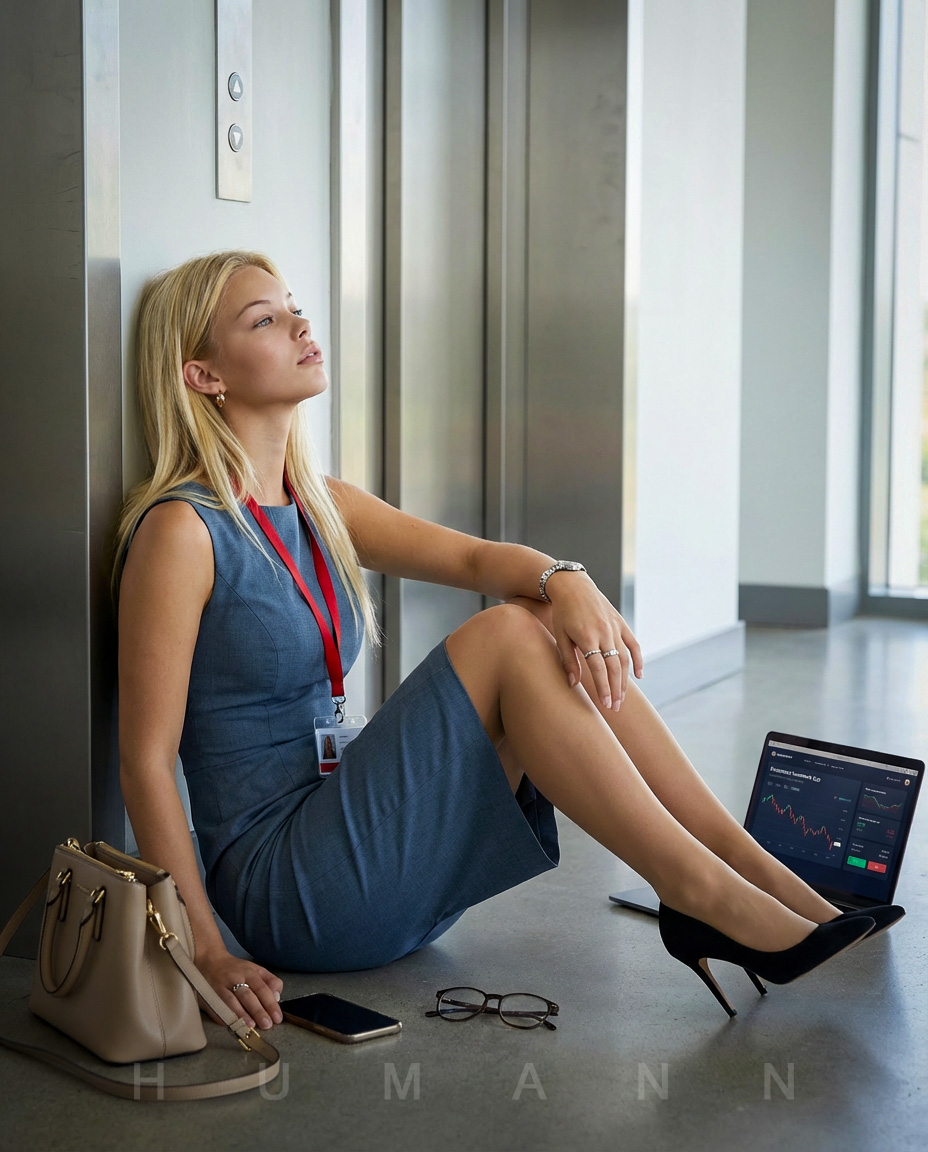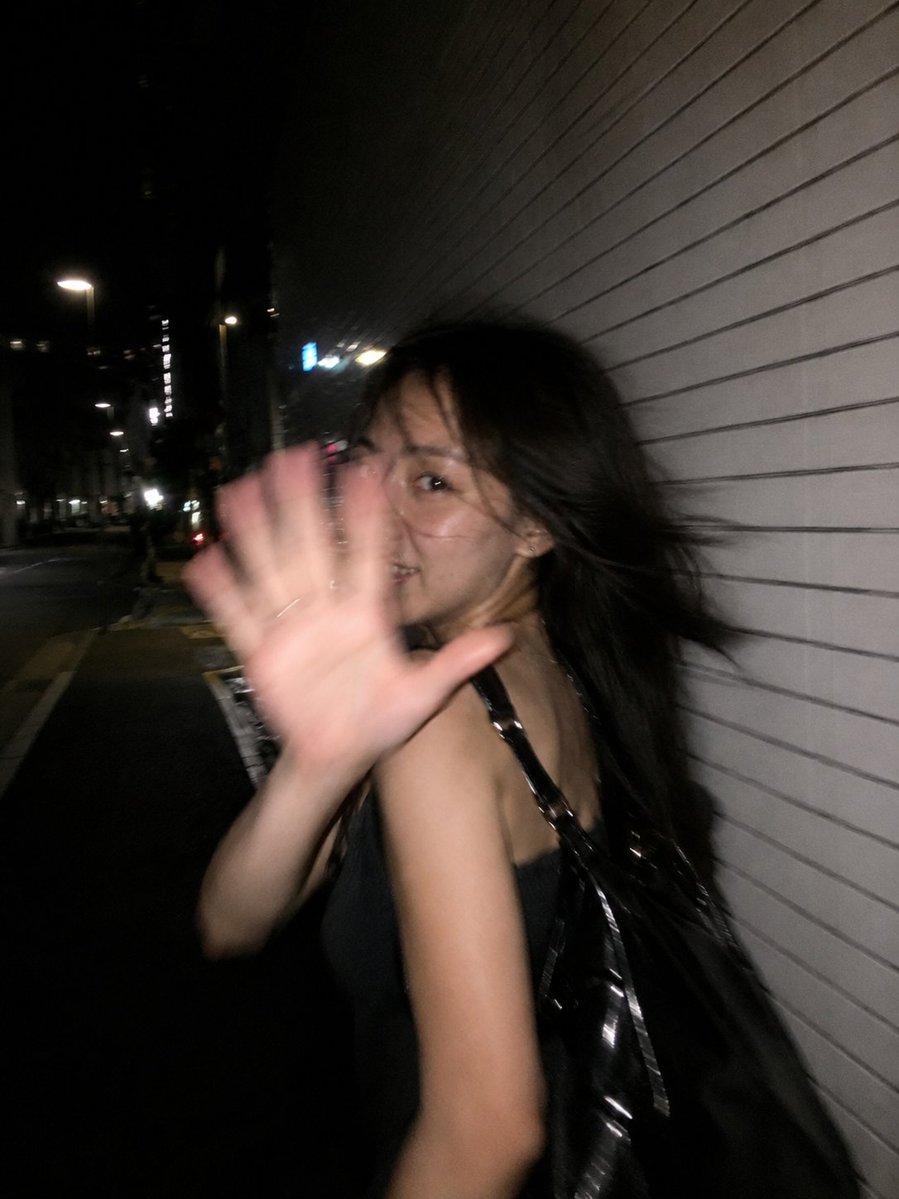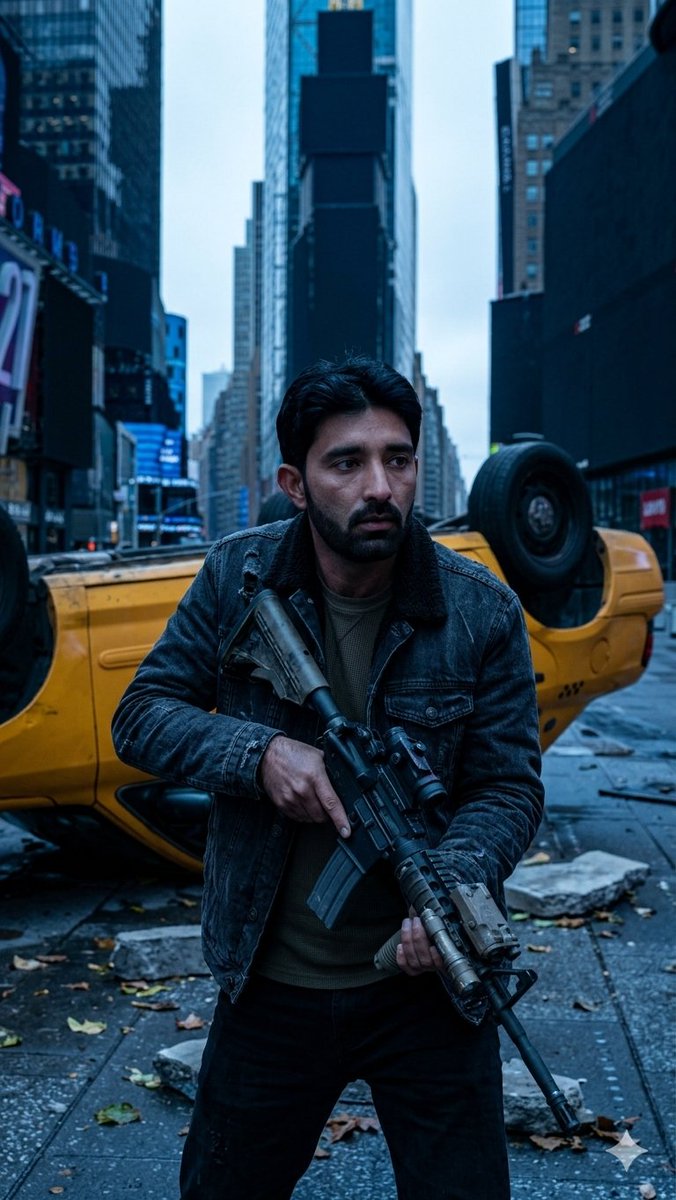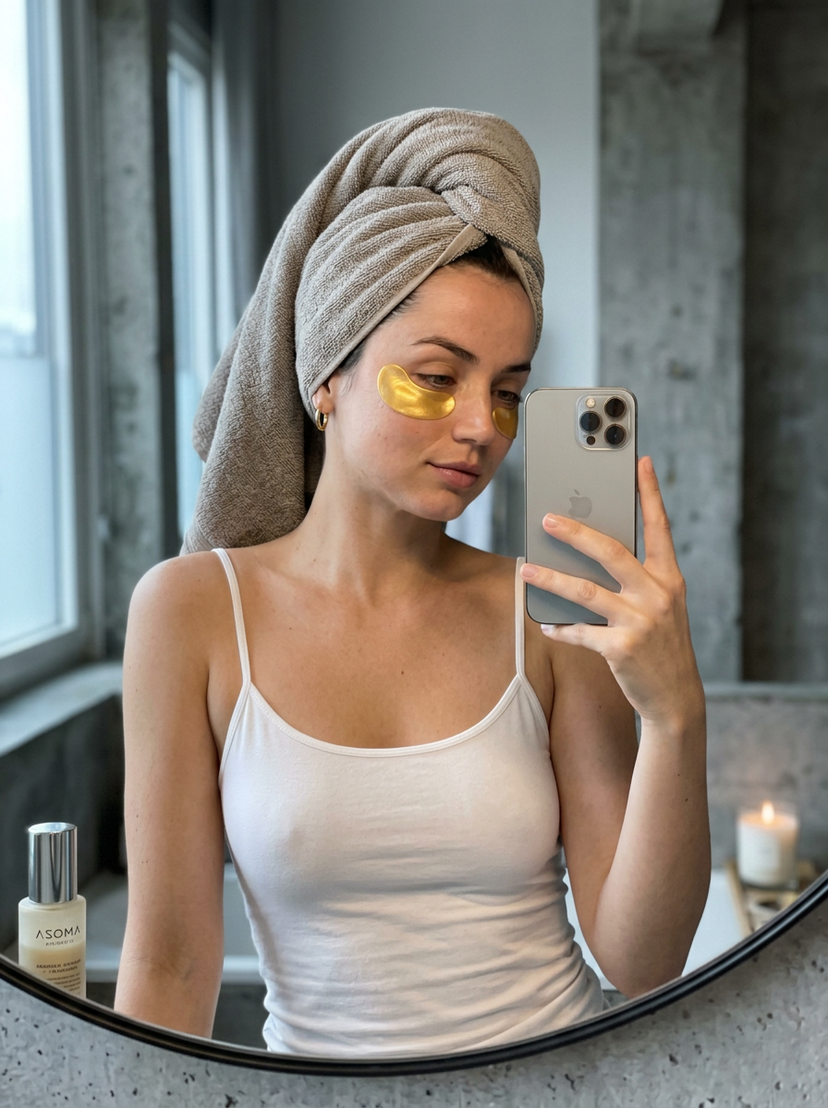
How do I use the High Fashion Triple Panel Editorial template?
Choose the primary action to open PicX Studio with the available template settings. Review the model and format, personalize the creative direction, and generate when ready.
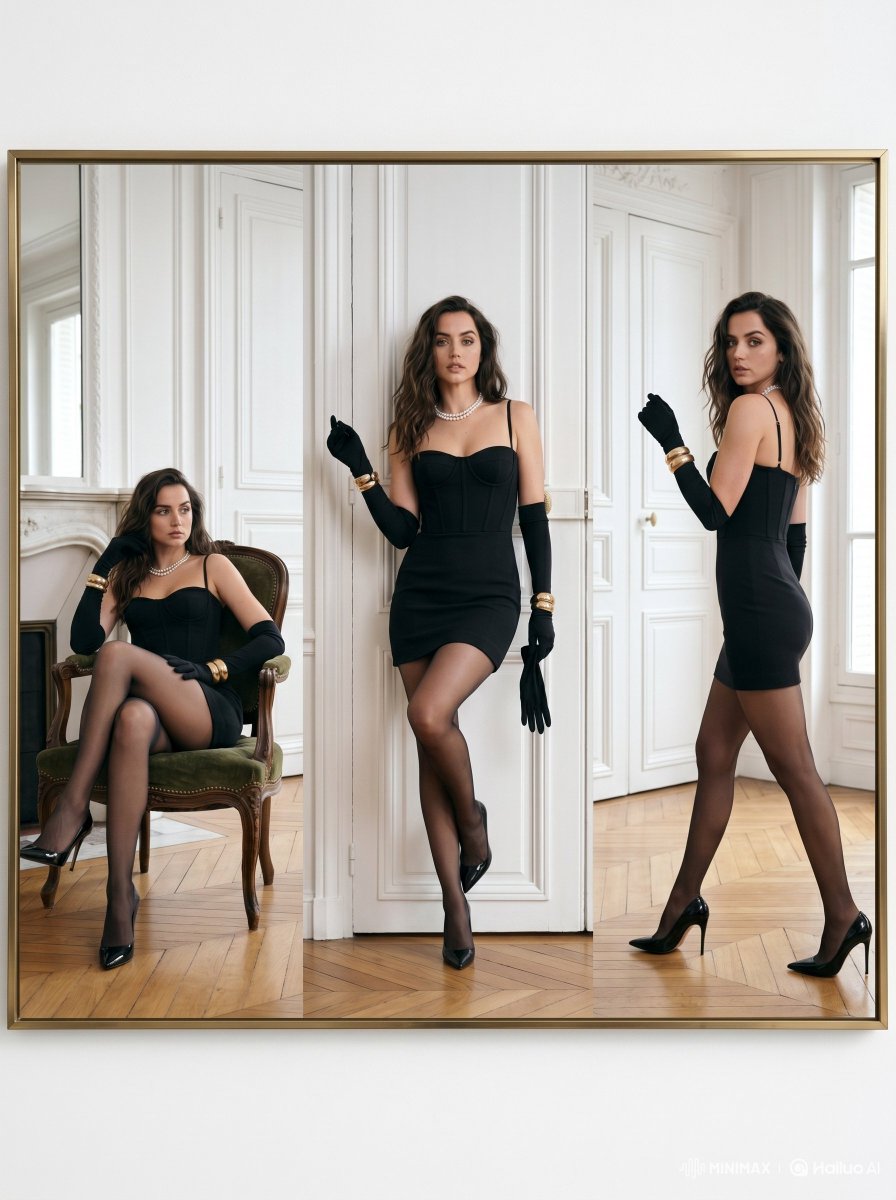
A sophisticated high-fashion editorial prompt for creating triple-panel vertical compositions, featuring elegant styling and a luxurious Parisian apartment setting. (free to use) — Free AI image template on PicX Studio.
Ultra-luxury fashion editorial portrait of a {argument name="subject" default="glamorous woman inspired by Ana de Armas"}, displayed in a sophisticated triple-panel composition inside an elegant gold frame. Scene set in a bright Parisian apartment with tall white paneled walls, natural daylight, herringbone wooden floor, and {argument name="interior architecture" default="refined French"} interior architecture. The woman wears a fitted black mini cocktail dress with thin straps, sheer black stockings, long black opera gloves, glossy black stilettos, layered pearl necklace, and gold bracelets. {argument name="poses" default="Three cinematic poses across vertical split panels"}: seated elegantly on a vintage green velvet chair, standing confidently against the wall, and walking gracefully while looking back. High-fashion Vogue aesthetic, timeless femininity, soft luxury mood, clean composition, realistic skin texture, cinematic lighting, subtle shadows, premium editorial photography, Leica medium format look, ultra-detailed, photorealistic, luxury campaign style.
Use High Fashion Triple Panel Editorial to plan an AI image around gpt-image-2 generation, themes such as en and gpt-image-2. Match the preview's composition first, then personalize the subject, setting, and mood for your own project.
Use the primary action to load the template settings in PicX Studio.
Adjust the subject and creative details for your destination.
Create the image, compare the result with the preview, and refine one variable at a time.
A continuous mix — similar concepts first, woven with same-model prompts and fresh picks from the catalog.
Choose the primary action to open PicX Studio with the available template settings. Review the model and format, personalize the creative direction, and generate when ready.
Yes. You can change the subject, setting, lighting, mood, format, and available model controls before creating your image.
This template is free to open and customize. Generation usage is shown in PicX Studio before you create.
Start with gpt-image-2, which is the model associated with this template. You can compare another compatible model for a different finish.
Follow a topic to a crawlable collection of related PicX Studio templates.
39,157 public templates available. Verified via the PicX Studio public templates API; refreshed hourly.
A continuous mix — similar concepts first, woven with same-model prompts and fresh picks from the catalog.