

How do I use the Poolside Swimsuit Story Photobook template?
Choose the primary action to open PicX Studio with the available template settings. Review the model and format, personalize the creative direction, and generate when ready.
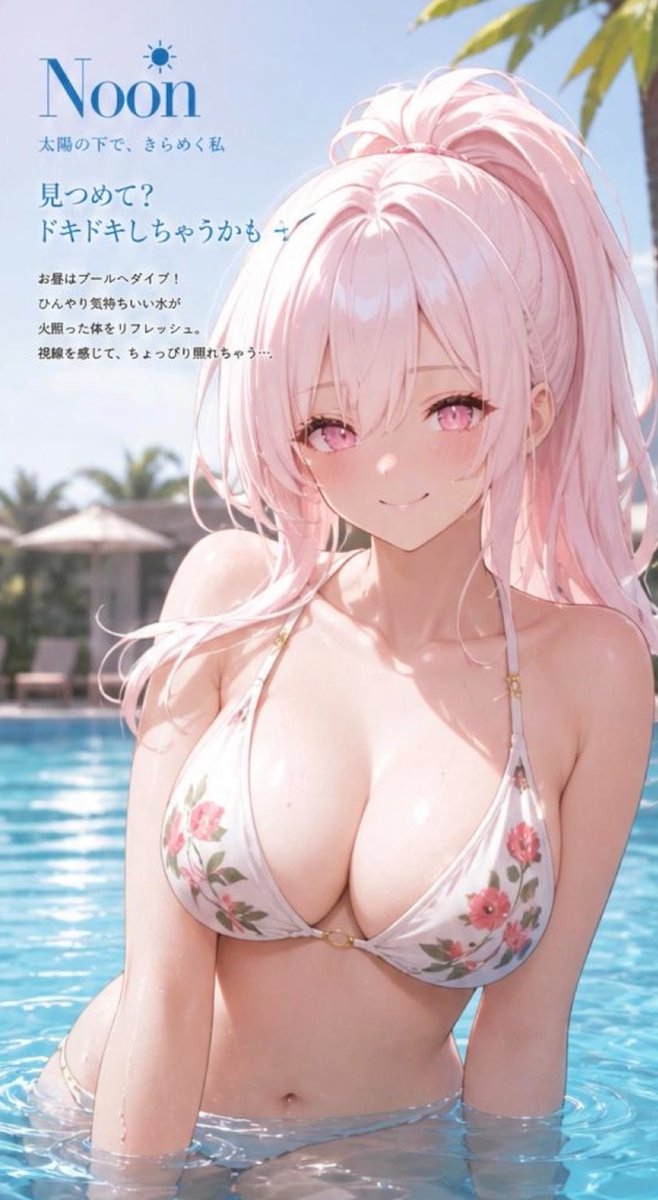
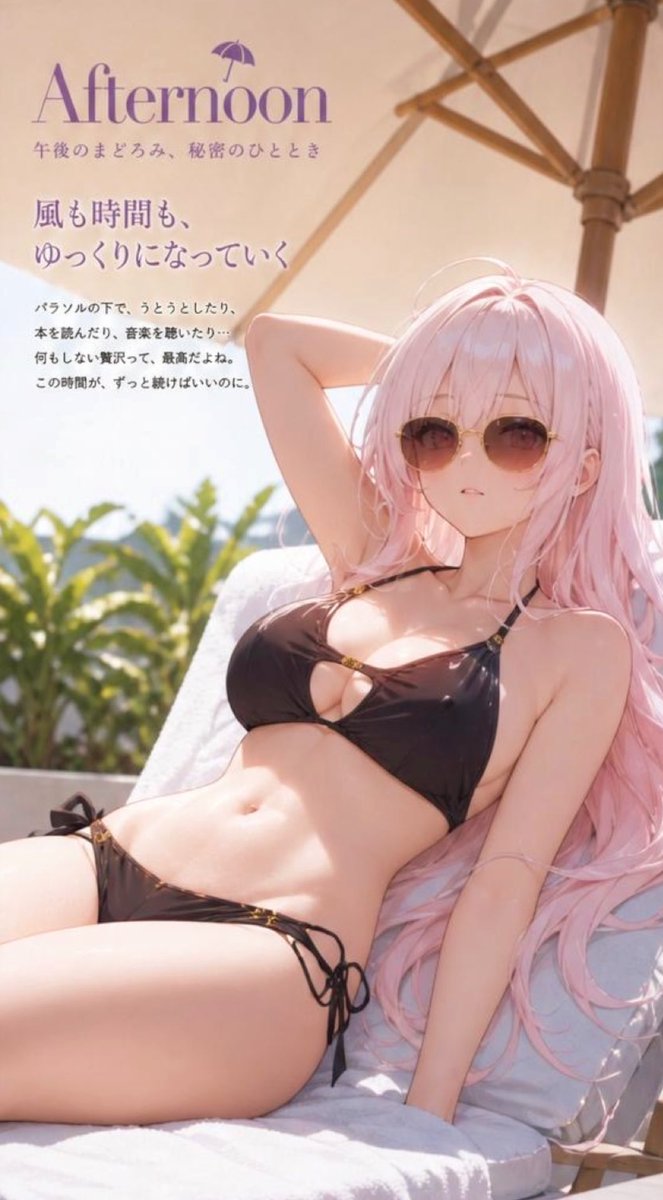
Generates a 4-page narrative photobook following a consistent character at a hotel pool from morning until evening with changing outfits and moods. (free to use) — Free AI image template on PicX Studio.
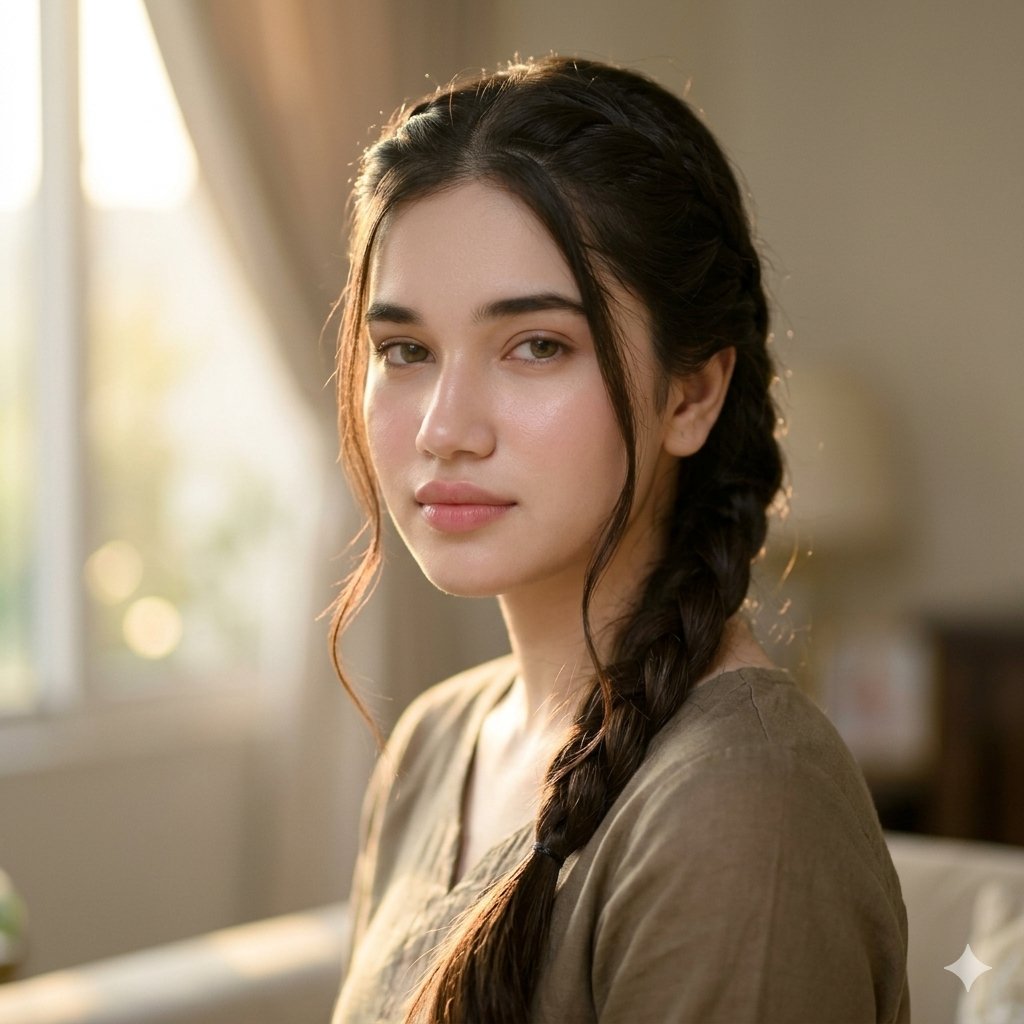
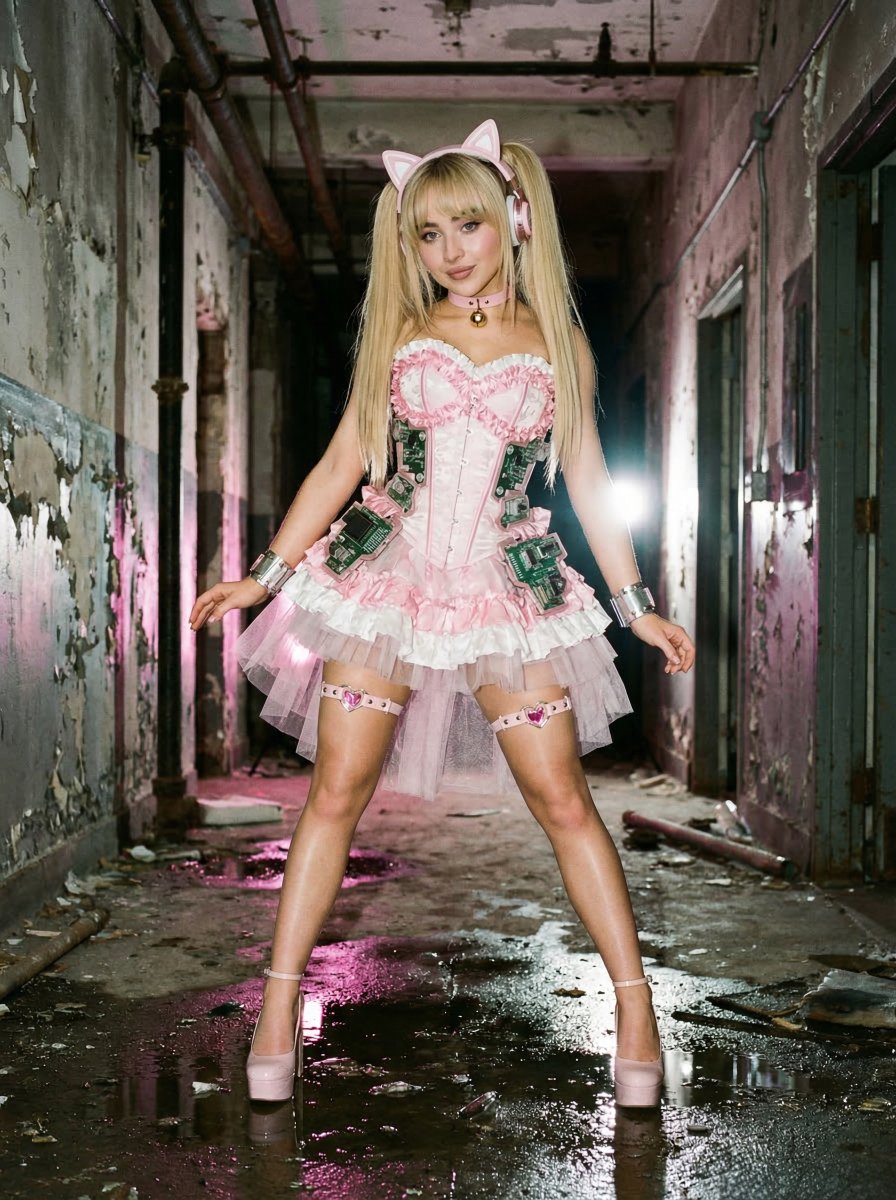
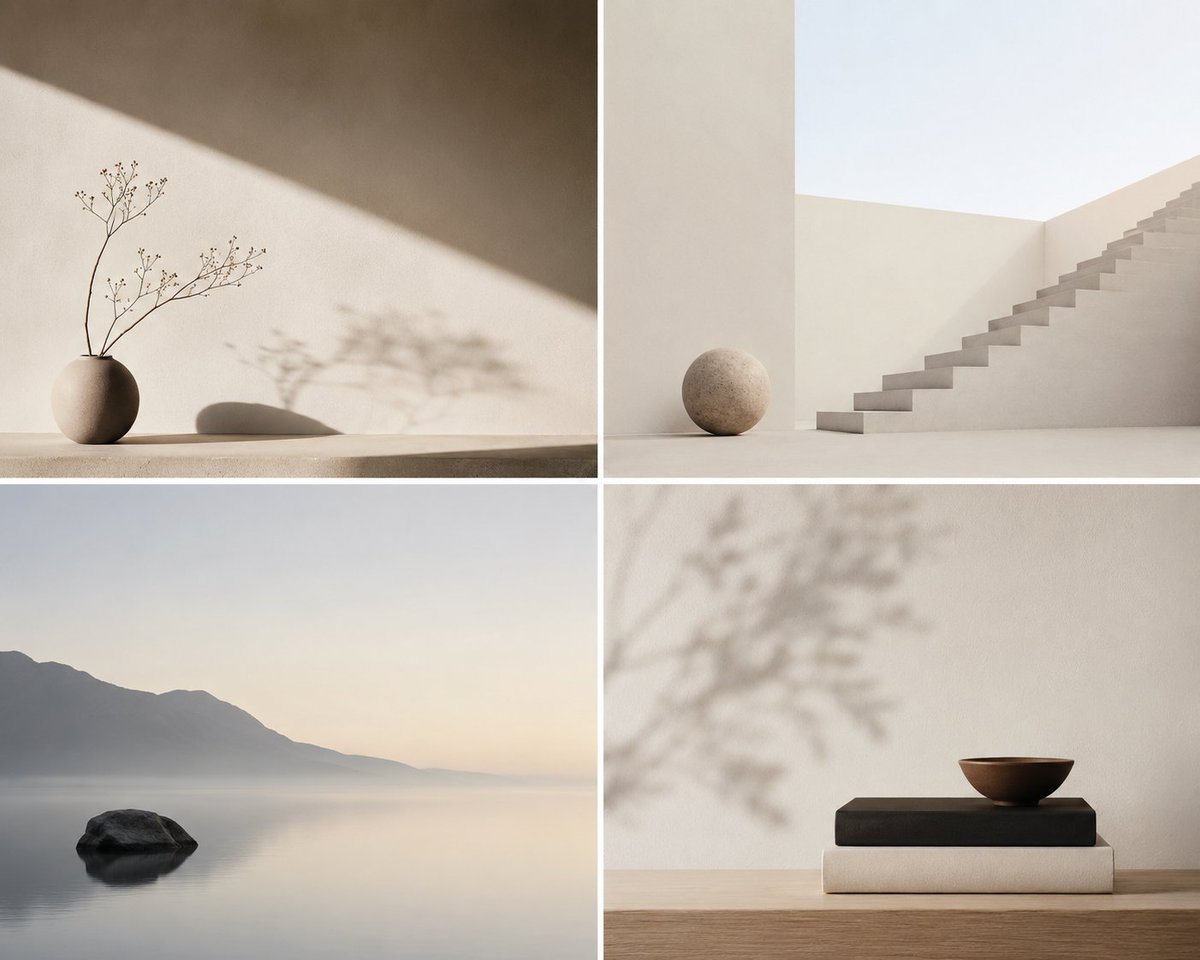
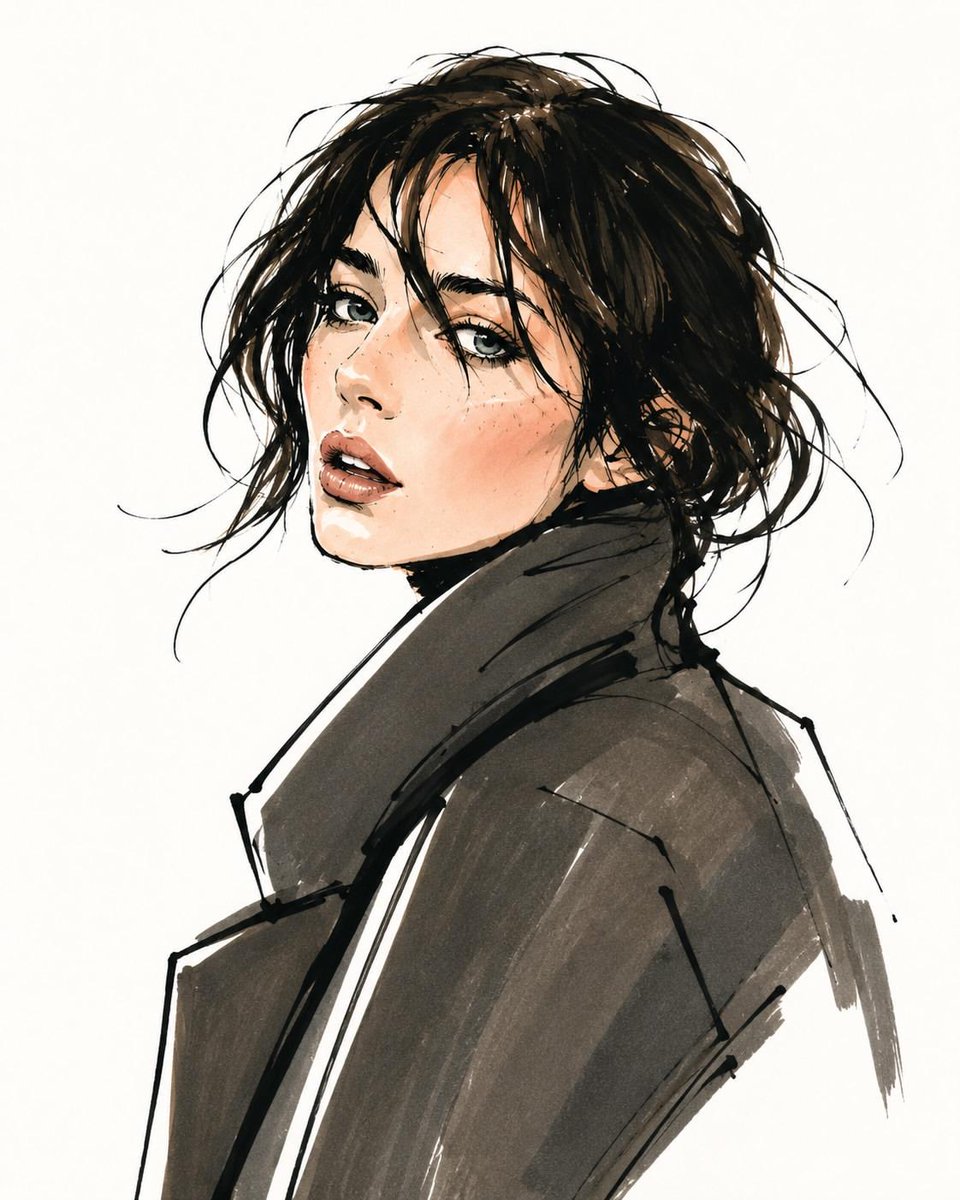
添付画像の{argument name="キャラクター" default="キャラクター"}を主役にした、4ページ構成の「{argument name="ロケーション" default="ホテルのプールサイド"}で朝から夕までを追う」ストーリー性のある水着スナップ写真集を作成してください。キャラクターの顔の個性は維持し、同じ人物として見えるようにしてください。成人の女性キャラクターとして描写してください。全体は、1日の時間の流れに沿って、{argument name="衣装" default="水着スタイル"}と表情が移り変わっていく雑誌風写真集にしてください。各ページでは、水着の色、柄、形状にバリエーションをつけてください。時間帯と連動した雰囲気で変化を作ってください。ページ構成:1ページ目:朝。ホテルのプールのサイドで手を振っている。弾ける笑顔。朝日が差し込んでいる。2ページ目:昼。プールに入って上半身を出している。こちらを見つめている。髪型はポニーテール。3ページ目:昼下がり。表情はアンニュイ。サングラスをかけて、パラソルの下、ビーチチェアに横たわっている。4ページ目 : 夕方。夕焼けを背景に、プールサイドのビーチチェアでトロピカルドリンクを飲んでいる。満足げな微笑み。髪型はアップスタイル。ポーズは毎ページ変え、構図も単調にならないようにしてください。少し近めのスナップ、やや引きの構図などを織り交ぜてください。誌面には、時間帯ごとの見出し、キャッチコピー、短いテキストを配置してください。全体は「プールサイドで朝から夕方までをを一緒に過ごしたような気分になれる水着写真集」にしてください。
Use Poolside Swimsuit Story Photobook to plan an AI image around gpt-image-2 generation, themes such as ja and gpt-image-2. Match the preview's composition first, then personalize the subject, setting, and mood for your own project.
Use the primary action to load the template settings in PicX Studio.
Adjust the subject and creative details for your destination.
Create the image, compare the result with the preview, and refine one variable at a time.
A continuous mix — similar concepts first, woven with same-model prompts and fresh picks from the catalog.
Choose the primary action to open PicX Studio with the available template settings. Review the model and format, personalize the creative direction, and generate when ready.
Yes. You can change the subject, setting, lighting, mood, format, and available model controls before creating your image.
This template is free to open and customize. Generation usage is shown in PicX Studio before you create.
Start with gpt-image-2, which is the model associated with this template. You can compare another compatible model for a different finish.
Follow a topic to a crawlable collection of related PicX Studio templates.
39,157 public templates available. Verified via the PicX Studio public templates API; refreshed hourly.
A continuous mix — similar concepts first, woven with same-model prompts and fresh picks from the catalog.