
Steampunk ElectroVid Homepage
This prompt generates an ornate Victorian-industrial streaming site mockup, ideal for retro-futuristic UI concepts, posters, or social media visuals about improved text rendering.
- Prompt included
- Model and format preset
- Free template
The prompt behind this image
Copy the exact prompt behind Steampunk ElectroVid Homepage, or open it in the studio and make it yours.
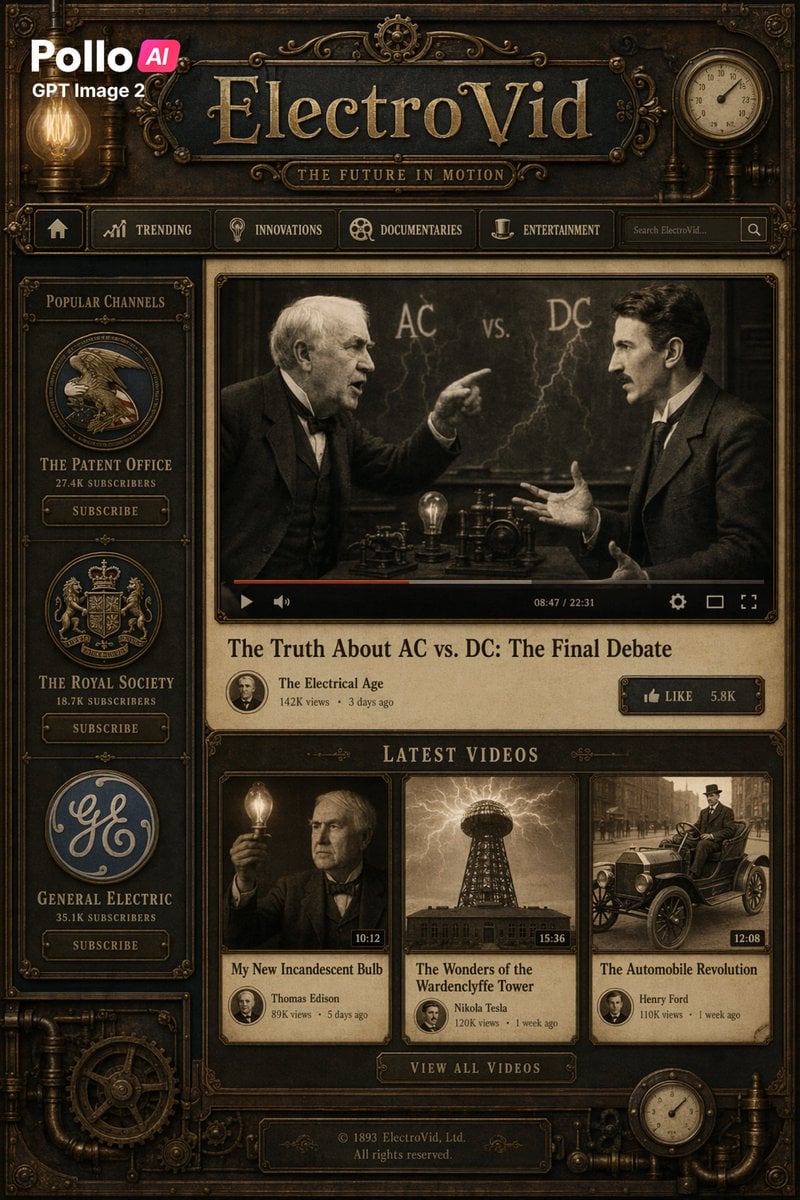
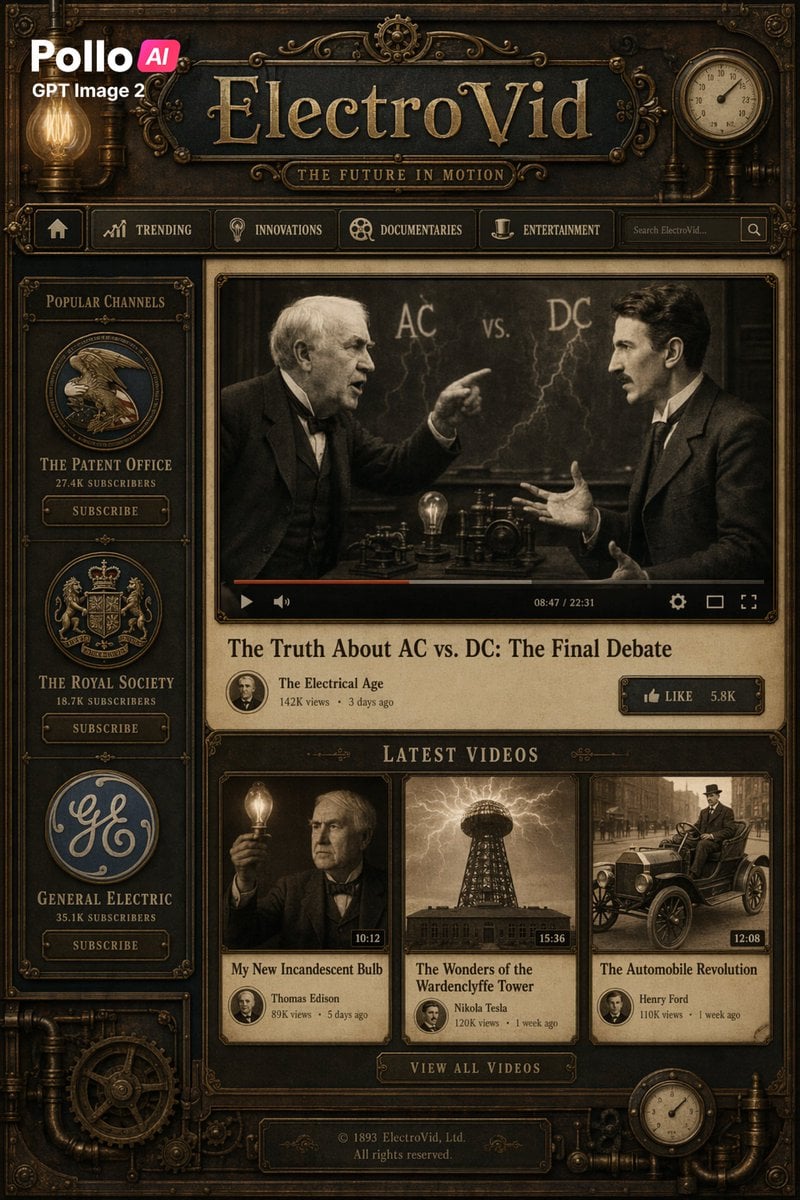
A richly detailed steampunk-inspired vintage video platform homepage shown as a full-screen web interface mockup in dark brass, aged bronze, black iron, and sepia tones, designed like a Victorian industrial machine with ornate filigree, pipes, rivets, gears, gauges, and glowing Edison bulbs built into the frame. The top left shows a modern overlay logo reading Pollo AI and GPT Image 2. Centered across the top is a large engraved metal site title, {argument name="site name" default="ElectroVid"}, with a smaller plaque subtitle reading {argument name="tagline text" default="THE FUTURE IN MOTION"}. A navigation bar directly beneath contains 6 visible items: a home icon button, TRENDING, INNOVATIONS, DOCUMENTARIES, ENTERTAINMENT, and a search box on the right with placeholder text similar to Search ElectroVid.... On the upper right corner of the frame there is 1 round analog clock gauge. On the left sidebar, a framed section titled Popular Channels contains exactly 3 channel cards stacked vertically, each with a circular emblem, subscriber count, and a SUBSCRIBE button: The Patent Office with 27.4K subscribers, The Royal Society with 18.7K subscribers, and General Electric with 35.1K subscribers. The main content area features 1 large central video player with a sepia historical scene of two men in suits debating in front of a chalkboard marked AC vs. DC with lightning-like chalk effects; one man points while the other gestures with open hands, and a glowing light bulb plus early electrical apparatus sit on the table between them. Add a realistic video player UI with a play button, timeline with partial red progress, volume icon, elapsed and total time reading 08:47 / 22:31, settings icon, theater icon, and fullscreen icon. Beneath the player, show the featured video title as {argument name="featured video title" default="The Truth About AC vs. DC: The Final Debate"}, with channel metadata below: The Electrical Age, 142K views, 3 days ago, plus a small circular profile portrait and a brass LIKE button showing 5.8K. Below that, a section header reading LATEST VIDEOS contains exactly 3 thumbnail cards in one row: 1) My New Incandescent Bulb, showing a man holding a lit bulb, duration 10:12, channel Thomas Edison, 89K views, 5 days ago; 2) The Wonders of the Wardenclyffe Tower, showing a Tesla tower under electrical arcs, duration 15:36, channel Nikola Tesla, 120K views, 1 week ago; 3) The Automobile Revolution, showing an early vintage car with a driver on a city street, duration 12:08, channel Henry Ford, 110K views, 1 week ago. Centered below the thumbnails is a brass button reading VIEW ALL VIDEOS. At the bottom center, add a footer plaque reading © 1893 ElectroVid, Ltd. All rights reserved. Decorate the outer border with additional pipes, cogs, mechanical joints, embossed corners, and 1 more circular pressure gauge near the bottom right. Use symmetrical, highly polished antique UI design, cinematic warm lighting, realistic texture, impeccable serif typography, dense ornamental craftsmanship, and a believable fusion of modern streaming layout with 19th-century industrial aesthetics.
How to use Steampunk ElectroVid Homepage in 3 steps
- 1Upload ImagePNG, JPG or paste
Add your photo
Upload the photo the template builds on. The prompt, model and format are already set.
- 2…a portrait of your subject in softgolden-hour light, 85mm…
Personalize
Edit the subject and creative details for your destination.
- 3Generate
Generate
Press Generate — your image is created in PicX Studio, so you can compare it with the original and refine one variable at a time.
More like this
Templates with the same subject, style or setup. Open one to see its prompt.
Steampunk ElectroVid Video Platform UI

Gothic Japanese Mobile Homepage

Minimalist Designer Portfolio Homepage
Website Homepage Screenshot Generation
Japanese Google Homepage Screenshot
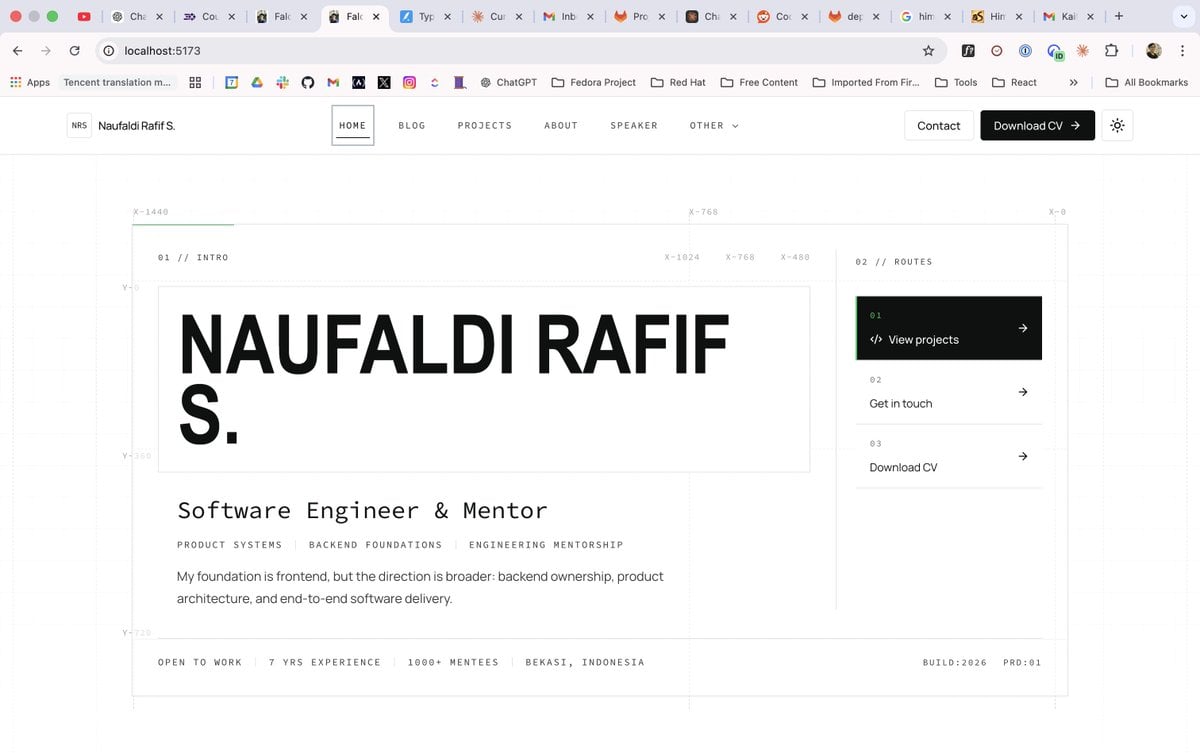
Minimal Developer Portfolio Homepage
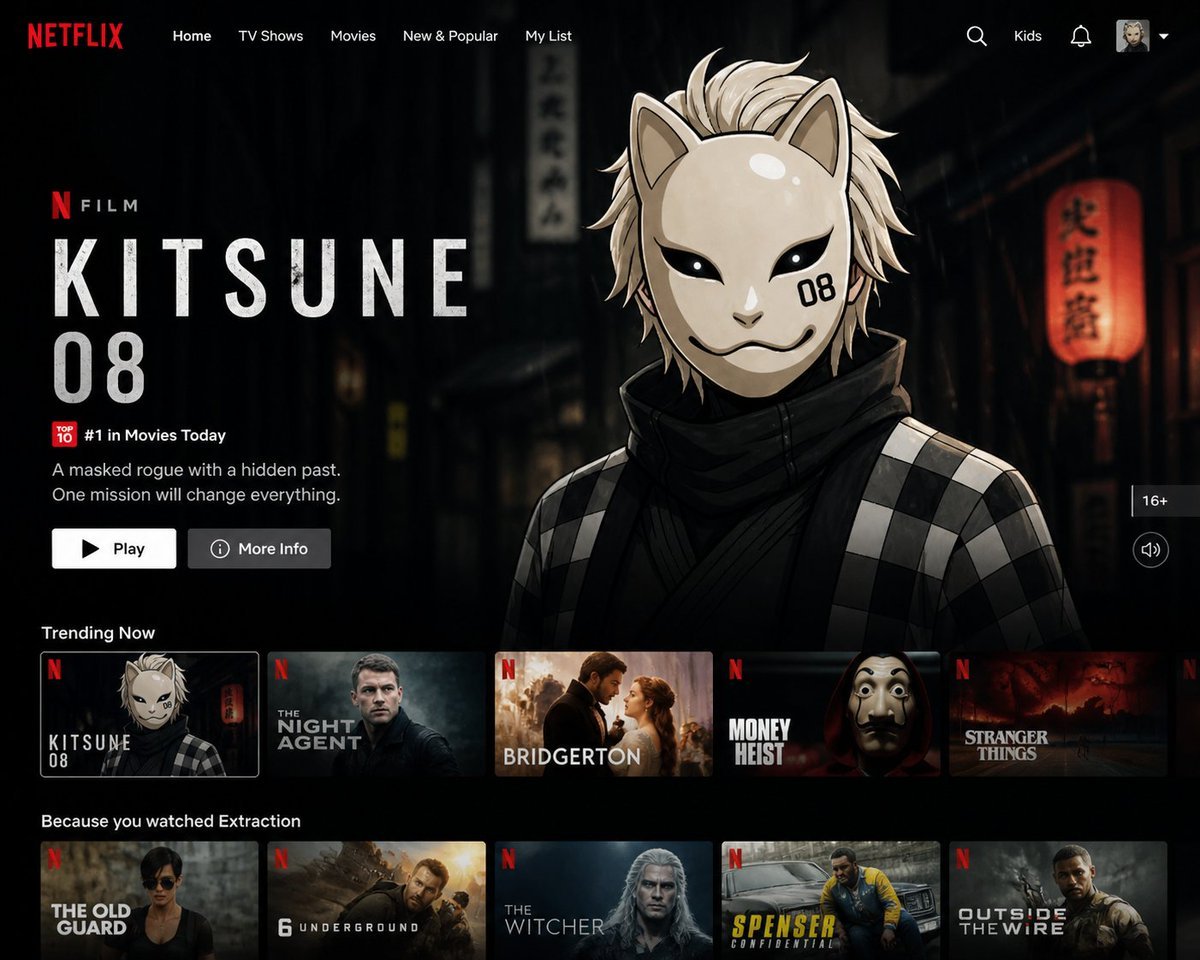
Netflix UI Homepage Generator
Hypothetical News Homepage

Steampunk Clockwork Princess

Steampunk Plague Alchemist Character
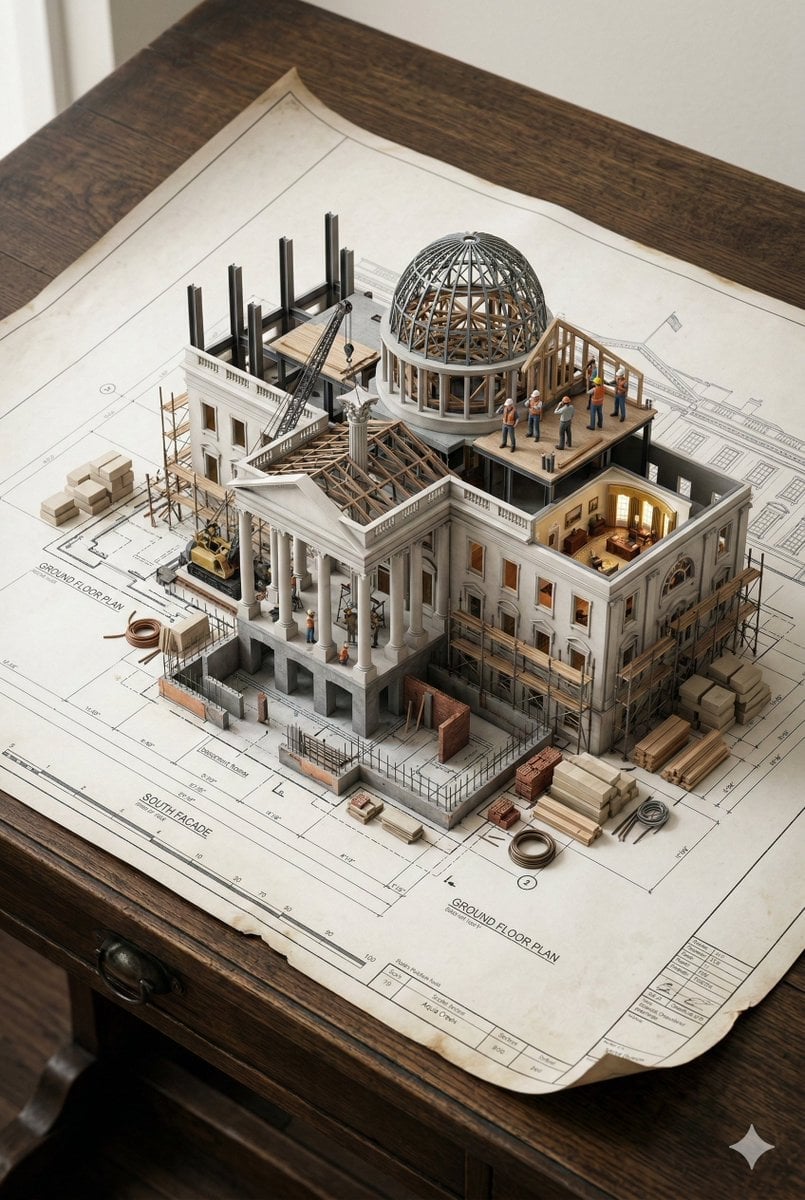
Paper Cut Steampunk Mechanism
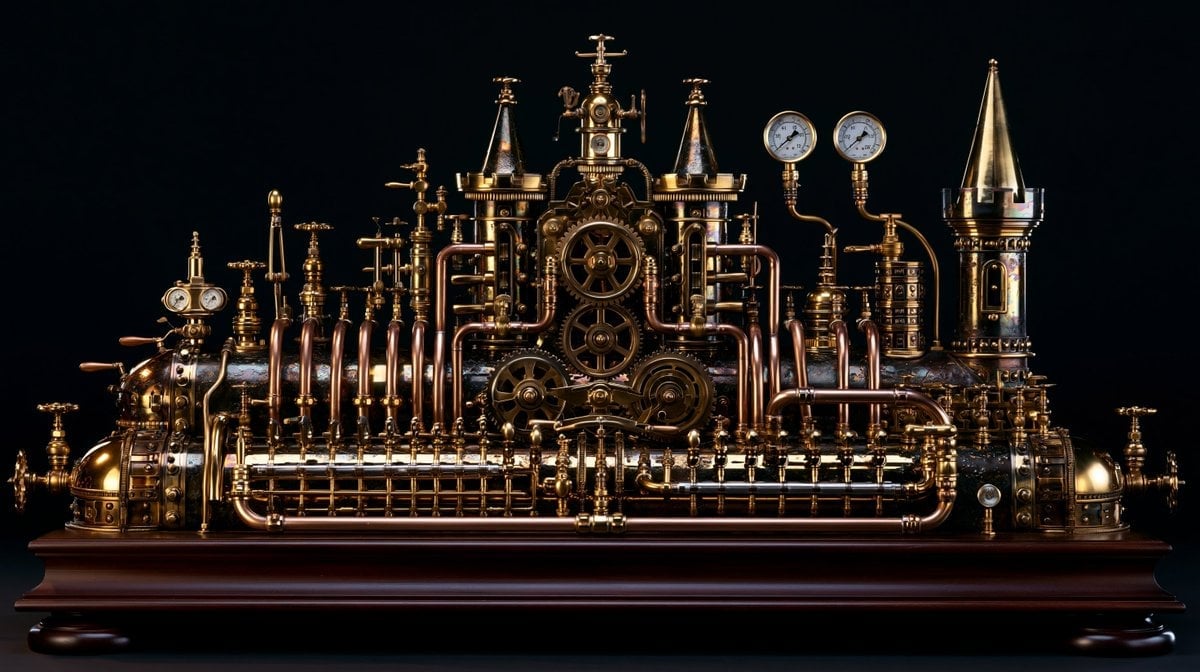
Intricate Steampunk Mechanical Sculpture
Make it yours
Steampunk ElectroVid Homepage works as-is. These are the safest ways to change it without losing the look.
Change one field
Copy a single group, rewrite it, and generate again so you can see what that field is doing.
Keep the frame, change the subject
Hold the composition and light of Steampunk ElectroVid Homepage, then swap wardrobe, props or the person for a new take.
| If the result… | Why | Fix |
|---|---|---|
| The result drifts from the preview | Too many fields changed at once. | Reuse Steampunk ElectroVid Homepage as-is first, then change one group — subject, light, or setting. |
| The model over-stylizes the scene | The prose prompt leaves finish and camera underspecified. | Add one camera or lighting sentence and stay on GPT Image 2. |
More GPT Image 2 templates
Other prompts made for GPT Image 2.

Six VTuber Japanese Logo Sheet

Realistic Portrait of Woman and Deer

The Vista Modular Condo Poster

AI Model Routing Comparison Infographic

2.5D Anime Art Board

Isometric Productivity Desk Scene

New York Double Exposure Poster

Four-Panel AI Landscape Comparison

Japanese Tatami Lifestyle Magazine Cover

NESCAFÉ Coffee Map Poster
More image prompts
Fresh picks from across the catalog.
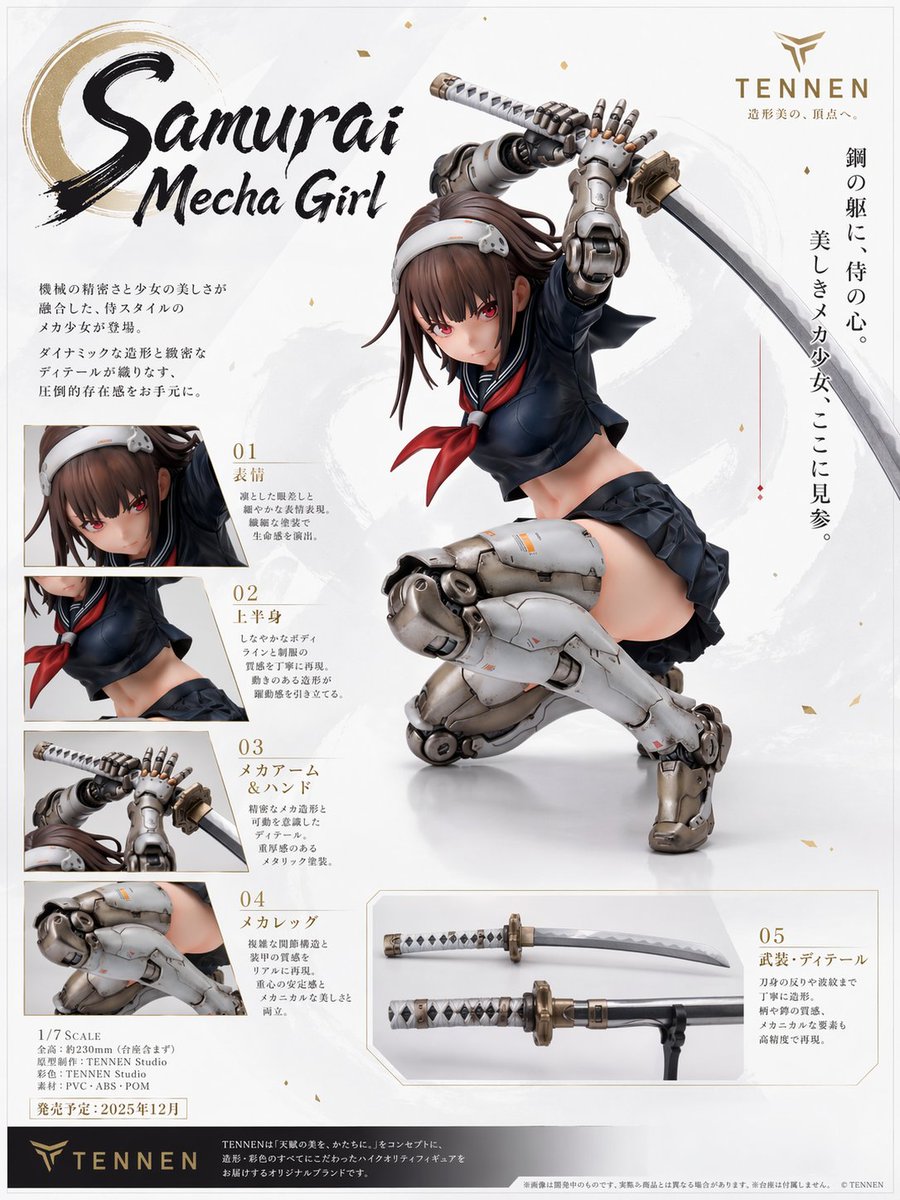
Samurai Mecha Girl Figure Poster
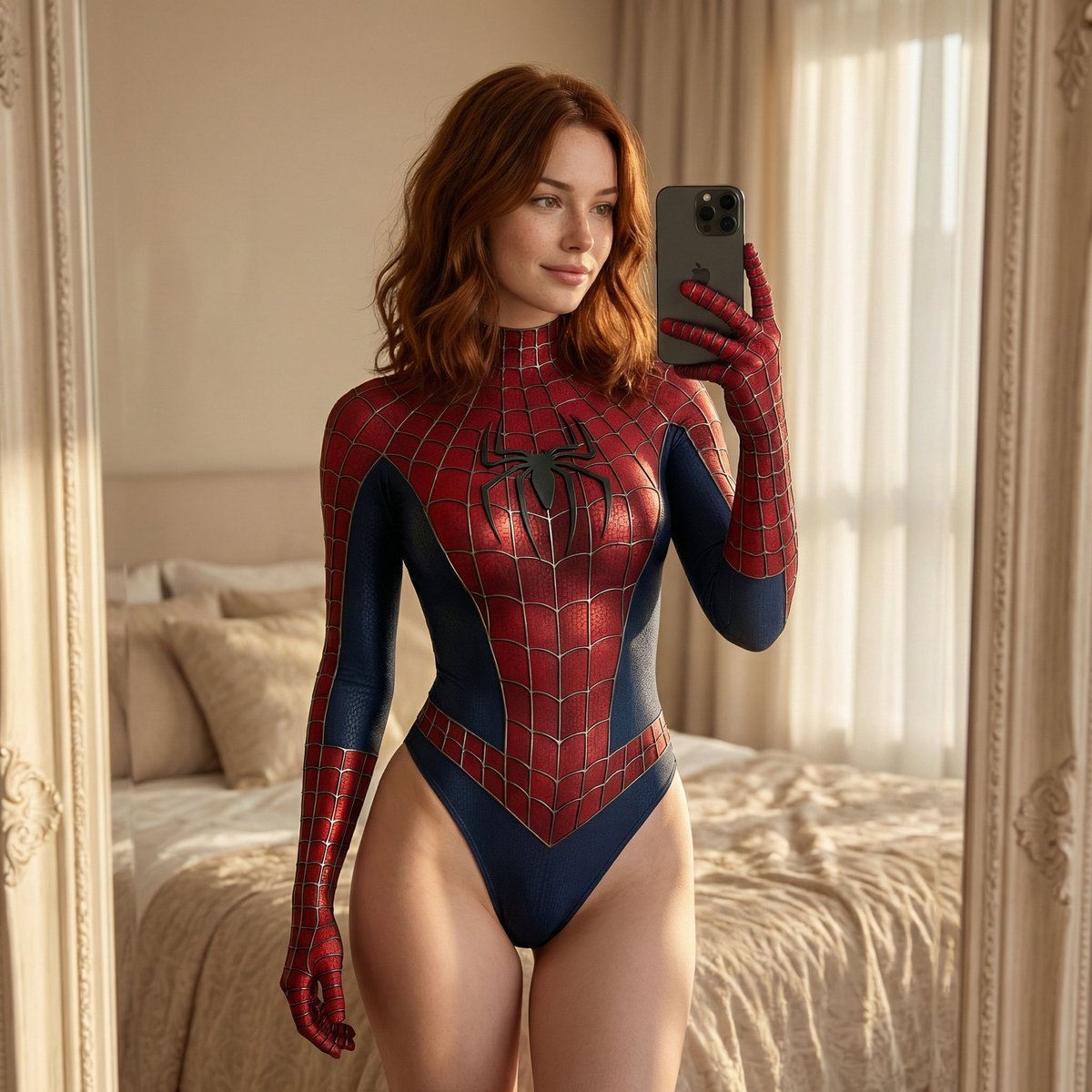
Spider-Man Bodysuit Mirror Selfie in Luxury Bedroom

Exaggerated Curvy Figure at Gas Station
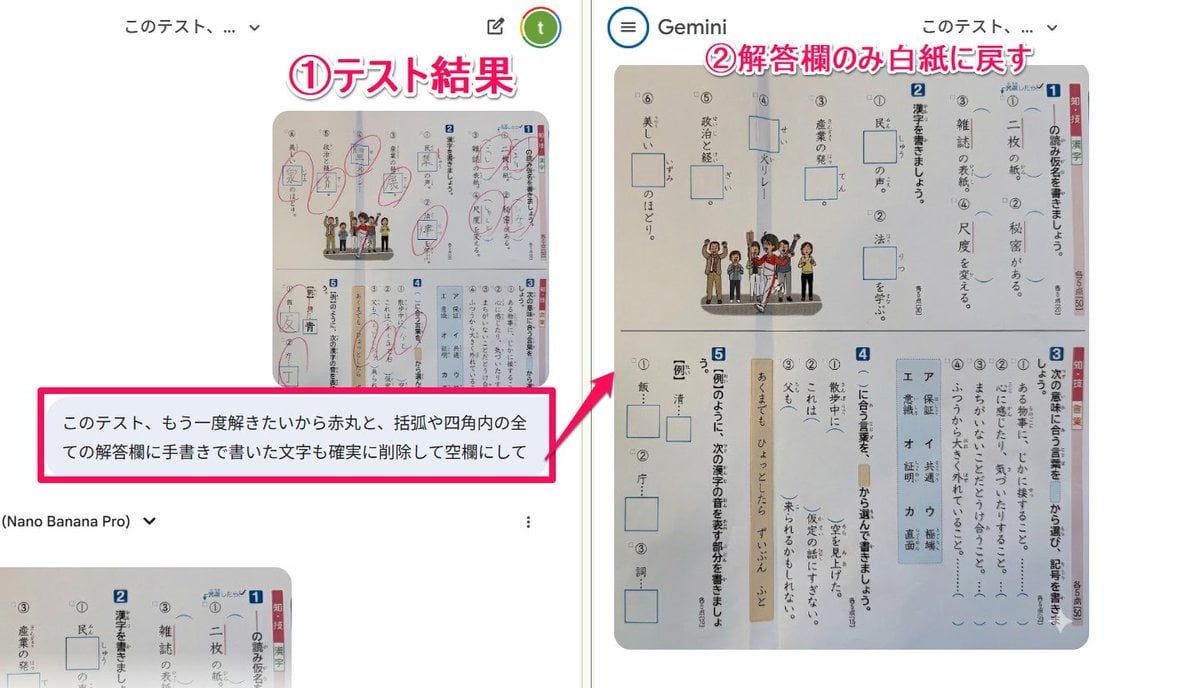
Prompt for clearing handwritten answers from a test image for reuse

Office Renovation and Decoration Prompt
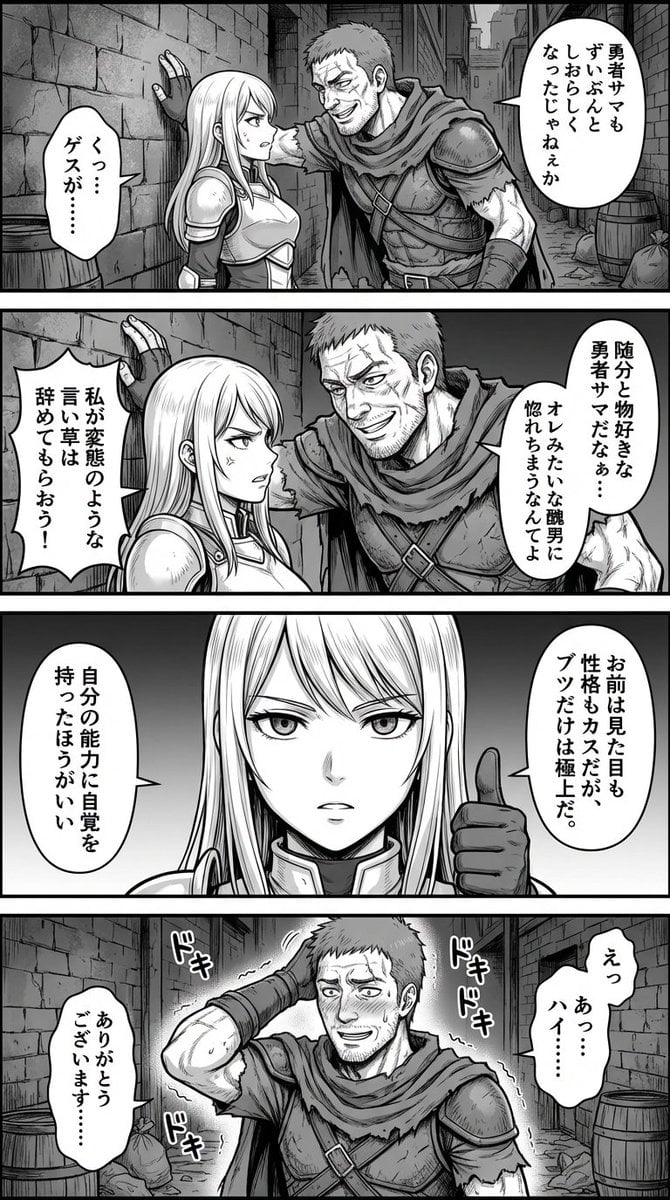
Four-Panel Manga: Fantasy Alleyway Wall-Slam
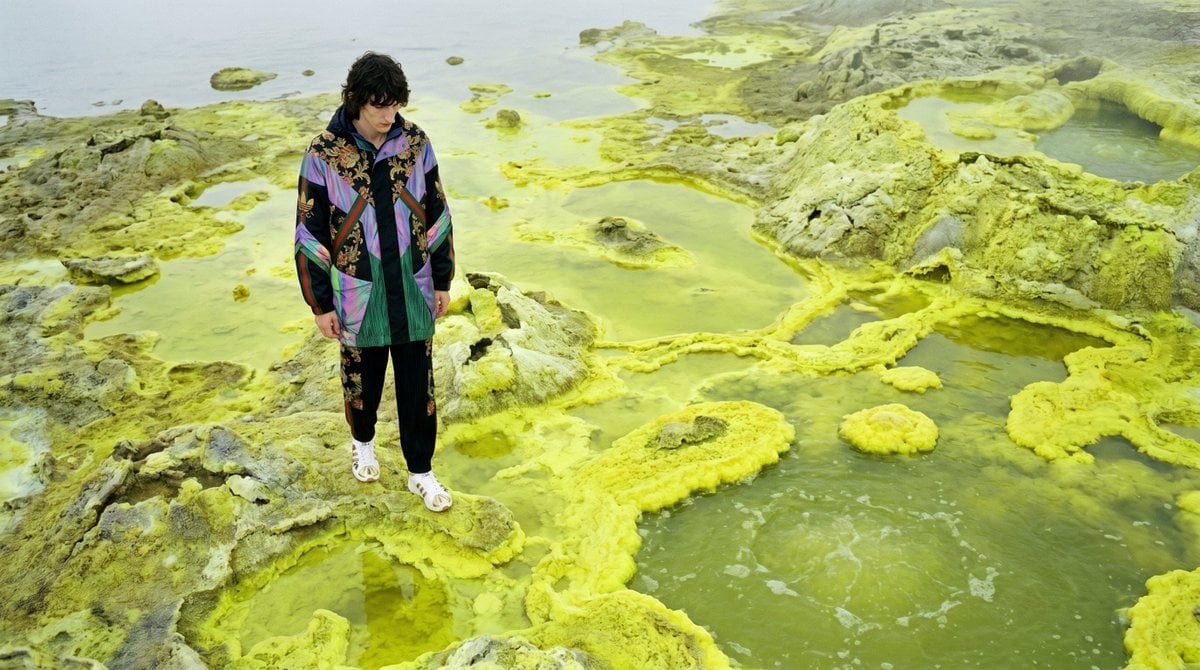
Surreal Sulfur Hot Spring Explorer

Dramatic Digital Painting Portrait with Limited Palette
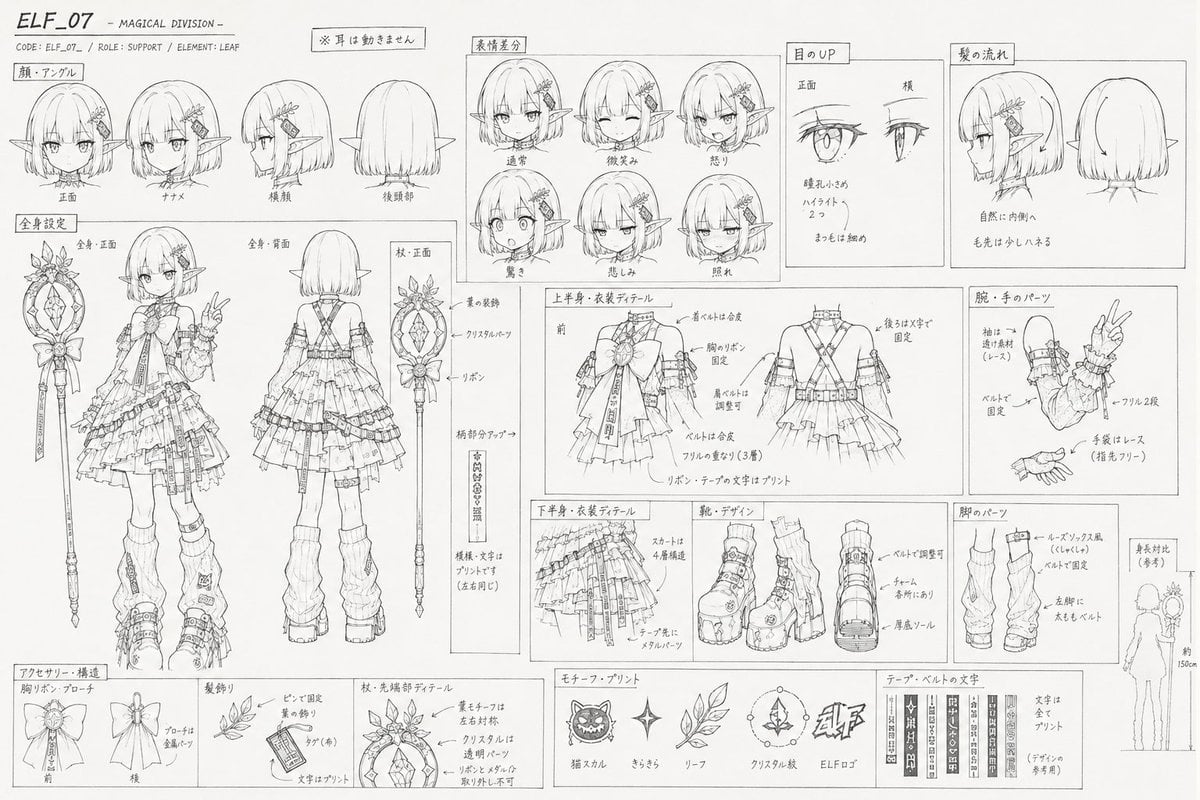
Professional Anime Character Line Art Sheet

Anime Couple Vector Illustration
Browse template categories
Steampunk ElectroVid Homepage questions
How do I use the Steampunk ElectroVid Homepage template?
Add your photo if the template asks for one, edit the prompt if you like — the template's model and format are already selected — and press Generate. Your version opens in PicX Studio.
Can I customize the Steampunk ElectroVid Homepage template?
Yes. You can change the subject, setting, lighting, mood, format, and available model controls before creating your image.
Is the Steampunk ElectroVid Homepage template free?
Opening and editing this template is free. Generating uses credits, shown on the Generate button when you are signed in.
Which AI model should I use?
Start with GPT Image 2, which is the model associated with this template. You can compare another compatible model for a different finish.
Looking for something else? Browse all templates.

Your photo, any look
Thousands of ready templates for every top image and video model, from one credit balance.