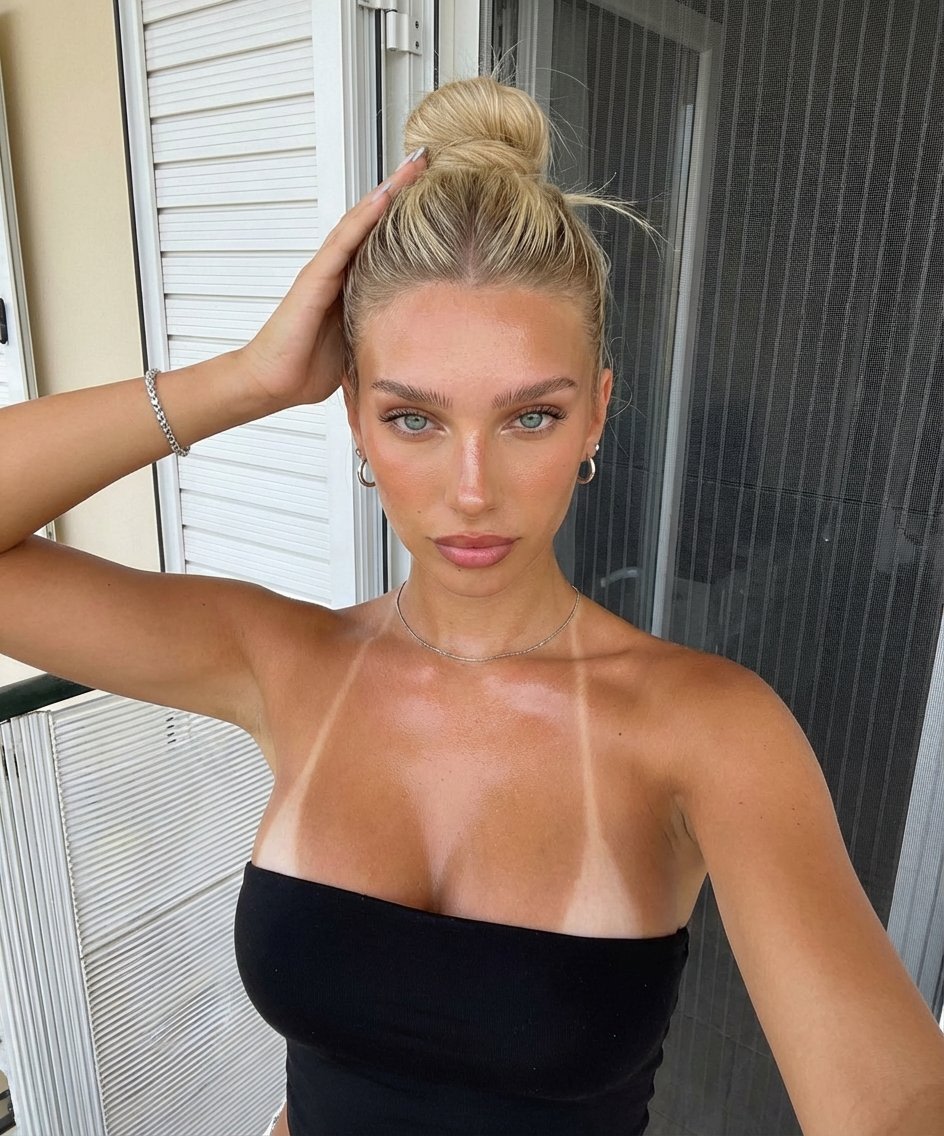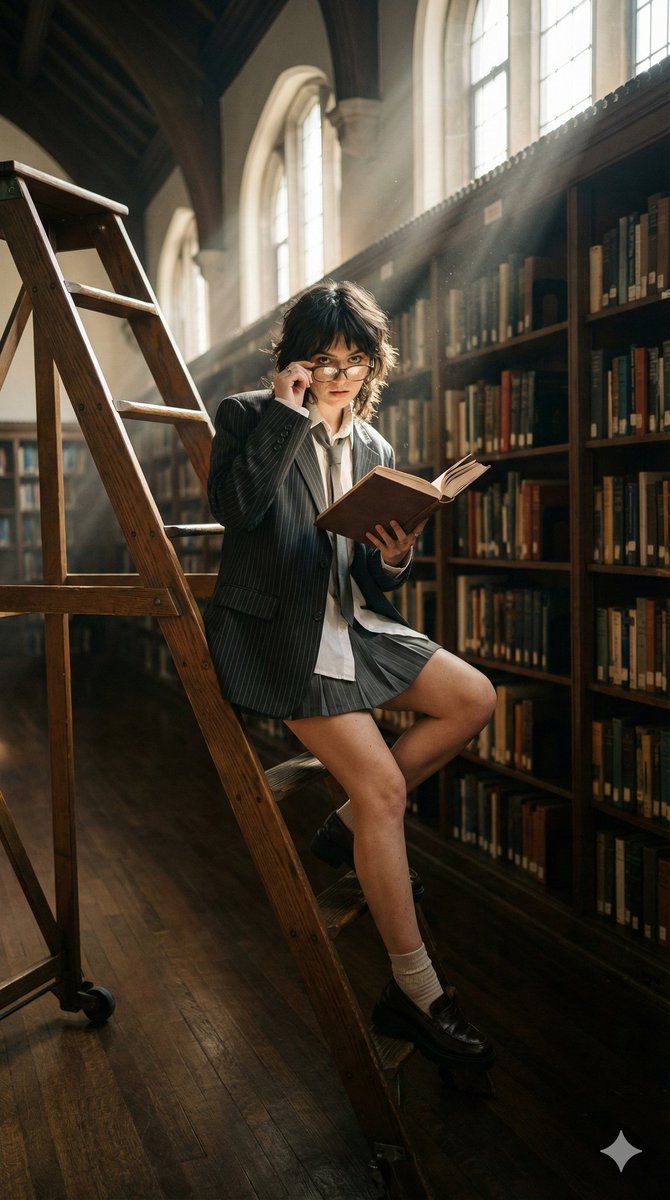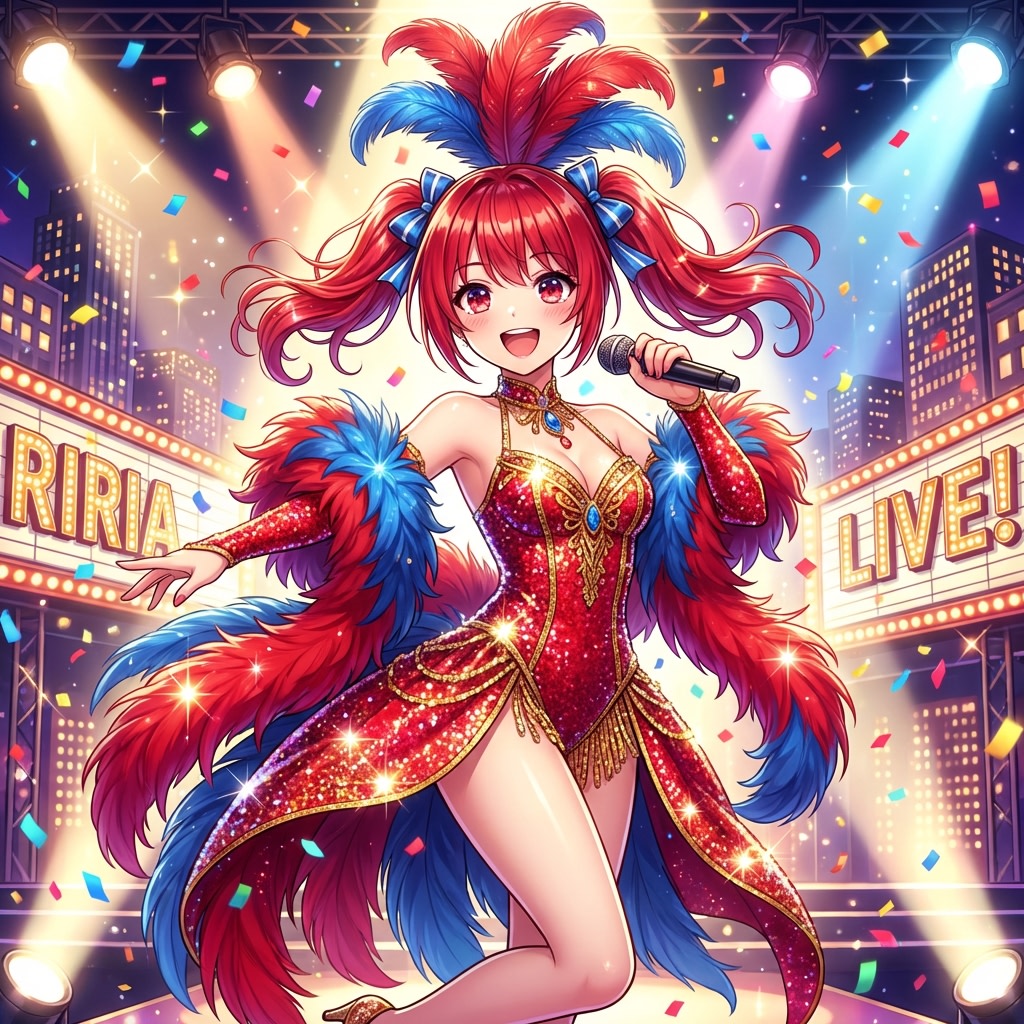
How do I use the Realistic Racing Outfit Hallway Portrait template?
Choose the primary action to open PicX Studio with the available template settings. Review the model and format, personalize the creative direction, and generate when ready.
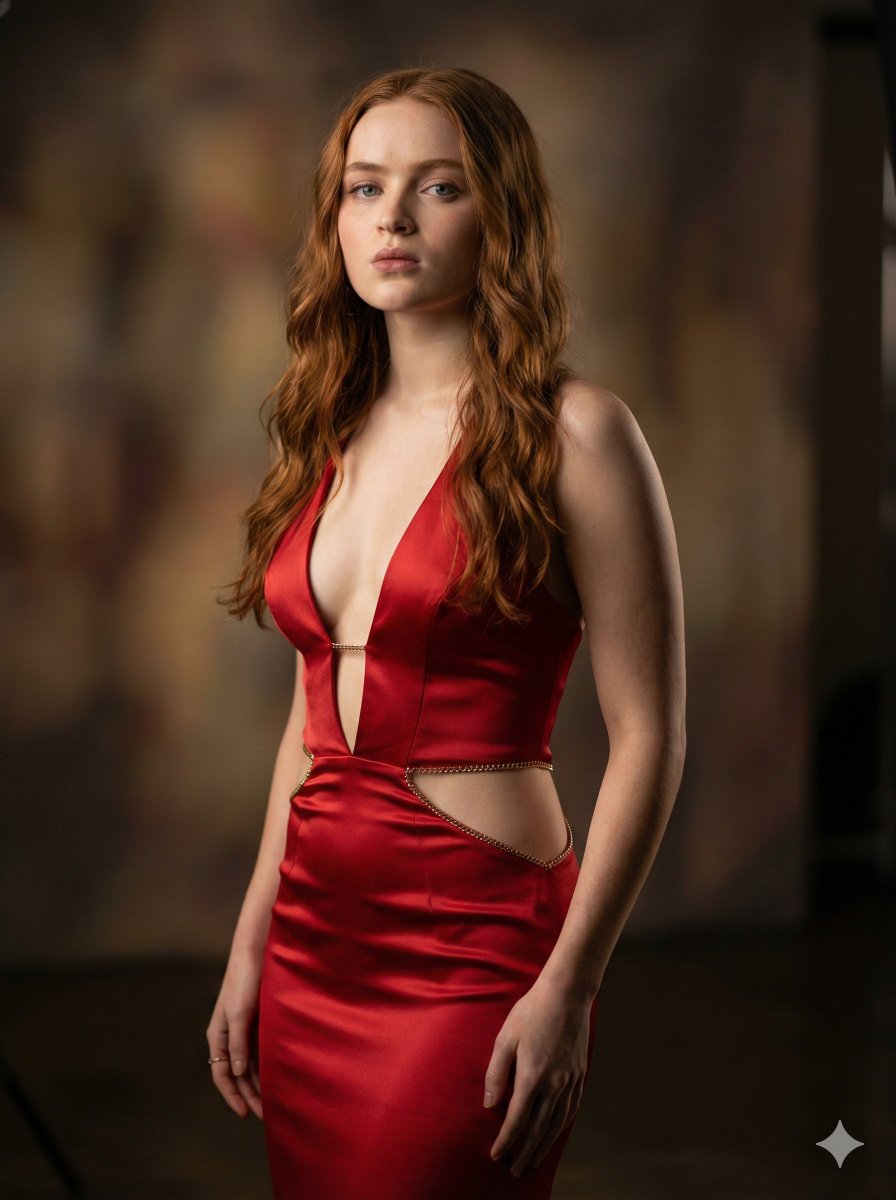
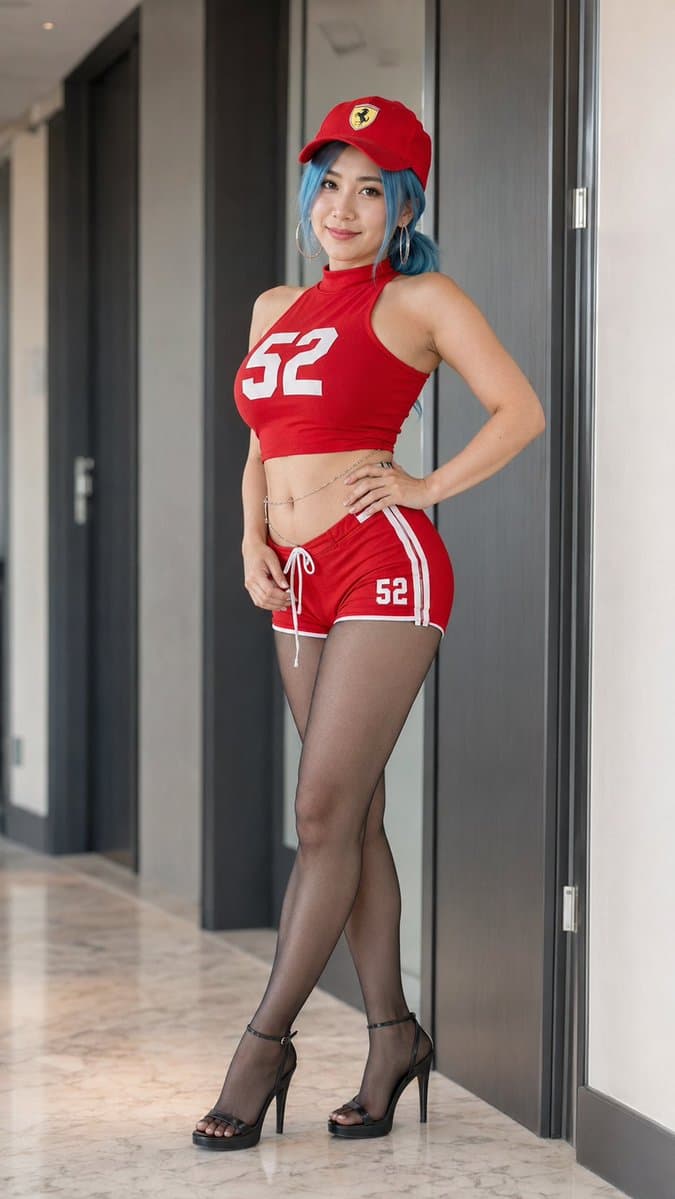
Generates a photorealistic vertical fashion portrait of a woman in a red racing-inspired outfit posing in a luxury hallway. (free to use) — Free AI image template on PicX Studio.
Create a photorealistic full-body fashion portrait of an adult woman standing in a modern luxury apartment hallway, posed with one hand on her hip and the other relaxed near her shorts, legs crossed slightly. She has {argument name="hair color" default="bright blue hair"} visible under a {argument name="cap style" default="red Ferrari baseball cap with a yellow shield logo"}. Her face should be intentionally obscured by a soft rectangular blur for privacy. She wears a coordinated sporty red racing-inspired outfit: exactly 5 visible outfit pieces — a sleeveless high-neck red crop top with the large white number “52” across the chest, matching red short shorts with white side stripes and a small white “52” on one leg, sheer black pantyhose, black ankle-strap platform stiletto sandals, and a delicate silver waist chain. Use a realistic smartphone-photo aesthetic with natural indoor light, shallow depth of field, accurate fabric texture, skin texture, and reflections on polished marble flooring. Background: tall dark wood doors, pale walls, door frames, and a clean upscale corridor receding into soft blur. Composition should be vertical 9:16, full body centered, camera at about waist height, realistic proportions, cinematic realism, no text beyond the visible numbers and logo.
Use Realistic Racing Outfit Hallway Portrait to plan an AI image around gpt-image-2 generation, themes such as en and gpt-image-2. Match the preview's composition first, then personalize the subject, setting, and mood for your own project.
Use the primary action to load the template settings in PicX Studio.
Adjust the subject and creative details for your destination.
Create the image, compare the result with the preview, and refine one variable at a time.
A continuous mix — similar concepts first, woven with same-model prompts and fresh picks from the catalog.
Choose the primary action to open PicX Studio with the available template settings. Review the model and format, personalize the creative direction, and generate when ready.
Yes. You can change the subject, setting, lighting, mood, format, and available model controls before creating your image.
This template is free to open and customize. Generation usage is shown in PicX Studio before you create.
Start with gpt-image-2, which is the model associated with this template. You can compare another compatible model for a different finish.
A continuous mix — similar concepts first, woven with same-model prompts and fresh picks from the catalog.
Follow a topic to a crawlable collection of related PicX Studio templates.
35,590 public templates available. Verified via the PicX Studio public templates API; refreshed hourly.