
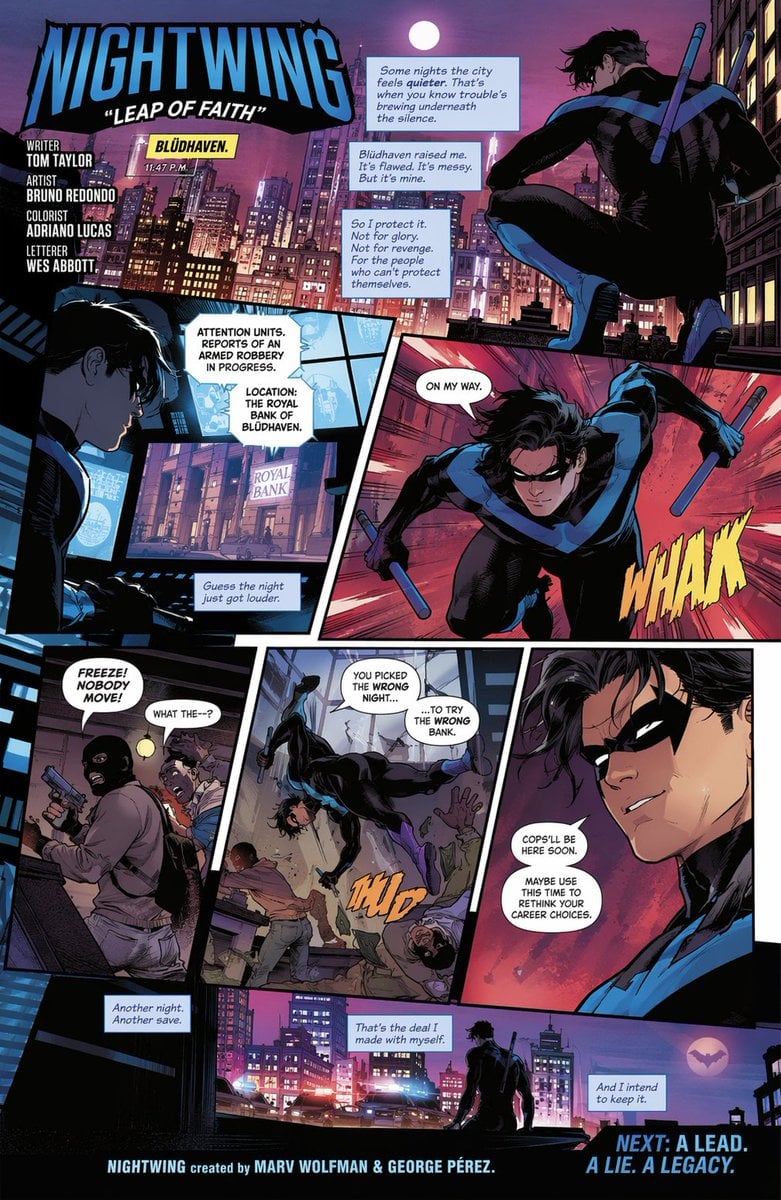
Multi-Panel Comic Book Page
Generates a fully lettered, multi-panel comic book page featuring dynamic action, dialogue, narration, and integrated typography.
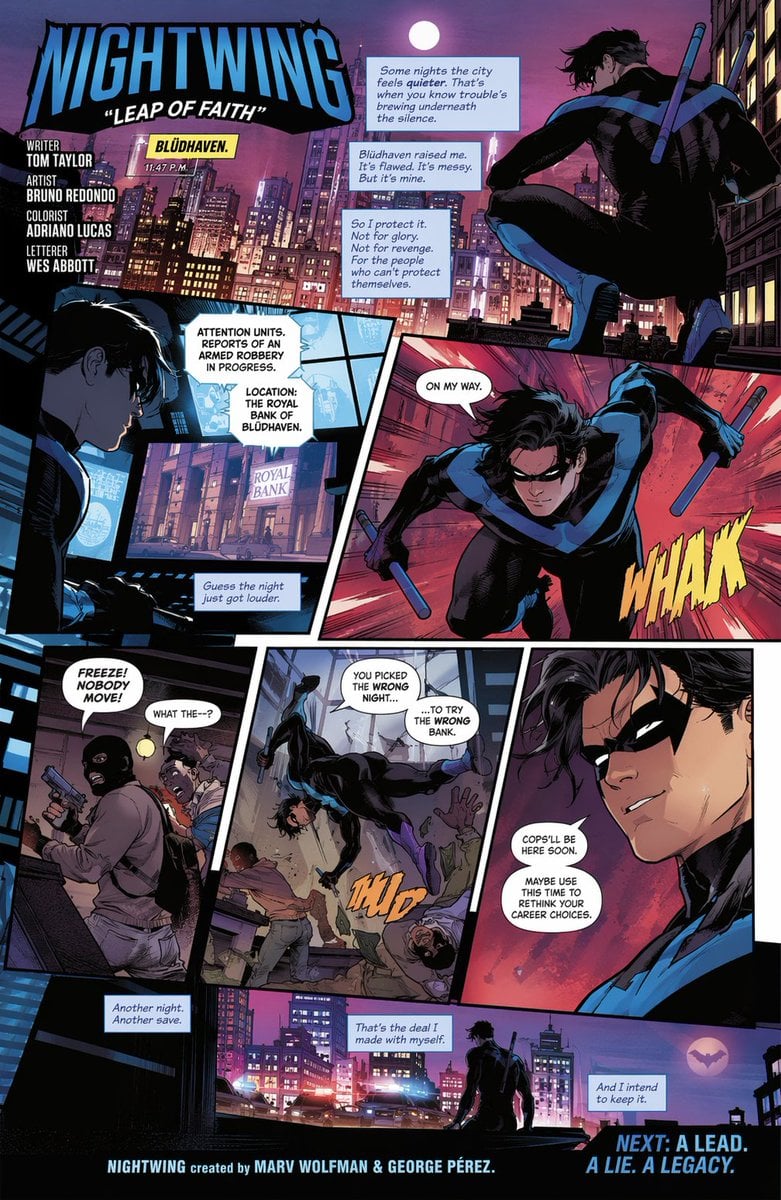
- Prompt included
- Model and format preset
- Free template
The prompt behind this image
Copy the exact prompt behind Multi-Panel Comic Book Page, or open it in the studio and make it yours.
- Type
- full comic book page
- Style
- modern western comic art, dynamic action, {argument name="color palette" default="neon pink, purple, and deep blue night cityscape"}
- Header › Title
- {argument name="hero name" default="NIGHTWING"}
- Header › Subtitle
- "{argument name="comic title" default="LEAP OF FAITH"}"
- Header › Credits
- Writer TOM TAYLOR, Artist BRUNO REDONDO, Colorist ADRIANO LUCAS, Letterer WES ABBOTT
- Character
- {argument name="hero description" default="young athletic male vigilante in a black suit with a blue wing emblem across the chest and arms, wearing a black domino mask and wielding two blue escrima sticks"}
- Panels › 0 › Id
- 1
- Panels › 0 › Position
- top right
- Panels › 0 › Scene
- hero crouching on a rooftop gargoyle overlooking the city
- Panels › 0 › Location Box
- {argument name="city name" default="BLÜDHAVEN"}. 11:47 P.M.
- Panels › 0 › Narration Boxes
- 3
- Panels › 0 › Narration Text
- Some nights the city feels quieter. That's when you know trouble's brewing underneath the silence., Blüdhaven raised me. It's flawed. It's messy. But it's mine., So I protect it. Not for glory. Not for revenge. For the people who can't protect themselves.
- Panels › 1 › Id
- 2
- Panels › 1 › Position
- middle left
- Panels › 1 › Scene
- hero looking at glowing blue monitors showing a bank building
- Panels › 1 › Monitor Text
- ATTENTION UNITS. REPORTS OF AN ARMED ROBBERY IN PROGRESS. LOCATION: THE ROYAL BANK OF BLÜDHAVEN.
- Panels › 1 › Narration Boxes
- 1
- Panels › 1 › Narration Text
- Guess the night just got louder.
- Panels › 2 › Id
- 3
- Panels › 2 › Position
- middle right
- Panels › 2 › Scene
- hero leaping dynamically forward, sticks drawn
- Panels › 2 › Speech Bubbles
- 1
- Panels › 2 › Speech Text
- ON MY WAY.
- Panels › 2 › Sound Effect
- WHAK (yellow)
Raw JSON
{
  "type": "full comic book page",
  "style": "modern western comic art, dynamic action, {argument name=\"color palette\" default=\"neon pink, purple, and deep blue night cityscape\"}",
  "header": {
    "title": "{argument name=\"hero name\" default=\"NIGHTWING\"}",
    "subtitle": "\"{argument name=\"comic title\" default=\"LEAP OF FAITH\"}\"",
    "credits": [
      "Writer TOM TAYLOR",
      "Artist BRUNO REDONDO",
      "Colorist ADRIANO LUCAS",
      "Letterer WES ABBOTT"
    ]
  },
  "character": "{argument name=\"hero description\" default=\"young athletic male vigilante in a black suit with a blue wing emblem across the chest and arms, wearing a black domino mask and wielding two blue escrima sticks\"}",
  "panels": [
    {
      "id": 1,
      "position": "top right",
      "scene": "hero crouching on a rooftop gargoyle overlooking the city",
      "location_box": "{argument name=\"city name\" default=\"BLÜDHAVEN\"}. 11:47 P.M.",
      "narration_boxes": 3,
      "narration_text": [
        "Some nights the city feels quieter. That's when you know trouble's brewing underneath the silence.",
        "Blüdhaven raised me. It's flawed. It's messy. But it's mine.",
        "So I protect it. Not for glory. Not for revenge. For the people who can't protect themselves."
      ]
    },
    {
      "id": 2,
      "position": "middle left",
      "scene": "hero looking at glowing blue monitors showing a bank building",
      "monitor_text": "ATTENTION UNITS. REPORTS OF AN ARMED ROBBERY IN PROGRESS. LOCATION: THE ROYAL BANK OF BLÜDHAVEN.",
      "narration_boxes": 1,
      "narration_text": ["Guess the night just got louder."]
    },
    {
      "id": 3,
      "position": "middle right",
      "scene": "hero leaping dynamically forward, sticks drawn",
      "speech_bubbles": 1,
      "speech_text": ["ON MY WAY."],
      "sound_effect": "WHAK (yellow)"
    },
    {
      "id": 4,
      "position": "bottom left",
      "scene": "two masked robbers inside a bank, one holding a gun",
      "speech_bubbles": 2,
      "speech_text": ["FREEZE! NOBODY MOVE!", "WHAT THE--?"]
    },
    {
      "id": 5,
      "position": "bottom middle",
      "scene": "hero dropping from above, striking the robbers",
      "speech_bubbles": 2,
      "speech_text": ["YOU PICKED THE WRONG NIGHT...", "...TO TRY THE WRONG BANK."],
      "sound_effect": "THUD (orange)"
    },
    {
      "id": 6,
      "position": "bottom right",
      "scene": "close-up portrait of the hero smiling confidently",
      "speech_bubbles": 2,
      "speech_text": ["COPS'LL BE HERE SOON.", "MAYBE USE THIS TIME TO RETHINK YOUR CAREER CHOICES."]
    },
    {
      "id": 7,
      "position": "bottom wide",
      "scene": "silhouette of hero on rooftop, police cars with flashing lights below, bat-like emblem in the sky",
      "narration_boxes": 3,
      "narration_text": ["Another night. Another save.", "That's the deal I made with myself.", "And I intend to keep it."]
    }
  ],
  "footer": {
    "creator_credit": "NIGHTWING created by MARV WOLFMAN & GEORGE PÉREZ.",
    "teaser": "NEXT: A LEAD. A LIE. A LEGACY."
  }
}Reference images included
Multi-Panel Comic Book Page needs input media to work. They load alongside the prompt when you open it in the studio.
How to use Multi-Panel Comic Book Page in 3 steps
- 1Upload ImagePNG, JPG or paste
Add your photo
Upload the photo the template builds on. The prompt, model and format are already set.
- 2…a portrait of your subject in softgolden-hour light, 85mm…
Personalize
Edit the subject and creative details for your destination.
- 3Generate
Generate
Press Generate — your image is created in PicX Studio, so you can compare it with the original and refine one variable at a time.
More like this
Templates with the same subject, style or setup. Open one to see its prompt.

Hero Portrait Comic Multi-Panel Poster
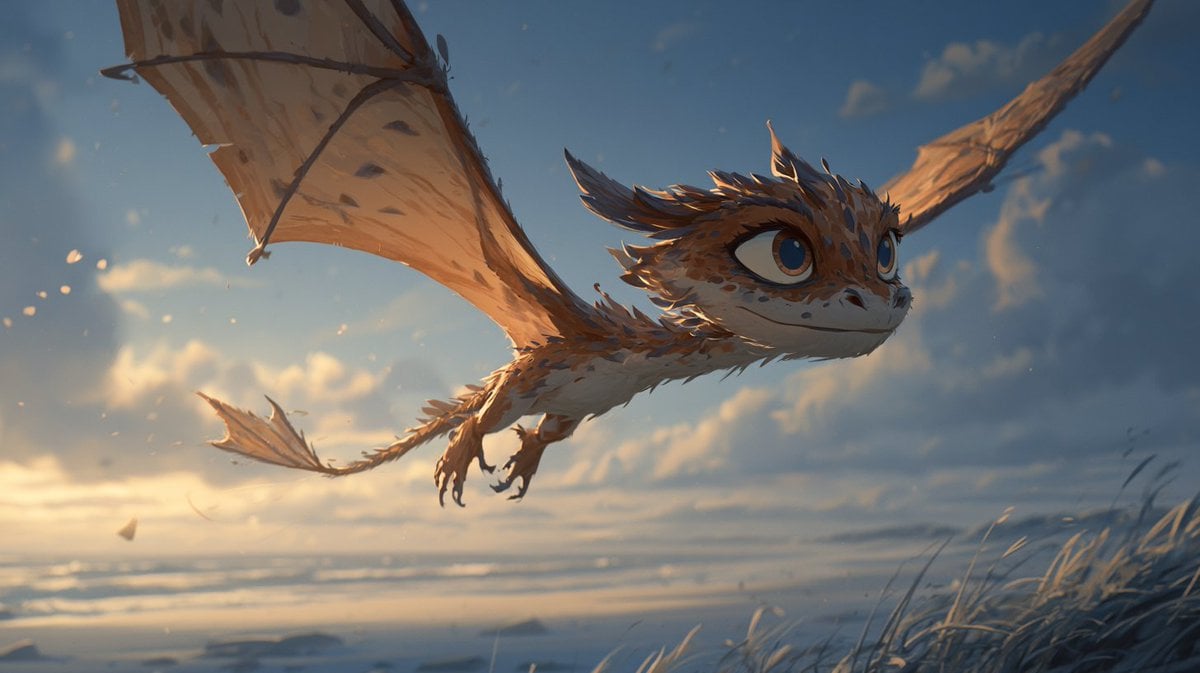
Multi-Panel Comic Illustration
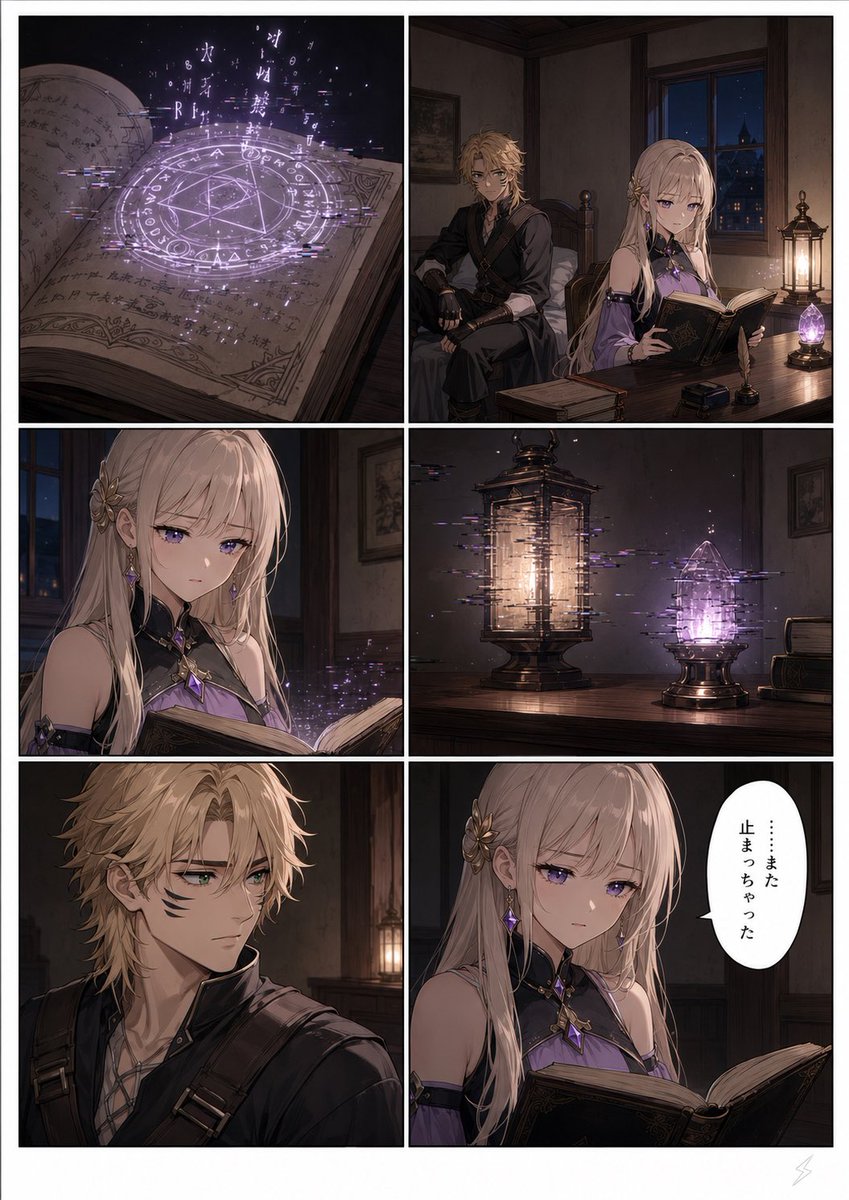
Six-Panel Fantasy Magic Comic Page

Gpt2 E Commerce Main Image 9 Panel Product Tvc Storyboard

Cute AI Manga Lesson Comic Page
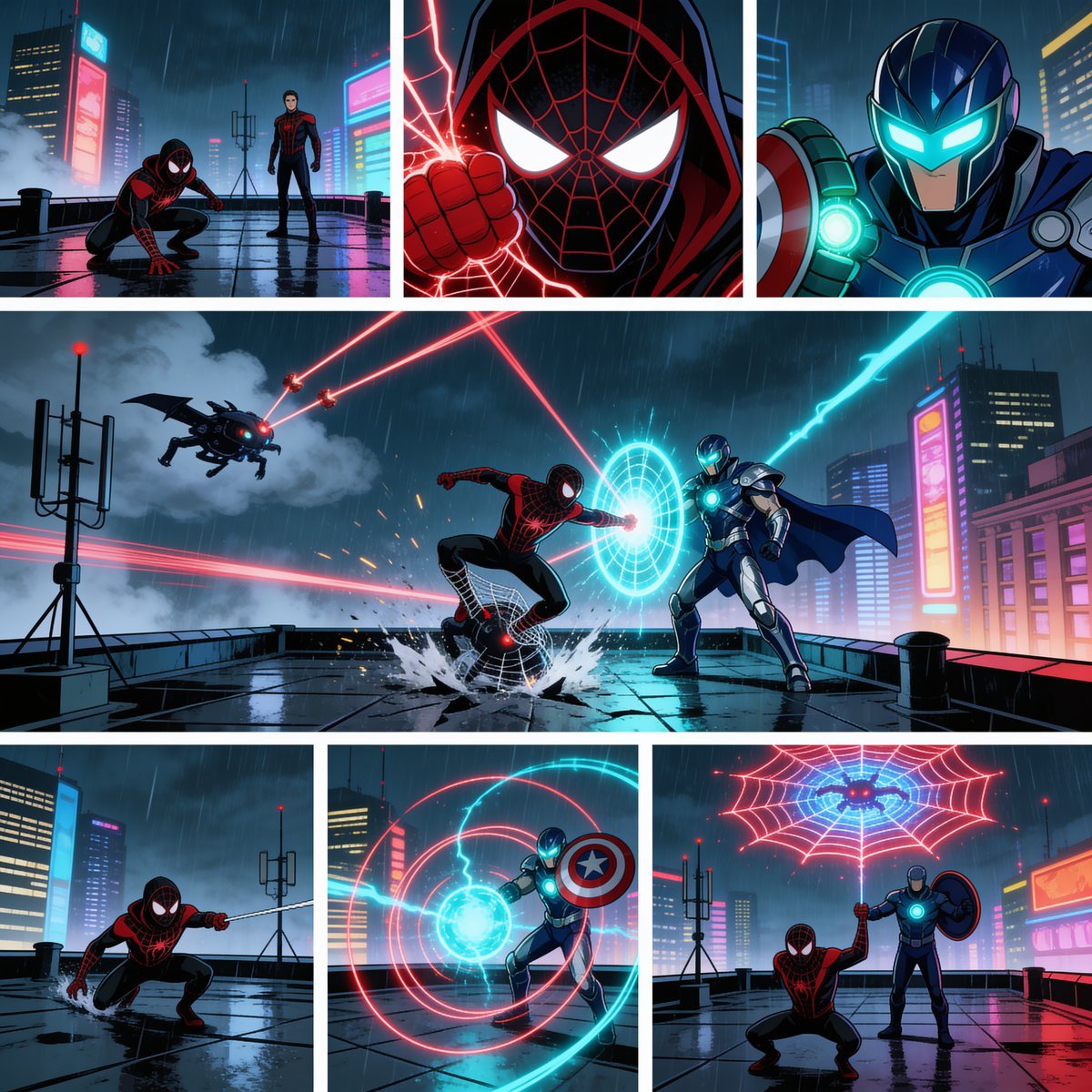
Rainy Cyberpunk Superhero Comic Page

Notebook Page Emergence Illusion
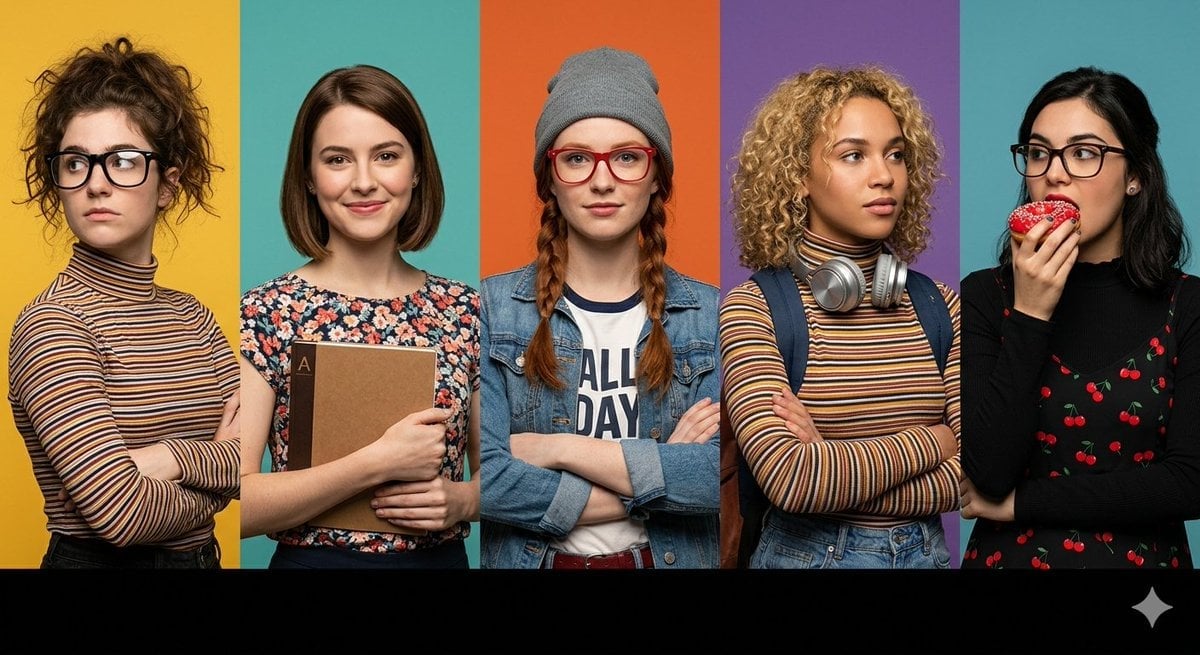
Multi-Panel Cinematic Studio Shot
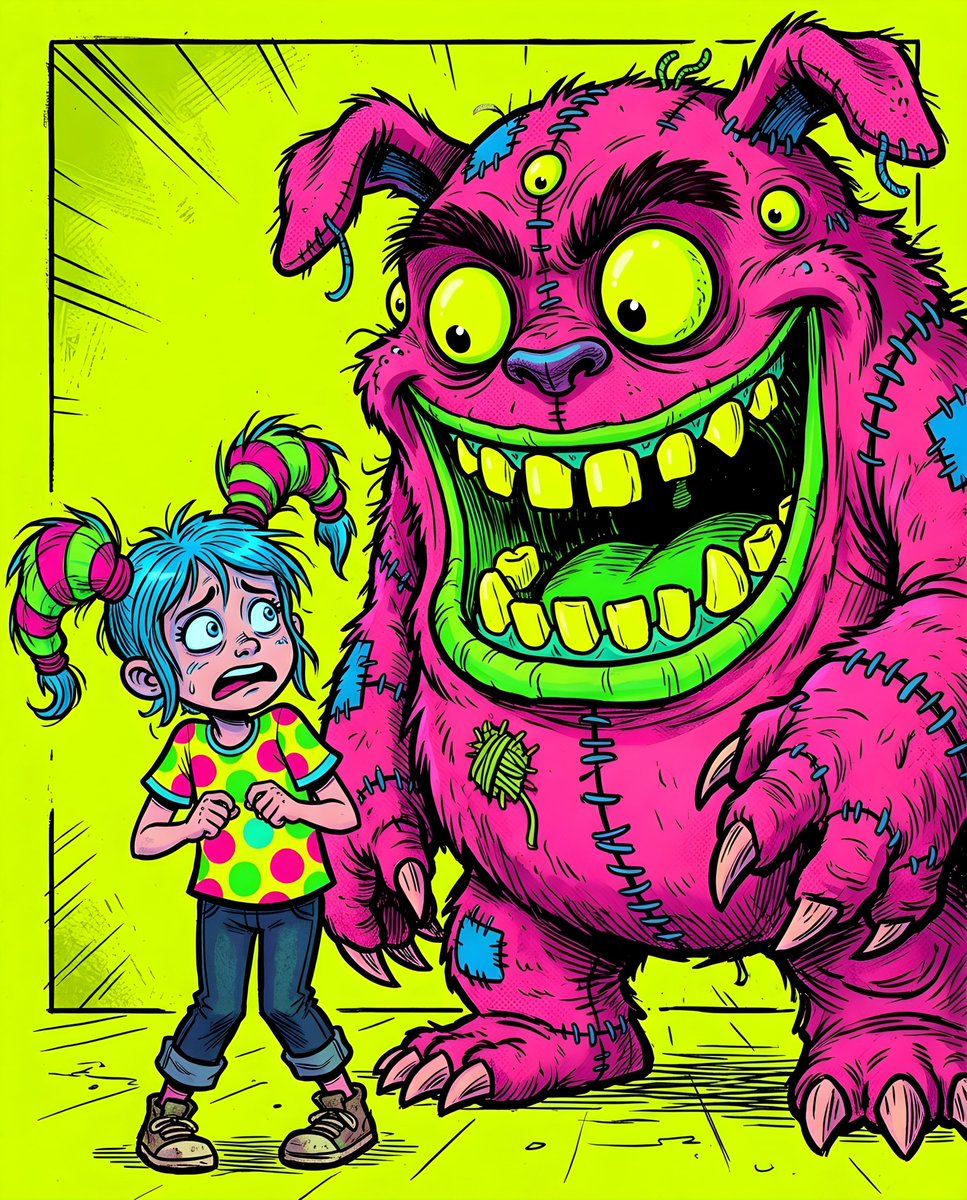
Fluorescent Comic Book Monster Encounter
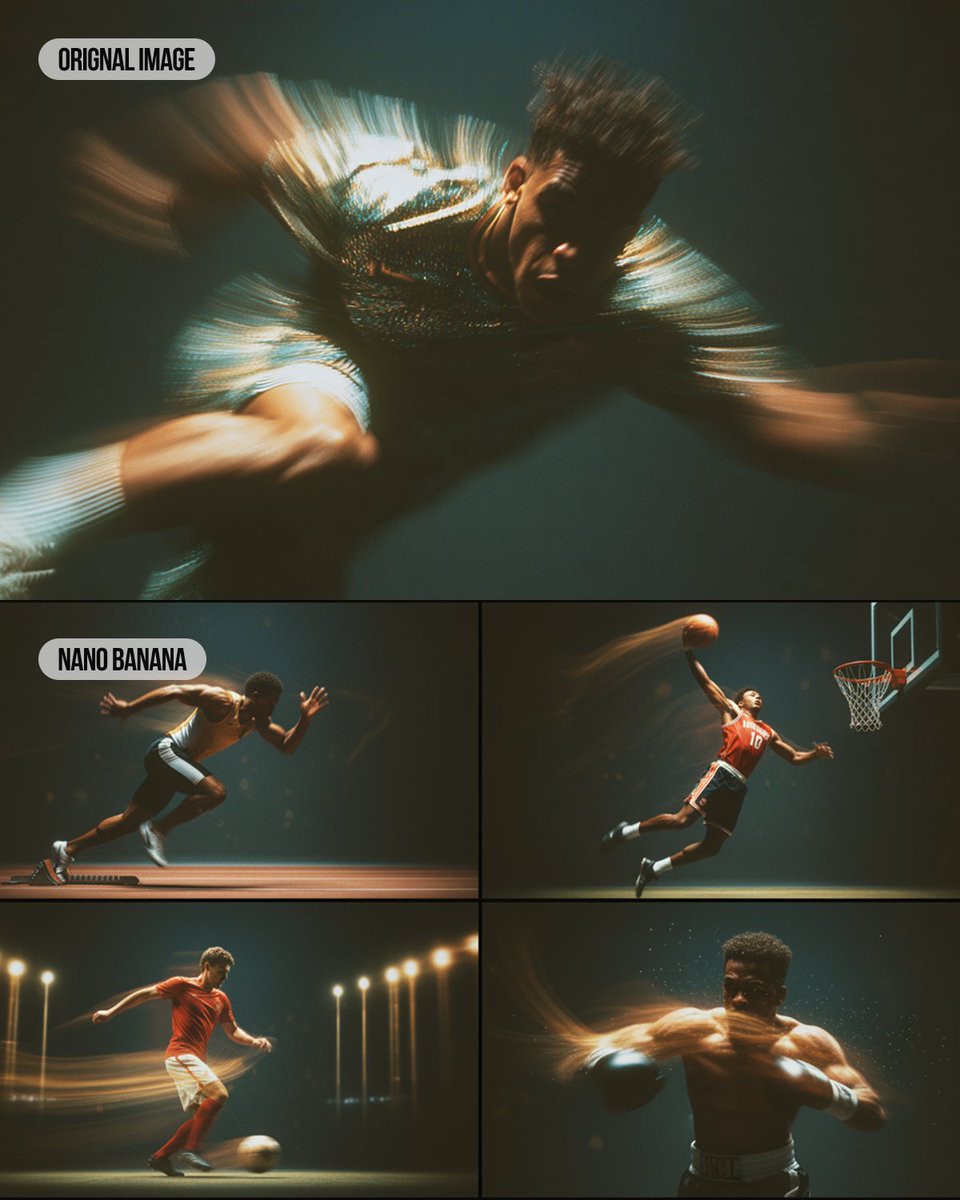
Multi-Panel Sports Montage with Style Reference

Pixar 6-Panel Streethero Expression Grid

Pop Art Superhero Explosion Poster
Make it yours
Multi-Panel Comic Book Page works as-is. These are the safest ways to change it without losing the look.
Swap the setting
Keep the rest of the prompt and replace the location block. The current setting is “{argument name="city name" default="BLÜDHAVEN"}. 11:47 P.M.”.
Change one field
Copy a single group, rewrite it, and generate again so you can see what that field is doing.
Keep the frame, change the subject
Hold the composition and light of Multi-Panel Comic Book Page, then swap wardrobe, props or the person for a new take.
| If the result… | Why | Fix |
|---|---|---|
| The result drifts from the preview | Too many fields changed at once. | Reuse Multi-Panel Comic Book Page as-is first, then change one group — subject, light, or setting. |
| GPT Image 2 ignores part of the JSON | Some models flatten or skip nested keys. | Keep the same values and paste them as a short paragraph instead. |
More GPT Image 2 templates
Other prompts made for GPT Image 2.

Six VTuber Japanese Logo Sheet

Realistic Portrait of Woman and Deer

The Vista Modular Condo Poster

AI Model Routing Comparison Infographic

2.5D Anime Art Board

Isometric Productivity Desk Scene

New York Double Exposure Poster

Four-Panel AI Landscape Comparison

Japanese Tatami Lifestyle Magazine Cover

NESCAFÉ Coffee Map Poster
More image prompts
Fresh picks from across the catalog.
Yozakura Modern Kimono Catalog
Textbook-style illustration for the poem “Linjiangxian”
Zootopia Character Photo Prompt
Cinematic Editorial Fashion Portrait in Subway

Gemini Nano Banana Ultra Realistic Eveni
1980s Chinese Family Watching TV
Renaissance Painting Style Portrait in an Italian Palazzo

Japanese Restaurant Promotional Menu Poster
Handheld Laptop Screen POV
Kawaii Glass Dollhouse Diorama
Browse template categories
Multi-Panel Comic Book Page questions
How do I use the Multi-Panel Comic Book Page template?
Add your photo if the template asks for one, edit the prompt if you like — the template's model and format are already selected — and press Generate. Your version opens in PicX Studio.
Can I customize the Multi-Panel Comic Book Page template?
Yes. You can change the subject, setting, lighting, mood, format, and available model controls before creating your image.
Is the Multi-Panel Comic Book Page template free?
Opening and editing this template is free. Generating uses credits, shown on the Generate button when you are signed in.
Which AI model should I use?
Start with GPT Image 2, which is the model associated with this template. You can compare another compatible model for a different finish.
Looking for something else? Browse all templates.

Your photo, any look
Thousands of ready templates for every top image and video model, from one credit balance.