How do I use the Wide Arena Concert Singer Portrait template?
Choose the primary action to open PicX Studio with the available template settings. Review the model and format, personalize the creative direction, and generate when ready.
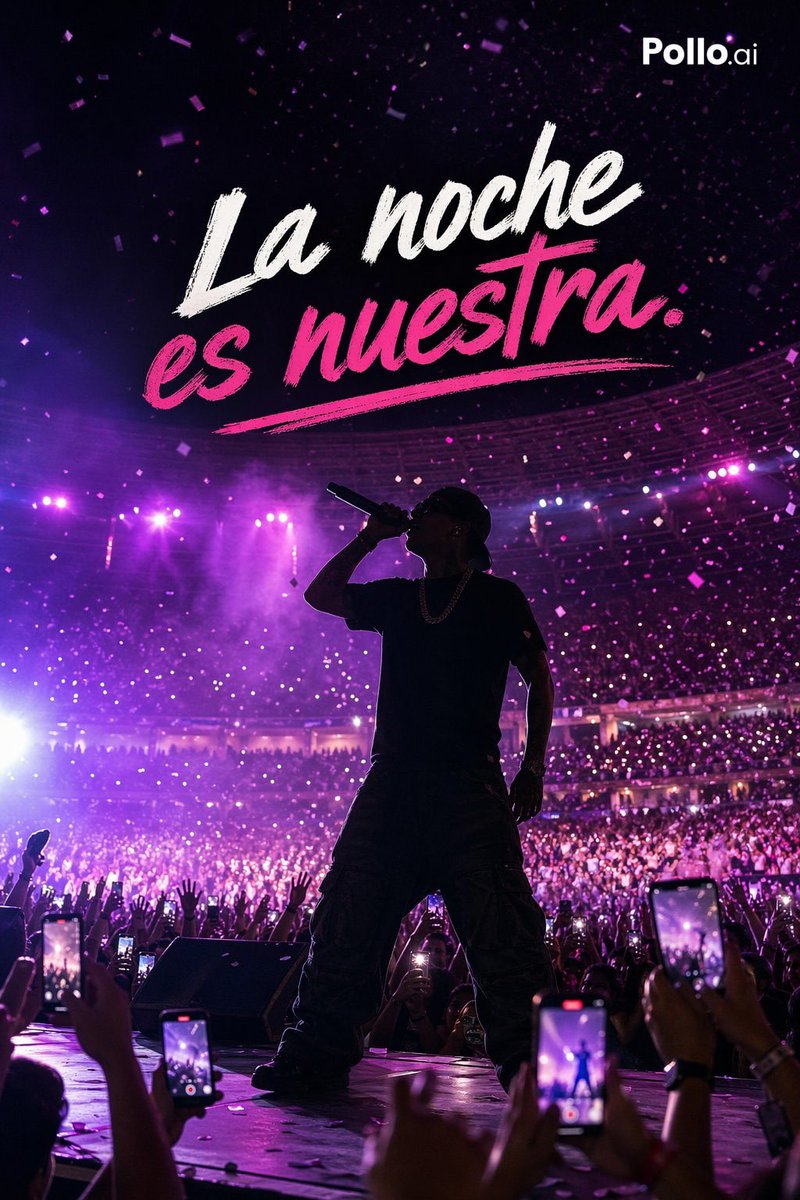
Creates a realistic vertical concert portrait of a pop singer onstage with crowd energy, purple lights, and a giant screen behind her. Change the subject, setting, or lighting one variable at a time.
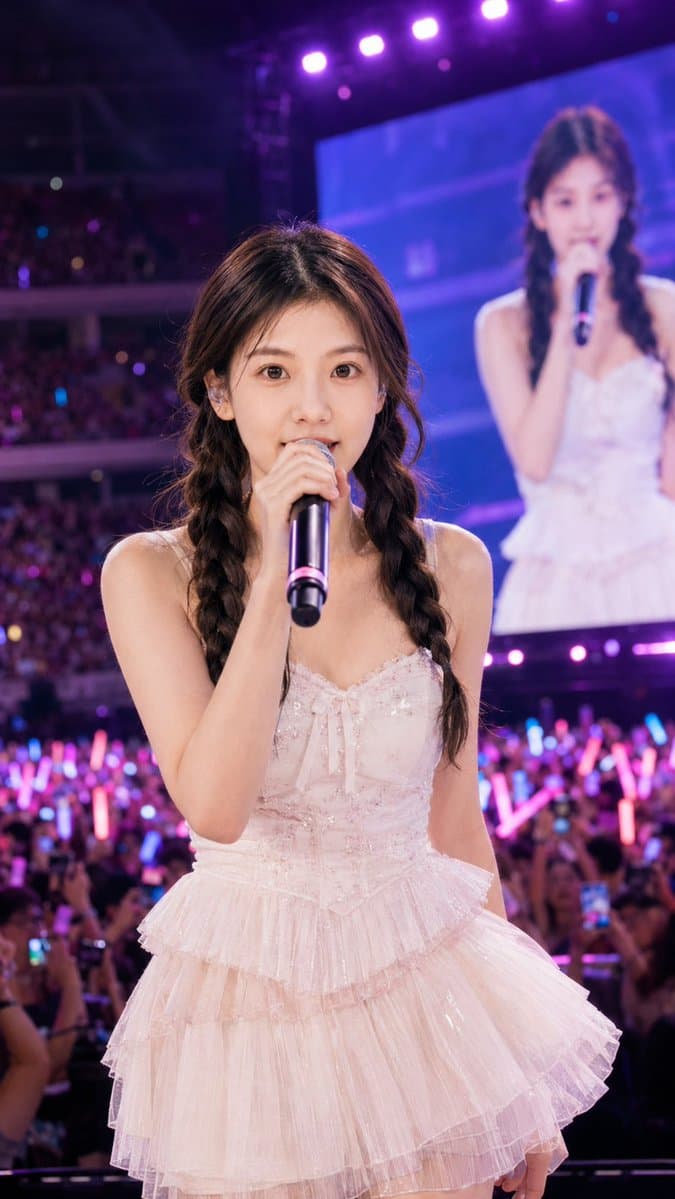
Create a vertical 9:16 ultra-realistic concert portrait of a young female pop singer, {argument name="character name" default="anonymous idol singer"}, standing close to the camera on a large arena stage. She has {argument name="hair style" default="long dark brown hair in two loose braided pigtails with soft bangs"} and wears a {argument name="dress color and style" default="pale blush-pink sparkly tulle mini dress with a fitted corset bodice, bow detail, thin straps, and layered ruffled skirt"}. She holds a black handheld microphone with a pink ring directly in front of her mouth, facing forward in a confident live-performance pose. Add a large rectangular privacy blur covering her face, plus three additional rectangular privacy blurs: one over her face on the giant video screen behind her and two small ones over audience faces near the lower left, for exactly four censor rectangles total. Behind her, show a packed indoor arena crowd with raised arms, phone screens, and many glowing pink and blue light sticks, with energetic bokeh and depth of field. On the right rear, include one huge LED screen showing the same singer from the waist up, slightly out of focus, wearing the same dress and holding a microphone. Across the top, include exactly six bright purple stage lights shining down, with magenta and violet concert lighting, haze, and cinematic contrast. Use realistic photography, wide concert portrait composition, sharp detail on the singer and dress texture, blurred crowd background, no text, no watermark.
Choose the primary action to open PicX Studio with the available template settings. Review the model and format, personalize the creative direction, and generate when ready.
Yes. You can change the subject, setting, lighting, mood, format, and available model controls before creating your image.
This template is free to open and customize. Generation usage is shown in PicX Studio before you create.
Start with GPT Image 2, which is the model associated with this template. You can compare another compatible model for a different finish.
© 2026 PicX Studio. All rights reserved.

Follow a topic to a crawlable collection of related PicX Studio templates.
43,474 public templates available. Verified via the PicX Studio public templates API; refreshed hourly.




![69-untitled — FORMAT: 15s / 145 BPM / 14 SHOTS
SUBJECT: @[image1]
WARDROBE: Clean modern outfit
ENVIRONMENT: Street / indoor transitions
MOOD: Discovery → contr](/_next/image?url=https%3A%2F%2Fcdn.picxstudio.com%2Fuploads%2Fpost69_img0_d45faecf-38c3-4bcb-81a4-f6eb1cf42bb2.jpg&w=828&q=100)







![Minimalist Flat Vector Travel Poster — Premium minimalist flat-vector travel poster for {argument name="city name" default="[CITY_NAME]"}, 3:4 vertical format.](https://cms-assets.youmind.com/media/1787917359711_3ug846_HQX205cbMAA6F6S-300x400.jpg)