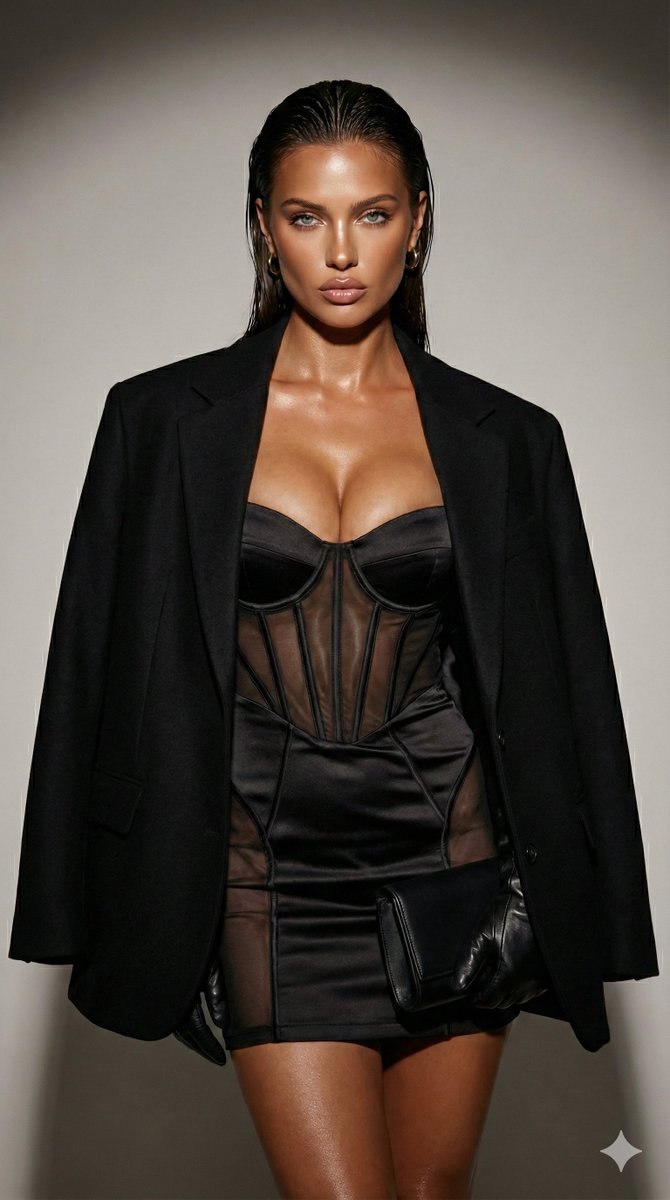
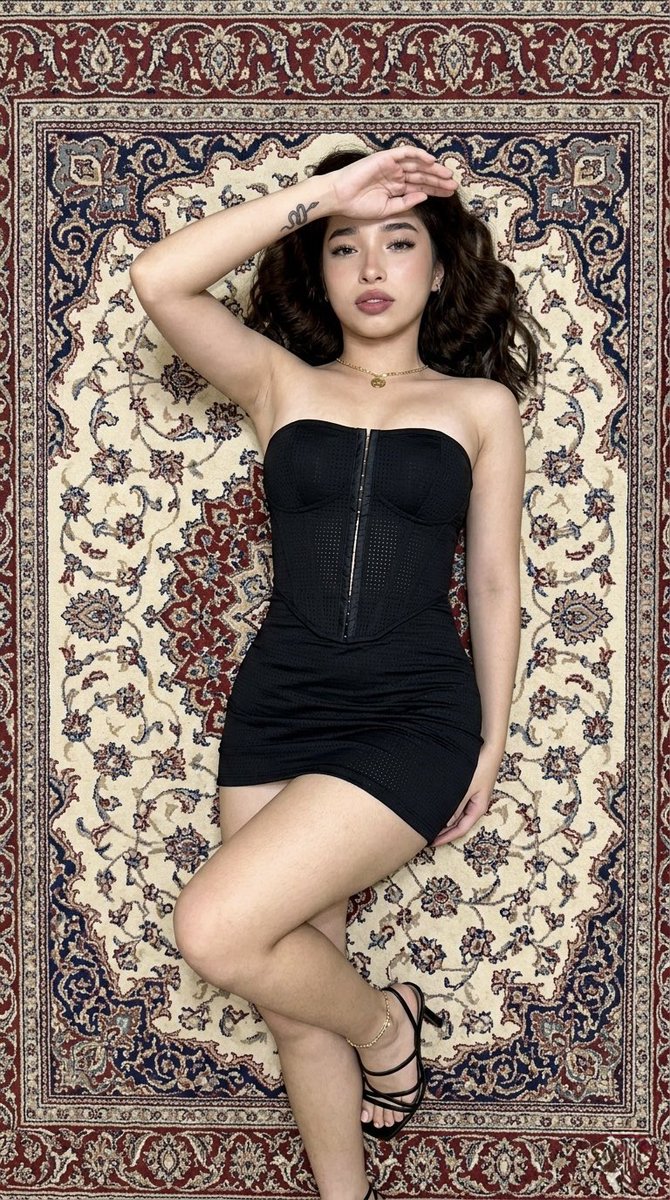
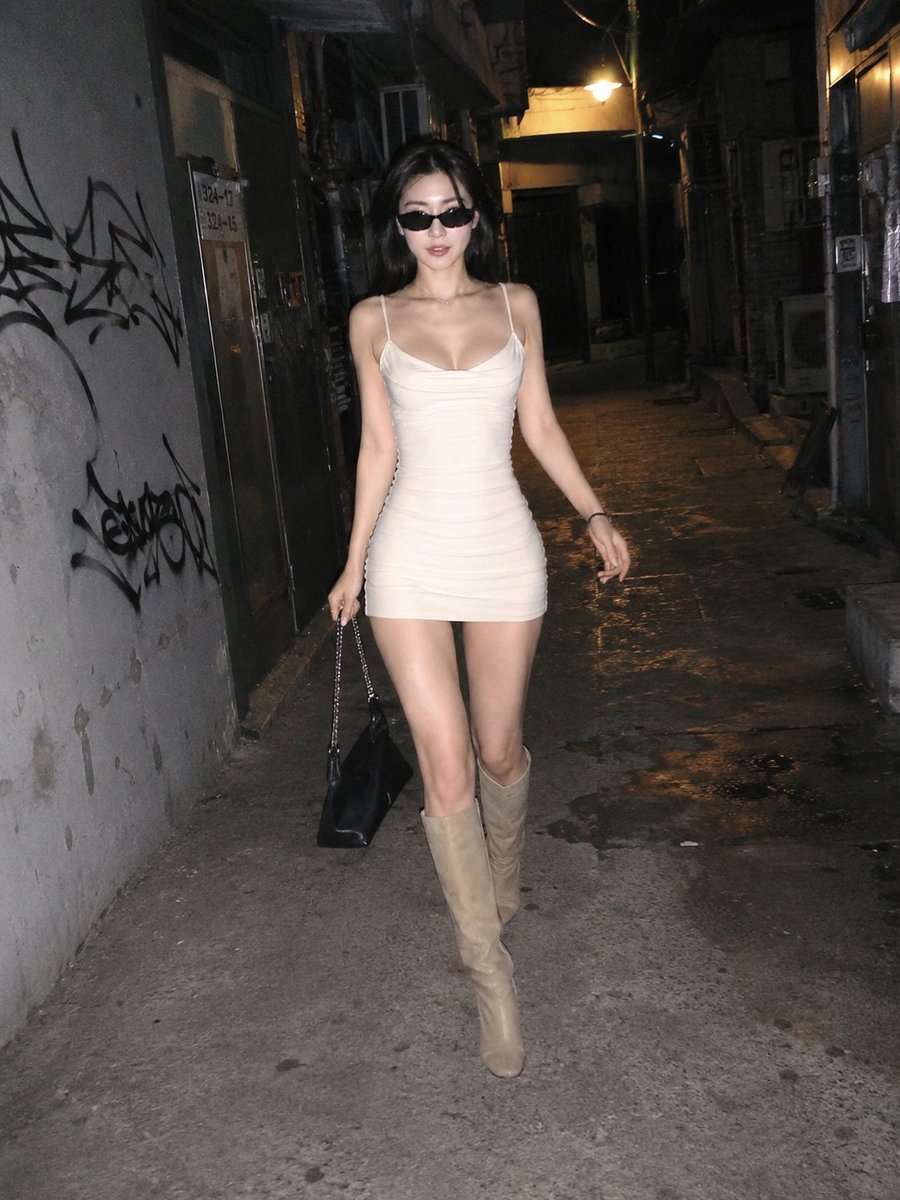
How do I use the Low-Angle Redhead Cargo Fashion Portrait template?
Choose the primary action to open PicX Studio with the available template settings. Review the model and format, personalize the creative direction, and generate when ready.
This prompt generates a photorealistic low-angle outdoor fashion portrait of a red-haired woman in a black crop top, gloves, and tactical cargo pants, useful for editorial or character-style image creation. Change the subject, setting, or lighting one variable at a time.
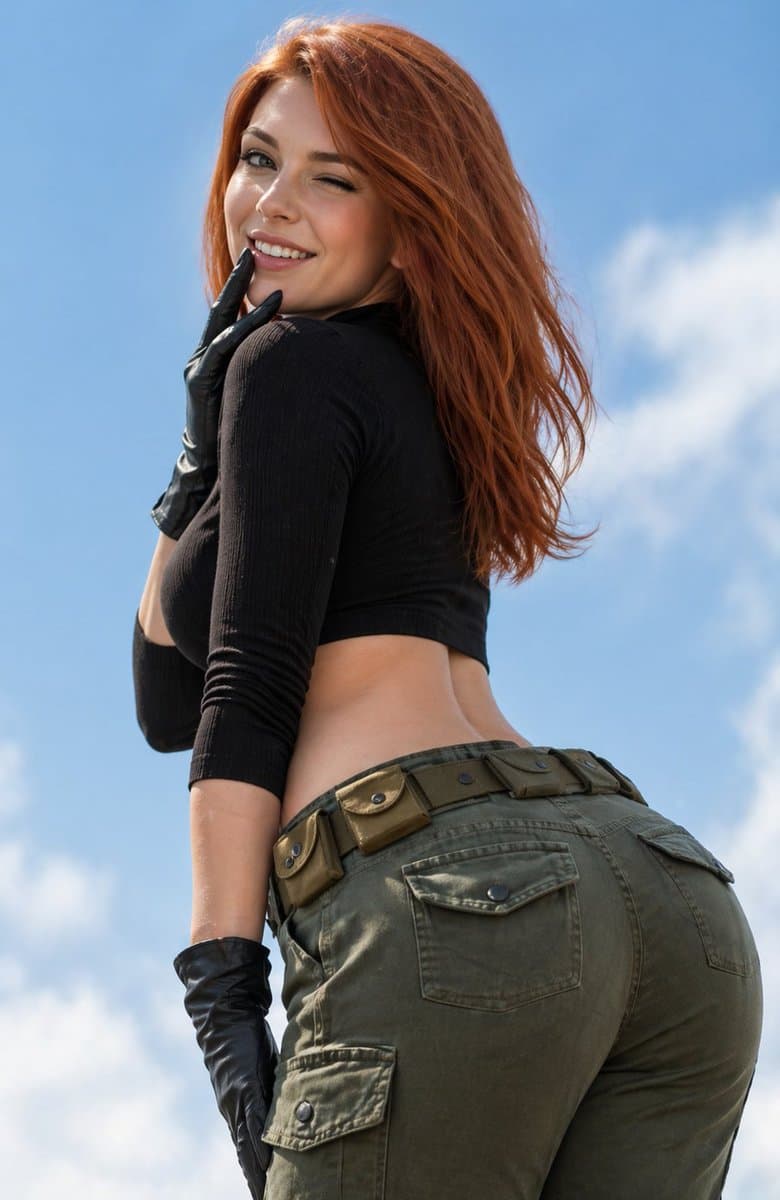
A realistic fashion-photo style full-body cropped portrait of a {argument name="character type" default="young woman"} shot from a dramatic low angle against a bright blue sky with 2 soft white cloud patches. She is turned mostly away from the camera in a three-quarter back view, looking over her shoulder, with long wavy {argument name="hair color" default="auburn red"} hair falling to mid-back and moving naturally in the breeze. She wears a fitted black ribbed long-sleeve crop top that exposes the waist, olive green cargo pants with a low-rise fit, 5 visible belt-mounted utility pouches around the waistband, 2 visible back flap pockets, and 1 visible side cargo pocket on the left thigh. She also wears a pair of glossy black leather gloves, with one gloved hand raised near her neck and jaw and the other lowered near her thigh. Emphasize a cinematic, confident pose, natural daylight, realistic skin texture, detailed fabric stitching and seams, slightly sensual editorial styling, clean outdoor background, shallow depth of field, sharp focus on the body and clothing, high-resolution photorealism.
Choose the primary action to open PicX Studio with the available template settings. Review the model and format, personalize the creative direction, and generate when ready.
Yes. You can change the subject, setting, lighting, mood, format, and available model controls before creating your image.
This template is free to open and customize. Generation usage is shown in PicX Studio before you create.
Start with GPT Image 2, which is the model associated with this template. You can compare another compatible model for a different finish.
© 2026 PicX Studio. All rights reserved.

Follow a topic to a crawlable collection of related PicX Studio templates.
43,474 public templates available. Verified via the PicX Studio public templates API; refreshed hourly.











![Minimalist Flat Vector Travel Poster — Premium minimalist flat-vector travel poster for {argument name="city name" default="[CITY_NAME]"}, 3:4 vertical format.](https://cms-assets.youmind.com/media/1787917359711_3ug846_HQX205cbMAA6F6S-300x400.jpg)
























![High-Fidelity Mirror Selfie with Valentine's Roses and Identity Lock — [Header] (9:16)
Raw high-fidelity photograph, iPhone 17 Pro sensor simulation, indoor amb](https://pbs.twimg.com/media/G_yFJBoXEAAgPz9.jpg)