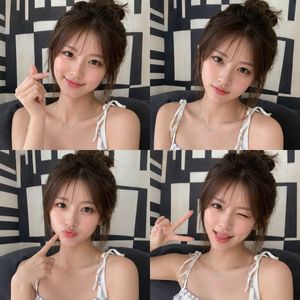
How do I use the Intimate Editorial Korean Portrait template?
Choose the primary action to open PicX Studio with the available template settings. Review the model and format, personalize the creative direction, and generate when ready.
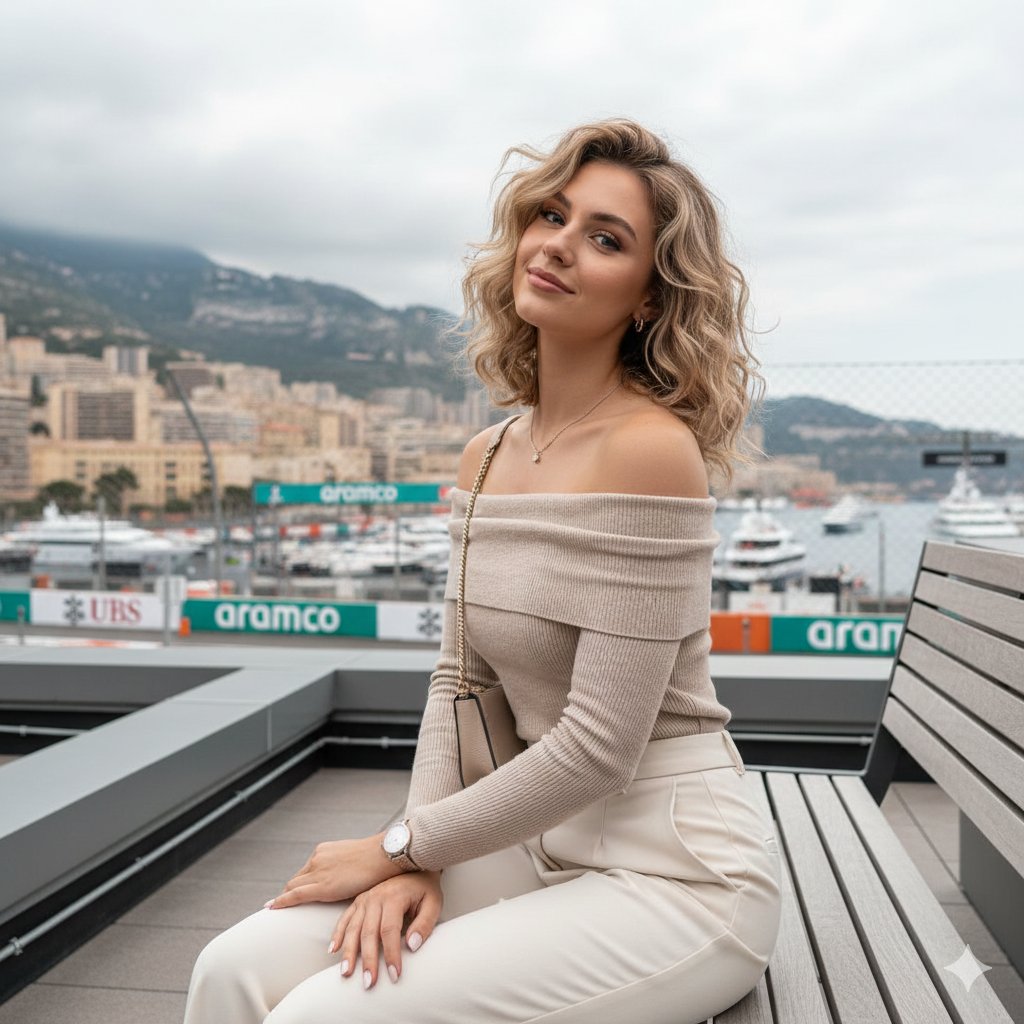
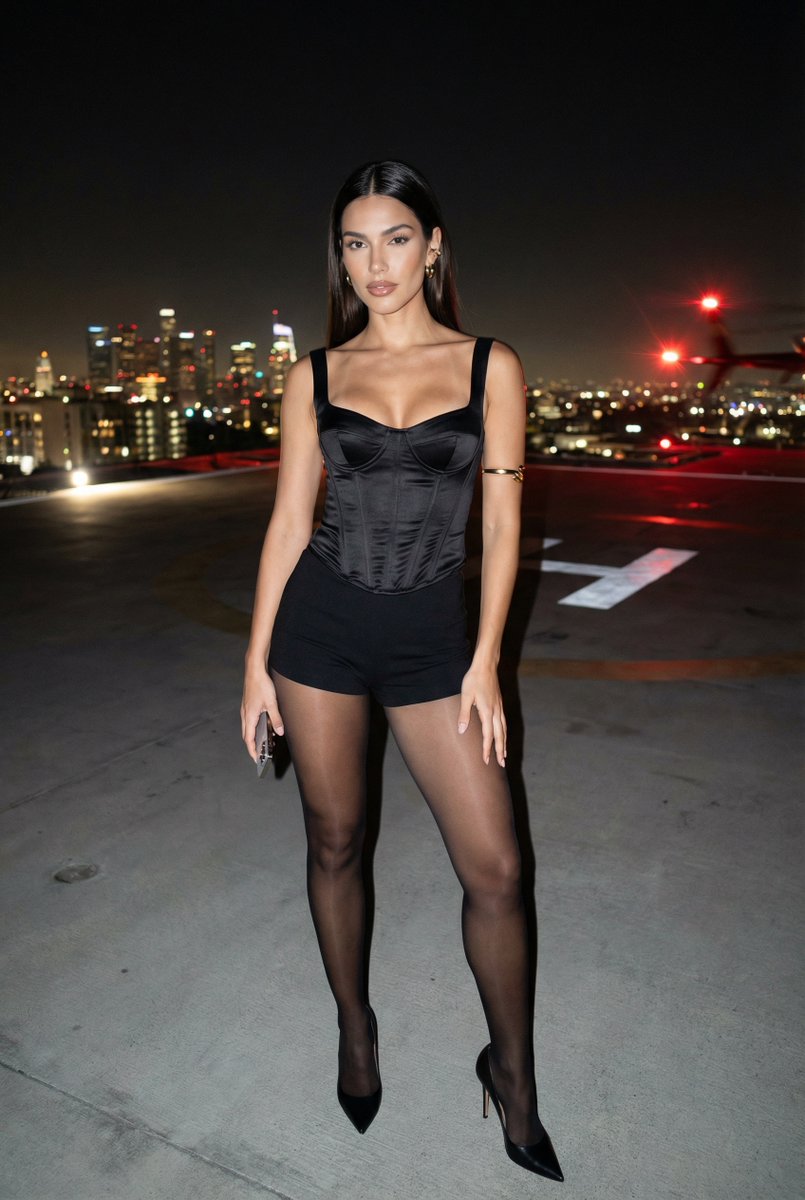
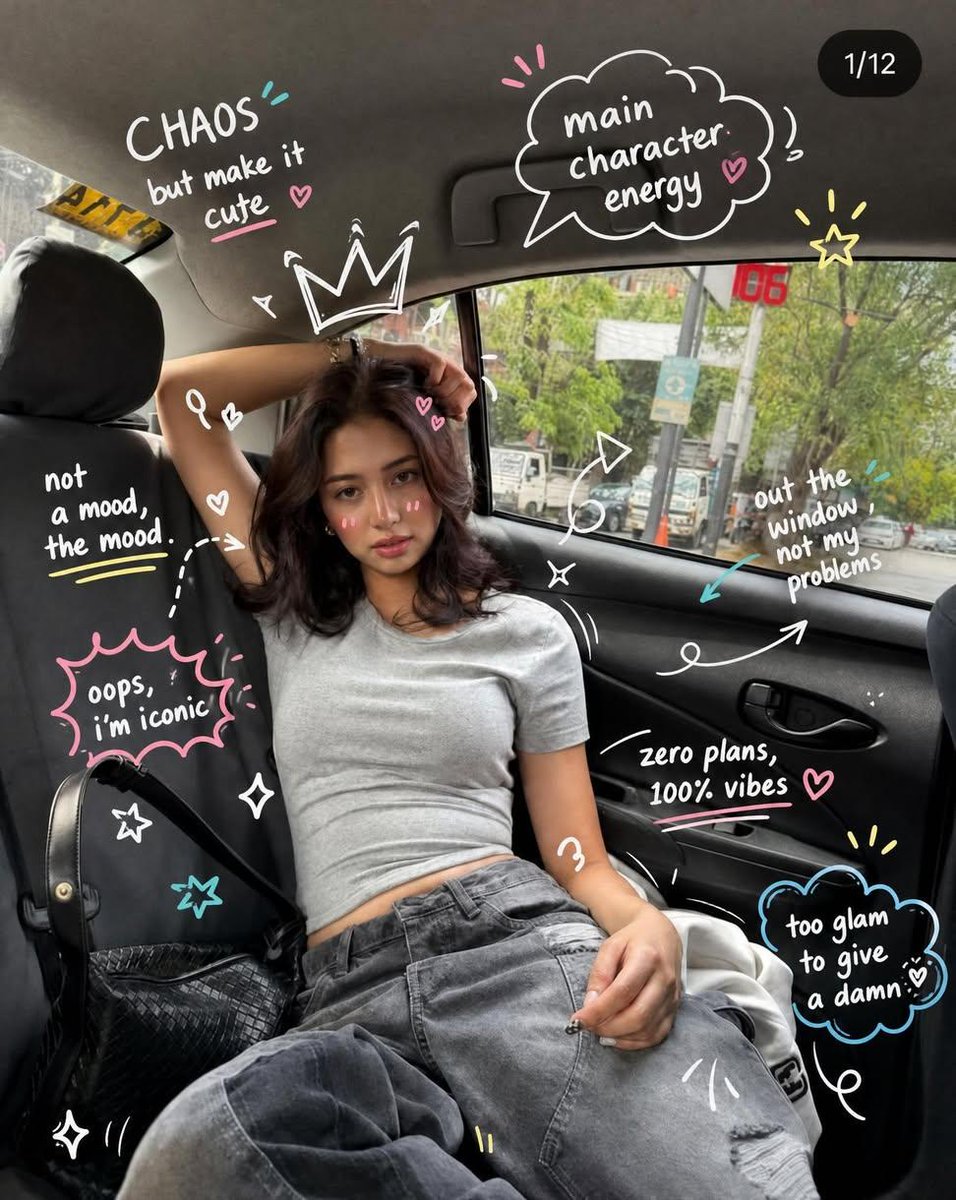
A serene and effortless vertical editorial portrait of a young Korean woman with a soft mist effect and natural lighting. Change the subject, setting, or lighting one variable at a time.

Vertical 9:16 editorial portrait — single subject. Soft {argument name="filter effect" default="black mist effect"}, gentle haze, mild highlight glow, desaturated palette. Simple interior, clean backdrop with subtle texture. Subject: {argument name="subject" default="young Korean woman"}, bare-faced, natural skin. Clothing: {argument name="outfit" default="snug ribbed knit or camisole under an open overshirt, high-waisted bottoms"}; drape is soft and body-skimming, not explicit. Hair: loosely tousled, natural body. Pose: seated on the floor, one knee drawn up, the other leg extended, body slightly reclined, uneven shoulder line, head gently tilted. Framing: off-center, breathing room in the negative space. Expression: serene, gaze slightly withdrawn, lips relaxed. Light: {argument name="lighting source" default="soft lateral source"}, gradual shadow. Atmosphere: low-key, intimate, quiet allure from natural posture — unposed and effortless. Render: fine grain, gentle softness, true-to-life.
Choose the primary action to open PicX Studio with the available template settings. Review the model and format, personalize the creative direction, and generate when ready.
Yes. You can change the subject, setting, lighting, mood, format, and available model controls before creating your image.
This template is free to open and customize. Generation usage is shown in PicX Studio before you create.
Start with GPT Image 2, which is the model associated with this template. You can compare another compatible model for a different finish.
© 2026 PicX Studio. All rights reserved.

Follow a topic to a crawlable collection of related PicX Studio templates.
43,474 public templates available. Verified via the PicX Studio public templates API; refreshed hourly.




![69-untitled — FORMAT: 15s / 145 BPM / 14 SHOTS
SUBJECT: @[image1]
WARDROBE: Clean modern outfit
ENVIRONMENT: Street / indoor transitions
MOOD: Discovery → contr](/_next/image?url=https%3A%2F%2Fcdn.picxstudio.com%2Fuploads%2Fpost69_img0_d45faecf-38c3-4bcb-81a4-f6eb1cf42bb2.jpg&w=828&q=100)








![118-google-nano-banana-pro-skincare-product- — A professional skincare shot of a [product container] with [cap/lid], labeled [brand, product, descriptor, volume](/_next/image?url=https%3A%2F%2Fcdn.picxstudio.com%2Fuploads%2Fpost118_img0_332898b8-29ea-42a9-87ab-9ed746a3f944.jpg&w=828&q=100)







![Minimalist Flat Vector Travel Poster — Premium minimalist flat-vector travel poster for {argument name="city name" default="[CITY_NAME]"}, 3:4 vertical format.](https://cms-assets.youmind.com/media/1787917359711_3ug846_HQX205cbMAA6F6S-300x400.jpg)