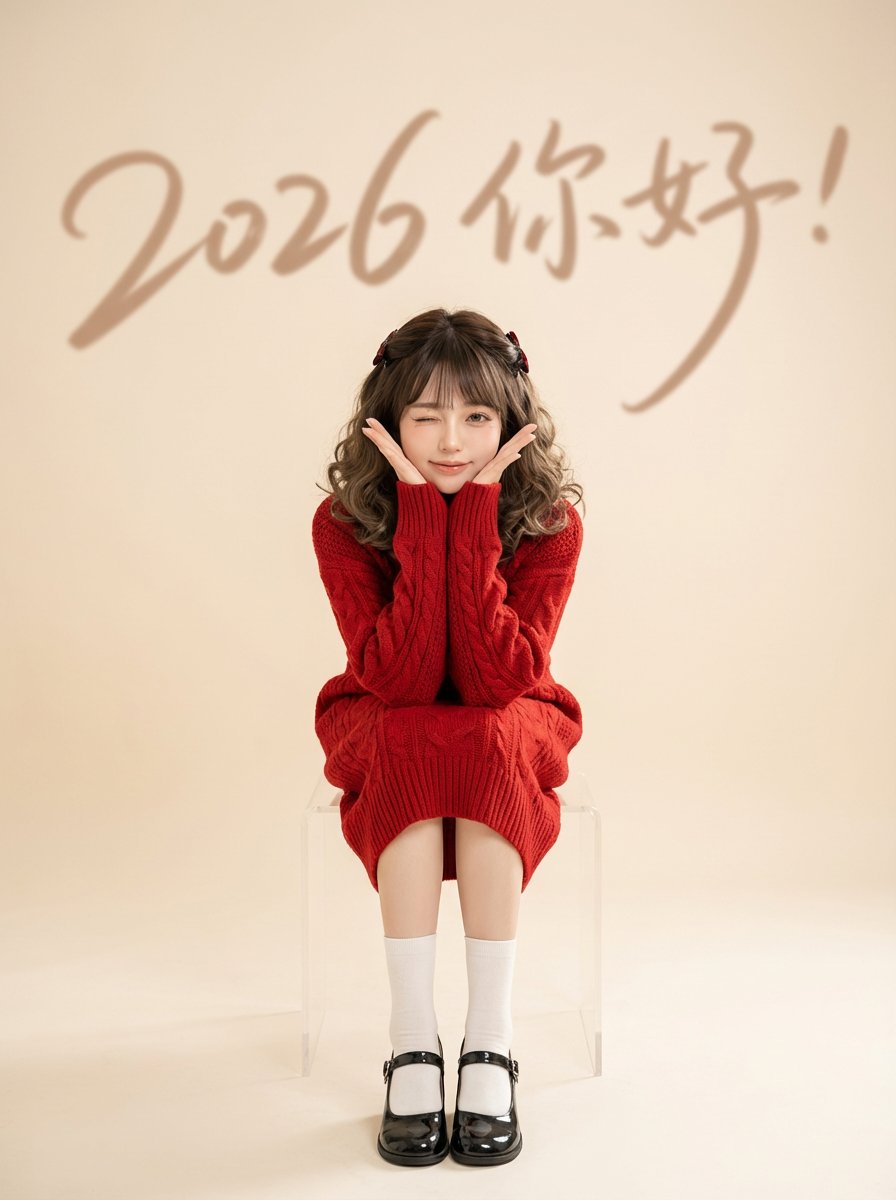
How do I use the 2026 Fashion Paper Doll Editorial Board template?
Choose the primary action to open PicX Studio with the available template settings. Review the model and format, personalize the creative direction, and generate when ready.
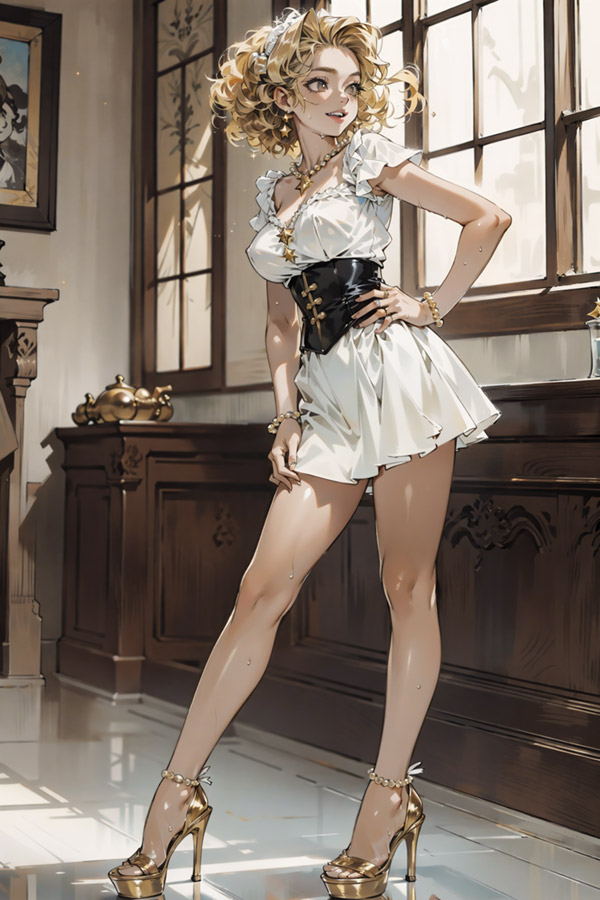
A highly structured prompt designed for Nano Banana Pro to generate a photorealistic fashion paper-doll style editorial board. Change the subject, setting, or lighting one variable at a time.

{ "generation_request": { "meta_data": { "tool": "NanoBanana Pro", "task_type": "fashion_paper_doll_editorial_board", "language": "en", "priority": "highest", "version": "v1.1_2026_PAPER_DOLL_SHORTS_MINIMAL_TEXT" }, "input": { "mode": "text_to_image", "notes": "Create a photoreal fashion paper-doll style editorial board inspired by vintage magazine styling pages, but updated for 2026 fashion. In the center, show one adult woman standing in a clean paper-doll presentation pose with arms slightly open, wearing a simple neutral bandeau or fitted top and shorts underneath instead of underwear. The shorts should be minimal, modern, and clean, like styling-base shorts. Around her, arrange multiple stylish 2026-ready outfit options as separate wearable looks or paper-doll clothing pieces. The overall board should feel chic, editorial, playful, and fashion-forward, with updated silhouettes, modern colors, and trend-aware styling. Use fewer words than the vintage reference: only a refined title, a small model name area, and very minimal small fashion labels if needed. Do not clutter the page with heavy text. The fashion selection should reflect a 2026-inspired wardrobe direction with elevated modern pieces, cleaner styling, and more current color palettes." }, "output_settings": { "aspect_ratio": "4:5", "orientation": "portrait", "resolution_target": "ultra_high_res", "num_images": 1, "render_style": "editorial_magazine_realism", "sharpness": "editorial_crisp", "grain": "subtle_vintage_print", "dynamic_range": "soft_print_natural", "color_grade": "2026_fashion_neutrals_with_trend_accents" }, "subject": { "main_model": { "gender": "adult woman", "base_look": "simple fitted neutral bandeau or crop top with shorts underneath, clean styling base for a paper-doll fashion board", "pose": "standing straight with arms slightly open in a paper-doll presentation pose", "beauty": "fresh editorial beauty, polished but natural, modern fashion-catalog finish" }, "wardrobe_options": [ "2026-inspired tailored mini dress", "soft structured co-ord set", "elevated slip dress", "modern fitted vest and skirt or shorts set", "sleek day-to-night dress", "trend-aware jacket and short set" ] }, "scene": { "environment": "clean editorial magazine page with vintage paper-doll layout", "mood": "playful, stylish, modern, feminine, editorial, collectible", "text_amount": "very minimal, elegant, not cluttered" }, "styling_direction": { "fashion_year_feel": "2026-ready contemporary womenswear", "color_palette": [ "butter yellow", "powder blue", "soft pistachio", "warm mocha", "dusty rose", "creamy ivory", "muted silver", " } } }
Choose the primary action to open PicX Studio with the available template settings. Review the model and format, personalize the creative direction, and generate when ready.
Yes. You can change the subject, setting, lighting, mood, format, and available model controls before creating your image.
This template is free to open and customize. Generation usage is shown in PicX Studio before you create.
Start with Nano Banana 2, which is the model associated with this template. You can compare another compatible model for a different finish.
© 2026 PicX Studio. All rights reserved.

Follow a topic to a crawlable collection of related PicX Studio templates.
43,474 public templates available. Verified via the PicX Studio public templates API; refreshed hourly.






![Naive doodle-style subject illustration — A doodle-style {argument name="subject" default="[subject]"}, naive lines, humorous shape exaggeration](https://pbs.twimg.com/media/G6Wl2YxbsAARB2b.jpg)