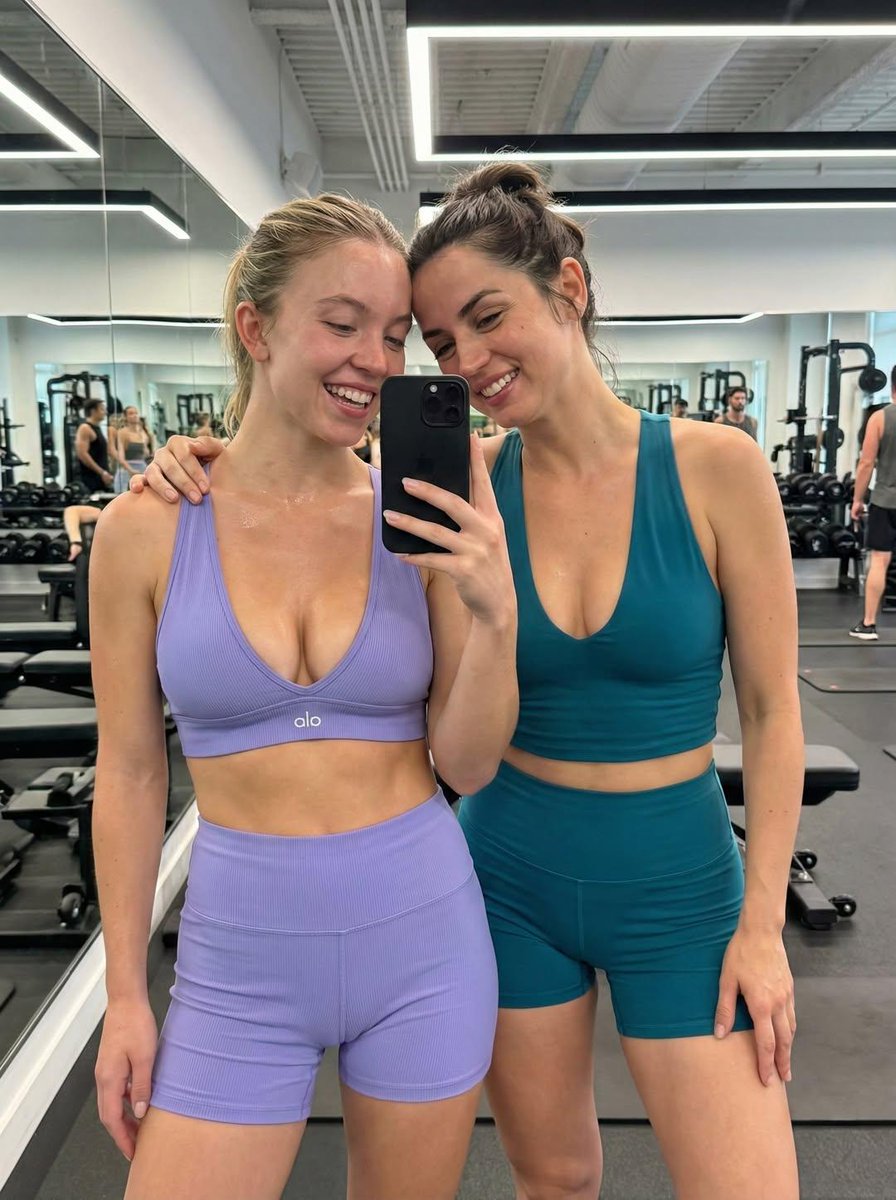
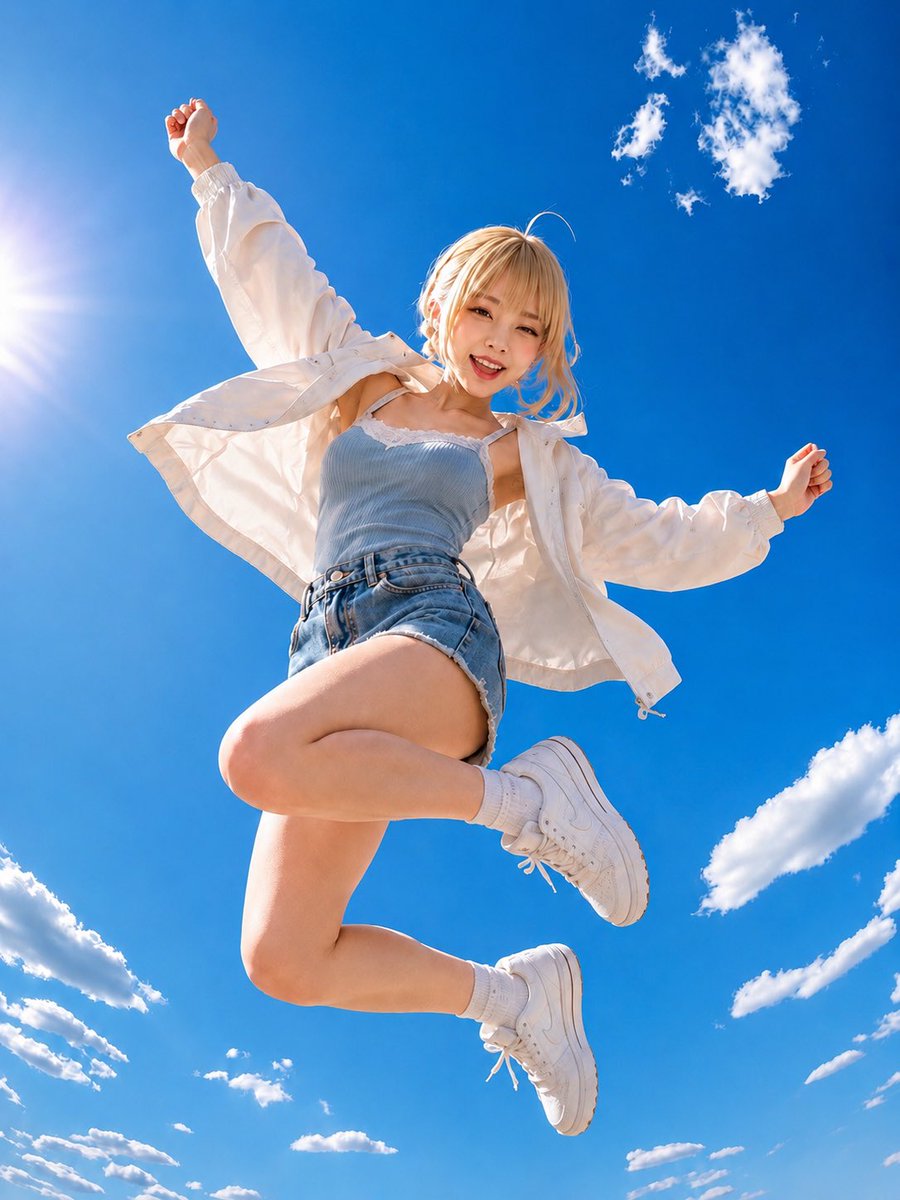
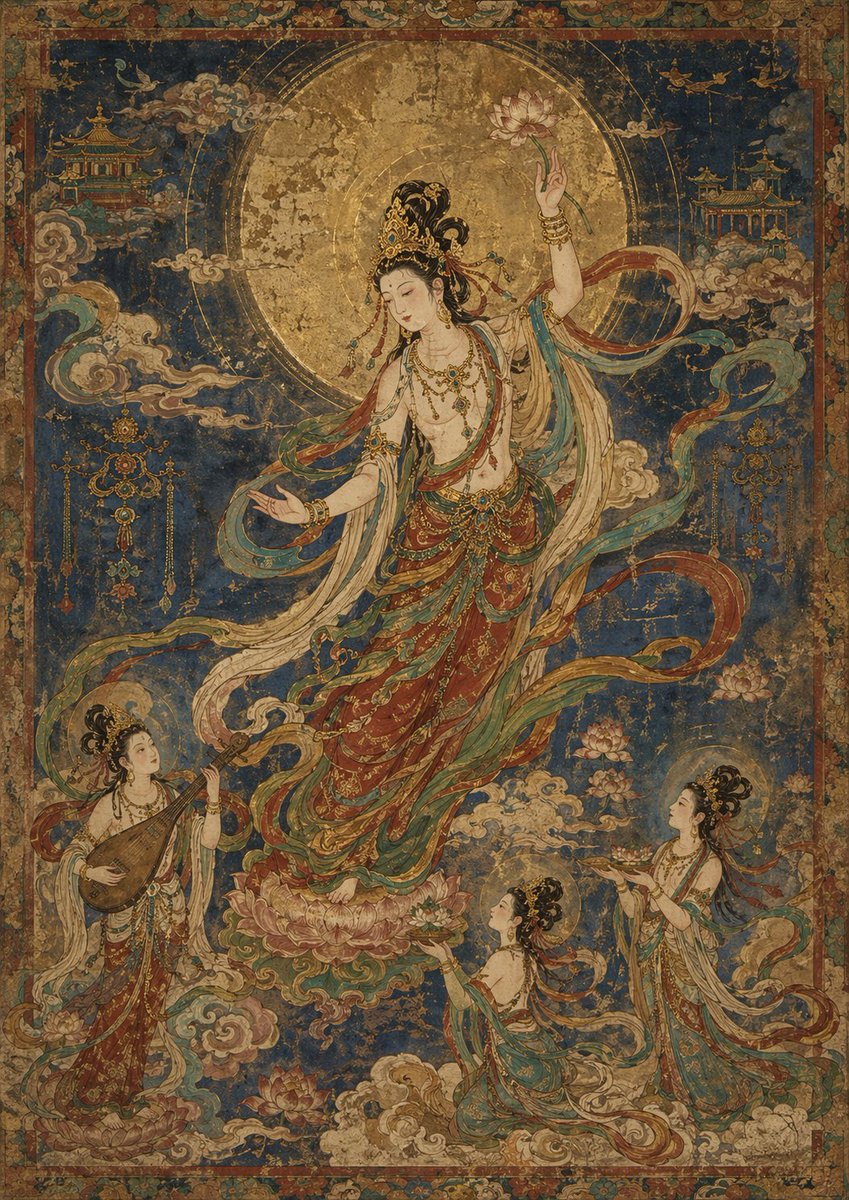
How do I use the Premium Sporty Creator Portrait template?
Choose the primary action to open PicX Studio with the available template settings. Review the model and format, personalize the creative direction, and generate when ready.
A comprehensive prompt designed to transform a personal photo into a high-end, realistic athletic studio portrait while strictly maintaining the subject's identity and facial features. Change the subject, setting, or lighting one variable at a time.
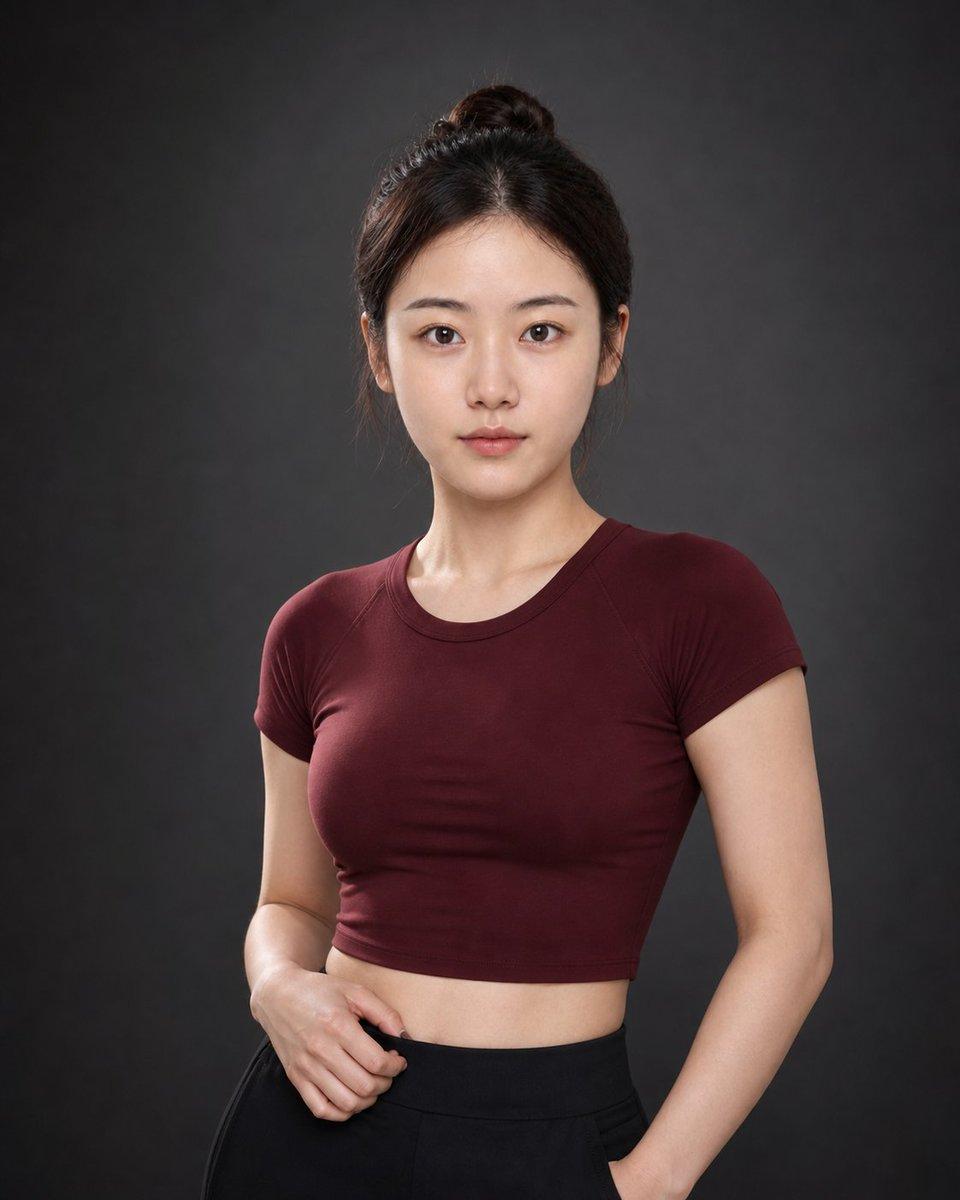
Based on the uploaded personal photo, generate a realistic premium studio {argument name="portrait style" default="sporty creator"} portrait of the same person. Preserve the person’s real identity above all else. Strictly keep the face recognizable, including face shape, facial proportions, eyes, nose, lips, skin tone, and overall likeness. The result must clearly look like the same person, not a different person and not a synthetic AI face. Do not preserve the original facial expression if it looks like an ID photo, a stiff neutral face, an awkward smile, or weak eye contact. Replace it with a refined sporty portrait expression: calm, confident, softly serious, self-possessed, and quietly strong. The eyes should have direct eye contact with the camera, with a steady focused gaze and subtle intensity. The mouth should remain relaxed and closed, without a smile. The overall facial expression should project confidence through restraint, discipline, and composure. Create a clean, healthy, feminine, athletic, premium sporty creator portrait. Hair and grooming: Keep the hairstyle believable for the person. Preserve recognizable hair length, hairline, fringe or bangs if present, overall hair color, and facial framing. If the person has short hair, keep it short in a polished sporty way. If the person has longer hair, light styling or a neat sporty arrangement is allowed. A few soft natural strands around the face are welcome if suitable. Use a natural no-makeup makeup look, fresh healthy skin, subtly defined eyes, natural brows, and soft neutral lips. Outfit: A fitted {argument name="outfit color" default="burgundy"} sporty top or fitted short-sleeve crop top, paired with high-waisted black fitted pants or sleek black athletic-casual trousers. Keep the styling clean, minimal, sporty-feminine, tasteful, and not exaggerated. Show realistic fabric texture and natural folds. No distracting accessories. Pose: Standing naturally and confidently, with the upper body slightly angled rather than perfectly flat to the camera. One hand lightly touching or resting near the waistband, the other relaxed naturally or near a pocket. Relaxed shoulders, elegant posture, natural sporty portrait body language. Lighting and photography: Use realistic professional studio portrait photography. Soft frontal key light slightly above eye level, subtle shaping on the face and upper body, gentle contour through light rather than harsh shadows, visible catchlights in the eyes, realistic skin texture, refined tonal contrast, gentle subject separation from the background, and a premium polished studio finish. The lighting should feel dimensional and elevated, not flat like an ID photo and not overly dramatic like a fashion campaign. Background: {argument name="background style" default="dark charcoal gray"} seamless studio background with a subtle soft gradient and slight vignette. Clean, minimal, premium studio atmosphere. Composition: Vertical portrait, half-body to three-quarter-body compositio
Premium Sporty Creator Portrait needs input media to work. Open it in the studio and these load alongside the prompt — pick whichever ones your chosen model can take.
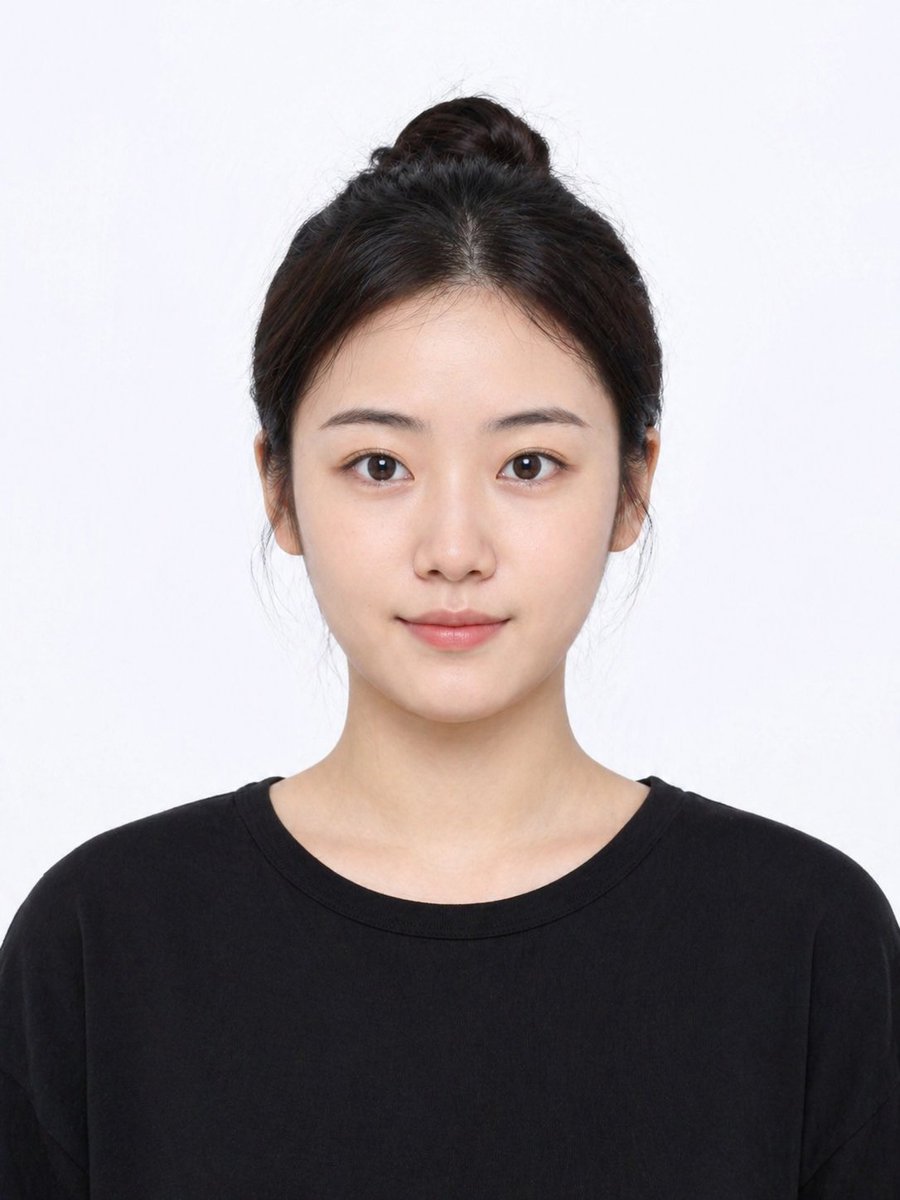
Choose the primary action to open PicX Studio with the available template settings. Review the model and format, personalize the creative direction, and generate when ready.
Yes. You can change the subject, setting, lighting, mood, format, and available model controls before creating your image.
This template is free to open and customize. Generation usage is shown in PicX Studio before you create.
Start with GPT Image 2, which is the model associated with this template. You can compare another compatible model for a different finish.
© 2026 PicX Studio. All rights reserved.

Follow a topic to a crawlable collection of related PicX Studio templates.
43,474 public templates available. Verified via the PicX Studio public templates API; refreshed hourly.











![118-google-nano-banana-pro-skincare-product- — A professional skincare shot of a [product container] with [cap/lid], labeled [brand, product, descriptor, volume](/_next/image?url=https%3A%2F%2Fcdn.picxstudio.com%2Fuploads%2Fpost118_img0_332898b8-29ea-42a9-87ab-9ed746a3f944.jpg&w=828&q=100)




![69-untitled — FORMAT: 15s / 145 BPM / 14 SHOTS
SUBJECT: @[image1]
WARDROBE: Clean modern outfit
ENVIRONMENT: Street / indoor transitions
MOOD: Discovery → contr](/_next/image?url=https%3A%2F%2Fcdn.picxstudio.com%2Fuploads%2Fpost69_img0_d45faecf-38c3-4bcb-81a4-f6eb1cf42bb2.jpg&w=828&q=100)








![Minimalist Flat Vector Travel Poster — Premium minimalist flat-vector travel poster for {argument name="city name" default="[CITY_NAME]"}, 3:4 vertical format.](https://cms-assets.youmind.com/media/1787917359711_3ug846_HQX205cbMAA6F6S-300x400.jpg)



























![Seasonal Transformation Grid — 2x2 grid showing identical [{argument name="object or scene" default="OBJECT/SCENE"}] across four seasons. Top-left spring (cherr](https://pbs.twimg.com/media/HBT0rq3bcAMeCHF.jpg)