How do I use the Rooftop Pool Night Swimsuit Photo template?
Choose the primary action to open PicX Studio with the available template settings. Review the model and format, personalize the creative direction, and generate when ready.
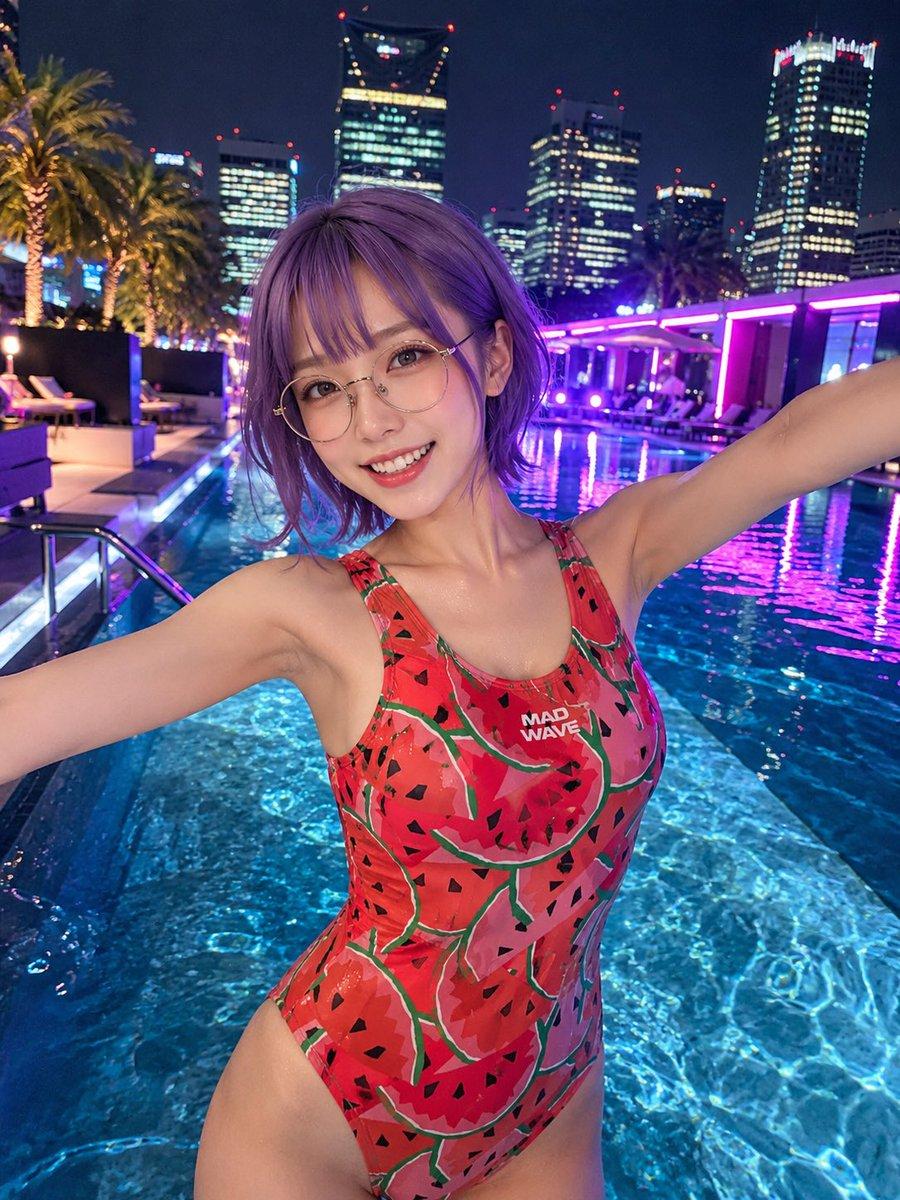
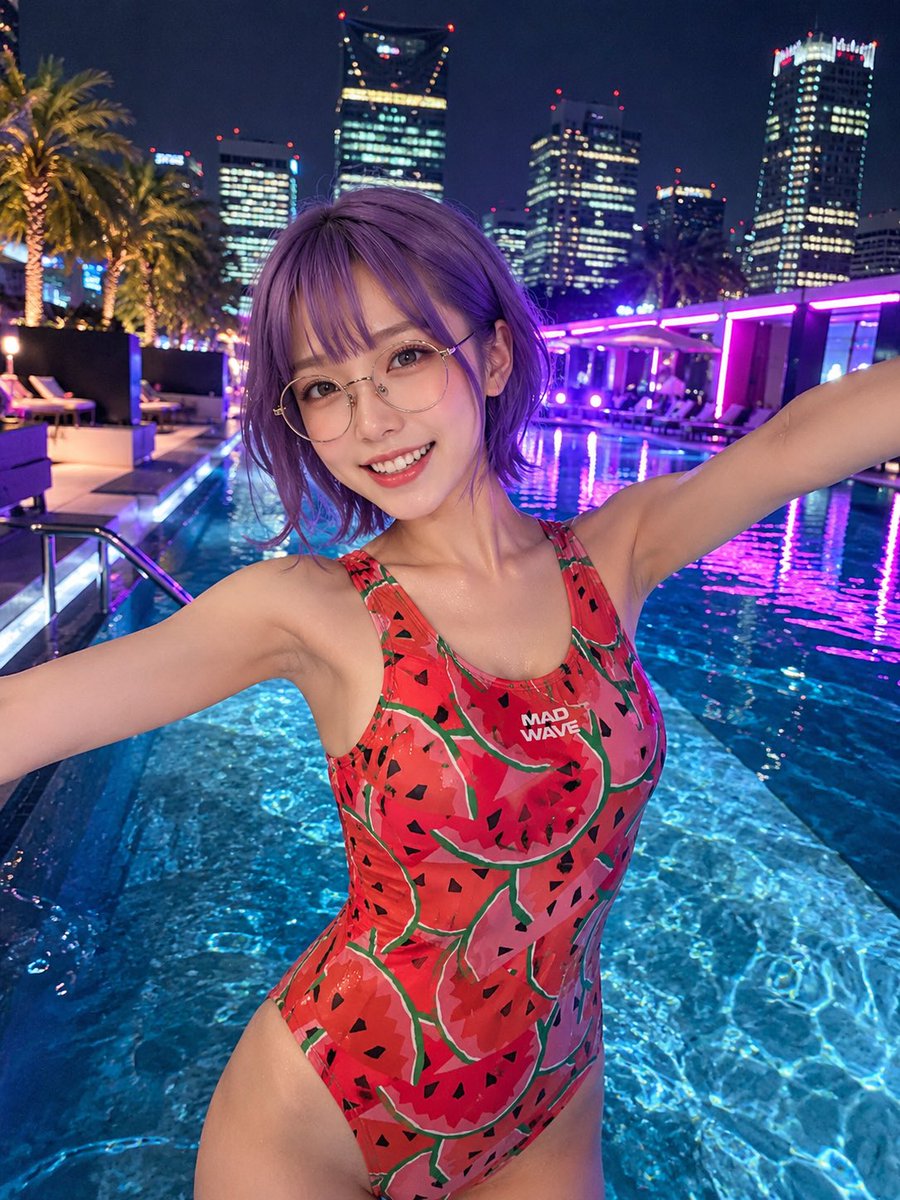
A photorealistic neon-lit rooftop pool portrait of an adult woman in a watermelon-pattern swimsuit against a nighttime city skyline. (free to use) — Free AI image template on PicX Studio.
Create a realistic nighttime lifestyle photo of an adult woman posing in a rooftop infinity pool with her arms stretched wide toward the camera, upper body centered in the foreground, wet skin and damp short bob hair. She wears a one-piece athletic swimsuit with a bright {argument name="swimsuit pattern" default="red watermelon slice print with green rind lines and black seeds"}, high-cut sides, shoulder straps, and a small white chest logo reading “MAD WAVE.” Her face is intentionally obscured by a centered square privacy blur in muted mauve-pink. The setting is a luxurious urban rooftop pool at night with clear blue water, shimmering ripples, underwater lighting, purple and magenta neon reflections, lounge chairs, palm trees, glass railings, and a dense skyline of illuminated high-rise office towers in the background. Use a close wide-angle selfie-like composition from slightly above chest height, with the subject filling most of the frame, arms extending out of frame at both sides, pool water surrounding her waist and hips, and the city lights softly blurred behind her. Photorealistic camera quality, vibrant neon color grading, crisp water reflections, realistic anatomy, natural skin texture, shallow depth of field, no extra people in the foreground, no added text except the swimsuit logo.
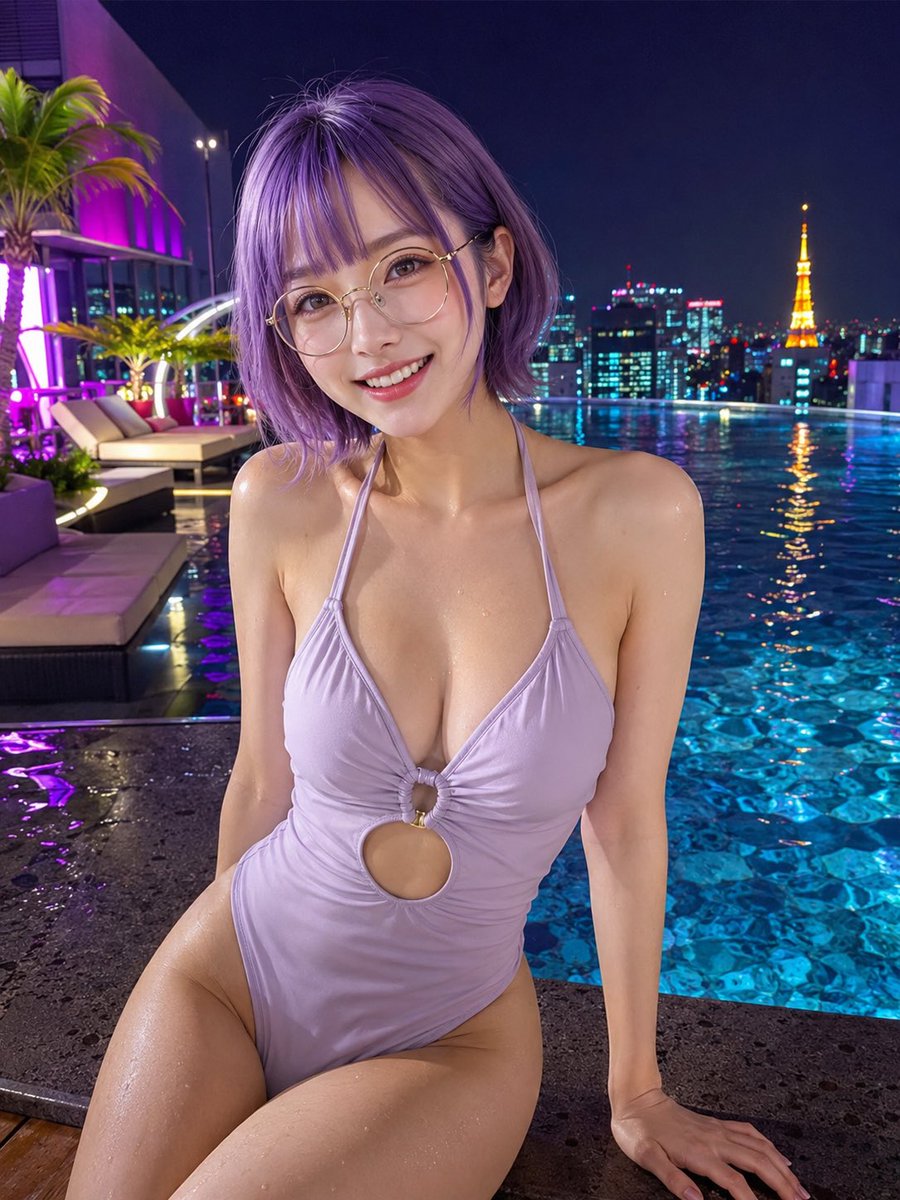
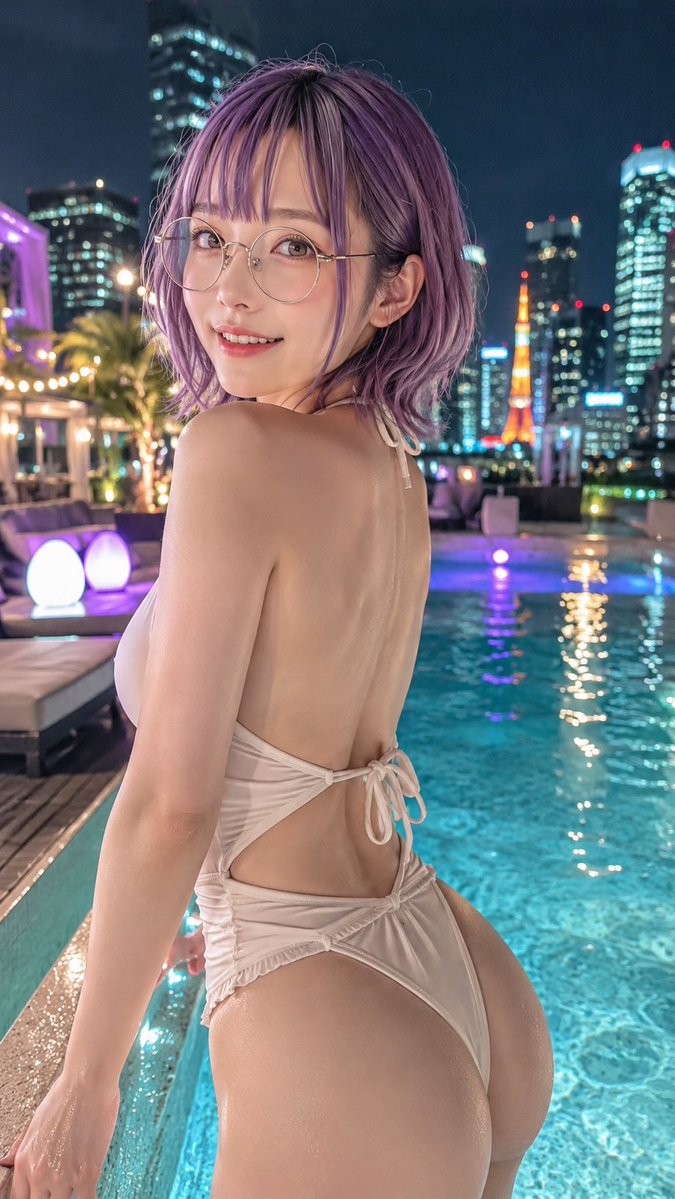
Use Rooftop Pool Night Swimsuit Photo to plan an AI image around gpt-image-2 generation, themes such as en and gpt-image-2. Match the preview's composition first, then personalize the subject, setting, and mood for your own project.
Use the primary action to load the template settings in PicX Studio.
Adjust the subject and creative details for your destination.
Create the image, compare the result with the preview, and refine one variable at a time.
A continuous mix — similar concepts first, woven with same-model prompts and fresh picks from the catalog.
Choose the primary action to open PicX Studio with the available template settings. Review the model and format, personalize the creative direction, and generate when ready.
Yes. You can change the subject, setting, lighting, mood, format, and available model controls before creating your image.
This template is free to open and customize. Generation usage is shown in PicX Studio before you create.
Start with gpt-image-2, which is the model associated with this template. You can compare another compatible model for a different finish.
Follow a topic to a crawlable collection of related PicX Studio templates.
39,155 public templates available. Verified via the PicX Studio public templates API; refreshed hourly.
A continuous mix — similar concepts first, woven with same-model prompts and fresh picks from the catalog.