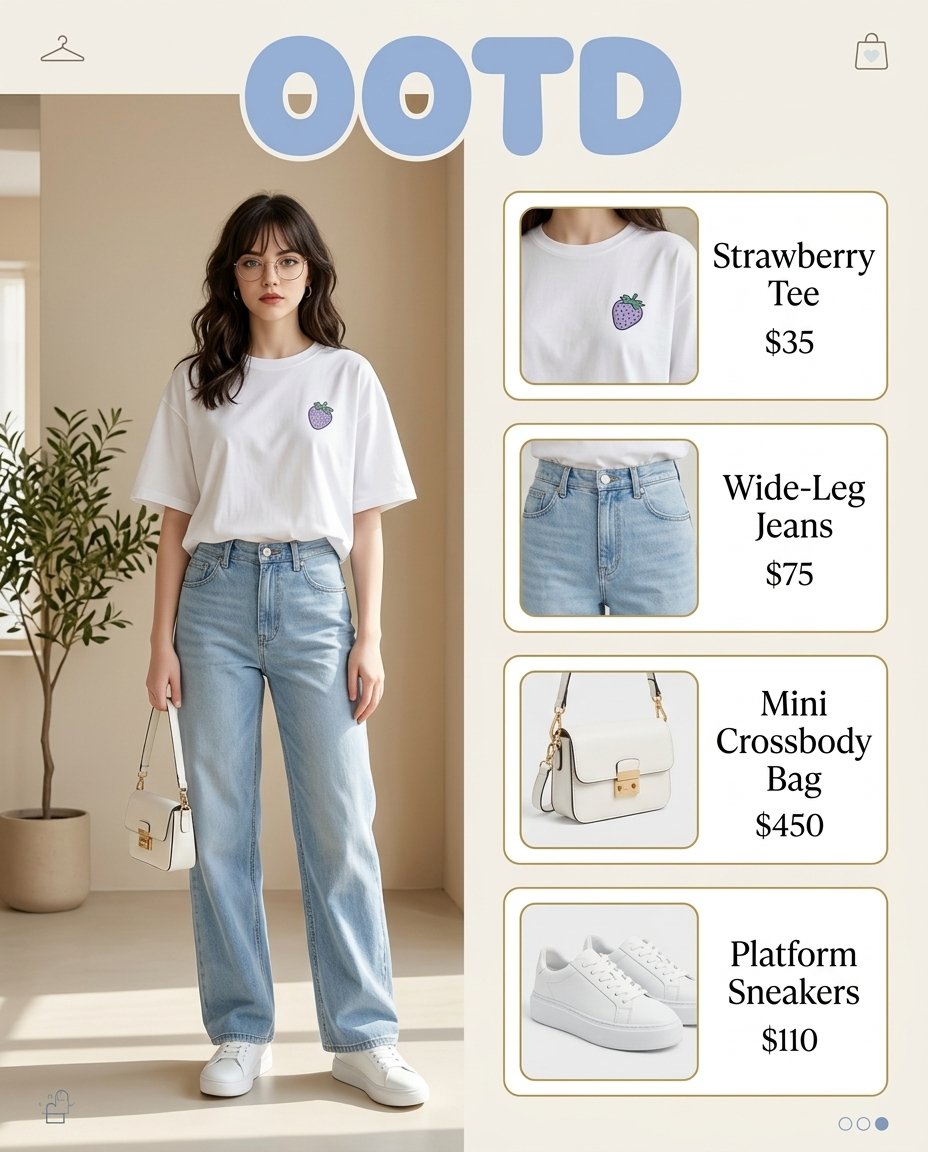
How do I use the Painting-to-Fashion Design Prompt template?
Edit the prompt in the box under the preview — the template's model and format are already selected — and press Generate. Your version appears right on this page.
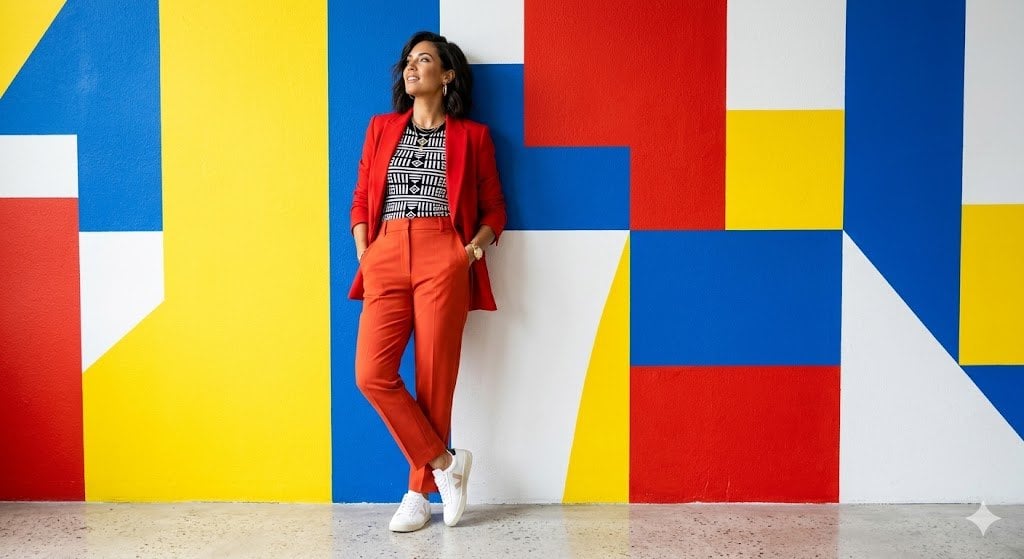
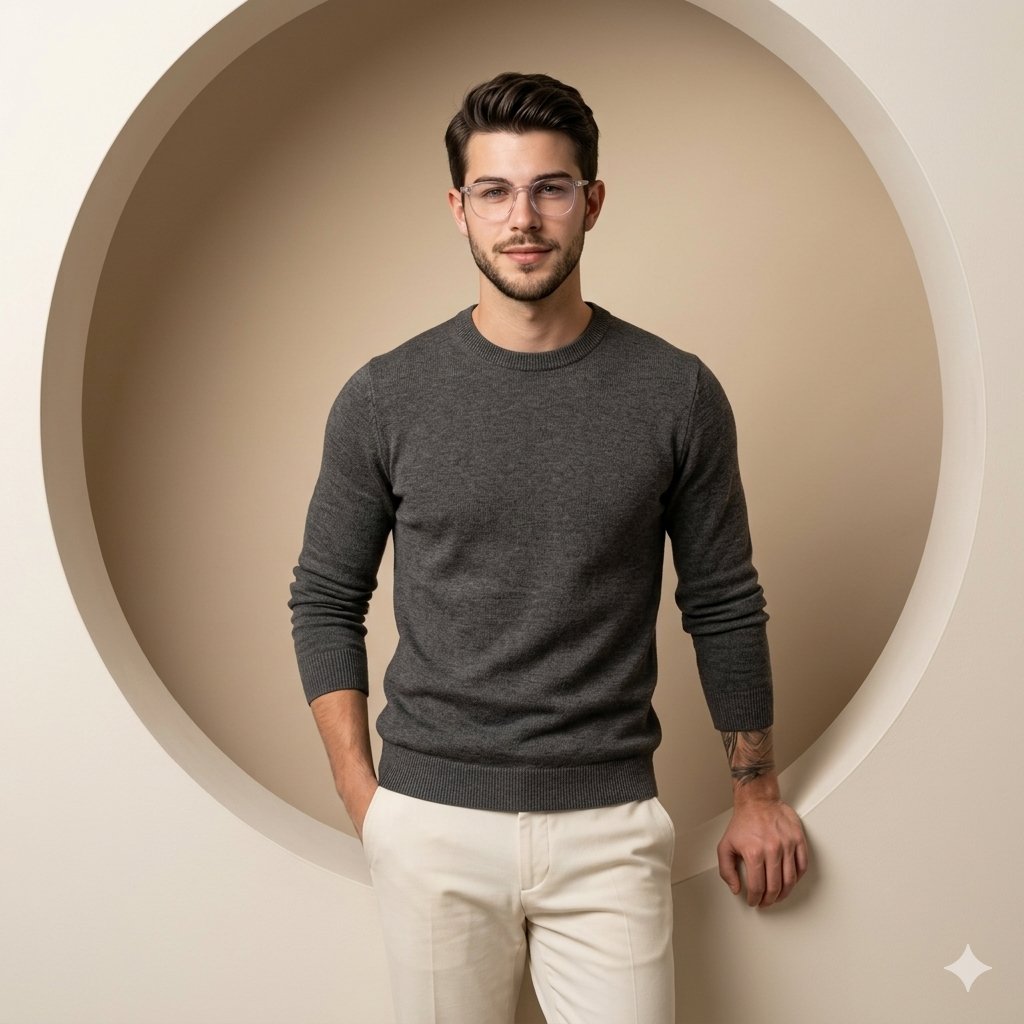
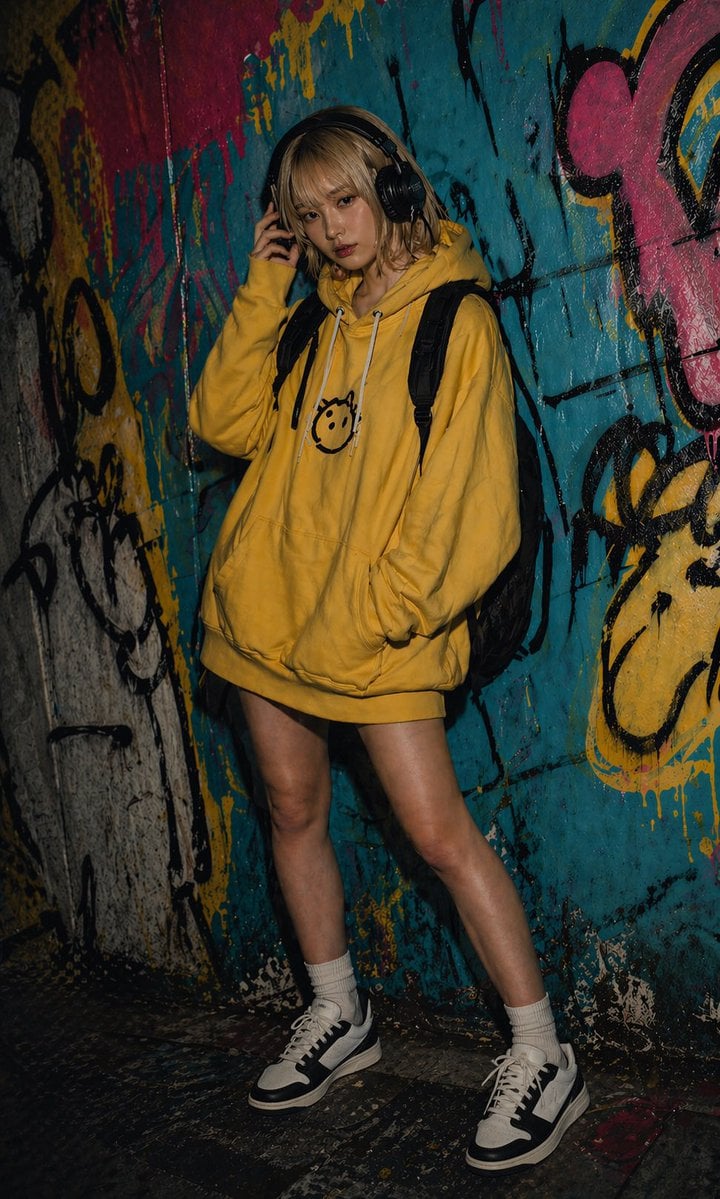
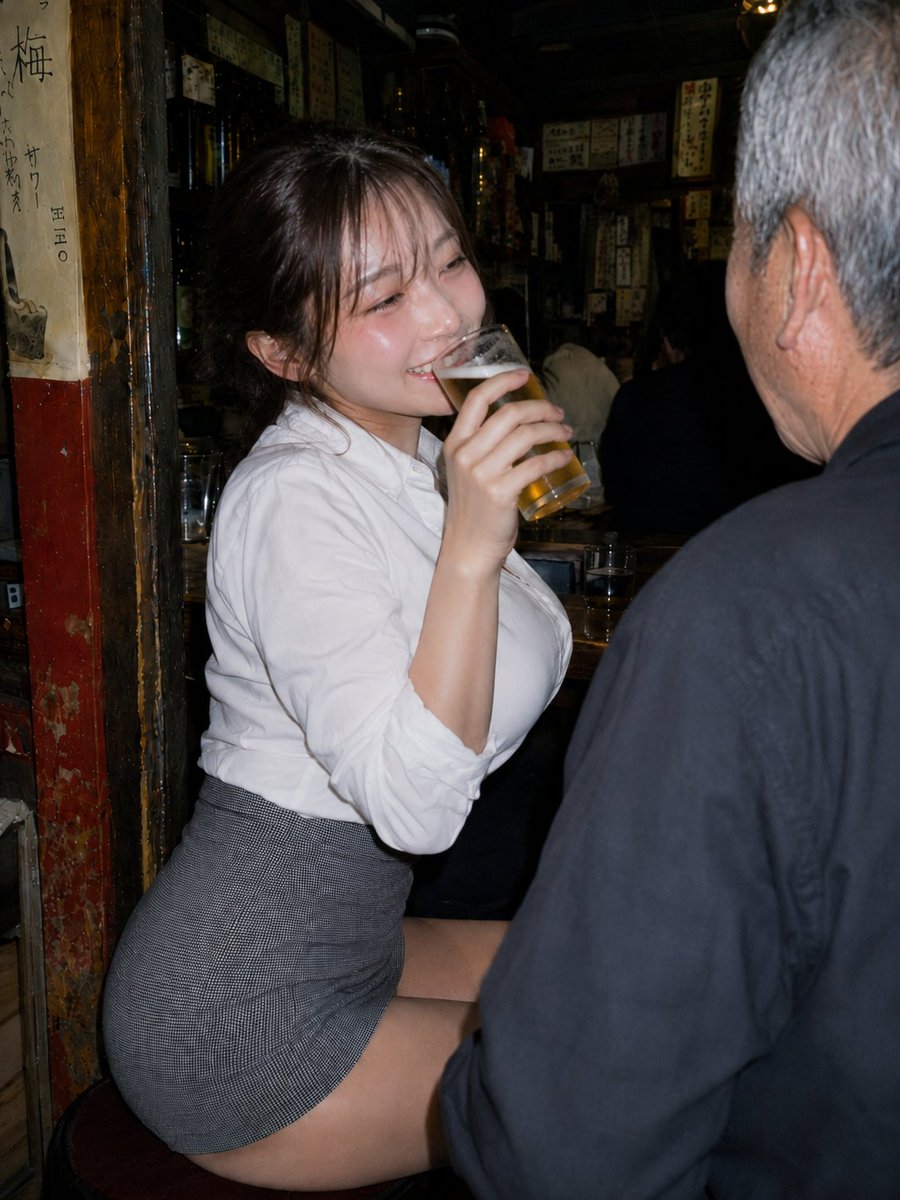
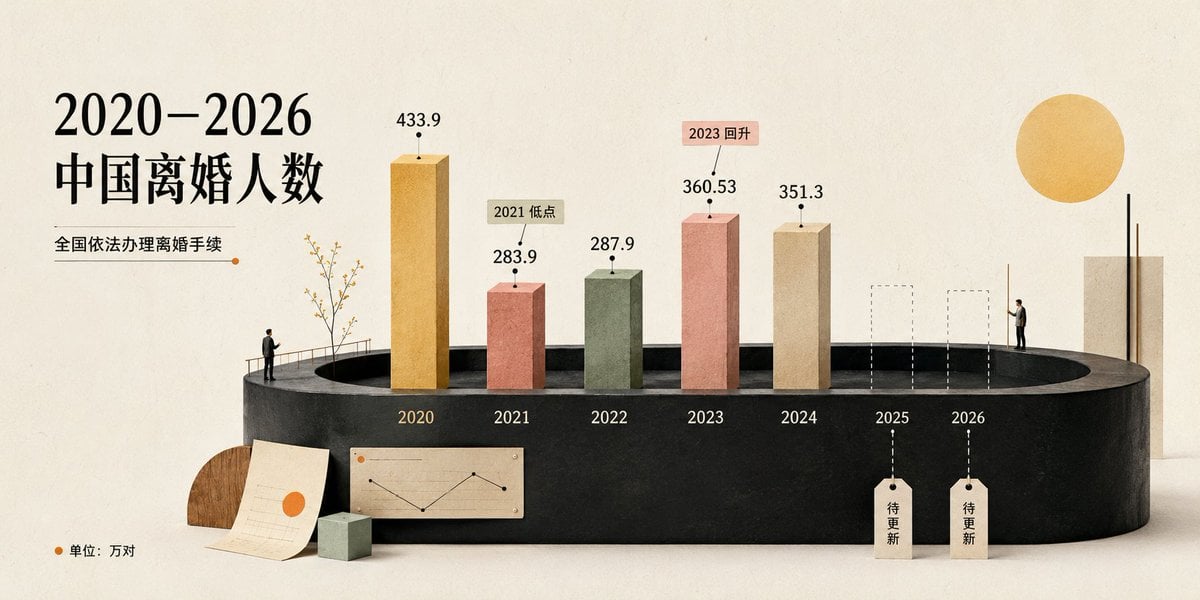
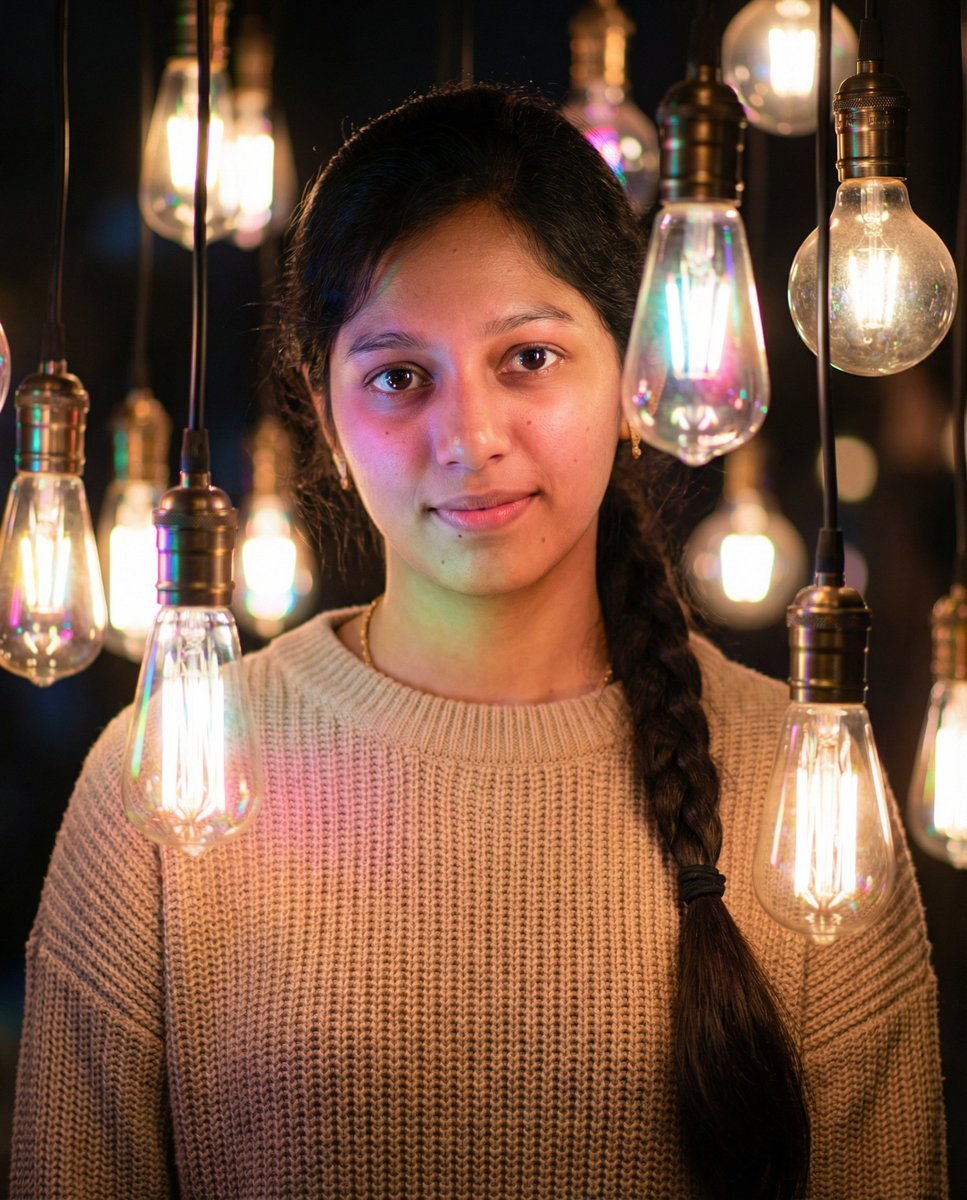
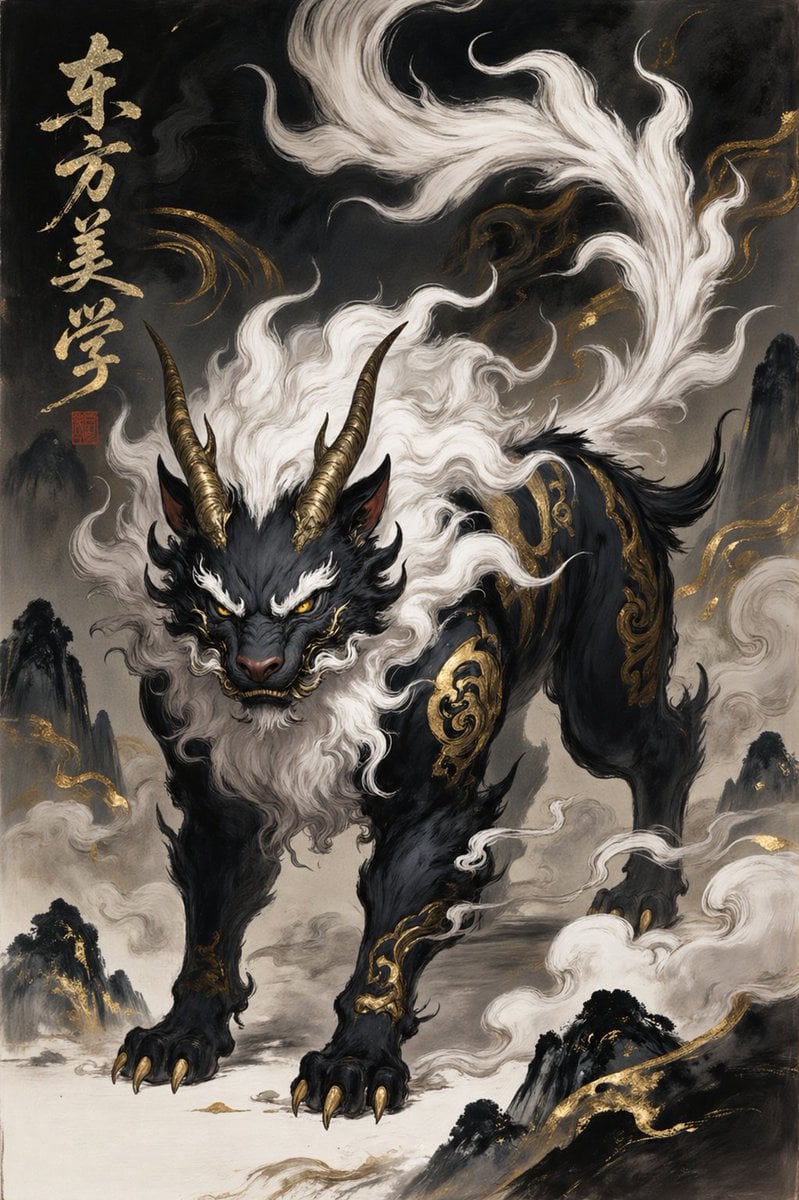
A sophisticated prompt that deconstructs the clothing and style of characters from master paintings or photos to create a full professional fashion design layout including multiple views and textures.

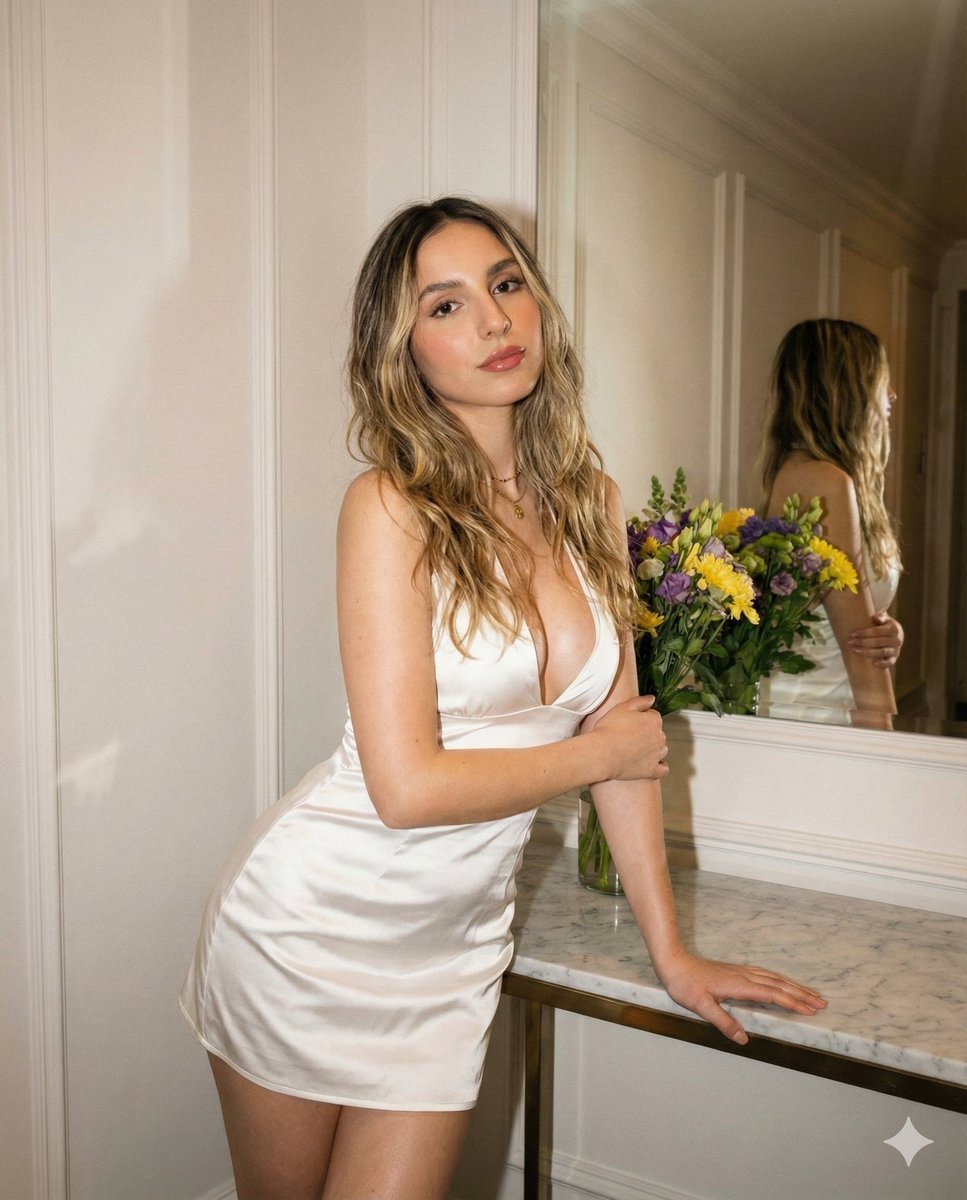
This template uses your photo — add one with the + button.
Break down the outfit of the main character in the image and generate a fashion design sheet. Include the garment structure, color scheme, materials, accessories, props, front view, side view, back view, detail close-ups, and how it looks worn by a real person, 3:2.
Break down the outfit of the main character in the image and generate a fashion design sheet. Include the garment structure, color scheme, materials, accessories, props, front view, side view, back view, detail close-ups, and how it looks worn by a real person, 3:2.
Edit the prompt in the box under the preview — the template's model and format are already selected — and press Generate. Your version appears right on this page.
Yes. You can change the subject, setting, lighting, mood, format, and available model controls before creating your image.
Opening and editing this template is free. Generating uses credits, shown on the Generate button when you are signed in.
Start with GPT Image 2, which is the model associated with this template. You can compare another compatible model for a different finish.
Follow a topic to a crawlable collection of related PicX Studio templates.